• $29.99
  • Free 30-day Returns
  • Sold by Weilis elect

    Shipped by Weilis elect

    Price alert
    Shop it at NeweggBusiness.

    Meet Your Seller

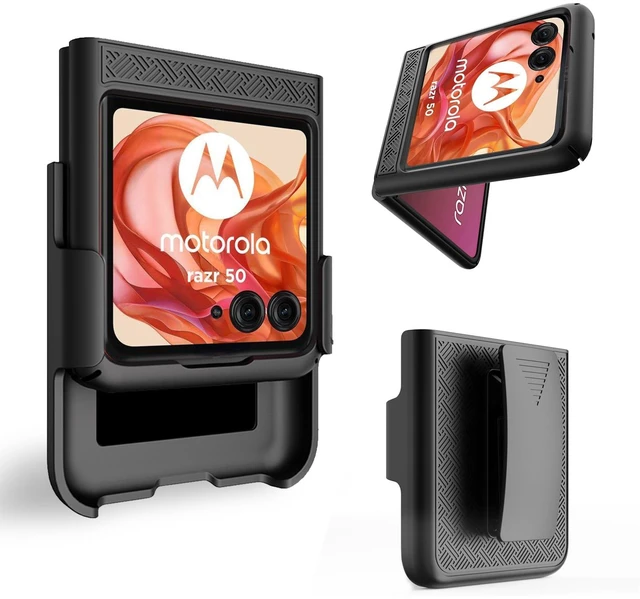
    for Motorola Razr 2024/2025 Case, Moto Razr 50/60 Holster-Black | Belt Clip, Swivel Kickstand Holder, Slim Shell Slide Pouch Full Body Protective, Rugged Shockproof Outdoor Cell Phone Cover

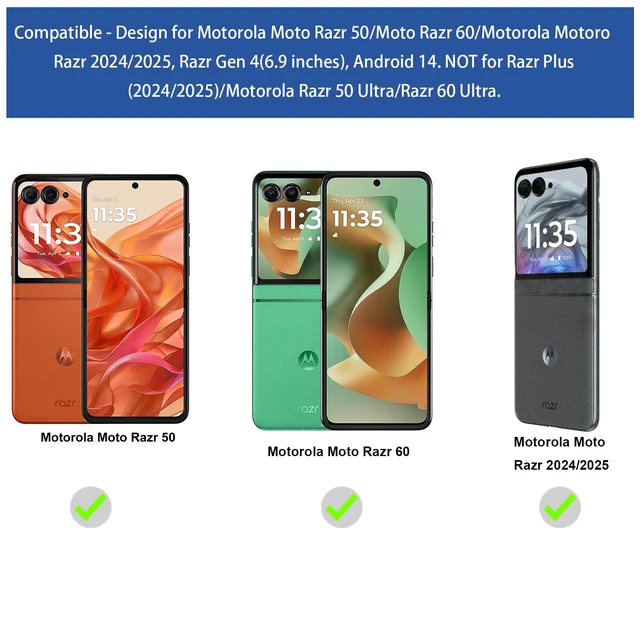
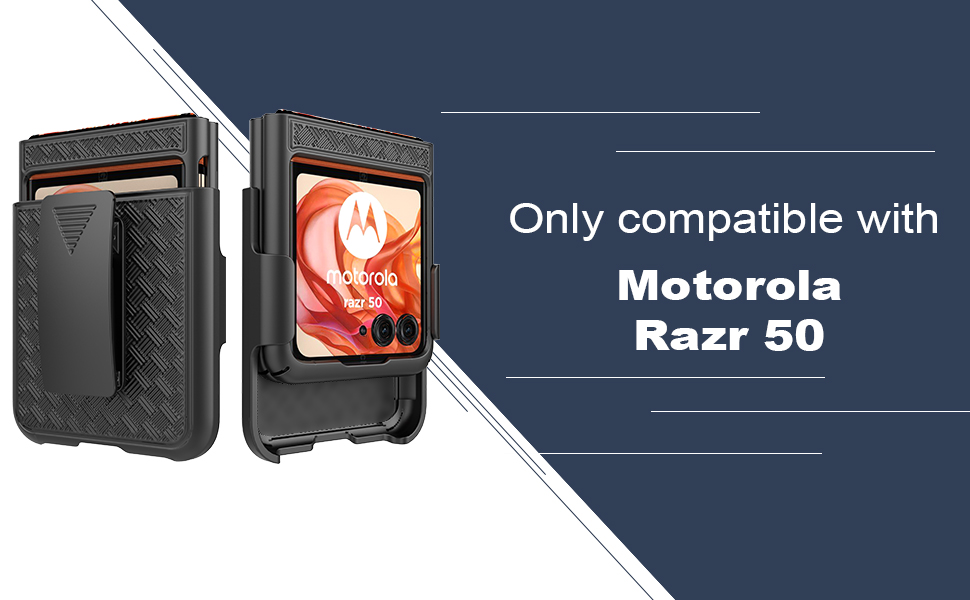
    • Design: Compatible with Motorola Moto Razr 50/Moto Razr 60/Motorola Razr 2024/Razr 2025, Razr Gen 4(6.9 inches), Android 14. NOT for Razr+ Plus (2024/2025)/Motorola Razr 50 Ultra/Razr 60 Ultra. Support wireless charging
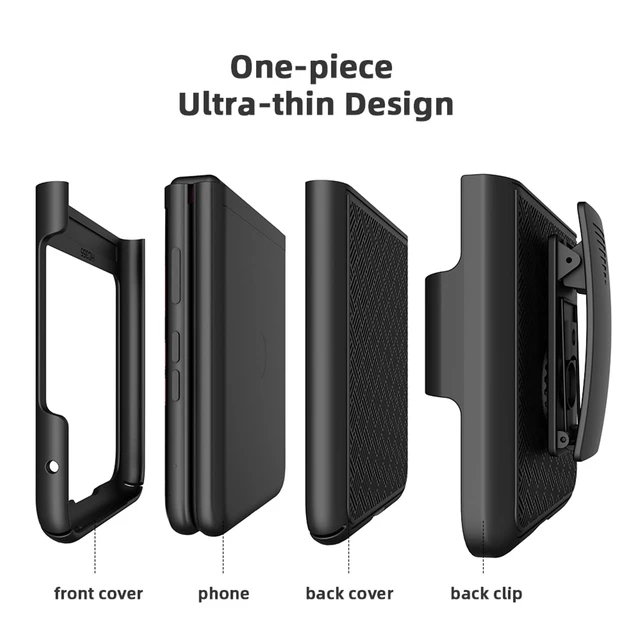
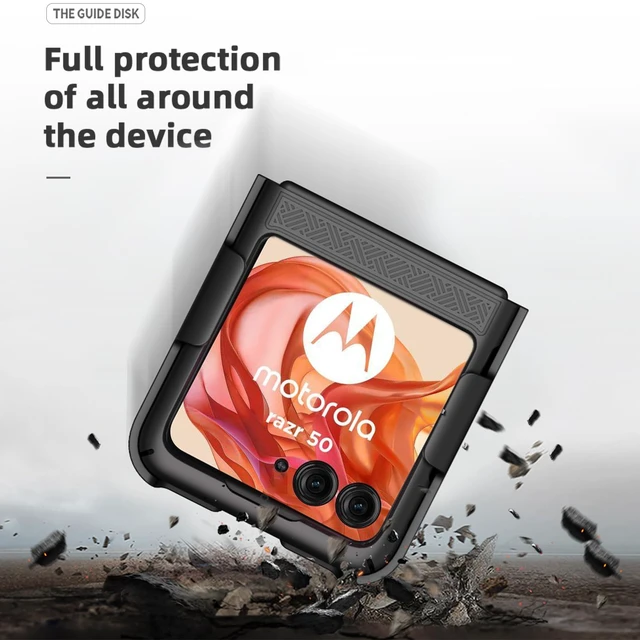
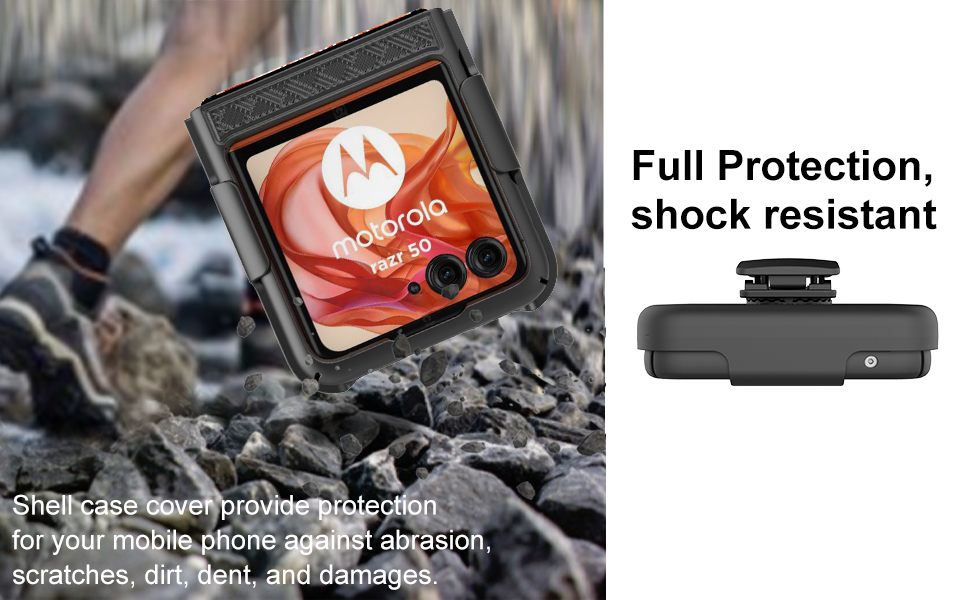
    • Maximum Protection - Hard plastic PC. Light and strong. Skidproof texture. Reinforced the four corners. Drop resistance. Reduce the risk of damage. Hard back & removable cover for tough drops, scratches and bumps in outdoor activities and sports
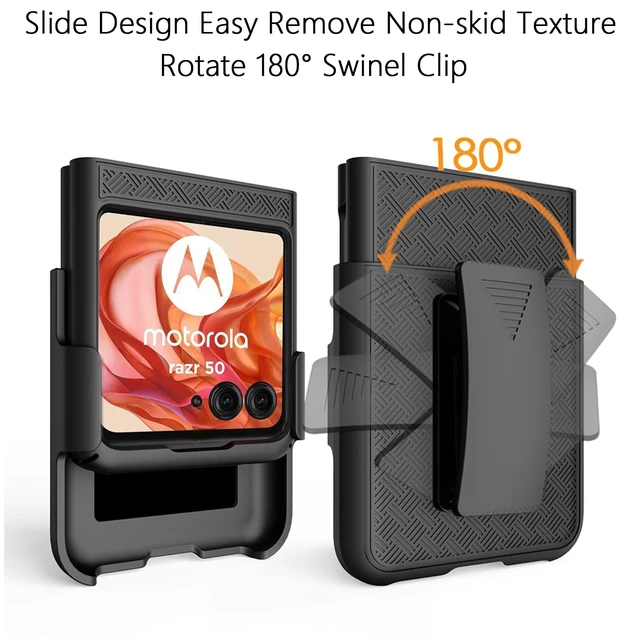
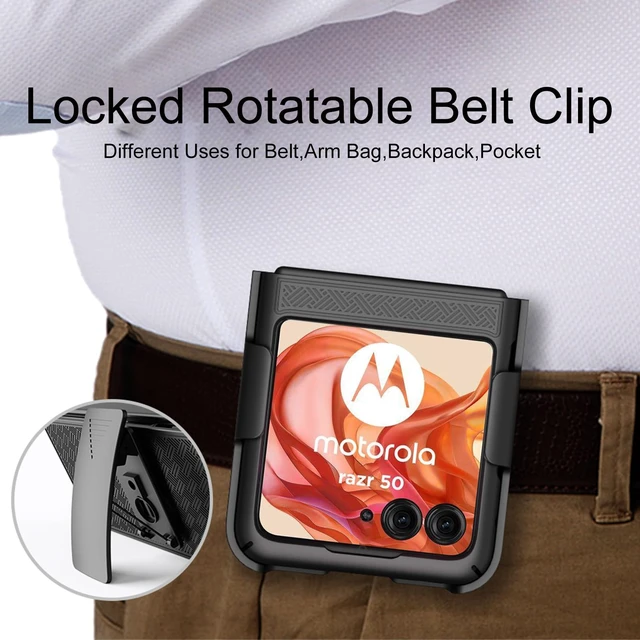
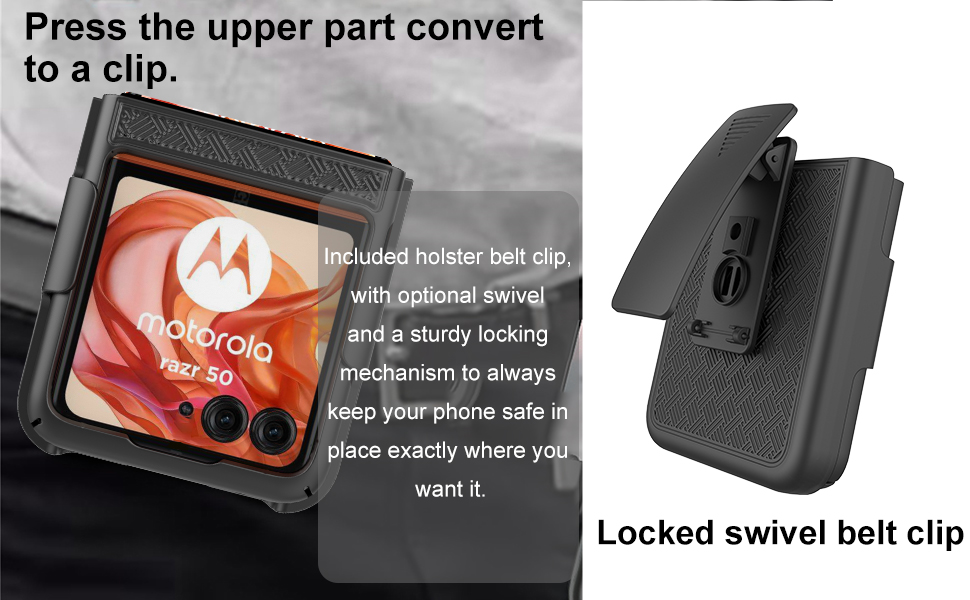
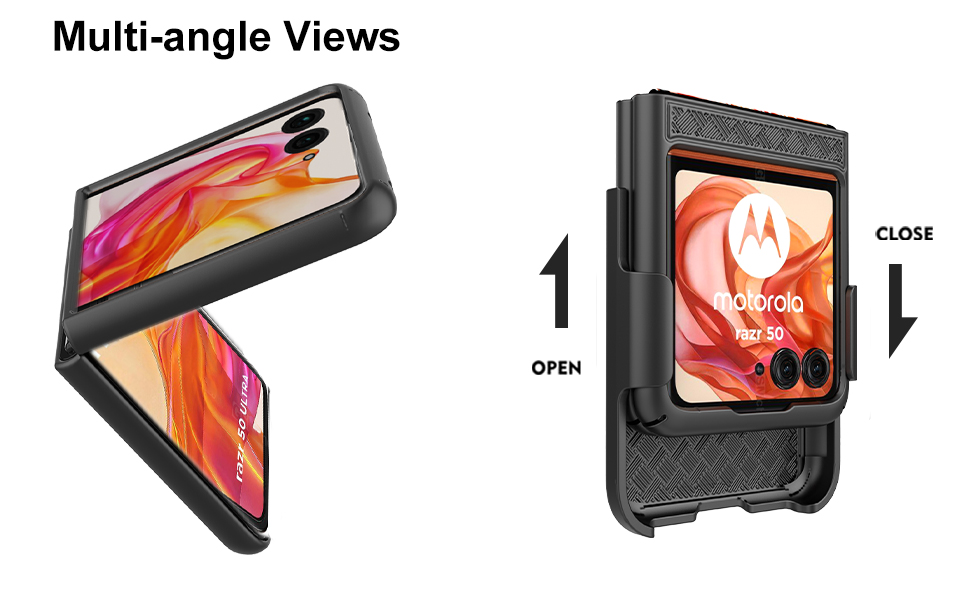
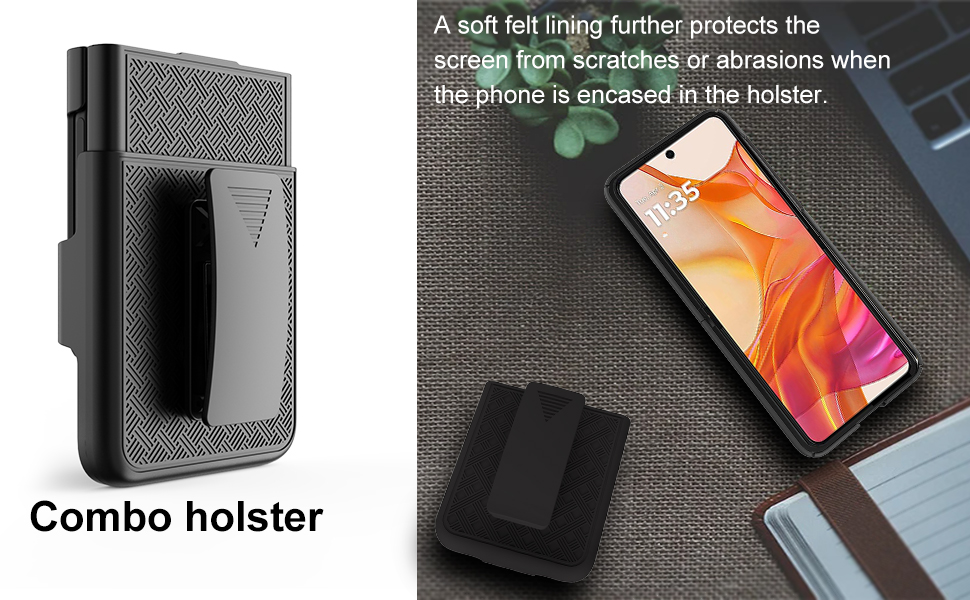
    • Rotating holster combo - Slim hard shell protective case with grid texture and belt clip holster holder. Slide the phone In/Out of the Holster. The clip will turn/lock in different positions. Keeps your phone secure at your side with convenient access.
    • Handsfree Kickstand - Watch video without holding. LOCKING SWIVEL BELT CLIP, rotate 180 degrees to offer carrying convenience. Steadily clamp on your belt, bag, pocket and jeans.
    • Reliable Support: Crafted from scratch-resistant materials to keep your phone looking good over time. Designed for durability and style, suitable for daily life, outdoor adventures, and demanding work environments.
    +
    +
    Overview
    Specs
    Reviews

    Any questions? Ask CelesteSM will help you find out quickly.

    Ailiber for Motorola Razr 2024 Case with Belt Clip, Razr 50 Case Holster
    Ailiber for Motorola Razr 2024 Case with Belt Clip, Razr 50 Case Holster
    Ailiber for Motorola Razr 2024 Case with Belt Clip, Razr 50 Case Holster
    Ailiber for Motorola Razr 2024 Case with Belt Clip, Razr 50 Case Holster
    Ailiber for Motorola Razr 2024 Case with Belt Clip, Razr 50 Case Holster

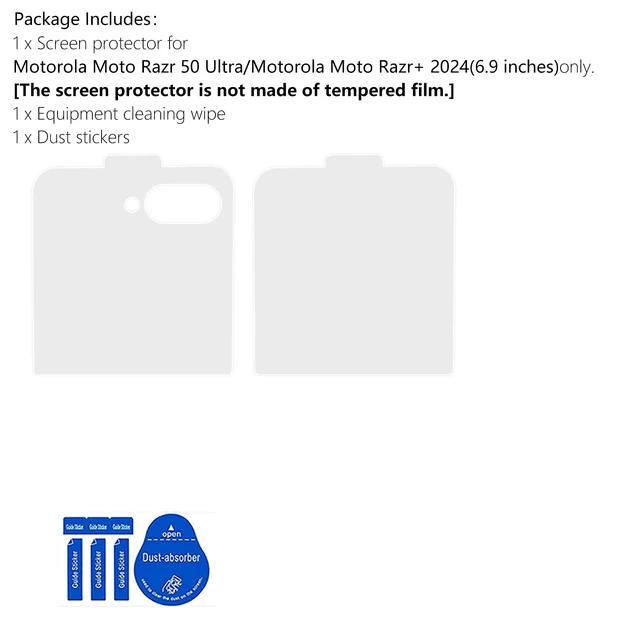
    Attention: If you find any crack or question about this fragile Screen Protector, please e to us first. We will provide you with a satisfactory after-sales service in 24 hours. Tips to help you better install your Screen Protector. You can search some videos about how to install screen protector first.

    1. Keep hands clean and dry before installation. If needed, search for the installation video on the Internet first.

    2. Gently pick up the Tempered Glass from the case.

    3. Predict installation position on the phone. (Align and Tag guide sticker)

    4. Make sure to clean all the Dust and Fingerprints on the screen

    (1)Wet wipes. (2)Dry wipes. (3)Dust absorb.

    5. Peel off the clear thin protective film from the screen protector back before applying on the phone.

    6. Put the screen protector onto the screen horizontally and slowly. Tap the middle of the screen protector. And you are DONE. Congratulations.

    7. Normally, the protector would be installed automatically. If there's a bubble, maybe there's dust in it. Gently scrape the bubble to the edge with your card.

    Ailiber for Motorola Razr 2024 Case with Belt Clip, Razr 50 Case Holster
    Ailiber for Motorola Razr 2024 Case with Belt Clip, Razr 50 Case Holster
    Ailiber for Motorola Razr 2024 Case with Belt Clip, Razr 50 Case Holster
    Ailiber for Motorola Razr 2024 Case with Belt Clip, Razr 50 Case Holster
    Ailiber for Motorola Razr 2024 Case with Belt Clip, Razr 50 Case Holster

    Attention: If you find any crack or question about this fragile Screen Protector, please e to us first. We will provide you with a satisfactory after-sales service in 24 hours. Tips to help you better install your Screen Protector. You can search some videos about how to install screen protector first.

    1. Keep hands clean and dry before installation. If needed, search for the installation video on the Internet first.

    2. Gently pick up the Tempered Glass from the case.

    3. Predict installation position on the phone. (Align and Tag guide sticker)

    4. Make sure to clean all the Dust and Fingerprints on the screen

    (1)Wet wipes. (2)Dry wipes. (3)Dust absorb.

    5. Peel off the clear thin protective film from the screen protector back before applying on the phone.

    6. Put the screen protector onto the screen horizontally and slowly. Tap the middle of the screen protector. And you are DONE. Congratulations.

    7. Normally, the protector would be installed automatically. If there's a bubble, maybe there's dust in it. Gently scrape the bubble to the edge with your card.

    for Motorola Razr 2024/2025 Case, Moto Razr 50/60 Holster-Black | Belt Clip, Swivel Kickstand Holder, Slim Shell Slide Pouch Full Body Protective, Rugged Shockproof Outdoor Cell Phone Cover

    Warranty & Returns

    Warranty, Returns, And Additional Information

    Warranty

    • Please contact the Seller directly for warranty information. Warranty information may also be found on the Manufacturer's website.
    • CONTACT

    Return Policies

    Manufacturer Contact Info

    LOADING...