

Your Browsing History

Meet Your Seller


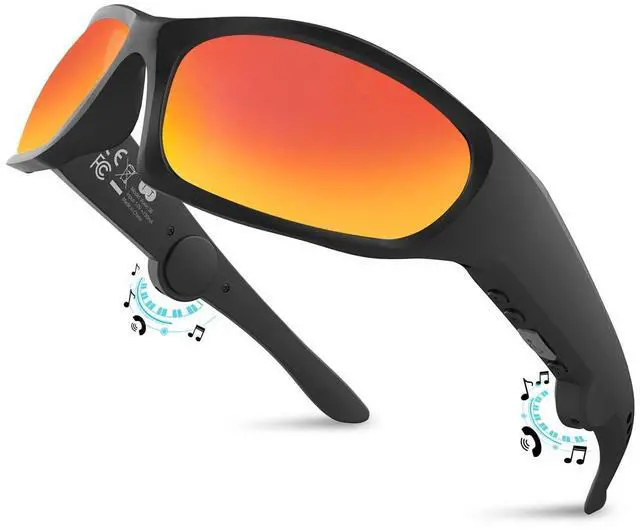
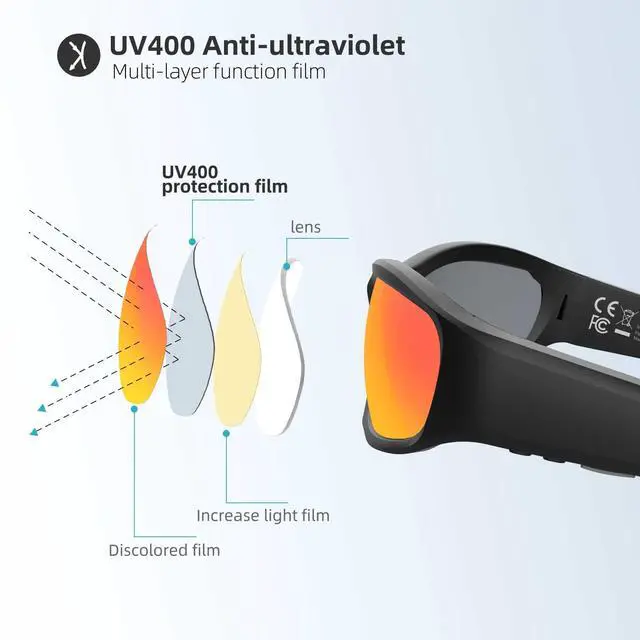
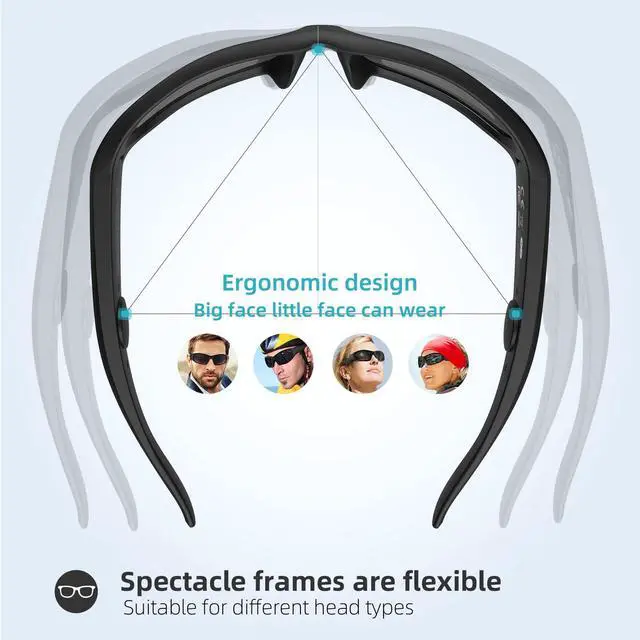


Bluetooth Glasses Audio Smart Glasses sunglasses for Men Women Built-in Speakers Mic UV Protection Voice Assistant (Red Lens)
Limited time offer, ends 08/24 By Jeronrtion
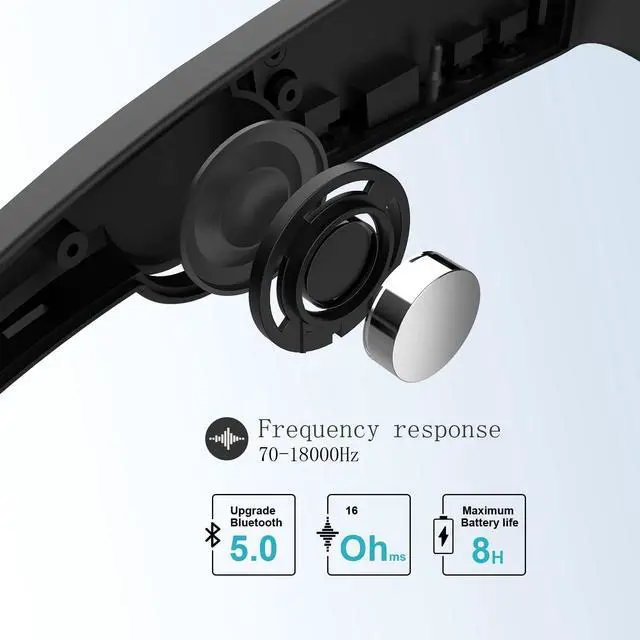
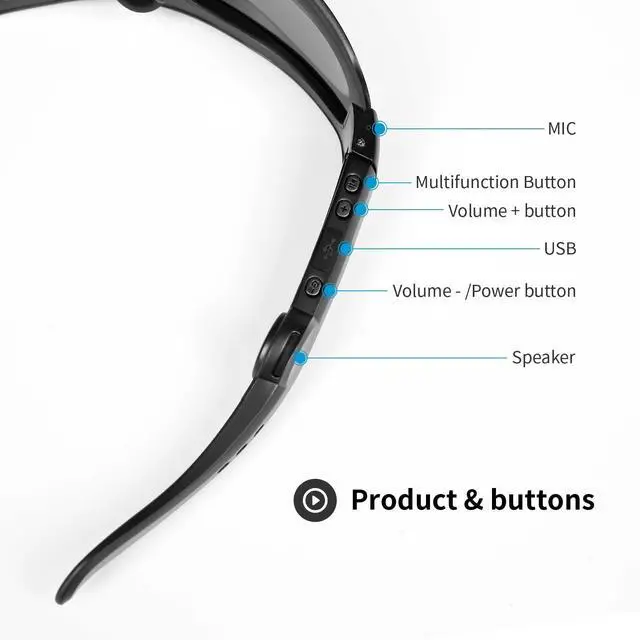
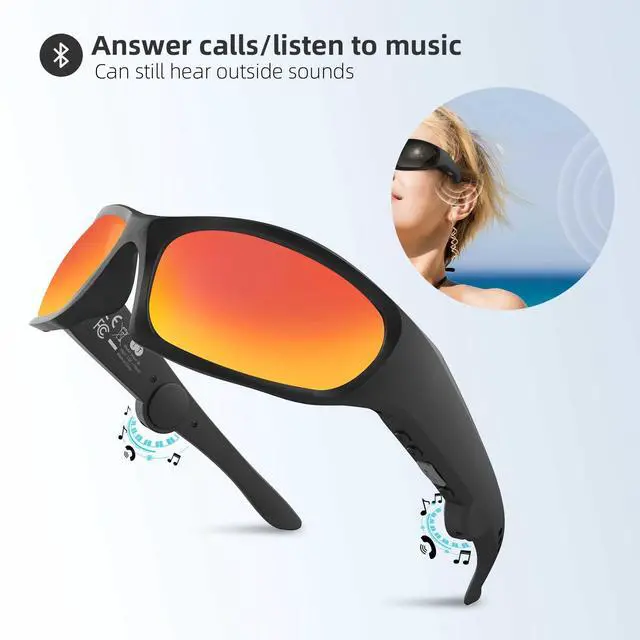
- Smart Bluetooth glasses with integrated microphone and speakers. Experience high-quality clear calls, listen to music and voice navigation, and adjust the volume or switch tracks. Delivers up to 6-8 hours of continuous playback on a full charge, with a complete charge taking about 2 hours via the USB port. Offers a reliable Bluetooth range of up to 30 feet. Built with a TR90 material frame and featuring a waterproof rating of IPX4. Open-ear headphone audio design lets you stay aware of your surroundings while enjoying audio. Comfortable and secure to wear. Bluetooth connection method for the glasses and mobile phone: 1. With the glasses powered off, press and hold the power button (marked "-") for 5 seconds. Continue holding until the red and green indicator lights flash alternately, indicating the glasses have entered Bluetooth pairing mode. 2. Turn on your mobile phone's Bluetooth, locate "Vision 5A" in the available devices list, and select it to connect. Volume adjustment reminder: After successful Bluetooth pairing, first increase the volume on your paired mobile phone, then adjust the volume on the Bluetooth glasses by pressing the "+" volume button
+
+
Overview
Specs
Reviews

Any questions? Our AI mode will help you find out quickly.
Try me now
Smart Bluetooth glasses with integrated microphone and speakers. Experience high-quality clear calls, listen to music and voice navigation, and adjust the volume or switch tracks. Delivers up to 6-8 hours of continuous playback on a full charge, with a complete charge taking about 2 hours via the USB port. Offers a reliable Bluetooth range of up to 30 feet. Built with a TR90 material frame and featuring a waterproof rating of IPX4. Open-ear headphone audio design lets you stay aware of your surroundings while enjoying audio. Comfortable and secure to wear. Bluetooth connection method for the glasses and mobile phone: 1. With the glasses powered off, press and hold the power button (marked "-") for 5 seconds. Continue holding until the red and green indicator lights flash alternately, indicating the glasses have entered Bluetooth pairing mode. 2. Turn on your mobile phone's Bluetooth, locate "Vision 5A" in the available devices list, and select it to connect. Volume adjustment reminder: After successful Bluetooth pairing, first increase the volume on your paired mobile phone, then adjust the volume on the Bluetooth glasses by pressing the "+" volume button
Warranty & Returns
Warranty, Returns, And Additional Information
Warranty
- Please contact the Seller directly for warranty information. Warranty information may also be found on the Manufacturer's website.
- CONTACT
Return Policies
- Return for refund within: 30 days
- Return for replacement within: 30 days
- This item is covered by Jeronrtion Return Policy
Manufacturer Contact Info
- For a directory of all our manufacturers, please click below.
- Manufacturers Directory
LOADING...