• $76.35
  • Free 30-day Returns
  • Price alert
    Shop it at NeweggBusiness.

    Meet Your Seller

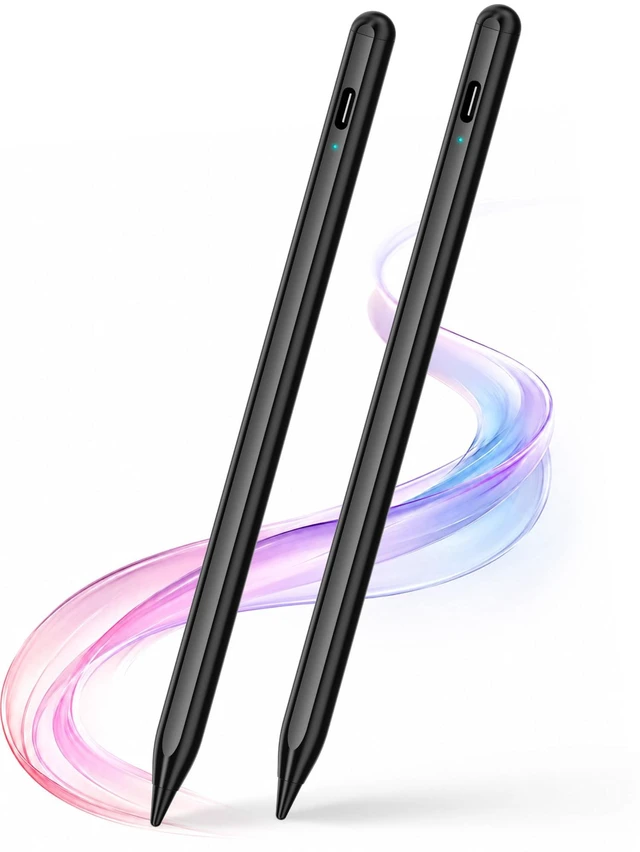
    Stylus Pen 2P for Touchscreen, Compatible for Phones/Tablet, Black | USB-C Rechargeable Active Stylus with 1.5 mm fine tip for Writing, Drawing, Notes and Touchscreen Navigation

    • 2 Pens for Everyday FlexibilityThis 2-pack active stylus set gives you an extra pen for sharing, travel or backup. Keep one at your desk and one in your bag, or share the second stylus with a family member, student or coworker.
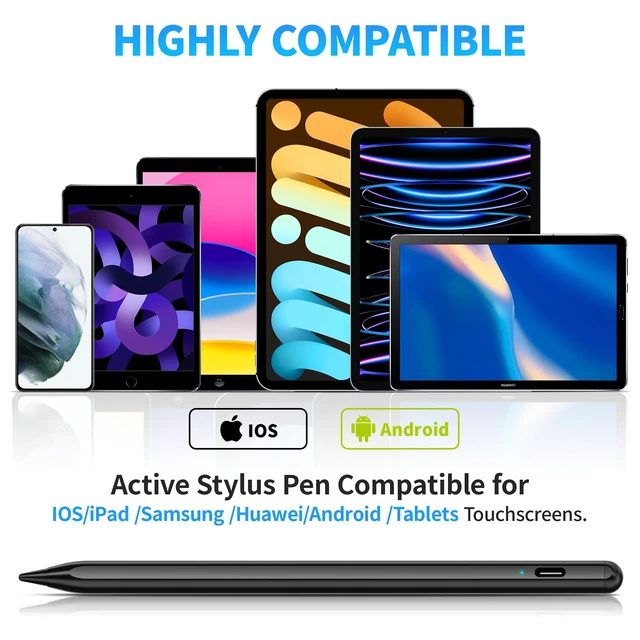
    • Made for i-OS and Android Touch ScreensDesigned for compatible capacitive touchscreen phones and tablets running iOS or Android. Suitable for note-taking, handwriting, drawing and general screen navigation. Not designed for Windows devices. Functions may vary by device and app.
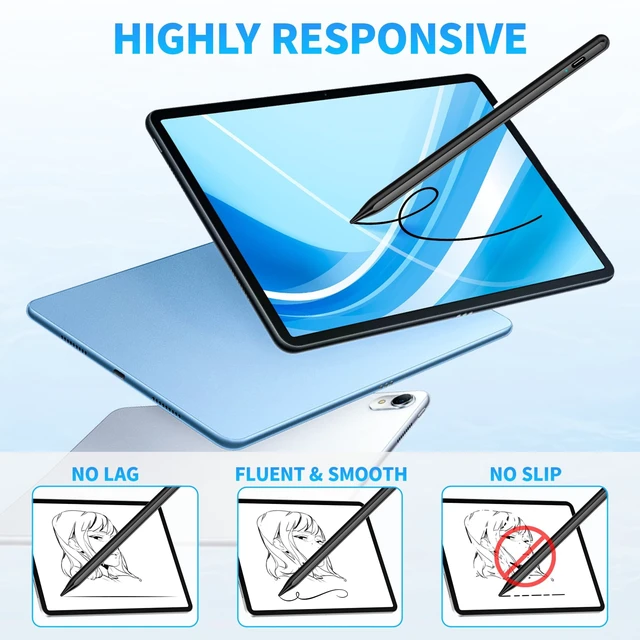
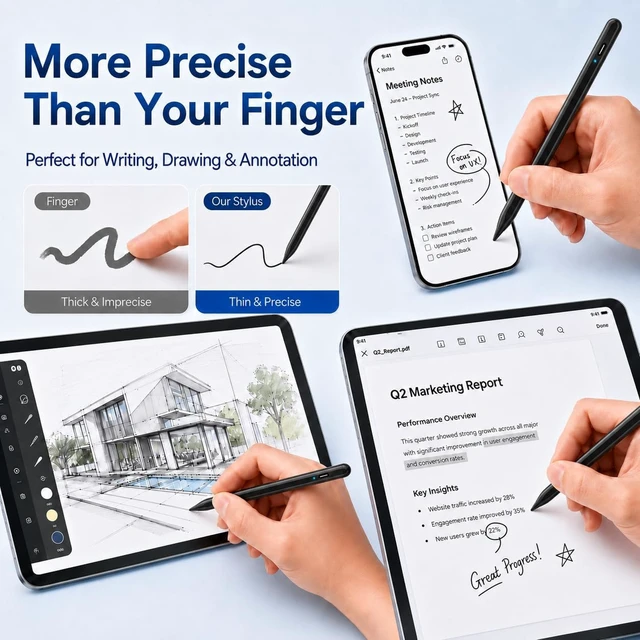
    • Fine 1.5 mm Tip for Better ControlThe slim stylus tip makes it easier to select small icons, write notes, sketch, mark documents and navigate touchscreen content. It offers more controlled input than using a fingertip for everyday phone and tablet tasks.
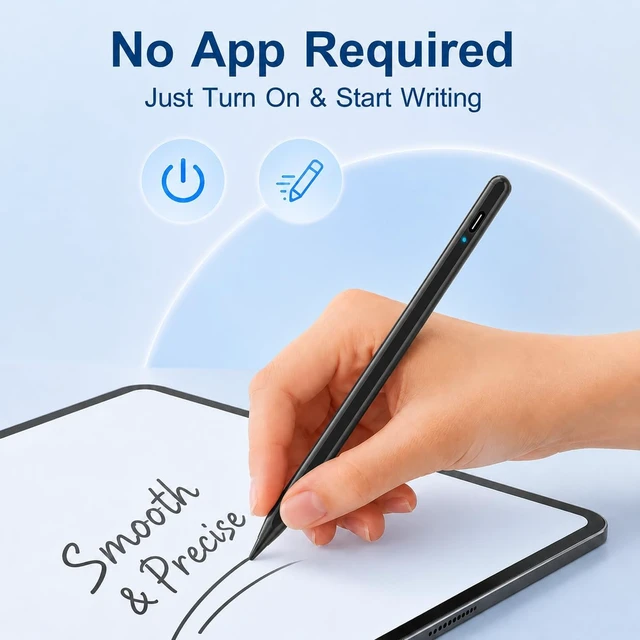
    • Start Using It Without PairingNo Bluetooth pairing or app installation is required. Tap the top control to turn the stylus on and begin writing or navigating, making it convenient for schoolwork, meetings, creative projects and everyday use.
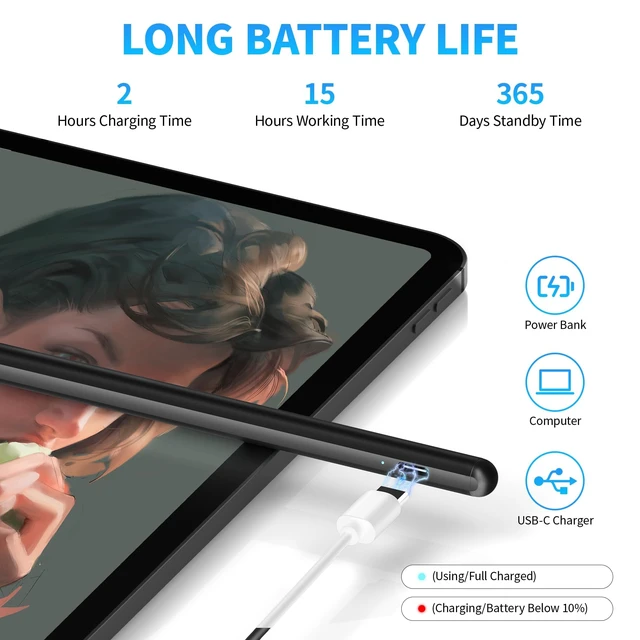
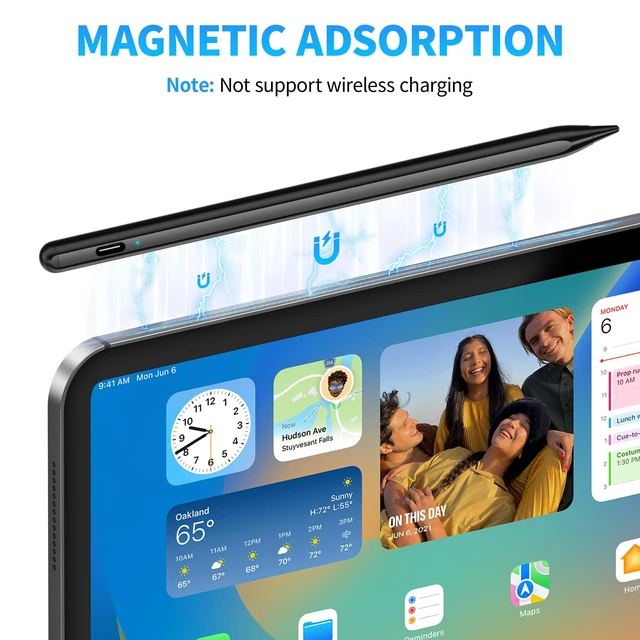
    • USB-C Rechargeable and Power-SavingEach stylus features a USB-C charging interface and a built-in rechargeable battery. The automatic sleep function helps reduce unnecessary power use when the pen is left idle, so it is ready for your next task.
    +
    +
    Overview
    Specs
    Reviews

    Any questions? Ask CelesteSM will help you find out quickly.

    NoticeWhat if the stylus pen doesn't work on the i-Pad? Please disconnect your Pad from the pple Pencil first, and if there is a switch inside the app for A-pple-Pencil use only, please turn it off. 2)Why doesn't this stylus work on notability? Please modify your settings in the app to use it. Click "Info" in Notability - find " pp|e Pencil :" - select "Disconnect", then you can use it normally. Other applications where the stylus doesn't work can refer to this operation. (GoodNotes/Note)

    Warranty & Returns

    Warranty, Returns, And Additional Information

    Warranty

    • Please contact the Seller directly for warranty information. Warranty information may also be found on the Manufacturer's website.
    • CONTACT

    Return Policies

    Manufacturer Contact Info

    LOADING...