

• $19.99
  • Free 30-day Returns
  • Price alert
    Shop it at NeweggBusiness.

    Meet Your Seller

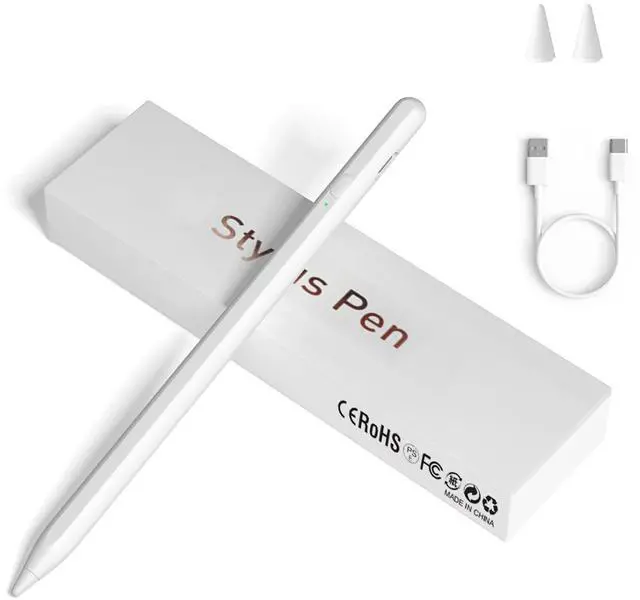
    Stylus Pens for Touch Screens, Universal Fine Point iPad Pencil with Magnetic Adsorption Compatible with iPhone/iPad/Samsung/Android/Tablet & Other Touch Screens (White)

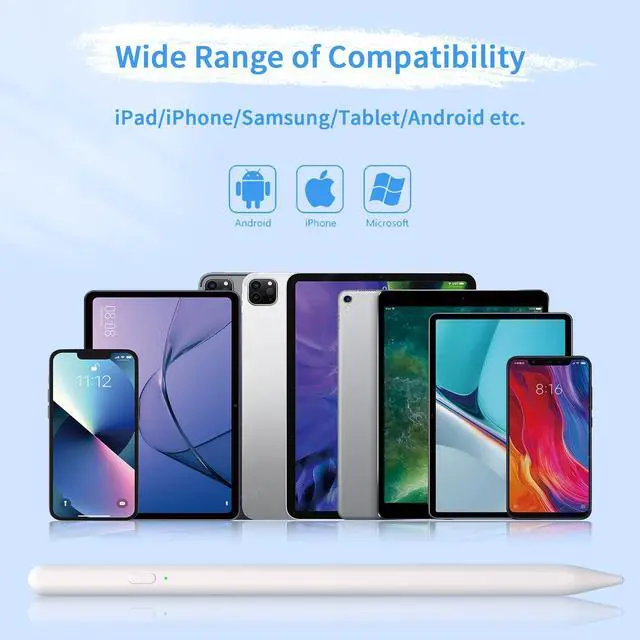
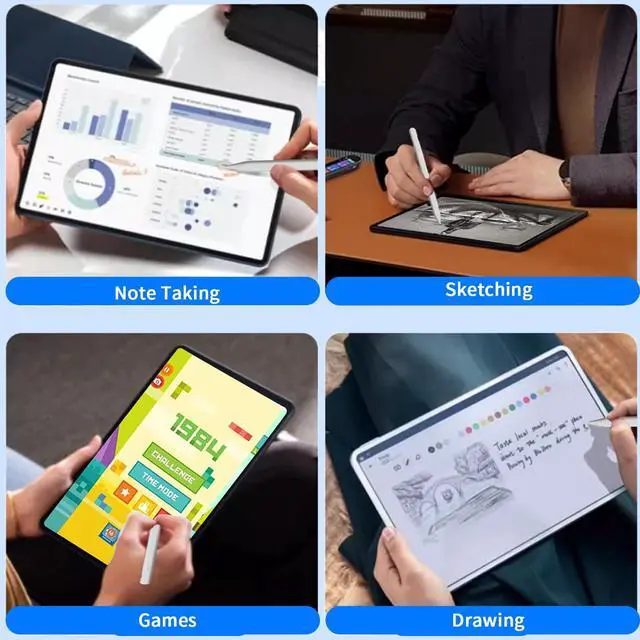
    • [Universal Stylus Pen] Our stylus pens for touch screens have broad compatibility and works seamlessly with iPhone, iPad, Android devices, tablets, Samsung Galaxy and most capacitive touchscreen devices. You can enjoy a versatile digital experience.[Note]: This stylus does not have a function to prevent accidental touches.
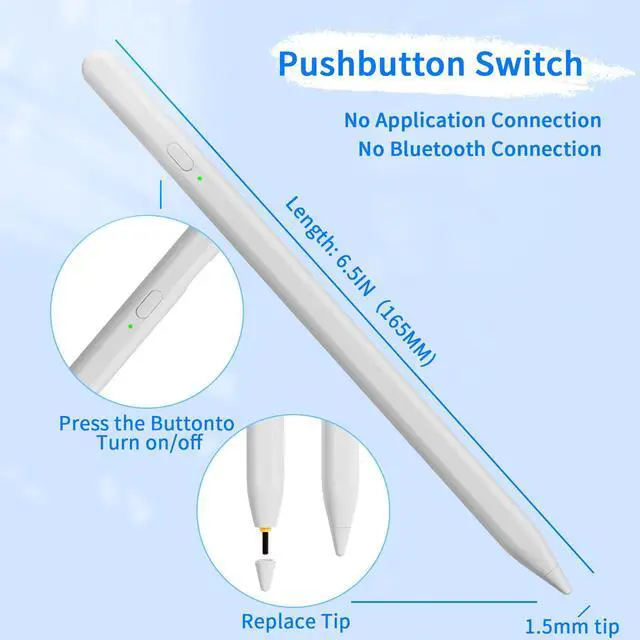
    • [One Touch Switch] Experience easy and comfortable control with the one-touch switch design. Save time and realize quick creativity by turning your iPad pen on or off with just one touch
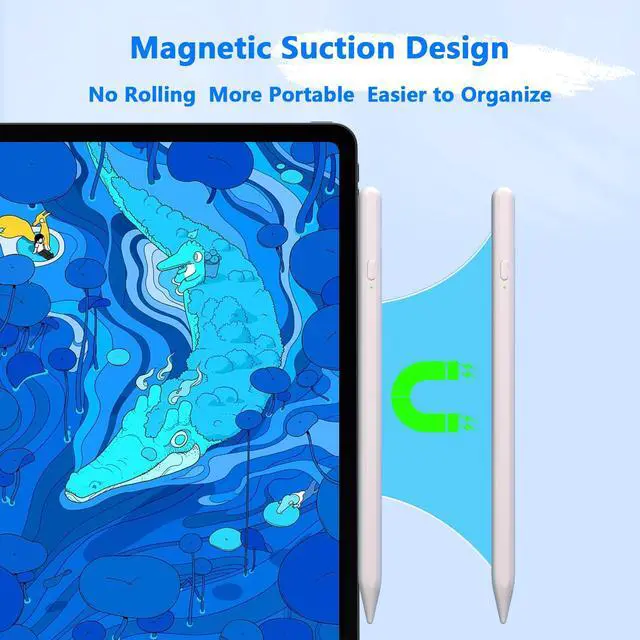
    • [Magnetic Adsorption Design] The iPad pencil with an authentic magnetic design that securely attaches to the side of your iPad.This innovative feature ensures that your stylus stays within reach and prevents it from getting lost! Note: Only support iPad Pro11"& iPad Pro12.9"(3th/4th Gen)
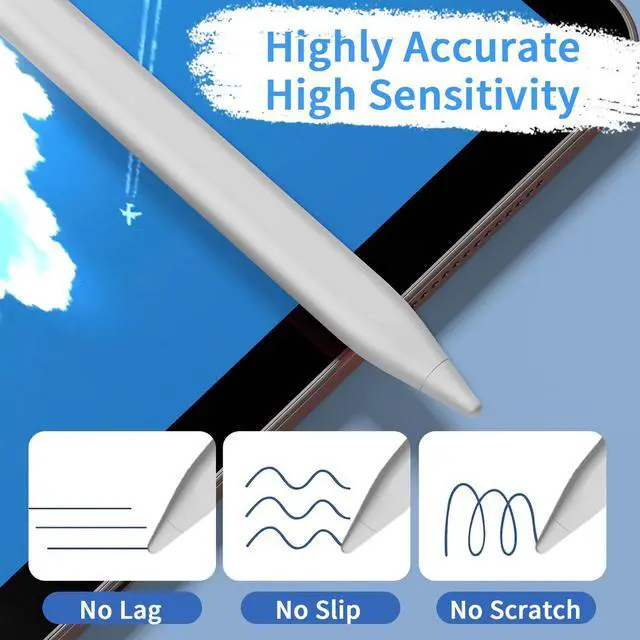
    • [Accuracy & Sensitivity] This stylus pen for iPad works without delay or lag, won't damage the screen, and comes with 2 complimentary nibs, giving you more options for a more precise writing and drawing experience
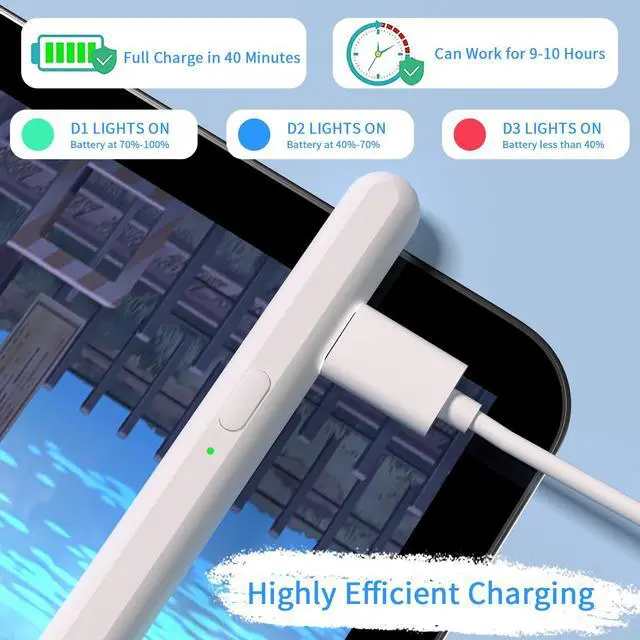
    • [Quick Charge] The iPad pen can be fully charged in just 40 minutes and can be used continuously for 9-10 hours. Keep your creative juices flowing without worrying about charging, it won't affect your creativity!
    • [Note] If it does not work after powering on, please follow the steps below: 1. Visit Settings > Bluetooth > Turn off Bluetooth. 2. Visit Bluetooth > Bluetooth > Apple pencil > Click > Forget This Device
    +
    +
    Overview
    Specs
    Reviews
    avatar

    Any questions? Our AI beta will help you find out quickly.

    stylus pen
    stylus for touch screens

    [Note] If it does not work after powering on, please follow the steps below: 1. Visit Settings > Bluetooth > Turn off Bluetooth. 2. Visit Bluetooth > Bluetooth > Apple pencil > Click > Forget This Device

    stylus

    stylus pen

    stylus pen for iPad

    iPad pen
    stylus pen
    stylus for touch screens

    [Note] If it does not work after powering on, please follow the steps below: 1. Visit Settings > Bluetooth > Turn off Bluetooth. 2. Visit Bluetooth > Bluetooth > Apple pencil > Click > Forget This Device

    stylus

    stylus pen

    stylus pen for iPad

    iPad pen
    Stylus Pens for Touch Screens, Universal Fine Point iPad Pencil with Magnetic Adsorption Compatible with iPhone/iPad/Samsung/Android/Tablet & Other Touch Screens (White)

    Warranty & Returns

    Warranty, Returns, And Additional Information

    Warranty

    • Please contact the Seller directly for warranty information. Warranty information may also be found on the Manufacturer's website.
    • CONTACT

    Return Policies

    Manufacturer Contact Info

    LOADING...