




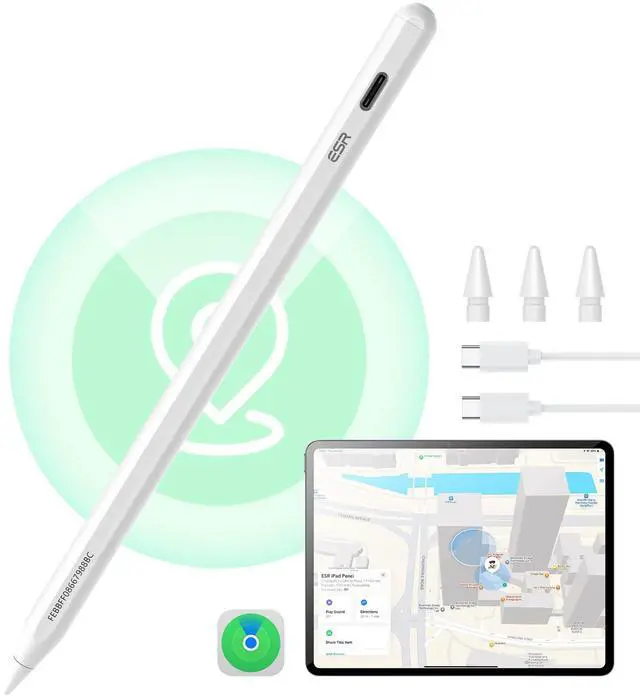
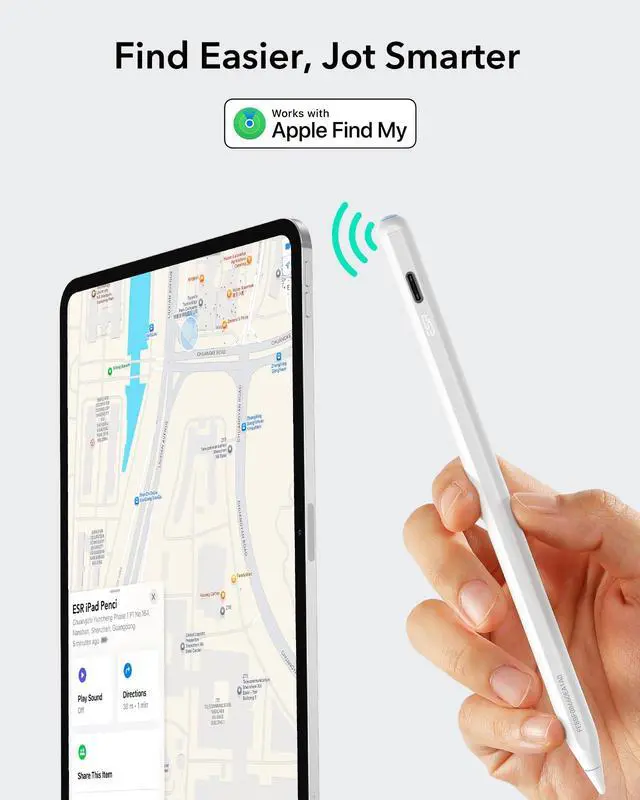
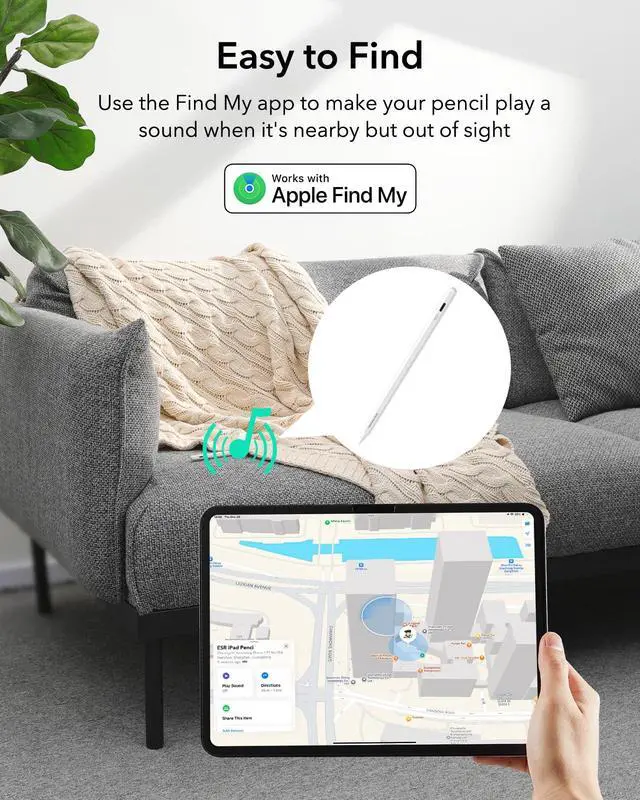


findmy ipad pencil
Merchant Video


What should I do if my Find My Pencil won't turn on?
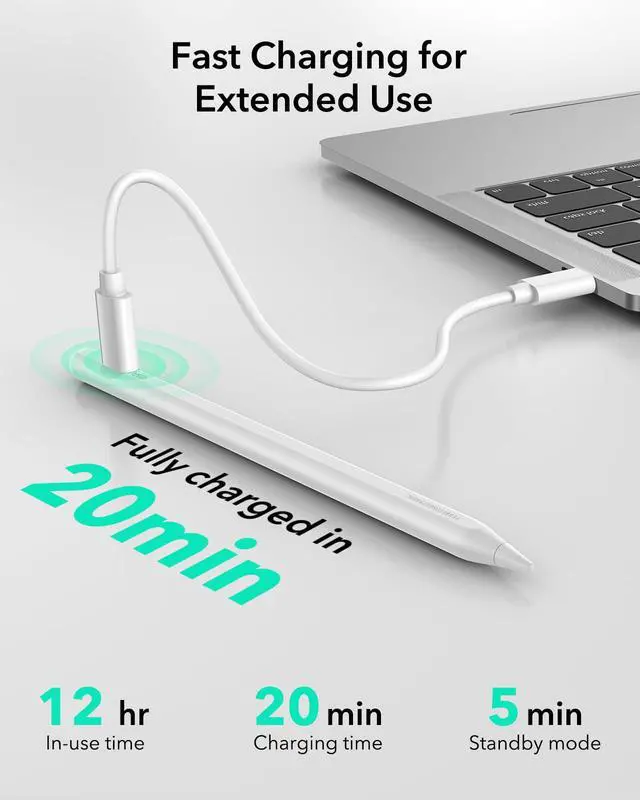
If the Pencil won’t turn on, try charging it with a Type-C cable for 25 minutes. Once fully charged, test the Pencil again.
What should I do if my Find My Pencil turn on but still not working?
1.If your iPad is connected to an Apple Pencil, it may prevent the third-party stylus from working. Please disconnect the Apple Pencil first.
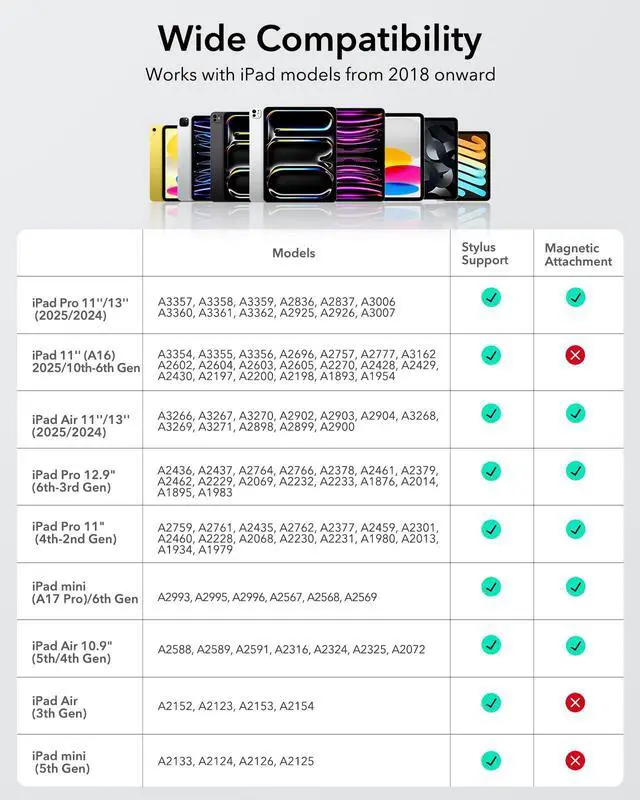
2. Ensure your iPad is an compatible model, as the stylus may not be compatible with others
What should I do if my Find My Pencil won't connect to Bluetooth?
Follow these steps to connect via Bluetooth:
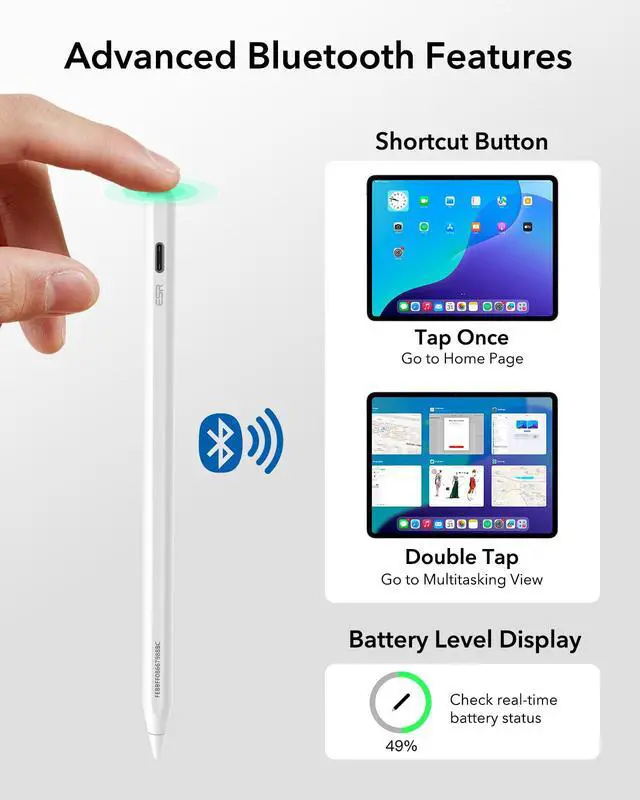
1. Press and hold the button on the back of the Pencil for 2 seconds to activate pairing mode.
2. Go to iPad Settings > Bluetooth and select ESR Geo Digital Pencil to pair.
Does this Pencil support magnetic pairing and charging?
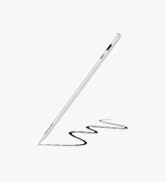
1.This Pencil supports magnetic attachment with the compatible models (note: it does not support wireless charging):
2.The Pencil cannot be charged magnetically and must be charged via USB-C.
What should I do if I see the "Find My unavailable" alert on my iPad?
If this alert appears, please check the following:
1. Ensure Bluetooth is turned on for your iPad.
2. Confirm your iPad is connected to a stable Wi-Fi or cellular network.
3. Verify that your iPad is signed in to your Apple ID.




findmy ipad pencil
Merchant Video


What should I do if my Find My Pencil won't turn on?
If the Pencil won’t turn on, try charging it with a Type-C cable for 25 minutes. Once fully charged, test the Pencil again.
What should I do if my Find My Pencil turn on but still not working?
1.If your iPad is connected to an Apple Pencil, it may prevent the third-party stylus from working. Please disconnect the Apple Pencil first.
2. Ensure your iPad is an compatible model, as the stylus may not be compatible with others
What should I do if my Find My Pencil won't connect to Bluetooth?
Follow these steps to connect via Bluetooth:
1. Press and hold the button on the back of the Pencil for 2 seconds to activate pairing mode.
2. Go to iPad Settings > Bluetooth and select ESR Geo Digital Pencil to pair.
Does this Pencil support magnetic pairing and charging?
1.This Pencil supports magnetic attachment with the compatible models (note: it does not support wireless charging):
2.The Pencil cannot be charged magnetically and must be charged via USB-C.
What should I do if I see the "Find My unavailable" alert on my iPad?
If this alert appears, please check the following:
1. Ensure Bluetooth is turned on for your iPad.
2. Confirm your iPad is connected to a stable Wi-Fi or cellular network.
3. Verify that your iPad is signed in to your Apple ID.


Protection All Around
Designed for MagSafe
Productivity
