




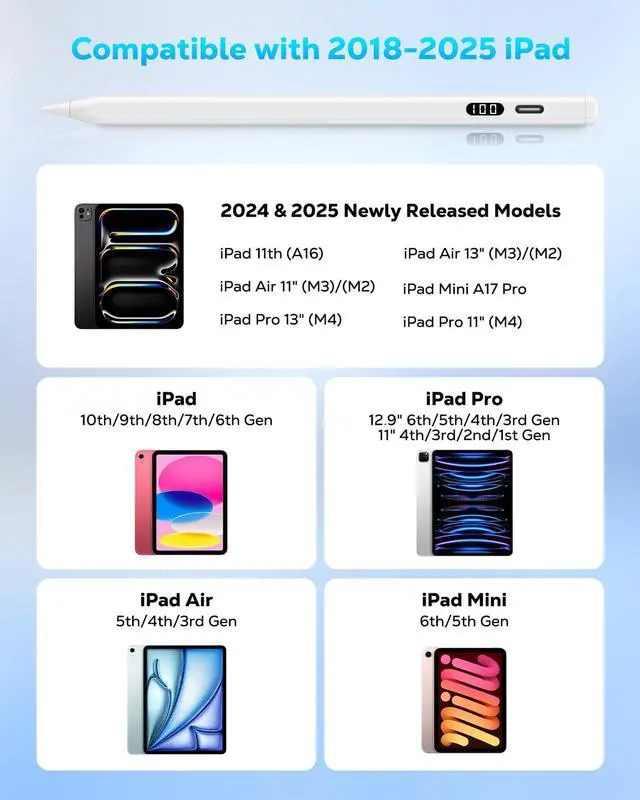


Is the stylus compatible with the new iPad models of 2024 and 2025?
Yes, compatible with all iPad models released after 2018, such as iPad 11 (A16)/10/9/8/7/6, Air 13"/11" (M3)/(M2), Air 6/5/4/3, Mini A17 Pro/6/5, Pro 13"/11" (M4), Pro 12.9" 6/5/4/3, Pro 11" Series.
Does the stylus support wireless charging?
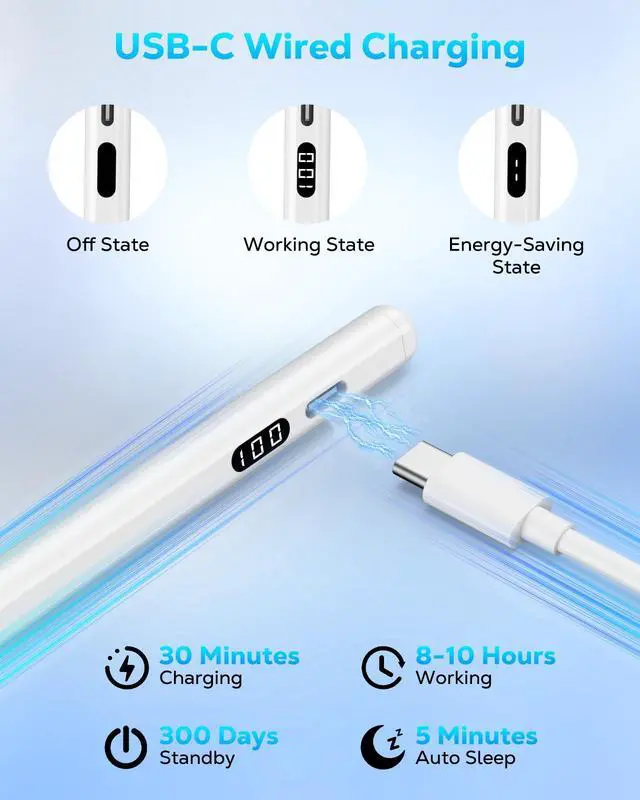
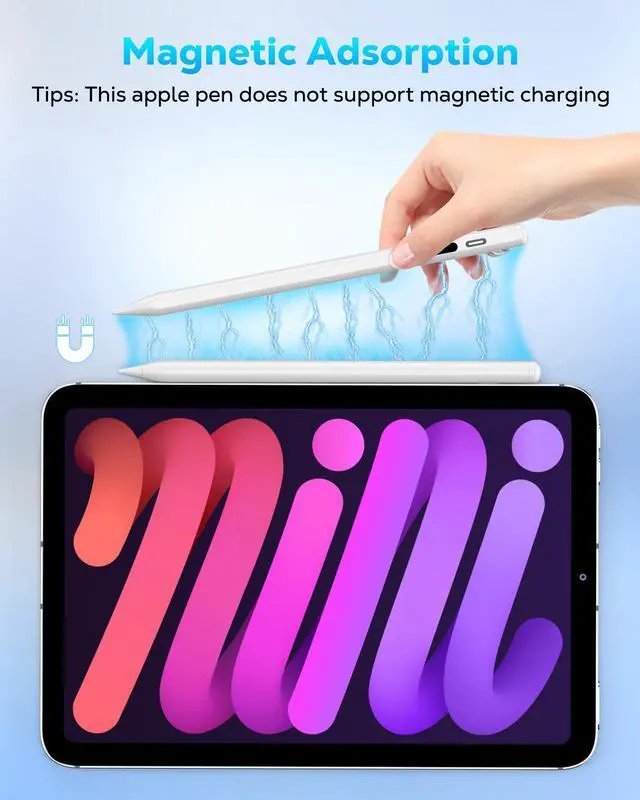
No, it only magnetically attaches to compatible iPads and cannot be charged via magnetic attachment. The stylus can be charged using the included USB-C charging cable, which is also very convenient.
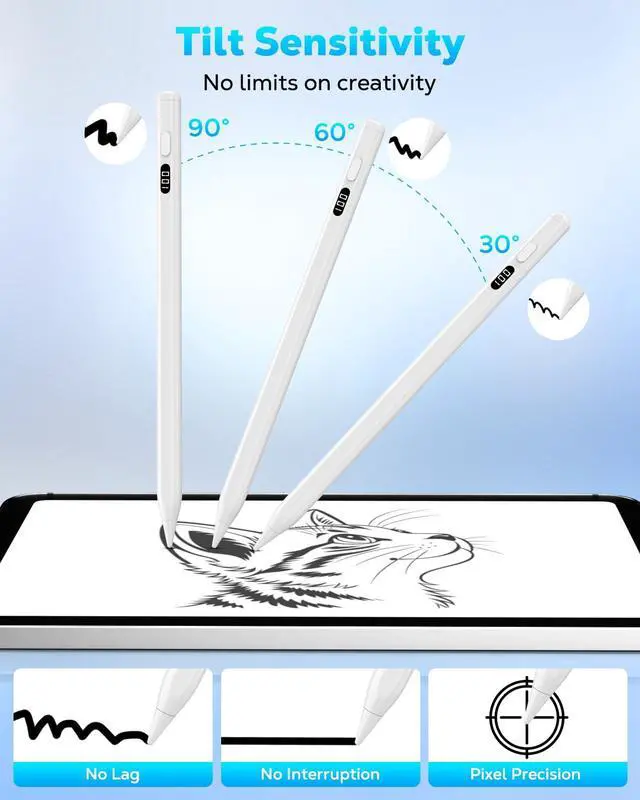
Does the stylus support pressure sensitivity?
No, the stylus supports tilt sensitivity but does not have pressure sensitivity.
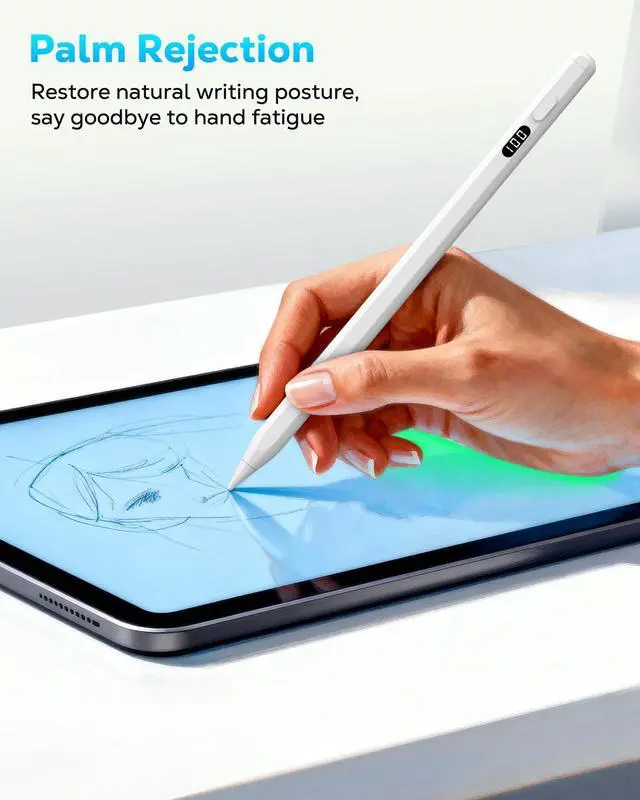
Does the stylus support palm rejection?
Yes, you won't have to worry about triggering unwanted lines while drawing or writing.
Does the stylus support Bluetooth?
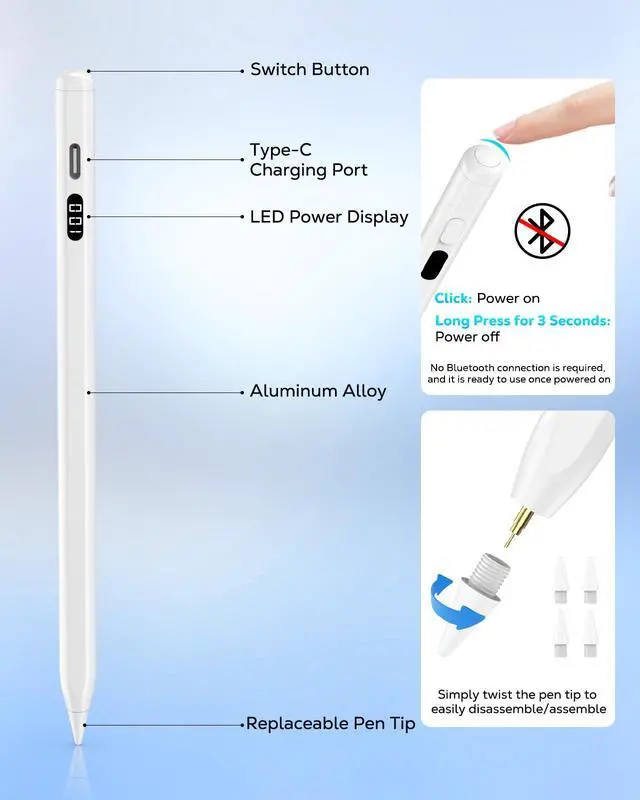
No, the stylus has no Bluetooth function. Just press the top switch to use it. No Bluetooth pairing is required, making it more convenient to use.


Is the stylus compatible with the new iPad models of 2024 and 2025?
Yes, compatible with all iPad models released after 2018, such as iPad 11 (A16)/10/9/8/7/6, Air 13"/11" (M3)/(M2), Air 6/5/4/3, Mini A17 Pro/6/5, Pro 13"/11" (M4), Pro 12.9" 6/5/4/3, Pro 11" Series.
Does the stylus support wireless charging?
No, it only magnetically attaches to compatible iPads and cannot be charged via magnetic attachment. The stylus can be charged using the included USB-C charging cable, which is also very convenient.
Does the stylus support pressure sensitivity?
No, the stylus supports tilt sensitivity but does not have pressure sensitivity.
Does the stylus support palm rejection?
Yes, you won't have to worry about triggering unwanted lines while drawing or writing.
Does the stylus support Bluetooth?
No, the stylus has no Bluetooth function. Just press the top switch to use it. No Bluetooth pairing is required, making it more convenient to use.