



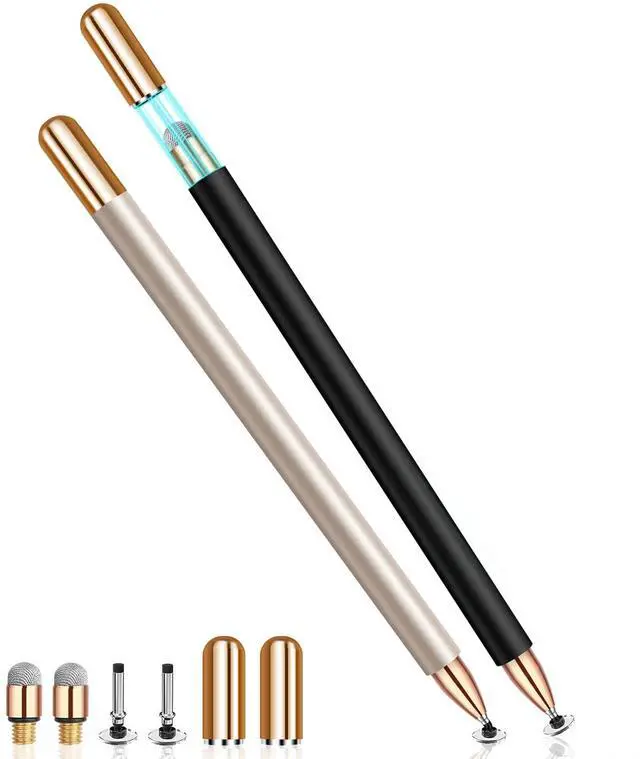
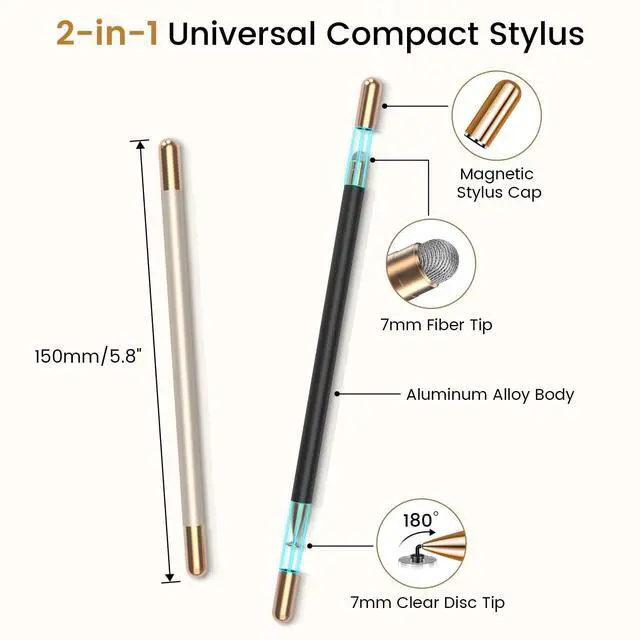
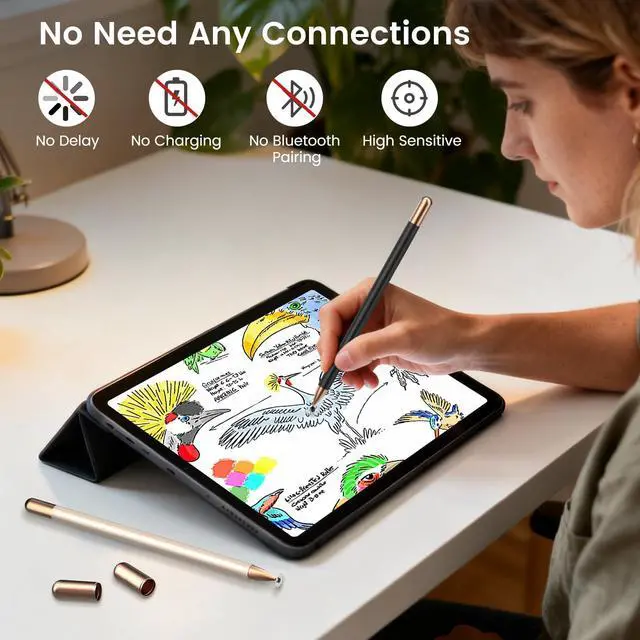


Perfect as a Christmas, birthday, back-to-school, or office gift, this 2-pack touchscreen stylus is sure to delight your family and friends.


What if the stylus pen for ipad doesn't work on the iPad?
Start by disconnecting your Apple Pencil from your iPad. Also, check if the app has an Apple Pencil-exclusive switch—if so, turn that off. For any questions regarding this stylus,please message us on .
Will these stylist pens for touch screens scratch my screen?
Normally, our stylus pens won't cause any scratches on a touch screen, however, we suggest you use a screen protector to protect your screen from possible damage or scratches.
Why doesn't this stylus work on Goodnotes?
Please reset your app first as follows:
Click "Stylus&Pam rejection" on the top right corner--Find "Smart Stylus"- choose "None", then you can use this stylus to write or draw
Why doesn't this stylus work on Notability?
Please reset your app first as follows:
Click "Info" on the top right corner--Find "Apple Pencil:"- choose "Disconnect", then you can see it change to Apple Pencil: Start writing to connect, now you can use the stylus to write or draw.
Which devices can use these tablet stylus pens?
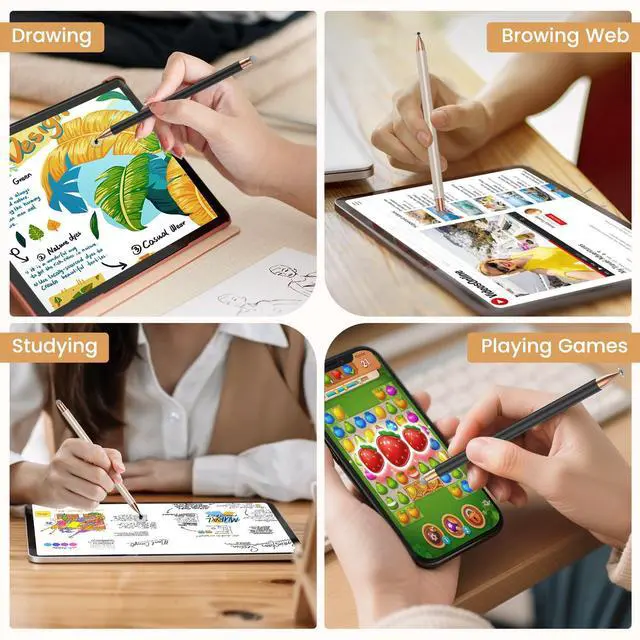
These tablet pen is compatible for all touchscreens, such as phone, ipad, tablet, etc, you also can test: if your finger can move the icons on your devices, then these styluses also work too.

Perfect as a Christmas, birthday, back-to-school, or office gift, this 2-pack touchscreen stylus is sure to delight your family and friends.


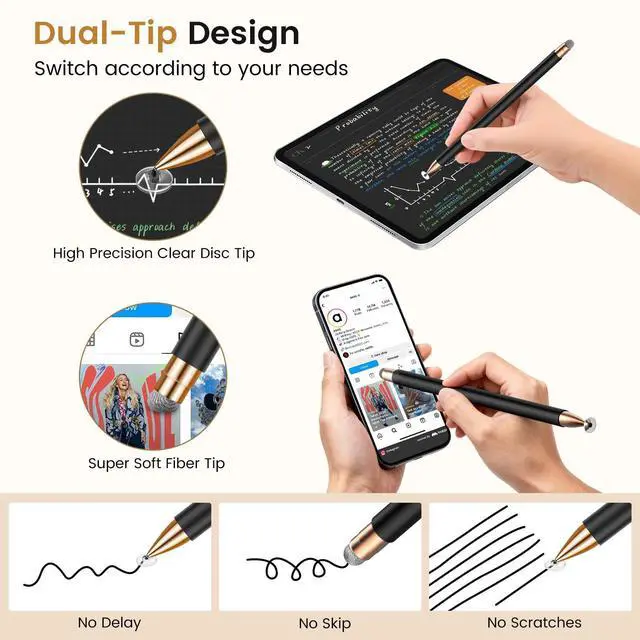
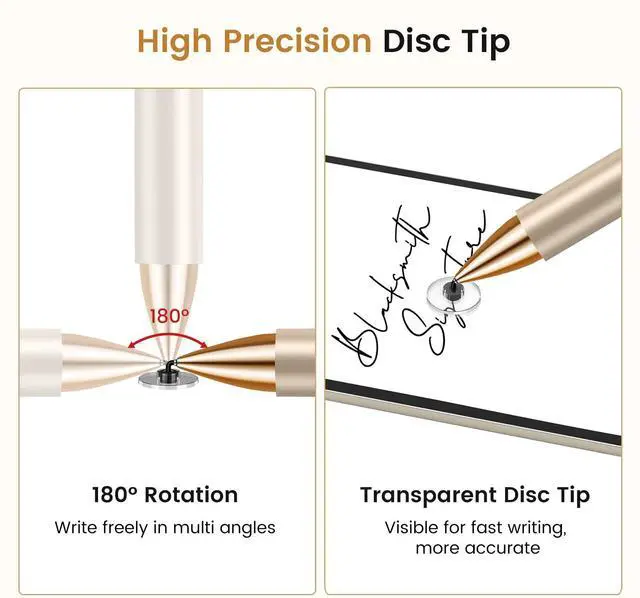
Perfect for Daily use- your best stylus partner for writing and drawing


What if the stylus pen for ipad doesn't work on the iPad?
Start by disconnecting your Apple Pencil from your iPad. Also, check if the app has an Apple Pencil-exclusive switch—if so, turn that off. For any questions regarding this stylus,please message us on .
Will these stylist pens for touch screens scratch my screen?
Normally, our stylus pens won't cause any scratches on a touch screen, however, we suggest you use a screen protector to protect your screen from possible damage or scratches.
Why doesn't this stylus work on Goodnotes?
Please reset your app first as follows:
Click "Stylus&Pam rejection" on the top right corner--Find "Smart Stylus"- choose "None", then you can use this stylus to write or draw
Why doesn't this stylus work on Notability?
Please reset your app first as follows:
Click "Info" on the top right corner--Find "Apple Pencil:"- choose "Disconnect", then you can see it change to Apple Pencil: Start writing to connect, now you can use the stylus to write or draw.
Which devices can use these tablet stylus pens?
These tablet pen is compatible for all touchscreens, such as phone, ipad, tablet, etc, you also can test: if your finger can move the icons on your devices, then these styluses also work too.