

Your Browsing History
- Free 30-day Returns
$19.98


Meet Your Seller

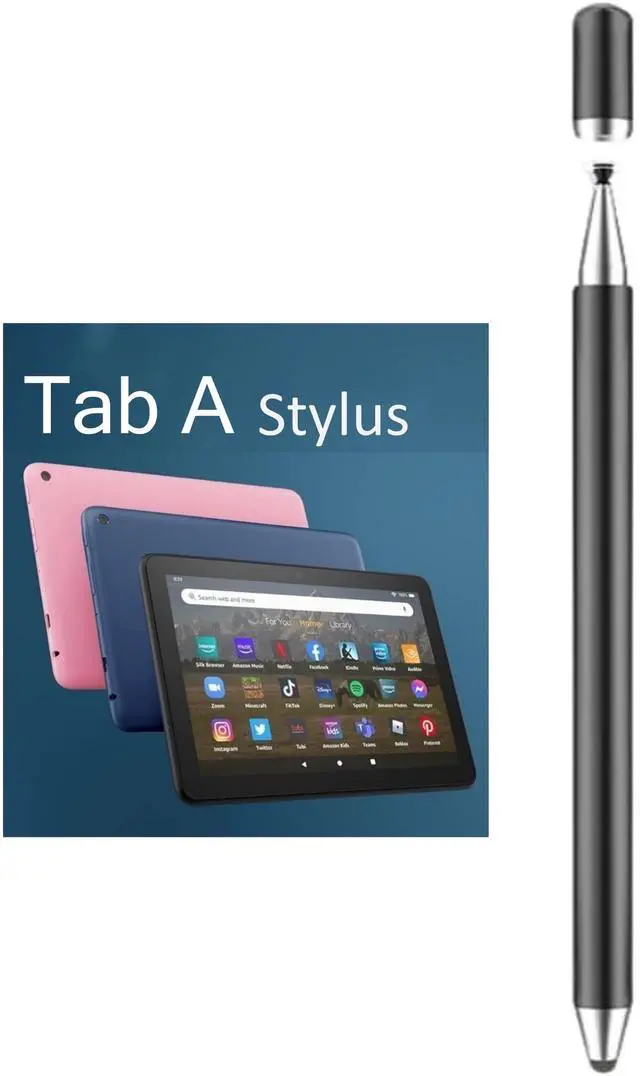
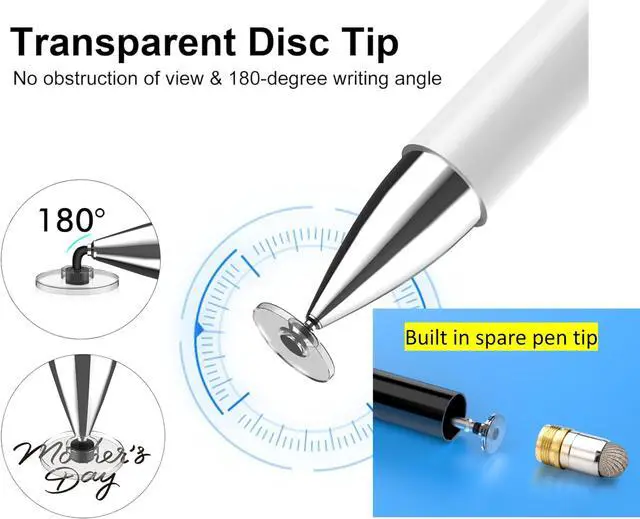
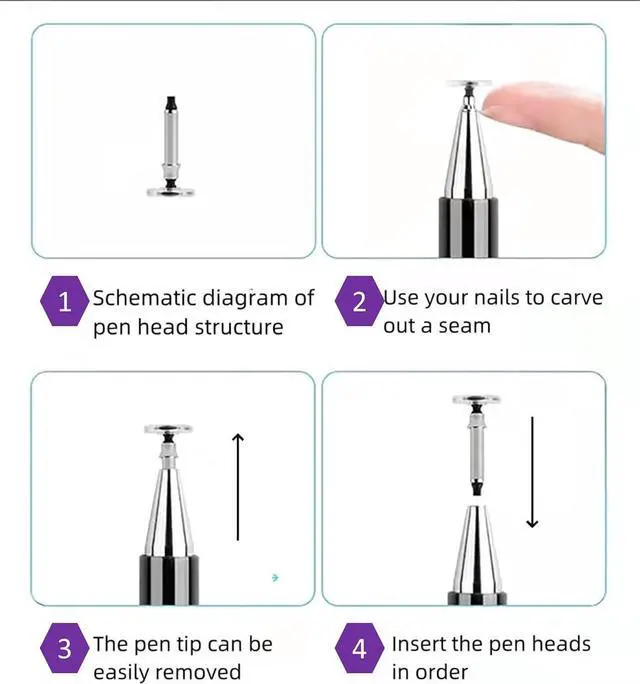
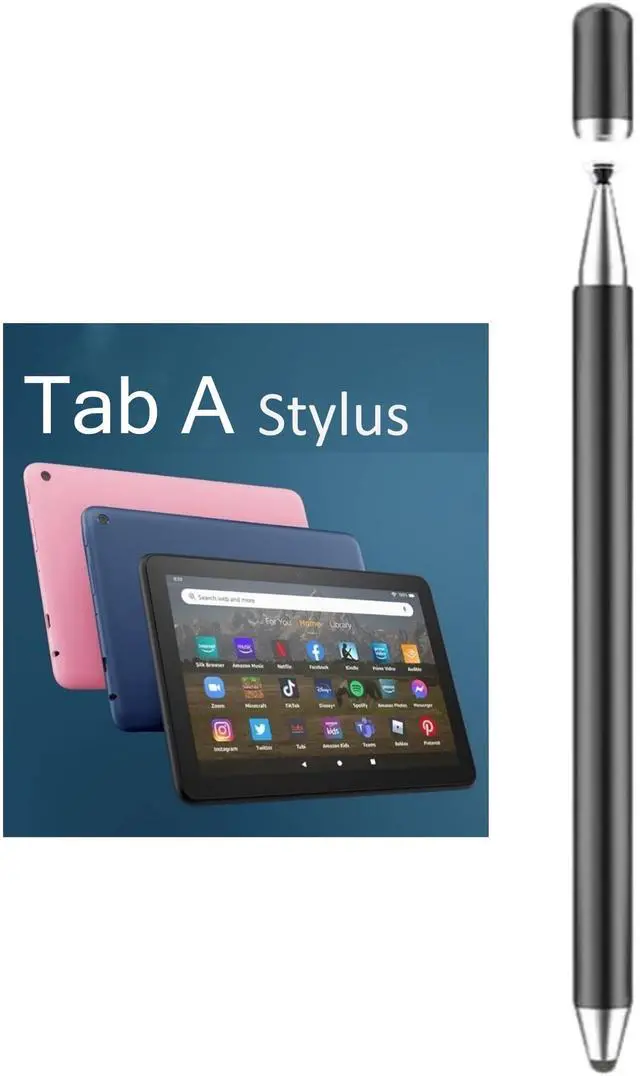
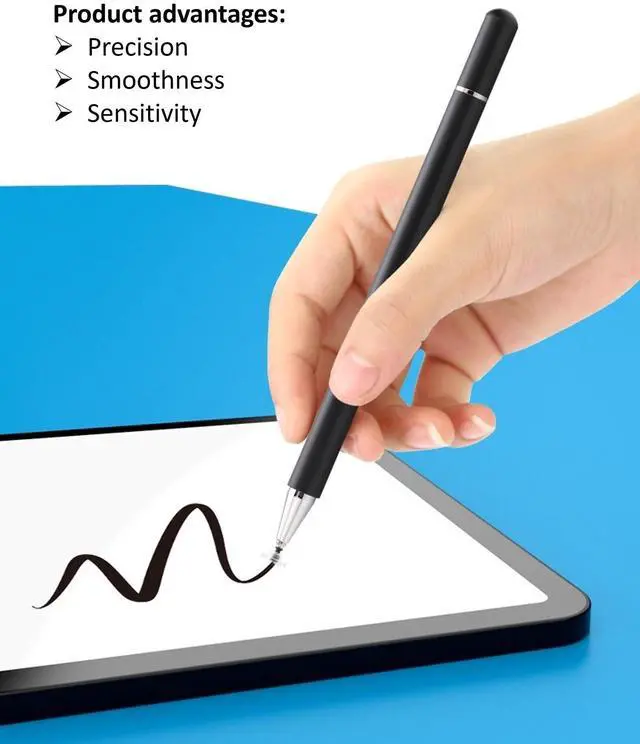


2-in-1 Stylus Pen for Samsung Galaxy Tab A11/A11+/A9+/A9/A8/A8 Plus/A7/A7 Lite, Stylus for iPad Pro/iPhone/Fire HD/Surface Tables All Touch Devices (Black)
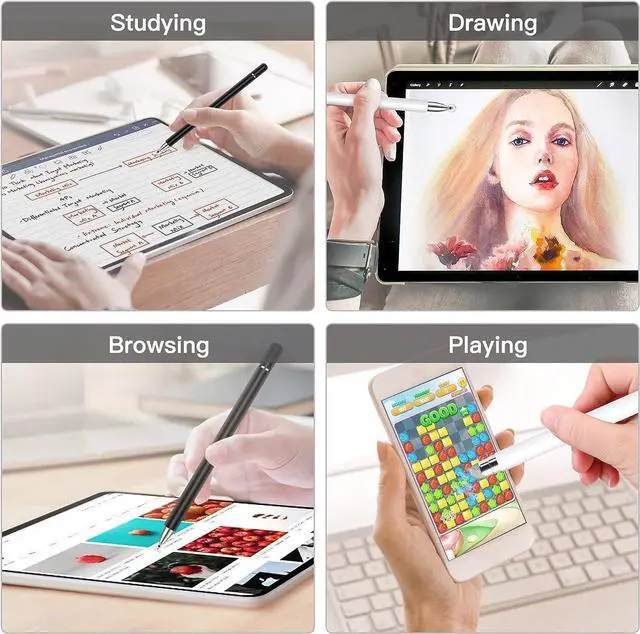
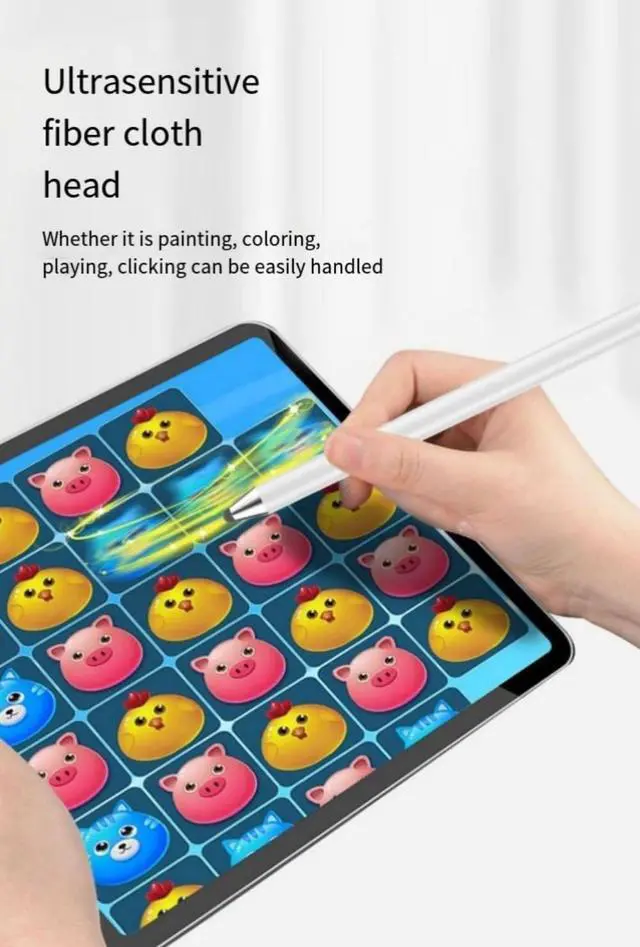
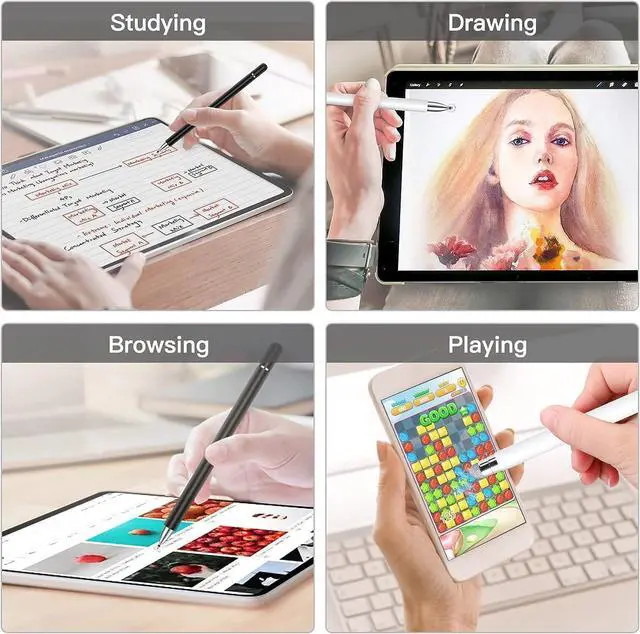
- Compatibility WithStylus Pen for Android table, iOS, suitable for Samsung Galaxy Tab A11/A11+/A9+ Plus/A9/A8/A8 Plus/A7/A7 Lite, for Apple iPad Pro/iPhone/Fire HD//Surface/HP, etc., and also compatible with major operating systems, such as: Google, Android, Microsoft, etc.), you can use it like a real You can use our stylus to write on drawing applications, take notes, read news, play games, etc., just like any other touch screen device.
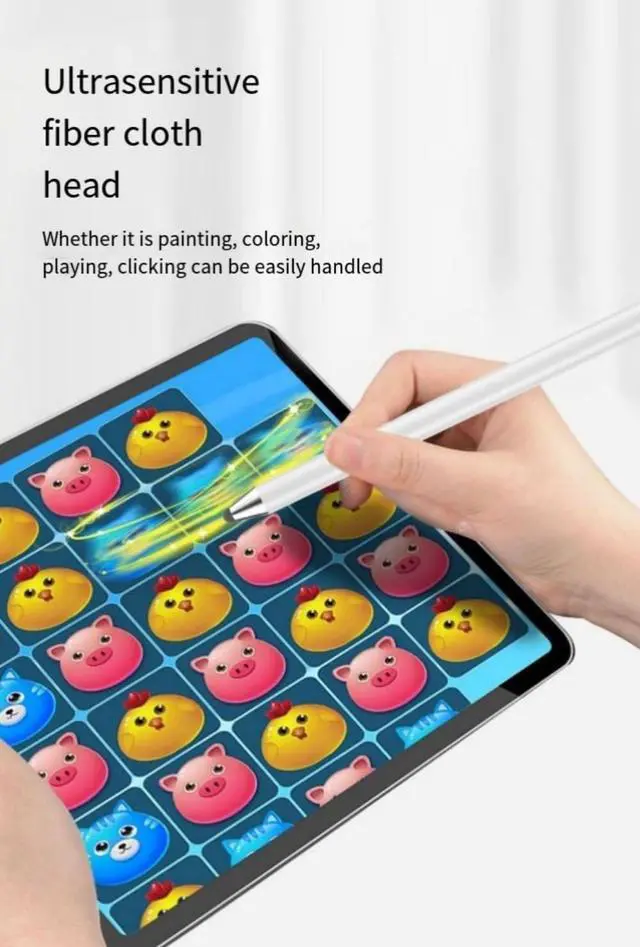
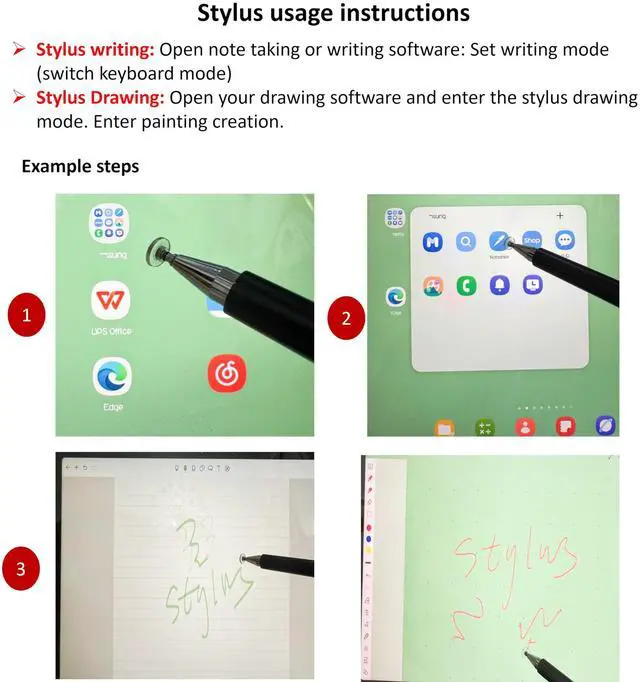
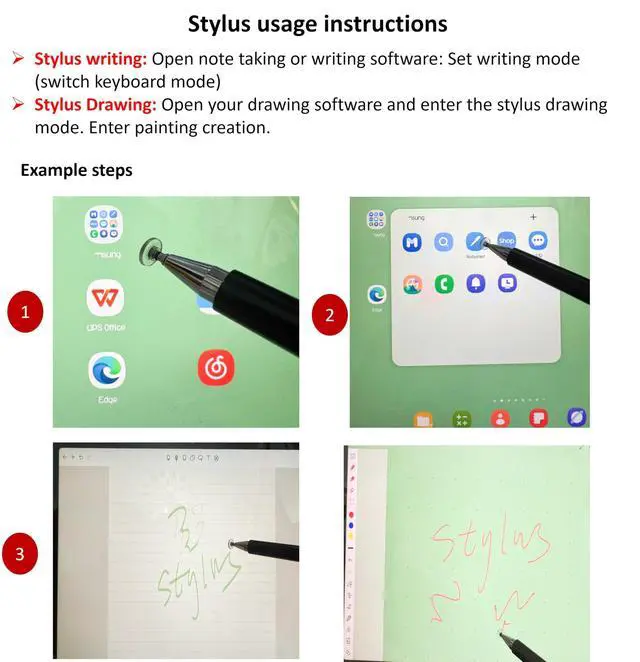
- Stylus for Touch Screenfllynewrite stylus can be used on touch screen, designed to replace your fingers, the stylus can free up your fingers and provide higher sensitivity and response on the screen. Stylus writing: Open note taking or writing software: Set writing mode (switch keyboard mode) .Stylus Drawing: Open your drawing software and enter the stylus drawing mode. Enter painting creation.
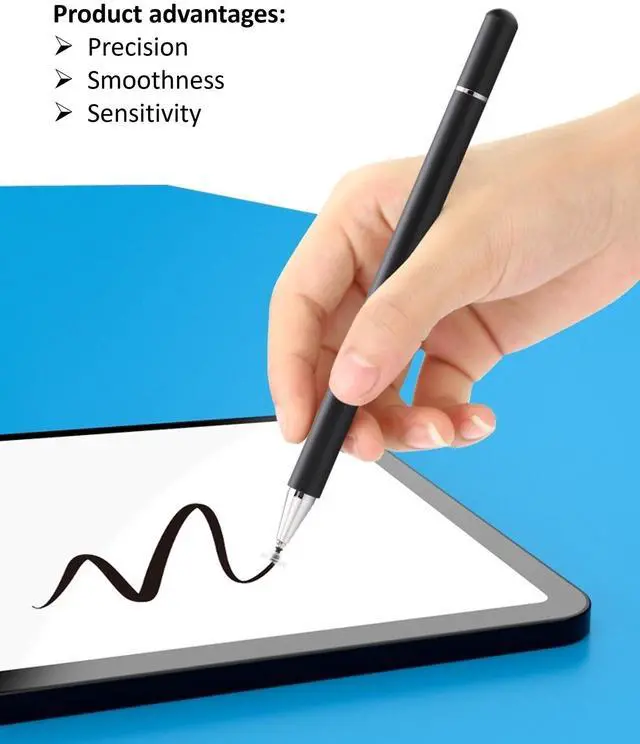
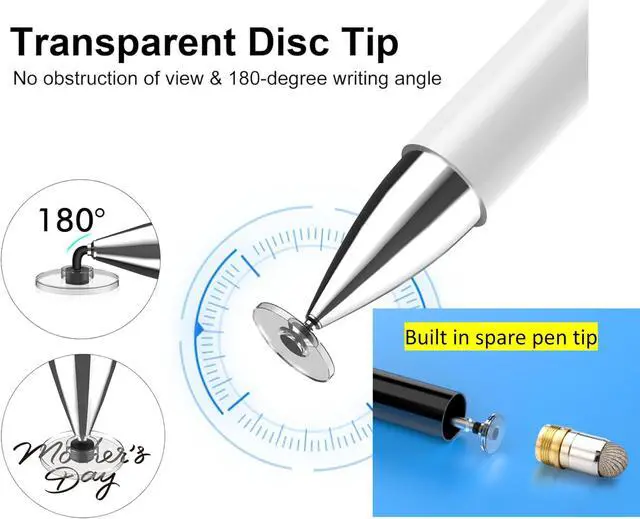
- 2in1 Stylus Penfllynewrite Tablet pen for touch screen, made of lightweight alloy, no need for Bluetooth connection or charging, ready to use after opening the package, comfortable in hand, sturdy, durable and anti-aging, so you can use it anytime, anywhere Easily capture inspiration and make everything feel like writing on paper, giving you a more accurate writing/drawing/touching experience.
+
+
Overview
Specs
Reviews

Any questions? Our AI mode will help you find out quickly.
Try me now
fllynewrite brand stylus, suitable for touch screen devices (Samsung Galaxy Tab A11/A11+/A9+ Plus/A9/A8/A8 Plus/A7/A7 Lite, for Apple iPad Pro/iPhone/Fire HD//Surface/HP, etc., and also compatible with major operating systems, such as: Google, Android, Microsoft, etc.), you can use it like a real You can use our stylus to write on drawing applications, take notes, read news, play games, etc., just like any other touch screen device. Stylus writing: Open note taking or writing software: Set writing mode (switch keyboard mode) Stylus Drawing: Open your drawing software and enter the stylus drawing mode. Enter painting creation.
Warranty & Returns
Warranty, Returns, And Additional Information
Warranty
- Please contact the Seller directly for warranty information. Warranty information may also be found on the Manufacturer's website.
- CONTACT
Return Policies
- Return for refund within: 30 days
- Return for replacement within: 30 days
- This item is covered by BestGifts Store Return Policy
Manufacturer Contact Info
- For a directory of all our manufacturers, please click below.
- Manufacturers Directory
LOADING...