




Stylus Pen for All Touchscreen
Begin your creative journey with our stylus pens

StylusLink Founded in 2017. StylusLink specialize in research & development touchscreen stylus for electronic devices with professional technique, we design and production Precision,Stylish, Good Use smartphone stylus pens and ipad pencils.
As a stylus pen mass supplier for over 100 countries.We focus on product functions ,materials, application of advanced technology to bring better experience.
Our Aim : Write comfortably, write cozy!
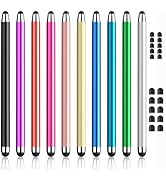
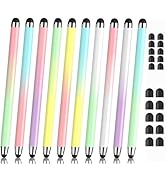
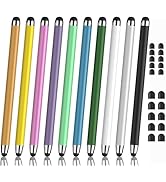
10-Pack Rubber Tip Stylus
Equipped with two different sized tips at each end, providing two options and delivering a smooth and responsive writing experience
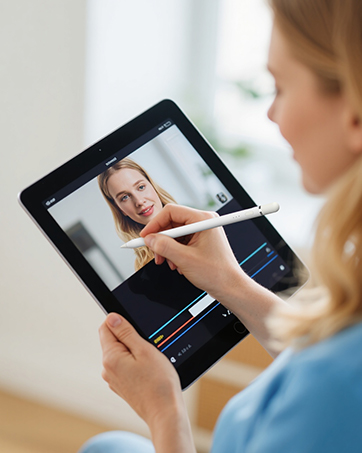
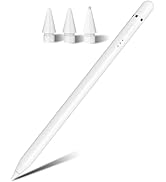
Fast-Charging Ipad Pencil
Fast Charging, Magnetic Function, Tilt Sensitivity and Palm Rejection, this ipad stylus offers you a great writing experience

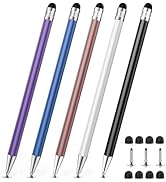
3-in-1 touch screen pen
3-in-1 tipped stylus, 1 disc tip and 2 rubber tips with different sizes, you can experience 3 smooth writing sensations with one stylus
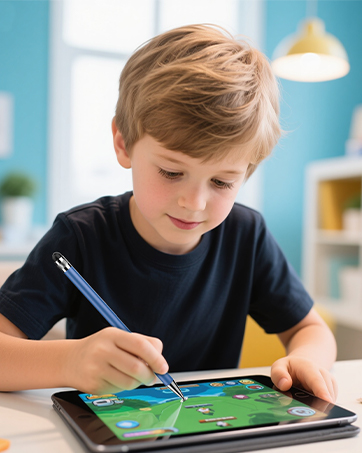
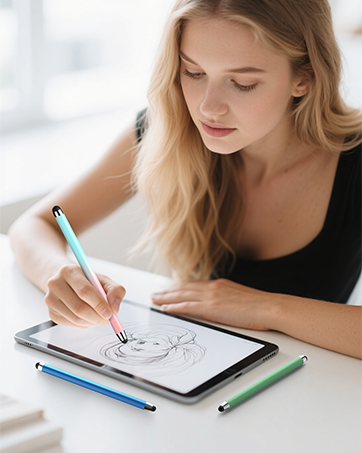
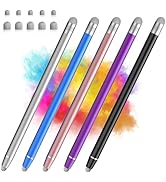
2-in-1 Stylus for Touch screen
2-in-1 touch screen stylus, disc tip lets you write exactly where you place it, rubber tip is ideal for tapping, coloring and rolling.

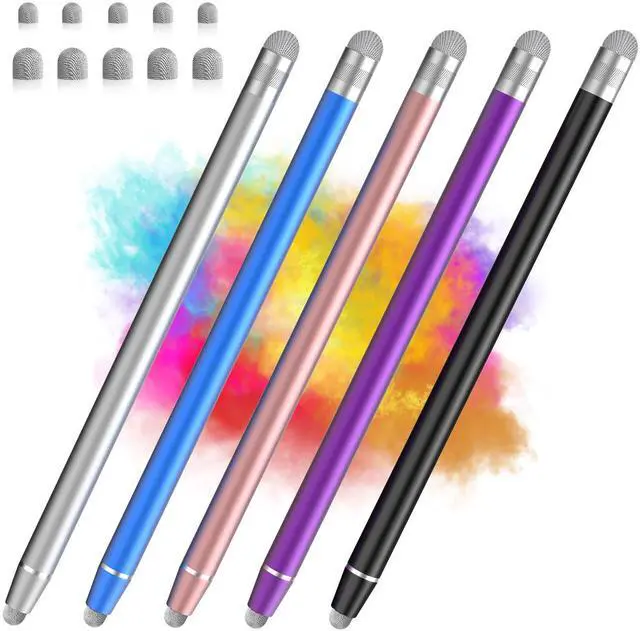
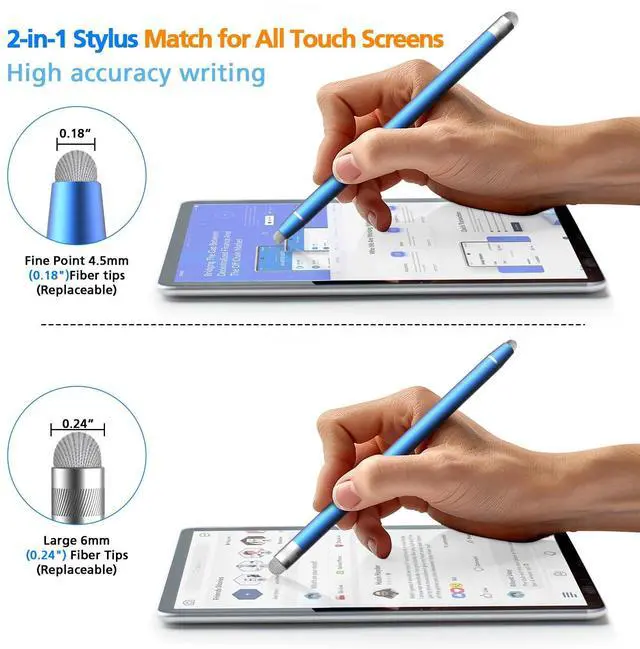
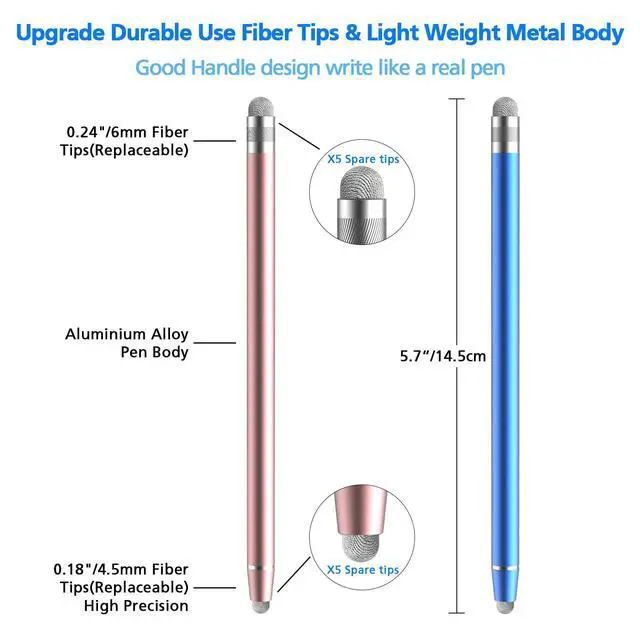
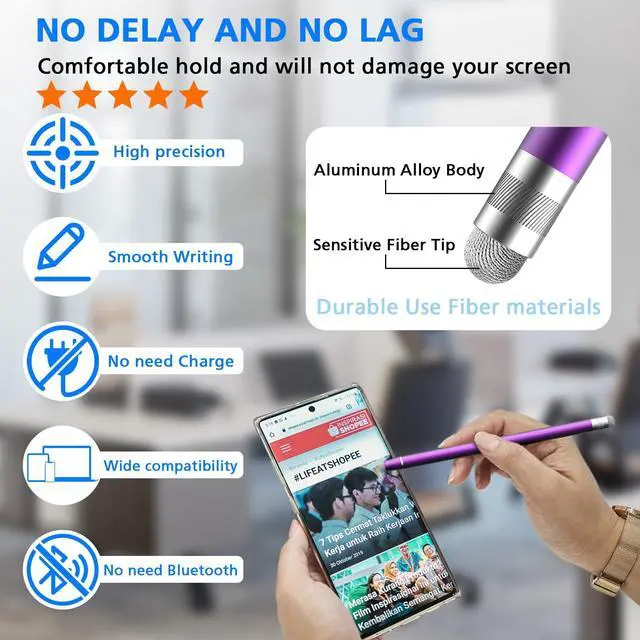
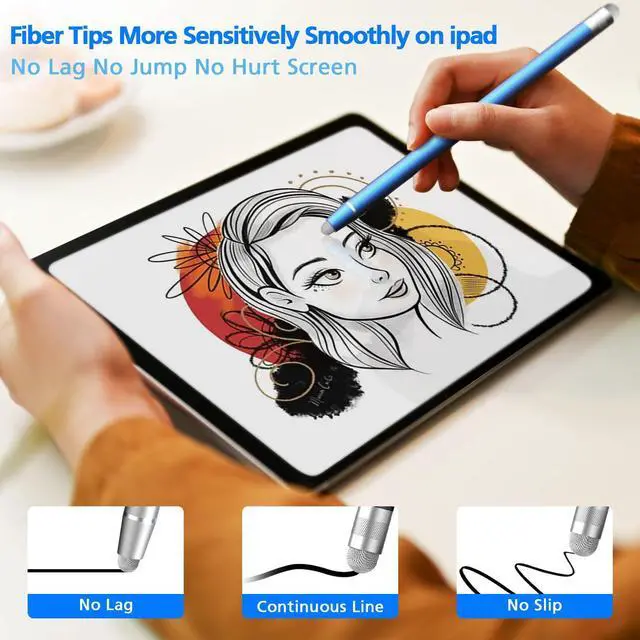
2-in-1 Fiber Stylus Pens
Made of high-quality aluminum alloy, providing a comfortable & stable grip,which can enhance your writing and drawing experience.

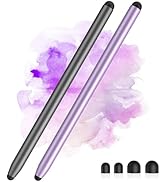
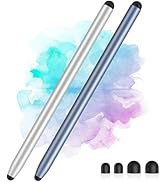
2-Pack Magnetic Stylus Pens
This stylus features an easily replaceable magnetic rubber tip and can also magnetically attach to some iPad models.
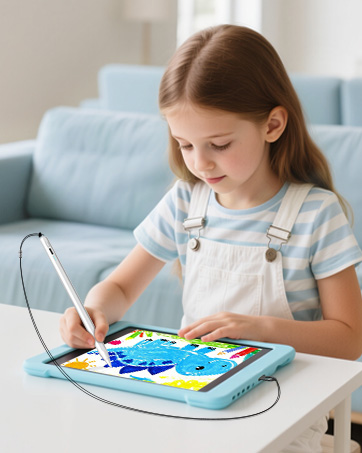
Anti-lost strap active stylus
Equipped with an anti-loss strap, this ipad pen effectively protect your tablet, in case your child accidentally drops and breaks it
Best Sellers
Best Sellers


Warm tips: When use the touchscreen stylus on Ipad, please make sure ipad “Only Draw with Apple Pencil ”& “Scribble” is the turn off setting,make sure the stylus are smoothly work on ipad. Not sure where to close? Go to Settings > Apple Pencil > “Only Draw with Apple Pencil ”& “Scribble”> Turn off


Stylus Pen for All Touchscreen
Begin your creative journey with our stylus pens
StylusLink Founded in 2017. StylusLink specialize in research & development touchscreen stylus for electronic devices with professional technique, we design and production Precision,Stylish, Good Use smartphone stylus pens and ipad pencils.
As a stylus pen mass supplier for over 100 countries.We focus on product functions ,materials, application of advanced technology to bring better experience.
Our Aim : Write comfortably, write cozy!
10-Pack Rubber Tip Stylus
Equipped with two different sized tips at each end, providing two options and delivering a smooth and responsive writing experience
Fast-Charging Ipad Pencil
Fast Charging, Magnetic Function, Tilt Sensitivity and Palm Rejection, this ipad stylus offers you a great writing experience
3-in-1 touch screen pen
3-in-1 tipped stylus, 1 disc tip and 2 rubber tips with different sizes, you can experience 3 smooth writing sensations with one stylus
2-in-1 Stylus for Touch screen
2-in-1 touch screen stylus, disc tip lets you write exactly where you place it, rubber tip is ideal for tapping, coloring and rolling.
2-in-1 Fiber Stylus Pens
Made of high-quality aluminum alloy, providing a comfortable & stable grip,which can enhance your writing and drawing experience.
2-Pack Magnetic Stylus Pens
This stylus features an easily replaceable magnetic rubber tip and can also magnetically attach to some iPad models.
Anti-lost strap active stylus
Equipped with an anti-loss strap, this ipad pen effectively protect your tablet, in case your child accidentally drops and breaks it
Best Sellers
Best Sellers