






Get a Aoitun Stylus, Get a Good Partner for Your Touch Screen Devices
- A better way to take notes.
- Leave your mark on email, documents, and more.
- Use the apps you love in a whole new way.
- Perfectly on point for anything you do.
- Ideal gift for yourself and anyone you love.
Aoitun Stylus Pencil
Perfect for whenever inspiration strikes
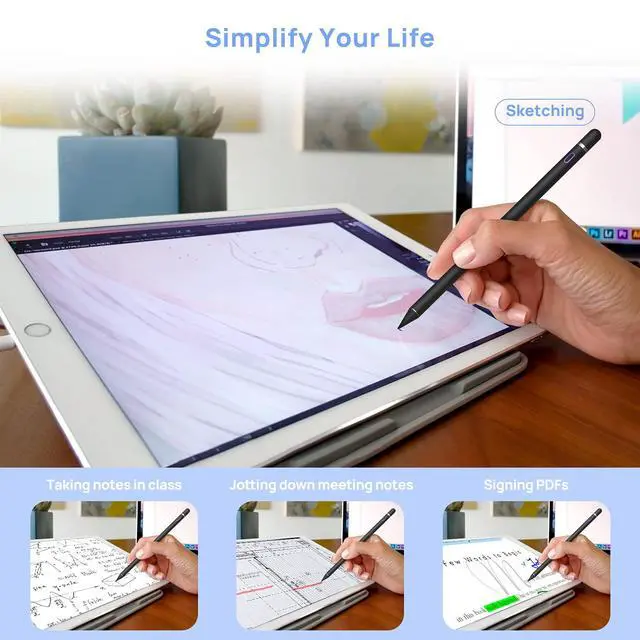

It is an immersive way to mind down experience that you can note, paint, brainstorm, or work on your touch screen devices. Aoitun Stylus Pencil allows you to select small icons, click small alphabet with accuracy and ease. Everything becomes more simpler and freer— just like a a familiar writing and drawing tool with precise accuracy.
- Notes:
- 1.The pen has NO Bluetooth function and does NOT support "Palm Rejection".
- 2.The pen has NO pressure sensitivity.
- 3.If the stylus cannot write, please set your iPad or iPad Pro as follows:
- Settings--->Apple Pencil--->Turn off the Apple pencil.
- Settings---> Notes--->Turn off "Only Draw with Apple Pencil".
- Settings---> General---> Reset---> Reset All Settings.
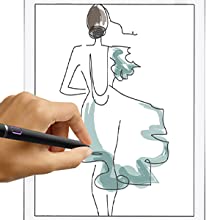
High Sensitivity
With precise accuracy and no delay, just draw and write naturally without fear of missing a single line or detail.
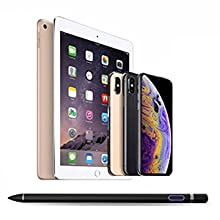
Universal Compatibility
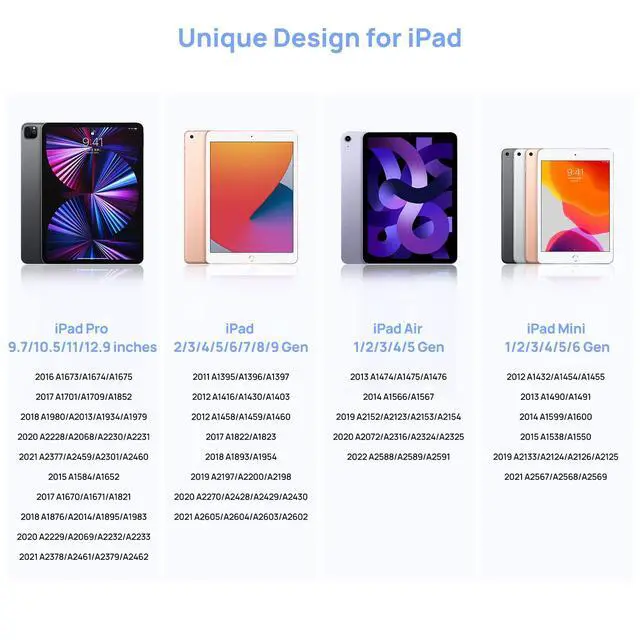
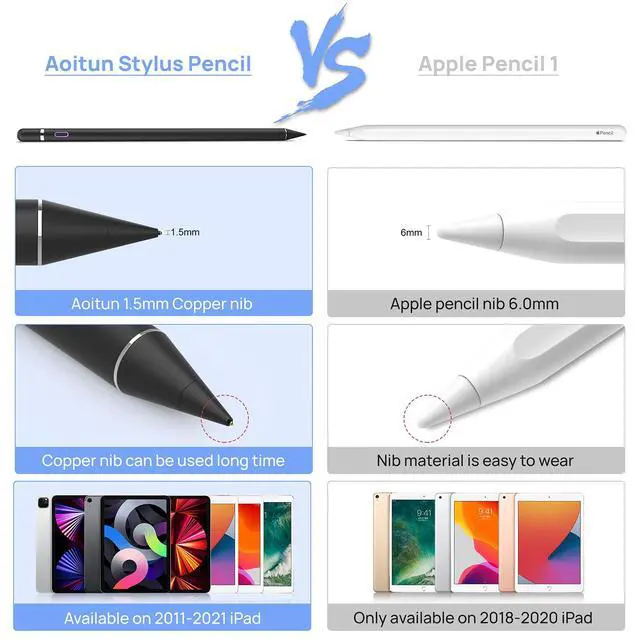
Shuttle creation on a variety of touch devices, without interrupting your flow. Make your mark in your brainstorming.
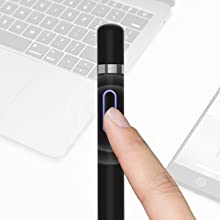
Simple to Use
As soon as you press the button to turn it on it works like charm no need for pairing. Use the apps you love in a whole new way.
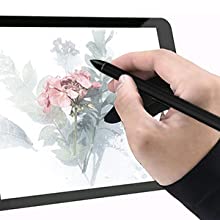
The glove
The glove can reduce the friction between your hand and the touchscreen surface, giving you a better realistic feeling.
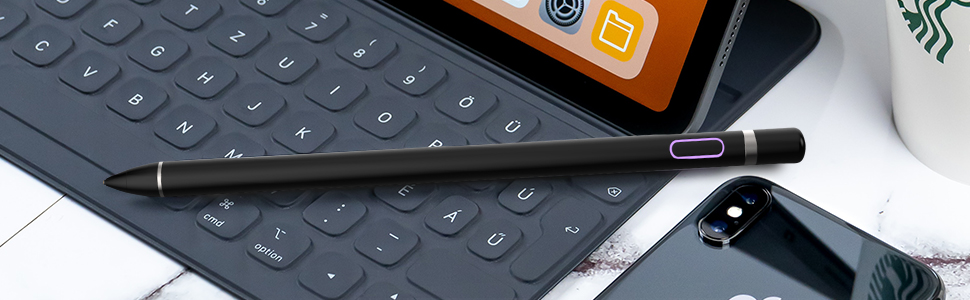
Aoitun Stylus Pencil
Get a Aoitun Stylus, Get a Good Partner for Your Touch Screen Devices
- A better way to take notes.
- Leave your mark on email, documents, and more.
- Use the apps you love in a whole new way.
- Perfectly on point for anything you do.
- Ideal gift for yourself and anyone you love.
Perfect for whenever inspiration strikes
It is an immersive way to mind down experience that you can note, paint, brainstorm, or work on your touch screen devices. Aoitun Stylus Pencil allows you to select small icons, click small alphabet with accuracy and ease. Everything becomes more simpler and freer— just like a a familiar writing and drawing tool with precise accuracy.
- Notes:
- 1.The pen has NO Bluetooth function and does NOT support "Palm Rejection".
- 2.The pen has NO pressure sensitivity.
- 3.If the stylus cannot write, please set your iPad or iPad Pro as follows:
- Settings--->Apple Pencil--->Turn off the Apple pencil.
- Settings---> Notes--->Turn off "Only Draw with Apple Pencil".
- Settings---> General---> Reset---> Reset All Settings.
High Sensitivity
With precise accuracy and no delay, just draw and write naturally without fear of missing a single line or detail.
Universal Compatibility
Shuttle creation on a variety of touch devices, without interrupting your flow. Make your mark in your brainstorming.
Simple to Use
As soon as you press the button to turn it on it works like charm no need for pairing. Use the apps you love in a whole new way.
The glove
The glove can reduce the friction between your hand and the touchscreen surface, giving you a better realistic feeling.