


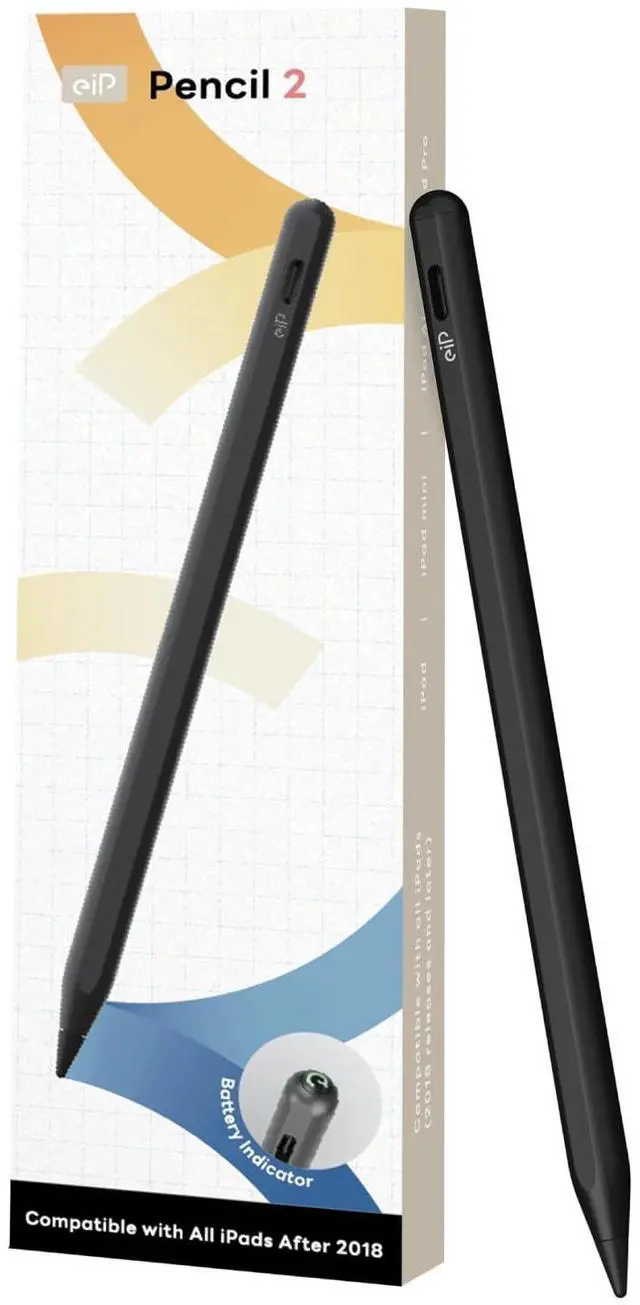







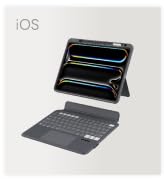
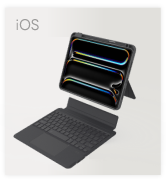
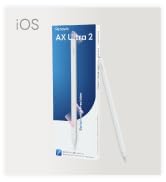

EIP PENCIL 2
Merchant Video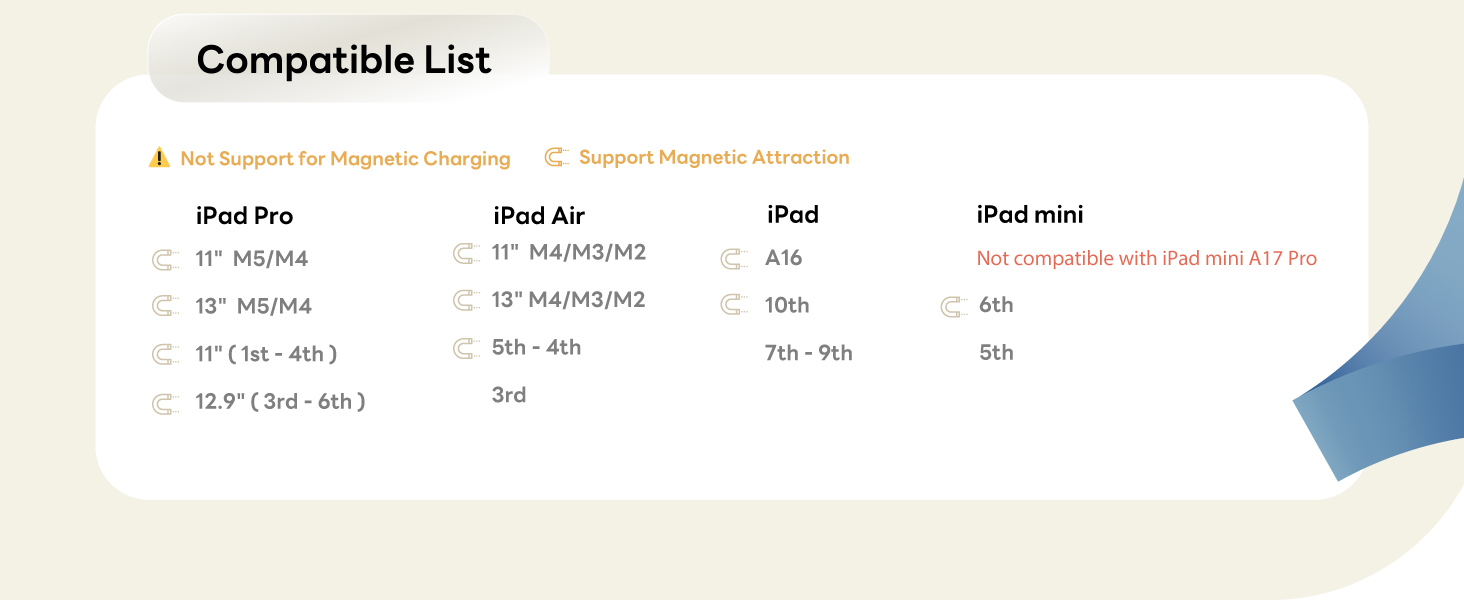
Complete Accessories for iPad
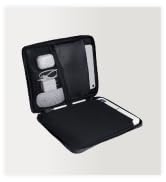
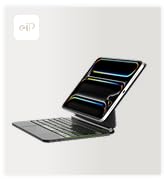
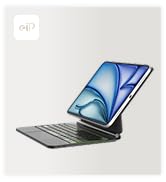
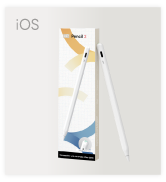
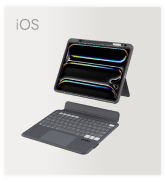
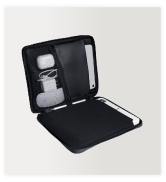
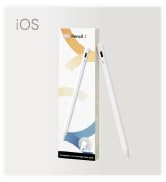
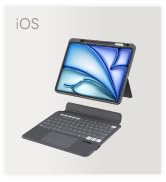
 Pencil 2 | 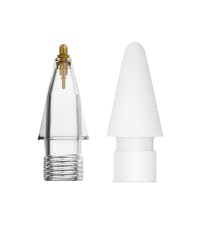 Metal Nib & Durable Nib | 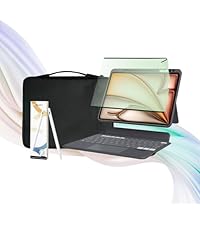 All-in-one Set | 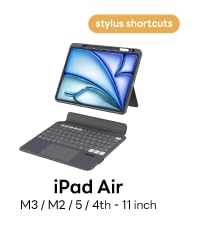 Magnetix Keyboard Case |  Anti Blue Protector | 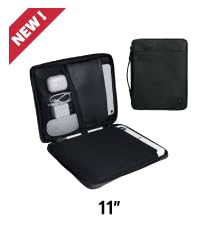 Slim Tablet Bag | 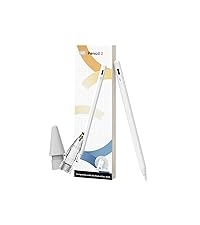 eiP Pencil Set | |
|---|---|---|---|---|---|---|---|
Customer Reviews | — | — | — | — | — | — | — |
Price | — | — | — | — | — | — | — |
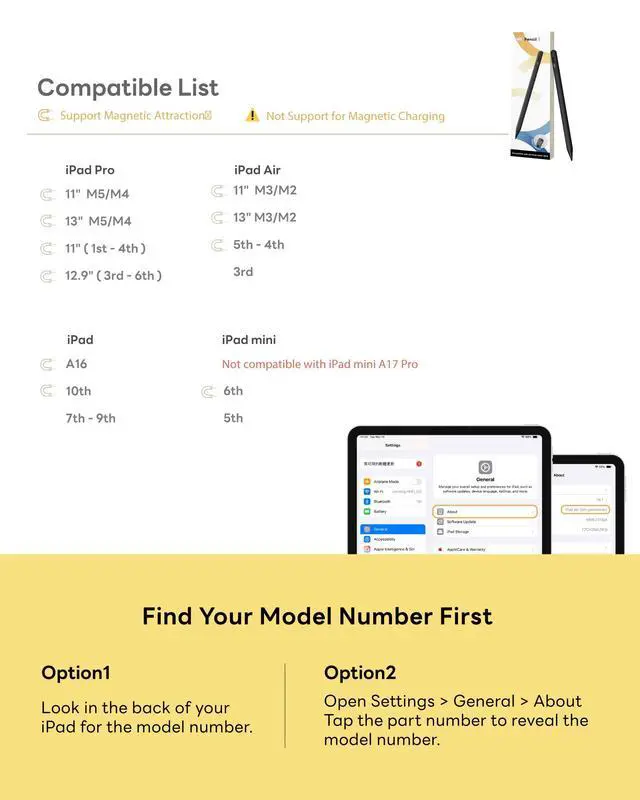
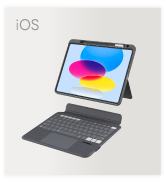
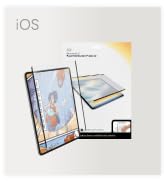
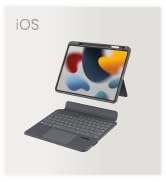
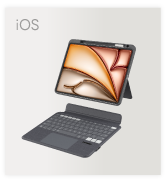
Compatibility | iPad 2018-2026 | eiP Pencil 2, eiP Pencil X | iPad Air 11" M4/M3/M2 | iPad Air 11" M4/M3/M2/5/4 | iPad 2018-2026 | iPad 8"-11" | eiP Pencil 2 |
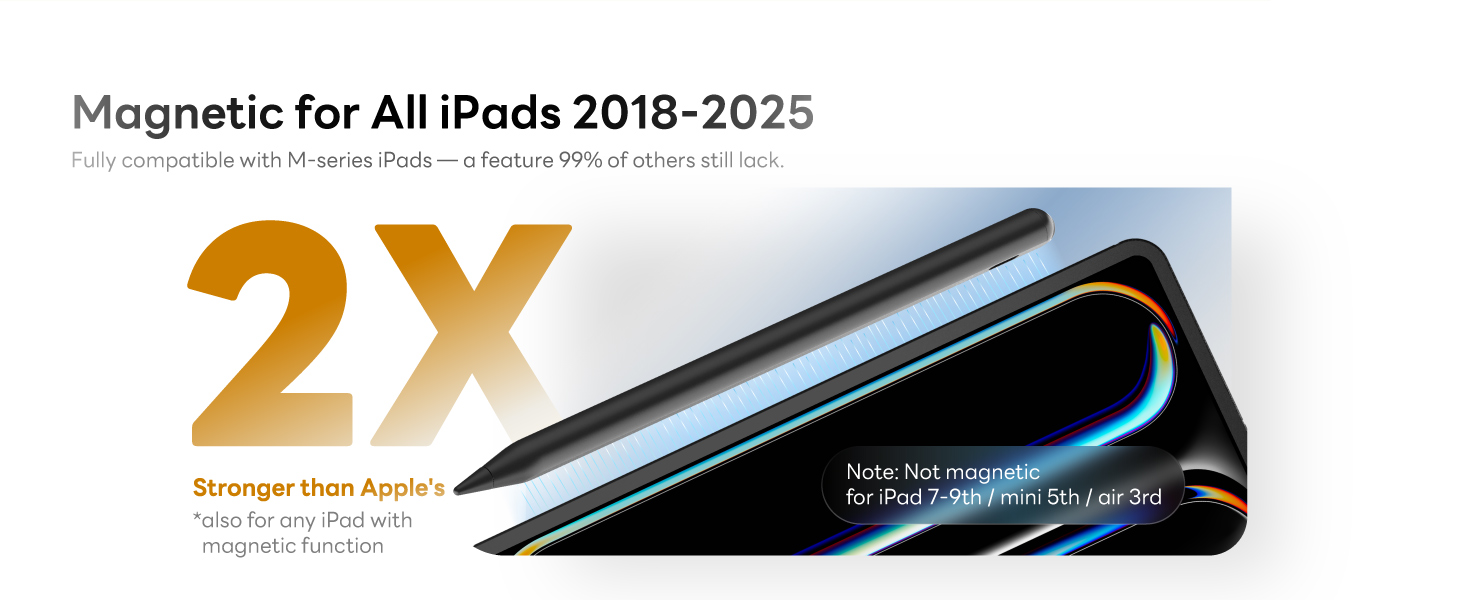
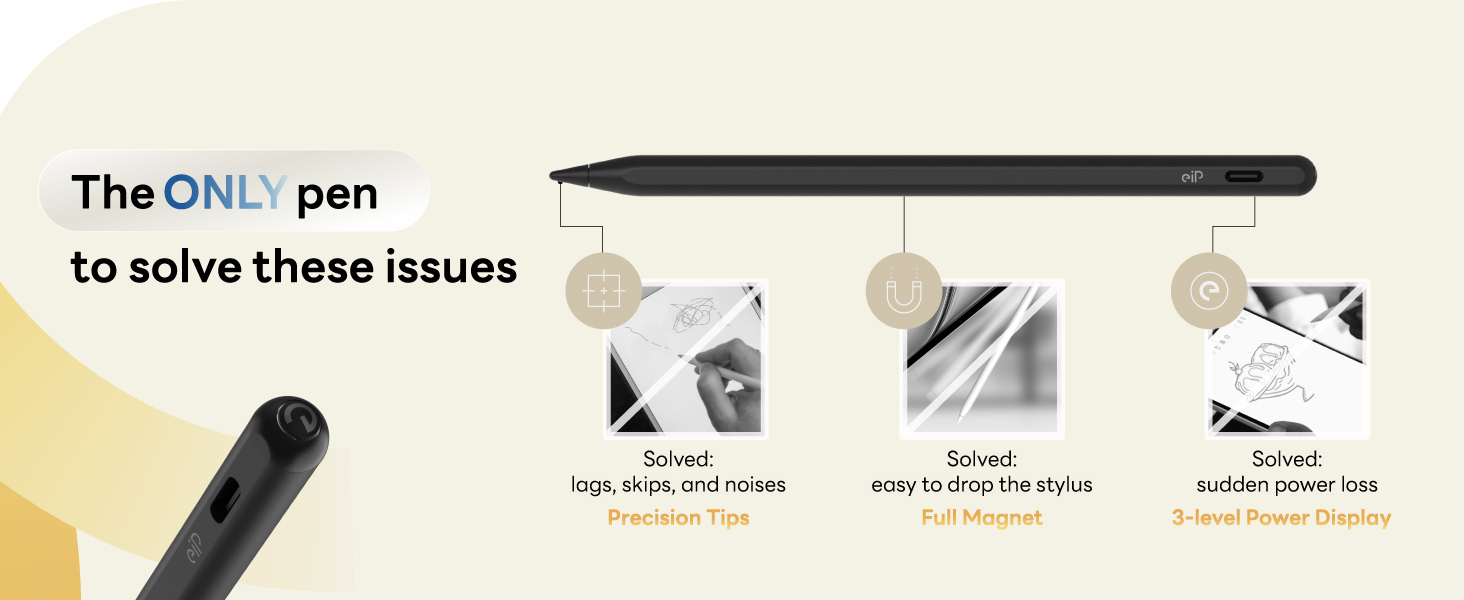
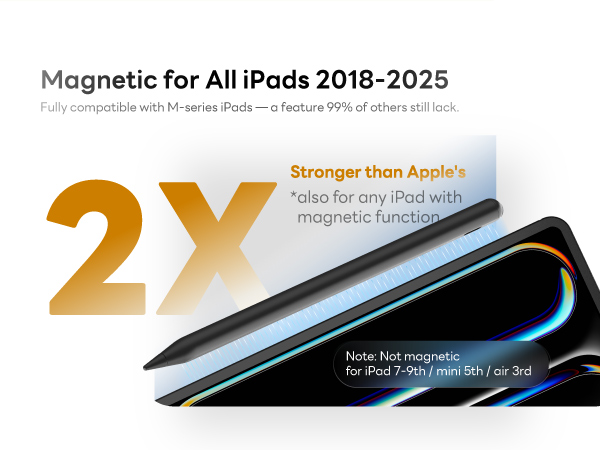
Feature | Full Magnetic | Ballpoint Pen Feeling | Magnetix Keyboard | Stylus Shortcuts | Anti Blue Light | Water-repellent | Ballpoint Pen Feeling |
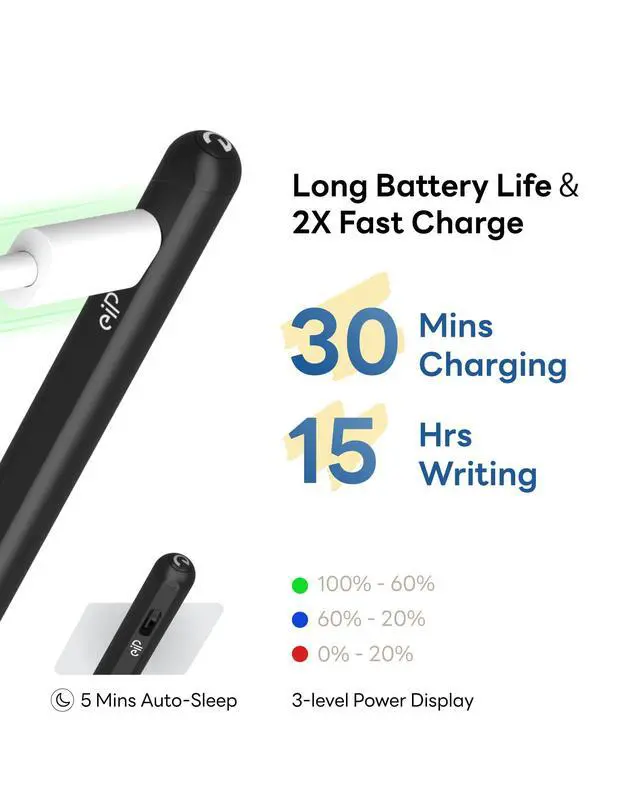
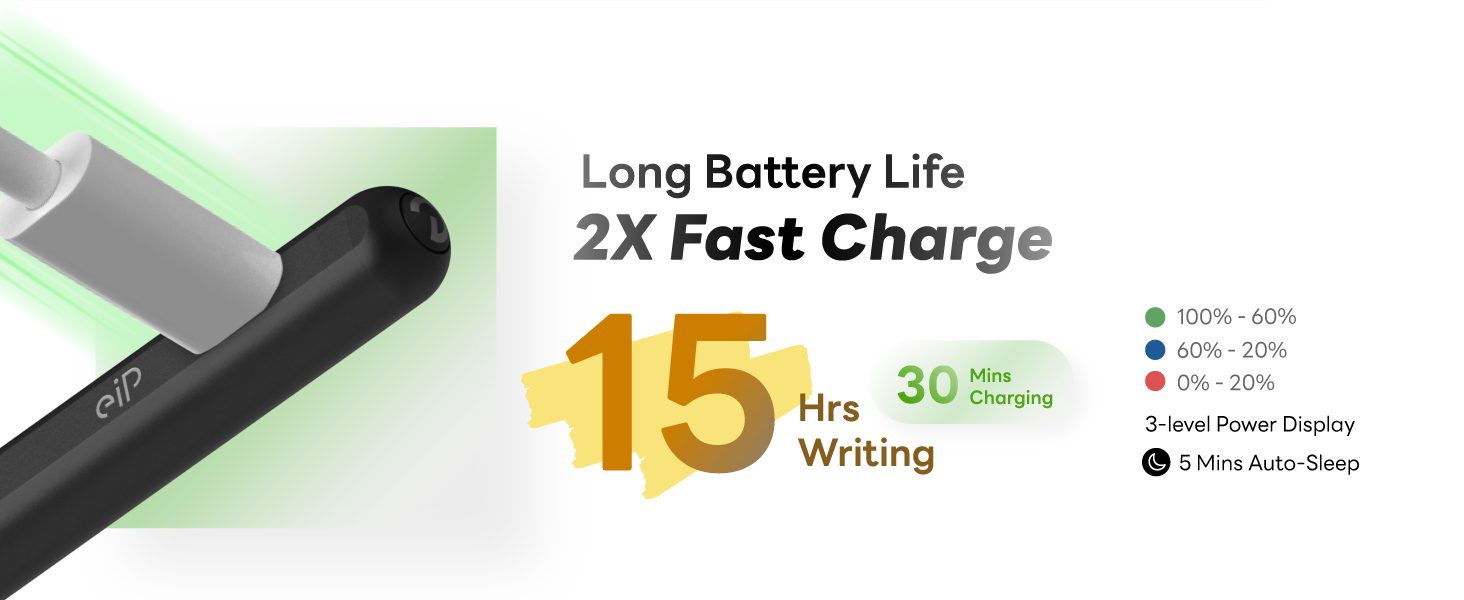
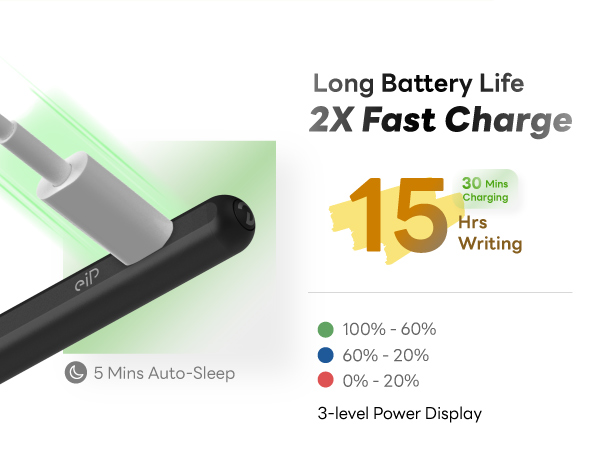
Feature | 15 Hours Battery Life | 2X More Durable Tips | Slim bag | Precise Trackpad | Bubble-Free Installation | Multiple compartments | 15 Hours Battery Life |
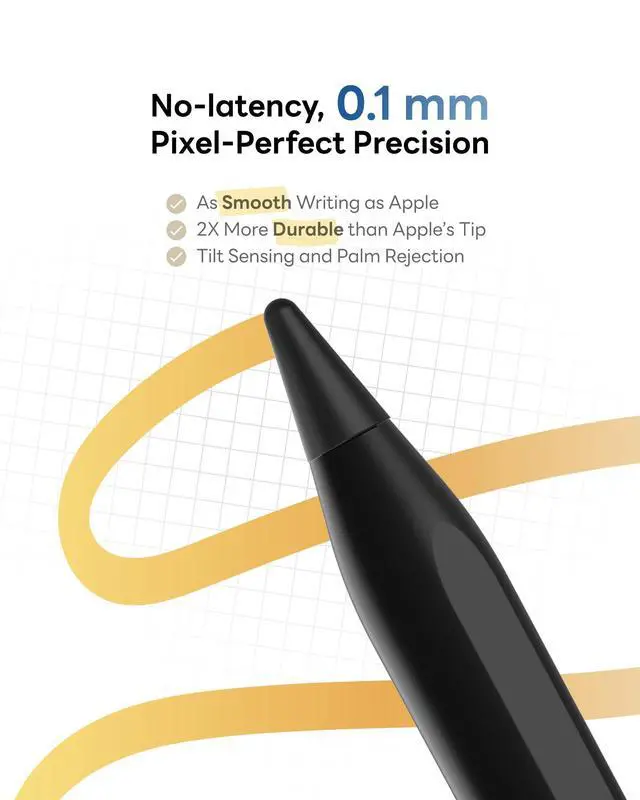
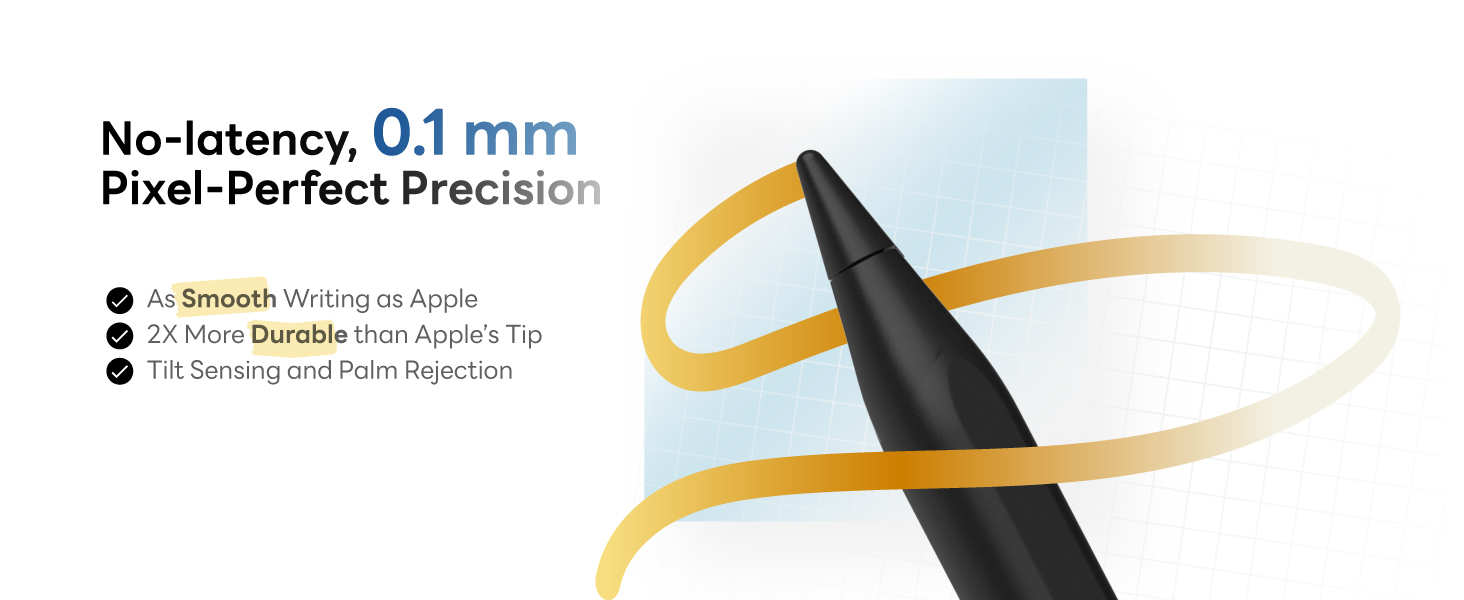
Feature | 0.1 mm Precision | 0.1 mm Precision | eiP Pencil 2 | Multiple-angle Adjustable | Detachable & Reusable | Stylus Holder | 0.1 mm Precision |
Feature | 2X Durable Tips | 1 durable nib and 1 metal nib | Screen protector | 7-color Backlight | True Paper-like Writing | Retractable handle | Metal Nib & Durable Nib |
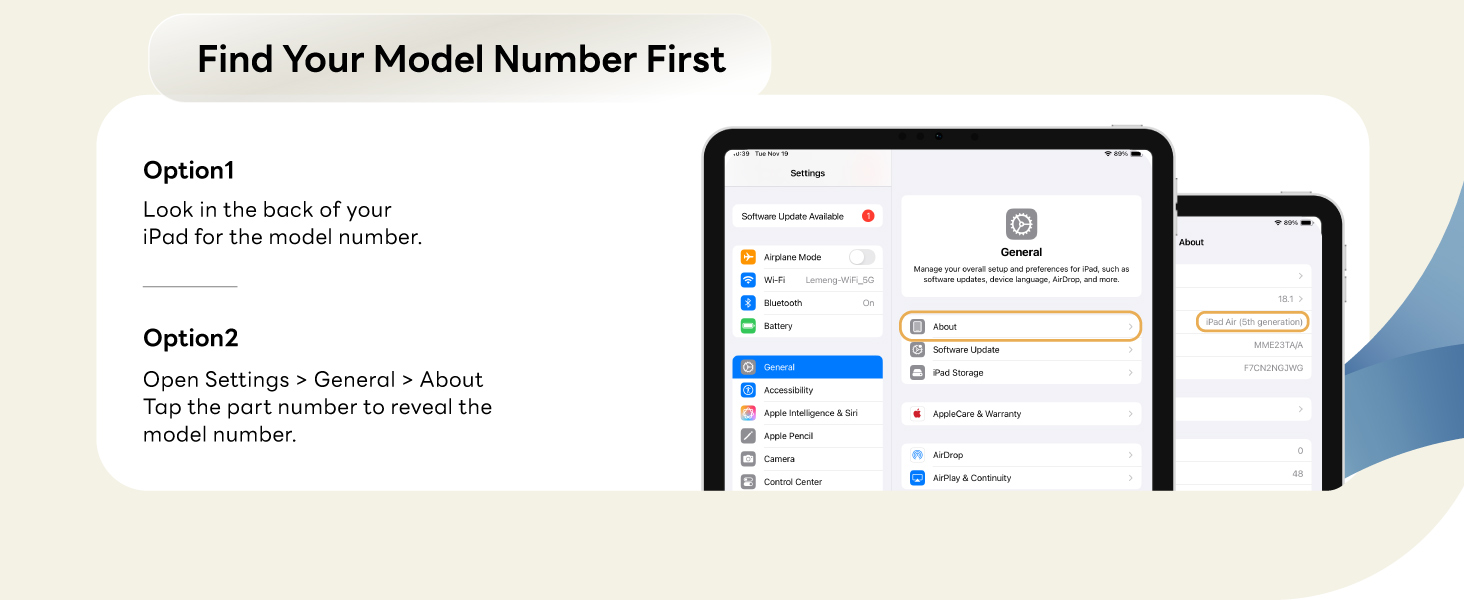
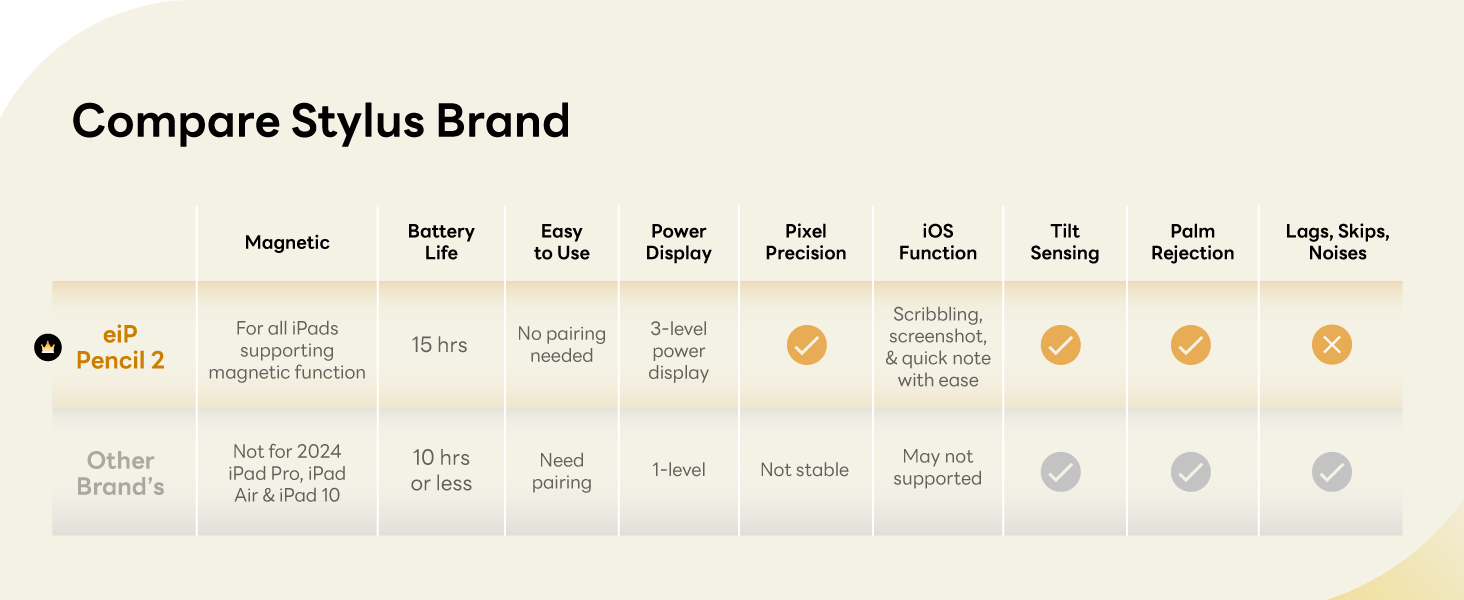
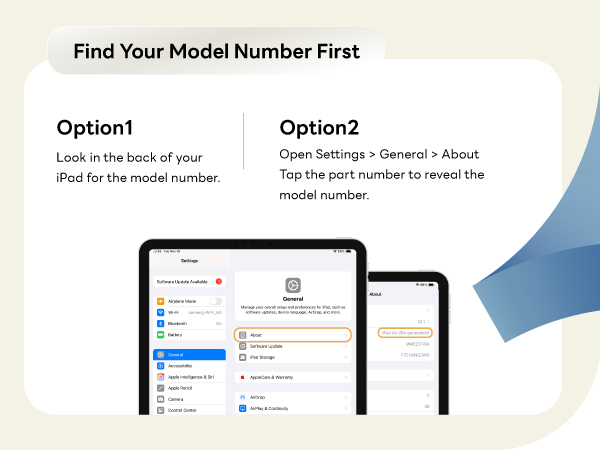
My iPad is compatible with pencil 2, why it doesn't seem to work?
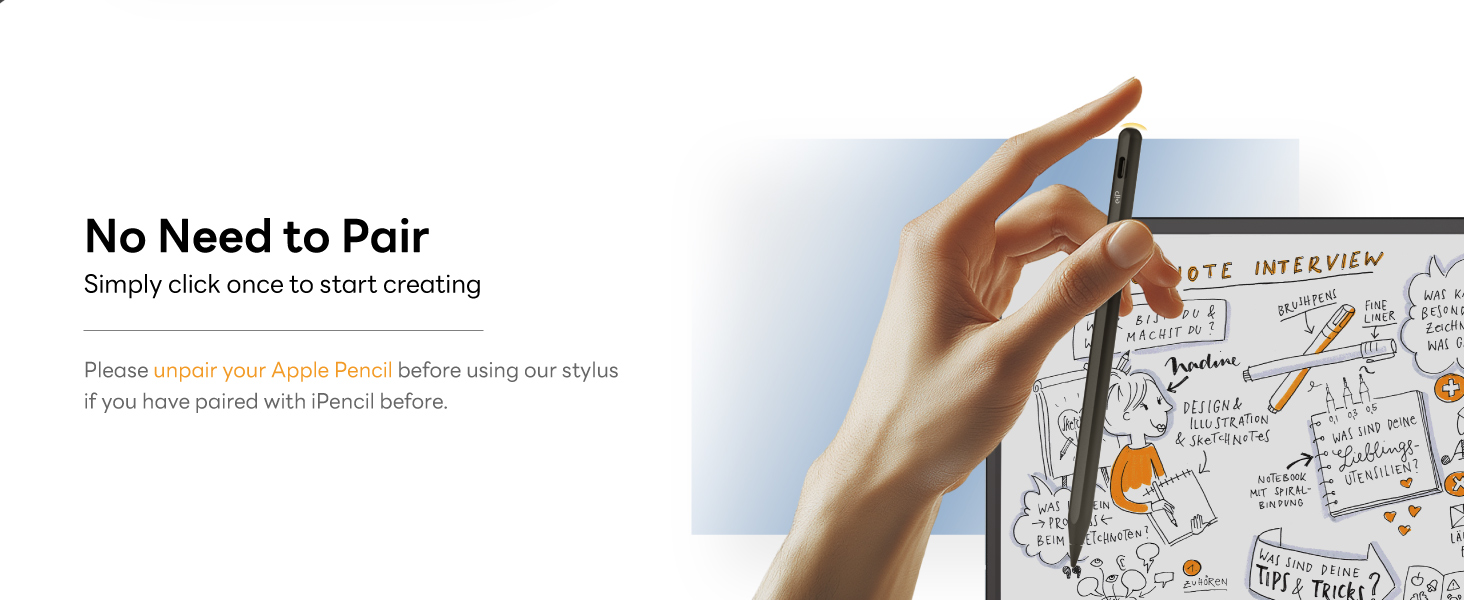
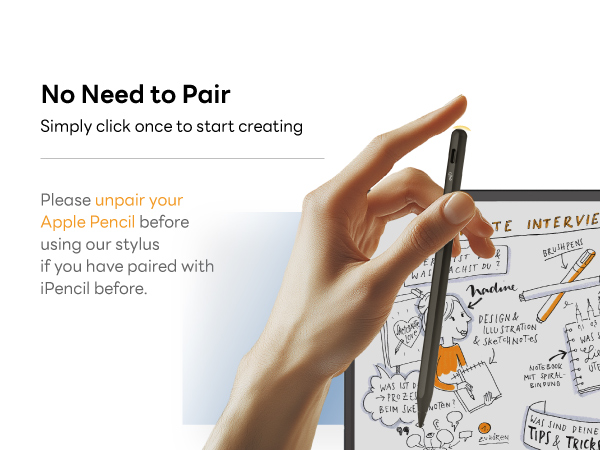
Before first use, please charge Pencil for 10 minutes. and make sure 1. iOS system is updated to iOS 12.2 or above. 2. Disconnect Apple Pencil (if you have). Go to Settings > Bluetooth > Find “Apple Pencil” to Forget This Device.
Does it support pressure sensing?
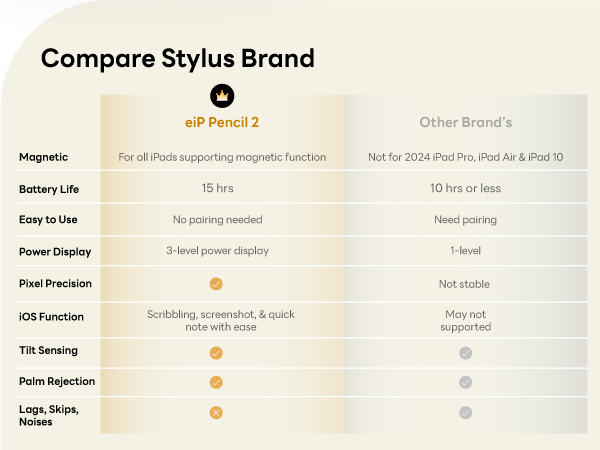
No. All the third party stylus doesn't support pressure sensitivity.
How to stop my fingers to draw?
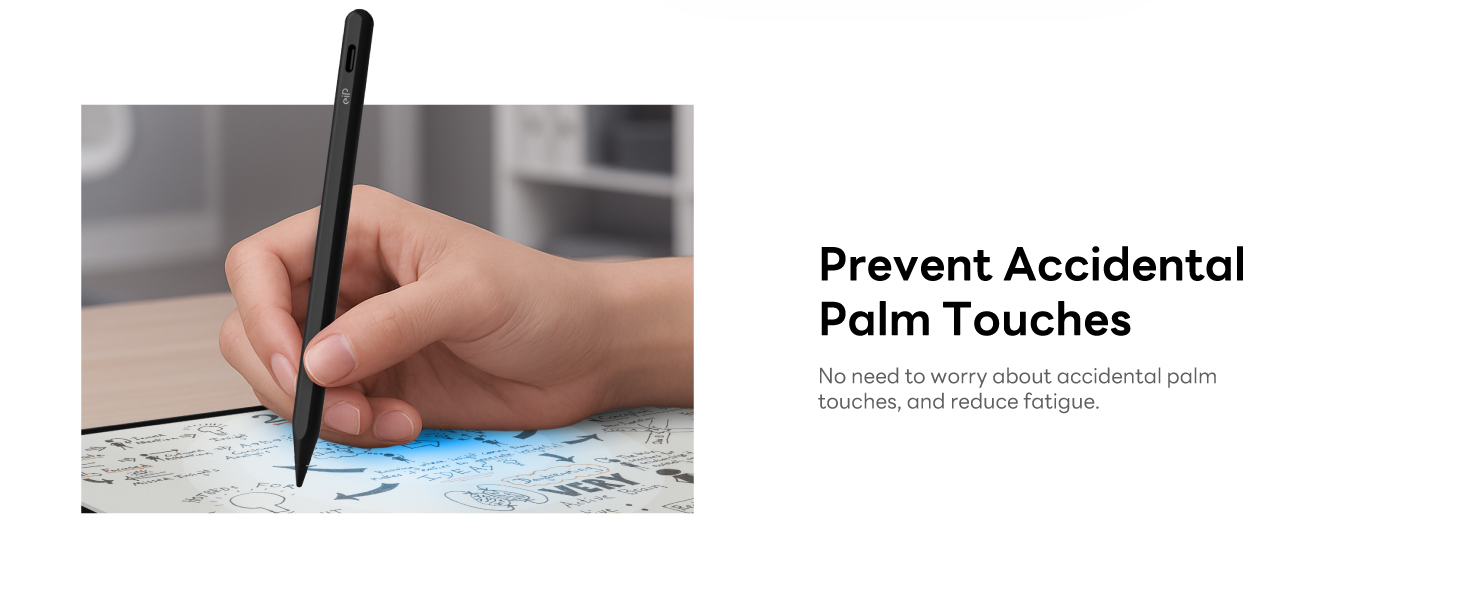
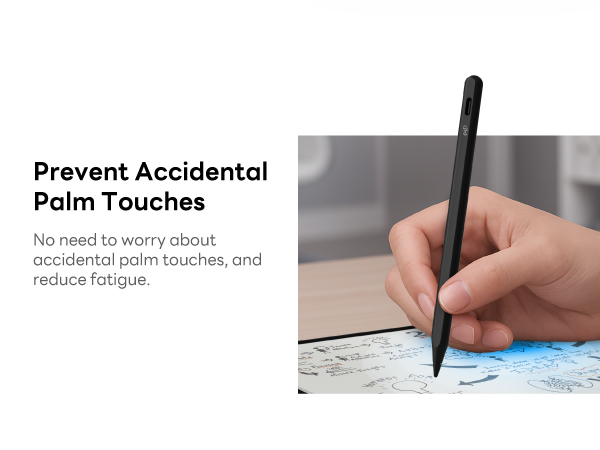
It has palm rejection. To ignore hand input and only draw with pencil 2, please go to Settings > Apple Pencil > Turn on "Only Draw with Apple Pencil" (iOS 14+ available).
Can Pencil 2 pull down control center?
NO. No active pencils including the original iPencil can pull the control center down, notification bar down or swipe up between apps.
I still can't fix my issue, how can I do?
Don't worry. We're here to help. Please send us a message. We'll reply you ASAP.
EIP PENCIL 2
Merchant Video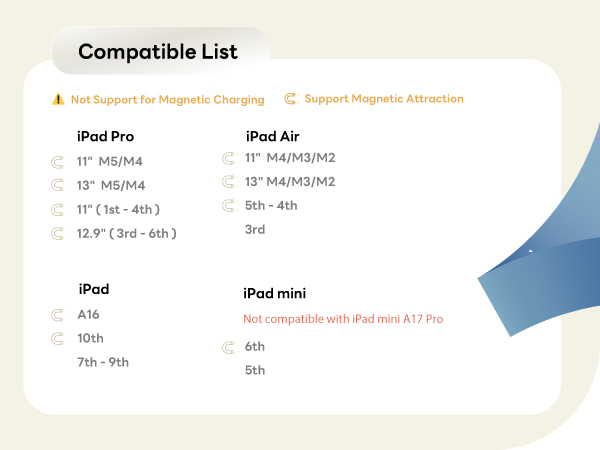
Complete Accessories for iPad
Pencil 2 | Metal Nib & Durable Nib | All-in-one Set | Magnetix Keyboard Case | Anti Blue Protector | Slim Tablet Bag | eiP Pencil Set |
|---|---|---|---|---|---|---|
| Customer Reviews | ||||||
| — | — | — | — | — | — | — |
| Price | ||||||
| — | — | — | — | — | — | — |
| Compatibility | ||||||
| iPad 2018-2026 | eiP Pencil 2, eiP Pencil X | iPad Air 11" M4/M3/M2 | iPad Air 11" M4/M3/M2/5/4 | iPad 2018-2026 | iPad 8"-11" | eiP Pencil 2 |
| Feature | ||||||
| Full Magnetic | Ballpoint Pen Feeling | Magnetix Keyboard | Stylus Shortcuts | Anti Blue Light | Water-repellent | Ballpoint Pen Feeling |
| Feature | ||||||
| 15 Hours Battery Life | 2X More Durable Tips | Slim bag | Precise Trackpad | Bubble-Free Installation | Multiple compartments | 15 Hours Battery Life |
| Feature | ||||||
| 0.1 mm Precision | 0.1 mm Precision | eiP Pencil 2 | Multiple-angle Adjustable | Detachable & Reusable | Stylus Holder | 0.1 mm Precision |
| Feature | ||||||
| 2X Durable Tips | 1 durable nib and 1 metal nib | Screen protector | 7-color Backlight | True Paper-like Writing | Retractable handle | Metal Nib & Durable Nib |
My iPad is compatible with pencil 2, why it doesn't seem to work?
Before first use, please charge Pencil for 10 minutes. and make sure 1. iOS system is updated to iOS 12.2 or above. 2. Disconnect Apple Pencil (if you have). Go to Settings > Bluetooth > Find “Apple Pencil” to Forget This Device.
Does it support pressure sensing?
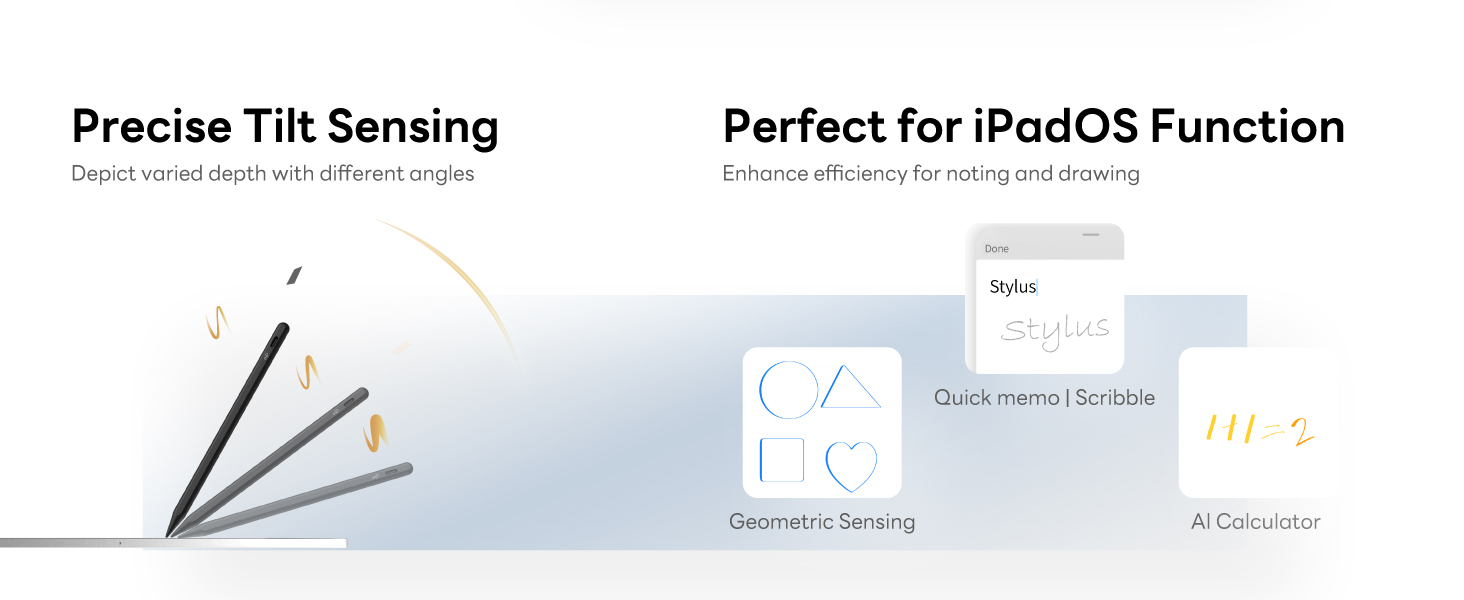
No. All the third party stylus doesn't support pressure sensitivity.
How to stop my fingers to draw?
It has palm rejection. To ignore hand input and only draw with pencil 2, please go to Settings > Apple Pencil > Turn on "Only Draw with Apple Pencil" (iOS 14+ available).
Can Pencil 2 pull down control center?
NO. No active pencils including the original iPencil can pull the control center down, notification bar down or swipe up between apps.
I still can't fix my issue, how can I do?
Don't worry. We're here to help. Please send us a message. We'll reply you ASAP.
New For iPad (A16) 11/10th
New For iPad Pro 11" M5/M4
New For iPad Air 11" M3/M2
For iPad (A16) 11/10th
For iPad 10.2" 9/8/7th
For iPad Air 11" M3/M2
For iPad Air 13" M3/M2
For iPad Air 11" 5th/4th
For iPad Pro 11" M5/M4
For iPad Pro 11" 4/3/2/1st
For iPad Pro 13" M5/M4
For iPad Pro 12.9" 6/5/4/3rd
