




Designed for iPad
Unleash your creativity with FOJOJO

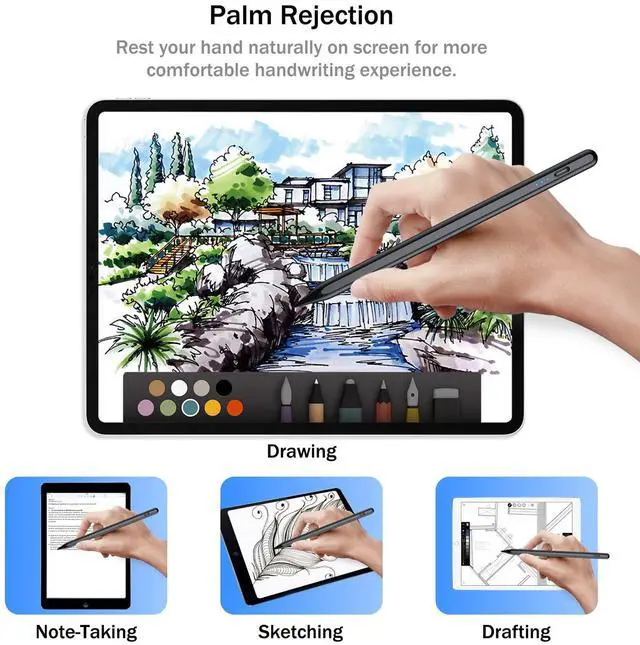
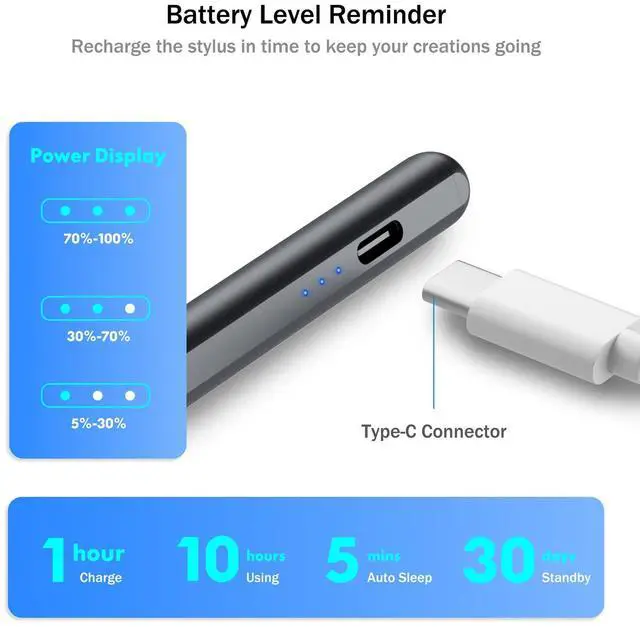
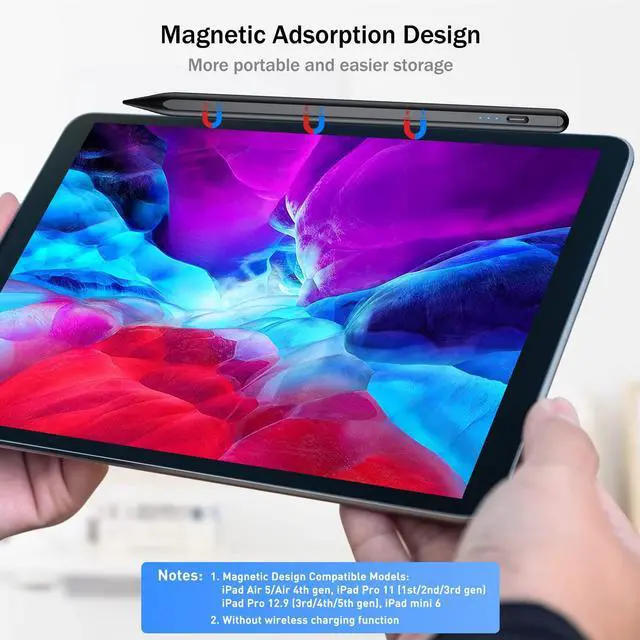
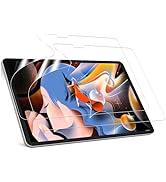
FOJOJO stylus pen and screen protector for iPad,aiming to provide users with a more comfortable handwriting experience.
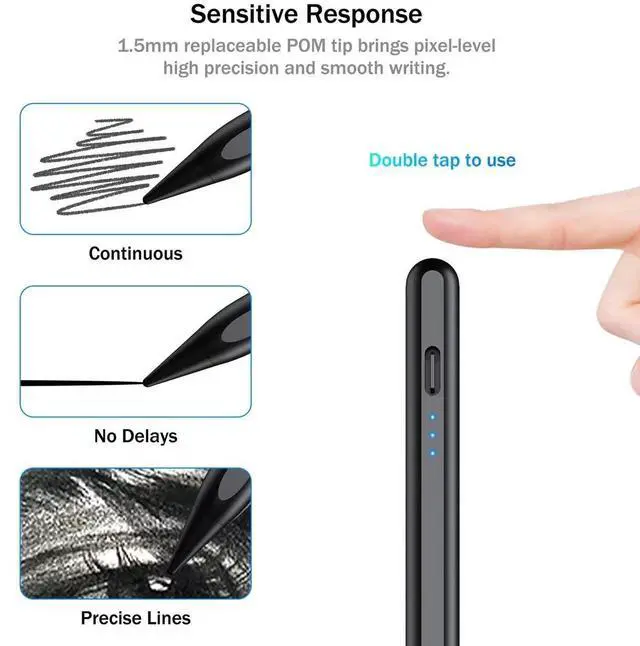
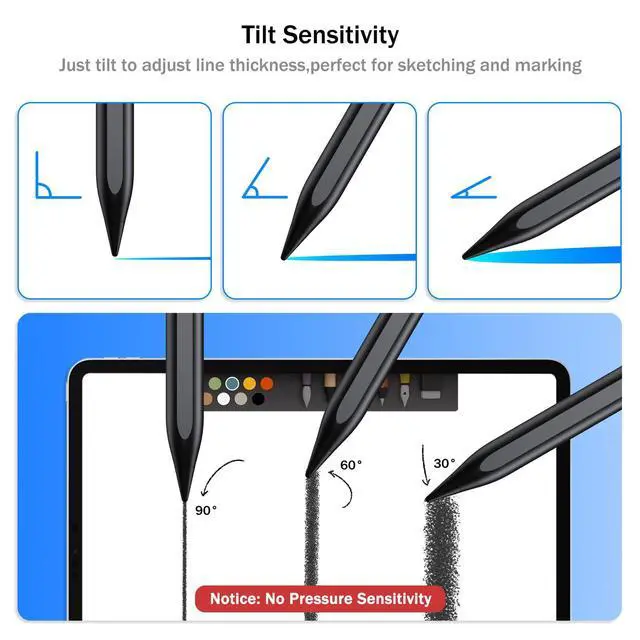
Our styluses are easy to use like real pencils,with the paper screen protector can provide optimal lag-free writing and excellent response on the iPad,bringing convenience to your work and life. Perfect for daily paperless office, study and professional painting.
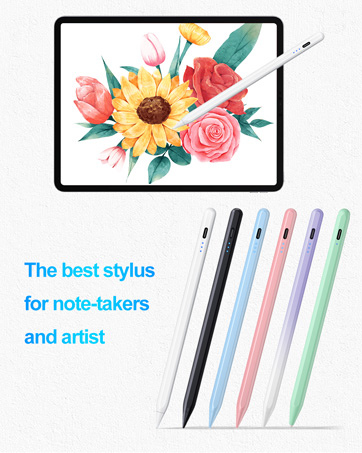

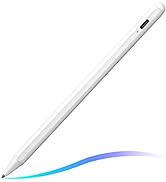
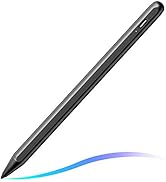
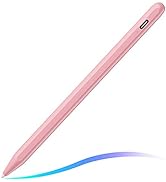
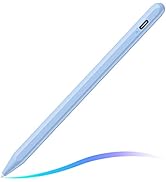
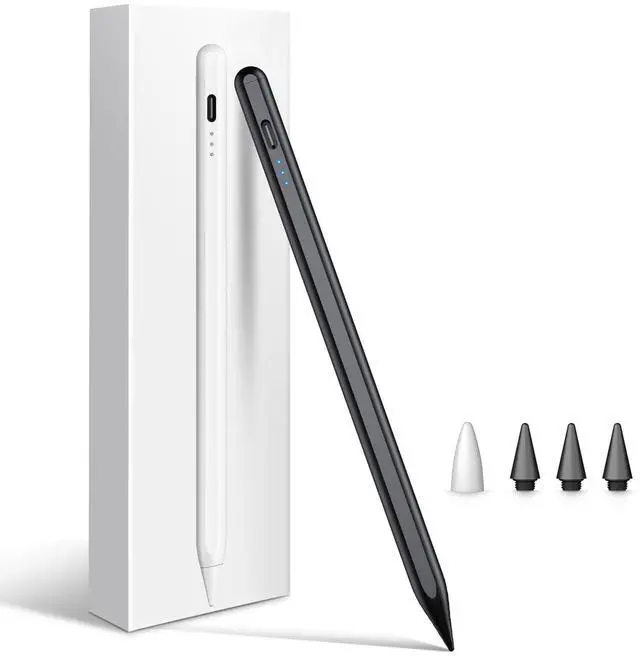
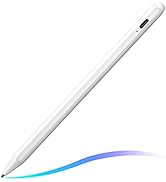
FOJOJO Stylus Pen for iPad
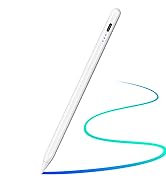
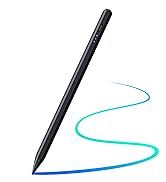
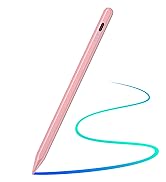
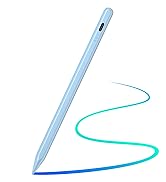
Upgraded Stylus Pen for iPad
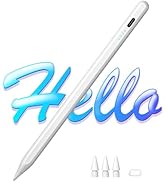
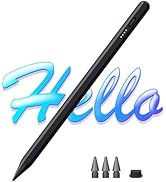
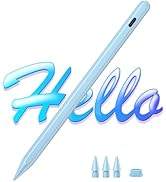
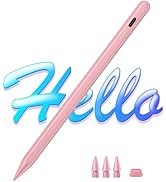
Cisteen Stylus Pen for iPad
![FOJOJO [2 PACK] Paper Screen Protector for iPad Pro 11 inch 2022(2021, 2020, 2018),iPad Air 5 (20...](//c1.neweggimages.com/sellingpilot/modules/product/a-plus/068ca5f95d9a78a5e67a1c4f96cfffca7e010bd757ed9c8d090edf1a9228bd9a.jpg)
FOJOJO Shop
![FOJOJO [2 PACK] Paper Screen Protector for iPad Pro 11 inch 2022(2021, 2020, 2018),iPad Air 5 (20...](http://c1.neweggimages.com/sellingpilot/modules/product/a-plus/068ca5f95d9a78a5e67a1c4f96cfffca7e010bd757ed9c8d090edf1a9228bd9a.jpg)


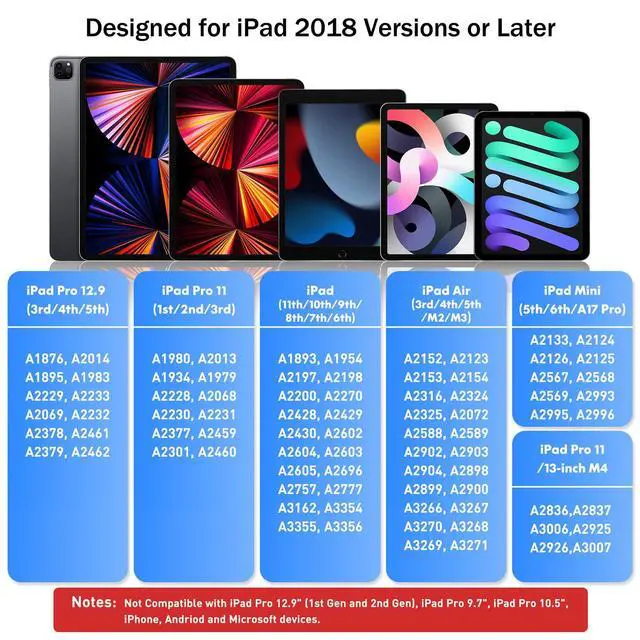
NOT WORK WITH:
- iPad 2010(1st gen) A1219 / A1337
- iPad 2011(2nd gen)A1395 / A1396 / A1397
- iPad 2012(3th gen&4th gen) A1416/ A1430 / A1403 / A1458 / A1459 / A1460
- iPad 5th gen(2017) A1822 / A1823
- iPad Pro 9.7 inch A1673 / A1674 / A1675
- iPad Pro 10.5 inch A1701 / A1709 / A1852
- iPad Pro 12.9 inch(1st gen&2nd gen)A1584 / A1652 / A1670 / A1671 / A1821
- iPad Air(1st gen & 2nd gen)A1474 / A1475 / A1476 / A1566/ A1567
- iPad mini(1st/2nd/3th/4th gen) A1432 /A1454 / A1455 / A1489 / A1490 / A1491 / A1599 / A1600 / A1538 / A1550
- Android tablets, mobile phones, iPhone and Microsoft devices
Attention tips in use:
- The IOS system must be updated to iOs 12.2 or above.
- Please confirm the models is 2018-2026 iPad or iPad Pro.
- Please ensure it has enough power before use.
- Cannot be used for switching apps.
- If the stylus pencil can’t work, please reset your iPad or iPad Pro as follows:
Settings--->Bluetooth--->Forget the Apple Pencil.
Settings--->Apple Pencil--->Turn off the Apple Pencil.
Settings---> Notes--->Turn off "Only Draw with Apple Pencil".
NOT WORK WITH:
- iPad 2010(1st gen) A1219 / A1337
- iPad 2011(2nd gen)A1395 / A1396 / A1397
- iPad 2012(3th gen&4th gen) A1416/ A1430 / A1403 / A1458 / A1459 / A1460
- iPad 5th gen(2017) A1822 / A1823
- iPad Pro 9.7 inch A1673 / A1674 / A1675
- iPad Pro 10.5 inch A1701 / A1709 / A1852
- iPad Pro 12.9 inch(1st gen&2nd gen)A1584 / A1652 / A1670 / A1671 / A1821
- iPad Air(1st gen & 2nd gen)A1474 / A1475 / A1476 / A1566/ A1567
- iPad mini(1st/2nd/3th/4th gen) A1432 /A1454 / A1455 / A1489 / A1490 / A1491 / A1599 / A1600 / A1538 / A1550
- Android tablets, mobile phones, iPhone and Microsoft devices
Attention tips in use:
- The IOS system must be updated to iOs 12.2 or above.
- Please confirm the models is 2018-2026 iPad or iPad Pro.
- Please ensure it has enough power before use.
- Cannot be used for switching apps.
- If the stylus pencil can’t work, please reset your iPad or iPad Pro as follows:
Settings--->Bluetooth--->Forget the Apple Pencil.
Settings--->Apple Pencil--->Turn off the Apple Pencil.
Settings---> Notes--->Turn off "Only Draw with Apple Pencil".
Designed for iPad
Unleash your creativity with FOJOJO
FOJOJO stylus pen and screen protector for iPad,aiming to provide users with a more comfortable handwriting experience.
Our styluses are easy to use like real pencils,with the paper screen protector can provide optimal lag-free writing and excellent response on the iPad,bringing convenience to your work and life. Perfect for daily paperless office, study and professional painting.
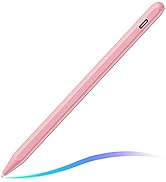
FOJOJO Stylus Pen for iPad
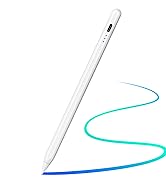
Upgraded Stylus Pen for iPad
Cisteen Stylus Pen for iPad
FOJOJO Shop
