




• $22.99
  • Free 30-day Returns
  • Sold by Roillnekyer

    Shipped by Roillnekyer

    Price alert
    Shop it at NeweggBusiness.

    Meet Your Seller

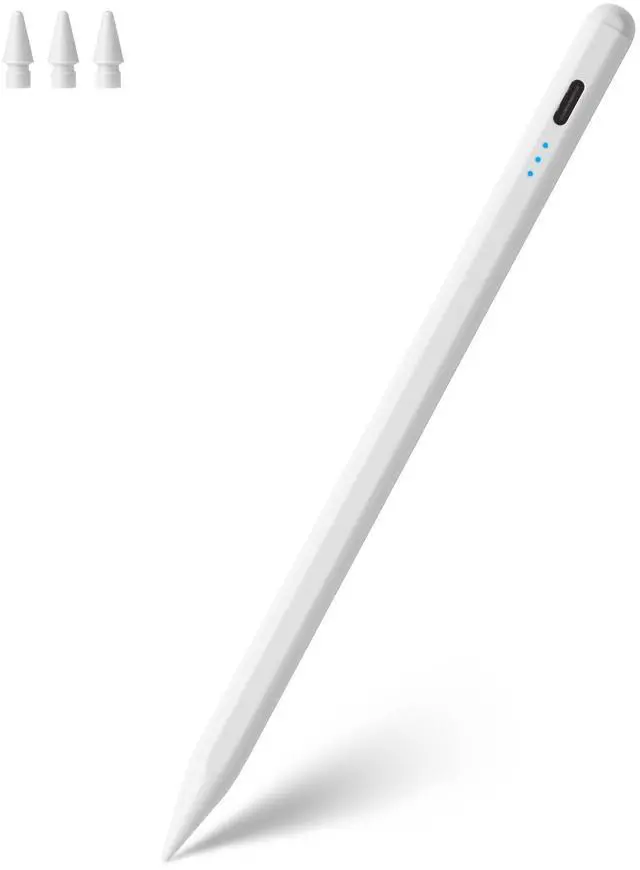
    Stylus Pen for Apple Pencil Tilt Sensitivity Palm Rejection for iPad A16 11th 10th 9th 8th 7th 6th Generation, iPad Air M3 M2 3rd 4th 5th Gen, iPad Pro 11 12.9 13 inch M4, iPad mini A17 7 6 5 (White)

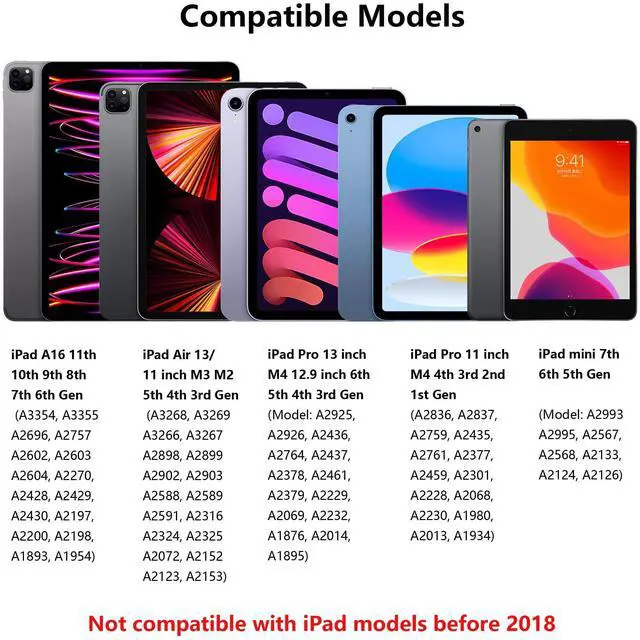
    • Broad Compatibility: The ipencil (Lapiz) works with iPad A16 11th 10th 9th 8th 7th 6th Generation, iPad Pro 13" 11" (M4), iPad Pro 12.9-inch 6th 5th 4th 3rd Gen, iPad Pro 11-inch 1st 2nd 3rd 4th Gen, iPad Air 13/11 inch (M3 M2), iPad Air 5th 4th 3rd gen and iPad mini A17 Pro 7th 6th 5th Gen. Before purchasing, please check the model number starting with "A" on the back of your iPad, or open your iPad: Setting > General > About > Model. Not compatible with any other iPad models and tablet.
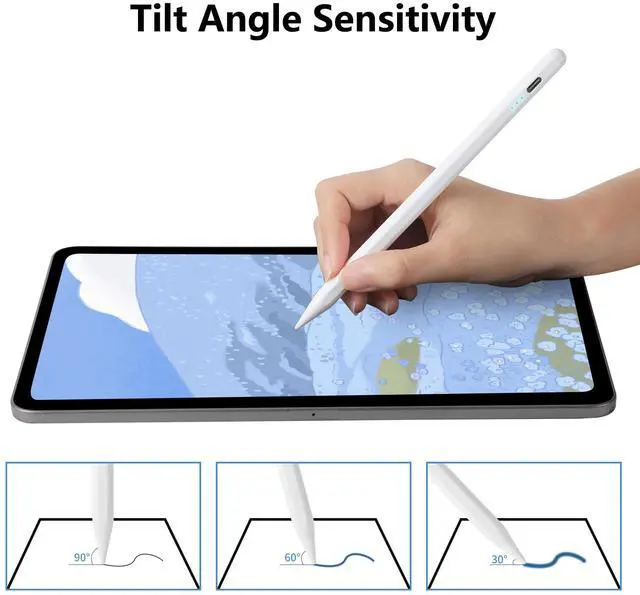
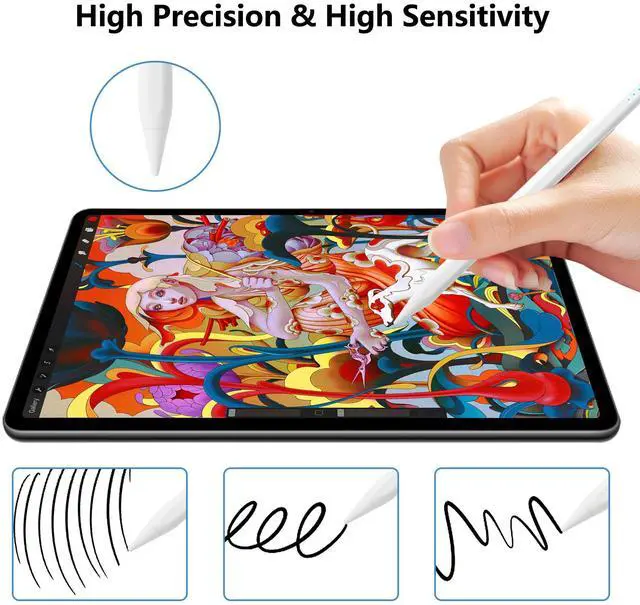
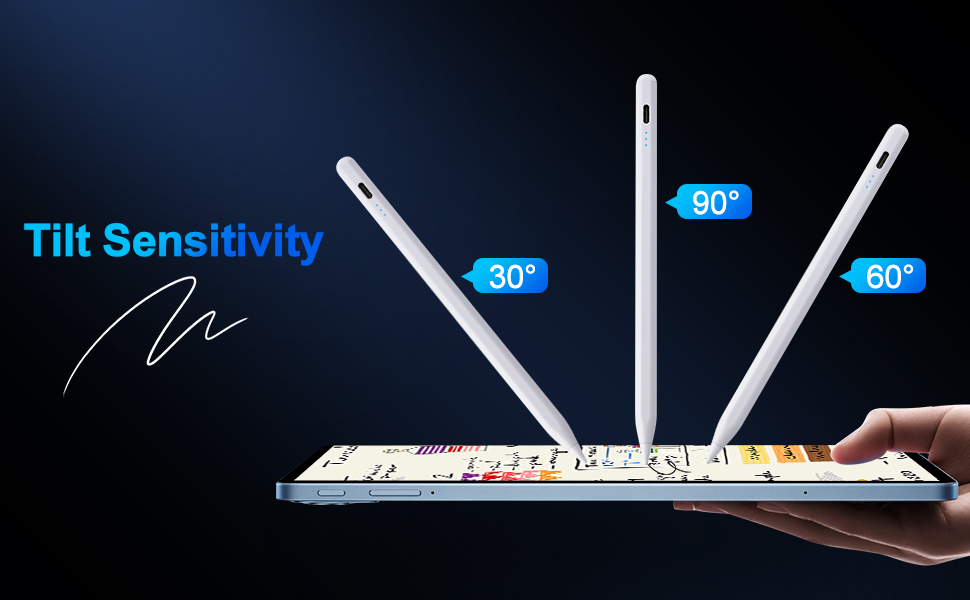
    • Tilt Angle Sensitivity: The tilt sensitive technology allows you to draw lines of different thicknesses by changing the tilt of the pen tip, which makes your writing and drawing more freedom than ever. Perfect for sketching, drawing and marking on the iPad. Note: This stylus Doesn't support pressure sensitivity. Please turn off the "Only Draw with Apple Pencil" on your iPad before use.
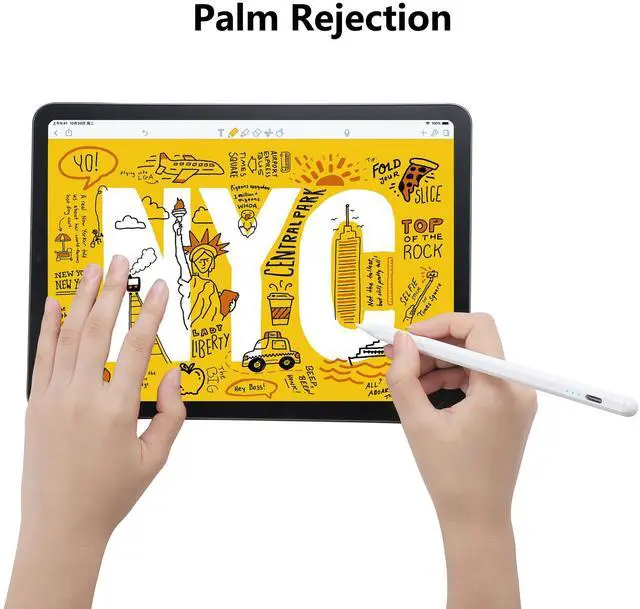
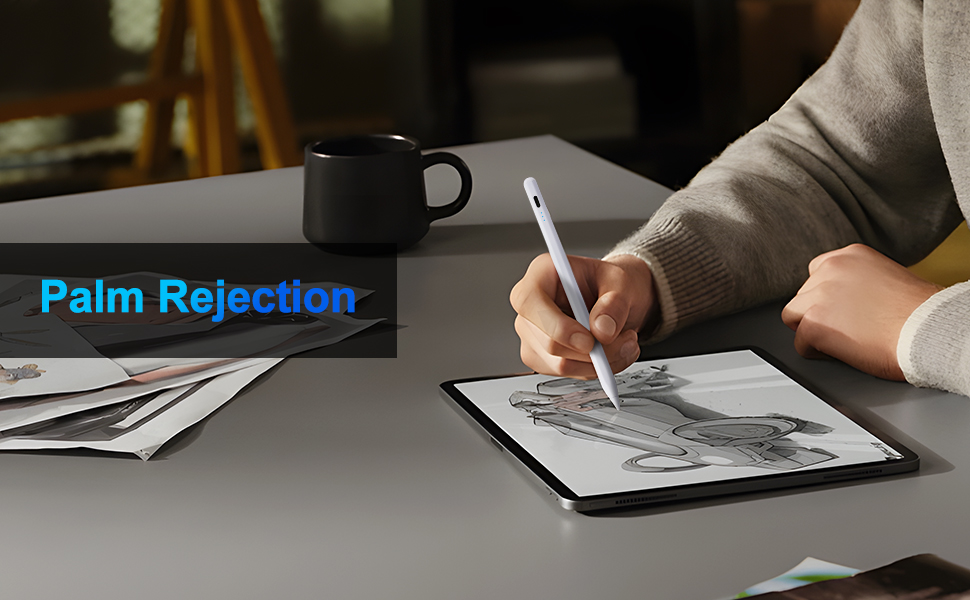
    • Palm Rejection: When you use this pencil with palm rejection, you can place your hands on the screen without worrying about accidental touch, just like on paper, providing you with a natural writing experience. It's easy to hold and use. It makes painting, sketching, doodling, and note-taking better than ever.
    +
    +
    Overview
    Specs
    Reviews
    avatar

    Any questions? Our AI beta will help you find out quickly.

    Palm Rejection
    Tilt Sensitivity
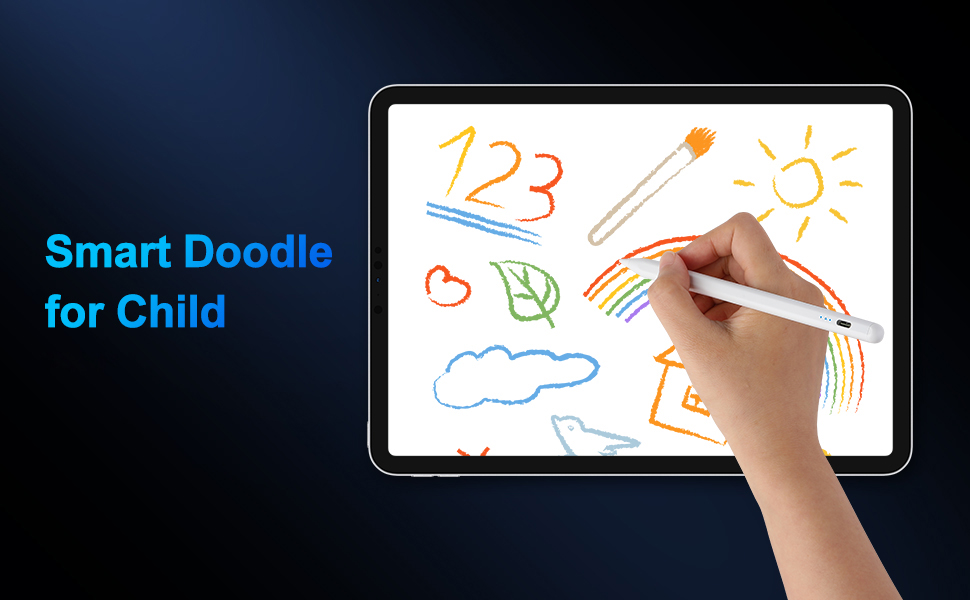
    Smart Doodle for Child
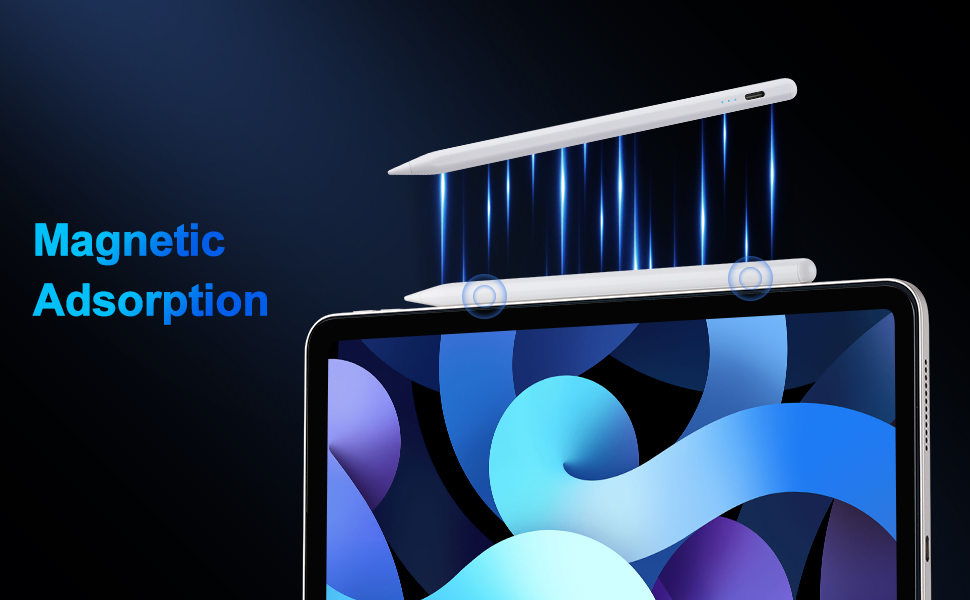
    Magnetic Adsorption
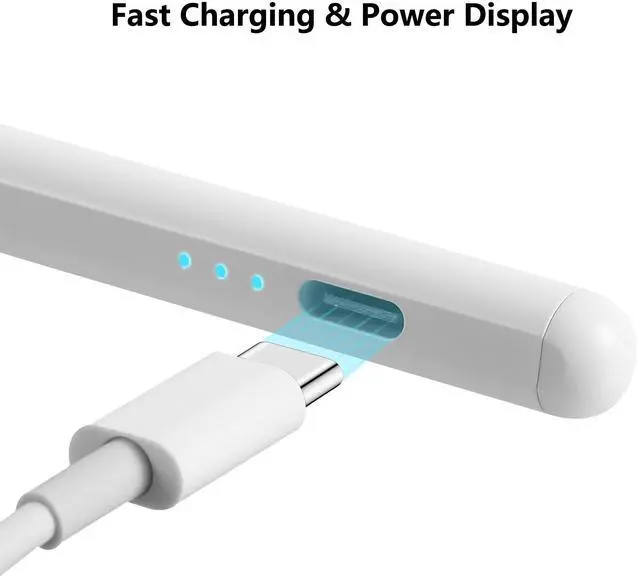
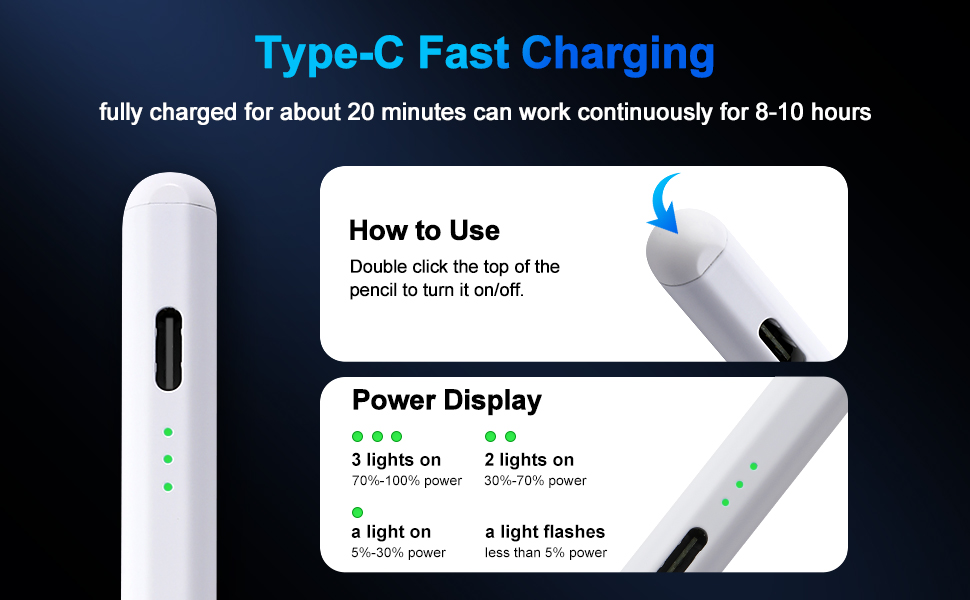
    Type-C Fast Charging & Easy to Use

    If your pencil doesn't work after turning on, please turn off Bluetooth: Settings > Bluetooth > Turn off Bluetooth, or follow the steps to disconnect the Bluetooth connection between your iPad and Apple Pencil: Settings > Bluetooth > Apple Pencil > tap "i" > Forget this device.

    Specifications:

    Pencil Dimensions: 6.5 x 0.35 x 0.33 inch (165 x 8.9 x 8.5 mm)

    Pencil Weight: 0.45 ounce (12.8 g)

    Material: Aluminum Alloy

    Please check the model number starting with "A" on the back of your iPad before purchasing. Or open your iPad to check the model number: Setting > General > About > Model before purchasing.

    Package Include:

    1* Stylus Pen

    1* Charging Cable

    3* Extra Tips

    1* User Manual

    Palm Rejection
    Tilt Sensitivity
    Smart Doodle for Child
    Magnetic Adsorption
    Type-C Fast Charging & Easy to Use

    If your pencil doesn't work after turning on, please turn off Bluetooth: Settings > Bluetooth > Turn off Bluetooth, or follow the steps to disconnect the Bluetooth connection between your iPad and Apple Pencil: Settings > Bluetooth > Apple Pencil > tap "i" > Forget this device.

    Specifications:

    Pencil Dimensions: 6.5 x 0.35 x 0.33 inch (165 x 8.9 x 8.5 mm)

    Pencil Weight: 0.45 ounce (12.8 g)

    Material: Aluminum Alloy

    Please check the model number starting with "A" on the back of your iPad before purchasing. Or open your iPad to check the model number: Setting > General > About > Model before purchasing.

    Package Include:

    1* Stylus Pen

    1* Charging Cable

    3* Extra Tips

    1* User Manual

    Stylus Pen for Apple Pencil Tilt Sensitivity Palm Rejection for iPad A16 11th 10th 9th 8th 7th 6th Generation, iPad Air M3 M2 3rd 4th 5th Gen, iPad Pro 11 12.9 13 inch M4, iPad mini A17 7 6 5 (White)

    Warranty & Returns

    Warranty, Returns, And Additional Information

    Warranty

    • Please contact the Seller directly for warranty information. Warranty information may also be found on the Manufacturer's website.
    • CONTACT

    Return Policies

    Manufacturer Contact Info

    LOADING...