





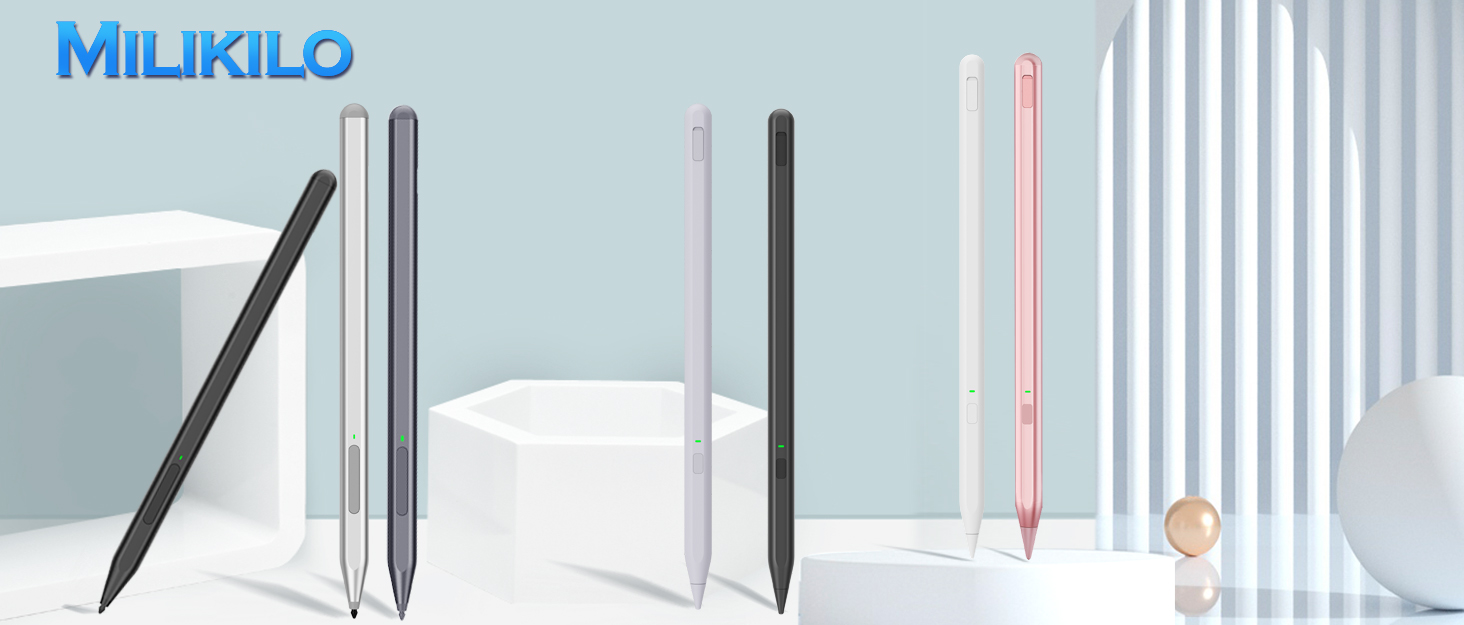

MILIKILO, established in 2021, We are committed to providing users with high-quality, high-performance, and versatile stylus pen products that enable users to create, record, and express their thoughts more easily and freely. With a focus on durability, ergonomic design, and incorporating the latest technology, MILIKILO ensures a superior user experience.
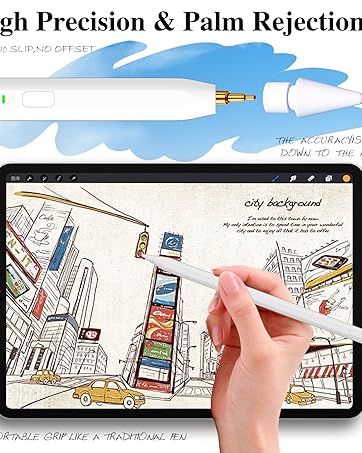
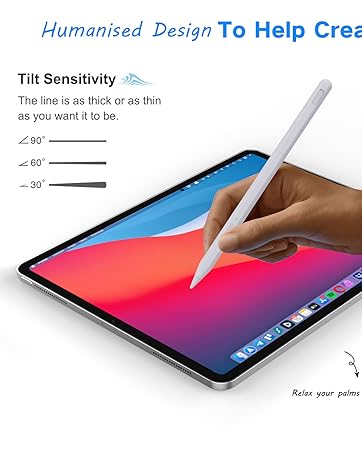
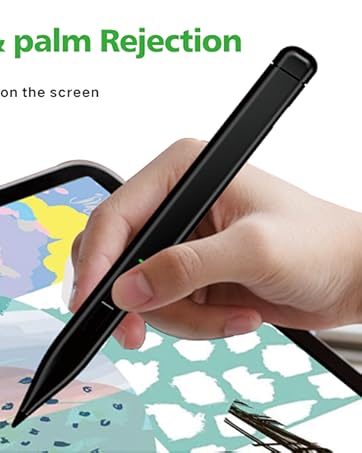
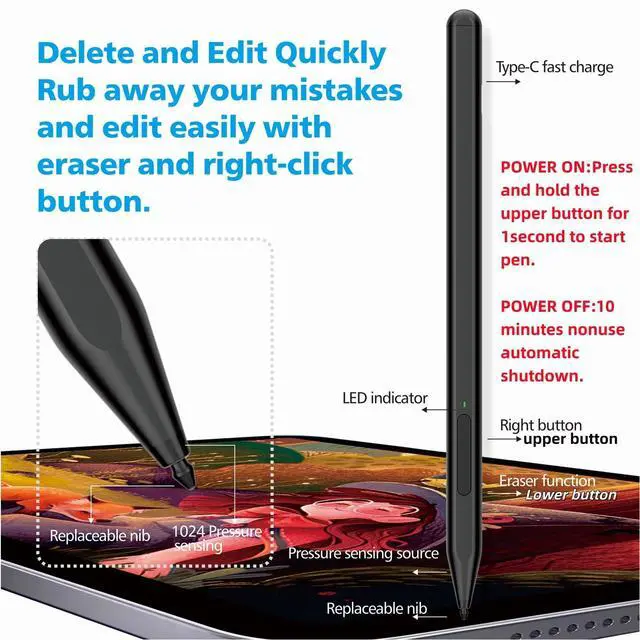
POWER ON:Pressand hold the upper button for1second to start the pen.
POWER OFF:10minutes nonuse automatic shutdown,cannot be performed by pressing the button.
Right-click(Pick Color)& Eraser Multifunctional Design
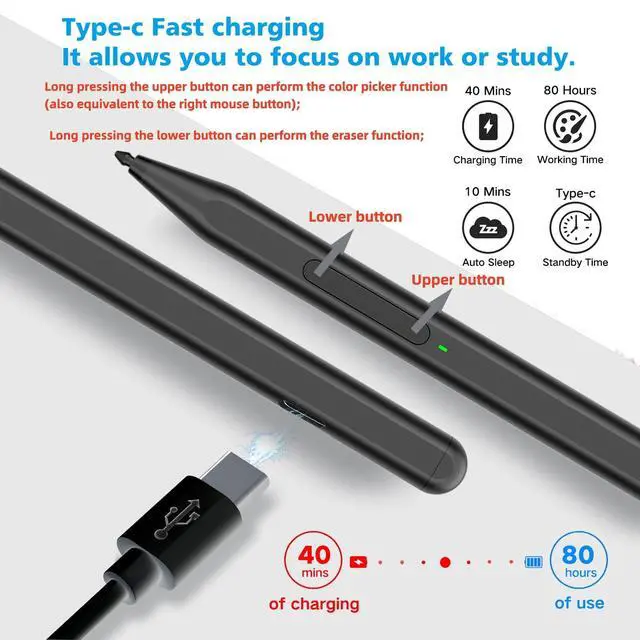
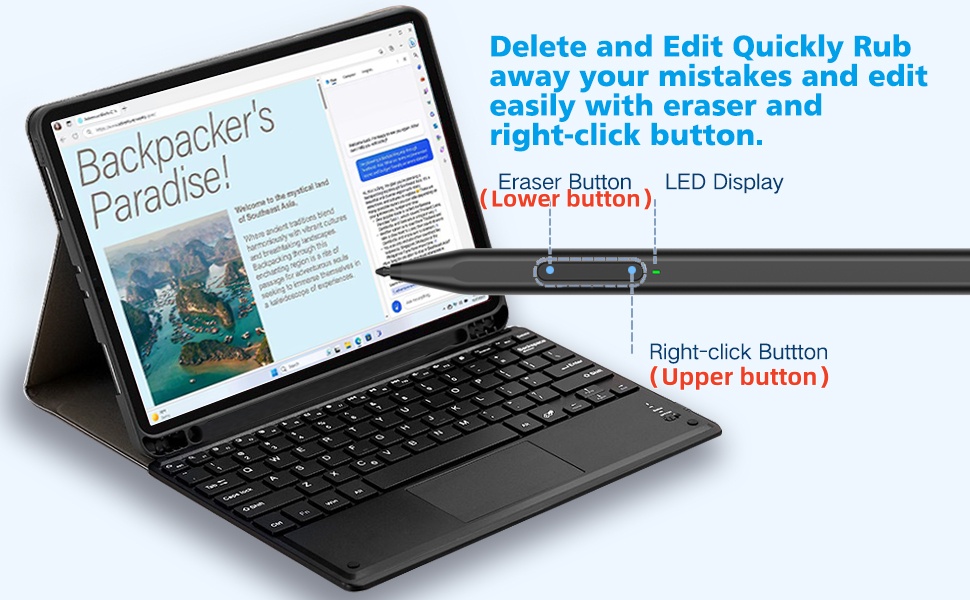
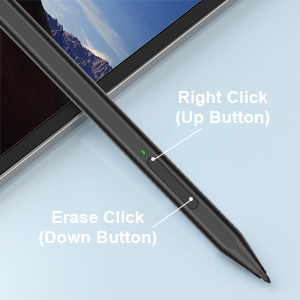
Power on: Press and hold the up button for 1s;Long pressing the upper button can perform the color picker function (also equivalent to the right mouse button)
Long pressing the down button can perform the eraser function;
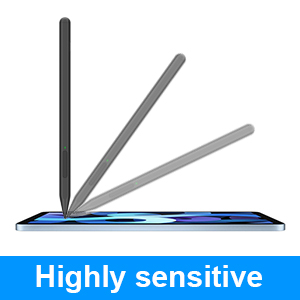
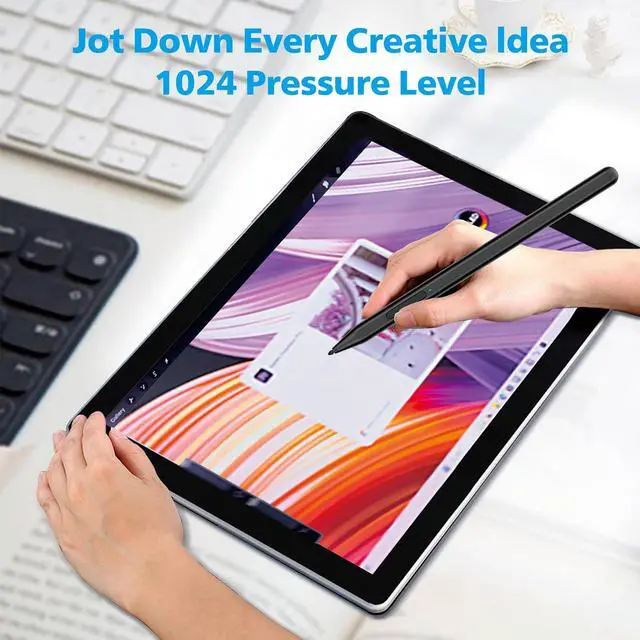
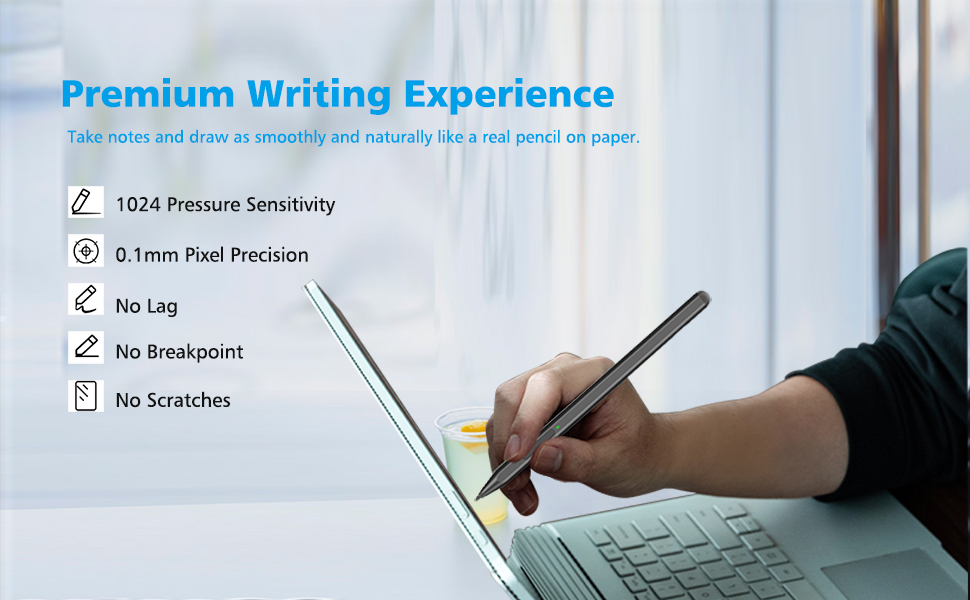
1024 Pressure Sensitivity
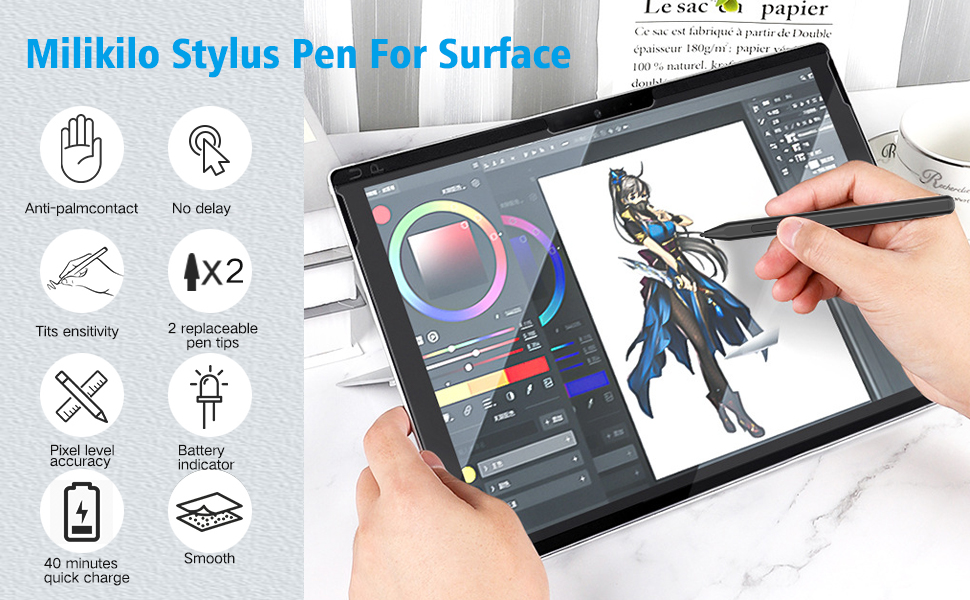
Microsoft Surface Pen features1024-level pressure sensitivity technology, which helps accurate sketching and coloring, and no lag in writing.
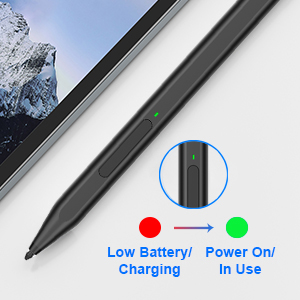
LED Light Design
When the indicator light is red, it means the battery is low/charging. When the indicator light is green, it means it is fully charged/in use.
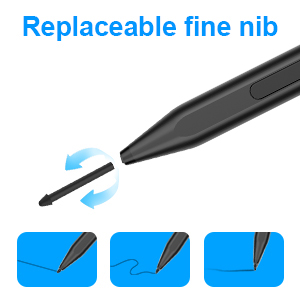
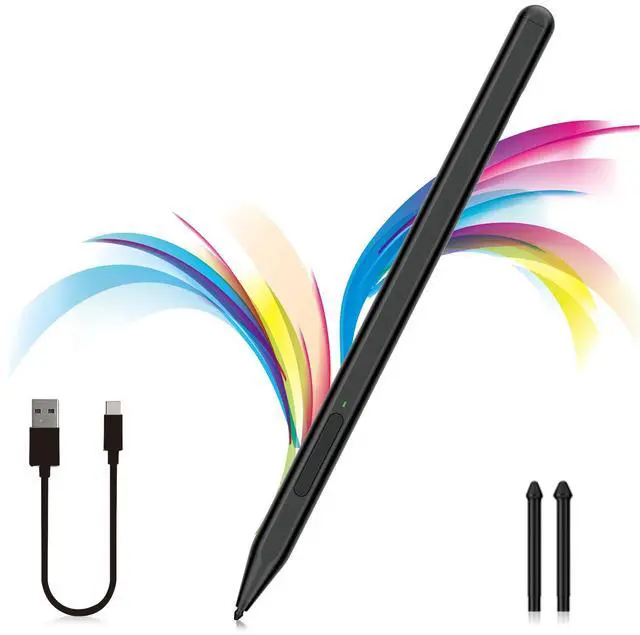
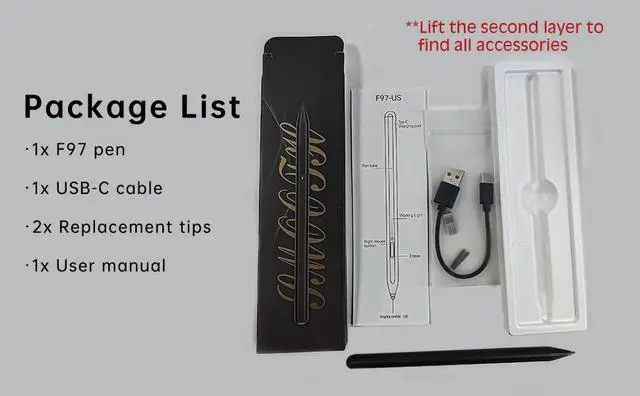
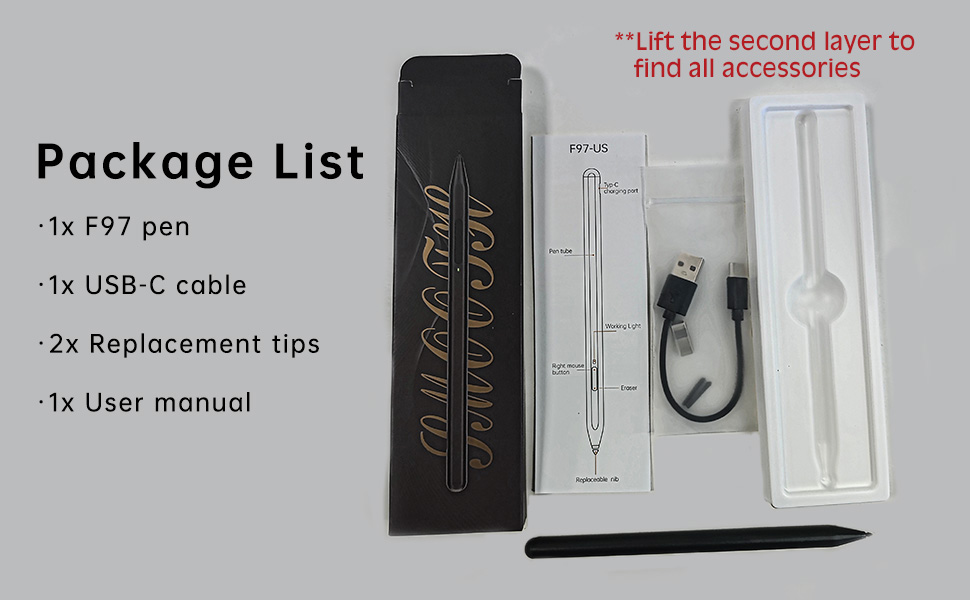
2 additional replaceable nibs
Comes with 2 additional replaceable nibs. This Microsoft surface pen uses the original tip, which has a long service life and can better protect the screen.
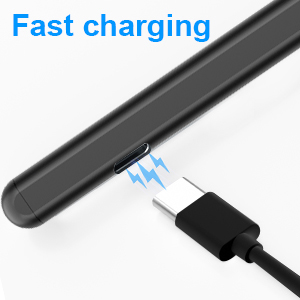
Type-C Fast Charging
With just 40 minutes of charging, you can enjoy a remarkable 80 hours of usage. And the pen automatically powers off after 10 minutes of inactivity to preserves battery life.
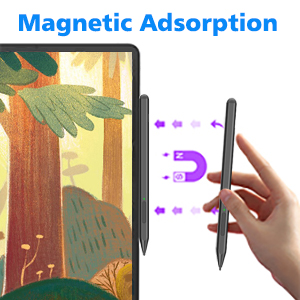
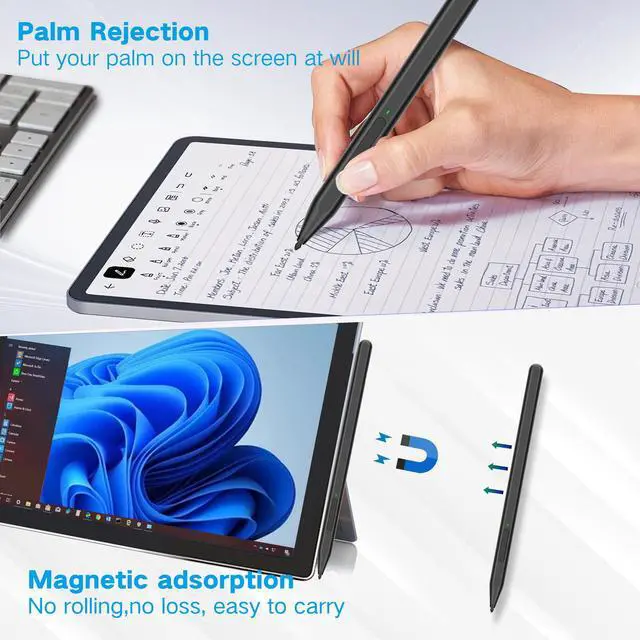
Magnetic Adsorption
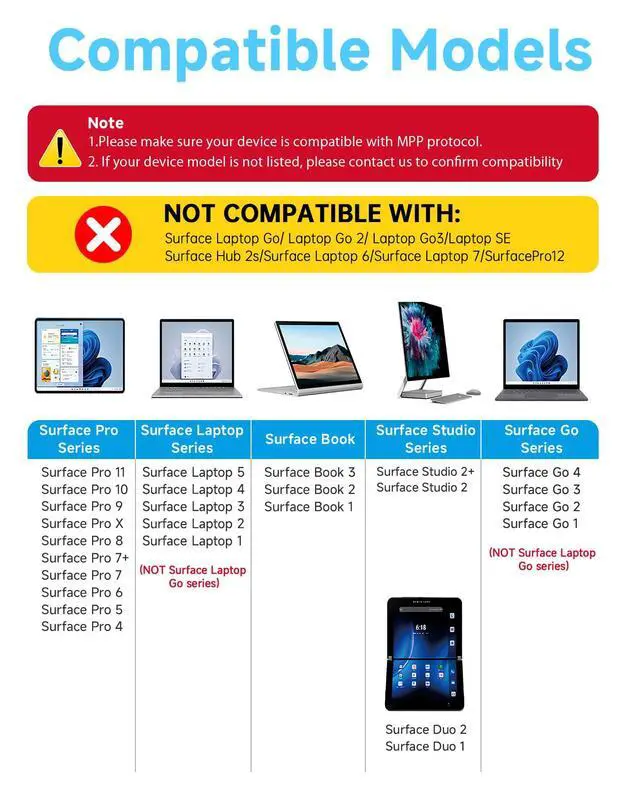
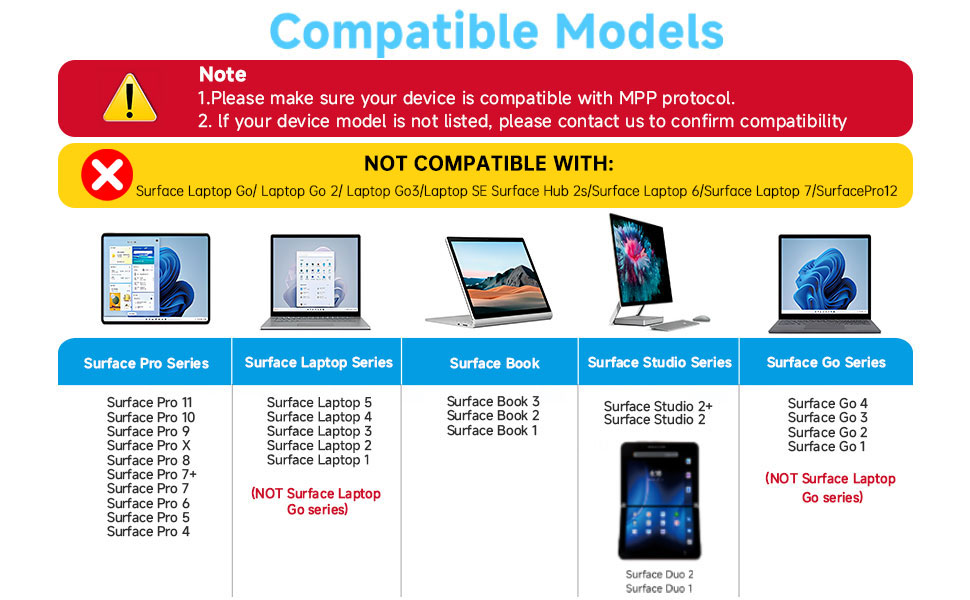
The Surface Pro stylus has a magnetic design and can be perfectly attached to your Surface Pro/Go/Book magnetically.
POWER ON:Pressand hold the upper button for1second to start the pen.
POWER OFF:10minutes nonuse automatic shutdown,cannot be performed by pressing the button.
Right-click(Pick Color)& Eraser Multifunctional Design
Power on: Press and hold the up button for 1s;Long pressing the upper button can perform the color picker function (also equivalent to the right mouse button)
Long pressing the down button can perform the eraser function;
1024 Pressure Sensitivity
Microsoft Surface Pen features1024-level pressure sensitivity technology, which helps accurate sketching and coloring, and no lag in writing.
LED Light Design
When the indicator light is red, it means the battery is low/charging. When the indicator light is green, it means it is fully charged/in use.
2 additional replaceable nibs
Comes with 2 additional replaceable nibs. This Microsoft surface pen uses the original tip, which has a long service life and can better protect the screen.
Type-C Fast Charging
With just 40 minutes of charging, you can enjoy a remarkable 80 hours of usage. And the pen automatically powers off after 10 minutes of inactivity to preserves battery life.
Magnetic Adsorption
The Surface Pro stylus has a magnetic design and can be perfectly attached to your Surface Pro/Go/Book magnetically.
MILIKILO, established in 2021, We are committed to providing users with high-quality, high-performance, and versatile stylus pen products that enable users to create, record, and express their thoughts more easily and freely. With a focus on durability, ergonomic design, and incorporating the latest technology, MILIKILO ensures a superior user experience.