




 here!
here!
I’m your shopping assistant for PC builds, upgrades, and everything tech.
Got questions? Ask away!
Start a conversation
here!
I’m your shopping assistant for PC builds, upgrades, and everything tech.
Got questions? Ask away!
Start a conversation





Any questions? Ask CelesteSM will help you find out quickly.
Comprehensive Usage
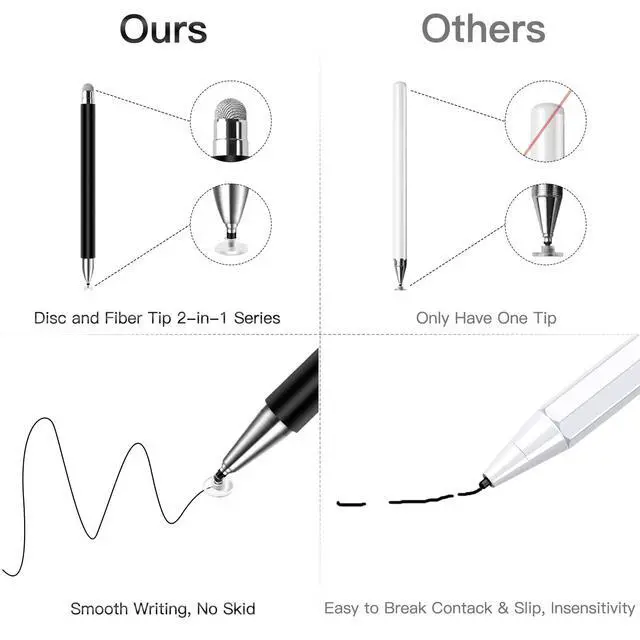
Magnetic Disc Capacitive Stylus Pens apply for playing games,staying,drawing,writing,signing,taking notes and illustrations.
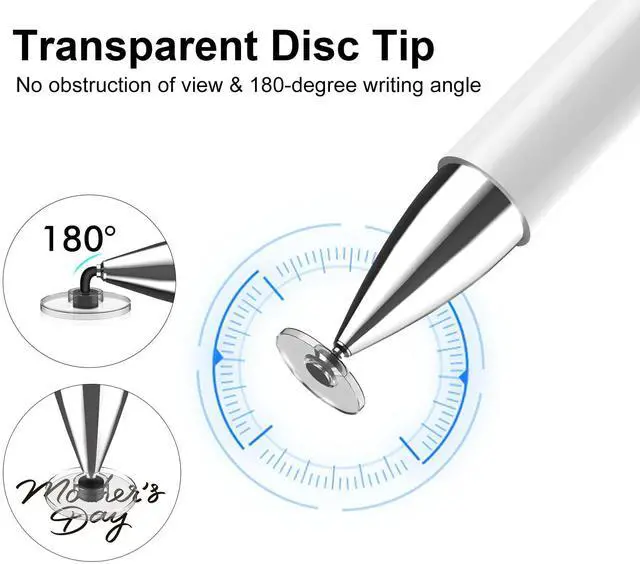
The disc stylus tip is clear and thin which allows you to see through and give you the accurate point when you drawing for artist.
How to Change the Disc Tip
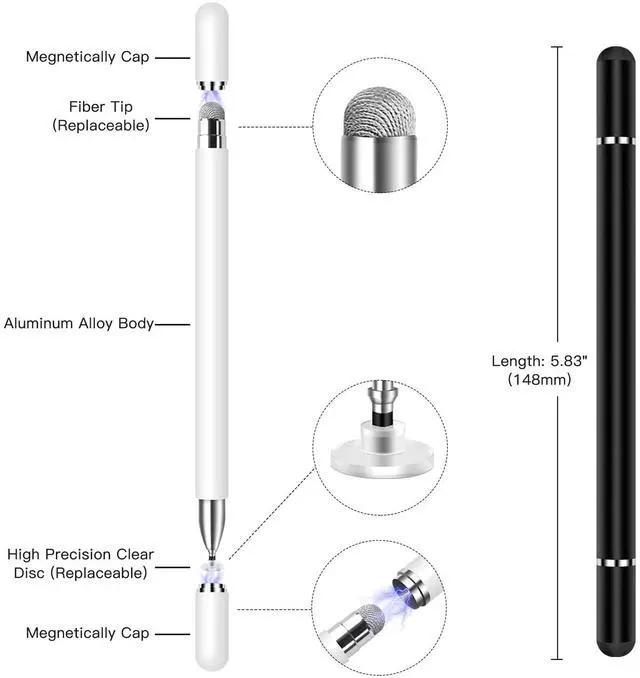
New disc is on the other side that covered by the sliver cap, please screw off the cap and you will see the disc tip.
To replace the disc tip, please pull it out by holding the middle part of the small metal bar, then push a new disc tip into the stylus.
Cautions:
1. This Stylus doesnt support palm rejection, please make sure your hands dont lay on the screen.
2. Don't remove the plastic disc at the end of the tip, if you moved the Disc, the fine tip won't work.
3. If the stylus lag and cant write smoothly on the device, the reason would maybe the device doesnt run properly, please restart the device or turn off other apps.
4. You can slide the screen, but cant write in a specific app, please check the App settings or confirm whether the App supports handwriting functions.
5. Normally it won't cause scratches on a touch screen, but we still suggest you use a screen protector on your device to protect the screen from any possible damage/scratches which may be caused by dirt on disc/screen, damaged tips or defective product of low probability.
6. If you suspect that your disc has been damaged in any way, discontinue use. A damage disc may scratch the screen. Please replace it with a new disc.
Package Contents:
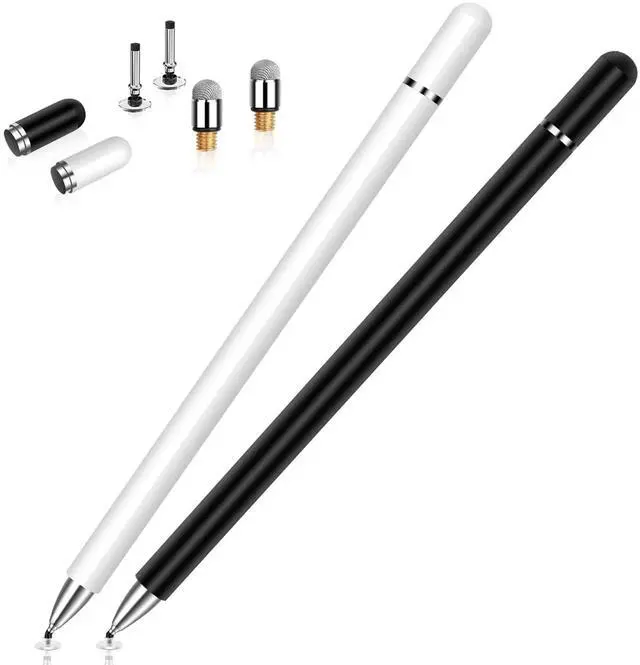
2 x Magnetic Disc Stylus Pens (Black/White)
2 x Replaceable disc tips
2 x Replaceable fiber tips
2 x Extra Magnetic Cap
Our Credibility
We provide 3-month money back and 1-year warranty, so just add it to your cart now!


