here!
here!
I’m your shopping assistant for PC builds, upgrades, and everything tech.
Got questions? Ask away!
Start a conversation
here!
I’m your shopping assistant for PC builds, upgrades, and everything tech.
Got questions? Ask away!
Start a conversation



Any questions? Ask CelesteSM will help you find out quickly.
What does EMR stand for?
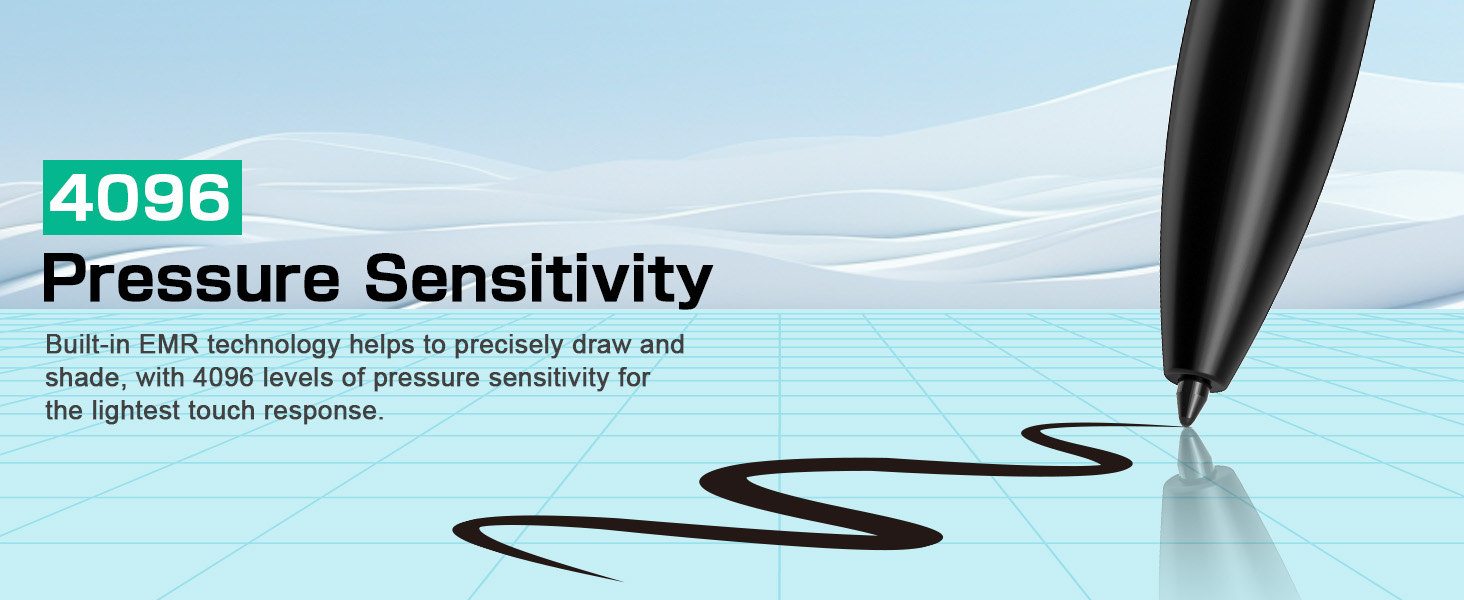
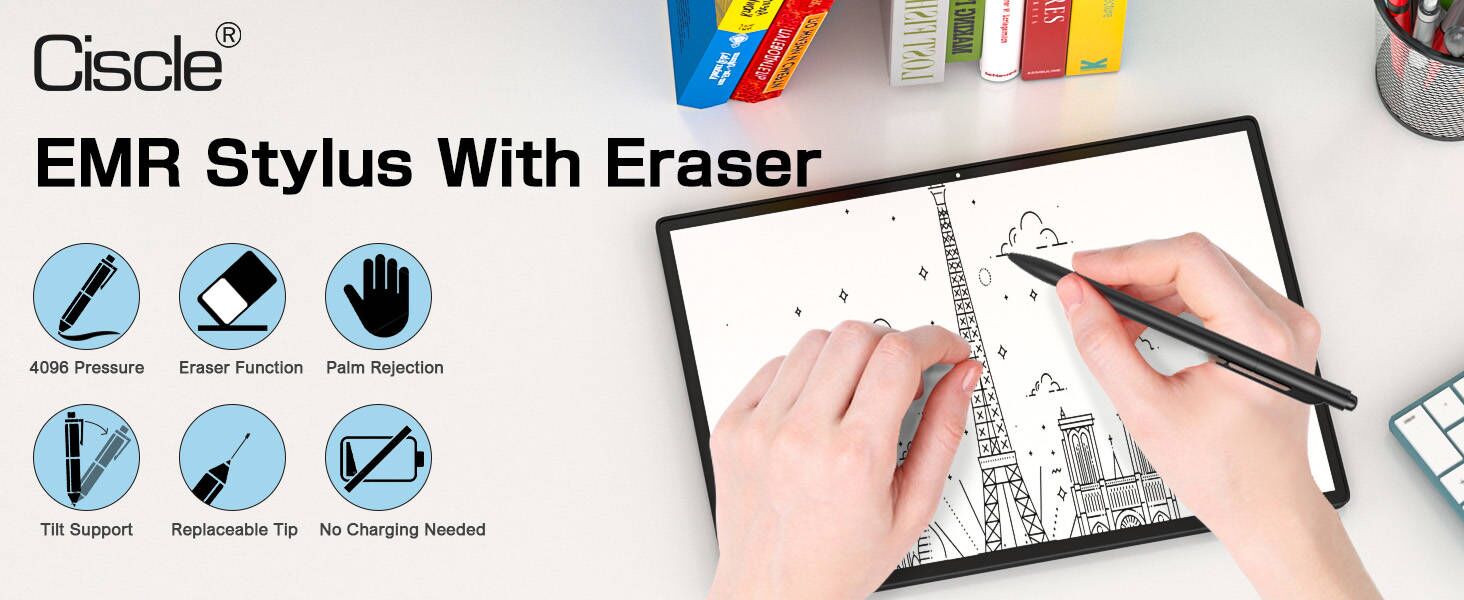
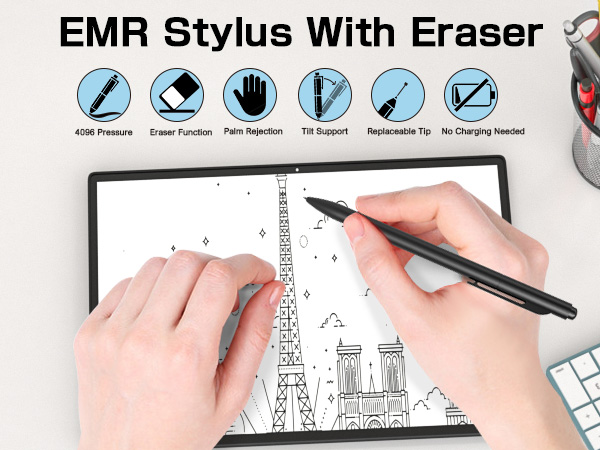
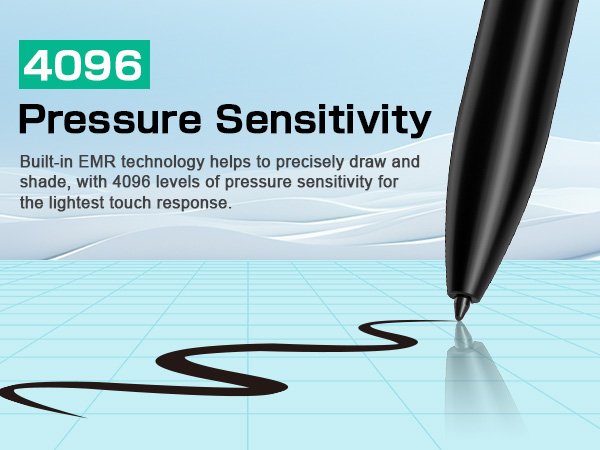
EMR tech lets a stylus interact with a device's display using an electromagnetic field, ensuring precise tracking without needing charging or pairing.
Why the pen is not working on my Remarkable tablet?
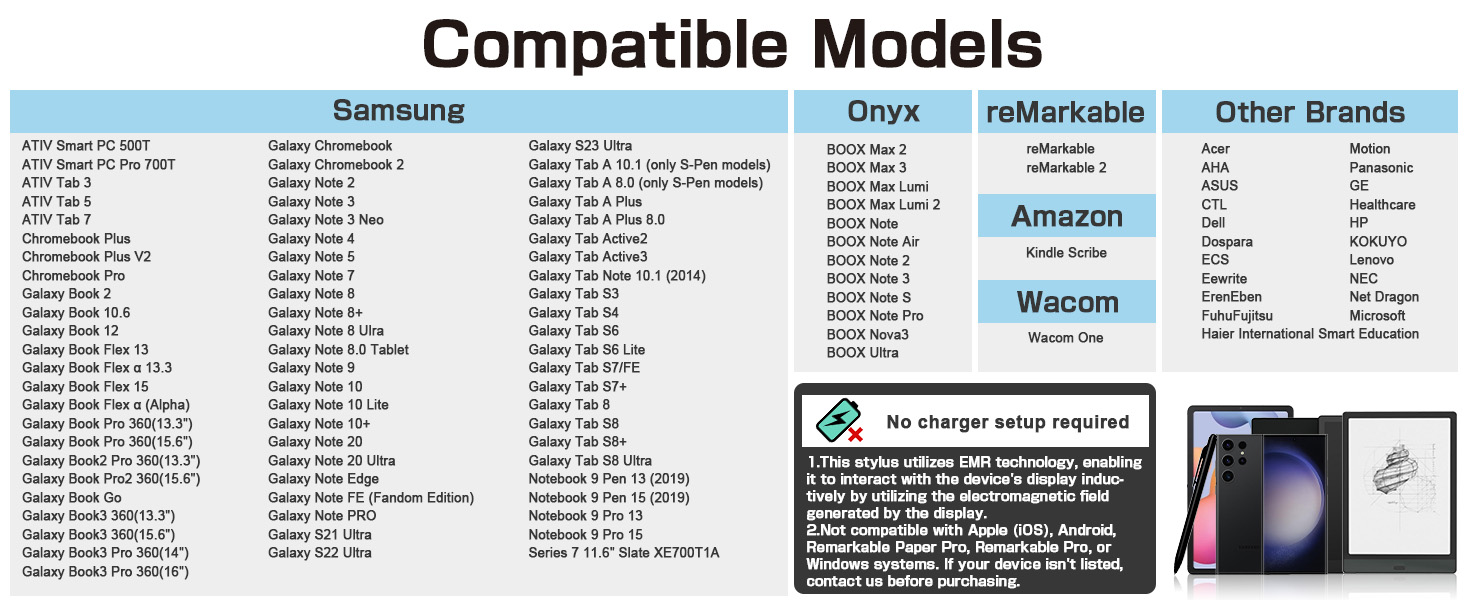
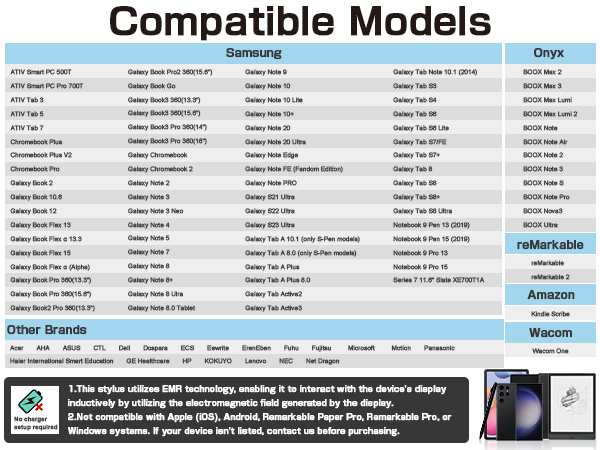
First, confirm you have Remarkable 1 or 2 (this pen does not support newer models). If yes, check if you have a thick screen protector – remove it and test again.
Why doesn’t the pen stick to my device?
This EMR pen does not have magnetic attachment. It works via EMR technology, so this does not affect its writing function.
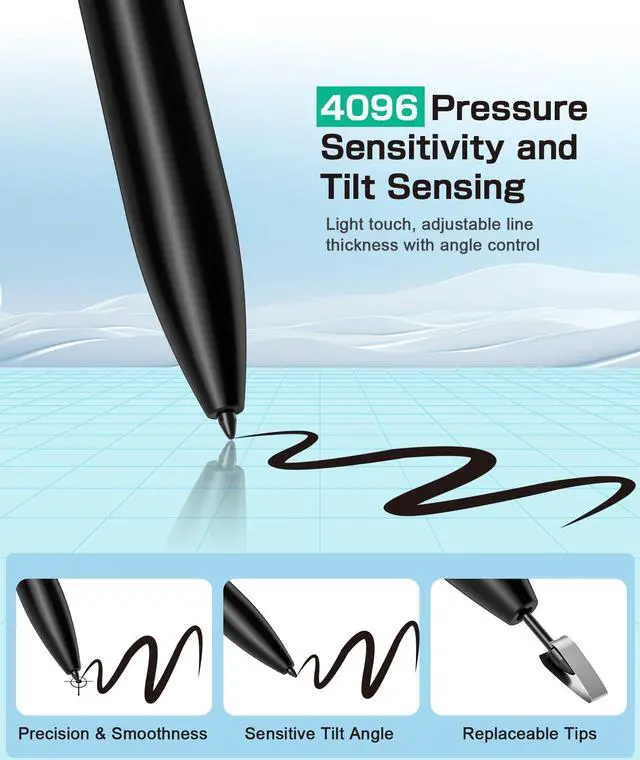
Why the pen works but feels scratchy/skips lines?
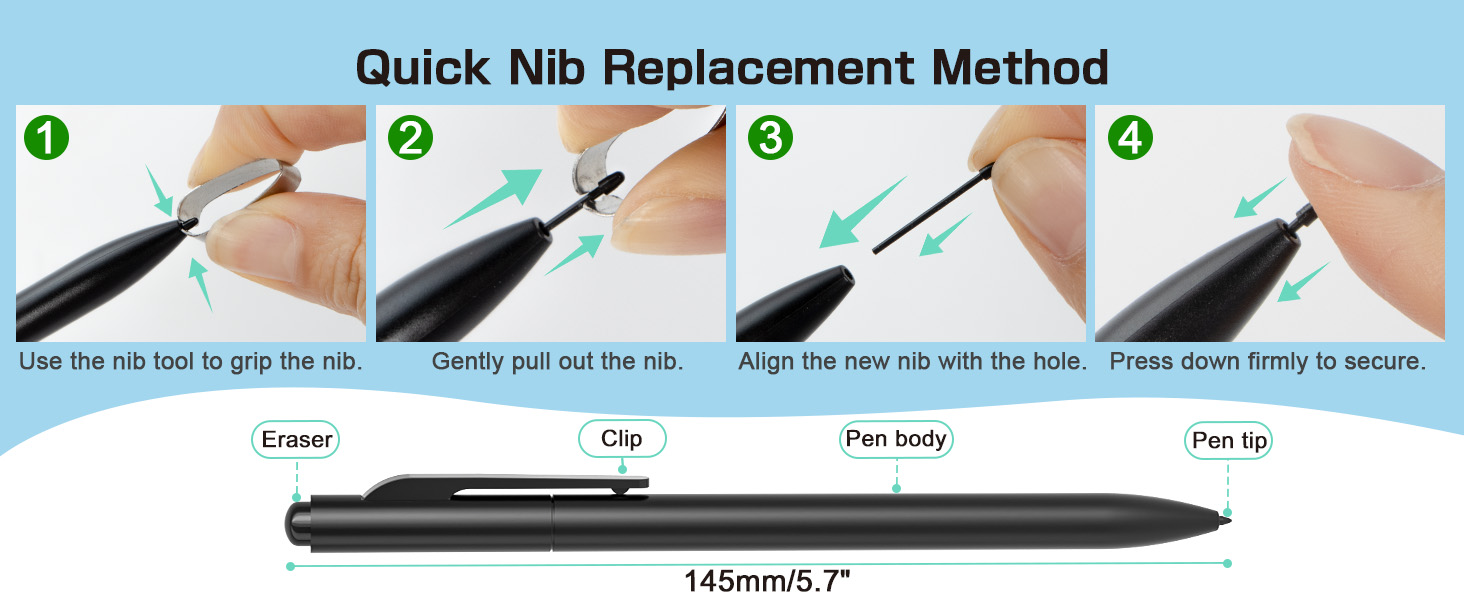
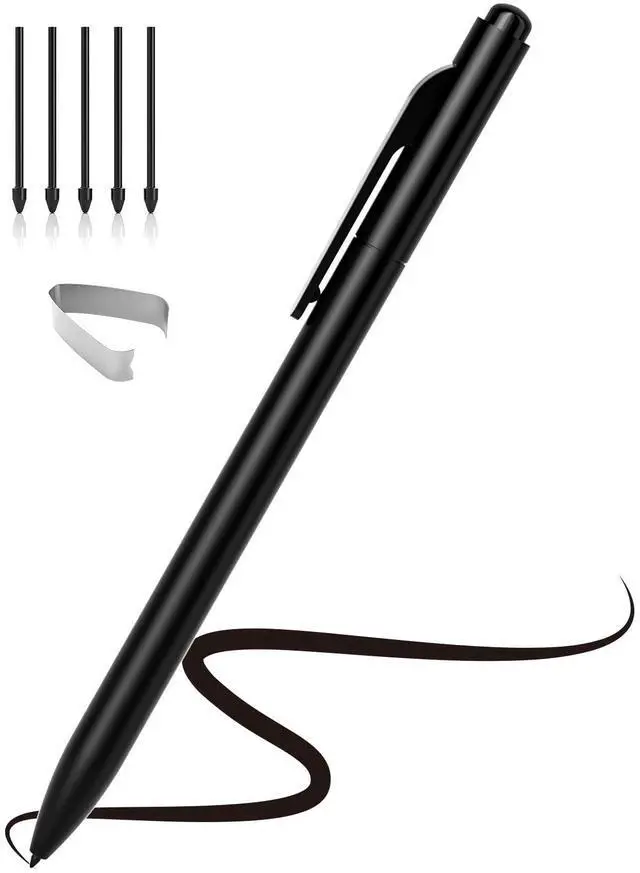
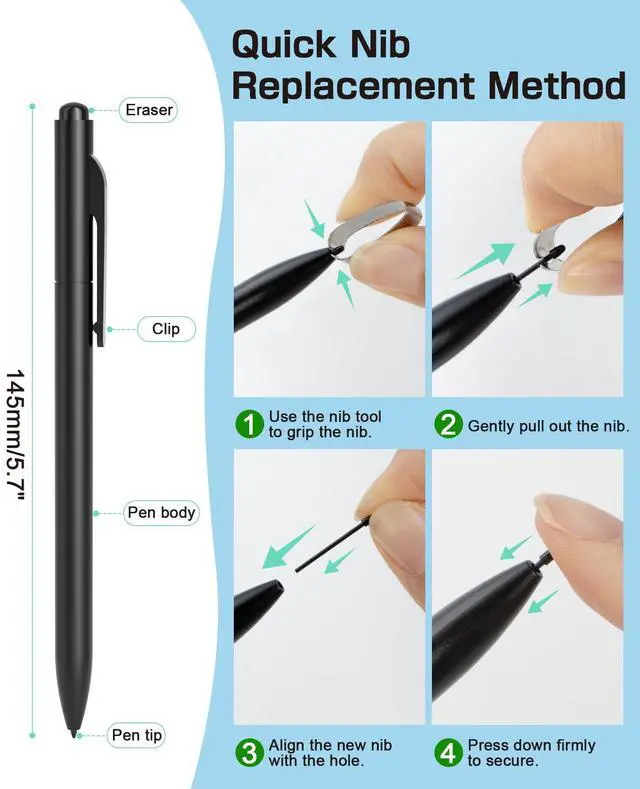
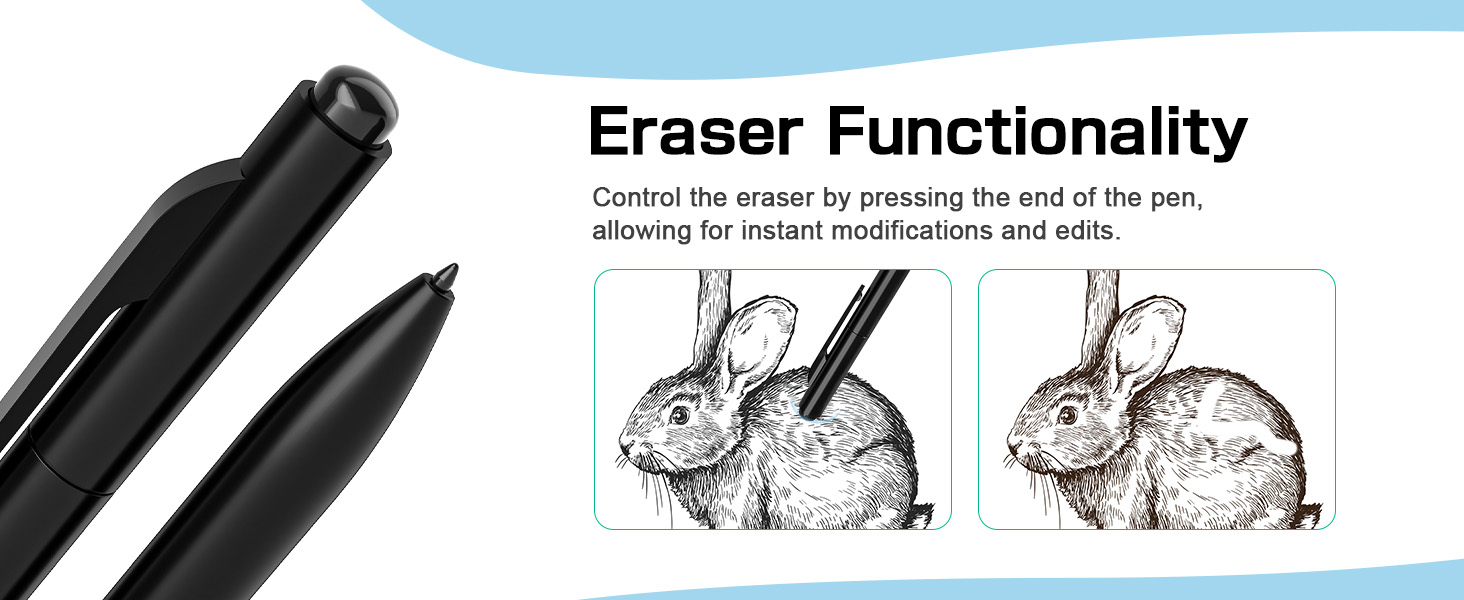
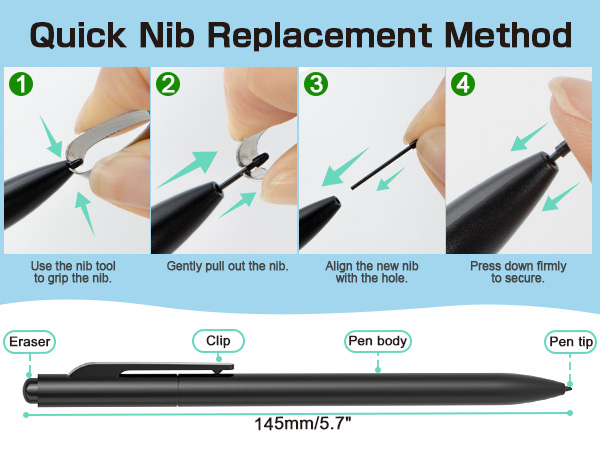
Try replacing the pen tip with a new one (included in the package). Worn tips can cause inconsistent performance.
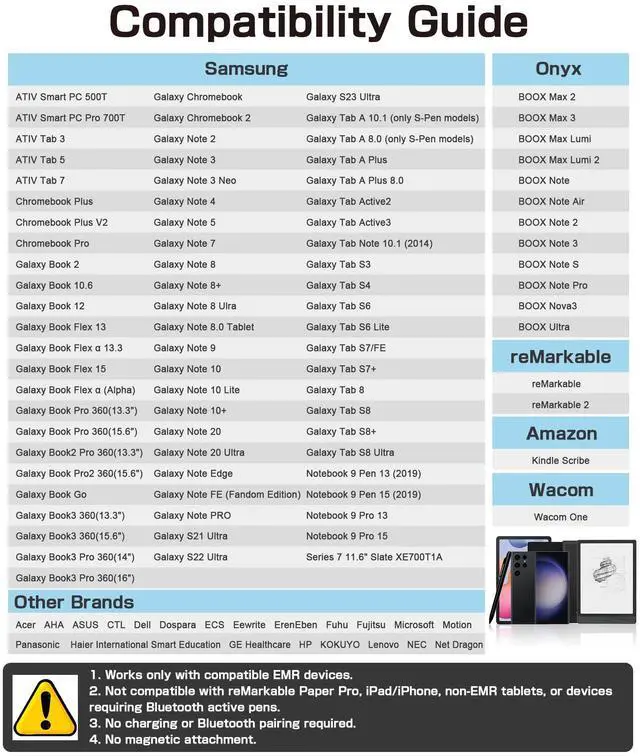
Can I use this pen with my Samsung/Boox tablet?
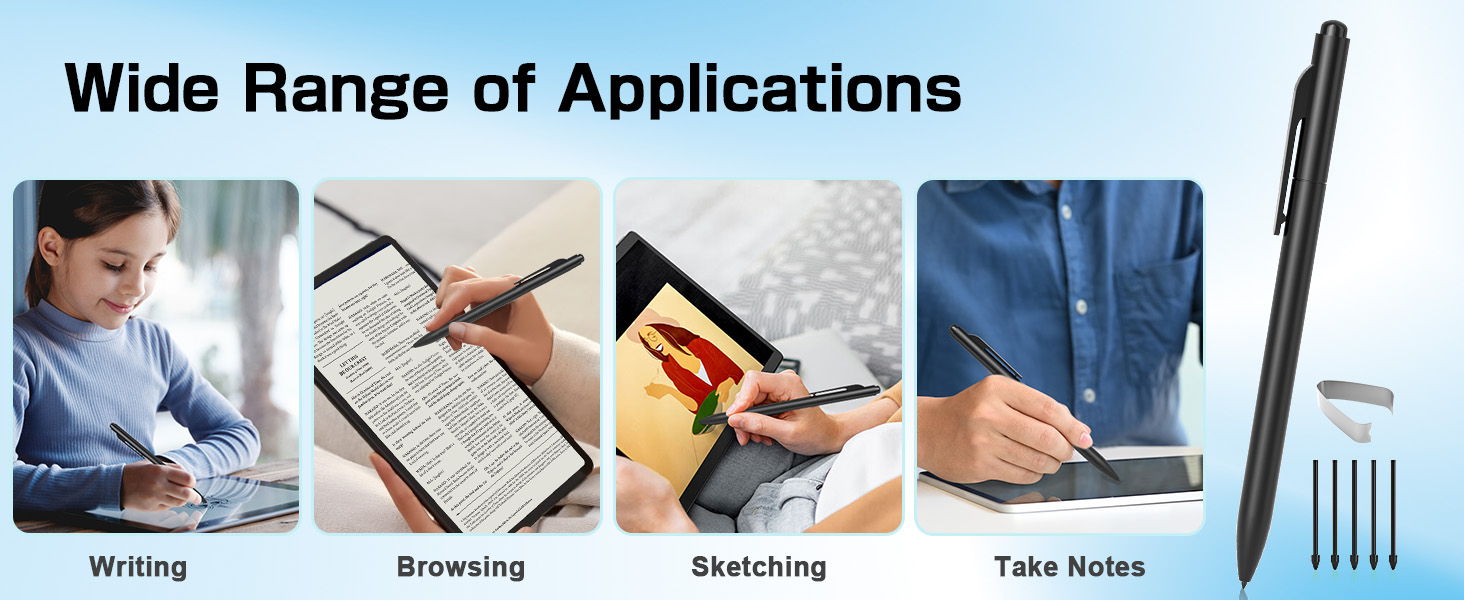
Yes, it works with most standard EMR-enabled Samsung, Onyx/Boox, and Wacom devices. Please confirm your device supports standard EMR technology before purchase.
Ciscle is a brand that has been established for 8 years, specializing in providing a range of office and lifestyle convenience products.
As a brand committed to excellence, Ciscle always prioritizes user needs.
With a focus on smarter, more convenient experiences, our products offer exceptional precision and compatibility.
Enhance your lifestyle with Ciscle and unlock the full potential of your devices.
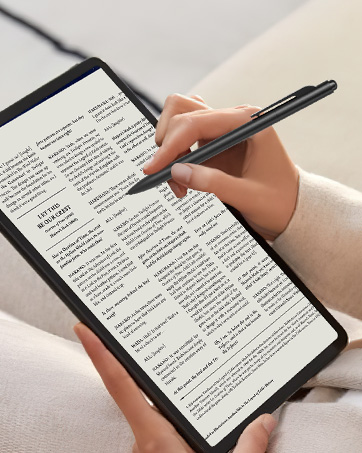
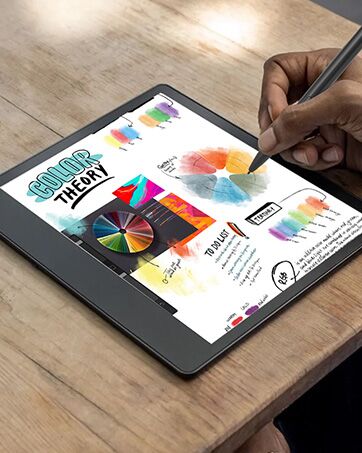
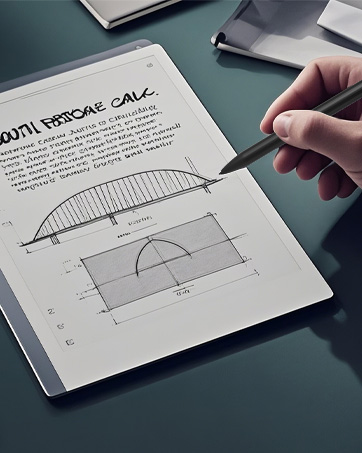
What does EMR stand for?
EMR tech lets a stylus interact with a device's display using an electromagnetic field, ensuring precise tracking without needing charging or pairing.
Why the pen is not working on my Remarkable tablet?
First, confirm you have Remarkable 1 or 2 (this pen does not support newer models). If yes, check if you have a thick screen protector – remove it and test again.
Why doesn’t the pen stick to my device?
This EMR pen does not have magnetic attachment. It works via EMR technology, so this does not affect its writing function.
Why the pen works but feels scratchy/skips lines?
Try replacing the pen tip with a new one (included in the package). Worn tips can cause inconsistent performance.
Can I use this pen with my Samsung/Boox tablet?
Yes, it works with most standard EMR-enabled Samsung, Onyx/Boox, and Wacom devices. Please confirm your device supports standard EMR technology before purchase.
Ciscle is a brand that has been established for 8 years, specializing in providing a range of office and lifestyle convenience products.
As a brand committed to excellence, Ciscle always prioritizes user needs.
With a focus on smarter, more convenient experiences, our products offer exceptional precision and compatibility.
Enhance your lifestyle with Ciscle and unlock the full potential of your devices.