here!
here!
I’m your shopping assistant for PC builds, upgrades, and everything tech.
Got questions? Ask away!
Start a conversation
here!
I’m your shopping assistant for PC builds, upgrades, and everything tech.
Got questions? Ask away!
Start a conversation



Any questions? Ask CelesteSM will help you find out quickly.
Why doesn't the stylus pen work with my iPad?
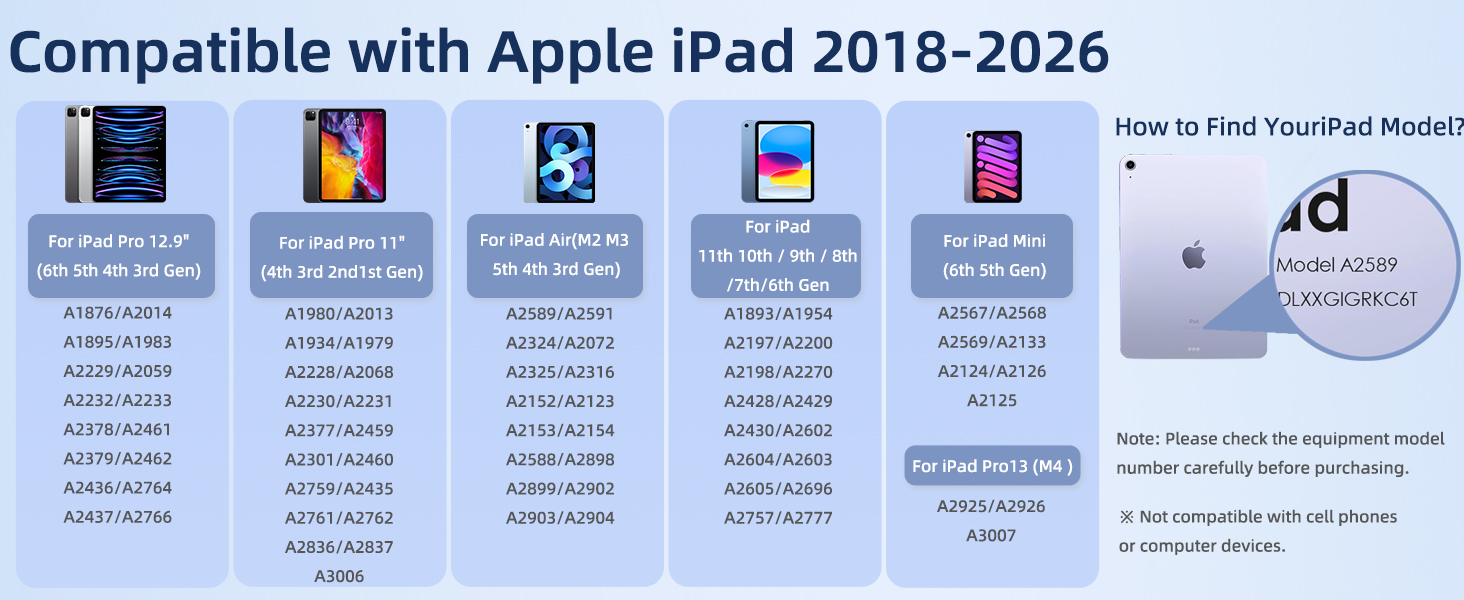
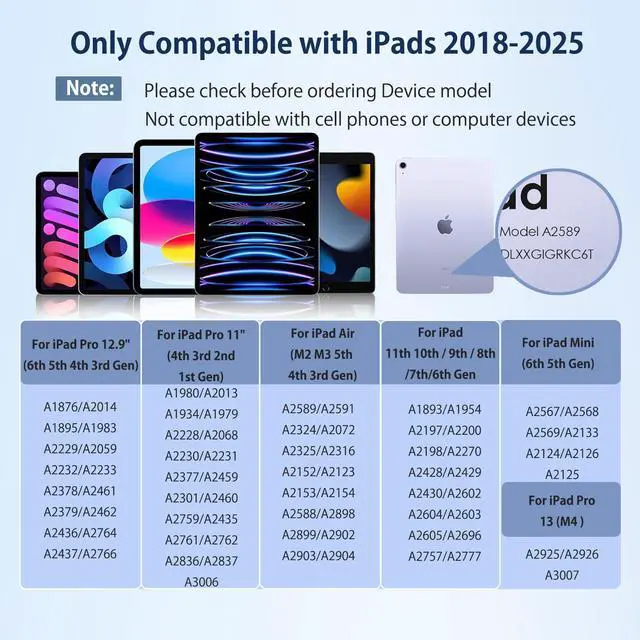
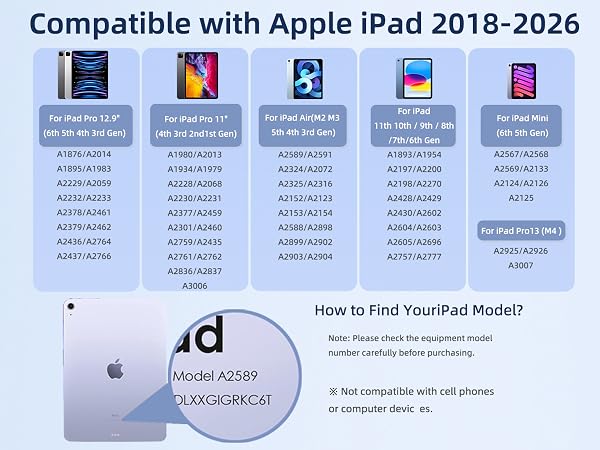
1. Ensure that your iPad model is compatible
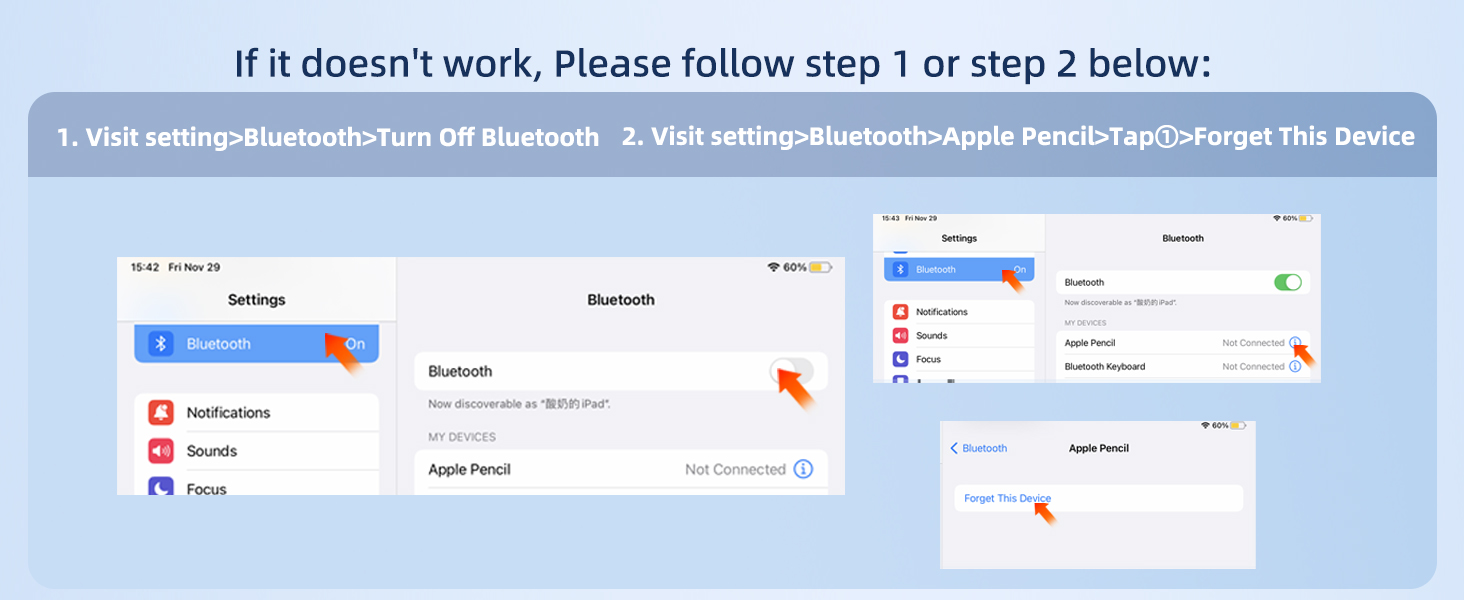
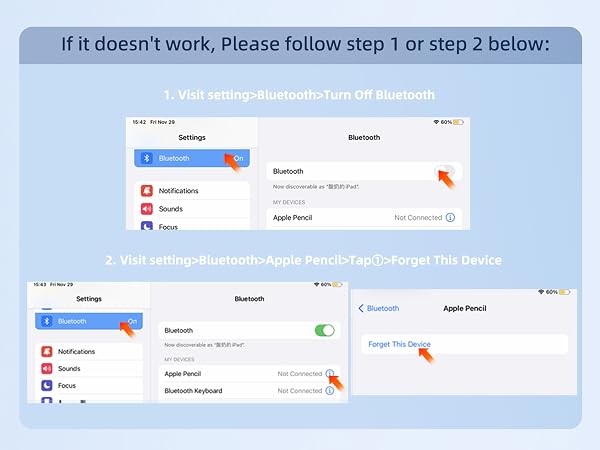
2. Check Bluetooth. If it is already turned on, please turn it off.
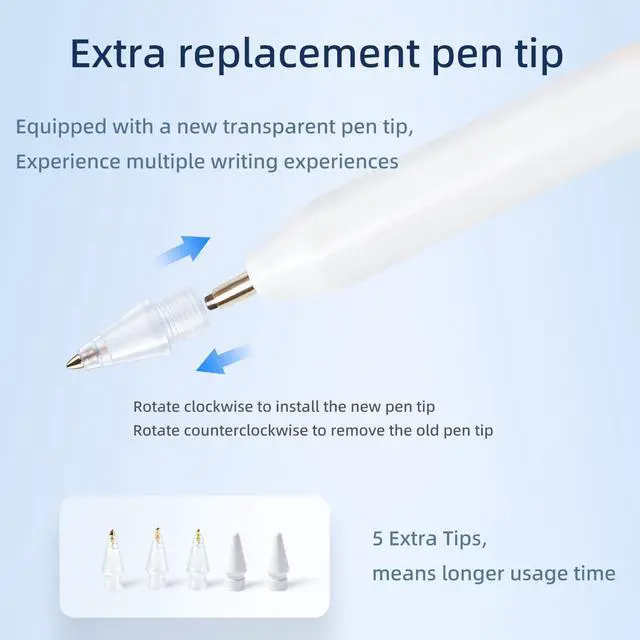
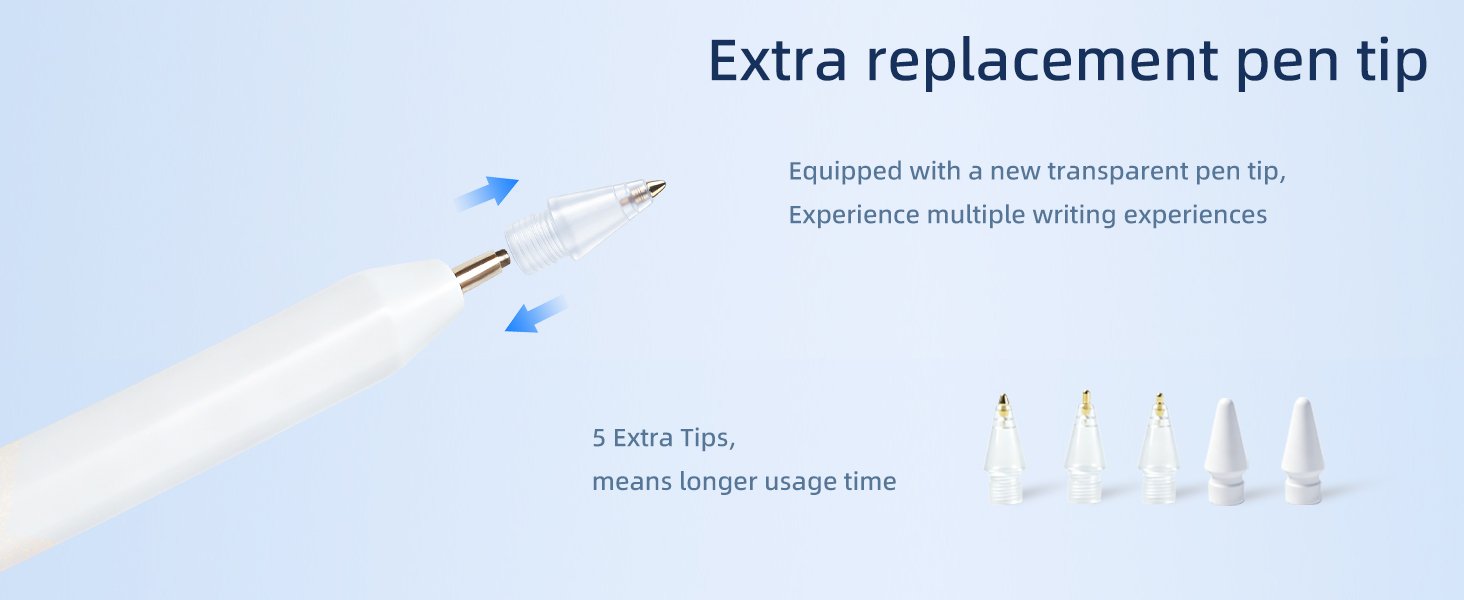
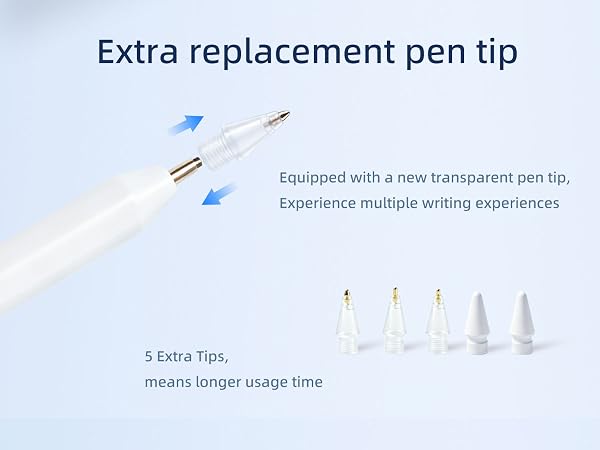
3. Loosen the pen tip slightly or replace the pen tip
4. Ensure that your iPad is running iOS 12.2 or a later version
How to power it on?
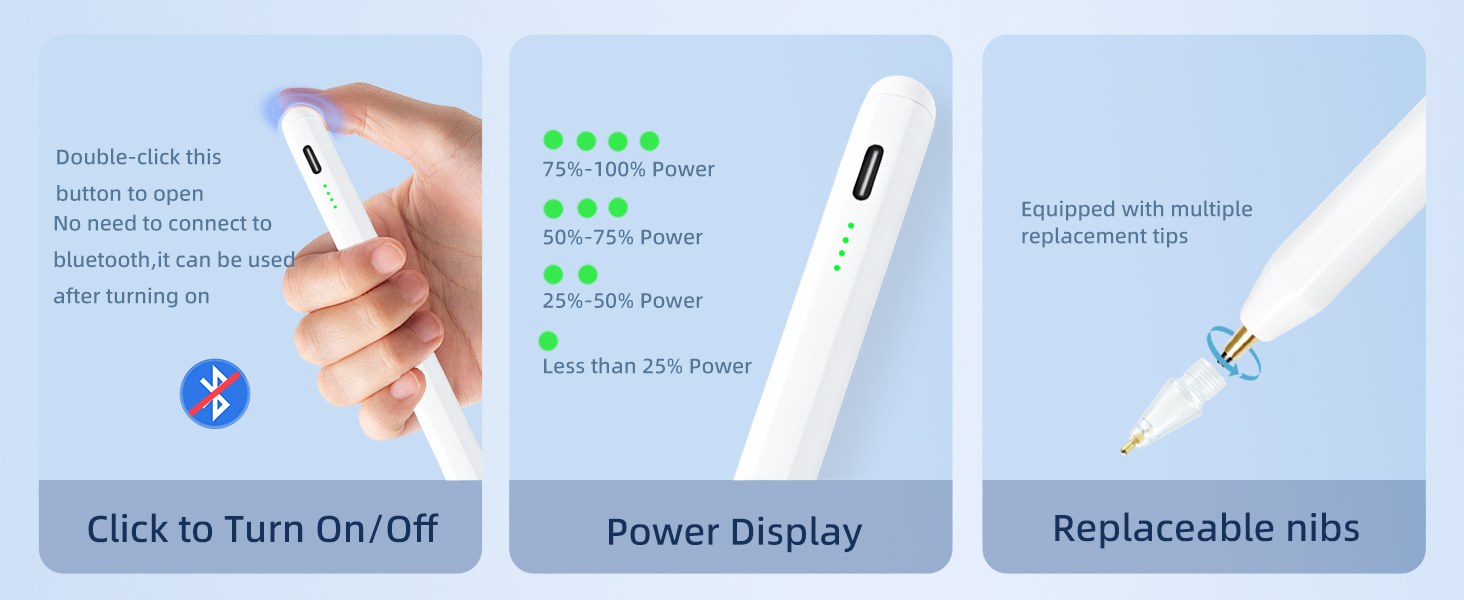
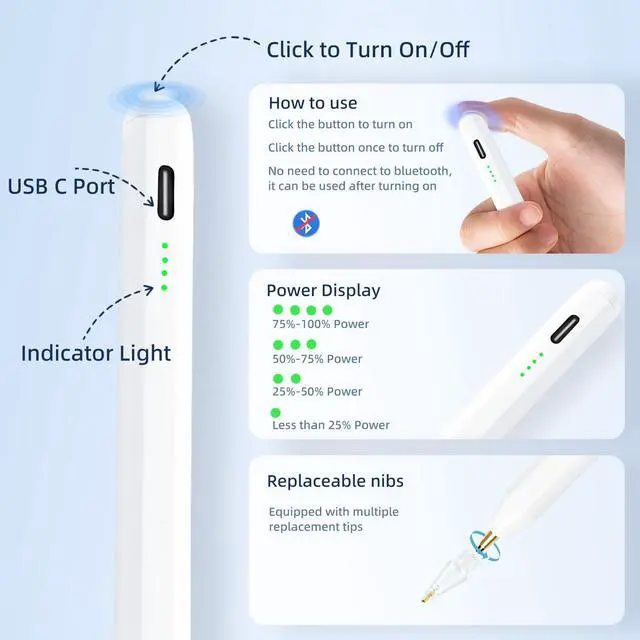
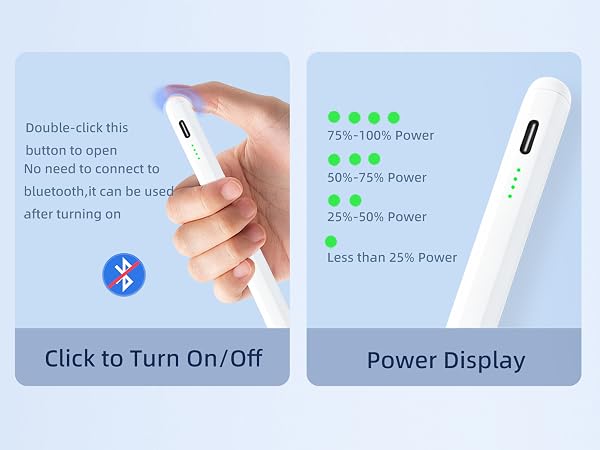
1. Turn off Bluetooth and disconnect any Apple Pencil.
2. Double-tap the top to power it on.
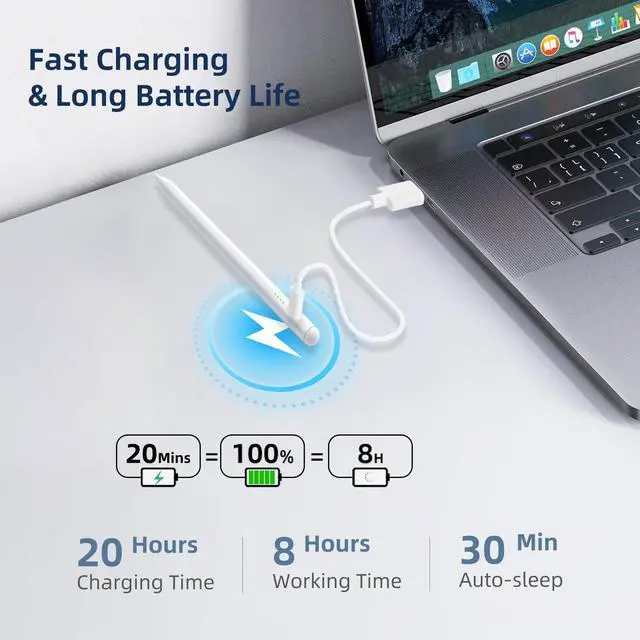
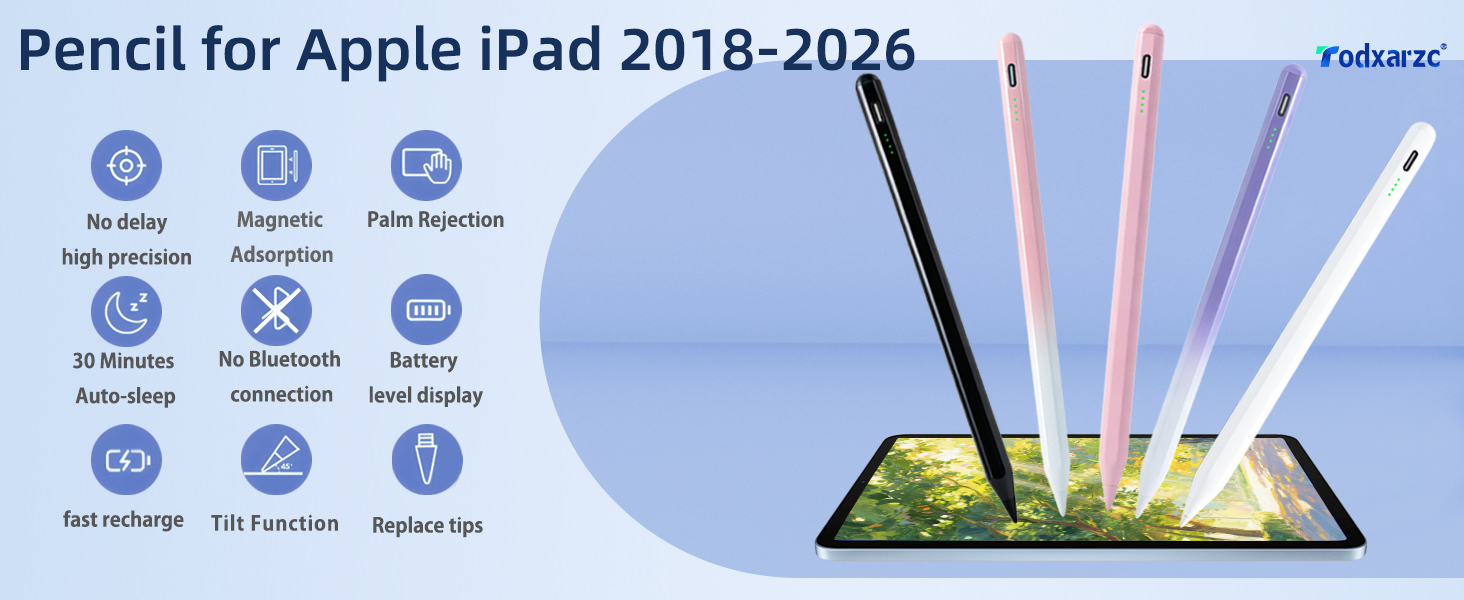
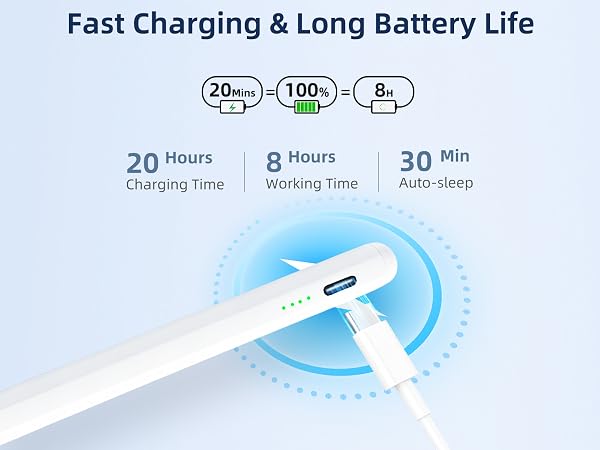
Note: It will automatically go into sleep mode after 30 minutes; you need to double-tap again to wake it.
Why is the response slow?
1. Check the battery level; low battery can affect performance.
2. Check the tip; a worn tip can reduce responsiveness.
Does the ipad pencil support wireless charging?
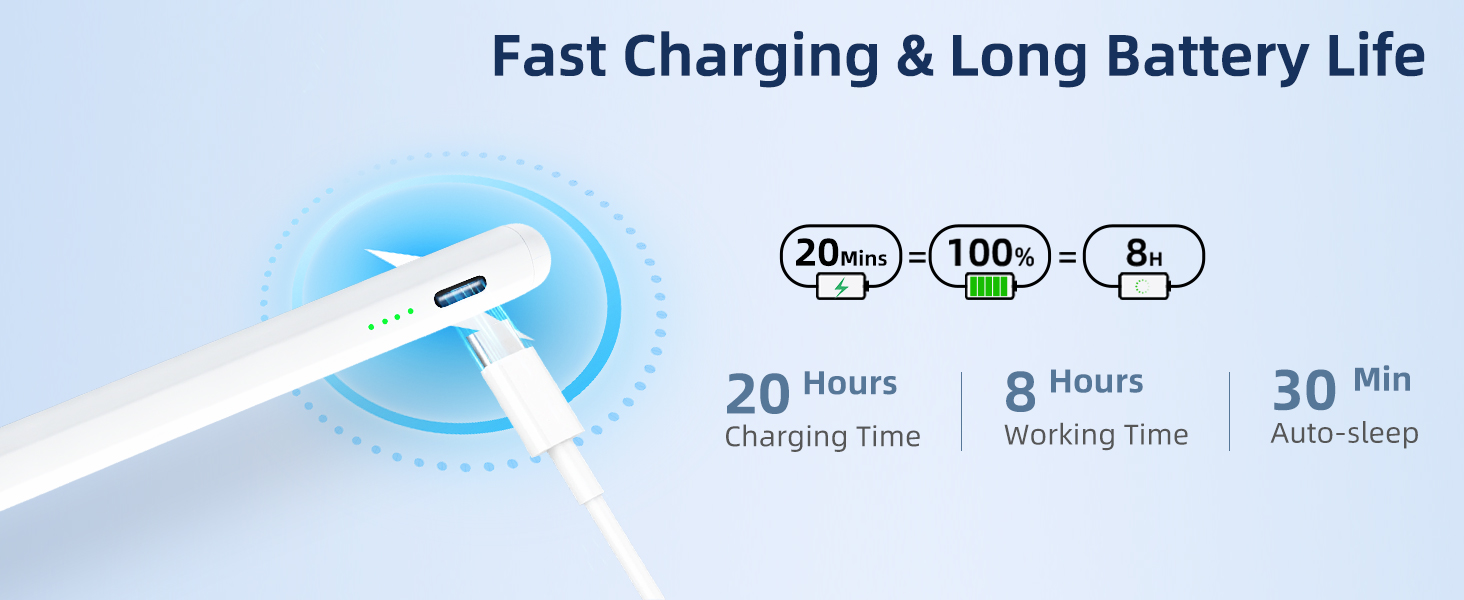
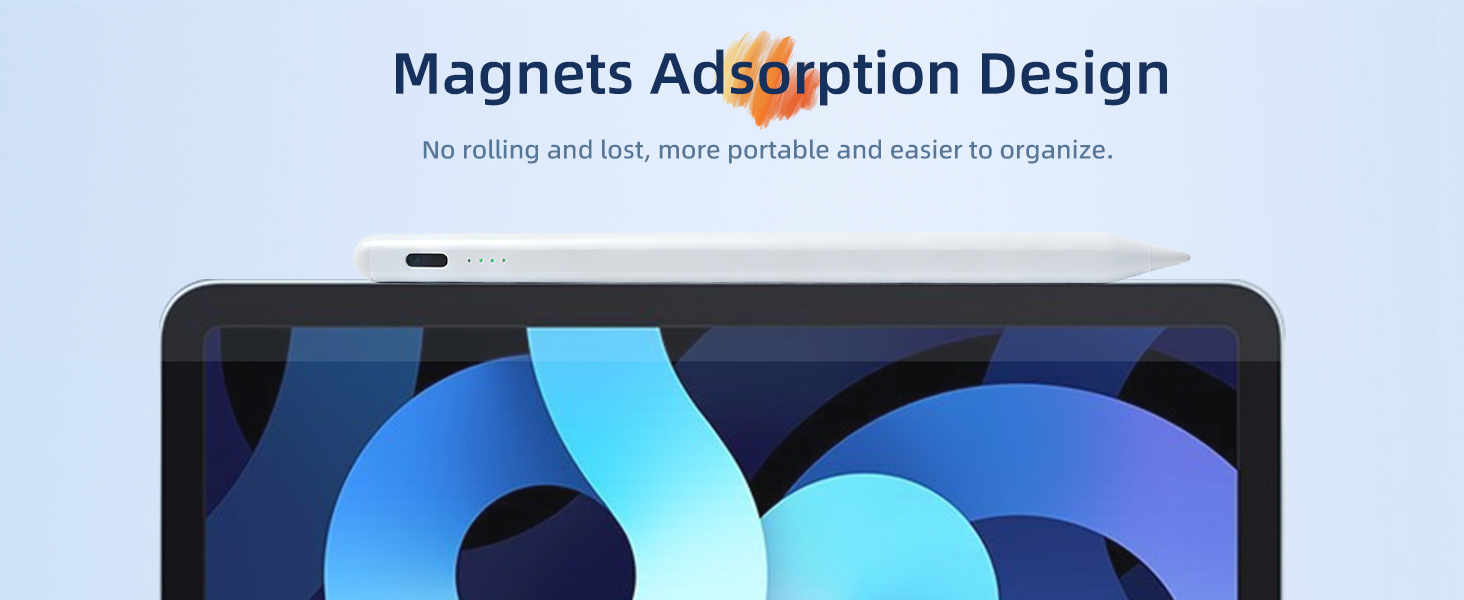
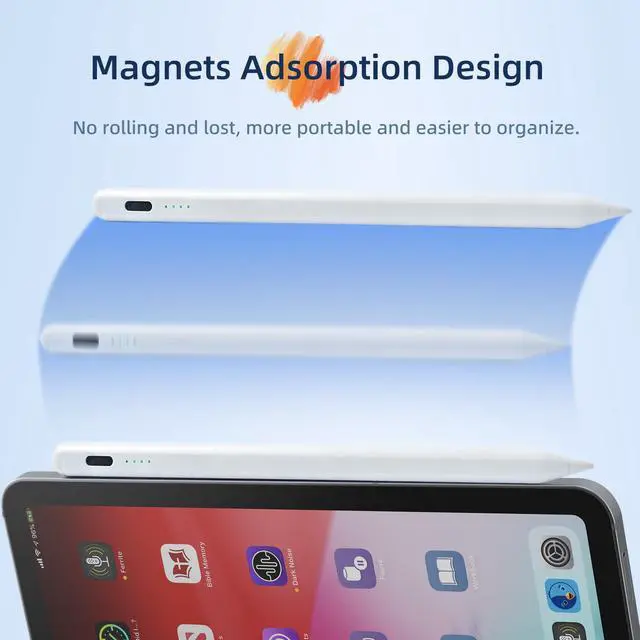
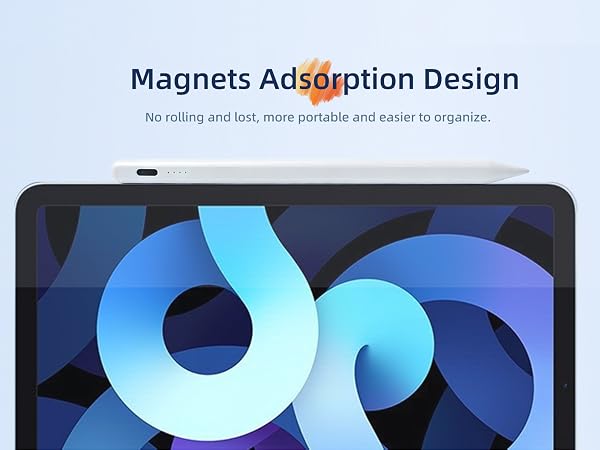
No, it only attaches magnetically to the iPad and does not charge magnetically. The ipad pencil charges using a USB-C charging cable, which is very convenient.
Does the stylus support pressure sensitivity?
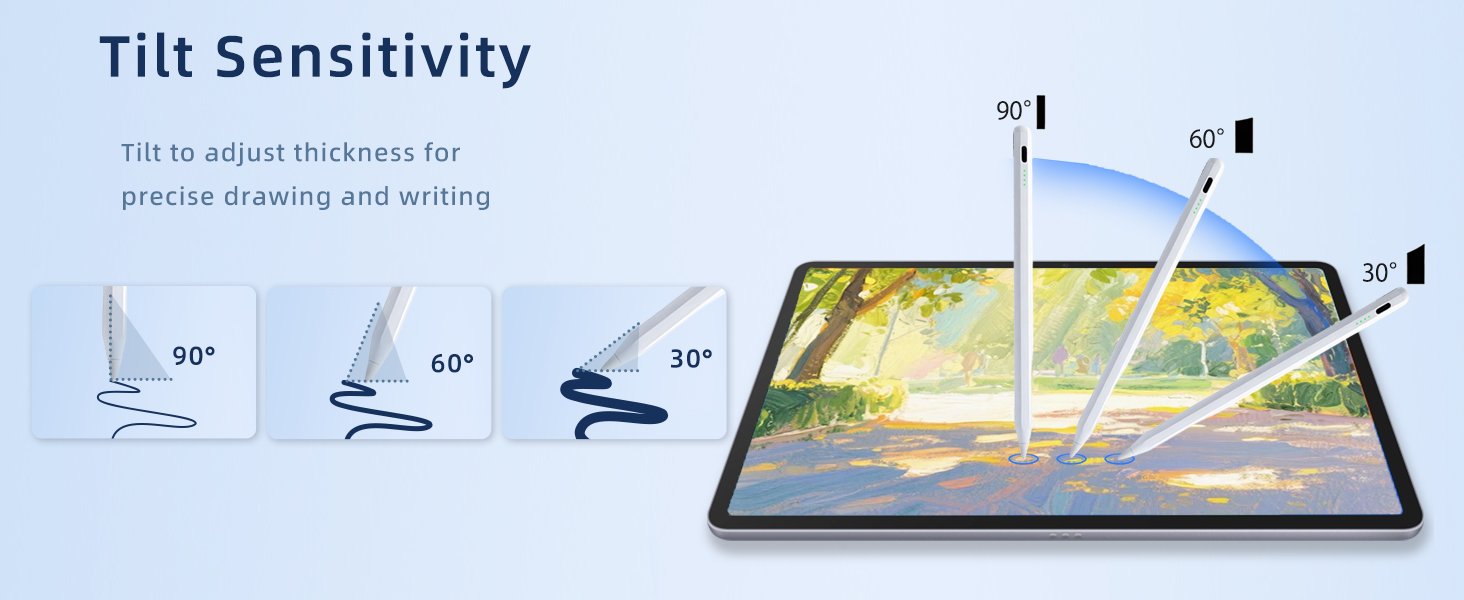
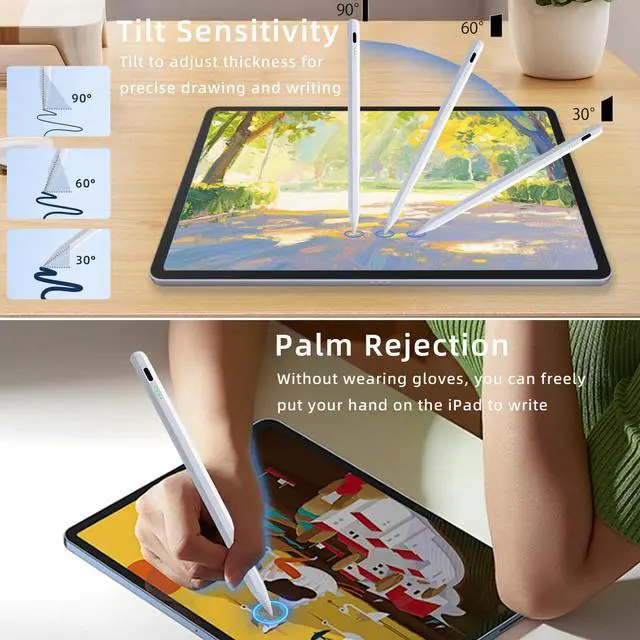
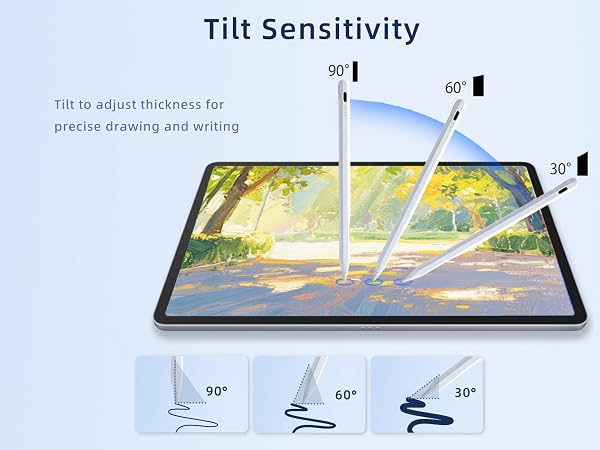
No, the stylus supports tilt sensitivity, but not pressure sensitivity.
Why doesn't the stylus pen work with my iPad?
1. Ensure that your iPad model is compatible
2. Check Bluetooth. If it is already turned on, please turn it off.
3. Loosen the pen tip slightly or replace the pen tip
4. Ensure that your iPad is running iOS 12.2 or a later version
How to power it on?
1. Turn off Bluetooth and disconnect any Apple Pencil.
2. Double-tap the top to power it on.
Note: It will automatically go into sleep mode after 30 minutes; you need to double-tap again to wake it.
Why is the response slow?
1. Check the battery level; low battery can affect performance.
2. Check the tip; a worn tip can reduce responsiveness.
Does the ipad pencil support wireless charging?
No, it only attaches magnetically to the iPad and does not charge magnetically. The ipad pencil charges using a USB-C charging cable, which is very convenient.
Does the stylus support pressure sensitivity?
No, the stylus supports tilt sensitivity, but not pressure sensitivity.