here!
here!
I’m your shopping assistant for PC builds, upgrades, and everything tech.
Got questions? Ask away!
Start a conversation
here!
I’m your shopping assistant for PC builds, upgrades, and everything tech.
Got questions? Ask away!
Start a conversation



Any questions? Ask CelesteSM will help you find out quickly.
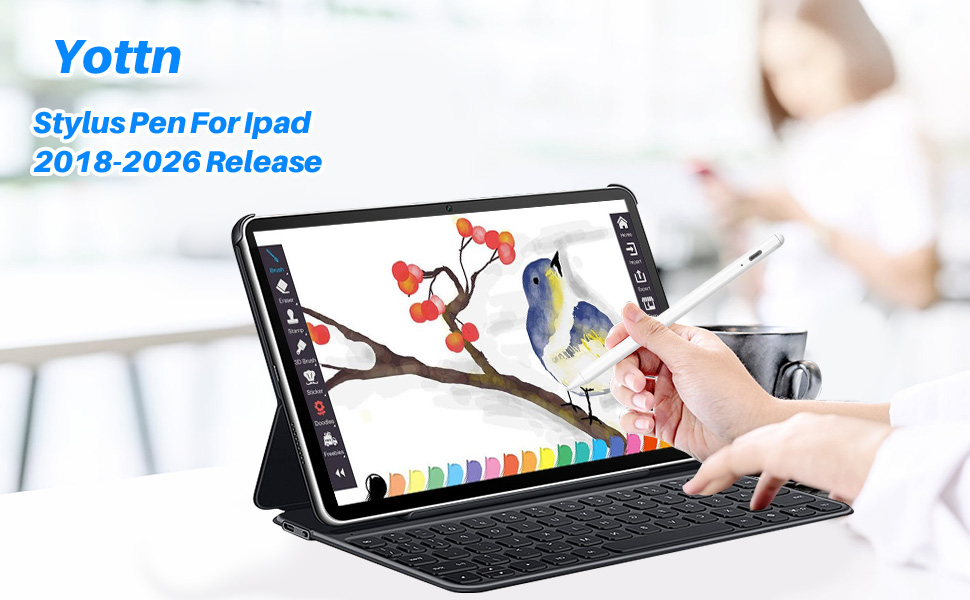
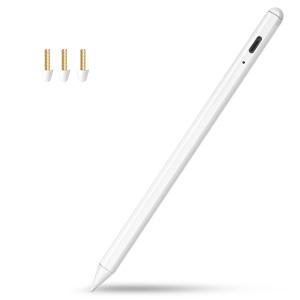
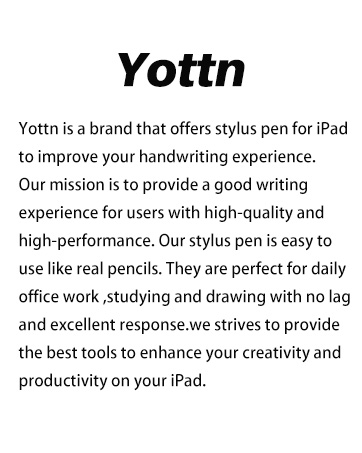
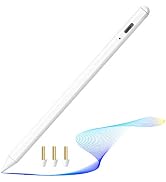
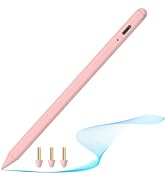
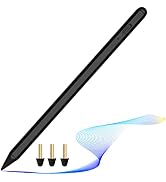
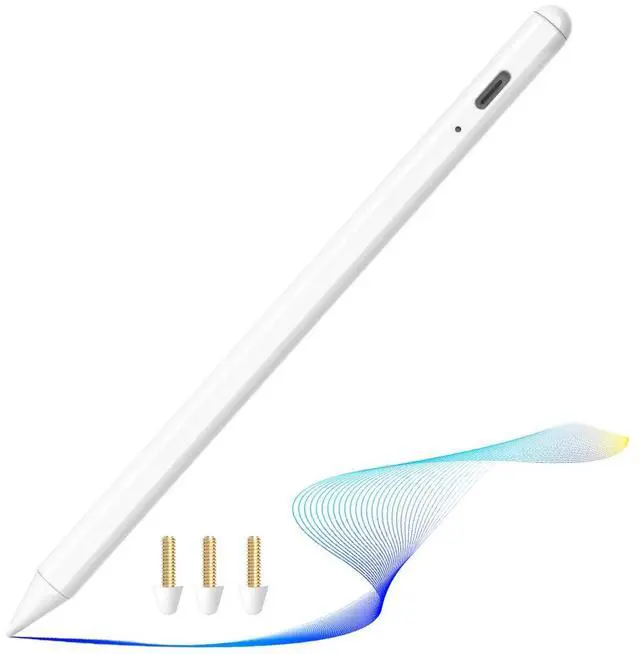
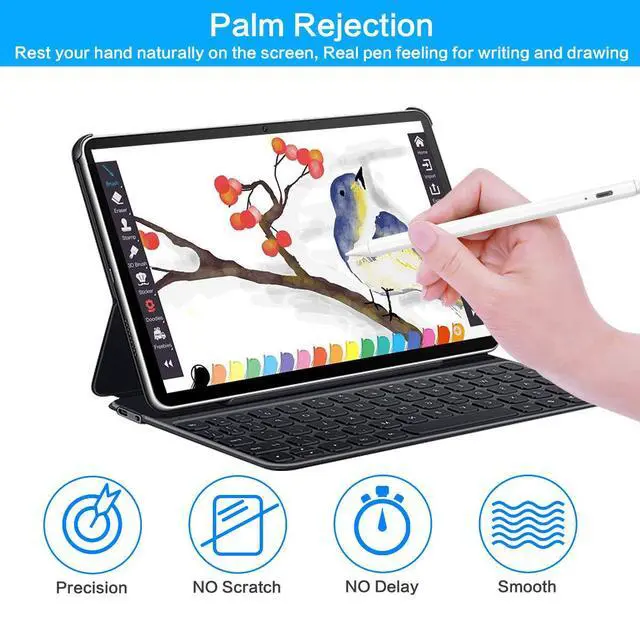
This Stylus Pen is compatible with iPad 2018 releases and later. The new Generation stylus for ipad aims to improve your writing experience. Upgraded stylus pen enable you rest your palm on the screen while writing without glove, more comfortable and precise than other pens. just like a real pencil.
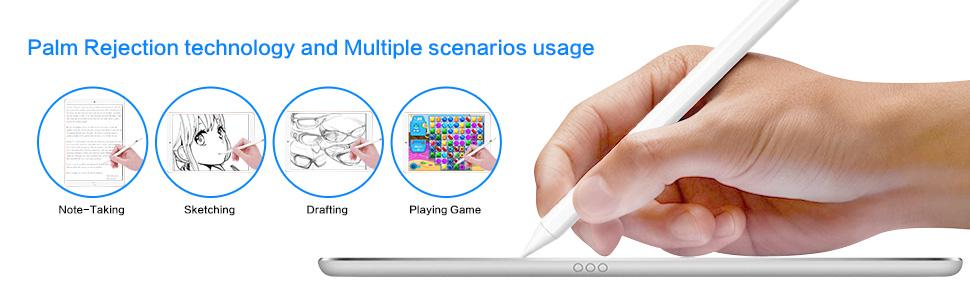
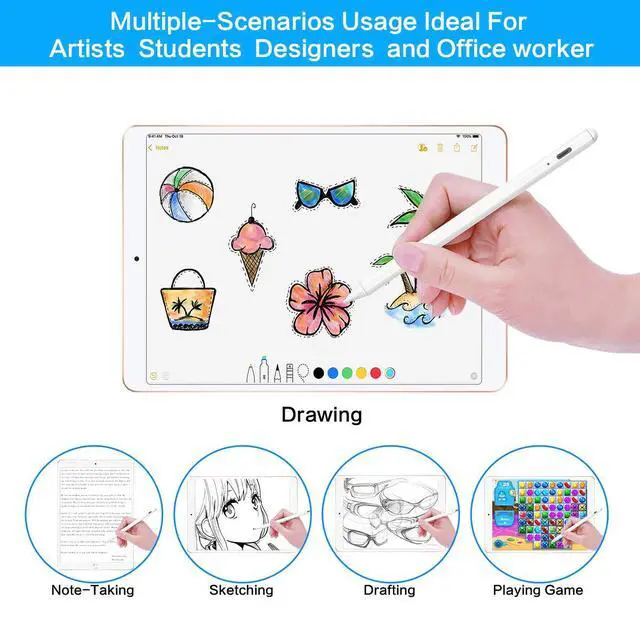
Just rest your hand on the screen like on a paper while writing or drawing, you don’t have to wear the anti-friction glove. no more worry mistaken touch. You can do note-taking, sketching drafting or playing game with this stylus pen. It is a ideal stylus pen for artists designers and students.
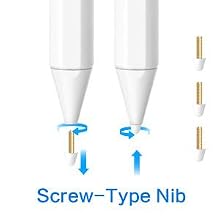
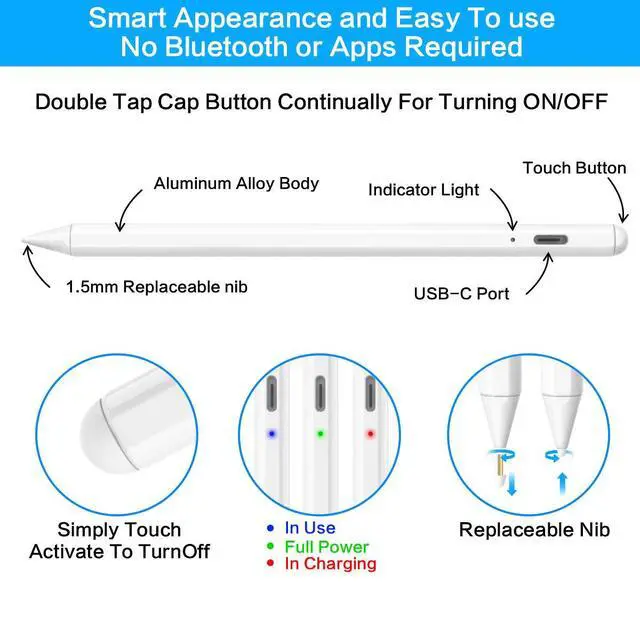
stylus pen nibs are made of high quality materials, upgraded tip is more durable and smoother for writing or drawing. Screw-type nibs are easier to replace and won’t break easily.
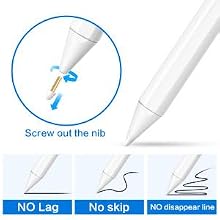
Equipped with 1.5mm tip which makes the pen highly precise, write small words more easily and freely. won't scratch the screen, no lagging, no skips no disappear line.
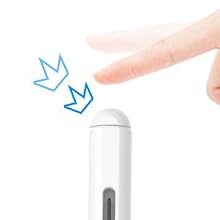
Double tap cap button continually for turning ON or turning OFF. automatically turn in Sleep Mode after idle for 10 minutes to save power
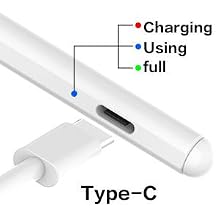
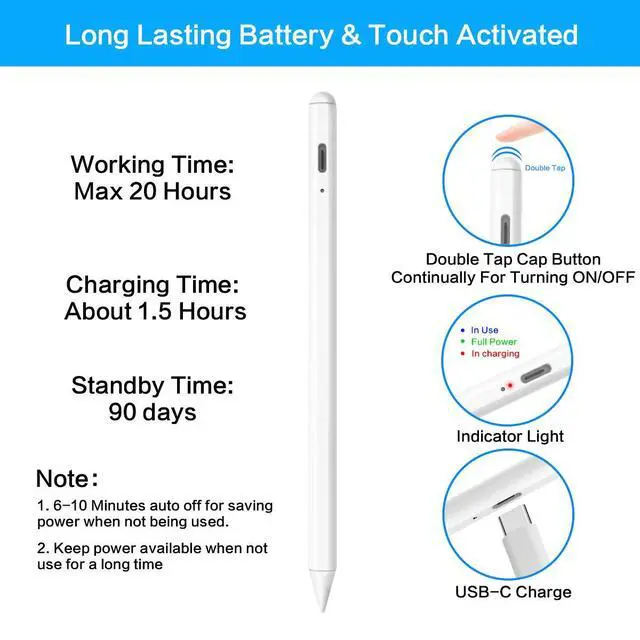
USB-C charging port and built-in battery, it Charges more faster and conveniently. 20 hours continuous working, 90 mins charge, 90 days standby time.
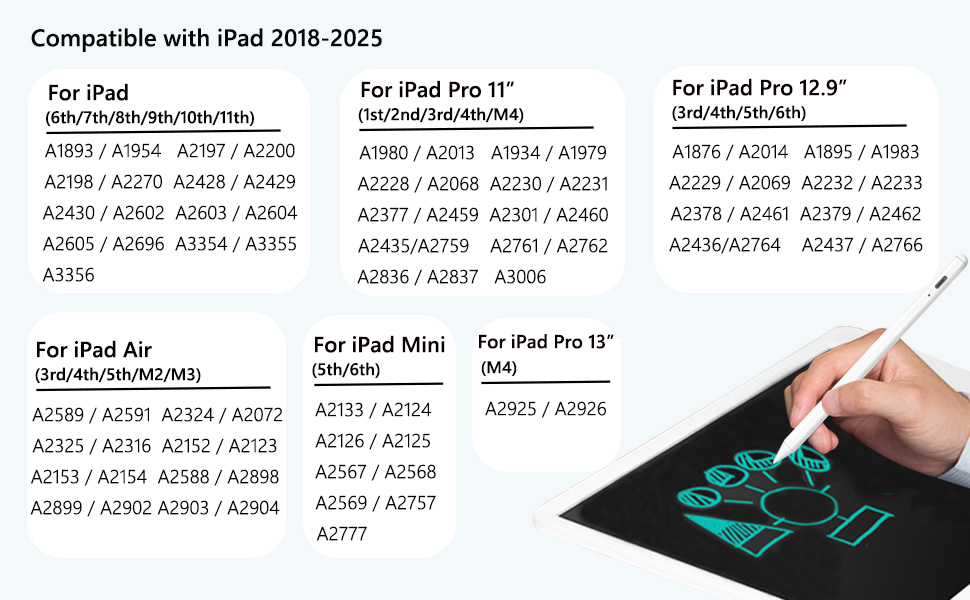
Especially Designed for iPad Series:
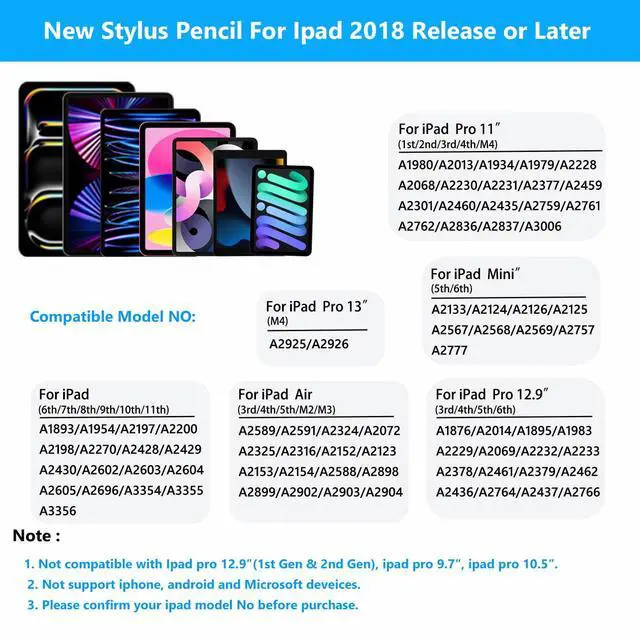
1. The pen stylus work for : Ipad pro 2018-2021 11 inch(2nd and 3rd Gen). 12.9 inch (3rd 4th 5th Gen) ,Ipad 2022 10.9inch air 5 Gen 2020 Ipad air 10.9 inch 4th GEN, Ipad 2019 air 10.5 inch 3rd GEN, Ipad 2019-2021 10.2 inch 9th 8th 7th Generation IPAD 2018 9.7 Inch 6th Gen Ipad 2019 mini 7.9 inch 5th Gen. Ipad 2021 8.3 inch mini 6th Gen.
2. It don’t work for iPad pro 12.9 inch 1st Gen and 2nd Gen, iPad Pro 10.5", iPad Pro 9.7", android, Microsoft iPhone,tablet and earlier versions of iPad, Please check the correct iPad model before you buy it.
It don’t work with :
Ipad 2010 (1st Gen ) A 1219 / A 1337
Ipad 2011 (2nd Gen) A 1395 / A 1396 / A 1397
Ipad 2012 (3rd Gen & 4th Gen) A 1403 / A 1416 / A 1430 / A 1458 / A 1459 / A 1460
Ipad 2017 (5th Gen ) A 1822 / A 1823
Ipad pro (9.7 inch ) A 1673 / A 1674 / A 1675
Ipad pro (10.5 inch ) A 1701 / A 1709 / A 1852
Ipad pro 12.9 inch (1st Gen & 2nd Gen) A 1584 / A 1652 / A 1670 / A 1671 / A 1821
Ipad Air (1st Gen & 2nd Gen) A 1474 / A 1475 / A 1476 / A 1566 / A 1567
Ipad mini (1st / 2nd /3rd / 4th Gen) A 1432 / A 1454/ A 1455 / A 1489/ A 1490 / A 1491 / A 1599 / A 1538 / A 1550 / A 1600
Warm Tips:
1. Update your iOS system to 12.2 version or above.
2. Ensure it has enough power before use stylus pen.
3. No switching apps or Bluetooth needed, just touch the power button to start.
4. Cannot use it when it is charging, it will cause skip or disconnect issues.
5. If the stylus pencil can’t work, please reset your iPad or iPad Pro as follows:
Settings--->Apple Pencil--->Turn off the Apple pencil.
Settings---> Notes--->Turn off "Only Draw with Apple Pencil".
6. We recommend using it with tempered glass screen protector.
7. There is NO press sensitivity, all lines are same thickness.
8.if the stylus pen can't work, please check the user manual for getting help.
9.It don’t work with android, Microsoft iPhone,tablet , Samsung phone & tablet and earlier versions of iPad.
This Stylus Pen is compatible with iPad 2018 releases and later. The new Generation stylus for ipad aims to improve your writing experience. Upgraded stylus pen enable you rest your palm on the screen while writing without glove, more comfortable and precise than other pens. just like a real pencil.
Just rest your hand on the screen like on a paper while writing or drawing, you don’t have to wear the anti-friction glove. no more worry mistaken touch. You can do note-taking, sketching drafting or playing game with this stylus pen. It is a ideal stylus pen for artists designers and students.
stylus pen nibs are made of high quality materials, upgraded tip is more durable and smoother for writing or drawing. Screw-type nibs are easier to replace and won’t break easily.
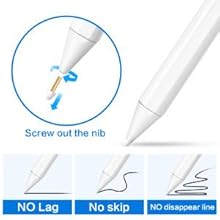
Equipped with 1.5mm tip which makes the pen highly precise, write small words more easily and freely. won't scratch the screen, no lagging, no skips no disappear line.
Double tap cap button continually for turning ON or turning OFF. automatically turn in Sleep Mode after idle for 10 minutes to save power
USB-C charging port and built-in battery, it Charges more faster and conveniently. 20 hours continuous working, 90 mins charge, 90 days standby time.
Especially Designed for iPad Series:
1. The pen stylus work for : Ipad pro 2018-2021 11 inch(2nd and 3rd Gen). 12.9 inch (3rd 4th 5th Gen) ,Ipad 2022 10.9inch air 5 Gen 2020 Ipad air 10.9 inch 4th GEN, Ipad 2019 air 10.5 inch 3rd GEN, Ipad 2019-2021 10.2 inch 9th 8th 7th Generation IPAD 2018 9.7 Inch 6th Gen Ipad 2019 mini 7.9 inch 5th Gen. Ipad 2021 8.3 inch mini 6th Gen.
2. It don’t work for iPad pro 12.9 inch 1st Gen and 2nd Gen, iPad Pro 10.5", iPad Pro 9.7", android, Microsoft iPhone,tablet and earlier versions of iPad, Please check the correct iPad model before you buy it.
It don’t work with :
Ipad 2010 (1st Gen ) A 1219 / A 1337
Ipad 2011 (2nd Gen) A 1395 / A 1396 / A 1397
Ipad 2012 (3rd Gen & 4th Gen) A 1403 / A 1416 / A 1430 / A 1458 / A 1459 / A 1460
Ipad 2017 (5th Gen ) A 1822 / A 1823
Ipad pro (9.7 inch ) A 1673 / A 1674 / A 1675
Ipad pro (10.5 inch ) A 1701 / A 1709 / A 1852
Ipad pro 12.9 inch (1st Gen & 2nd Gen) A 1584 / A 1652 / A 1670 / A 1671 / A 1821
Ipad Air (1st Gen & 2nd Gen) A 1474 / A 1475 / A 1476 / A 1566 / A 1567
Ipad mini (1st / 2nd /3rd / 4th Gen) A 1432 / A 1454/ A 1455 / A 1489/ A 1490 / A 1491 / A 1599 / A 1538 / A 1550 / A 1600
Warm Tips:
1. Update your iOS system to 12.2 version or above.
2. Ensure it has enough power before use stylus pen.
3. No switching apps or Bluetooth needed, just touch the power button to start.
4. Cannot use it when it is charging, it will cause skip or disconnect issues.
5. If the stylus pencil can’t work, please reset your iPad or iPad Pro as follows:
Settings--->Apple Pencil--->Turn off the Apple pencil.
Settings---> Notes--->Turn off "Only Draw with Apple Pencil".
6. We recommend using it with tempered glass screen protector.
7. There is NO press sensitivity, all lines are same thickness.
8.if the stylus pen can't work, please check the user manual for getting help.
9.It don’t work with android, Microsoft iPhone,tablet , Samsung phone & tablet and earlier versions of iPad.