




 here!
here!
I’m your shopping assistant for PC builds, upgrades, and everything tech.
Got questions? Ask away!
Start a conversation
here!
I’m your shopping assistant for PC builds, upgrades, and everything tech.
Got questions? Ask away!
Start a conversation
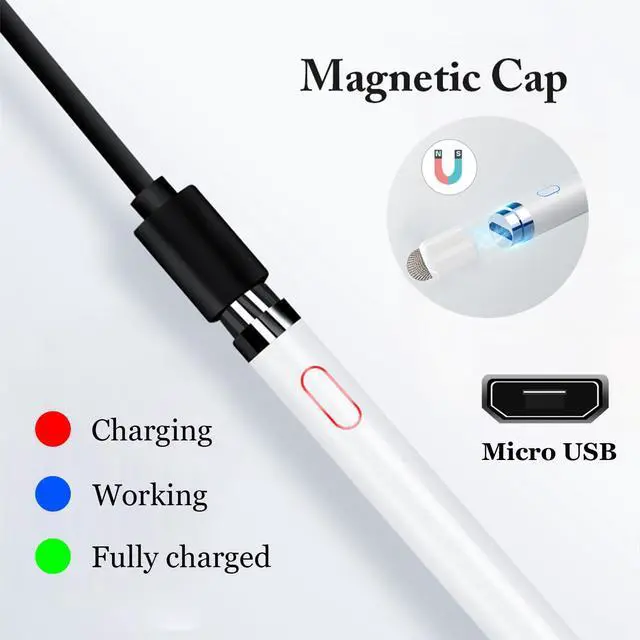
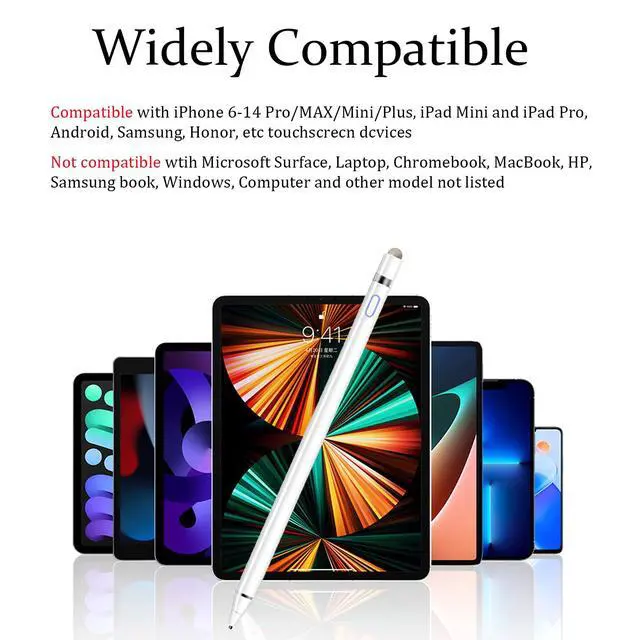



Any questions? Ask CelesteSM will help you find out quickly.

CMARS: See Mars, Unleash Your Universe.


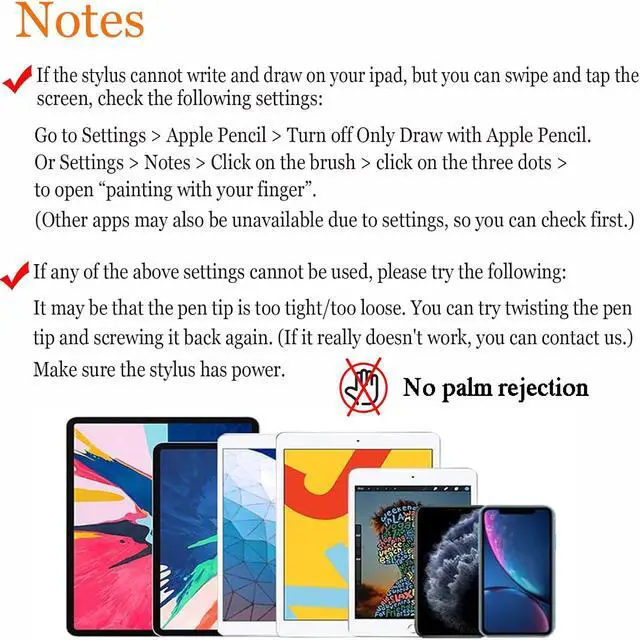
| Doesn't work on Notability? | Please try to set up your iPad as follows: info--->Apple Pencil--->Disconnect--->Start writing to connect |
|---|---|
| Doesn't work on Noteshelf? | Please try to set up your iPad as follows:Setting--->Stylus--->Enable |
| Doesn't work on Goodnotes? | Please try to set up your iPad as follows: Stylus&Palm rejection--->Smart Stytus--->None |
| Doesn't work on Notes? | Please try to set up your iPad as follows: Setting--->Draw with finger |
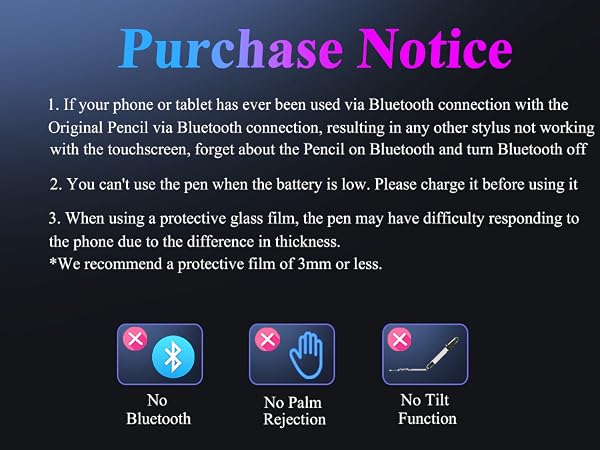
| Can't write in Procreate? | Please try to set up your iPad as follows:Setting---> Gesture controls--->General--->Disable Touch actions (Disconnect the Bluetooth connection between the active pen/Apple pencil and iPad before using the stylus) |
| Can't write in Sketches? | Please try to set up your iPad as follows:Setting--->Stylus--->Enable(Disconnect the Bluetooth connection between the active pen/Apple pencil and iPad before using the stylus) |
| Can't write in Sketchbook? | Please try to set up your iPad as follows:Setting--->Preferences--->Pen Connection--->Pen--->None(Disconnect the Bluetooth connection between the active pen/Apple pencil and iPad before using the stylus) |
| Can't write in Vectornator? | Please try to set up your iPad as follows: Setting--->Input--->Draw only with pencil(Disconnect the Bluetooth connection between the active pen/Apple pencil and iPad before using the stylus) |
| Can't write in Onenote? | Please try to set up your iPad as follows: Draw--->Drawing Mode--->Draw with touch(Disconnect the Bluetooth connection between the active pen/Apple pencil and iPad before using the stylus) |
| S-Note on Samsung | [?] icon in the upper right corner--->“Settings”---> turn off “S Pen Mode only” |
| Jnotes/ Yun-Note on Huawei | [?] icon in the upper right corner --->“Settings”---> open “Finger writing”, and then select a pen/brush to write. |
| Accessibility functions | Quick launch and gestures --->Screen capture and screen recording (Screen capture (knuckle/three-finger slide) and screen recording must be turned off, otherwise it will affect the misoperation of the software) |
CMARS: See Mars, Unleash Your Universe.

From innovative tech gadgets that simplify your daily routine to stylish accessories that elevate your look, each CMARS product is designed with precision and passion.
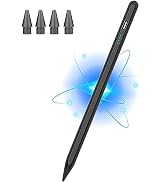
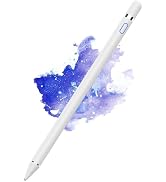
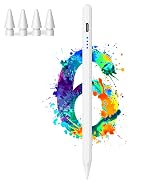
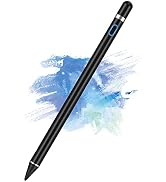
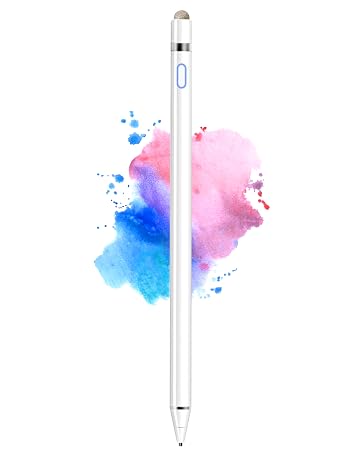
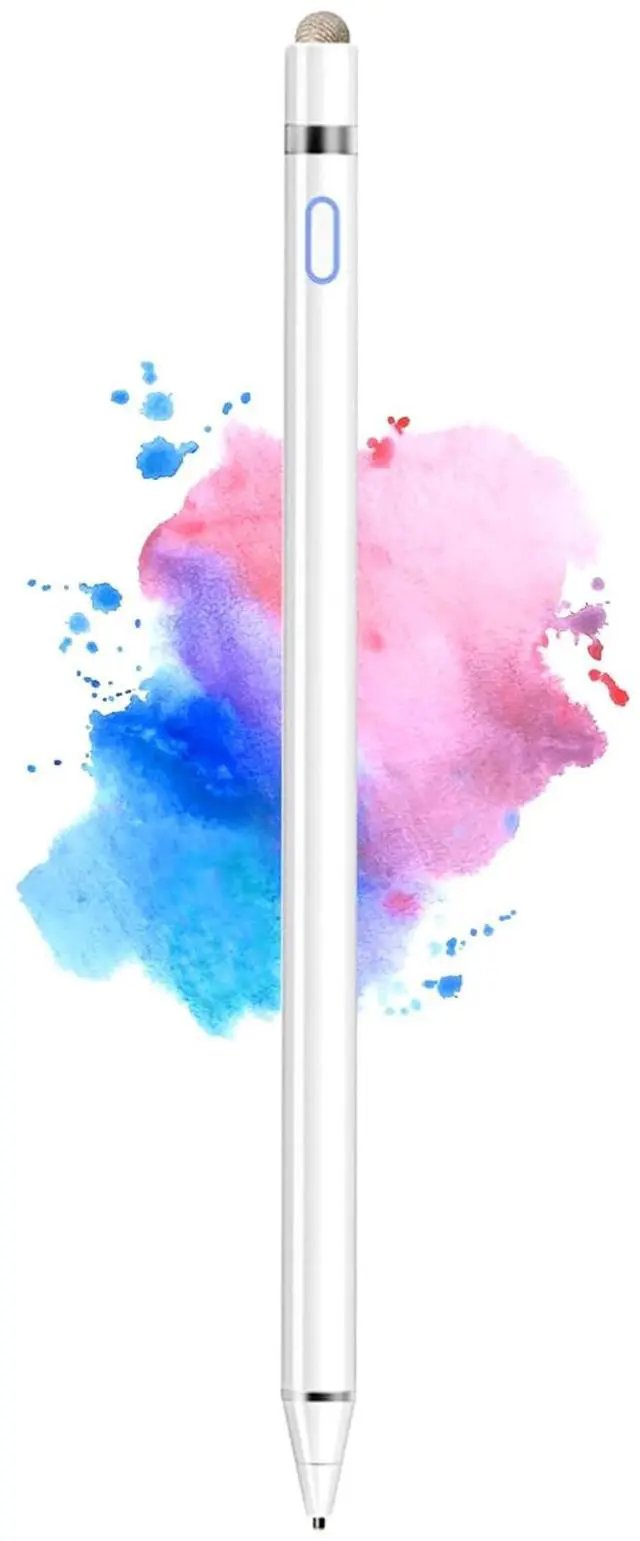
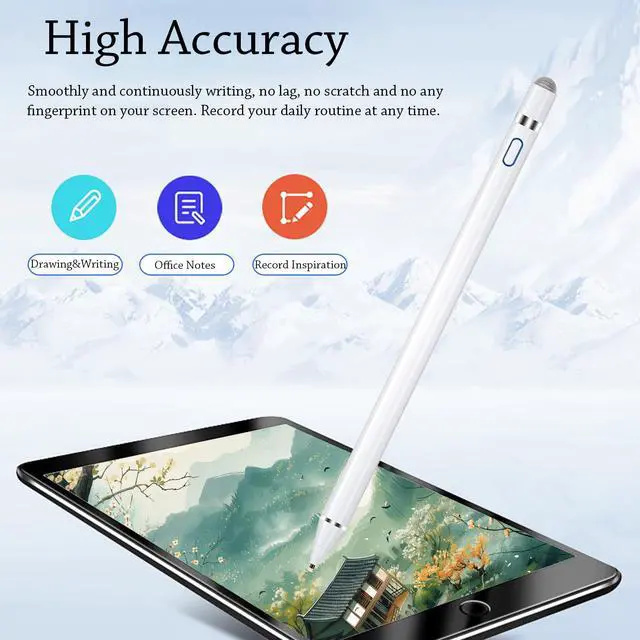
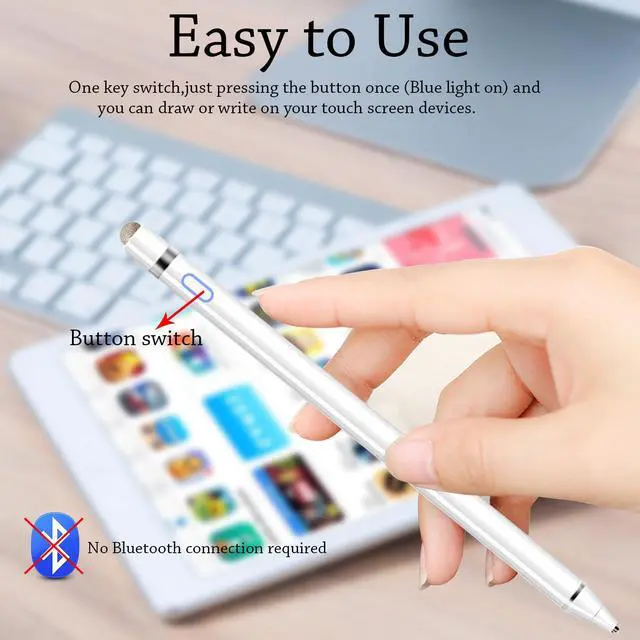
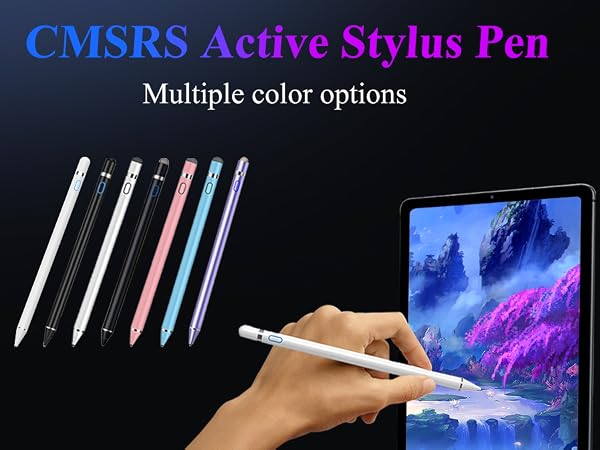
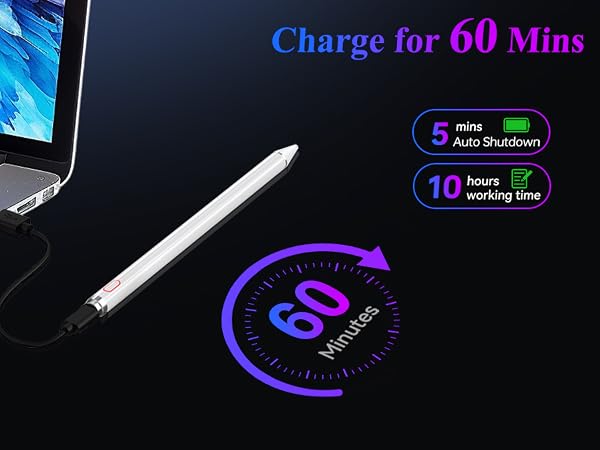
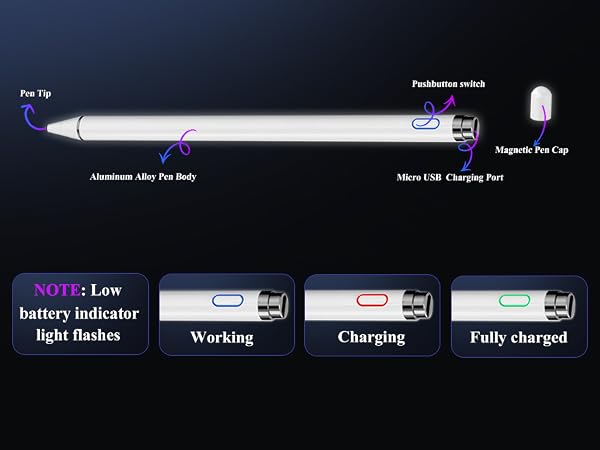
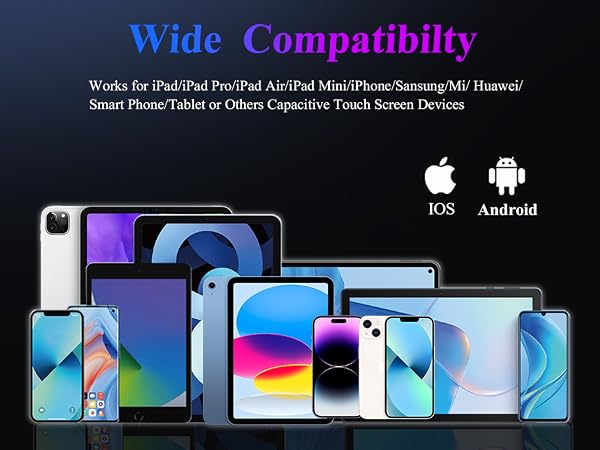
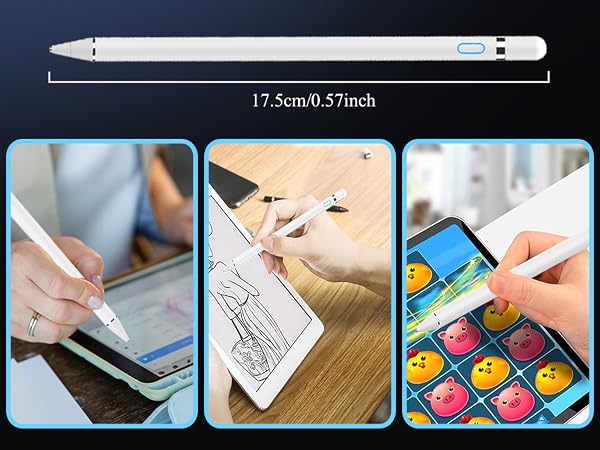
Active Stylus Pen for Touchscreens with Dual Touch Function


