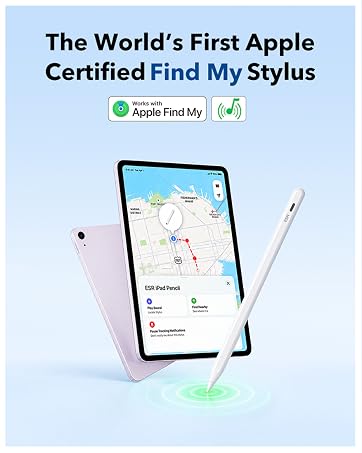
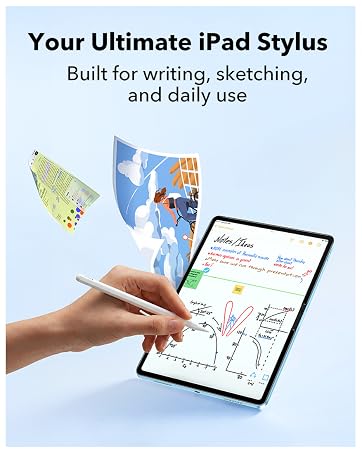
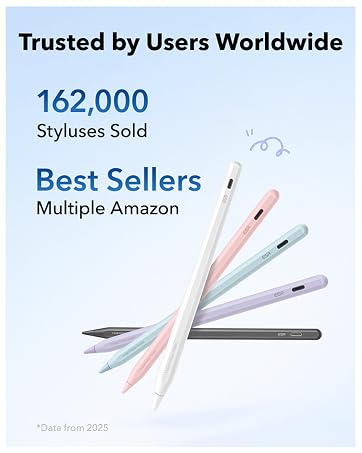
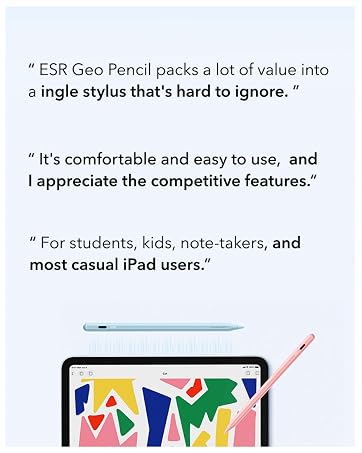
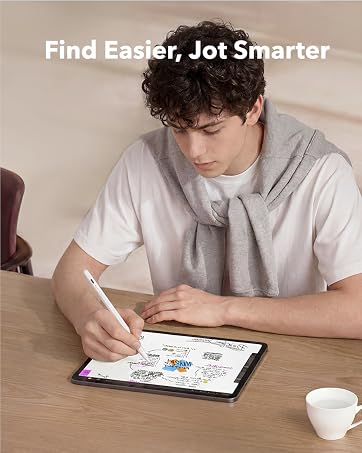
here!
here!
I’m your shopping assistant for PC builds, upgrades, and everything tech.
Got questions? Ask away!
Start a conversation
here!
I’m your shopping assistant for PC builds, upgrades, and everything tech.
Got questions? Ask away!
Start a conversation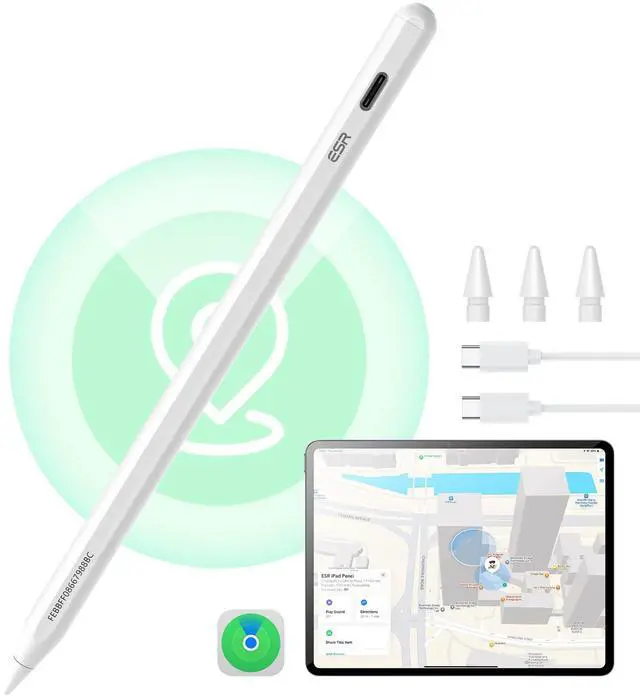
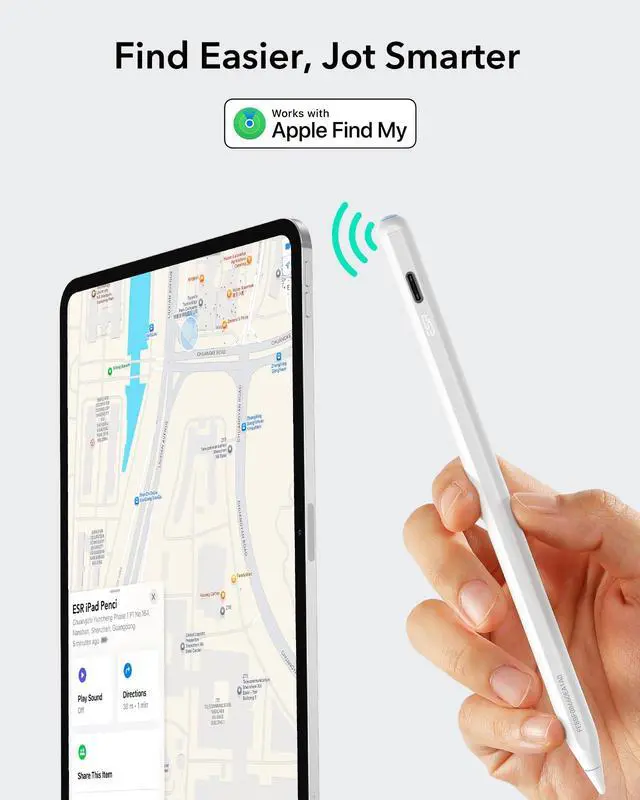
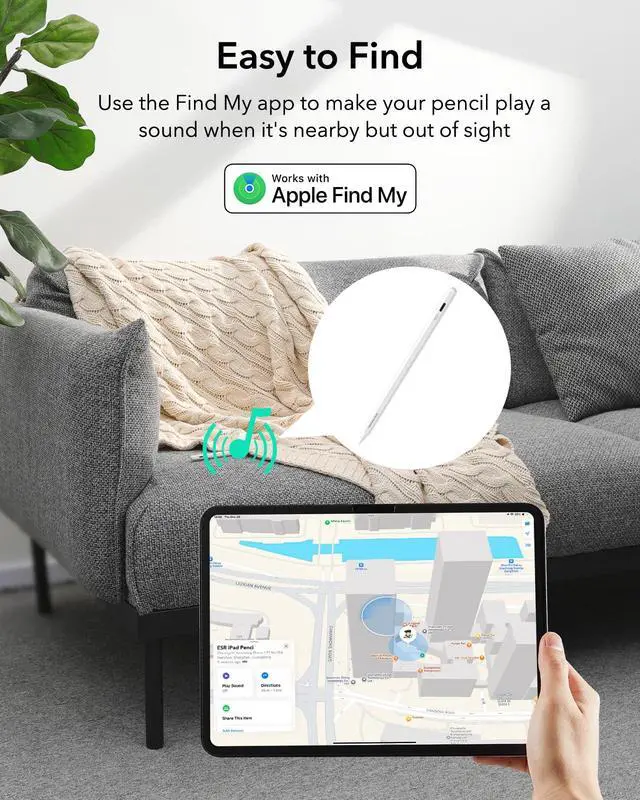
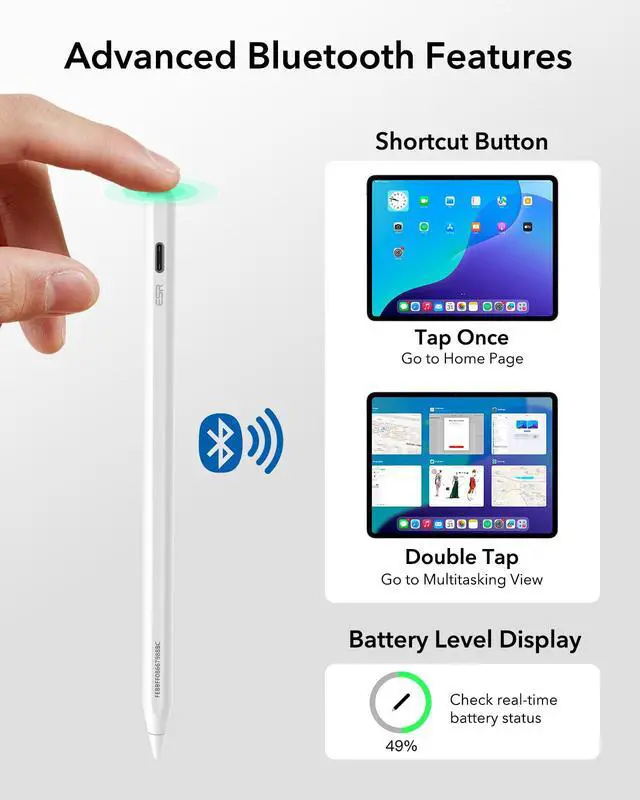



Any questions? Ask CelesteSM will help you find out quickly.

What should I do if my Find My Pencil won't turn on?
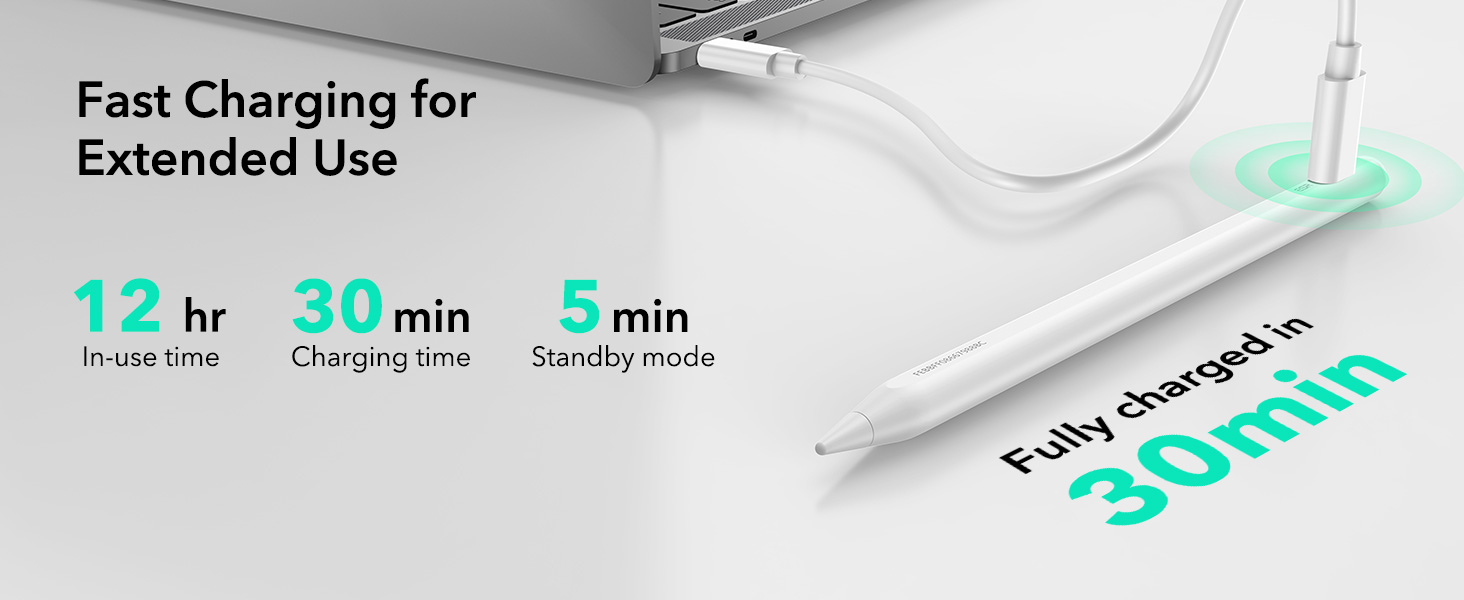
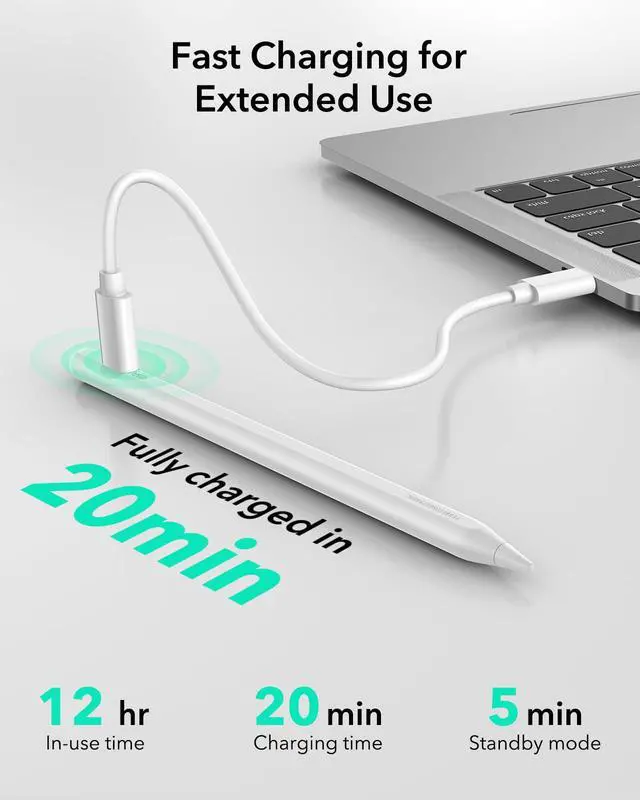
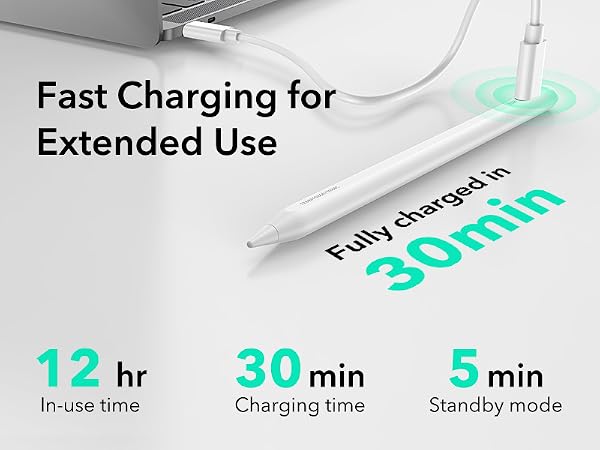
If the Pencil won’t turn on, try charging it with a Type-C cable for 25 minutes. Once fully charged, test the Pencil again.
What should I do if my Find My Pencil turn on but still not working?
1.If your iPad is connected to an Apple Pencil, it may prevent the third-party stylus from working. Please disconnect the Apple Pencil first.
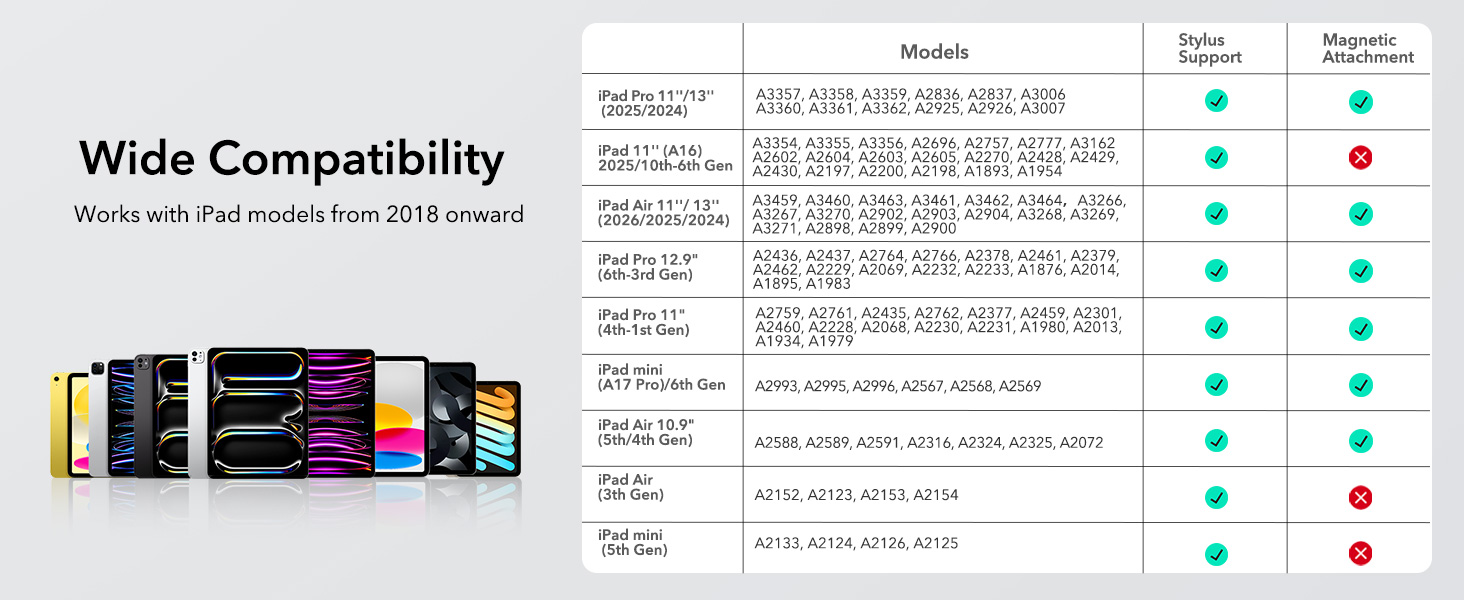
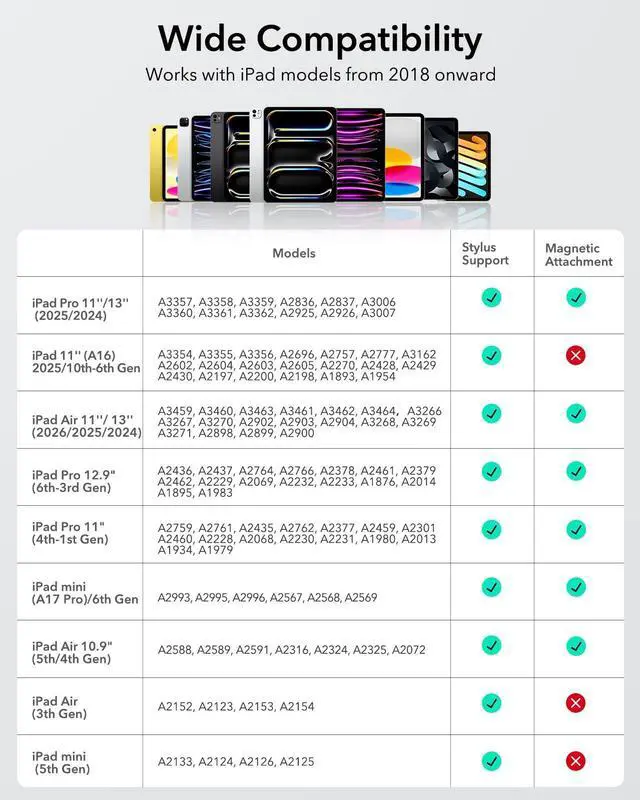
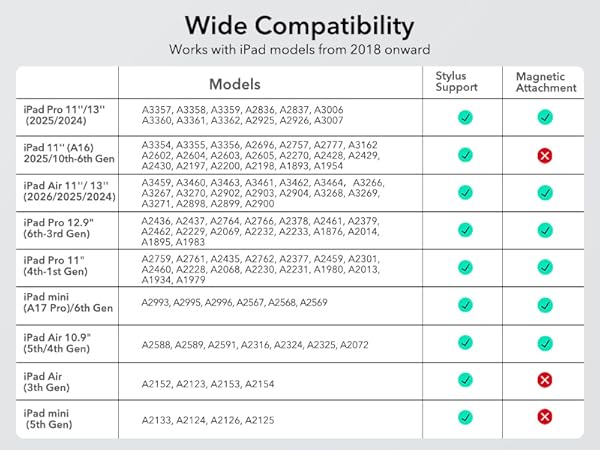
2. Ensure your iPad is an compatible model, as the stylus may not be compatible with others
What should I do if my Find My Pencil won't connect to Bluetooth?
Follow these steps to connect via Bluetooth:
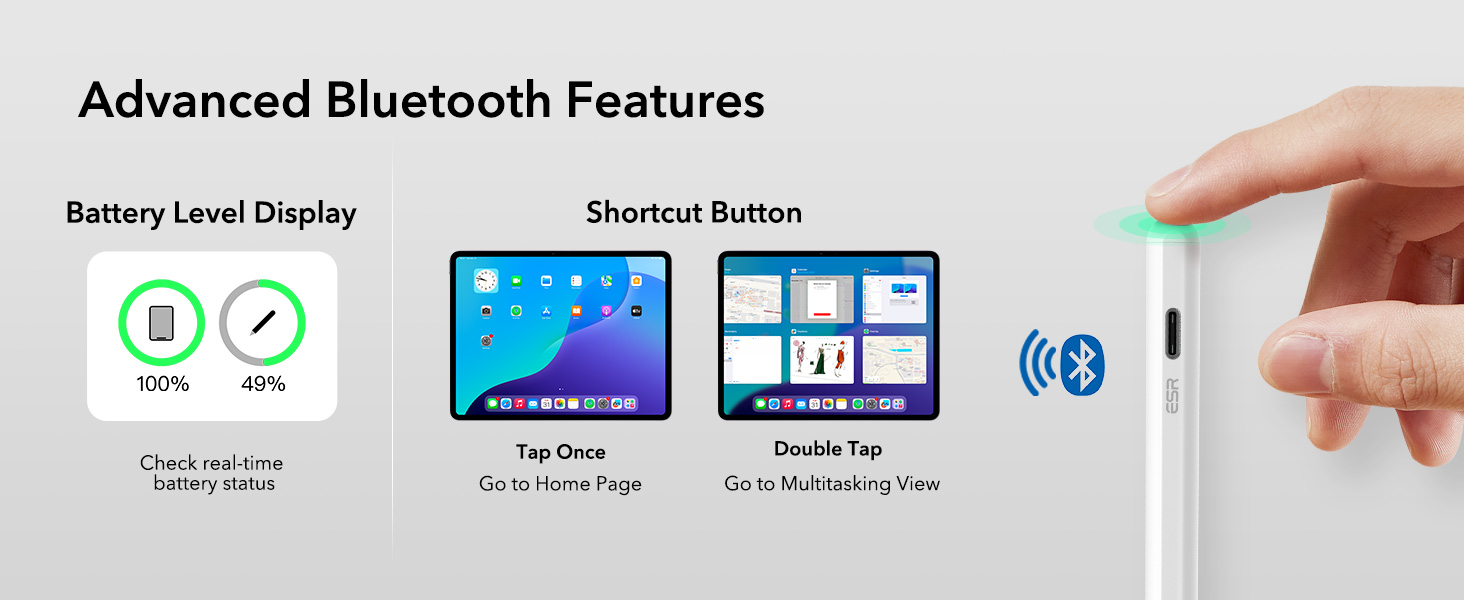
1. Press and hold the button on the back of the Pencil for 2 seconds to activate pairing mode.
2. Go to iPad Settings > Bluetooth and select ESR Geo Digital Pencil to pair.
Does this Pencil support magnetic pairing and charging?
1.This Pencil supports magnetic attachment with the compatible models (note: it does not support wireless charging):
2.The Pencil cannot be charged magnetically and must be charged via USB-C.
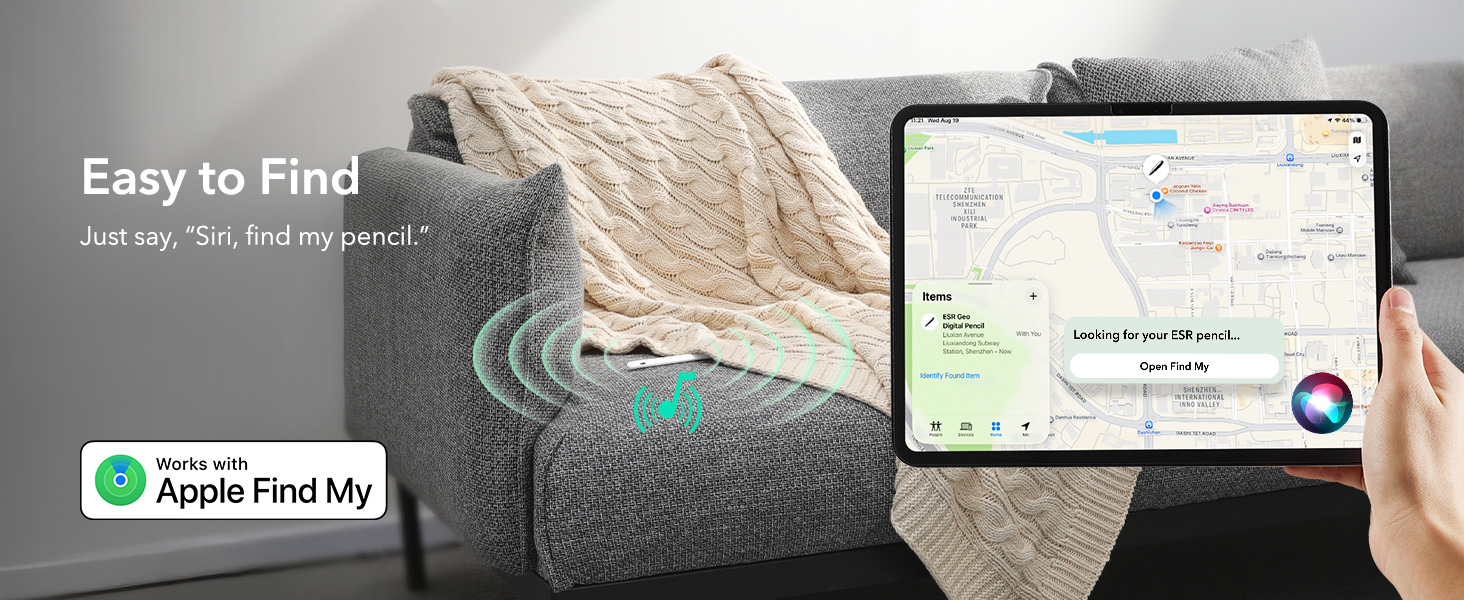
What should I do if I see the "Find My unavailable" alert on my iPad?
If this alert appears, please check the following:
1. Ensure Bluetooth is turned on for your iPad.
2. Confirm your iPad is connected to a stable Wi-Fi or cellular network.
3. Verify that your iPad is signed in to your Apple ID.
 Geo Digital Pencil FindMy |  ESR Digital Pencil | 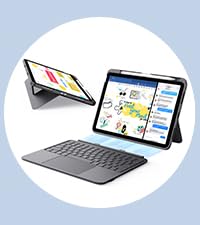 Flex Keyboard Case |  Shift Keyboard Case | 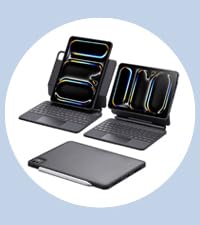 Rebound Keyboard Case 360 | 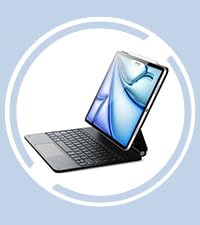 Rebound Keyboard Case | Shift Keyboard Case | |
|---|---|---|---|---|---|---|---|
Customer Reviews | — | — | — | — | — | — | — |
Price | — | — | — | — | — | — | — |
Compatibility 1 | iPad 2025–2018 | iPad 2025–2018 (excl. mini 7) | iPad 11'' (A16)/10.9" 10th Gen | iPad Air 11" (M4-M2) | iPad Pro 11" (M5/M4) | iPad Air 13" (M4-M2) | iPad Pro 13" (M5/M4) |
Compatibility 2 | / | / | / | iPad Air 10.9" (5th/4th Gen) | / | iPad Pro 12.9" (6th–3rd) | / |
Charging Port | USB-C | USB-C | USB-C | USB-C | USB-C | USB-C | USB-C |
Find My Support | ? | ? | ? | ? | ? | ? | ? |
Double-Tap Tool Switch | ? | ? | ? | ? | ? | ? | ? |
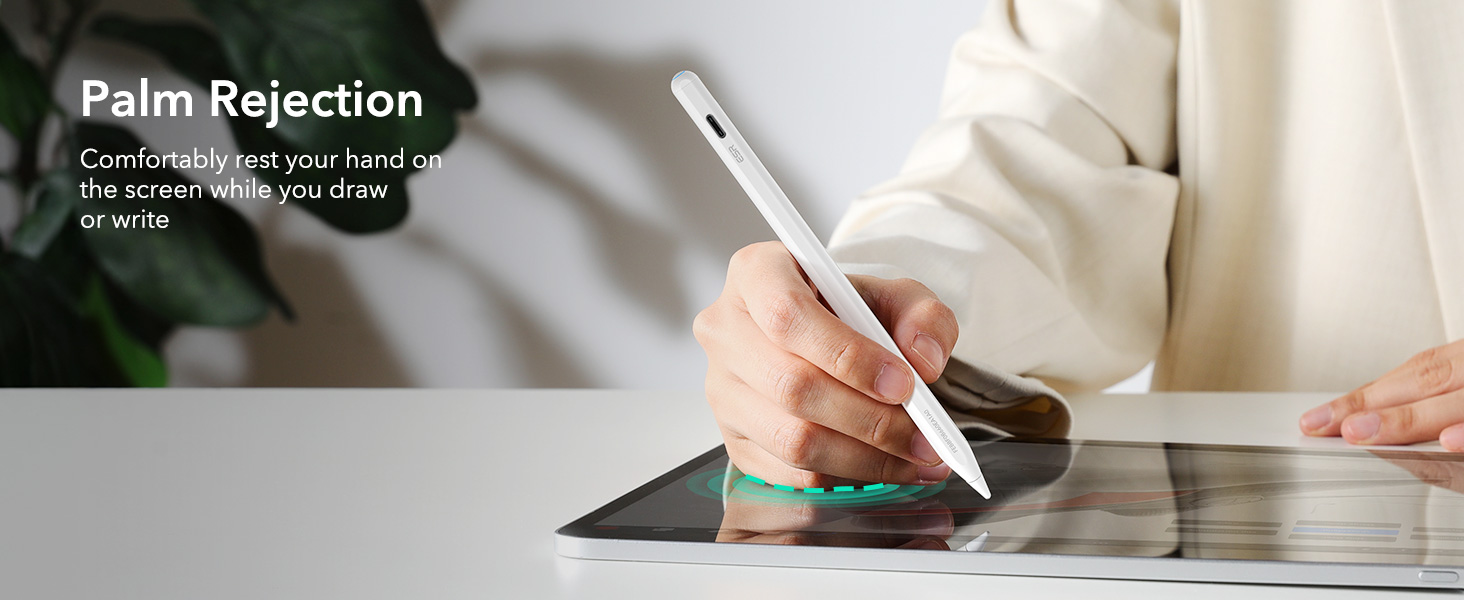
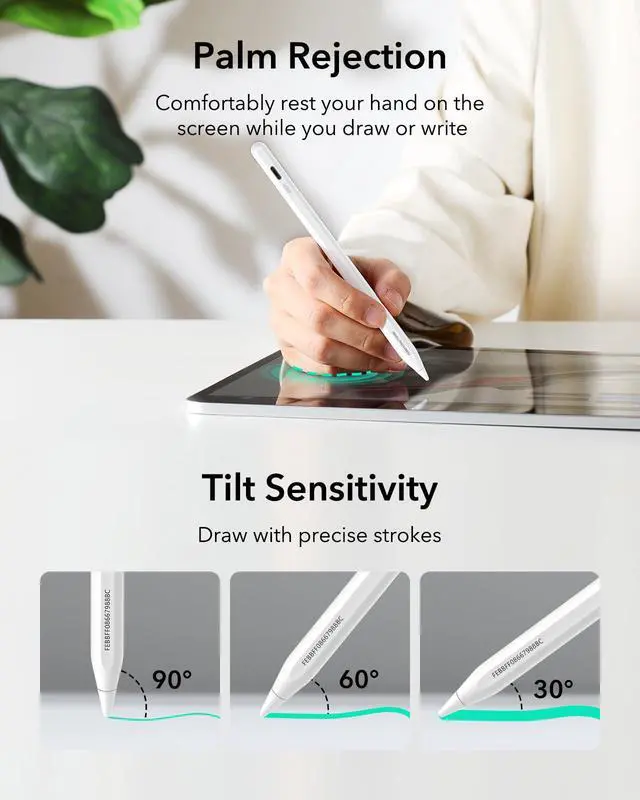
Palm Rejection | ? | ? | ? | ? | ? | ? | ? |
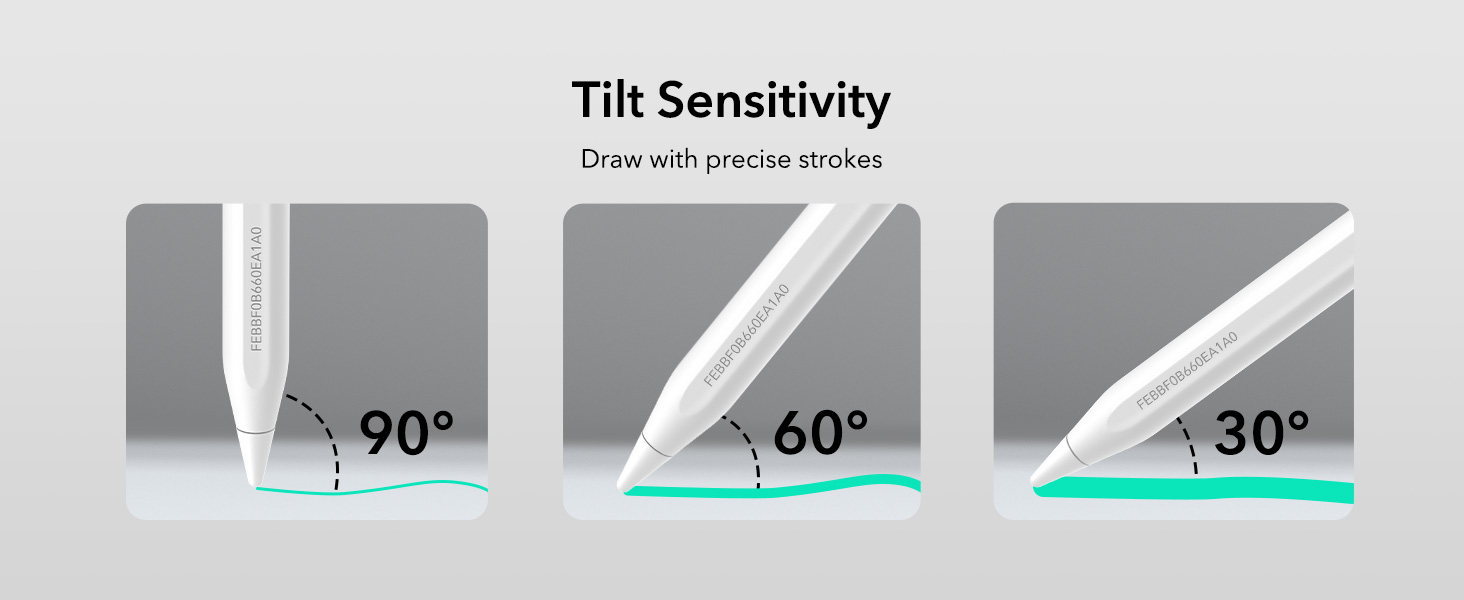
Tilt Sensitivity | ? | ? | ? | ? | ? | ? | ? |
Magnetic Attachment | ? | ? | ? | ? | ? | ? | ? |
Low Latency | ? | ? | ? | ? | ? | ? | ? |
Standby Time | 12 hours | 13 hours | 60 days | 160 days | 180 days | 180 days | 195 days |
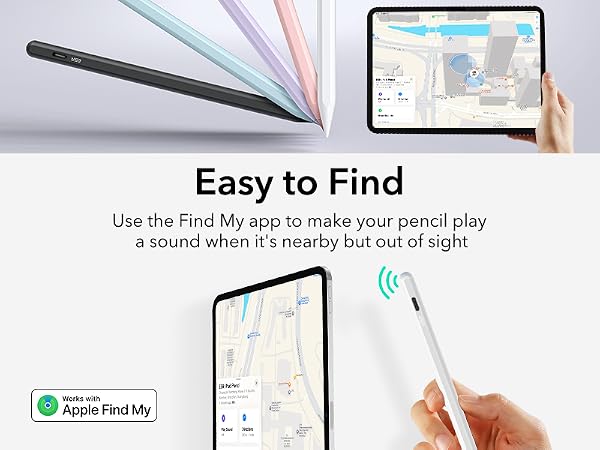
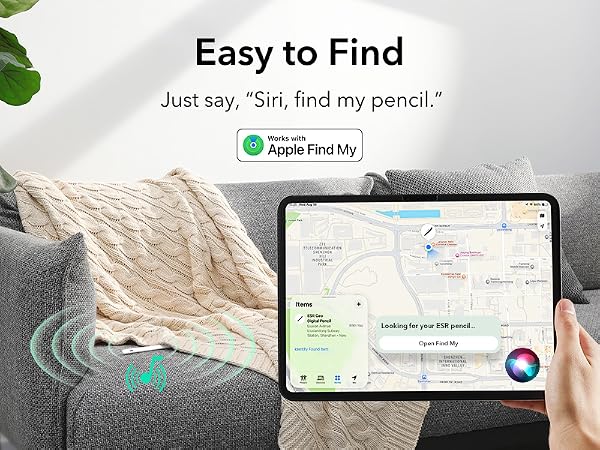
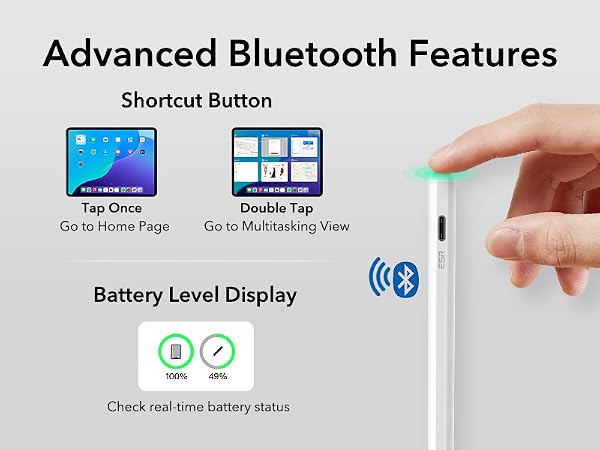
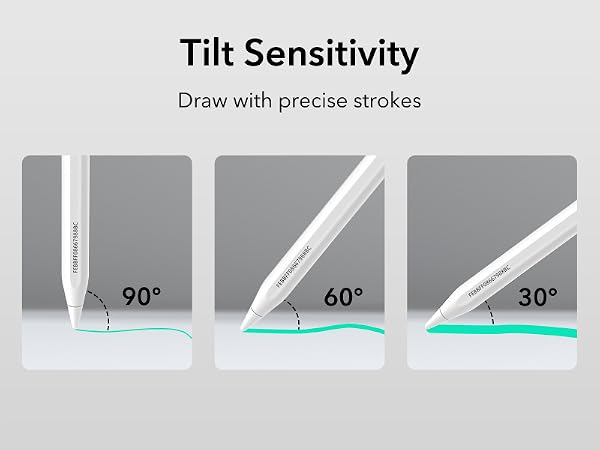

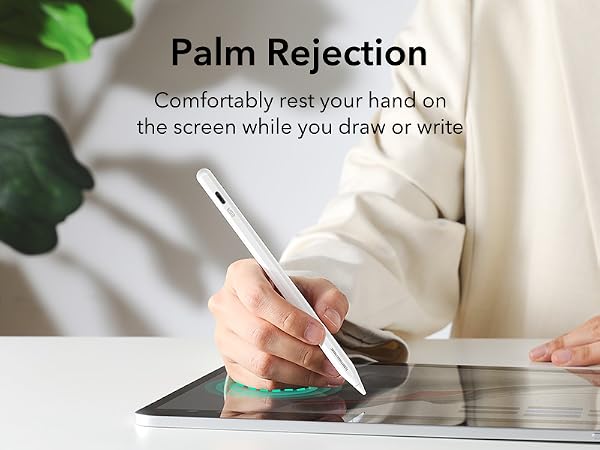



What should I do if my Find My Pencil won't turn on?
If the Pencil won’t turn on, try charging it with a Type-C cable for 25 minutes. Once fully charged, test the Pencil again.
What should I do if my Find My Pencil turn on but still not working?
1.If your iPad is connected to an Apple Pencil, it may prevent the third-party stylus from working. Please disconnect the Apple Pencil first.
2. Ensure your iPad is an compatible model, as the stylus may not be compatible with others
What should I do if my Find My Pencil won't connect to Bluetooth?
Follow these steps to connect via Bluetooth:
1. Press and hold the button on the back of the Pencil for 2 seconds to activate pairing mode.
2. Go to iPad Settings > Bluetooth and select ESR Geo Digital Pencil to pair.
Does this Pencil support magnetic pairing and charging?
1.This Pencil supports magnetic attachment with the compatible models (note: it does not support wireless charging):
2.The Pencil cannot be charged magnetically and must be charged via USB-C.
What should I do if I see the "Find My unavailable" alert on my iPad?
If this alert appears, please check the following:
1. Ensure Bluetooth is turned on for your iPad.
2. Confirm your iPad is connected to a stable Wi-Fi or cellular network.
3. Verify that your iPad is signed in to your Apple ID.
Geo Digital Pencil FindMy | ESR Digital Pencil | Flex Keyboard Case | Shift Keyboard Case | Rebound Keyboard Case 360 | Rebound Keyboard Case | Shift Keyboard Case |
|---|---|---|---|---|---|---|
| Customer Reviews | ||||||
| — | — | — | — | — | — | — |
| Price | ||||||
| — | — | — | — | — | — | — |
| Compatibility 1 | ||||||
| iPad 2025–2018 | iPad 2025–2018 (excl. mini 7) | iPad 11'' (A16)/10.9" 10th Gen | iPad Air 11" (M4-M2) | iPad Pro 11" (M5/M4) | iPad Air 13" (M4-M2) | iPad Pro 13" (M5/M4) |
| Compatibility 2 | ||||||
| / | / | / | iPad Air 10.9" (5th/4th Gen) | / | iPad Pro 12.9" (6th–3rd) | / |
| Charging Port | ||||||
| USB-C | USB-C | USB-C | USB-C | USB-C | USB-C | USB-C |
| Find My Support | ||||||
| ? | ? | ? | ? | ? | ? | ? |
| Double-Tap Tool Switch | ||||||
| ? | ? | ? | ? | ? | ? | ? |
| Palm Rejection | ||||||
| ? | ? | ? | ? | ? | ? | ? |
| Tilt Sensitivity | ||||||
| ? | ? | ? | ? | ? | ? | ? |
| Magnetic Attachment | ||||||
| ? | ? | ? | ? | ? | ? | ? |
| Low Latency | ||||||
| ? | ? | ? | ? | ? | ? | ? |
| Standby Time | ||||||
| 12 hours | 13 hours | 60 days | 160 days | 180 days | 180 days | 195 days |