




 here!
here!
I’m your shopping assistant for PC builds, upgrades, and everything tech.
Got questions? Ask away!
Start a conversation
here!
I’m your shopping assistant for PC builds, upgrades, and everything tech.
Got questions? Ask away!
Start a conversation



Any questions? Ask CelesteSM will help you find out quickly.

XIRON is dedicated to bringing you the latest technologies, specializing in iPad accessories to improve the writing experience.
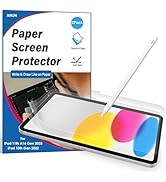
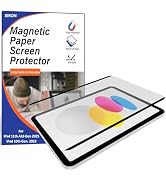
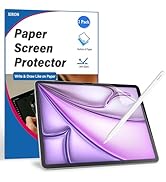
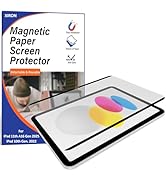
Stylus and Paper Screen Protector all aim to restore the feeling of drawing on paper when writing and creating on an iPad. Though the composition has changed, they are still used in much the same way: to push, draw, or write in the interest of communication and creative expression.


![XIRON [2 PACK] Paper Screen Protector Compatible with iPad Pro 12.9 (2022&2021&2020&2018), High T...](http://c1.neweggimages.com/sellingpilot/modules/product/a-plus/ba1bb0c932e10ecf4ec02831ca538af0885d1ee7193d1d582ef7ed9b5788baaa.jpg)
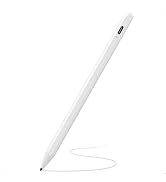
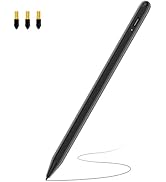
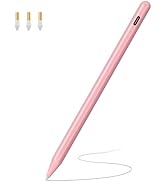

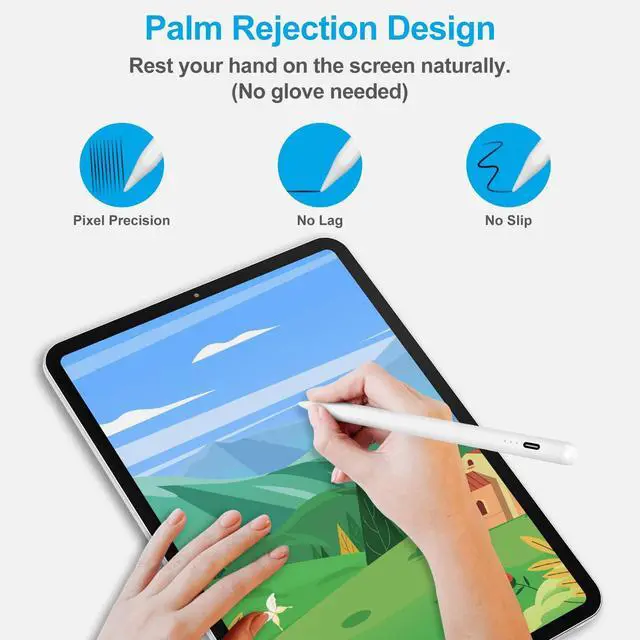
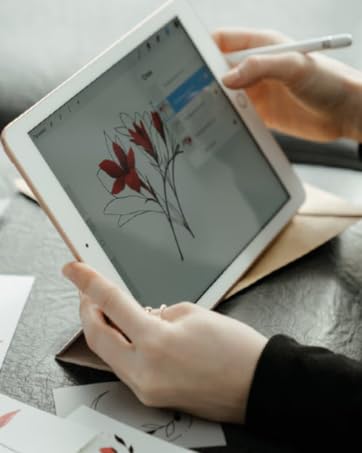
Palm Rejection
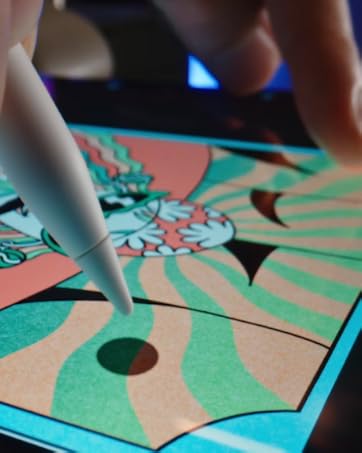
Just give you the natural feeling.
Enjoy the smooth drawing feeling.
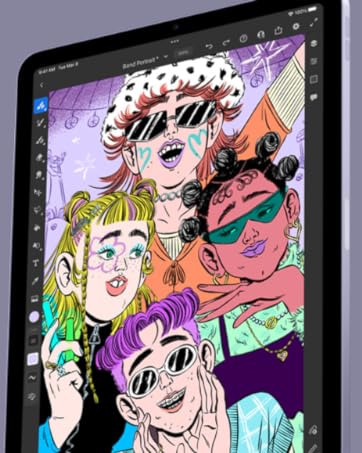
Create your artistic imagination


iPad Pro 9.7": A1673/A1674/A1675
iPad Pro 10.5": A1701/A1709/A1852
iPad Air 1-2 Gen: A1474/A1475/A1476/A1566/A1567
iPad Pro 12.9" 1-2 Gen: A1584/A1652/A1670/A1671/A1821
iPad mini 1-4 Gen: A1432/A1454/A1455/A1489/A1490/A1491/A1599/A1560/A1538/A1550
iPad 1-5 Gen: A1219/A1337/A1395/A1396/A1397/A1416/A1430/A1403/A1458/A1459/A1460/A1822/A1823
NOT WORK WITH iPhone, Android, Microsoft Devices.

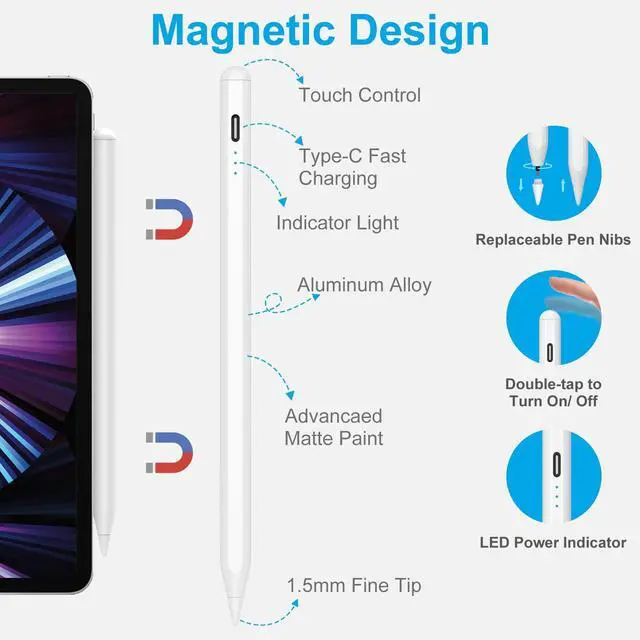
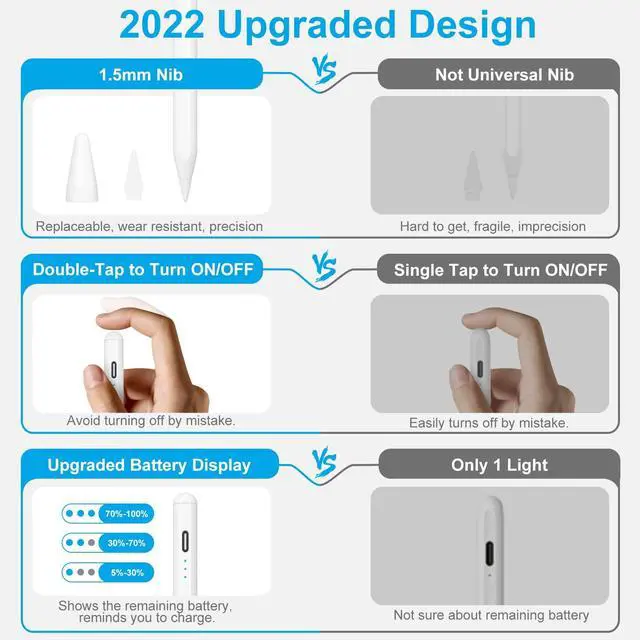
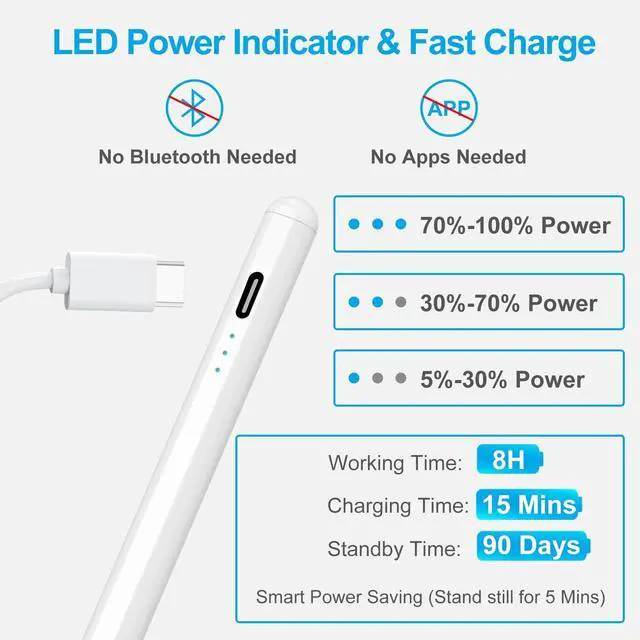
Just double click to turn it on/off. No need to connect Bluetooth and APP settings.

"Sleep Mode" - automatically turns off after 5 minutes of inactivity to help conserve battery power.

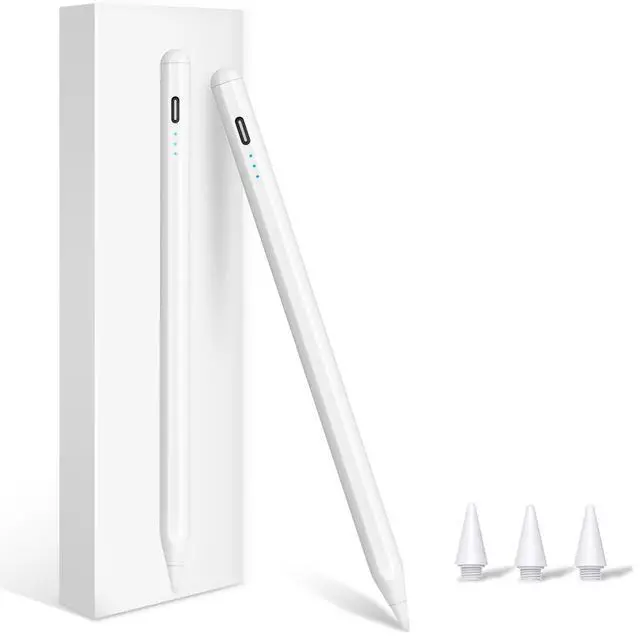
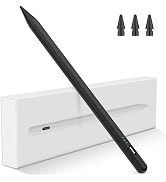
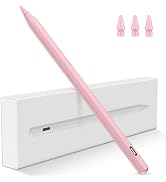
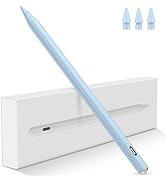
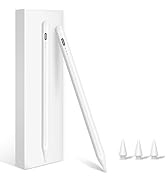
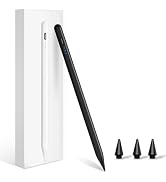
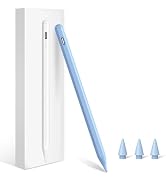
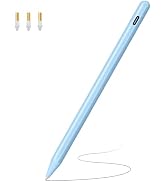
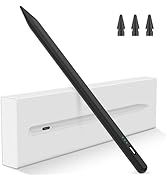
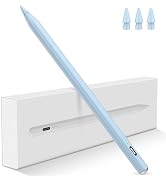
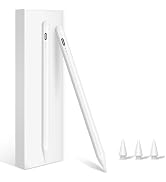
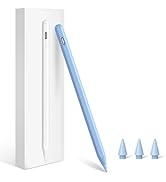
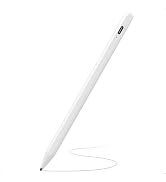
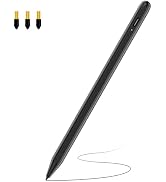
Comes with three spare tips. As precise as a real pen, no lag, no skips, no scratches.

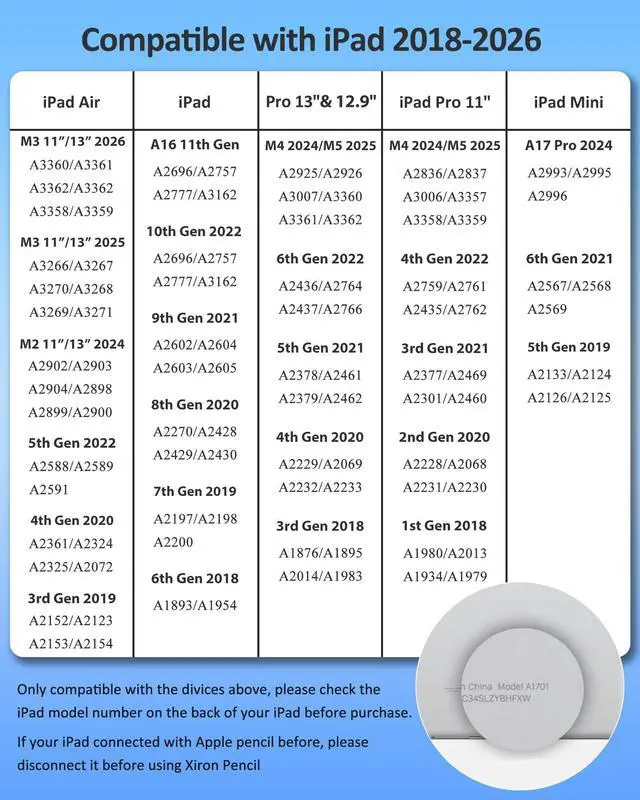
Note: *Not Support Wireless charging.* Only works with iPad Air 4/5, iPad Pro 11 (1st-4th), iPad Pro 12.9 (3rd-6th), iPad mini 6.

Get rid of the glove. Rest your hand comfortably on the screen while using the iPad Pencil.

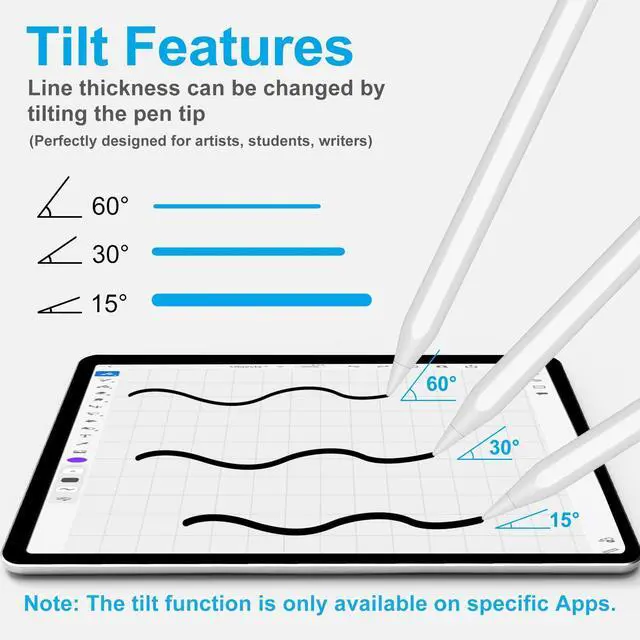
Suitable for most writing and drawing applications. Makes freedom for writing and drawing.

NOTE:
1. Please confirm the device is iPad 2018-above.
2. Please ensure this iPad stylus has enough power before use.
3. The IOS system must be updated to iOS 12.2 or above.
4. If the stylus pen can’t work, please set your iPad or iPad Pro as follows:
Go to Settings > Apple Pencil > Turn off the Apple Pencil.
Settings > Notes > Turn off "Only Draw with Apple Pencil.

iPad Pro 9.7": A1673/A1674/A1675
iPad Pro 10.5": A1701/A1709/A1852
iPad Air 1-2 Gen: A1474/A1475/A1476/A1566/A1567
iPad Pro 12.9" 1-2 Gen: A1584/A1652/A1670/A1671/A1821
iPad mini 1-4 Gen: A1432/A1454/A1455/A1489/A1490/A1491/A1599/A1560/A1538/A1550
iPad 1-5 Gen: A1219/A1337/A1395/A1396/A1397/A1416/A1430/A1403/A1458/A1459/A1460/A1822/A1823
NOT WORK WITH iPhone, Android, Microsoft Devices.
Just double click to turn it on/off. No need to connect Bluetooth and APP settings.
"Sleep Mode" - automatically turns off after 5 minutes of inactivity to help conserve battery power.
Comes with three spare tips. As precise as a real pen, no lag, no skips, no scratches.
Note: *Not Support Wireless charging.* Only works with iPad Air 4/5, iPad Pro 11 (1st-4th), iPad Pro 12.9 (3rd-6th), iPad mini 6.
Get rid of the glove. Rest your hand comfortably on the screen while using the iPad Pencil.
Suitable for most writing and drawing applications. Makes freedom for writing and drawing.
NOTE:
1. Please confirm the device is iPad 2018-above.
2. Please ensure this iPad stylus has enough power before use.
3. The IOS system must be updated to iOS 12.2 or above.
4. If the stylus pen can’t work, please set your iPad or iPad Pro as follows:
Go to Settings > Apple Pencil > Turn off the Apple Pencil.
Settings > Notes > Turn off "Only Draw with Apple Pencil.
XIRON is dedicated to bringing you the latest technologies, specializing in iPad accessories to improve the writing experience.
Stylus and Paper Screen Protector all aim to restore the feeling of drawing on paper when writing and creating on an iPad. Though the composition has changed, they are still used in much the same way: to push, draw, or write in the interest of communication and creative expression.

Palm Rejection
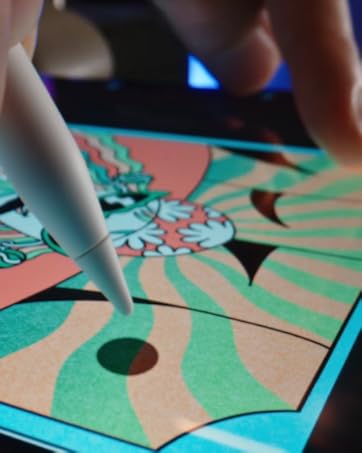
Just give you the natural feeling.
Enjoy the smooth drawing feeling.
Create your artistic imagination


