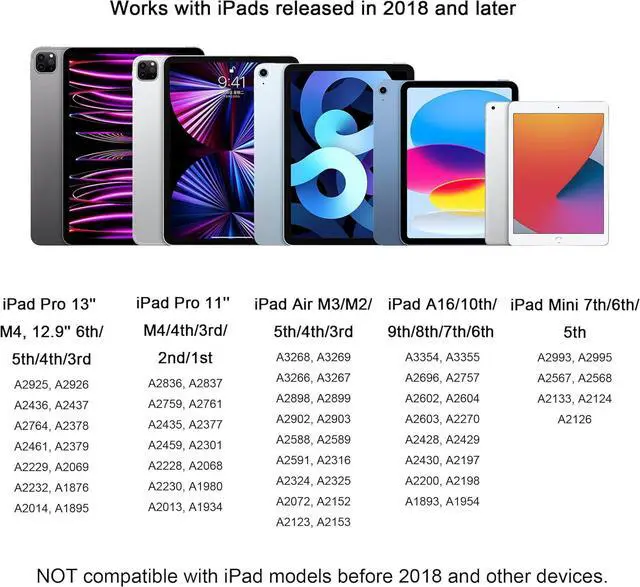
Compatibility: This ipencil works with iPads released in 2018 and later iPad A16 11th/10th/9th/8th/7th/6th Generation iPad Pro 13 inch M4 iPad Pro 12.9 -inch 6th/5th/4th/3rd Gen iPad Pro 11 M4/4th/3rd/2nd/1st Gen iPad Air M3/M2/5th/4th/3rd Gen iPad Mini A17 Pro 7th/6th/5th Gen. As a replacement for Pencil 1st/ 2nd gen & Pencil Pro. Before purchasing please check your iPad model in Settings> General> About> Model Name. NOT compatible with iPad models before 2018 and other devicesTilt
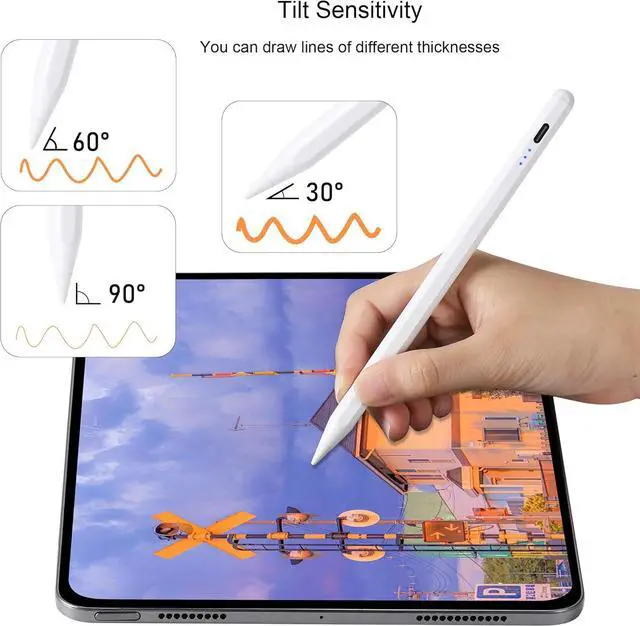
Sensitivity: Equipped with tilt-sensing technology which allows you to draw lines of different thicknesses on the screen based on the angle of the iPad pencil making your writing doodling and drawing more free.
Note: This pencil does not have pressure sensitivity functionPalm Rejection &
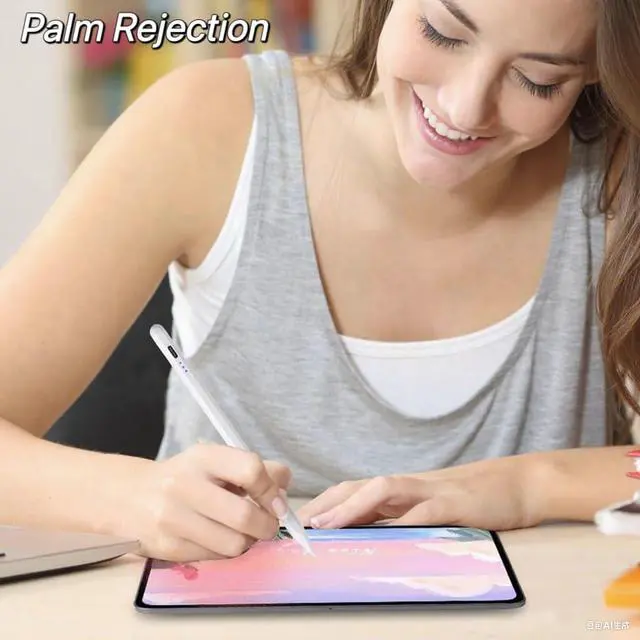
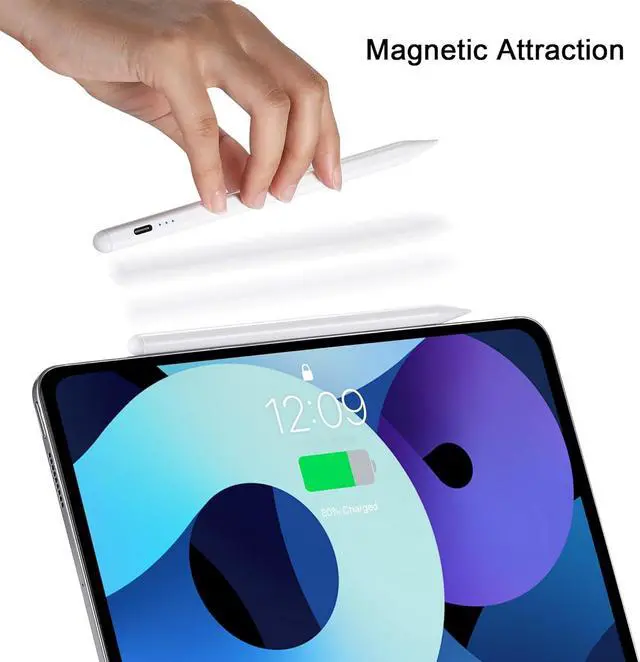
Magnetic Attraction: This pencil with palm rejection technology provides a natural writing feeling allowing you to interact quickly accurately and easily with the screen. When writing sketching and drawing you can place your palm or fingers on the screen. When not in use the stylus can be magnetically attached to the side of the iPad for easy carryingPrecision
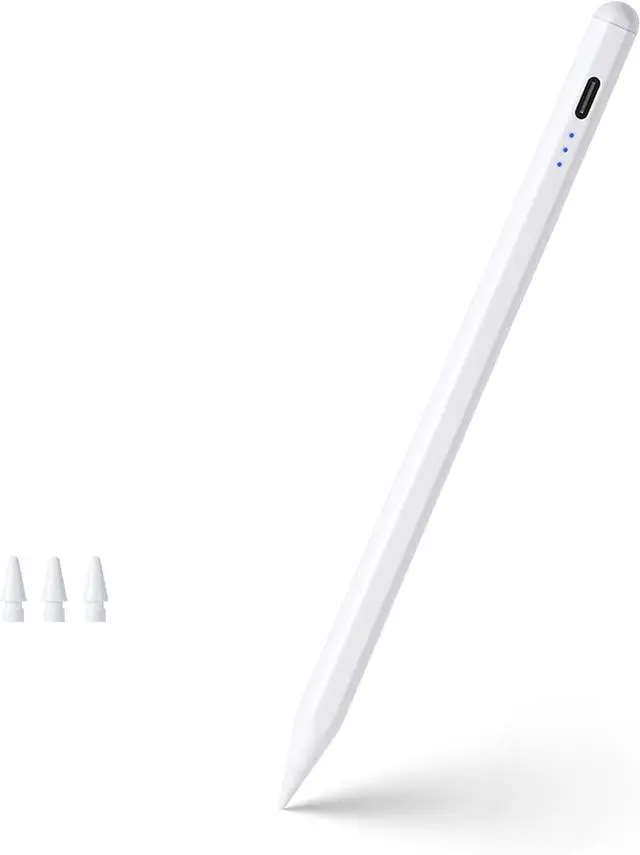
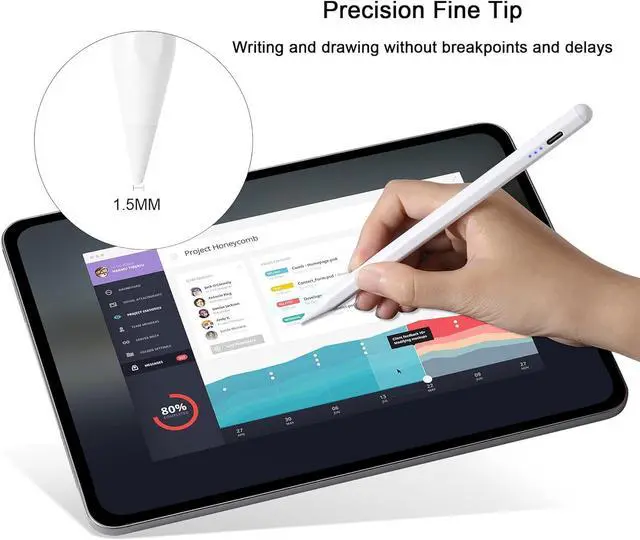
Fine Tip: Equipped with a 1.5 mm fine pen tip you can write and draw smoothly and accurately on your iPad easily writing small characters and drawing fine lines without breakpoints and delays just like a real pencil. Easy to install and remove pen tip. Comes with three extra replaceable tipsFast Charge &
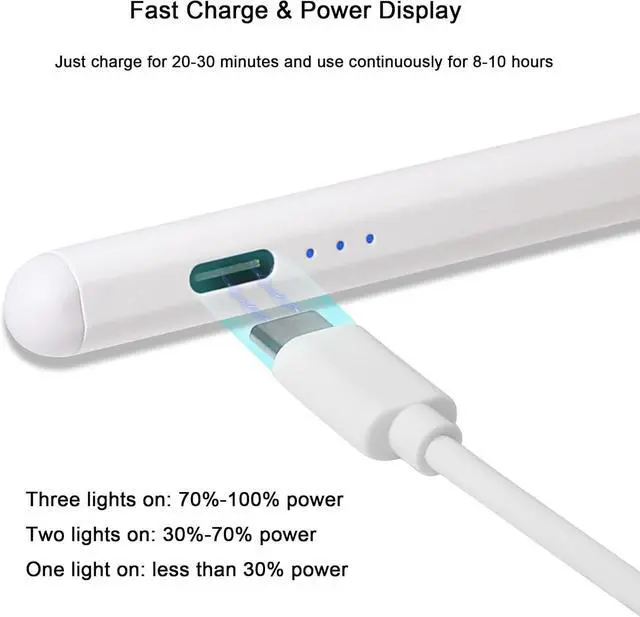
Power Display: Just charge for 20-30 minutes and use continuously for 8-10 hours. It will shut down after 10 minutes of inactivity to save energy. The built-in 3 LED indicator lights provide clear and convenient battery display.
Three lights on: 70%-100%
power two lights on: 30%-70%
power one light on: less than 30% power. Does not support wireless chargingHow to
Use: No need to connect Bluetooth just double-click the touch switch at the top of the stylus to turn it on/off. If it doesn't work after opening please turn off the iPad's
Bluetooth: Settings> Bluetooth> Turn off Bluetooth or disconnect the Bluetooth connection between iPad and
Pencil according to the steps: Settings> Bluetooth> Pencil> Tap i> Forget this device