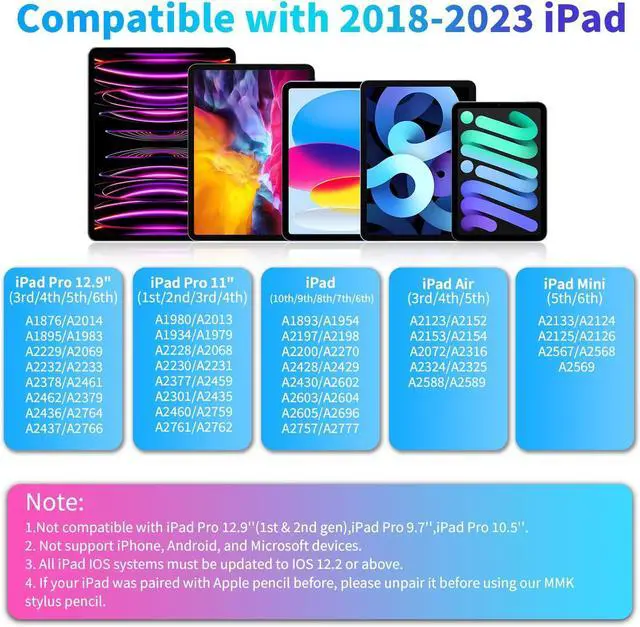
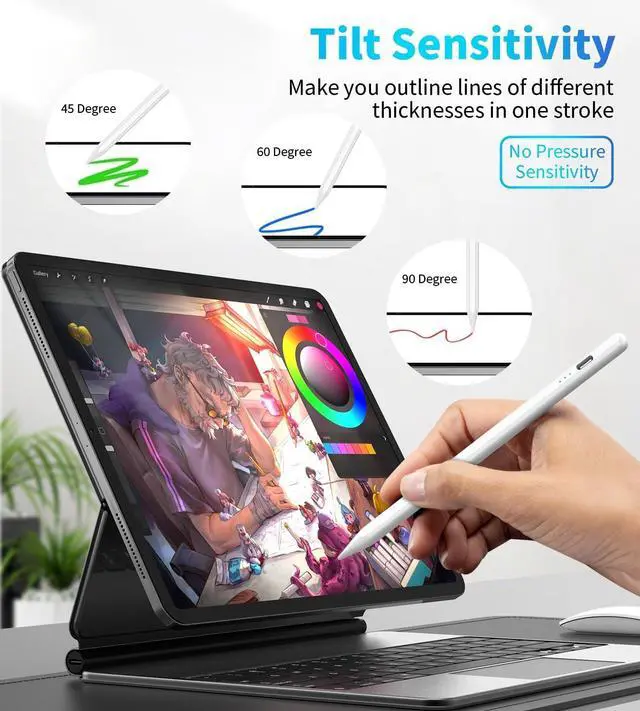
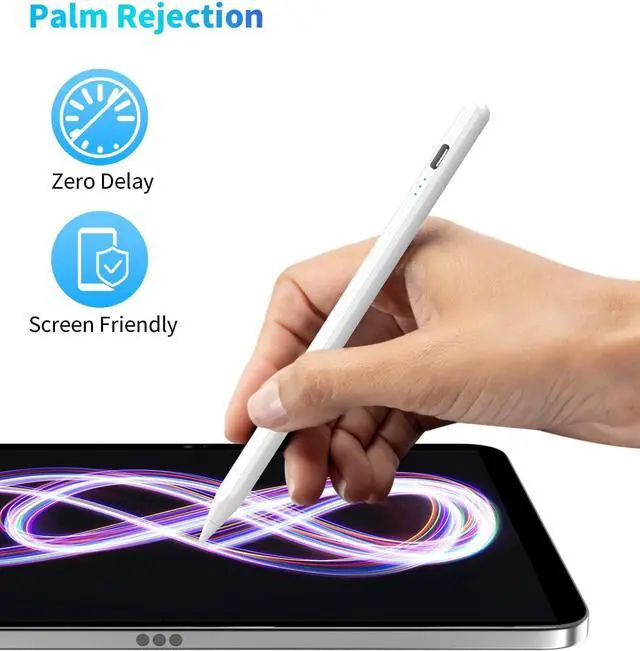
High Compatibility & Note The stylus pen for ipad is designed for 10.2 & 10.9 inch iPad 10th 9th 8th 7th 6th Gen; 10.9 inch iPad Air 5th/4th/3rd Gen; 11 inch iPad Pro 4th 3rd 2nd 1st Gen; 12.9 inch iPad Pro 6th 5th 4th 3rd Gen; 9.7 inch iPad Mini 6th 5th Gen. Not work for models before 2018 iPhone Android devices. Please check the correct model before you order itPalm Rejection & Tilt-sensitive Design The stylus for ipad 10th generation is eqqiped with palm rejection technology that provides you a natural writing feeling and quick effortless interaction with your iPad screen giving you more accuracy and control against the screen.
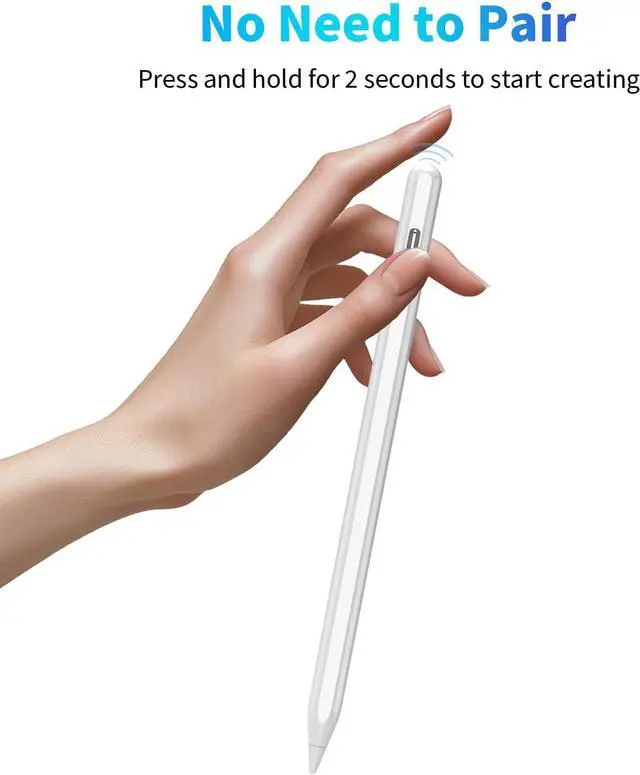
The high precision and accuracy stylus pen for ipad offers extra replaceable sensitivity pen tips. Different angles create different lines and shadows on screen. Tilt for the shadow in pencil brush or tilt for thicker lines in Marker brush. There is also tilt sensing through which adjusts line weight depending on the angle you place it downFast Charging Function The stylus pen for ipad comes with a USB charging port and a built-in indicator light that provides a clear and convenient power display. Simply double-click the top of the iPad pencil for 2 seconds to open it.
The stylus ipad pen will display the remaining battery level in real-time through three indicator lights. charging 15-20 minutes can support the work of 8-10 hours. Please note that before the first use please fully charge the batteryHow to Power On/Off This stylus pen doesnt have bluetooth or application required. Single press the top button of the stylus to turn on/off easily without connecting Bluetooth. If you find it doesn't work after turning on please turn off
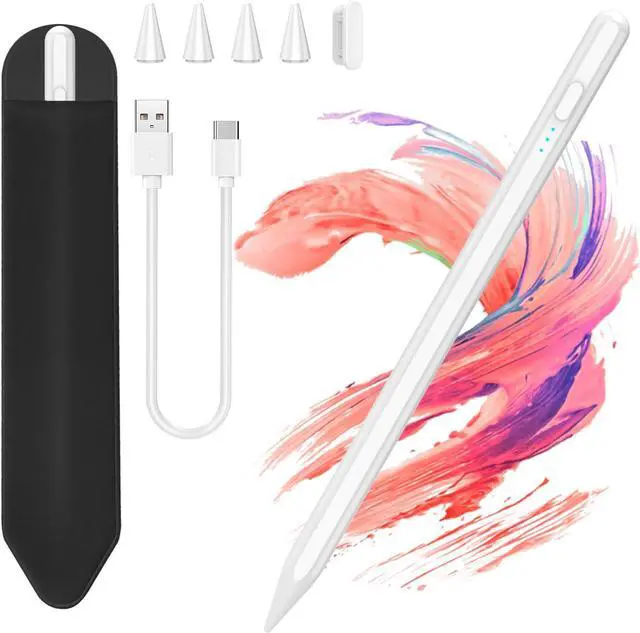
Bluetooth: Settings > Bluetooth > Turn off Bluetooth or follow the steps to disconnect the Bluetooth connection between your iPad and iPad stylus: Settings > Bluetooth > iPad Stylus > tap i > Forget this deviceCustomer Service & PackagingThe package includes 1 x stylus (with spare pen tip included) 1 x Type-C charging cable 1 x user manual 1x warranty card. 24/7 friendly customer service. We promise to respond swiftly to all inquiries. Your time is valuable to us and we strive to resolve your issues as quickly as possible. If you have any questions please feel free to contact us via message we will help you at any time. Your satisfaction is our priority