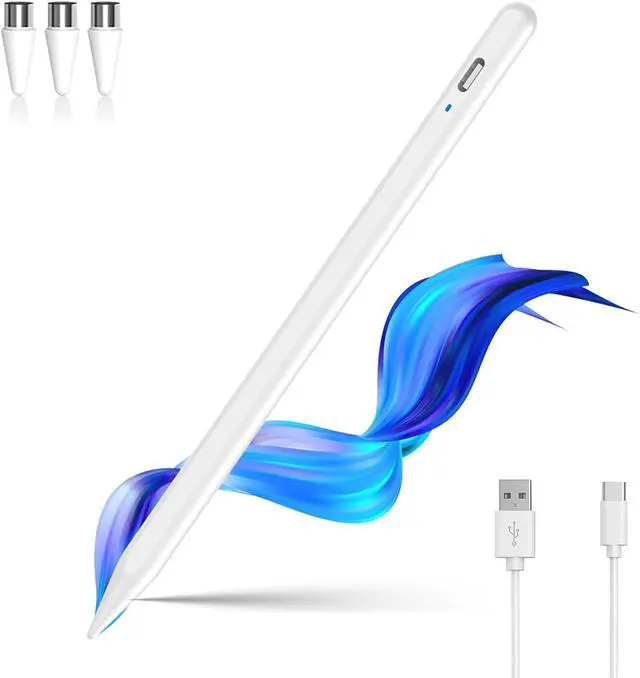
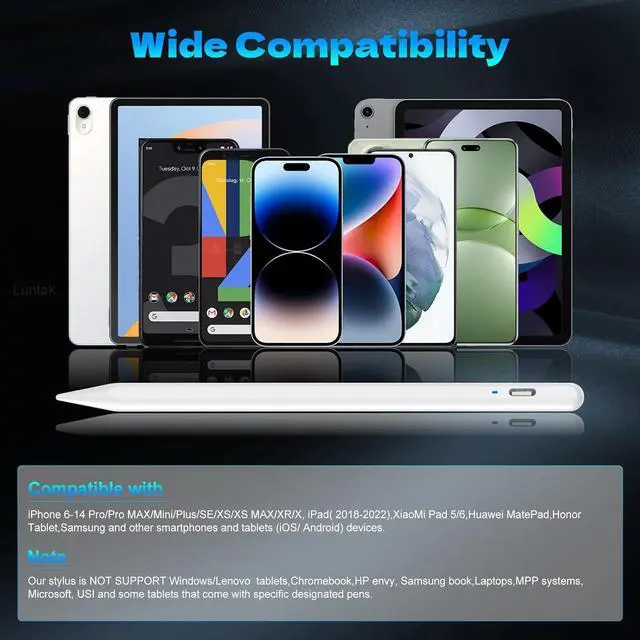
Wide Compatibility-This stylus pens is compatible with IOS and Android smartphones and tablets such as iPhone 6-14 Pro/Pro MAX/Mini/Plus/SE/XS/XS MAX/XR/X iPad( 2018-2022) XiaoMi Pad 5/6 MatePad Honor Tablet and so on.
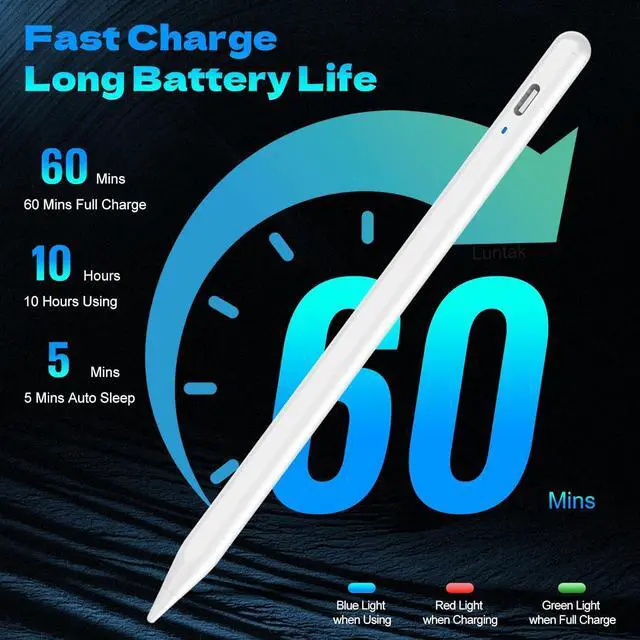
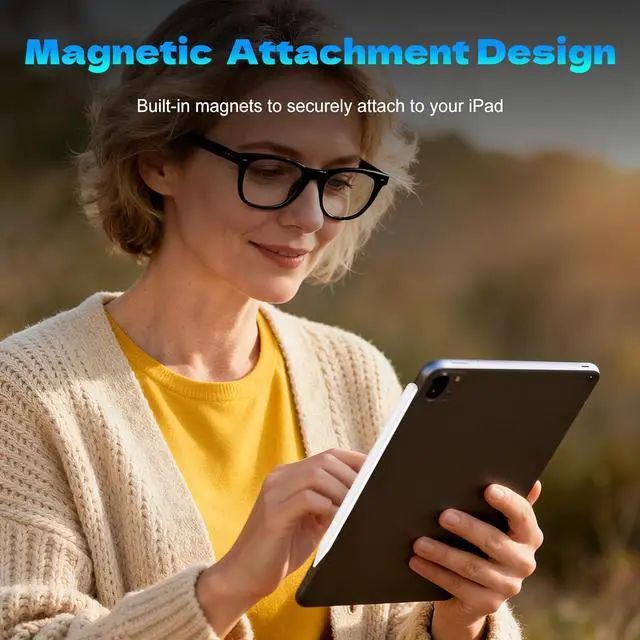
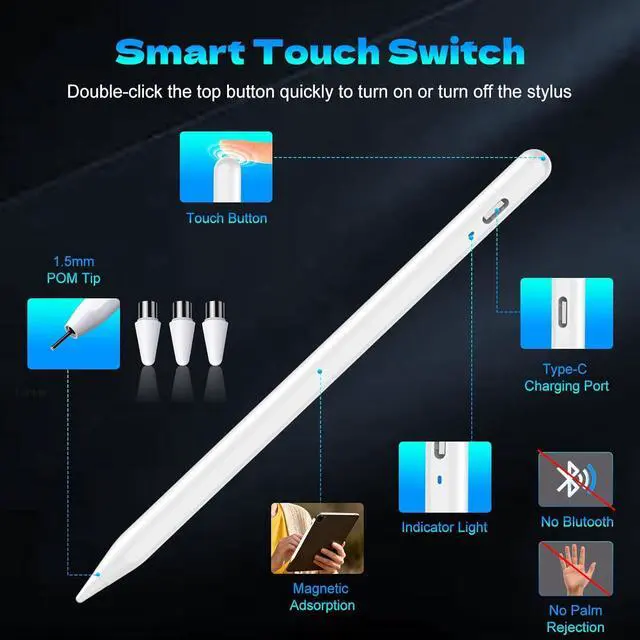
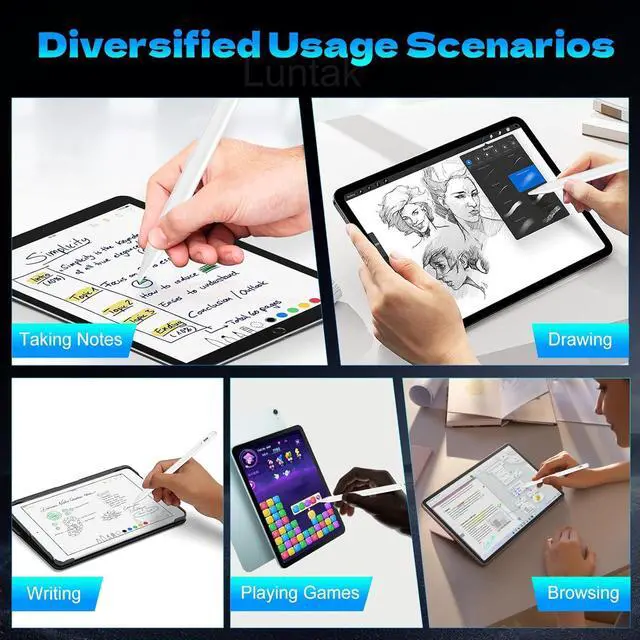
Note: NOT SUPPORT Windows/ tablets Chromebook HP envy book Laptops MPP systems USI and some tablets that come with specific designated pens. USB-C Fast Charging-The ipad stylus pen utilizes USB-C fast charging technology allowing for a full charge in just 1 hour and supporting up to 10 hours of continuous use easily meeting the needs of all-day creativity. This stylus pen for ipad with a Type-C interface it can be directly connected to a computer charger or power bank offering a charging efficiency higher than traditional Micro-USB. Whether it's for mobile office work or professional drawing this tablet pencil provides stable and long-lasting battery performance. Smart Power Switching & Easy to Use-No Bluetooth pairing or app installation required. Simply double-click the top button of the? pen to instantly enjoy a seamless writing and drawing experience. Unrestrained creativity makes it ideal for schools business trips meetings and home use. The? ipad pencil pro also serves as a perfect creative gift for family members or friends who love innovation. Magnetic Absorption-Designed for mobile office the? stylists pens for touch screens features an magnetic function. Whether traveling or attending meetings simply attach the? iphone stylus Pen to the side of your iPad tablet device for effortless portability making it an indispensable assistant for professionals.
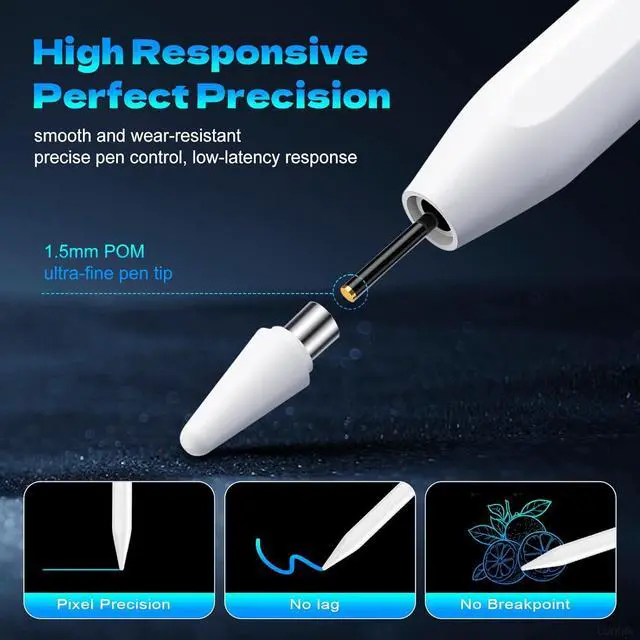
Note: iPad models with magnetic absorption support include: iPad Pro 12.9 (3rd / 4th / 5th gen) iPad Pro 11 (1st / 2nd / 3rd gen) iPad Air 4th / 5th gen iPad mini 6. Accuracy & Sensitivity-The? touch screen pen is crafted from the same POM material as the? Pencil?. Its high-quality tip delivers a precise writing experience while the smooth surface of the POM material ensures gentle contact with your smart device screen preventing scratches. Additionally the? stylus includes 3 spare nibs to extend its lifespan. Warm Tips-If your stylus pen for android does not respond after powering on please follow these steps: Settings > Bluetooth > Turn off Bluetooth. Bluetooth > Bluetooth > Pencil > Tap > Forget This Device. If the issue persists feel free to contact our 24/7 support team.