

Your Browsing History

Meet Your Seller

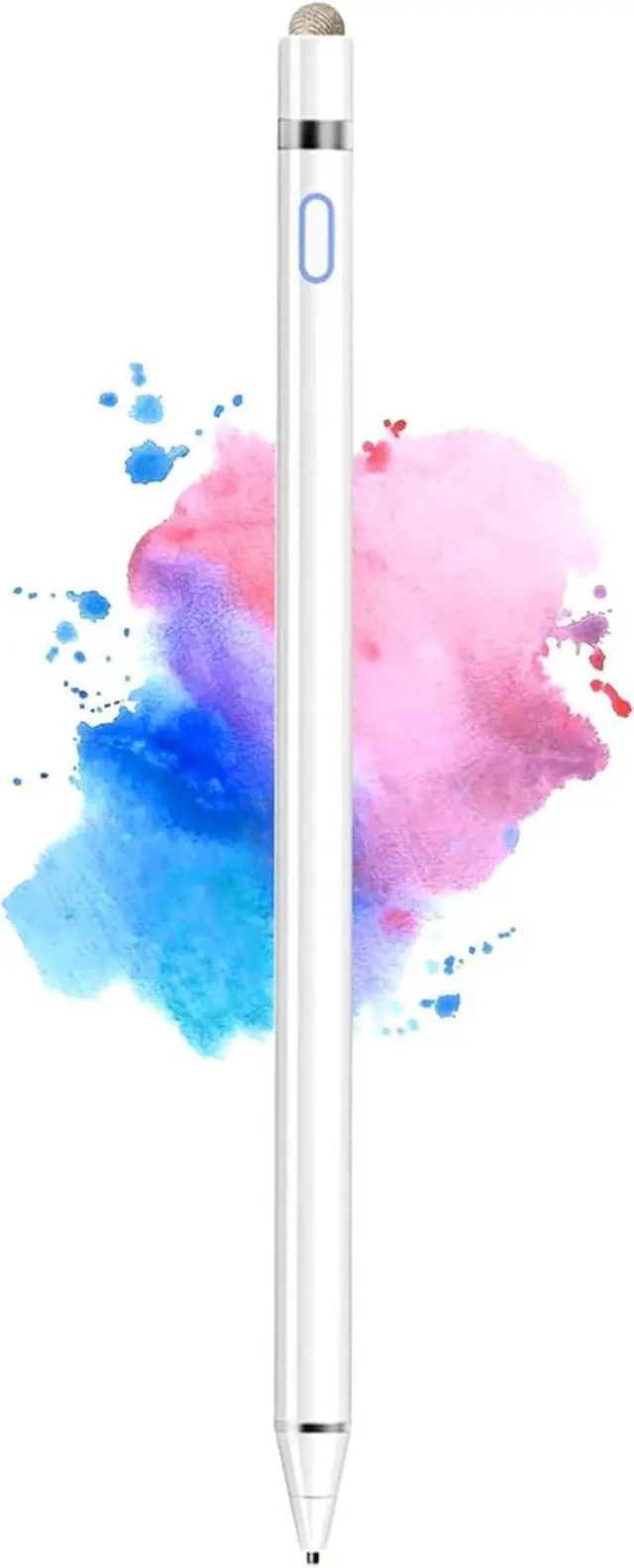


Active Stylus Pens for Touch Screens Rechargeable Universal iPad Pencil Pen for iPad/iOS/Android/iPad Air/Pro/Mini/iPhone// and More
- Active Stylus Pens for Touch Screens Rechargeable Universal iPad Pencil Pen for iPad/iOS/Android/iPad Air/Pro/Mini/iPhone// and More
+
+
Overview
Reviews

Any questions? Our AI mode will help you find out quickly.
Try me now
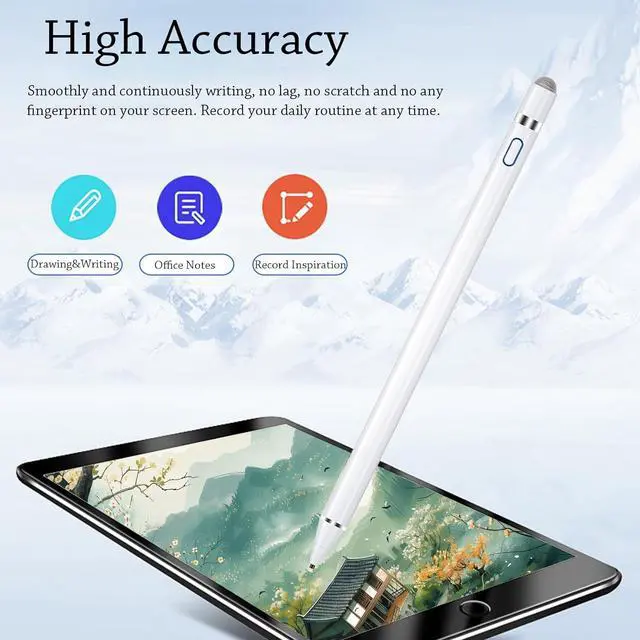
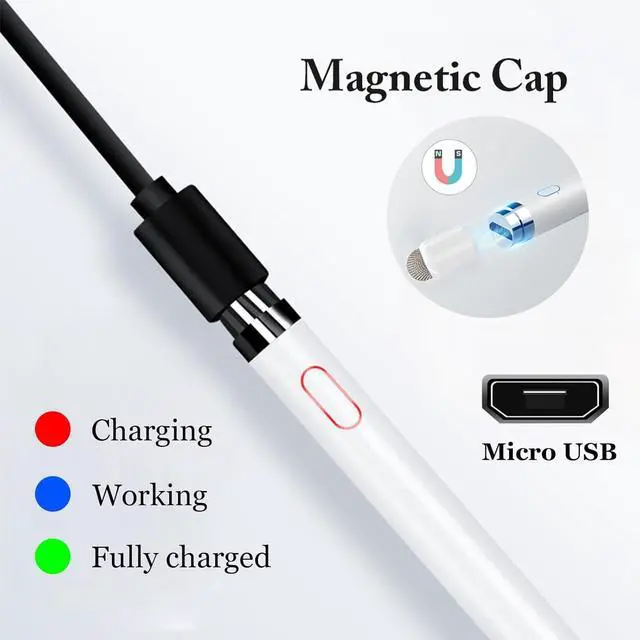
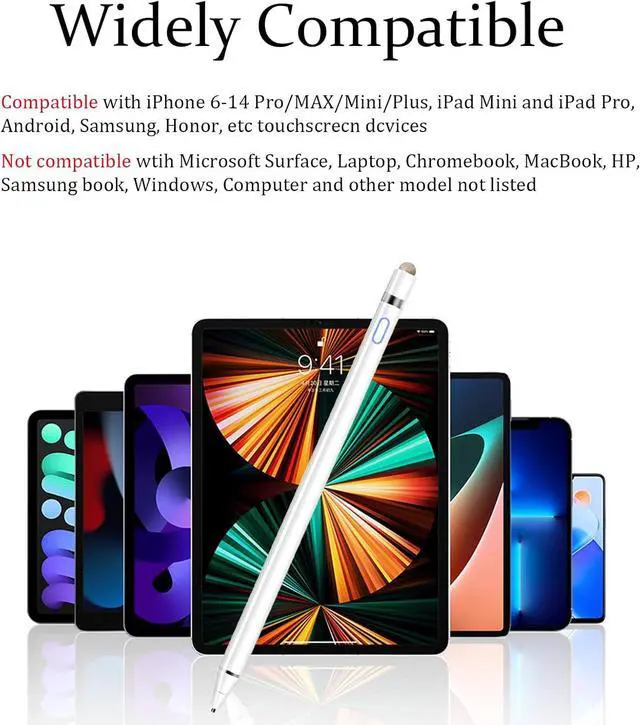
Dual-ended iPen Tip DesignCMARS pen has a 1.45 mm accurate copper fine point tip end and a magnetic mesh end. Both ends can be used which is more convenient for daily use whether on an iPad or on a mobile phone. The mesh tip can be utilized for drawing larger areas pencil widely compatible and usable without charging. iPad Pen for Touch Screen Devices Our rechargeable iPad Pro pencil are specially design for most touch screen devices including: iPad Air/iPad 2/3/4/ iPad Pro iPad Mini/2/3/4 iPhone XS/MAX/XR/X/11/12/13 Android and other most popular tablets smartphones.
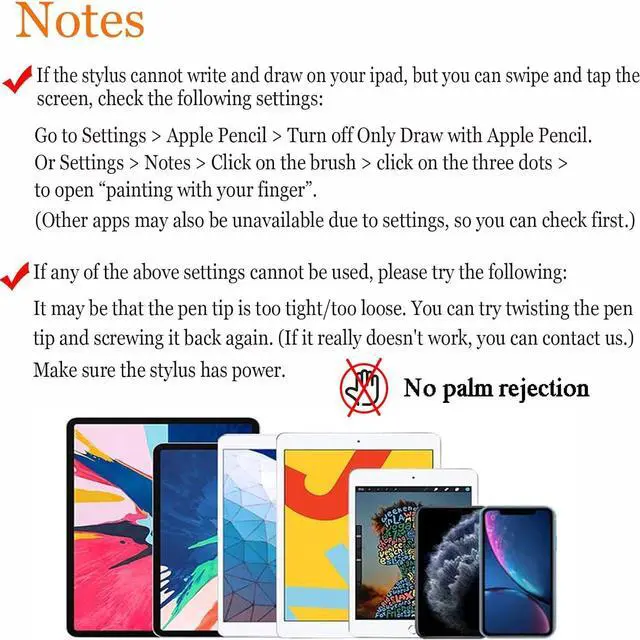
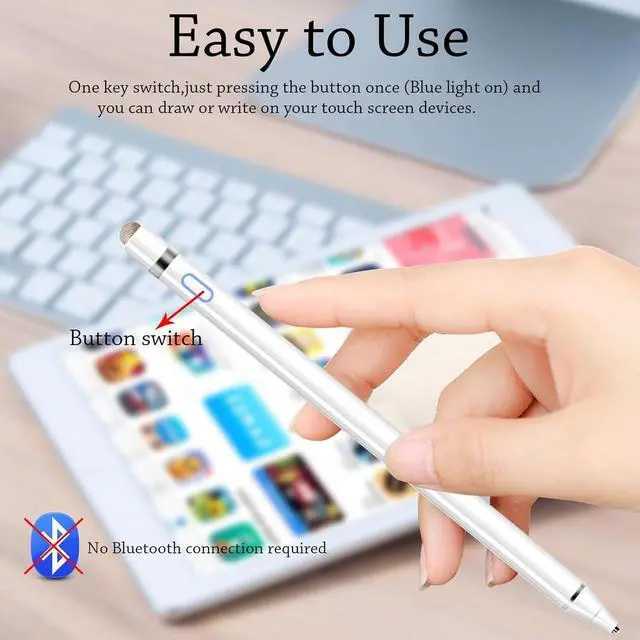
(Note: This ipad stylus does not support palm rejection. And the pen stylus is not compatible with the Chromebook and Microsoft Windows System. )Easy to Use This ipad stylus pencil without a Bluetooth connection. One key switch just pressing the button once (Blue light on) the ipad pro pencil and ready to write or draw. Tablet pen built with smart saving units it will automatically change to Sleep Mode'' after idling for 5 minutes to save power. User-Friendly Design This tablet ipencil does not need to change pencil tip it can be used directly after power on. The built-in battery can provide 8-10 hours of use time and use Micro USB can be fully charged in 60-80 minutes. At the same time the rechargeable iPhone stylus has intelligent power saving function to protect battery life. When your stylus pens runs out of battery the mesh tip serves as the perfect backup. Set UpIf you can only swipe and tap the screen but cannot write or draw please set the ipad as follows: Go to Settings > Pencil > Turn off Only Draw with Pencil. Or Settings > Notes > Turn off Only Draw with Pencil. Then you'll will be ready to use the Active Stylus to write or draw.
(Note: This ipad stylus does not support palm rejection. And the pen stylus is not compatible with the Chromebook and Microsoft Windows System. )Easy to Use This ipad stylus pencil without a Bluetooth connection. One key switch just pressing the button once (Blue light on) the ipad pro pencil and ready to write or draw. Tablet pen built with smart saving units it will automatically change to Sleep Mode'' after idling for 5 minutes to save power. User-Friendly Design This tablet ipencil does not need to change pencil tip it can be used directly after power on. The built-in battery can provide 8-10 hours of use time and use Micro USB can be fully charged in 60-80 minutes. At the same time the rechargeable iPhone stylus has intelligent power saving function to protect battery life. When your stylus pens runs out of battery the mesh tip serves as the perfect backup. Set UpIf you can only swipe and tap the screen but cannot write or draw please set the ipad as follows: Go to Settings > Pencil > Turn off Only Draw with Pencil. Or Settings > Notes > Turn off Only Draw with Pencil. Then you'll will be ready to use the Active Stylus to write or draw.
Warranty & Returns
Warranty, Returns, And Additional Information
Warranty
- Please contact the Seller directly for warranty information. Warranty information may also be found on the Manufacturer's website.
- CONTACT
Return Policies
- Return for refund within: 30 days
- Return for replacement within: 30 days
- This item is covered by Wu Hu Shi Liu Xie Dian Zi Shang Wu Xiao Return Policy
Manufacturer Contact Info
- For a directory of all our manufacturers, please click below.
- Manufacturers Directory
LOADING...