

Your Browsing History

Meet Your Seller

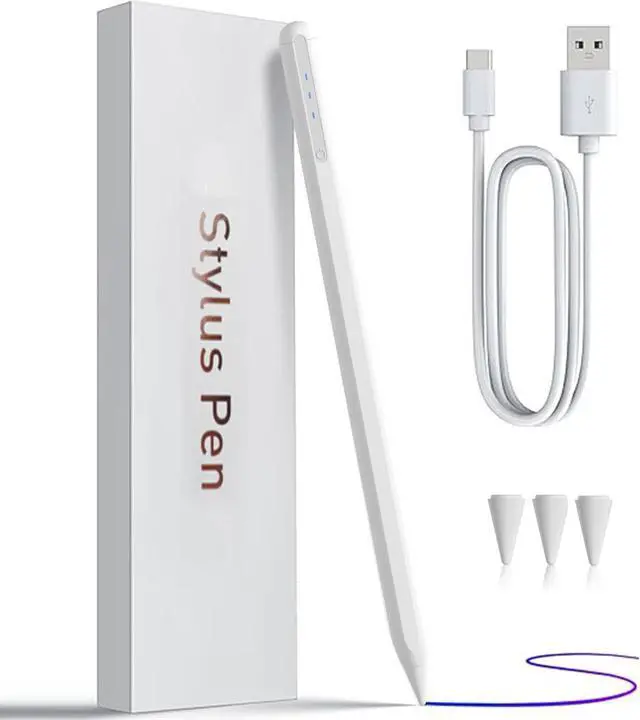


iPad Pencil 9th&10th Generation Stylus Pen for Palm Rejection Tilt Sensitivity Compatible with iPad 6/7/8/9/10 iPad Pro 11/12.9/13in 3/4/5/6 Mini 5/6th (White)
- iPad Pencil 9th&10th Generation Stylus Pen for Palm Rejection Tilt Sensitivity Compatible with iPad 6/7/8/9/10 iPad Pro 11/12.9/13in 3/4/5/6 Mini 5/6th (White)
+
+
Overview
Specs
Reviews

Any questions? Our AI beta will help you find out quickly.
Try me now
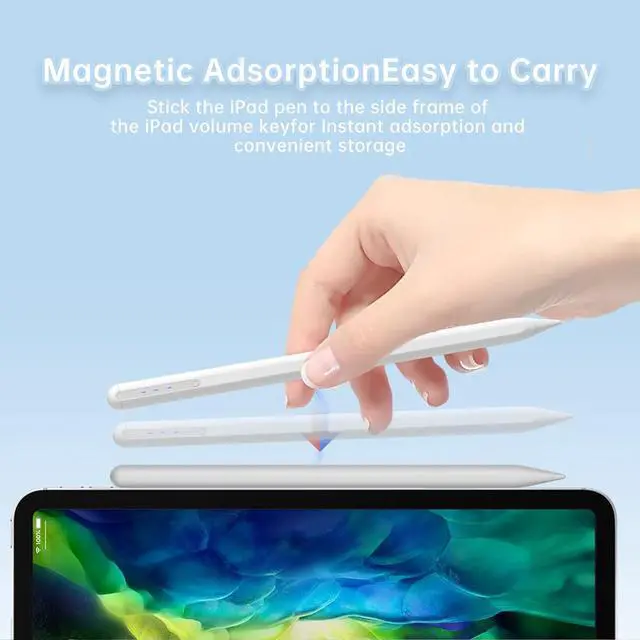
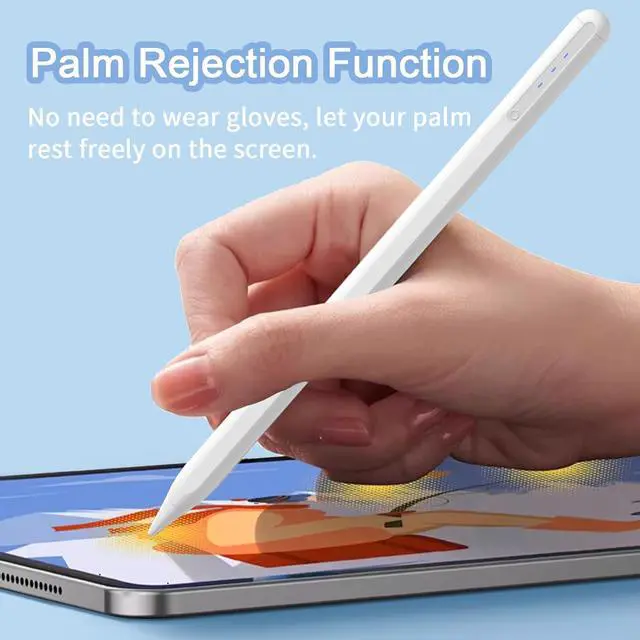
Model Compatibility ReminderThis pen is specifically designed for iPads released in 2018 and later. It works with the following models: iPad 10th/9th/8th/7th/6th Gen iPad Pro 11 (all generations) iPad Pro 12.9 (3rd to 7th Gen) iPad Pro M4 iPad Mini 5th and 6th Gen and iPad Air M2/5th/4th/3rd Gen. Before purchase verify your iPad model in [Settings > General > About]. Not compatible with earlier iPad models or other brands touchscreen devicesEnhanced Precision TipFeaturing a 1.5 mm precision tip this stylus ensures smooth and accurate writing and drawing on your iPad. With advanced palm rejection and tilt sensitivity you can effortlessly bring your digital creations to life showcasing your artistic flair on the iPad.
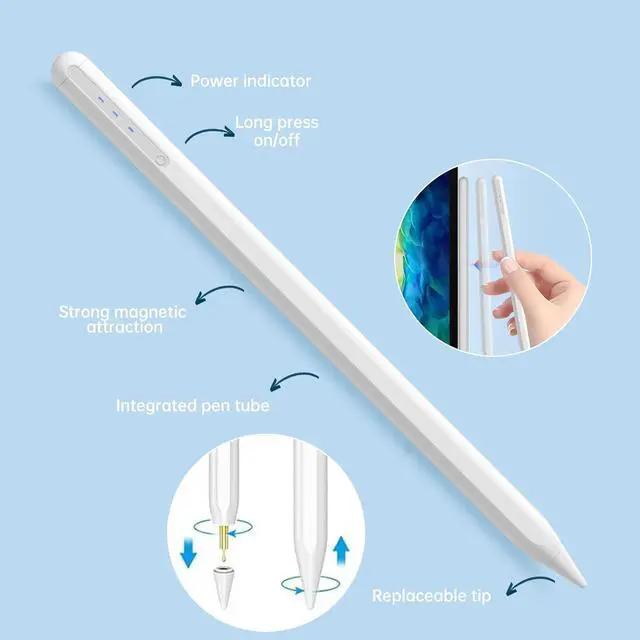
Note: Compatible exclusively with iPads from 2018 to 2025One Touch Switch No Bluetooth Required Experience easy and comfortable control with the one-touch switch design. Turn your iPad pen on or off with just one touch no Bluetooth connection needed. Save time and realize quick creativity instantly. How to Use This iPad pencil requires no Bluetooth connection. Simply press the stylus button to power it on or off. If you face connectivity issues disable your iPads
Bluetooth: navigate to Settings > Bluetooth > Turn Off.
Alternatively disconnect the Pencil: go to Settings > Bluetooth > Pencil > Click i > Forget This DeviceSmart Power IndicatorEasily monitor your pencils battery status at a glance.
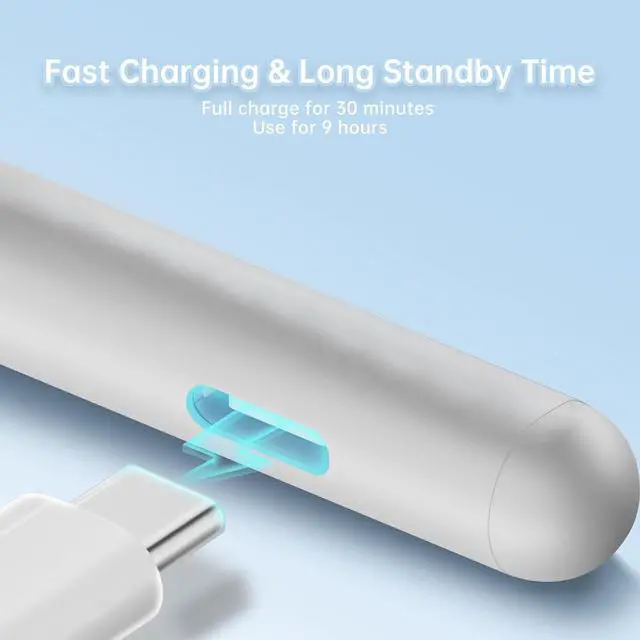
The three-light system indicates: three lights for 70%-100% charge two lights for 40%-70% and one light for below 40%. A data cable is included for convenience
Note: Compatible exclusively with iPads from 2018 to 2025One Touch Switch No Bluetooth Required Experience easy and comfortable control with the one-touch switch design. Turn your iPad pen on or off with just one touch no Bluetooth connection needed. Save time and realize quick creativity instantly. How to Use This iPad pencil requires no Bluetooth connection. Simply press the stylus button to power it on or off. If you face connectivity issues disable your iPads
Bluetooth: navigate to Settings > Bluetooth > Turn Off.
Alternatively disconnect the Pencil: go to Settings > Bluetooth > Pencil > Click i > Forget This DeviceSmart Power IndicatorEasily monitor your pencils battery status at a glance.
The three-light system indicates: three lights for 70%-100% charge two lights for 40%-70% and one light for below 40%. A data cable is included for convenience
Warranty & Returns
Warranty, Returns, And Additional Information
Warranty
- Please contact the Seller directly for warranty information. Warranty information may also be found on the Manufacturer's website.
- CONTACT
Return Policies
- Return for refund within: 30 days
- Return for replacement within: 30 days
- This item is covered by Circle Global Store Return Policy
Manufacturer Contact Info
- For a directory of all our manufacturers, please click below.
- Manufacturers Directory
LOADING...