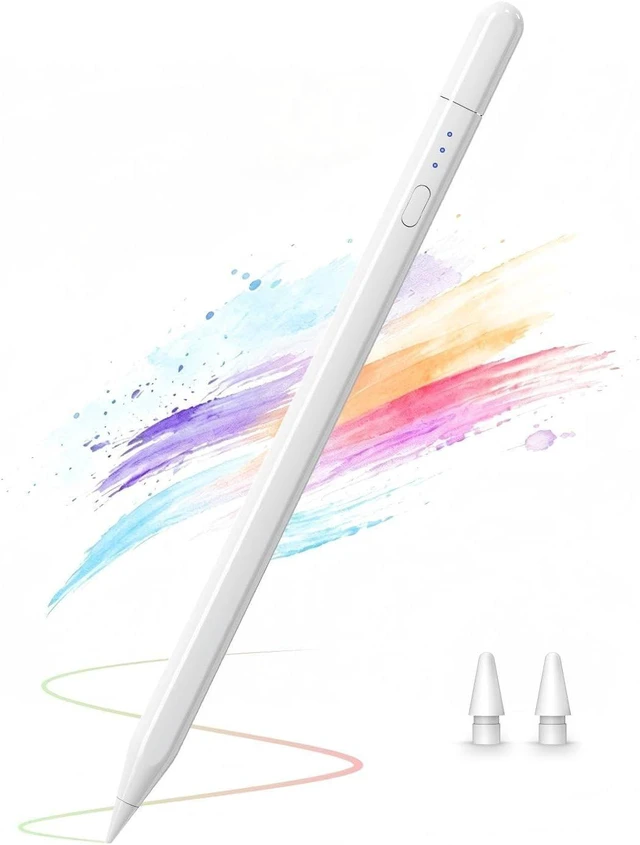
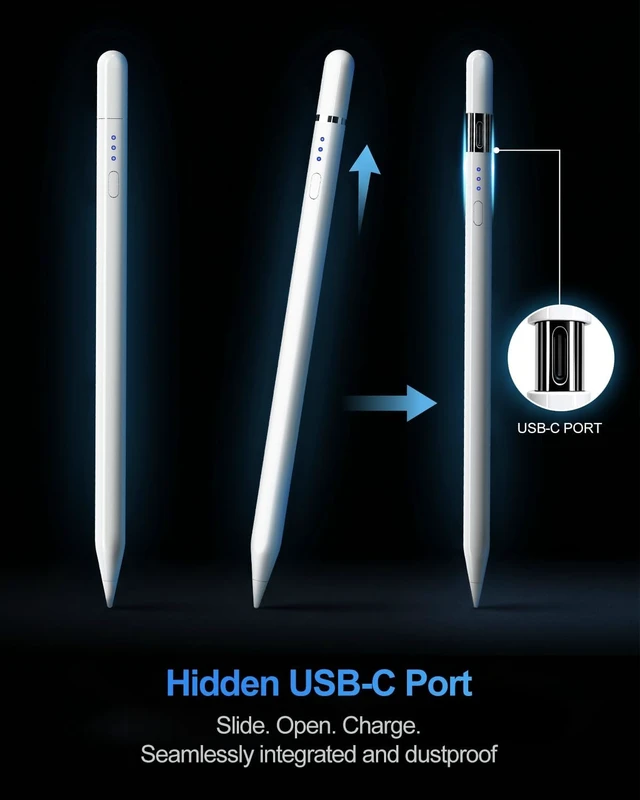
Alternative to Pencil USB-CThis iPad pencil merges the essential functionalities of the original Pencil USB-C. It includes a hidden charging port and magnetic sliding for protection and easy charging?
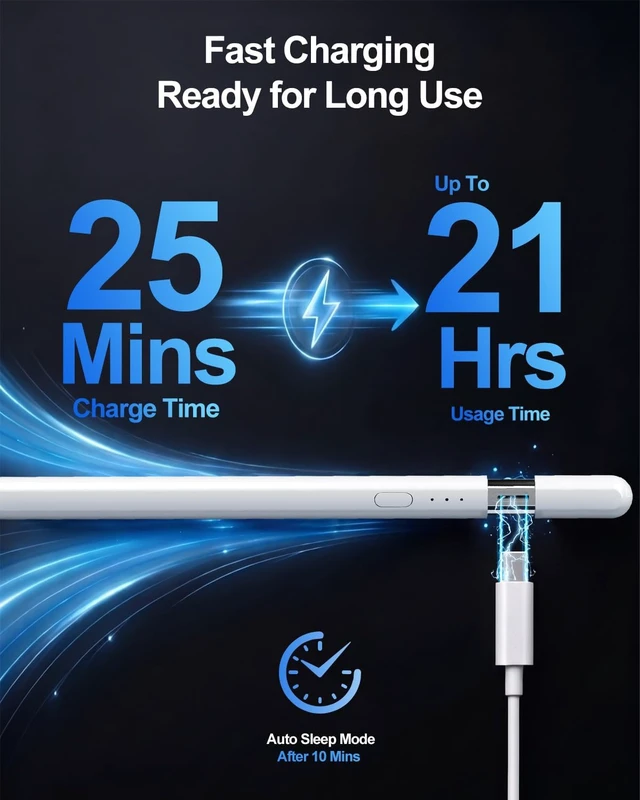
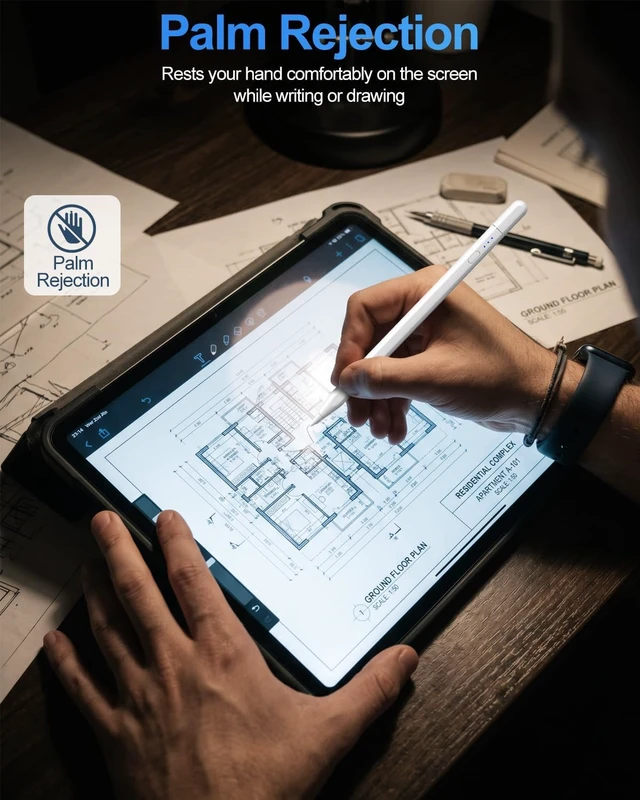
Note: Slide gently upward to expose the portFast Charging and Long Use TimeCharges in 25 minutes for 21 hours use. Enters sleep mode after 10 minutes of inactivity to save powerPalm Rejection & Super Magnetic AttractionOur stylus pen for iPad with Palm Rejection function lets you rest your hand on the screen without accidental touches no gloves required. The upgraded built-in magnet in the iPad Pen offers stronger attraction than the original Pencil and firmly attaches to the side of iPad? including the iPad 10 - a unique advantage not found in other styluse. This enables easy portability and prevents the stylus from slipping or getting lost?
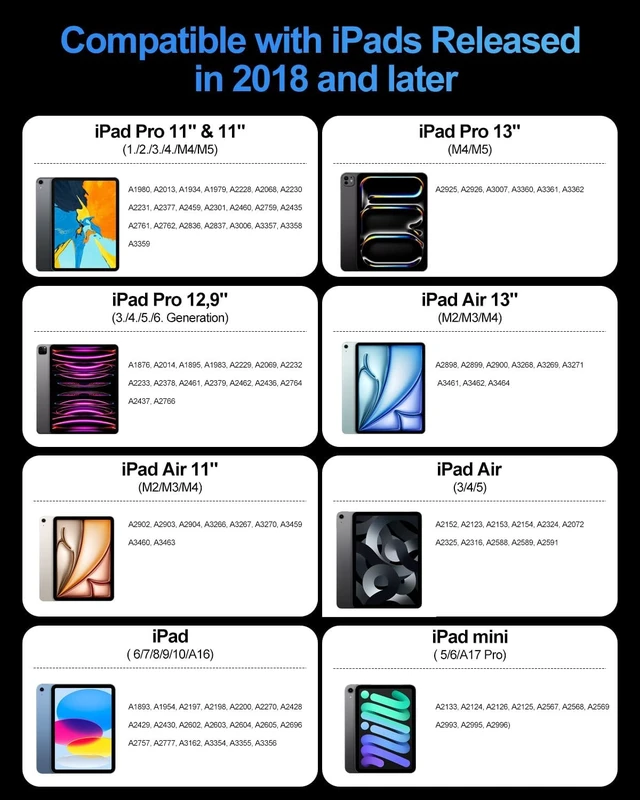
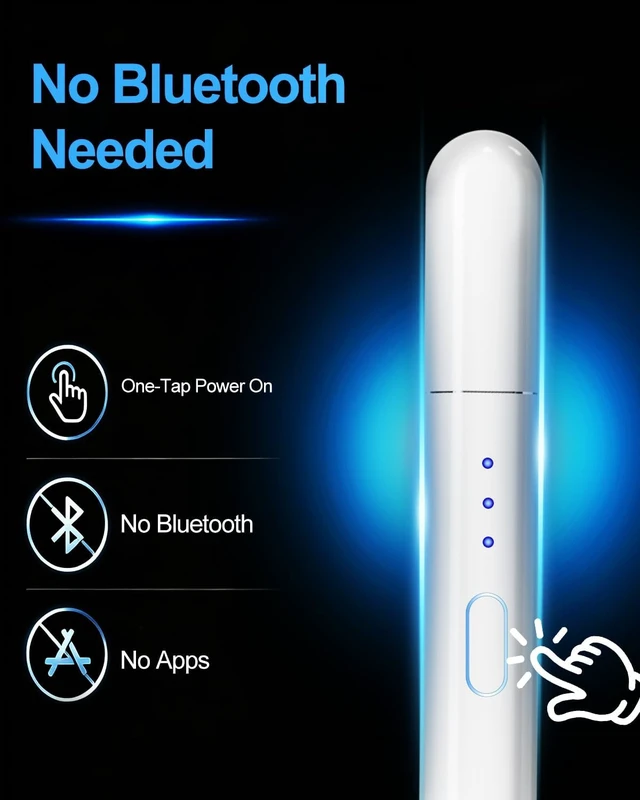
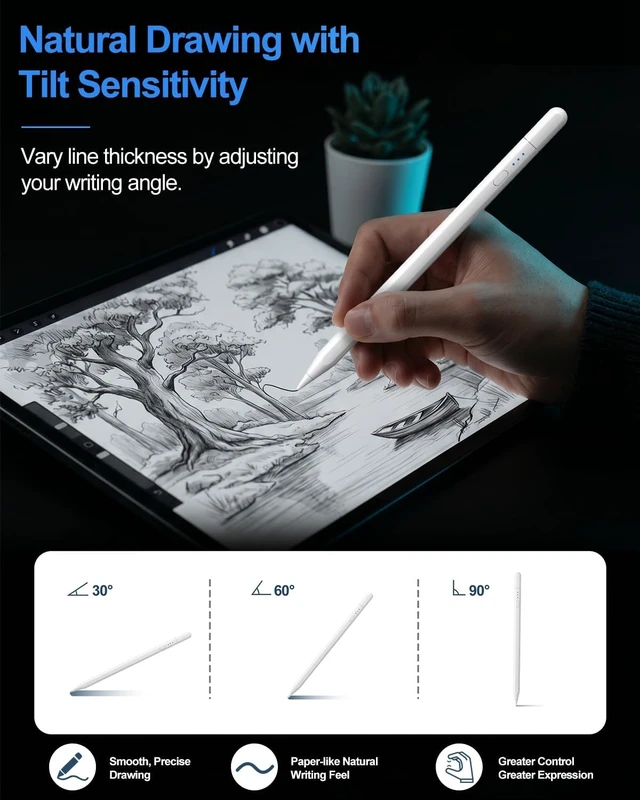
Note: Not compatible with wireless chargingTilt Sensitivity & High ResponsiveThis upgraded stylus pen features a 1.5 mm tip with high responsiveness allowing you to handle finer details without any delay breakpoint or interruption. Different angles of our iPad pencil create varying lines for more natural writing and drawing but it doesn't support pressure sensitivityCompatible with iPad & iPad Pro2018 -2026Compatible with iPad & iPad Pro (2018-2026) models including iPad A16/10th/9th/8th/7th/6th Gen iPad Pro 11 iPad Pro 12.9 6th/5th/4th/3rd Gen iPad Pro 13 M5/M4 iPad Mini A17 Pro/6th/5th Gen iPad Air 5th/4th/3rd Gen iPad Air 11 M4/M3/M2 iPad Air 13 M4/M3/M2 Check compatibility before orderingHow to Use this PencilThis iPad pen doesn't have Bluetooth. Single press the side button to turn it on/off without Bluetooth. If it's not working disable Bluetooth in your iPad settings (Settings > Bluetooth > Turn off Bluetooth) or disconnect from Pencil (Settings > Bluetooth > Pencil > tap i > Forget this device)Ideal Christmas GiftPerfect gift option not only for gifting to family and friends but especially for those who are enthusiastic users of the iPad





 here!
here!