




Does this work with iPhone 17?
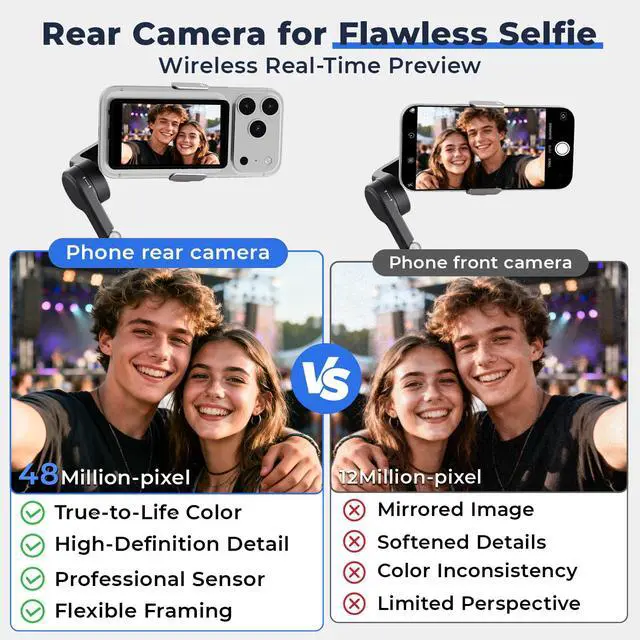
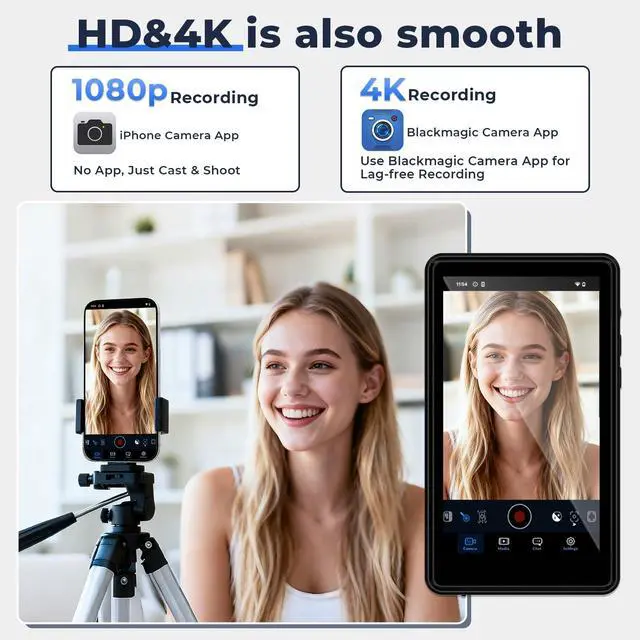
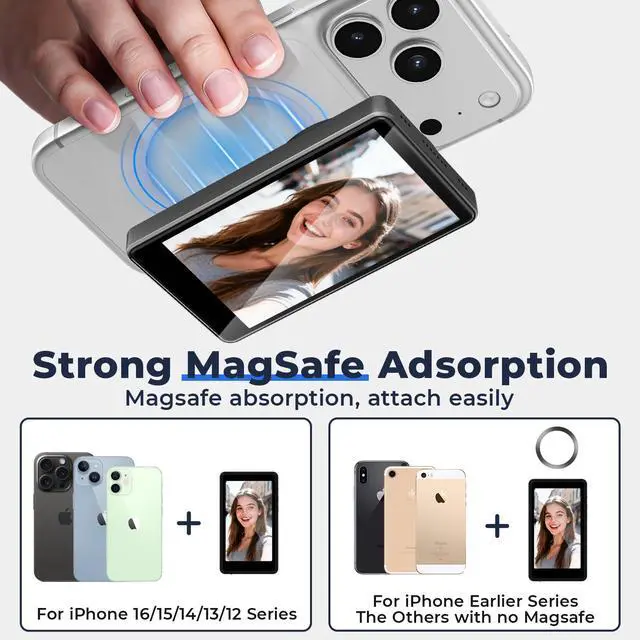
Yes, it is fully compatible with the iPhone 17 series. It also supports other iPhone models as well as most Android phones. Please note, however, that it is not compatible with Google Pixel devices.
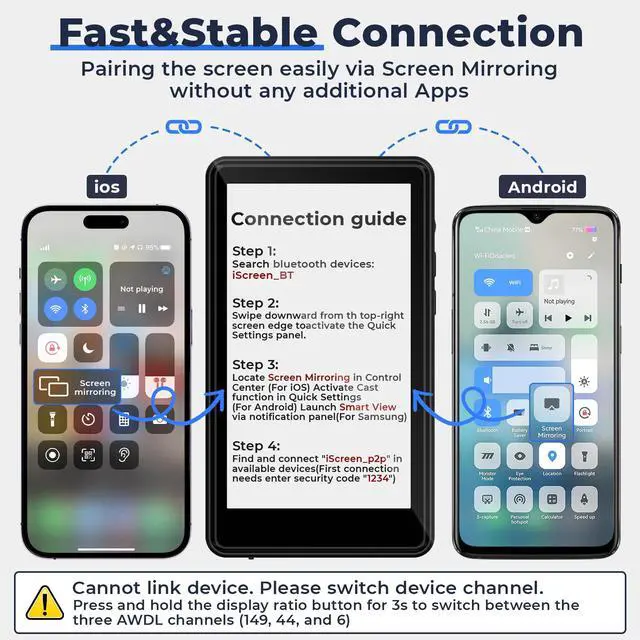
What is the reason why my mobile phone suddenly can't connect to the device?
In this case, you accidentally switched the channel of the device. Please switch channels. Press and hold the display ratio button for3s to switchbetween the three AWDL channels (149, 44, and 6)
Can I use the speaker to hear audio during video playback?
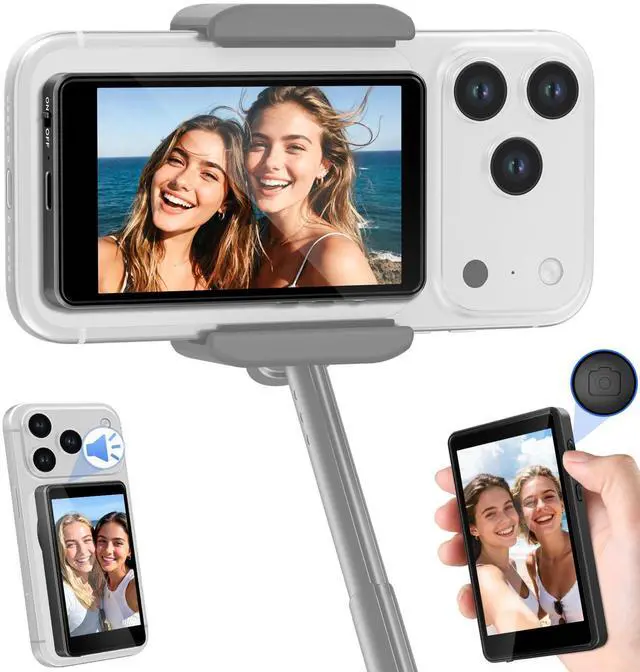
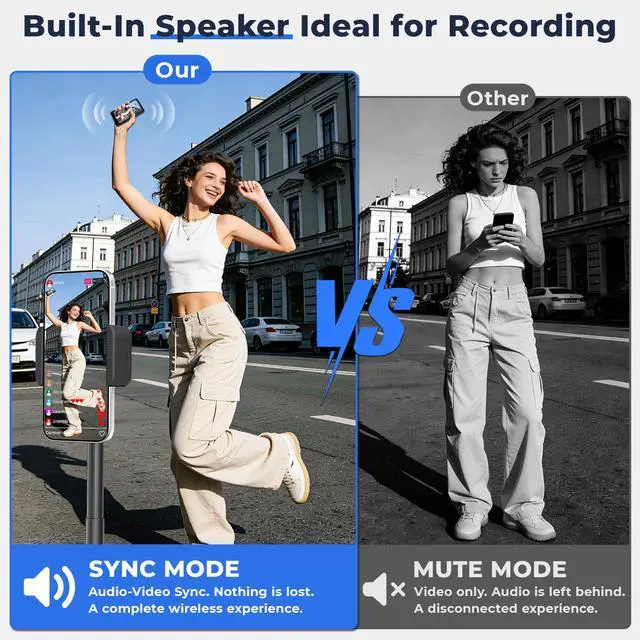
Absolutely! You'll hear your recorded audio, background sound, or livestream feedback right from the monitor.
Does this thing get hot?
Like a phone, it can get warm with long use (like gaming/video). We use an advanced chip to keep heat in check, so it stays comfortable to hold.
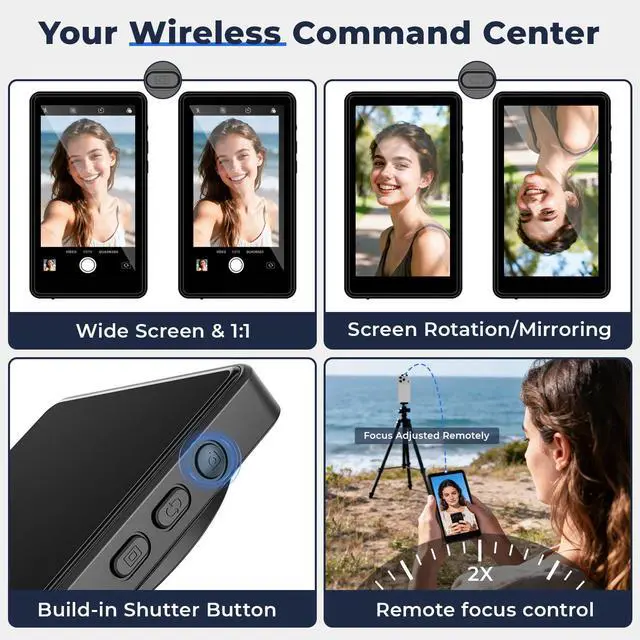
Can it control photo and focus remotely?
Yes! You can remotely capture photos/videos and adjust focus. Important for iPhone users: To use the physical focus control, you must first enable access in your iPhone’s Settings > Accessibility > Zoom.


Does this work with iPhone 17?
Yes, it is fully compatible with the iPhone 17 series. It also supports other iPhone models as well as most Android phones. Please note, however, that it is not compatible with Google Pixel devices.
What is the reason why my mobile phone suddenly can't connect to the device?
In this case, you accidentally switched the channel of the device. Please switch channels. Press and hold the display ratio button for3s to switchbetween the three AWDL channels (149, 44, and 6)
Can I use the speaker to hear audio during video playback?
Absolutely! You'll hear your recorded audio, background sound, or livestream feedback right from the monitor.
Does this thing get hot?
Like a phone, it can get warm with long use (like gaming/video). We use an advanced chip to keep heat in check, so it stays comfortable to hold.
Can it control photo and focus remotely?
Yes! You can remotely capture photos/videos and adjust focus. Important for iPhone users: To use the physical focus control, you must first enable access in your iPhone’s Settings > Accessibility > Zoom.