




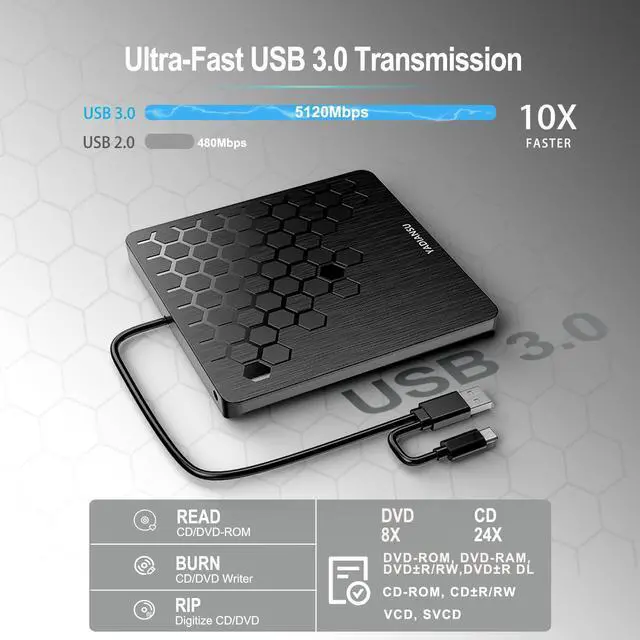
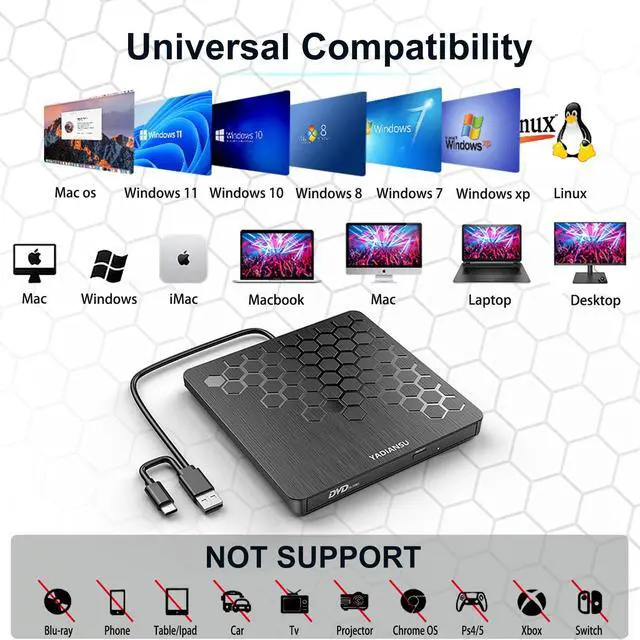
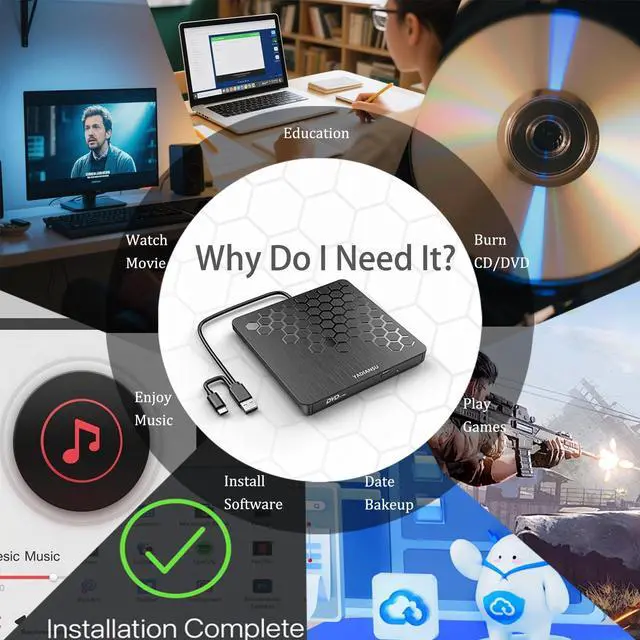
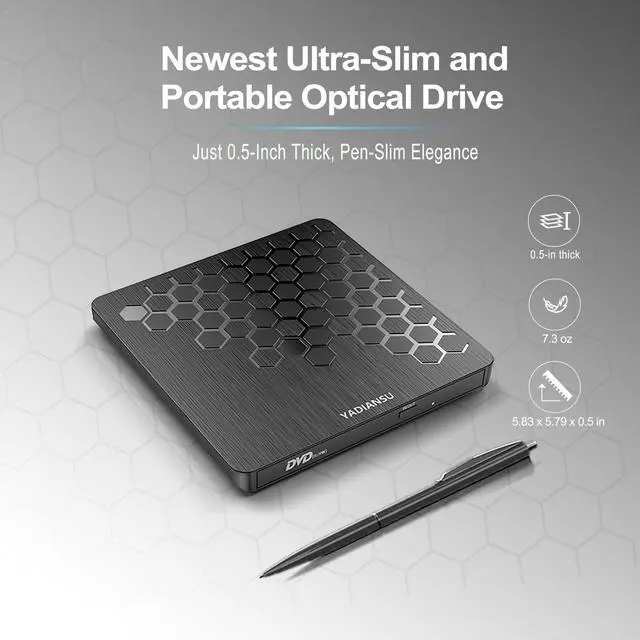
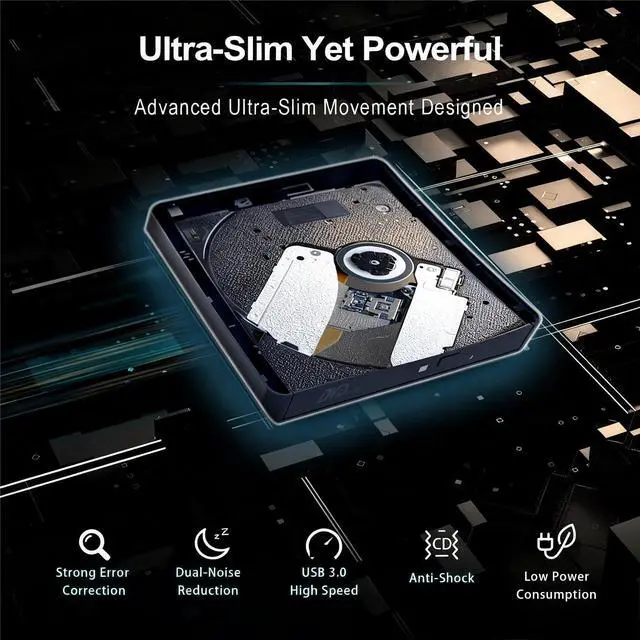
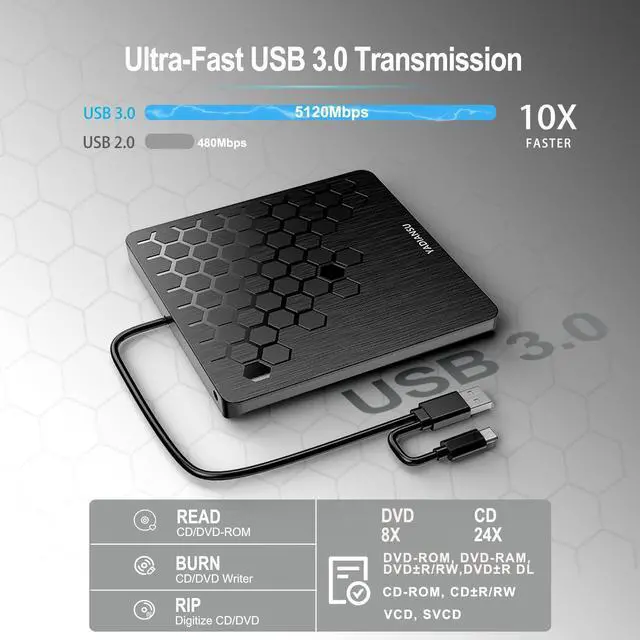


Explore high speed and ultra slim dvd drive
Merchant Video


Why doesn't a Mac or MacBook show the DVD drive icon when you plug in the drive?
The Mac won't show the drive icon until you insert a disc into the drive.
Why does the eject button of the DVD drive fail to work when connected to a Mac or Macbook?
After the Apple system reads the disc, the eject button of the external drive becomes invalid due to macOS limitations. Please right-click the icon on the desktop and select "Eject", or select "File" > "Eject" from the menu.
Where is the USB C/A data cable for connecting to a computer?
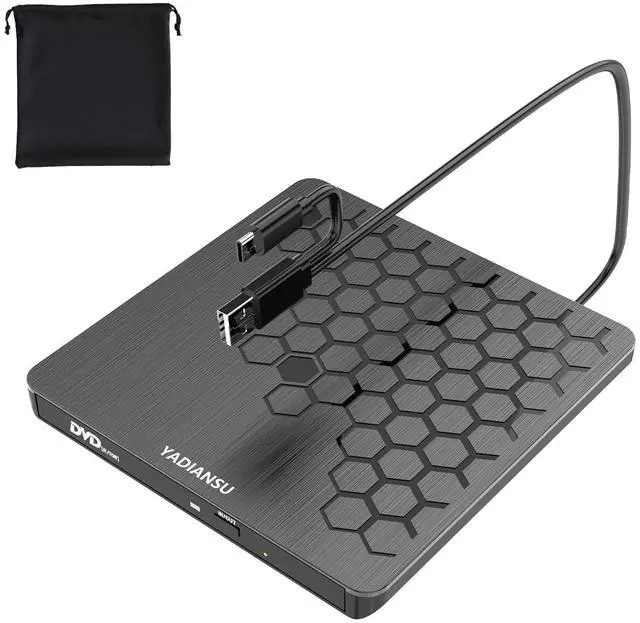
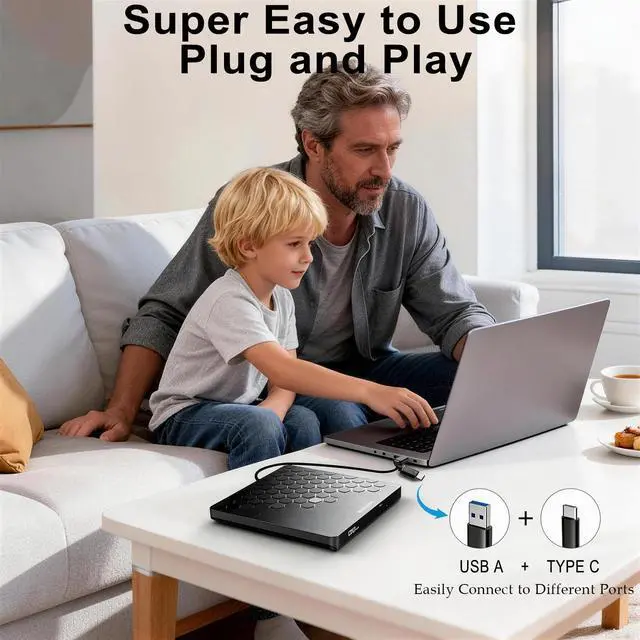
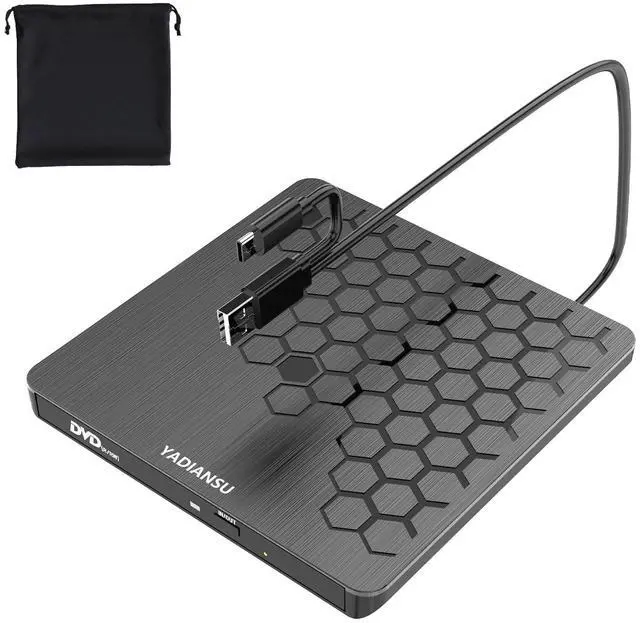
The USB-C /A data cable is fixed to the bottom of the external drive. Please turn the optical drive over, and you will find the data cable that connects to the computer.
When and how to use the extra power cord?
Use the extra power cable if a computer (especially older models) lacks sufficient power. First, connect the built-in USB A/C data cable to your computer. Then, connect the power cord from the drive’s DC port to a power adapter or power bank.


Explore high speed and ultra slim dvd drive
Merchant Video


Why doesn't a Mac or MacBook show the DVD drive icon when you plug in the drive?
The Mac won't show the drive icon until you insert a disc into the drive.
Why does the eject button of the DVD drive fail to work when connected to a Mac or Macbook?
After the Apple system reads the disc, the eject button of the external drive becomes invalid due to macOS limitations. Please right-click the icon on the desktop and select "Eject", or select "File" > "Eject" from the menu.
Where is the USB C/A data cable for connecting to a computer?
The USB-C /A data cable is fixed to the bottom of the external drive. Please turn the optical drive over, and you will find the data cable that connects to the computer.
When and how to use the extra power cord?
Use the extra power cable if a computer (especially older models) lacks sufficient power. First, connect the built-in USB A/C data cable to your computer. Then, connect the power cord from the drive’s DC port to a power adapter or power bank.