




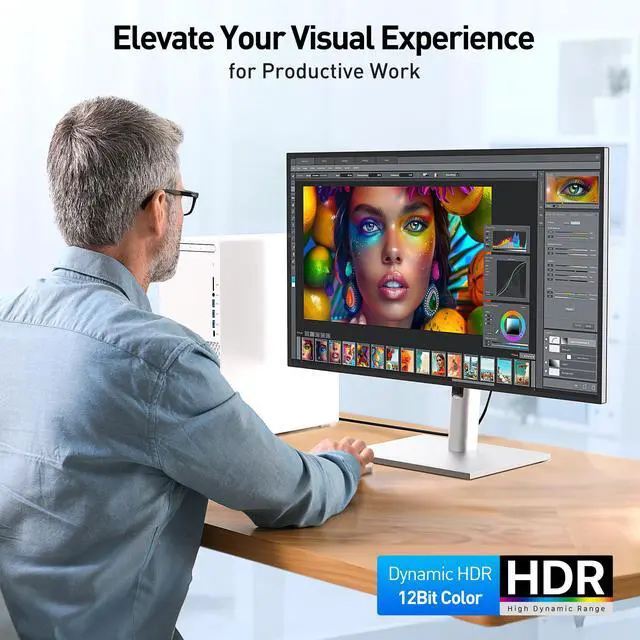
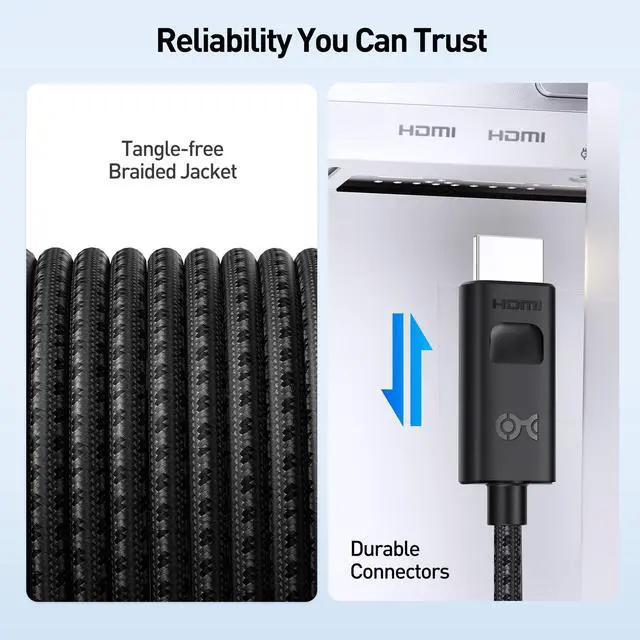


8K Flexibility Across Standards
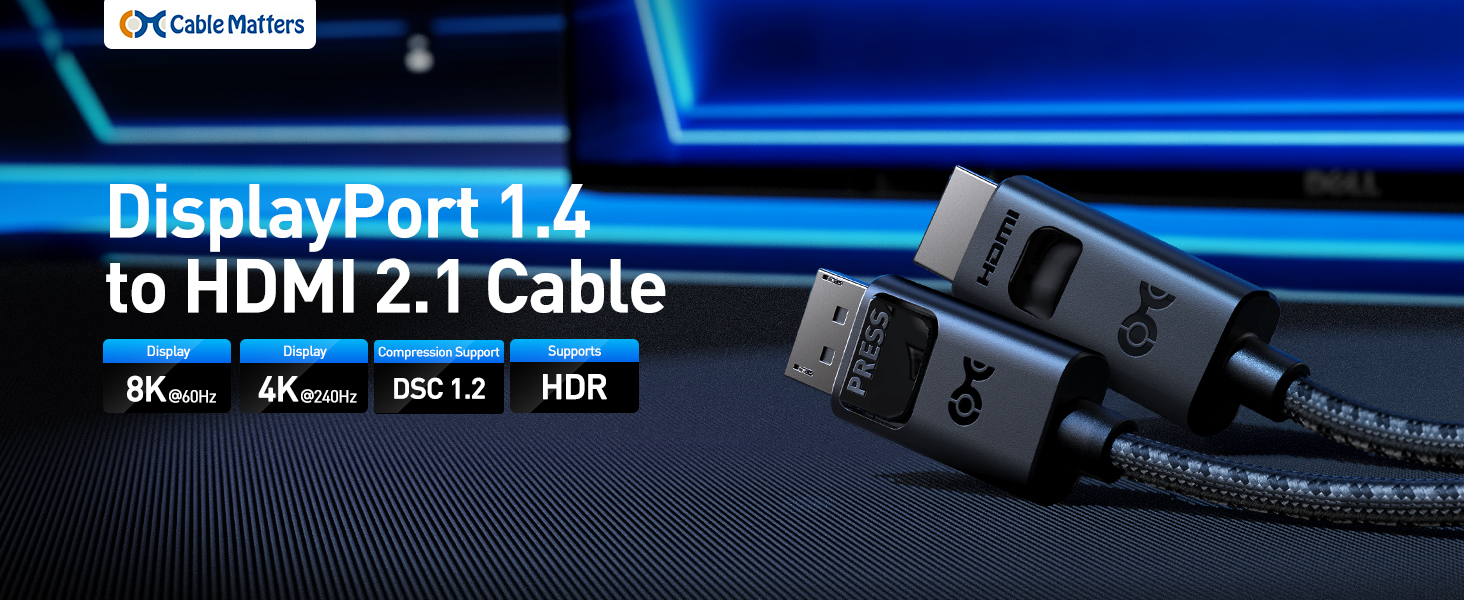
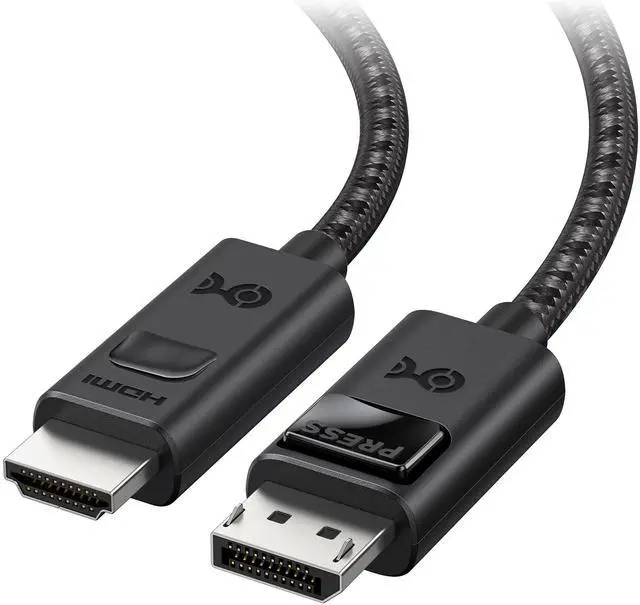
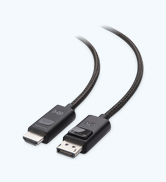
Uni-Directional 8K DisplayPort 1.4 to HDMI 2.1 Cable
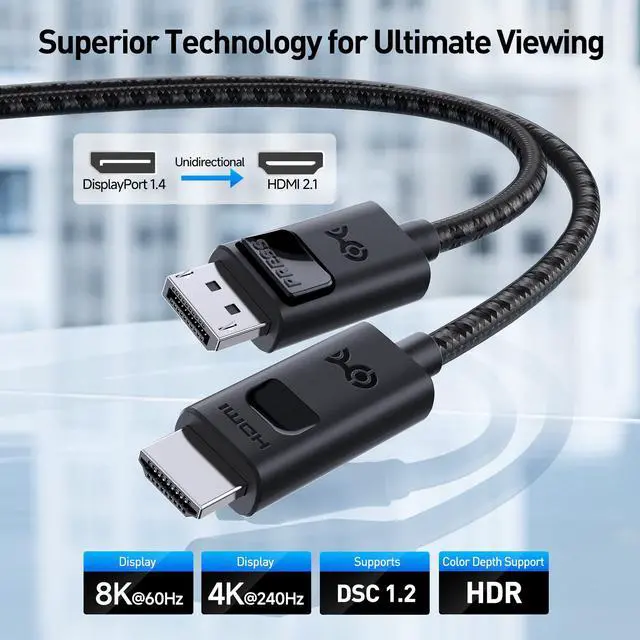
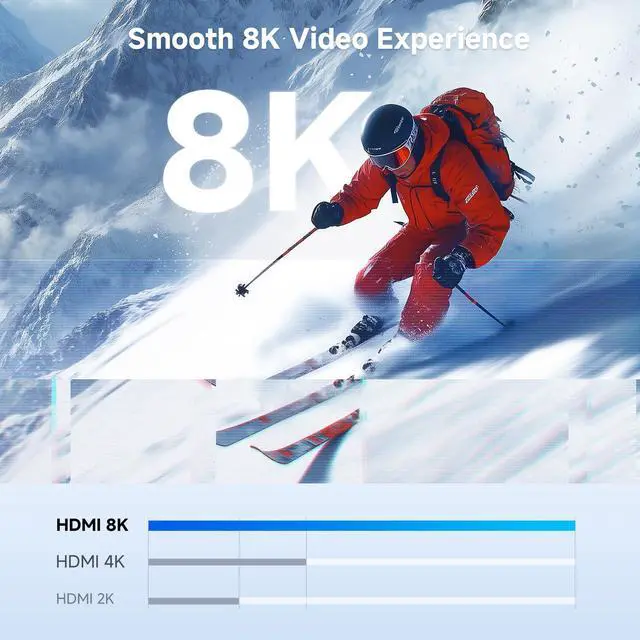
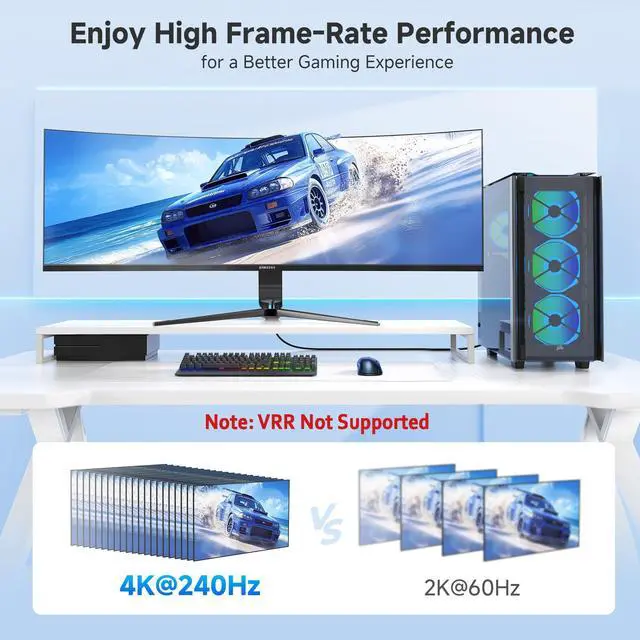
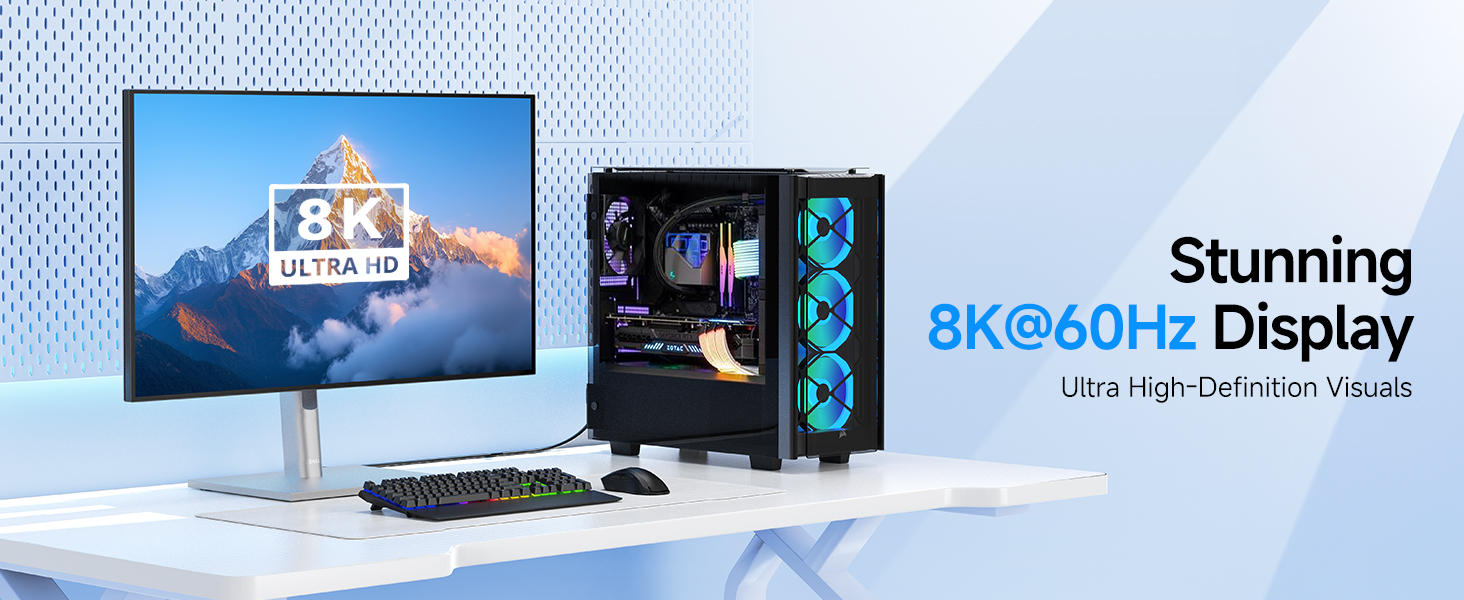
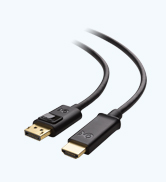
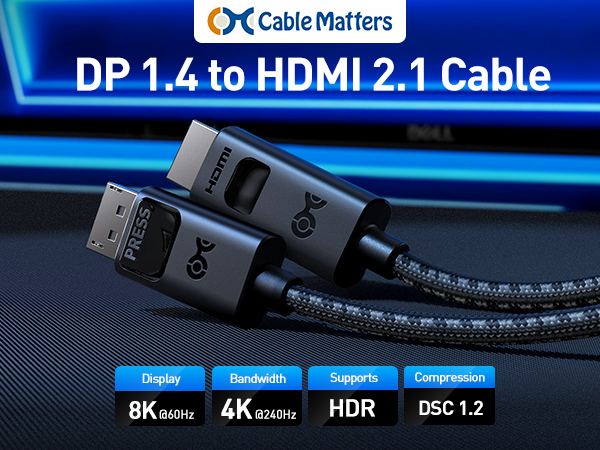
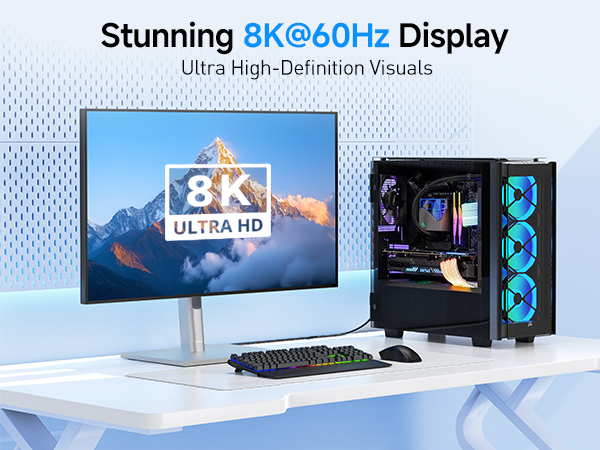
Cable Matters Uni-Directional 8K DisplayPort to HDMI 2.1 Cable connects a computer’s DisplayPort output to an HDMI 2.1 display. It supports up to 8K@60Hz or 4K@240Hz video with HDR for a smooth, high-quality picture. Ideal for gaming monitors and TVs.
Important Notes
- 8K video requires a desktop computer with an Nvidia RTX 20 Series / AMD Radeon RX 6000 Series or above GPU.
- For Nvidia RTX 20/30 and ATI RX 6000 series users, driver updates may be necessary for optimal resolution.
- Updating the cable's firmware enhances compatibility, including ultra-high resolution, HDR, and Dolby Atmos support.
- All MacBooks, MacBook Pro, and Mac Mini with Apple M1 or Intel chips can only support a maximum resolution of 4K@60 Hz
- Certain 8K and 4K 240Hz TVs may require a firmware update to work properly. 4K 240Hz and 8K support must be manually enabled on some 4K 240Hz and 8K televisions
- VRR/G-Sync/FreeSync is not supported
- Dolby Atmos/DTS:X is not supported


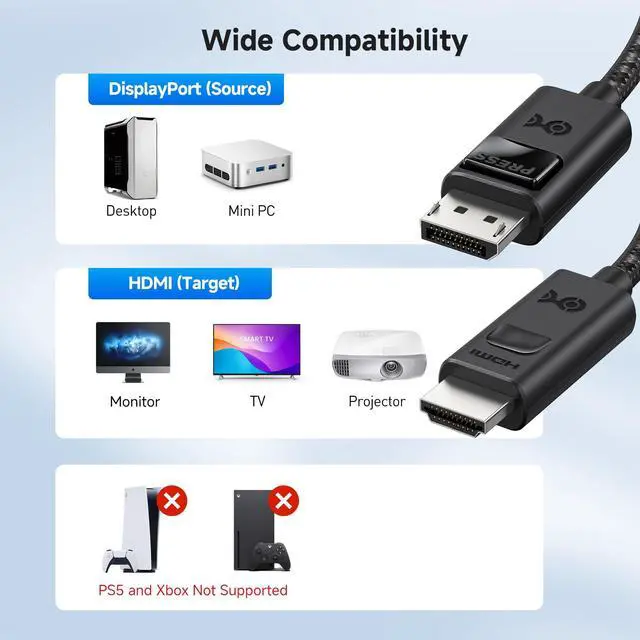
Is this cable bi-directional?
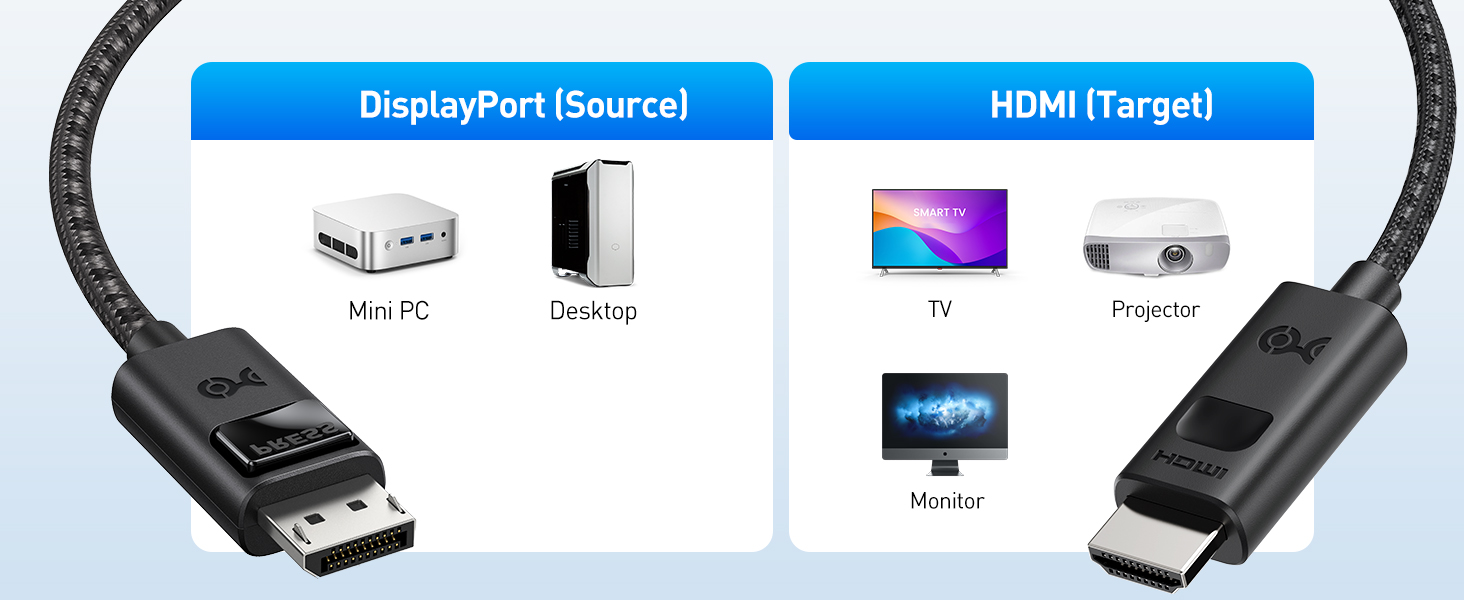
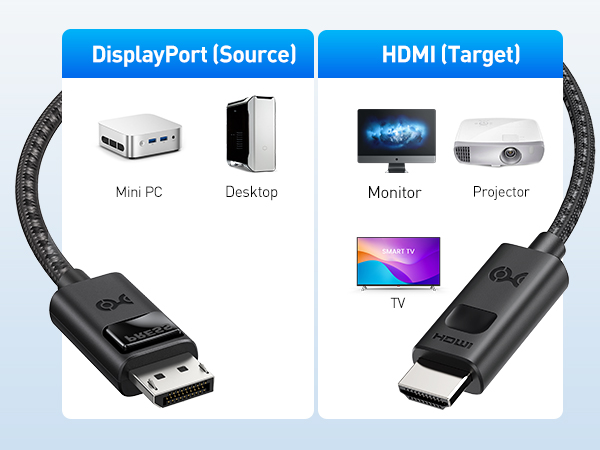
No. It only works from DisplayPort (GPU/PC) to HDMI (monitor/TV). It will not convert HDMI sources like PS5, Xbox, or Blu-ray players to DisplayPort displays.
Does this cable support VRR, G-Sync, or FreeSync?
No. It does not support VRR, G-Sync, or FreeSync. It is designed for fixed refresh rates.
Why do I see flicker, no signal, or color issues?
Lower the resolution or refresh rate to test stability, enable HDMI 2.1 mode on your display, and update GPU drivers. If issues persist, see “Cable Matters 102103 Troubleshooting Instructions.”
Why am I not getting the expected resolution like 4K@240Hz?
Ensure your GPU supports DP 1.4 with DSC, your HDMI display supports the selected resolution/refresh rate, and your graphics drivers are up to date. For more help, search “Cable Matters 102103 Troubleshooting Instructions.”
Why do I get only 4K@120Hz with Intel GPUs and Acer monitors?
This is a known compatibility limitation with Intel GPU and Acer monitor setup when using this product. With AMD or NVIDIA GPUs, the same monitor can reach 4K@144Hz or higher.
Comparison Chart
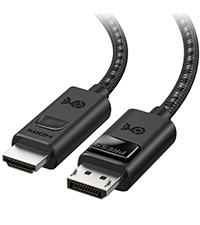 8K DP to HDMI Adapter | 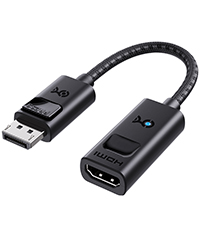 8K DP to HDMI Cable | 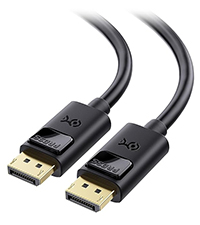 DisplayPort 1.4 Cable | 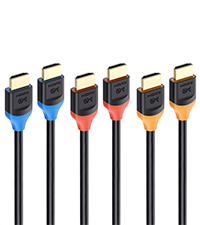 3-Pack 8K HDMI Cable | |
|---|---|---|---|---|
Customer Reviews | — | — | — | — |
Price | — | — | — | — |
8K Refresh Rate | 8K@60Hz | 8K@60Hz | 8K@60Hz | 8K@60Hz |
4K Refresh Rate | 4K@240Hz | 4K@240Hz | 4K@240Hz | 4K@240Hz |
HDR Support | ? | ? | ? | ? |
Available Lengths | 6 Feet | - | 3, 6, 10,13, 16 Feet | 3.3/6.6/9.8 Feet |
Model Number | 102103 | 102101 | 102025 | 300029 |


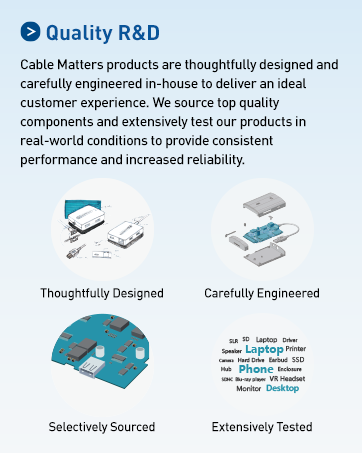
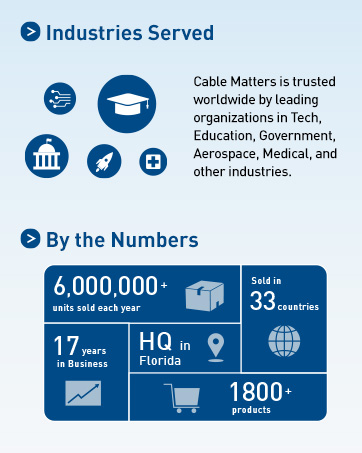
Cable Matters, with headquarters in Southborough, Massachusetts, offers a complete line of cables, adapters, docking stations, and networking products for the home, office, and data center. Cable Matters offers first-class, quality, and affordable products backed by an exceptional customer experience.
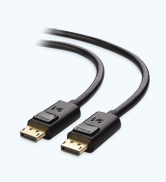
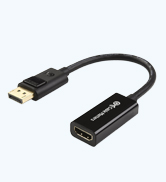
DisplayPort Cables & Adapters
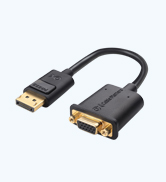
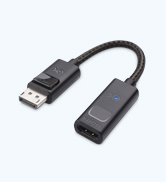
Future-proof DP Adapter Cables
8K Flexibility Across Standards
Uni-Directional 8K DisplayPort 1.4 to HDMI 2.1 Cable
Cable Matters Uni-Directional 8K DisplayPort to HDMI 2.1 Cable connects a computer’s DisplayPort output to an HDMI 2.1 display. It supports up to 8K@60Hz or 4K@240Hz video with HDR for a smooth, high-quality picture. Ideal for gaming monitors and TVs.
Important Notes
- 8K video requires a desktop computer with an Nvidia RTX 20 Series / AMD Radeon RX 6000 Series or above GPU.
- For Nvidia RTX 20/30 and ATI RX 6000 series users, driver updates may be necessary for optimal resolution.
- Updating the cable's firmware enhances compatibility, including ultra-high resolution, HDR, and Dolby Atmos support.
- All MacBooks, MacBook Pro, and Mac Mini with Apple M1 or Intel chips can only support a maximum resolution of 4K@60 Hz
- Certain 8K and 4K 240Hz TVs may require a firmware update to work properly. 4K 240Hz and 8K support must be manually enabled on some 4K 240Hz and 8K televisions
- VRR/G-Sync/FreeSync is not supported
- Dolby Atmos/DTS:X is not supported


Is this cable bi-directional?
No. It only works from DisplayPort (GPU/PC) to HDMI (monitor/TV). It will not convert HDMI sources like PS5, Xbox, or Blu-ray players to DisplayPort displays.
Does this cable support VRR, G-Sync, or FreeSync?
No. It does not support VRR, G-Sync, or FreeSync. It is designed for fixed refresh rates.
Why do I see flicker, no signal, or color issues?
Lower the resolution or refresh rate to test stability, enable HDMI 2.1 mode on your display, and update GPU drivers. If issues persist, see “Cable Matters 102103 Troubleshooting Instructions.”
Why am I not getting the expected resolution like 4K@240Hz?
Ensure your GPU supports DP 1.4 with DSC, your HDMI display supports the selected resolution/refresh rate, and your graphics drivers are up to date. For more help, search “Cable Matters 102103 Troubleshooting Instructions.”
Why do I get only 4K@120Hz with Intel GPUs and Acer monitors?
This is a known compatibility limitation with Intel GPU and Acer monitor setup when using this product. With AMD or NVIDIA GPUs, the same monitor can reach 4K@144Hz or higher.
Comparison Chart
8K DP to HDMI Adapter | 8K DP to HDMI Cable | DisplayPort 1.4 Cable | 3-Pack 8K HDMI Cable |
|---|---|---|---|
| Customer Reviews | |||
| — | — | — | — |
| Price | |||
| — | — | — | — |
| 8K Refresh Rate | |||
| 8K@60Hz | 8K@60Hz | 8K@60Hz | 8K@60Hz |
| 4K Refresh Rate | |||
| 4K@240Hz | 4K@240Hz | 4K@240Hz | 4K@240Hz |
| HDR Support | |||
| ? | ? | ? | ? |
| Available Lengths | |||
| 6 Feet | - | 3, 6, 10,13, 16 Feet | 3.3/6.6/9.8 Feet |
| Model Number | |||
| 102103 | 102101 | 102025 | 300029 |
Cable Matters, with headquarters in Southborough, Massachusetts, offers a complete line of cables, adapters, docking stations, and networking products for the home, office, and data center. Cable Matters offers first-class, quality, and affordable products backed by an exceptional customer experience.
DisplayPort Cables & Adapters
Future-proof DP Adapter Cables