



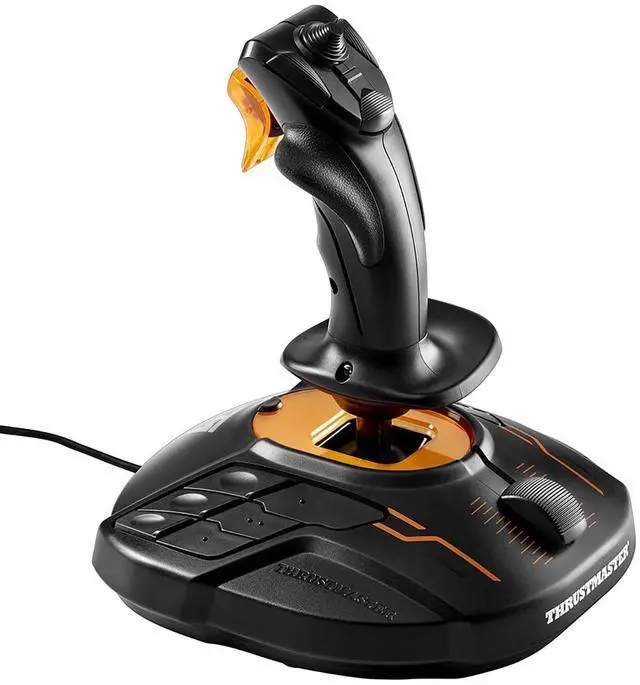
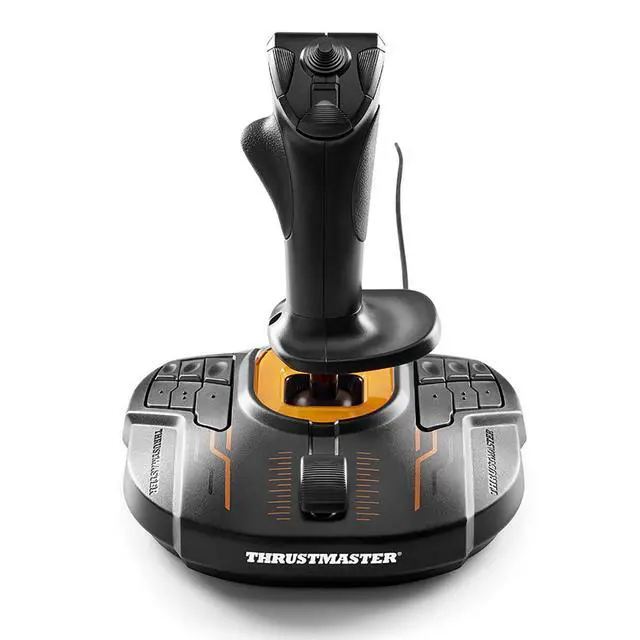
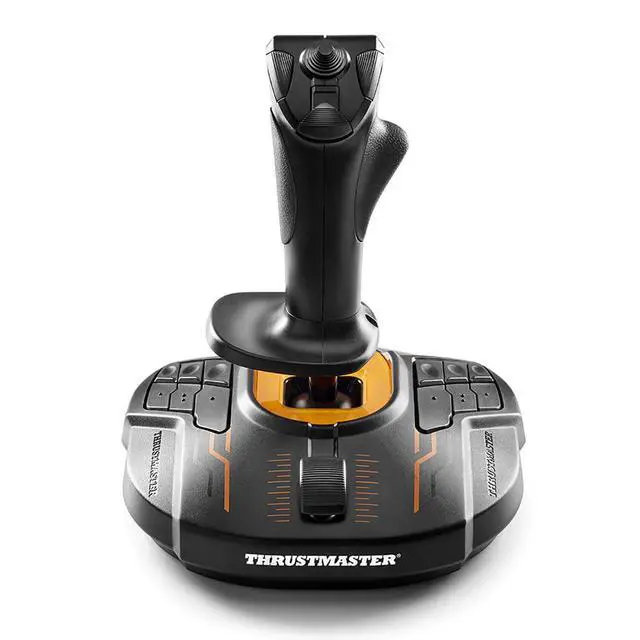
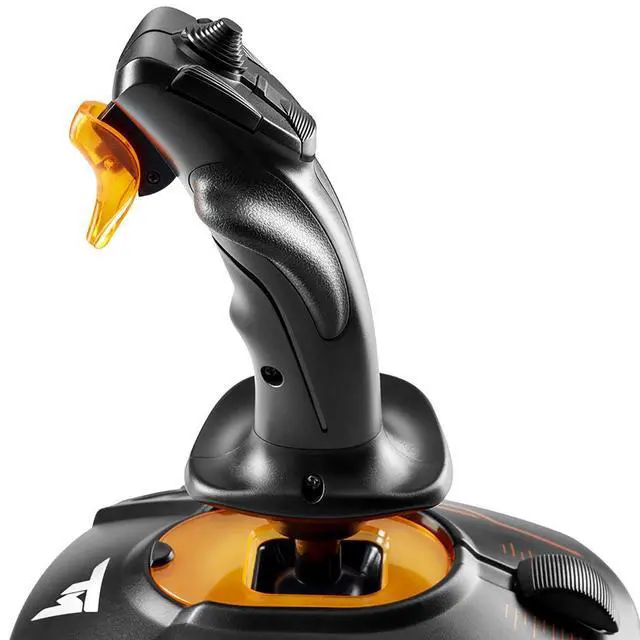


The New T.16000M FCS.
Thrustmaster has devoted its 25 years of expertise in flight sim controllers to meet the growing demand from flight simmers in general – and space simmers in particular.
The T.16000M FCS has been designed for advanced fliers looking for comprehensive, realistic controls as an alternative to using a mouse and keyboard.
The T.16000M FCS (Flight Control System) flight stick is compatible with PC via USB in Windows 10, 8, 7 and Vista (32-bit and 64-bit).
Additional Information

T.16000M FCS
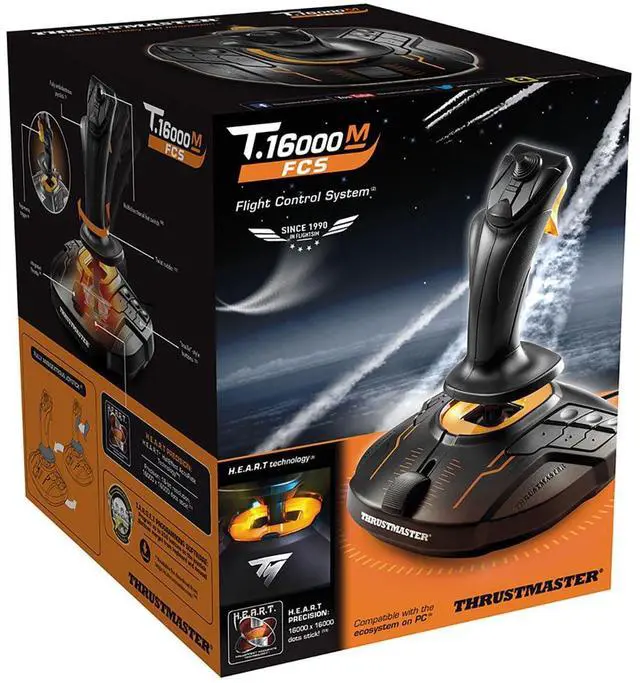
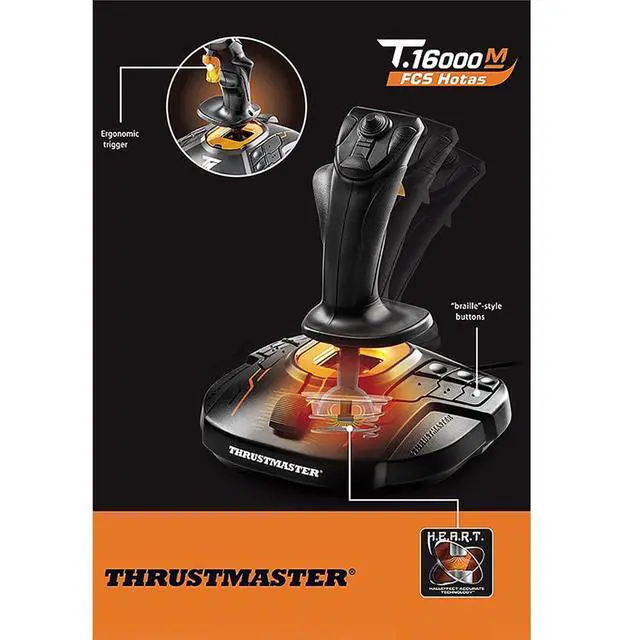
The T.16000M FCS features 4 independent axes, including twist rudder (controlled by rotating the stick), 16 action buttons with “braille”-style physical button identification, one 8-way Point of View (PoV) hat switch and an ergonomic trigger. Its striking orange accents and backlighting bring gamers’ immersion to a whole new level.
H.E.A.R.T HallEffect AccuRate Technology
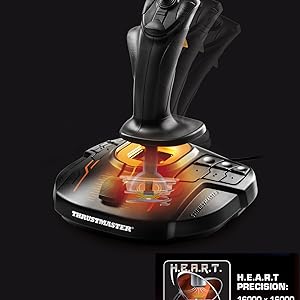
In order to give the user high-precision performance, pitch and roll on the T.16000M FCS flight stick employ H.E.A.R.T HallEffect AccuRate Technology (U.S. patent US08471815) for 16-bit resolution (i.e. 16000 x 16000 values) – the same pinpoint accuracy delivered by the extremely high-end HOTAS Warthog joystick, allowing gamers to engage their enemies with surgical precision.
The helical spring (0.1” / 2.8 mm in diameter) inside

Ambidextrous design
The joystick’s unique ambidextrous design can be easily switched between right-handed and left-handed use. Its twisting handle controls the rudder by default, but can also be locked in place.
Piloting with a joystick in each hand is now possible in all games compatible with two joysticks.
Additional Information

Thrustmaster advanced flying ecosystem
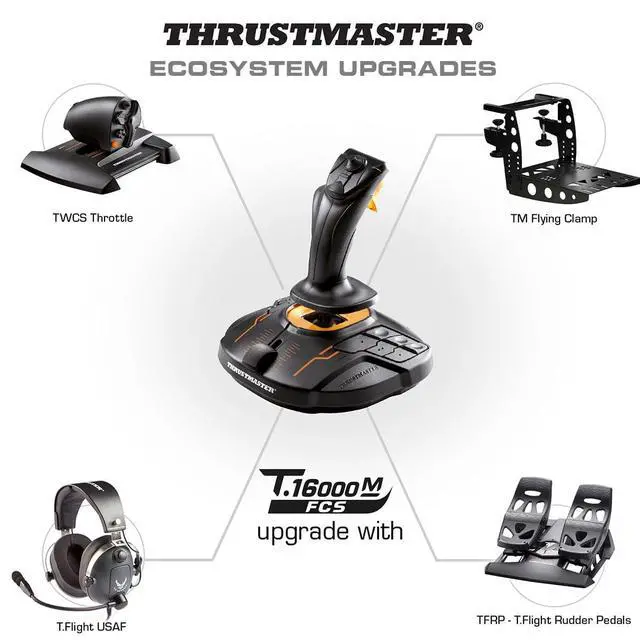
These products are part of a range of flight simulation peripherals that can be used in conjunction with one another: a complete ecosystem featuring the FCS flight stick, TWCS throttle, TFRP rudder pedals* and MFD* (Multi-Functional Display) cockpit panels. These elements are also compatible with the T.A.R.G.E.T advanced programming software.

T.A.R.G.E.T advanced programming software** on PC: program up to 256 buttons in the flying ecosystem
Thrustmaster Advanced pRogramming Graphical EdiTor software: combine with other Thrustmaster devices (so that they are recognized as a single USB device), and load or create specific mapping profiles for each game.
Tailor your own profiles to enhance most Thrustmaster flight controllers, and share them with the Thrustmaster community

Ergonomic design for optimum comfort and precision
Thanks to its design and ergonomics, the T.16000M FSC provides players with multiple recognizable features, allowing them to become more effective and accurate when in flight. This enhanced access to flight controls proves even more essential when players are fully immersed in the exceptional flight experience delivered by VR-compatible games.

The New T.16000M FCS.
Thrustmaster has devoted its 25 years of expertise in flight sim controllers to meet the growing demand from flight simmers in general – and space simmers in particular.
The T.16000M FCS has been designed for advanced fliers looking for comprehensive, realistic controls as an alternative to using a mouse and keyboard.
The T.16000M FCS (Flight Control System) flight stick is compatible with PC via USB in Windows 10, 8, 7 and Vista (32-bit and 64-bit).
Additional Information
T.16000M FCS
The T.16000M FCS features 4 independent axes, including twist rudder (controlled by rotating the stick), 16 action buttons with “braille”-style physical button identification, one 8-way Point of View (PoV) hat switch and an ergonomic trigger. Its striking orange accents and backlighting bring gamers’ immersion to a whole new level.
H.E.A.R.T HallEffect AccuRate Technology
In order to give the user high-precision performance, pitch and roll on the T.16000M FCS flight stick employ H.E.A.R.T HallEffect AccuRate Technology (U.S. patent US08471815) for 16-bit resolution (i.e. 16000 x 16000 values) – the same pinpoint accuracy delivered by the extremely high-end HOTAS Warthog joystick, allowing gamers to engage their enemies with surgical precision.
The helical spring (0.1” / 2.8 mm in diameter) inside
Ambidextrous design
The joystick’s unique ambidextrous design can be easily switched between right-handed and left-handed use. Its twisting handle controls the rudder by default, but can also be locked in place.
Piloting with a joystick in each hand is now possible in all games compatible with two joysticks.
Additional Information
Thrustmaster advanced flying ecosystem
These products are part of a range of flight simulation peripherals that can be used in conjunction with one another: a complete ecosystem featuring the FCS flight stick, TWCS throttle, TFRP rudder pedals* and MFD* (Multi-Functional Display) cockpit panels. These elements are also compatible with the T.A.R.G.E.T advanced programming software.

T.A.R.G.E.T advanced programming software** on PC: program up to 256 buttons in the flying ecosystem
Thrustmaster Advanced pRogramming Graphical EdiTor software: combine with other Thrustmaster devices (so that they are recognized as a single USB device), and load or create specific mapping profiles for each game.
Tailor your own profiles to enhance most Thrustmaster flight controllers, and share them with the Thrustmaster community

Ergonomic design for optimum comfort and precision
Thanks to its design and ergonomics, the T.16000M FSC provides players with multiple recognizable features, allowing them to become more effective and accurate when in flight. This enhanced access to flight controls proves even more essential when players are fully immersed in the exceptional flight experience delivered by VR-compatible games.