• $49.99
  • Free 30-day Returns
  • Sold by Machao shop

    Shipped by Machao shop

    Price alert
    Shop it at NeweggBusiness.

    Meet Your Seller

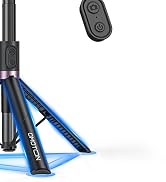
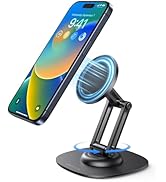
    TP02 Magnetic Phone Tripod for MagSafe, 360° Pivot, Clamp & Stand | 3-Way Compact Phone Mount with Clamp, Magnetic Back & Tabletop Stand for Vlogging, Gym, Travel & Kitchen

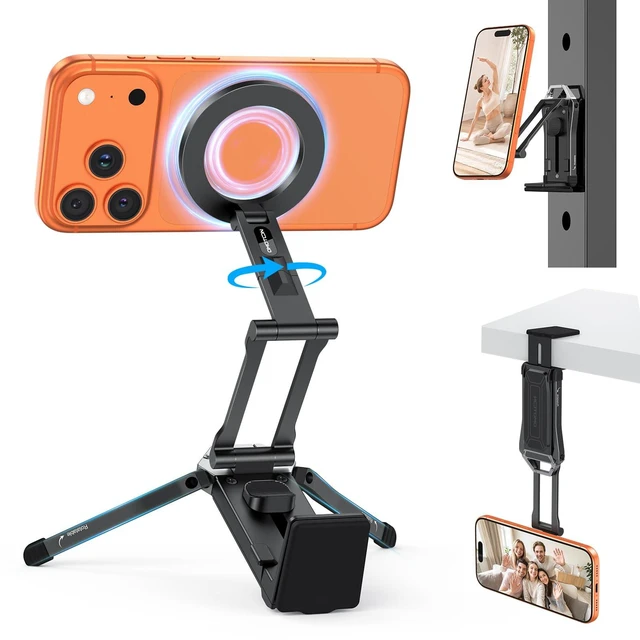
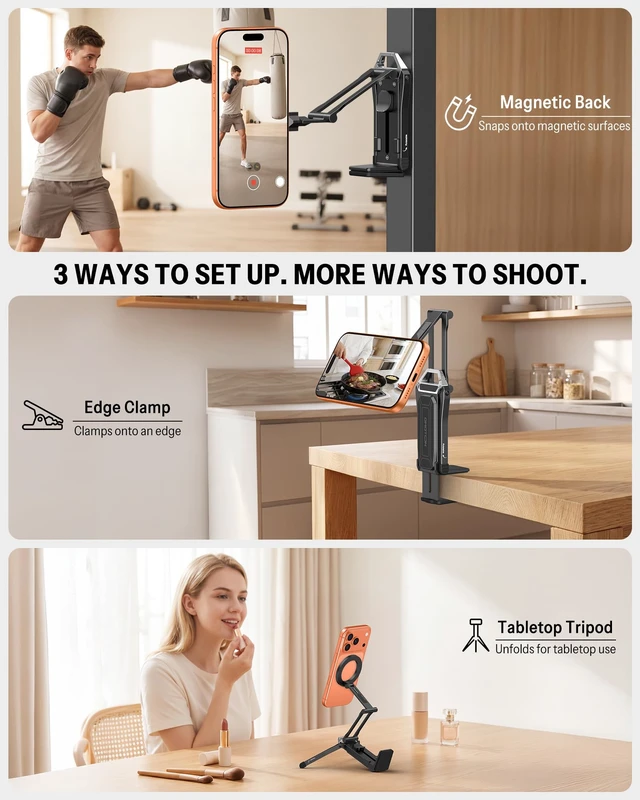
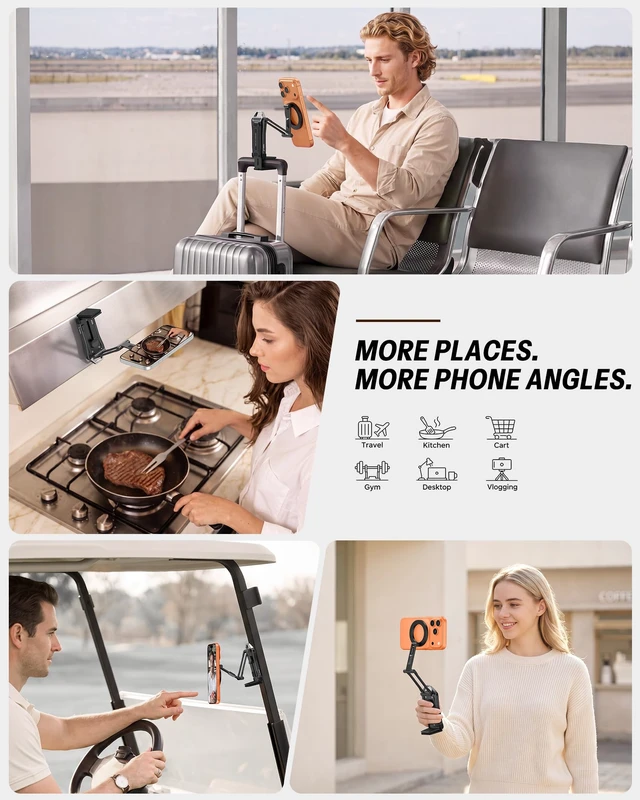
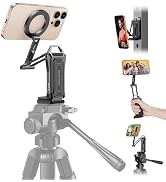
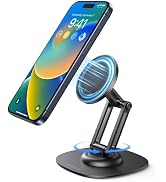
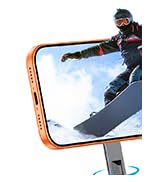
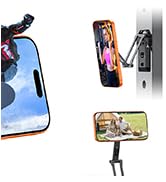
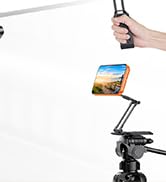
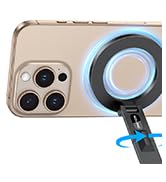
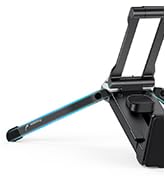
    • MORE PLACES. MORE PHONE ANGLES: TP02 combines a clamp, magnetic back, and tabletop tripod with a 360° adjustable pivot. Choose the mounting location first, then refine the phone angle without rebuilding the setupgiving everyday users and solo creators more ways to film hands-free where a floor tripod may be inconvenient.
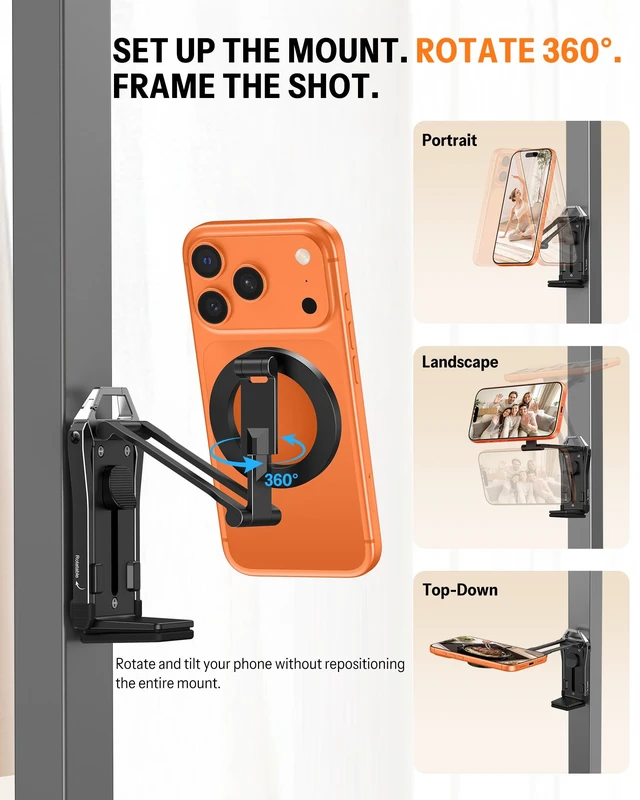
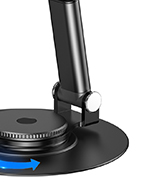
    • SET THE MOUNT. PIVOT 360°. FRAME THE SHOT: After TP02 is clamped, magnetically attached, or standing on its legs, rotate the phone through 360° and tilt it to refine portrait, landscape, high, low, or fixed-position framing. Adjust the shot without repeatedly moving the entire mount.
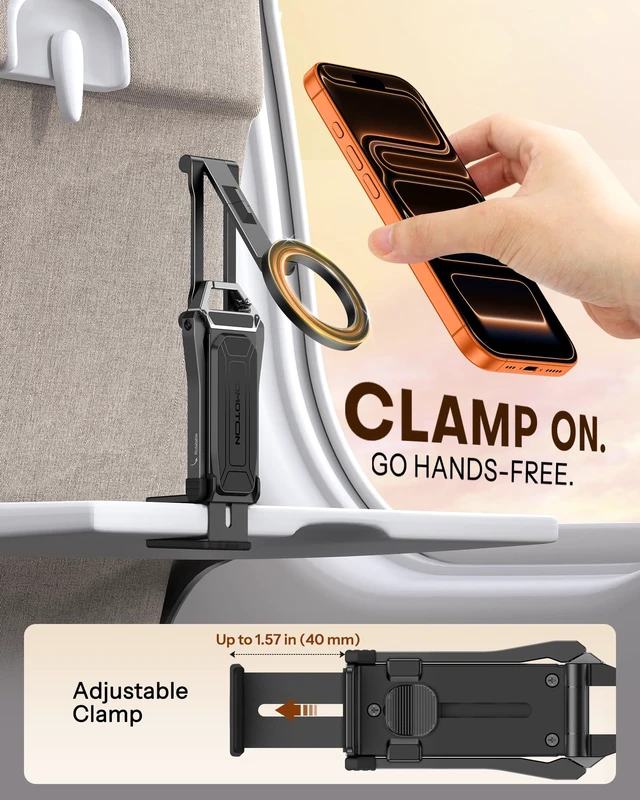
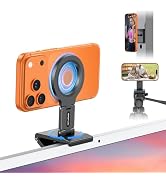
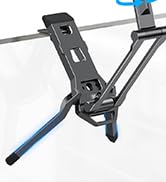
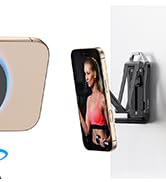
    • FIRM CLAMP GRIP FOR FLAT EDGES UP TO 1.57": The built-in clamp grips compatible flat desk edges, shelves, trays, benches, and similar surfaces when floor or tabletop space is limited. Not intended for edges thicker than 1.57", curved or sloped edges, or surfaces without a secure clampable area.
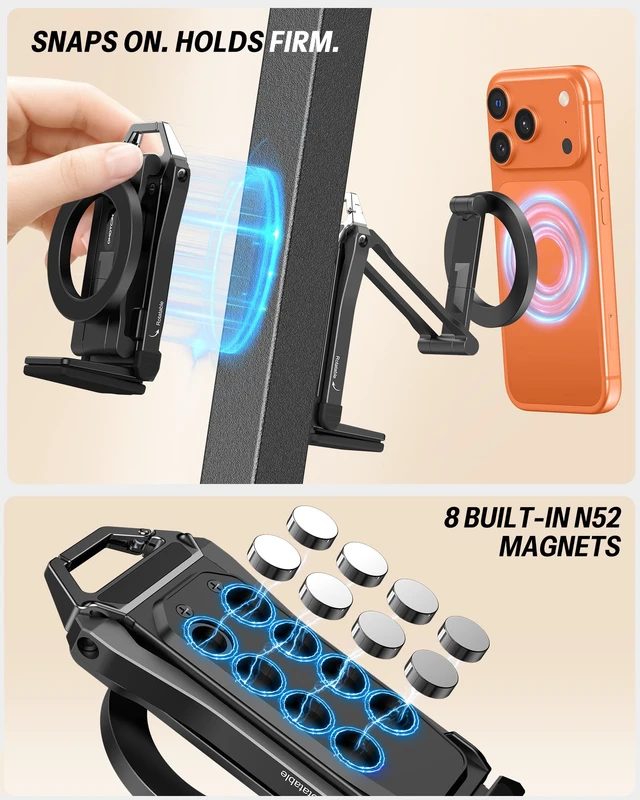
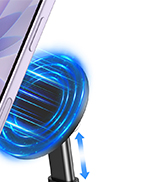
    • STRONG MAGNETIC BACK FOR COMPATIBLE METAL: Eight built-in N52 magnets let the entire TP02 mount attach firmly to suitable metal surfaces such as compatible gym equipment, refrigerators, and metal shelving. For clamp or magnetic use, keep the complete attached phone setupphone, case, and accessorieswithin 400 g (0.88 lb), and test stability before elevated or inverted use.
    +
    +
    Overview
    Specs
    Reviews

    Any questions? Ask CelesteSM will help you find out quickly.

    camera tripod
    camera stand
    Foldable Phone Stand

    Product Details, Use Guide & FAQs

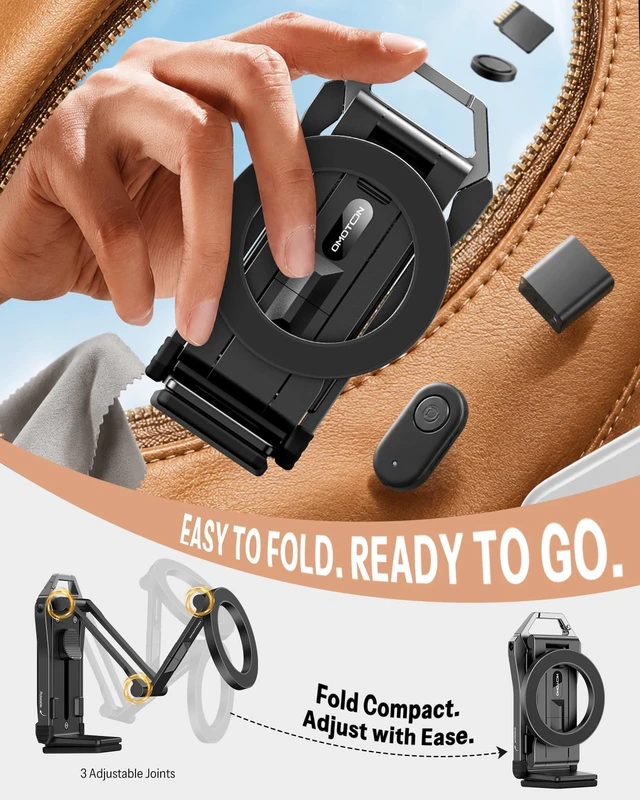
    Dimensions & Weight Folded size: 2.32 × 1.65 × 4.13 in. Product weight: 158 g (5.6 oz).
    Mounting Specifications Clamp opening: up to 1.57 in. The magnetic back uses 8 built-in N52 magnets for a strong hold on compatible metal surfaces.
    Recommended Phone Setup For clamp or magnetic use, keep the complete attached phone setup—including the phone, case, and accessories—within 400 g (0.88 lb). This is a recommended use limit for the complete device setup, not a rating for the back magnets or clamp tested separately. Stability varies with the surface, arm extension, joint angles, and load position.
    Phone Compatibility Supported for iPhone models with built-in for MagSafe and phone cases designed for use with MagSafe attach directly to the front magnetic mount. For other phones or cases, use the included silicone-coated metal ring, correctly applied to a suitable flat surface.
    Included Metal Ring The included ring has a metal core for magnetic attachment and a silicone-coated exterior that helps reduce direct abrasion and protect surface finishes when correctly installed. Follow the User Manual when applying the ring.
    How to Use TP02 1. Choose a secure flat edge, suitable metal surface, or stable, relatively level surface. 2. Set up Clamp, Magnetic Back, or Tabletop Tripod mode. 3. Attach a supported phone or case to the front mount; otherwise, use the included ring. 4. For clamp or magnetic use, keep the phone, case, and attached accessories within 400 g (0.88 lb). 5. Test stability before releasing the phone, especially for elevated or inverted use. 6. Rotate 360° and tilt to frame.
    Note 1 Front vs. Back: The front magnetic mount holds the phone. The magnetic back attaches the entire TP02 mount to a suitable metal surface.
    Note 2 Clamp & Tabletop Use: Clamp only to secure, flat edges up to 1.57 in thick. Do not use curved, sloped, unstable, or thicker edges. For tabletop use, unfold the legs on a stable, relatively level surface.
    Note 3 Magnetic Surfaces & Environment: Not all metal or metal-look surfaces attract magnets. Confirm attraction and stability before use. Avoid hot, wet, greasy, sloped, vibrating, or unstable surfaces that may reduce grip or stability.
    Note 4 Elevated or Inverted Use: Support the phone while testing the complete setup before release. Do not use the mount if the surface, clamp, mount, or phone shows movement or slipping.
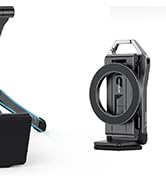
    Note 5 Carry Hook: The integrated hook is intended for carrying and storage. It is not a fourth phone-mounting mode and should not be used to suspend the phone setup.
    Package Includes 1 × TP02 Phone Mount; 1 × Silicone-Coated Metal Ring; 1 × User Manual.
    FAQ 1 Q: What are the three ways to use TP02? A: Clamp TP02 to a compatible flat edge, attach the magnetic back to a suitable metal surface, or unfold the built-in legs for a tabletop tripod setup.
    FAQ 2 Q: What does the 360° pivot do? A: After TP02 is secured, rotate the phone through 360° and tilt it to refine portrait, landscape, high-angle, low-angle, or fixed-position framing without repeatedly moving the entire mount.
    FAQ 3 Q: Is TP02 useful for travel? A: TP02 weighs 158 g (5.6 oz), folds to 2.32 × 1.65 × 4.13 in, and includes an integrated carry hook for convenient carrying and storage. Always confirm that the selected edge, metal surface, or tabletop is secure before use.
    FAQ 4 Q: Is TP02 a good gift? A: Its compact, versatile design makes TP02 a practical tech gift for creators, travelers, fitness enthusiasts, and iPhone users who use MagSafe accessories.
    for iphone tripod
    cell phone tripod
    phone stand

    Product Details, Use Guide & FAQs

    Dimensions & Weight Folded size: 2.32 × 1.65 × 4.13 in. Product weight: 158 g (5.6 oz).
    Mounting Specifications Clamp opening: up to 1.57 in. The magnetic back uses 8 built-in N52 magnets for a strong hold on compatible metal surfaces.
    Recommended Phone Setup For clamp or magnetic use, keep the complete attached phone setup—including the phone, case, and accessories—within 400 g (0.88 lb). This is a recommended use limit for the complete device setup, not a rating for the back magnets or clamp tested separately. Stability varies with the surface, arm extension, joint angles, and load position.
    Phone Compatibility Supported for iPhone models with built-in for MagSafe and phone cases designed for use with MagSafe attach directly to the front magnetic mount. For other phones or cases, use the included silicone-coated metal ring, correctly applied to a suitable flat surface.
    Included Metal Ring The included ring has a metal core for magnetic attachment and a silicone-coated exterior that helps reduce direct abrasion and protect surface finishes when correctly installed. Follow the User Manual when applying the ring.
    How to Use TP02 1. Choose a secure flat edge, suitable metal surface, or stable, relatively level surface. 2. Set up Clamp, Magnetic Back, or Tabletop Tripod mode. 3. Attach a supported phone or case to the front mount; otherwise, use the included ring. 4. For clamp or magnetic use, keep the phone, case, and attached accessories within 400 g (0.88 lb). 5. Test stability before releasing the phone, especially for elevated or inverted use. 6. Rotate 360° and tilt to frame.
    Note 1 Front vs. Back: The front magnetic mount holds the phone. The magnetic back attaches the entire TP02 mount to a suitable metal surface.
    Note 2 Clamp & Tabletop Use: Clamp only to secure, flat edges up to 1.57 in thick. Do not use curved, sloped, unstable, or thicker edges. For tabletop use, unfold the legs on a stable, relatively level surface.
    Note 3 Magnetic Surfaces & Environment: Not all metal or metal-look surfaces attract magnets. Confirm attraction and stability before use. Avoid hot, wet, greasy, sloped, vibrating, or unstable surfaces that may reduce grip or stability.
    Note 4 Elevated or Inverted Use: Support the phone while testing the complete setup before release. Do not use the mount if the surface, clamp, mount, or phone shows movement or slipping.
    Note 5 Carry Hook: The integrated hook is intended for carrying and storage. It is not a fourth phone-mounting mode and should not be used to suspend the phone setup.
    Package Includes 1 × TP02 Phone Mount; 1 × Silicone-Coated Metal Ring; 1 × User Manual.
    FAQ 1 Q: What are the three ways to use TP02? A: Clamp TP02 to a compatible flat edge, attach the magnetic back to a suitable metal surface, or unfold the built-in legs for a tabletop tripod setup.
    FAQ 2 Q: What does the 360° pivot do? A: After TP02 is secured, rotate the phone through 360° and tilt it to refine portrait, landscape, high-angle, low-angle, or fixed-position framing without repeatedly moving the entire mount.
    FAQ 3 Q: Is TP02 useful for travel? A: TP02 weighs 158 g (5.6 oz), folds to 2.32 × 1.65 × 4.13 in, and includes an integrated carry hook for convenient carrying and storage. Always confirm that the selected edge, metal surface, or tabletop is secure before use.
    FAQ 4 Q: Is TP02 a good gift? A: Its compact, versatile design makes TP02 a practical tech gift for creators, travelers, fitness enthusiasts, and iPhone users who use MagSafe accessories.
    TP02 Magnetic Phone Tripod for MagSafe, 360° Pivot, Clamp & Stand | 3-Way Compact Phone Mount with Clamp, Magnetic Back & Tabletop Stand for Vlogging, Gym, Travel & Kitchen

    Warranty & Returns

    Warranty, Returns, And Additional Information

    Warranty

    • Please contact the Seller directly for warranty information. Warranty information may also be found on the Manufacturer's website.
    • CONTACT

    Return Policies

    Manufacturer Contact Info

    LOADING...