• $24.68
  • Free 30-day Returns
  • Ships from China.
    Price alert
    Shop it at NeweggBusiness.

    Meet Your Seller

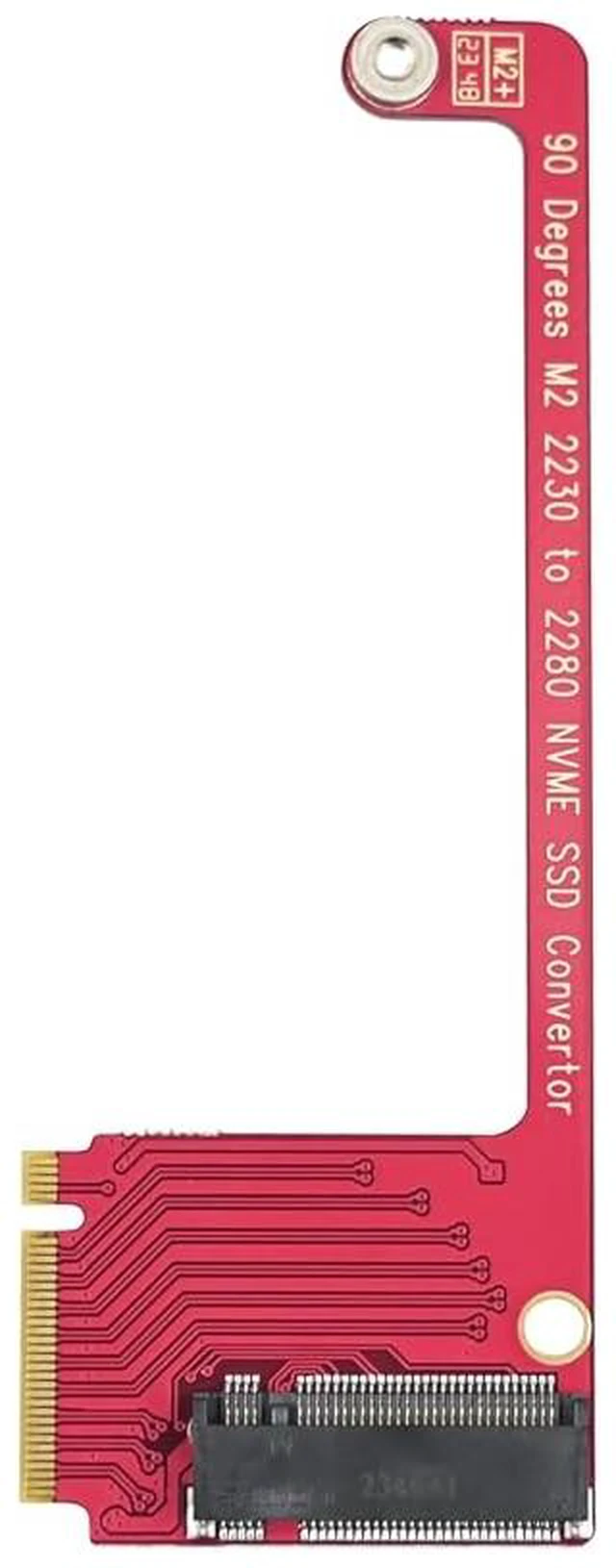
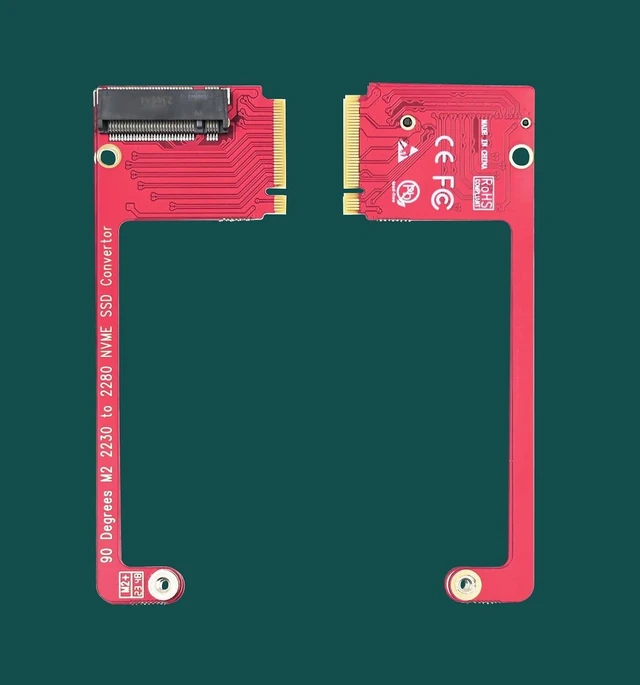
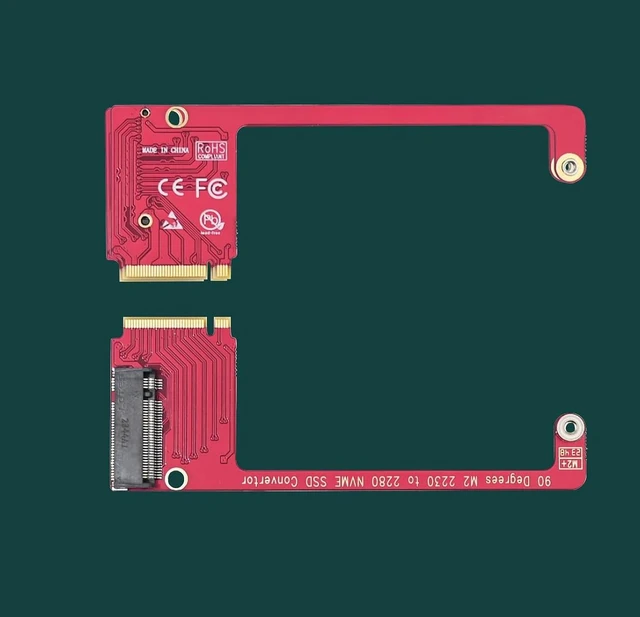
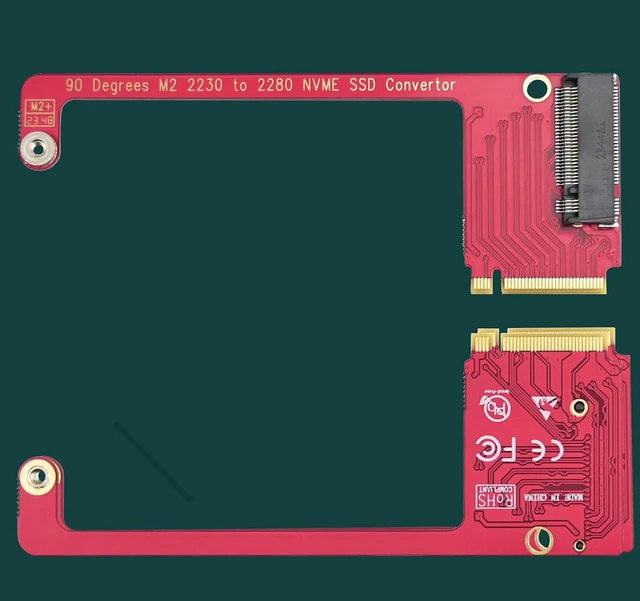
    ASC-3080 NVME SSD Convertor for ROG Ally Gaming Handheld, Expand M2 2230 Type SSD to M2 2280 Type SSD with 90 Degree Conversion for ROG Ally Gaming Handheld

    Limited time offer, ends 11/01 By VoltSync

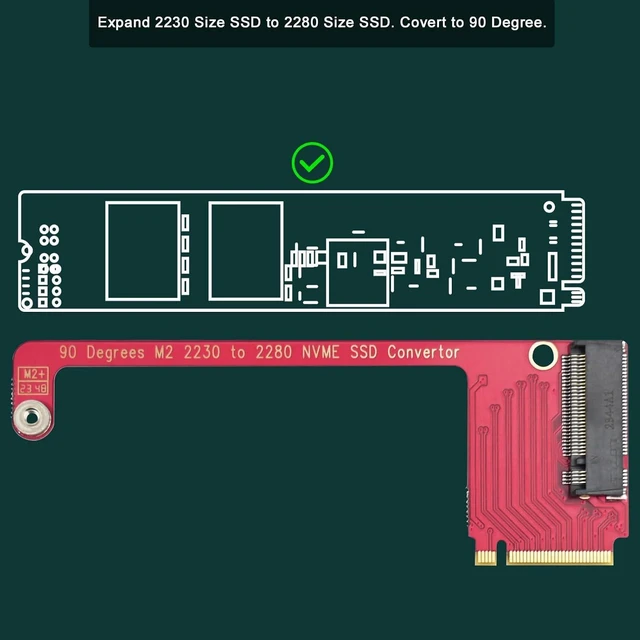
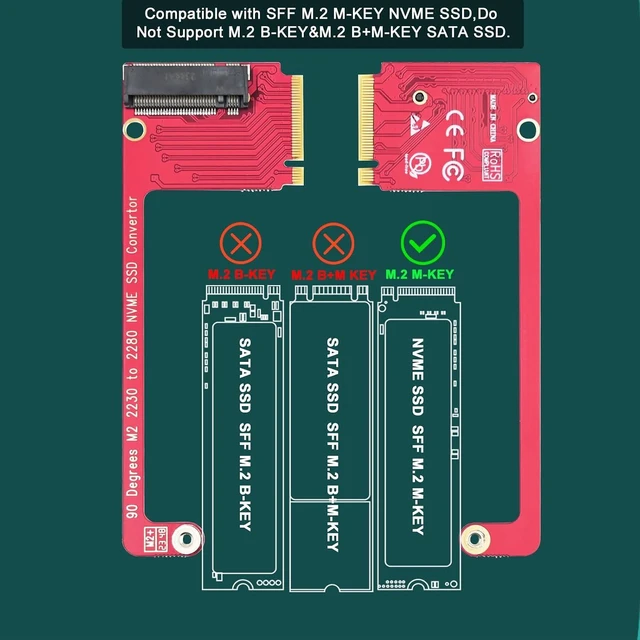
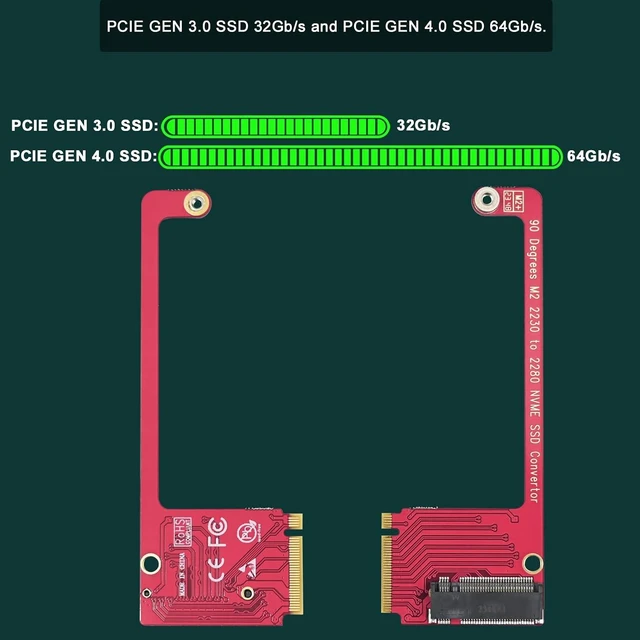
    • 1.This LinksTek ASC-3080 is a 90-degree M2 M-Key NVME SSD convertor. It will convert the ROG Ally Gaming Handhelds original M2 2230 SSD space to normal M2 2280 SSD space.; 2. With this convert board users able to put low cost and normal M2 2280 NVME SSD on ROG Ally Gaming Handheld. Allow users upgrade storage capacity easily.; 3. M2 2230 M-Key NVME SSD with same capacity is much expensive than the normal size M2 2280 M-Key NVME SSD. So, this LinksTek ASC-3080 convert card will save users cost.; 4.This LinksTek ASC-3080 is designed to run PCIE 3.0 and PCIE 4.0 high speed NVME SSD, there is no speed limitation. Allow users get fast speed connection.; 5.Easy Install: 1. Open the ROG Ally Gaming Handheld shell, and remove the inside M2 2230 NVME SSD. 2. Put this covert card in the NVME SSD space, screw on this card on Mother-board. 3. Put the new M2 2280 NVME SSD on, users may need to copy all files from original SSD to this new SSD.

    +
    +
    Overview
    Specs
    Reviews

    Any questions? Ask CelesteSM will help you find out quickly.

    1. This LinksTek ASC-3080 is a 90-degree M2 M-Key NVME SSD convertor. It will convert the ROG Ally Gaming Handhelds original M2 2230 SSD space to normal M2 2280 SSD space.; 2. With this convert board users able to put low cost and normal M2 2280 NVME SSD on ROG Ally Gaming Handheld. Allow users upgrade storage capacity easily.; 3. M2 2230 M-Key NVME SSD with same capacity is much expensive than the normal size M2 2280 M-Key NVME SSD. So, this LinksTek ASC-3080 convert card will save users cost.

    ; 4. This LinksTek ASC-3080 is designed to run PCIE 3.0 and PCIE 4.0 high speed NVME SSD, there is no speed limitation. Allow users get fast speed connection.; 5.
    Easy Install: 1. Open the ROG Ally Gaming Handheld shell, and remove the inside M2 2230 NVME SSD. 2. Put this covert card in the NVME SSD space, screw on this card on Mother-board. 3. Put the new M2 2280 NVME SSD on, users may need to copy all files from original SSD to this new SSD.

    Warranty & Returns

    Warranty, Returns, And Additional Information

    Warranty

    • Please contact the Seller directly for warranty information. Warranty information may also be found on the Manufacturer's website.
    • CONTACT

    Return Policies

    • Return for refund within: 30 days
    • Return for replacement within: 30 days
    • This item is covered by VoltSync Return Policy

    Manufacturer Contact Info

    LOADING...