

Your Browsing History
- $25.99
- Free 30-day Returns

Meet Your Seller


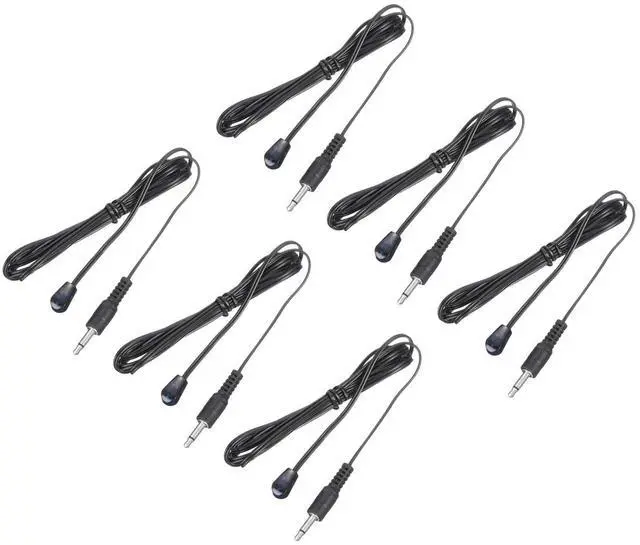
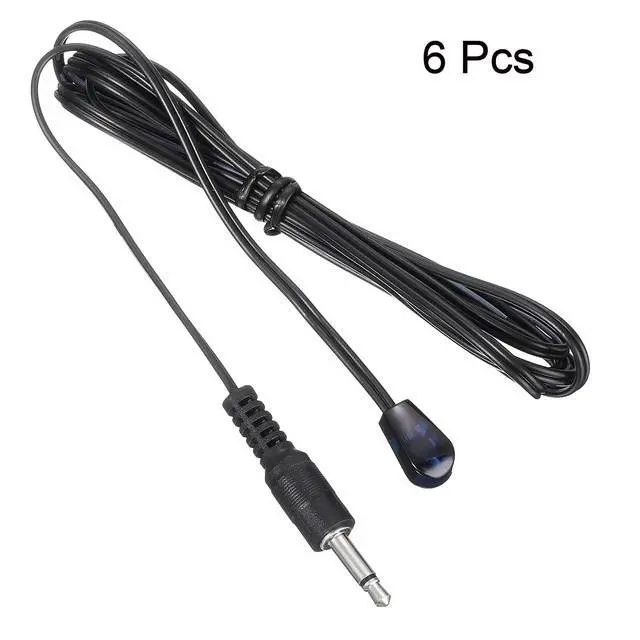


IR Infrared Emitter Sensor Receiver,Extension Cable 1.5m(4.9ft) Length 3.5mm Jack Single Black with Blue Head Pack of 6
Limited time offer, ends 09/18 By Yihe Global Store
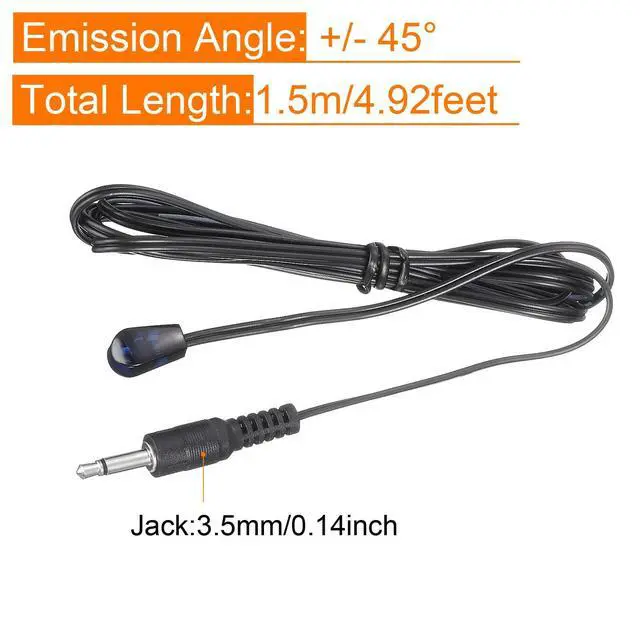
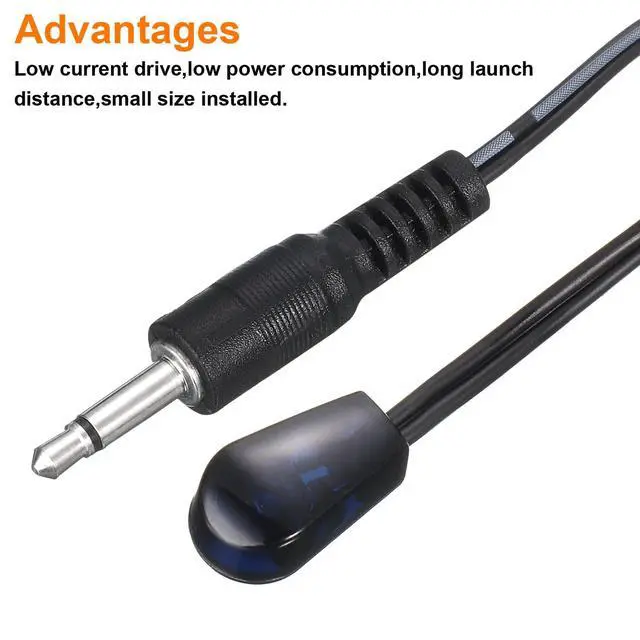
- Infrared emission line is a device designed for data exchange and transmission among various electronic devices. Works with all 38-56kHz IR remote controls and devices equipped with an IR input port. Suitable for infrared forwarding equipment, audio and video equipment, IR remote transceiver, centralized control equipment, and similar applications. The package contains: 6PCS; Emission Head Count: 1; Total Length: 1.5m/4.92 feet; Jack: 3.5mm/0.14 inch; Color: Black, Blue; Material: Metal, Plastic; Emission Angle: +/- 45°. Features low current drive, low power consumption, long transmission distance, and compact size for easy installation. 1. Insert the product plug into the interface of the infrared forwarding device. Typically, the interface resembles an IR OUT or IR EMITTER port for transmitting signals; 2. Attach the infrared emitter head to the appropriate spot on the panel of the controlled device. Proper placement affects remote control sensitivity. Note that the infrared emitter head should be fixed beside the infrared receiver tubedo not cover it, as this may render the device unusable and cause insensitivity to remote control commands
+
+
Overview
Specs
Reviews

Any questions? Our AI mode will help you find out quickly.
Try me now
Infrared emission line is a device designed for data exchange and transmission among various electronic devices. Works with all 38-56kHz IR remote controls and devices equipped with an IR input port. Suitable for infrared forwarding equipment, audio and video equipment, IR remote transceiver, centralized control equipment, and similar applications. The package contains: 6PCS; Emission Head Count: 1; Total Length: 1.5m/4.92 feet; Jack: 3.5mm/0.14 inch; Color: Black, Blue; Material: Metal, Plastic; Emission Angle: +/- 45°. Features low current drive, low power consumption, long transmission distance, and compact size for easy installation. 1. Insert the product plug into the interface of the infrared forwarding device. Typically, the interface resembles an IR OUT or IR EMITTER port for transmitting signals; 2. Attach the infrared emitter head to the appropriate spot on the panel of the controlled device. Proper placement affects remote control sensitivity. Note that the infrared emitter head should be fixed beside the infrared receiver tubedo not cover it, as this may render the device unusable and cause insensitivity to remote control commands
Warranty & Returns
Warranty, Returns, And Additional Information
Warranty
- Please contact the Seller directly for warranty information. Warranty information may also be found on the Manufacturer's website.
- CONTACT
Return Policies
- Return for refund within: 30 days
- Return for replacement within: 30 days
- This item is covered by Yihe Global Store Return Policy
Manufacturer Contact Info
- For a directory of all our manufacturers, please click below.
- Manufacturers Directory
LOADING...