




 here!
I’m your shopping assistant for PC builds, upgrades, and everything tech.
Got questions? Ask away!
Start a conversation
here!
I’m your shopping assistant for PC builds, upgrades, and everything tech.
Got questions? Ask away!
Start a conversation



Any questions? Ask CelesteSM will help you find out quickly.
Product Description:
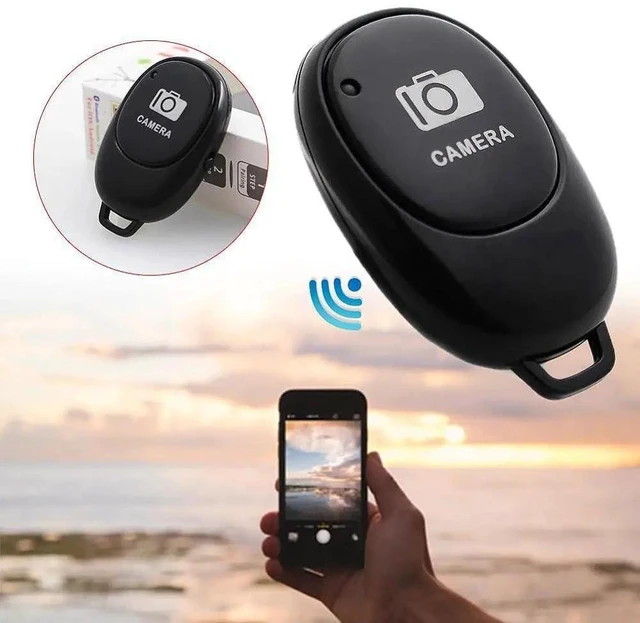
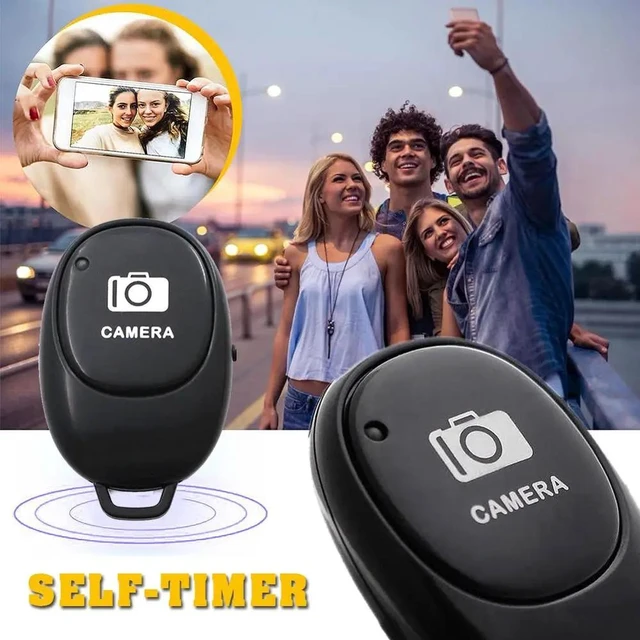
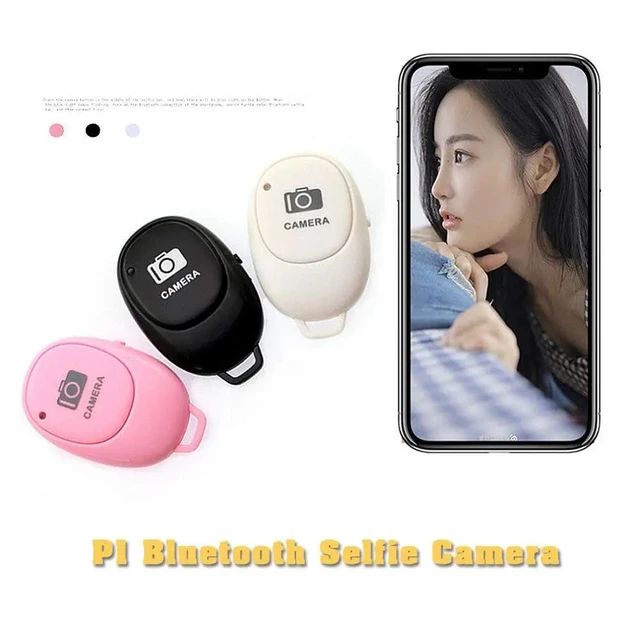
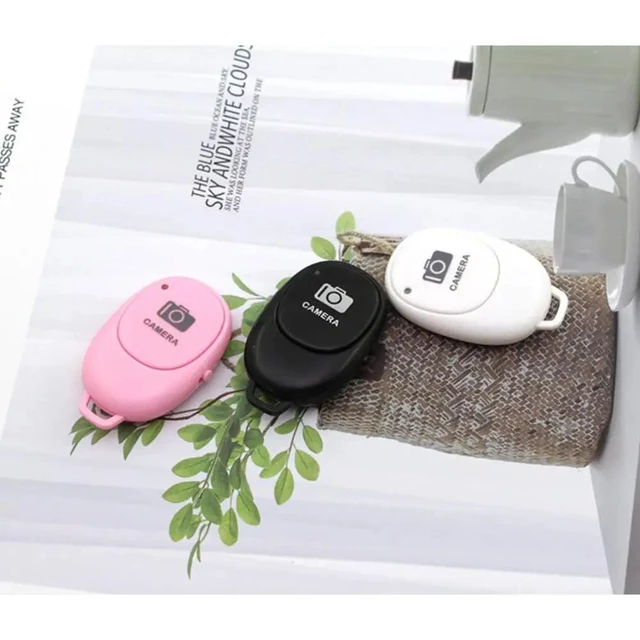
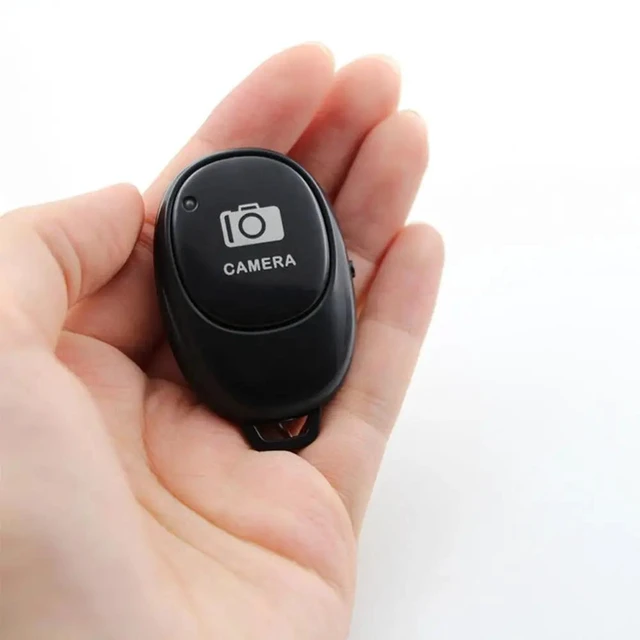
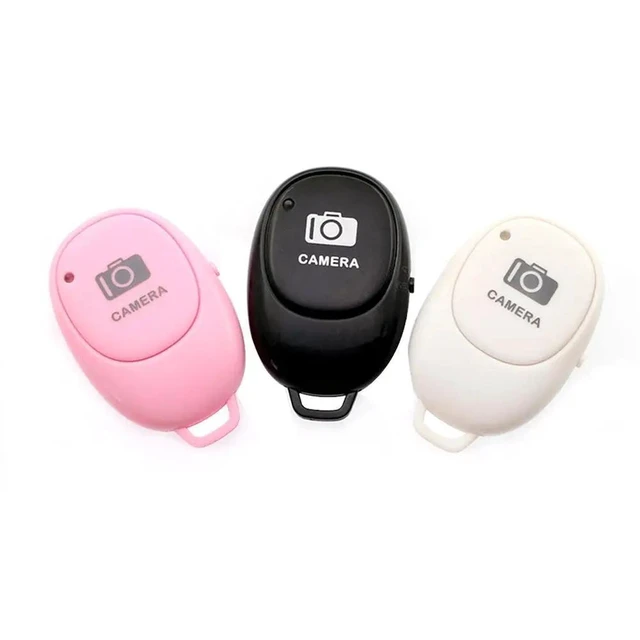
A mini Bluetooth remote control button designed for wireless self-timer photography. It allows you to trigger a phone camera remotely while using a camera stick for selfies.
Core Selling Points:
Wireless Bluetooth control supports convenient remote camera triggering for self-timer photos and selfies. Its mini button form is designed for portable use with a phone and camera stick.
Technical Specifications:
Product type: Mini Bluetooth remote control button. Connection: Bluetooth wireless. Function: Self-timer camera shutter release. Intended use: Phone selfie photography with a camera stick.
Before Purchase:
Designed for use with iOS and Android phones. Confirm Bluetooth support and compatibility with your phone and camera stick before purchase.


