  • $31.99
  • Free 30-day Returns
  • Price alert
    Shop it at NeweggBusiness.

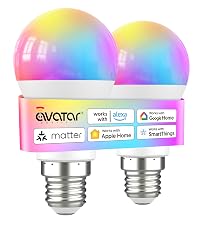
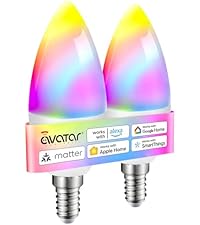
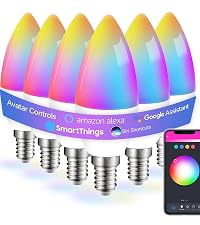
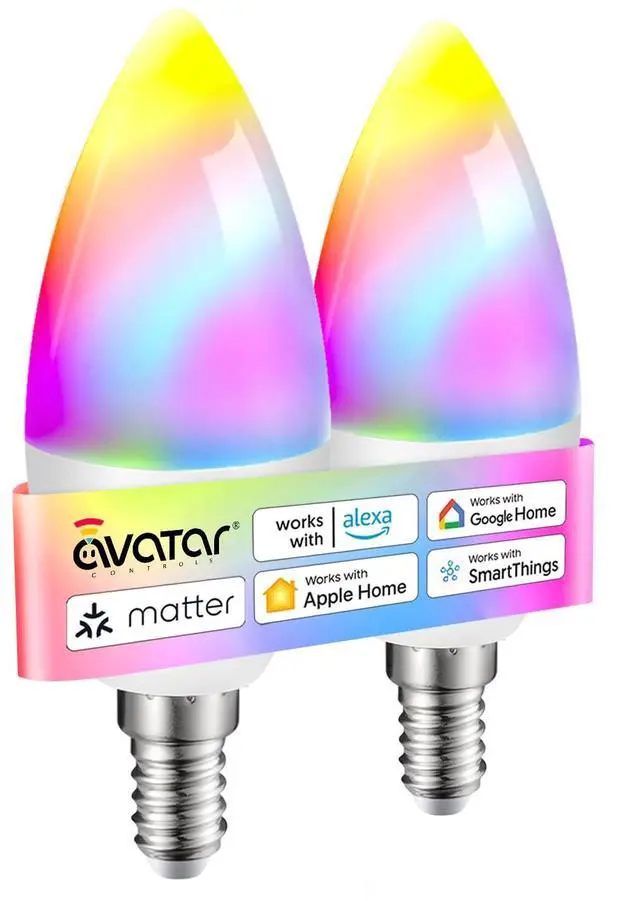
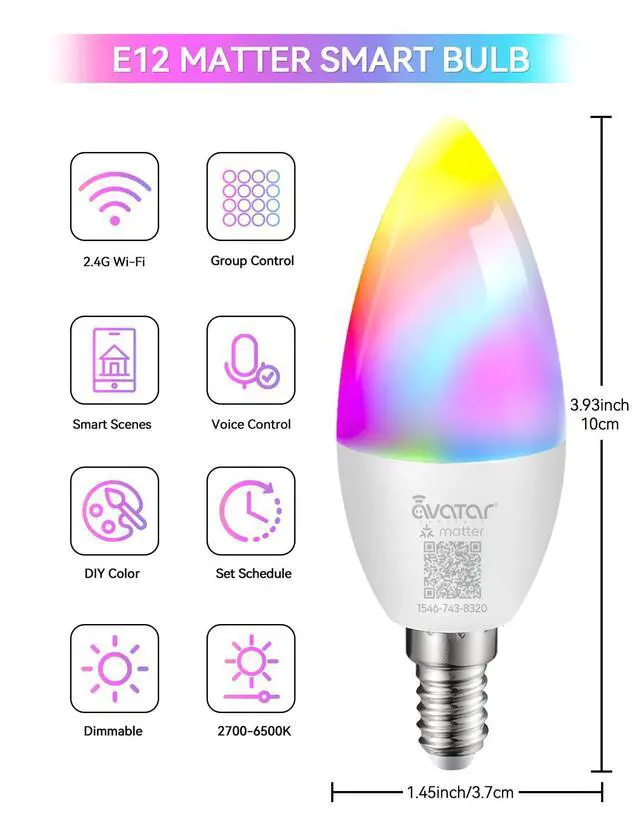
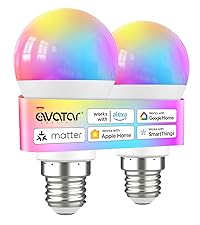
    Matter E12 Candelabra Smart Bulb - No Dedicated App Needed, Compatible with Apple Home, Alexa & Google. RGBCW Color & Tunable White for Bedroom Lamps, Living Room & Home Office Lighting(2 Pack)

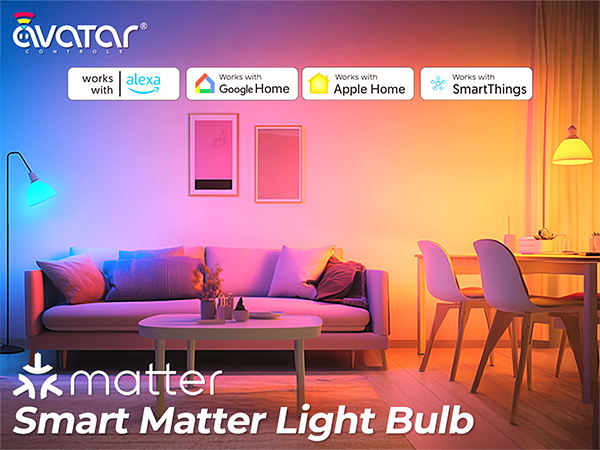
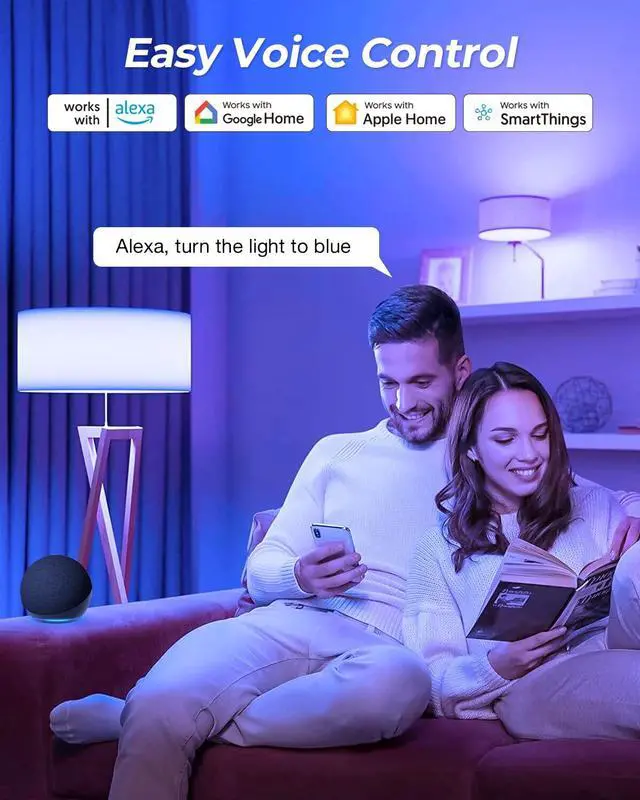
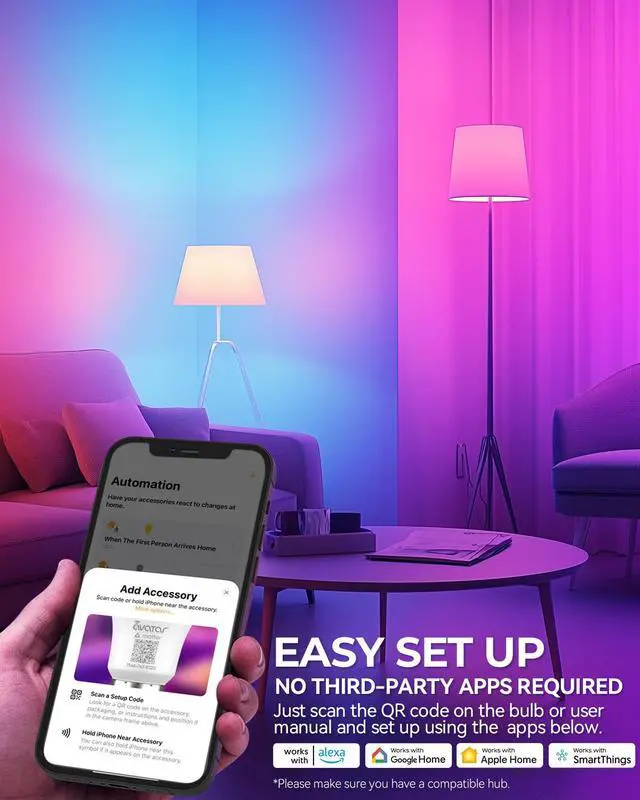
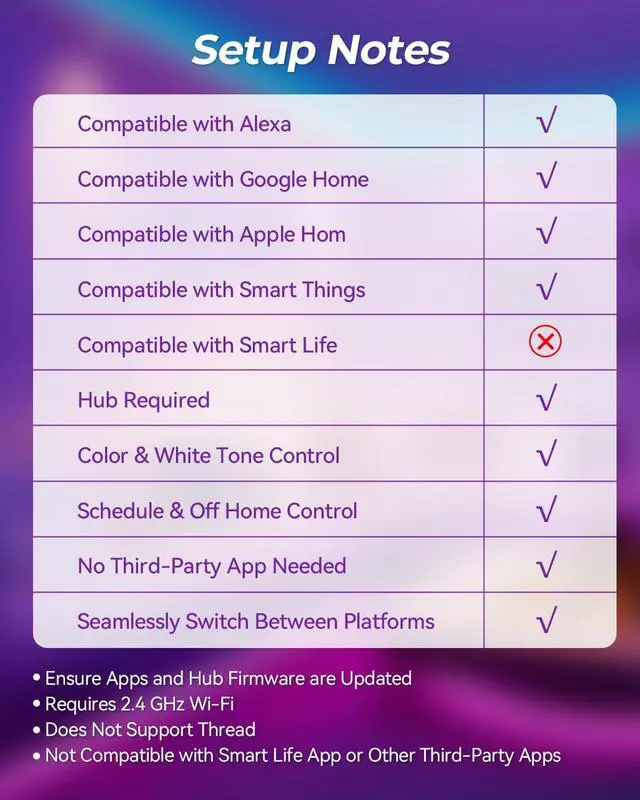
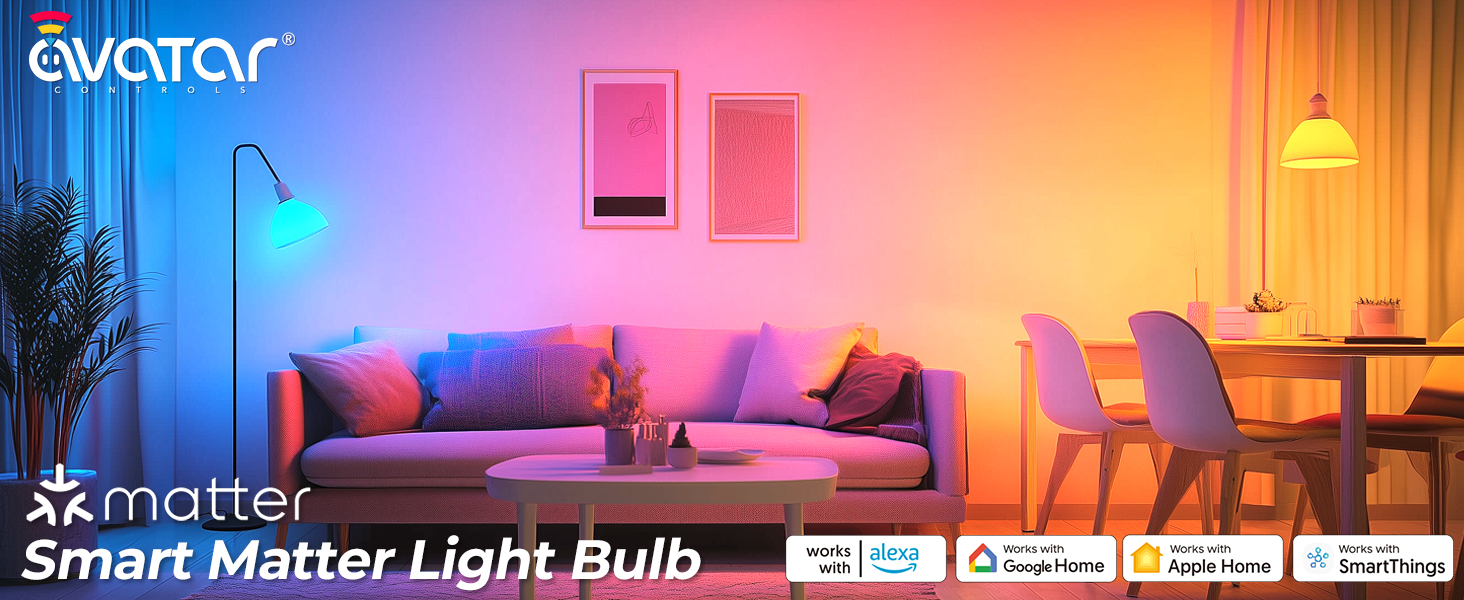
    • Seamless Setup, Zero App Clutter Tired of managing countless smart device apps? As a certified Matter-over-WiFi device, this e12 smart bulb connects directly to the ecosystem you already own. Set up in under a minute using your existing Apple Home, Amazon Alexa, or Google Home appno new downloads, accounts, or confusing hubs required.
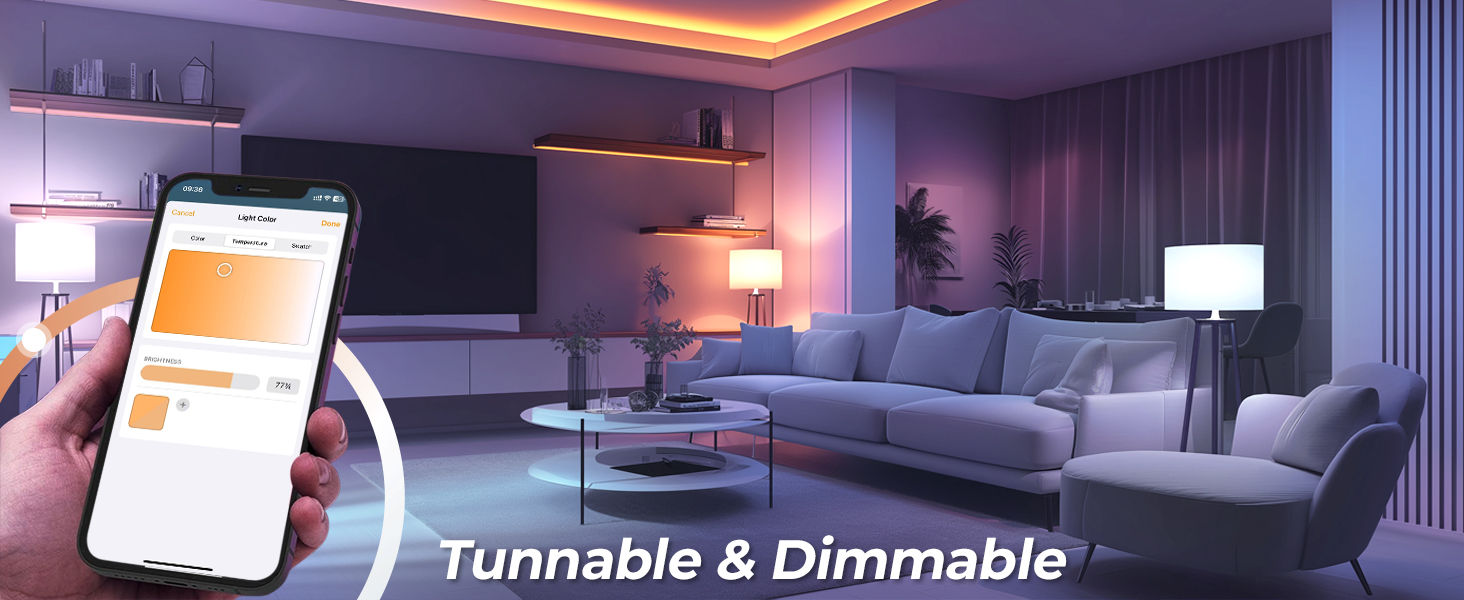
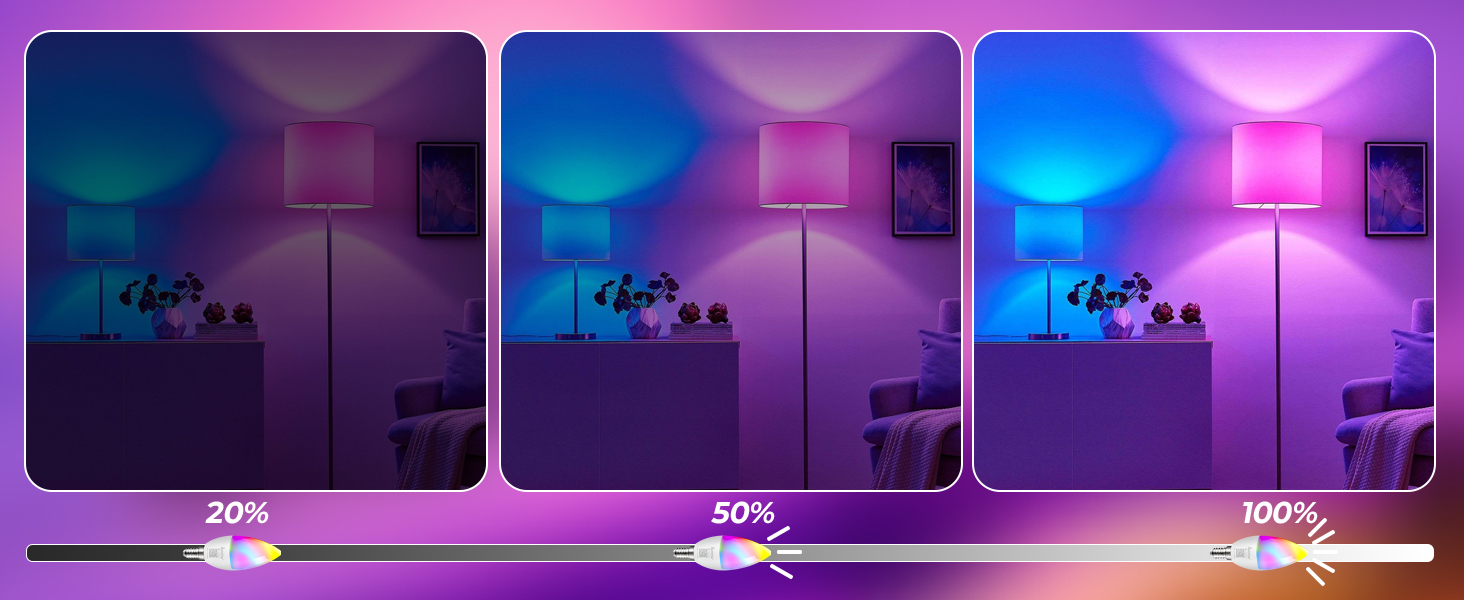
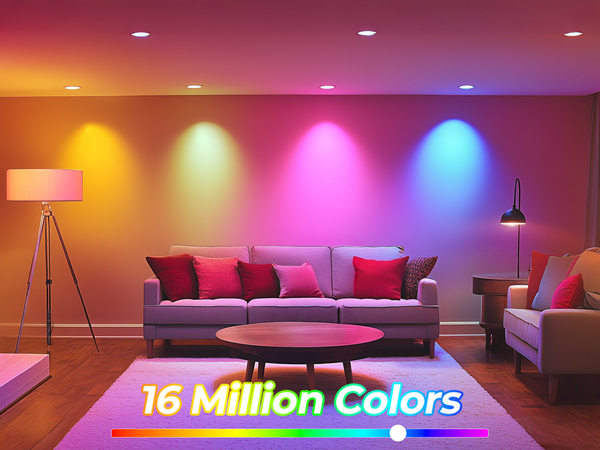
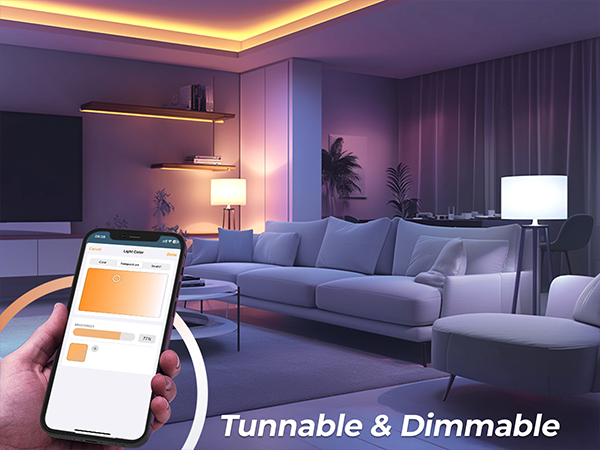
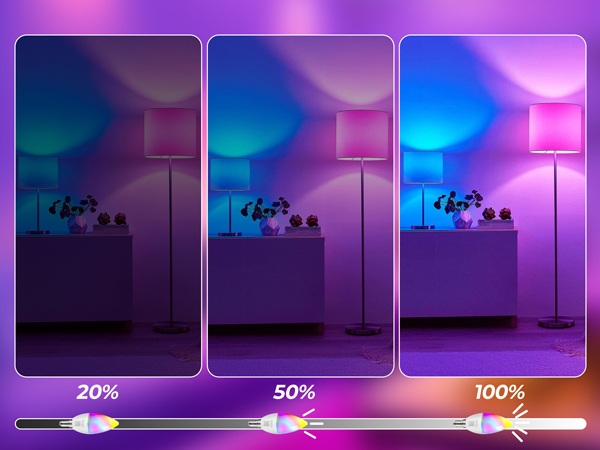
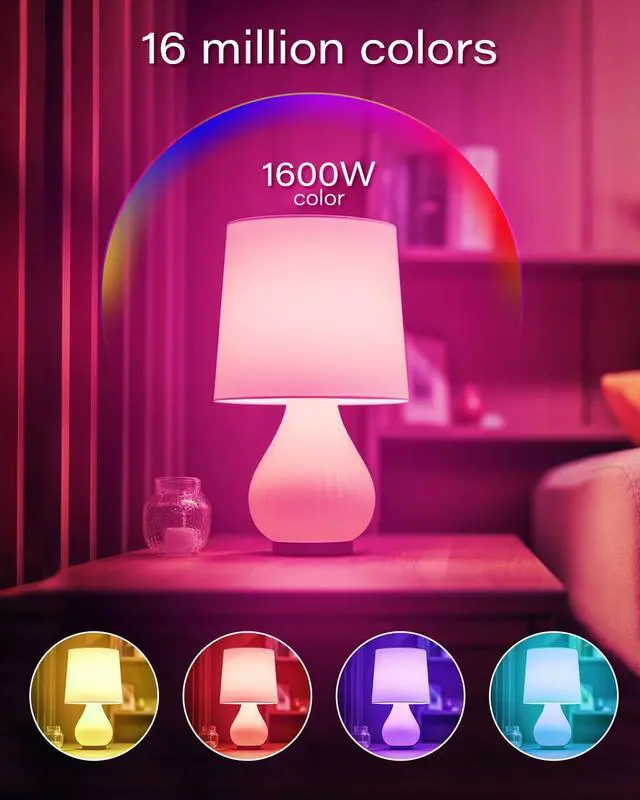
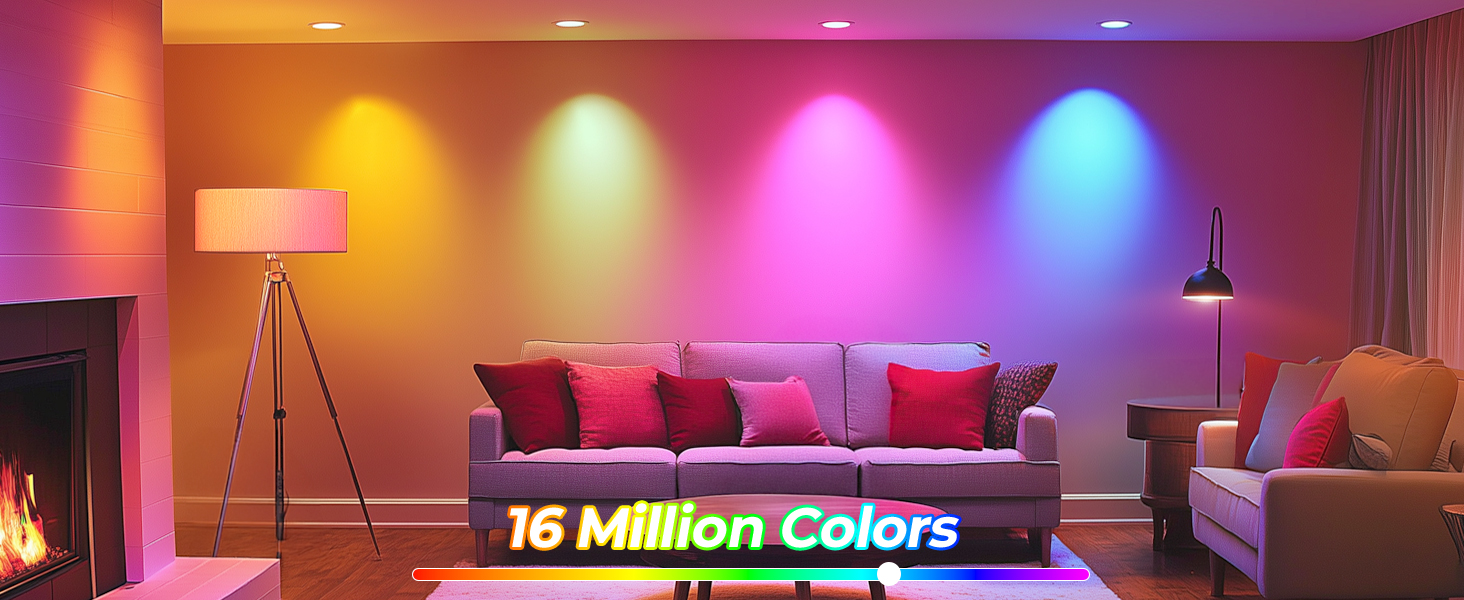
    • Smart Light for Every Moment of Your Day Transform your space with light that adapts to your life. Choose from 16 million vibrant colors for parties and moods. Precisely tune white light from a warm, cozy 2700K perfect for unwinding with a book, to a crisp, energizing 6500K ideal for focused kitchen tasks or morning routines. It's not just a led bulb; it's your personal ambiance engine.
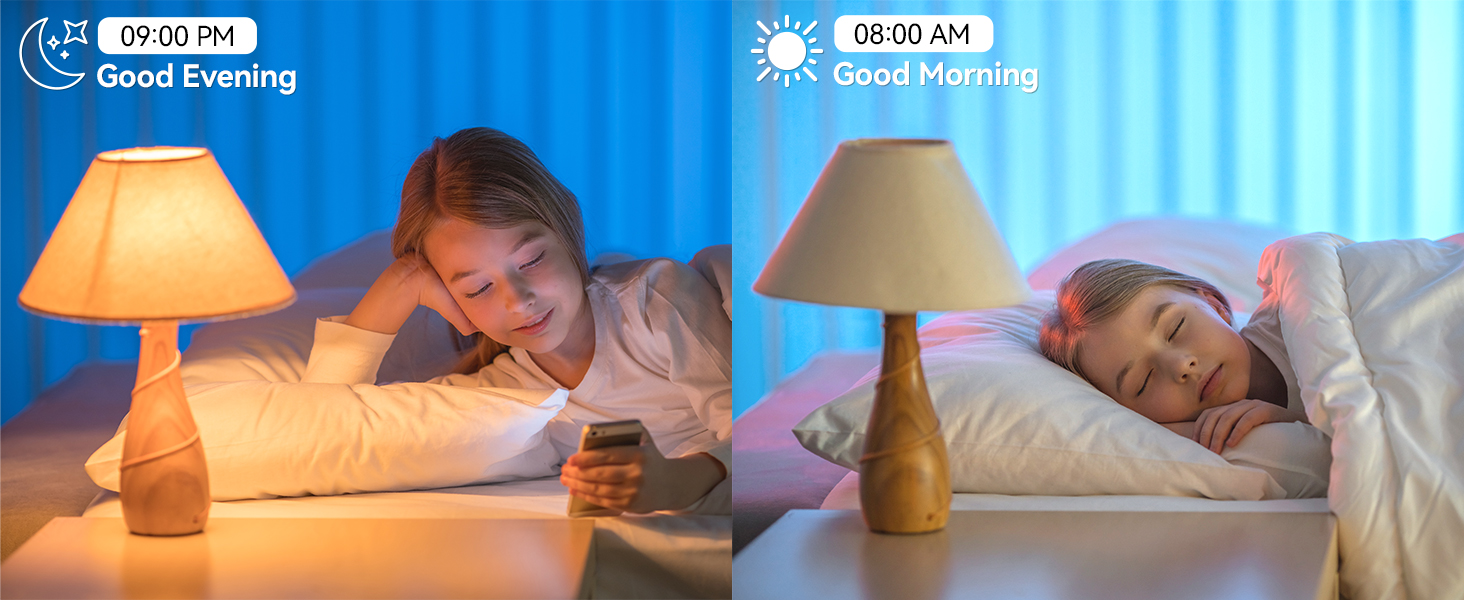
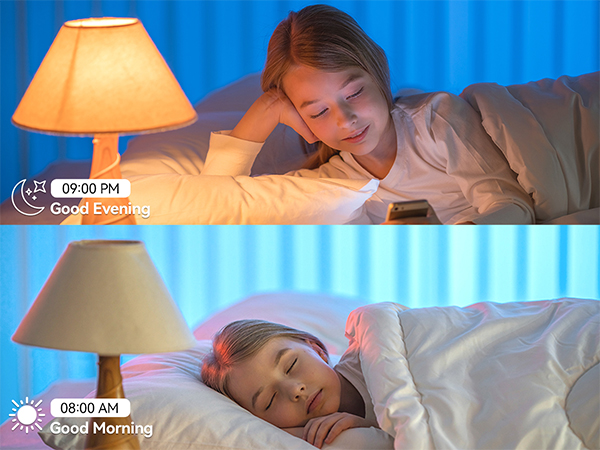
    • Set It & Forget It with Intelligent Scheduling Automate your home for convenience and security. Program e12 bulb lights to gradually brighten at sunrise for a gentle wake-up, automatically turn on at dusk to welcome you home, or cycle while you're away to deter intruders. Achieve true peace of mind and energy savings with effortless timers.
    • Command Whole Rooms with a Single Tap Simplify control of your entire lighting scheme. Easily group bulbs by room (e.g., "Living Room" or "Bedside Lamps") in your smart home app. Adjust brightness, color, or power for an entire area with one voice command or tapperfect for setting the "Movie Night" or "Dinner Party" scene instantly.
    +
    +
    Overview
    Specs
    Reviews
    avatar

    Any questions? Our AI beta will help you find out quickly.

    MATTER SMART BULB
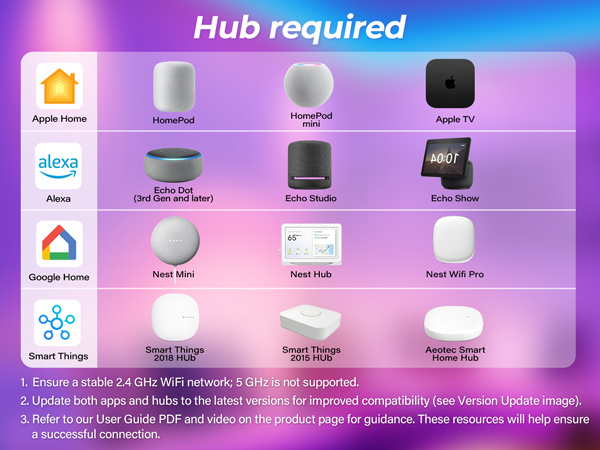
    • No, No need to download a proprietary app or create a cloud account. Directly use with Homekit/Echo/Google Assistant. Hub Required(Like Echo, HomePod)

    • 1, Make sure your smart bulb is in pairing mode(blinking status, manually turn the bulb off and on 3 times)

      2. Using the Alexa app to scan the Code on device or the one provided on the user manual. And all is done. "Alexa, turn on the bulb"

    • Use a light switch to turn the smart bulb on and off 3 times, during the 3rd power-on cycle, the smart bulb changes to blinking fast, indicating you have successfully factory reset your smart bulb, and it is ready for setup again.
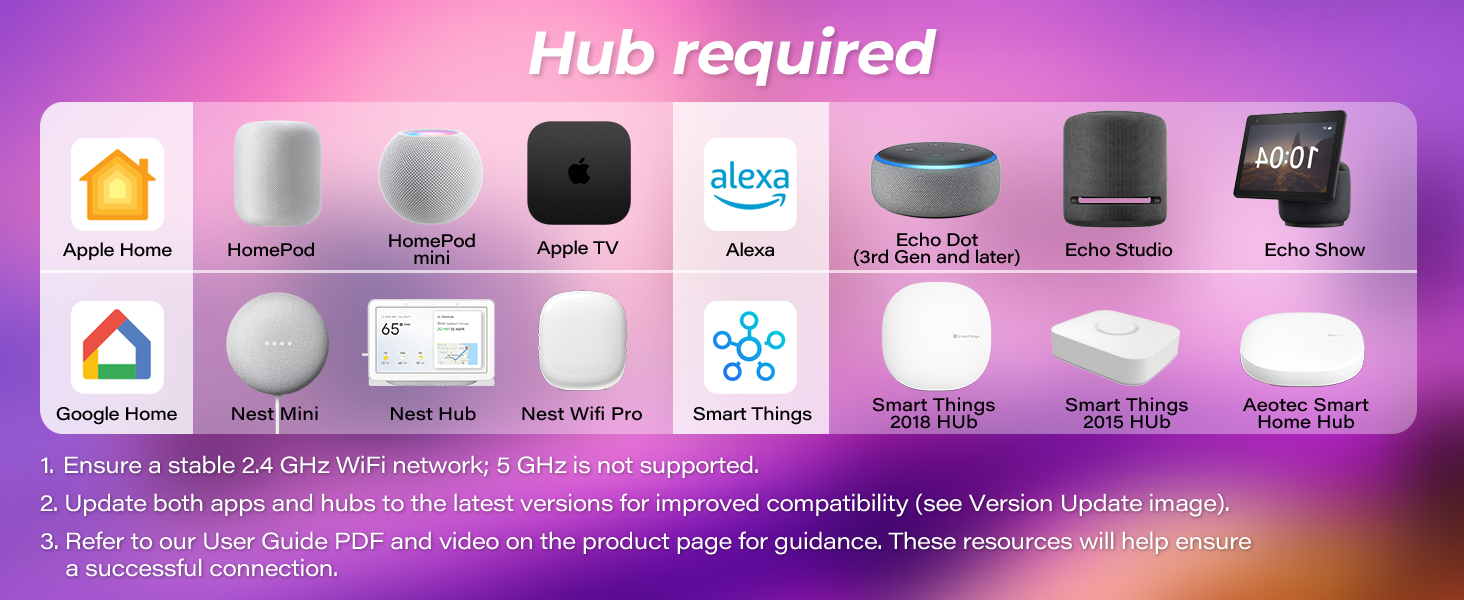
    matter smart bulb hub required
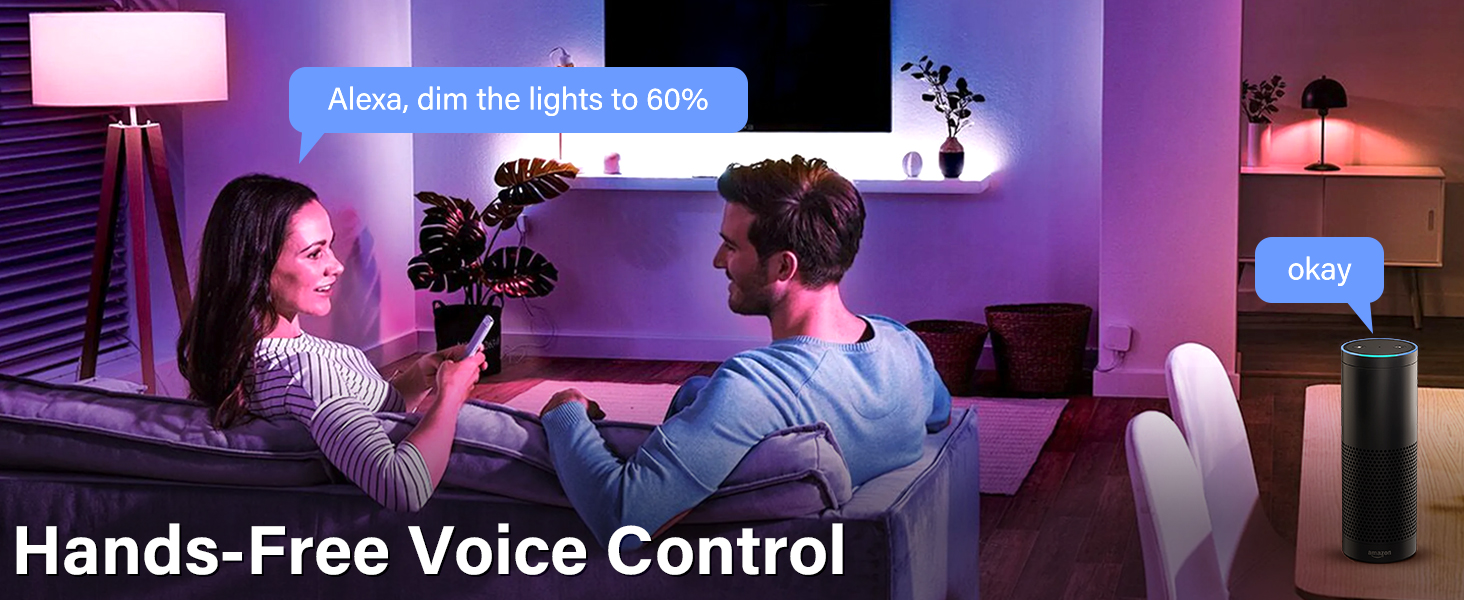
    Alexa smart led bulb voice control

    More Avatar Controls Smart Bulb

    https://m.media-amazon.com/images/S/aplus-media-library-service-media/643ee71c-92af-4d53-9a1c-07f65dbf47f1.__CR0,75,1200,1350_PT0_SX200_V1___.jpg

    Matter smart bulb

    https://m.media-amazon.com/images/I/41sJf7-Z9VL.__AC_SR200,225___.jpg

    Matter E12 Bulb

    https://m.media-amazon.com/images/S/aplus-media-library-service-media/740c5426-41f3-4d4e-aa59-6f8a5d821a3d.__CR89,0,1422,1600_PT0_SX200_V1___.jpg

    e12 smart bulb

    https://m.media-amazon.com/images/S/aplus-media-library-service-media/2e146a91-9dd6-40c3-bfec-7c265db8f82e.__CR73,0,1422,1600_PT0_SX200_V1___.jpg

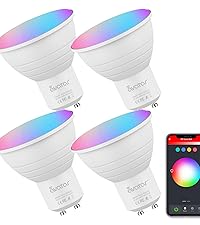
    gu10 smart bulb

    https://m.media-amazon.com/images/S/aplus-media-library-service-media/8f9f5173-e2f8-40ff-8ba3-b53010b30605.__CR0,75,1200,1350_PT0_SX200_V1___.jpg

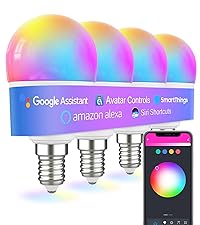
    g45 smart bulb

    Customer Reviews
    Price
    Technology
    Matter Matter WIFI WIFI WIFI
    Compatible
    Alexa Google Assistant Homkit Alexa Google Assistant Homkit Alexa Google Assistant Alexa Google Assistant Alexa Google Assistant
    Need Third App
    ? ? ? ? ?
    Special Features
    Color Changing, Dimmable Color Changing, Dimmable Color Changing, Dimmable Color Changing, Dimmable Color Changing, Dimmable
    Music Sync
    ? ? ? ? ?
    MATTER SMART BULB
    • No, No need to download a proprietary app or create a cloud account. Directly use with Homekit/Echo/Google Assistant. Hub Required(Like Echo, HomePod)

    • 1, Make sure your smart bulb is in pairing mode(blinking status, manually turn the bulb off and on 3 times)

      2. Using the Alexa app to scan the Code on device or the one provided on the user manual. And all is done. "Alexa, turn on the bulb"

    • Use a light switch to turn the smart bulb on and off 3 times, during the 3rd power-on cycle, the smart bulb changes to blinking fast, indicating you have successfully factory reset your smart bulb, and it is ready for setup again.
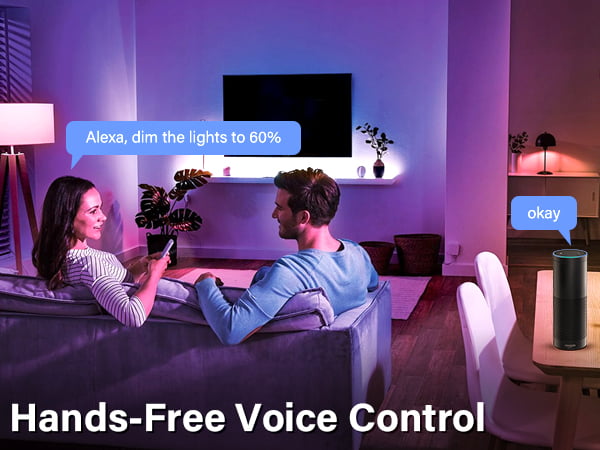
    matter smart bulb hub required
    Alexa smart led bulb voice control

    More Avatar Controls Smart Bulb
    https://m.media-amazon.com/images/S/aplus-media-library-service-media/643ee71c-92af-4d53-9a1c-07f65dbf47f1.__CR0,75,1200,1350_PT0_SX200_V1___.jpg

    Matter smart bulb

    https://m.media-amazon.com/images/I/41sJf7-Z9VL.__AC_SR200,225___.jpg

    Matter E12 Bulb

    https://m.media-amazon.com/images/S/aplus-media-library-service-media/740c5426-41f3-4d4e-aa59-6f8a5d821a3d.__CR89,0,1422,1600_PT0_SX200_V1___.jpg

    e12 smart bulb

    https://m.media-amazon.com/images/S/aplus-media-library-service-media/2e146a91-9dd6-40c3-bfec-7c265db8f82e.__CR73,0,1422,1600_PT0_SX200_V1___.jpg

    gu10 smart bulb

    https://m.media-amazon.com/images/S/aplus-media-library-service-media/8f9f5173-e2f8-40ff-8ba3-b53010b30605.__CR0,75,1200,1350_PT0_SX200_V1___.jpg

    g45 smart bulb

    Customer Reviews
    Price
    Technology
    Matter Matter WIFI WIFI WIFI
    Compatible
    Alexa Google Assistant Homkit Alexa Google Assistant Homkit Alexa Google Assistant Alexa Google Assistant Alexa Google Assistant
    Need Third App
    ? ? ? ? ?
    Special Features
    Color Changing, Dimmable Color Changing, Dimmable Color Changing, Dimmable Color Changing, Dimmable Color Changing, Dimmable
    Music Sync
    ? ? ? ? ?
    Matter E12 Candelabra Smart Bulb - No Dedicated App Needed, Compatible with Apple Home, Alexa & Google. RGBCW Color & Tunable White for Bedroom Lamps, Living Room & Home Office Lighting (2 Pack)

    Warranty & Returns

    Warranty, Returns, And Additional Information

    Warranty

    • Please contact the Seller directly for warranty information. Warranty information may also be found on the Manufacturer's website.
    • CONTACT

    Return Policies

    Manufacturer Contact Info

    LOADING...