




 here!
I’m your shopping assistant for PC builds, upgrades, and everything tech.
Got questions? Ask away!
Start a conversation
here!
I’m your shopping assistant for PC builds, upgrades, and everything tech.
Got questions? Ask away!
Start a conversation
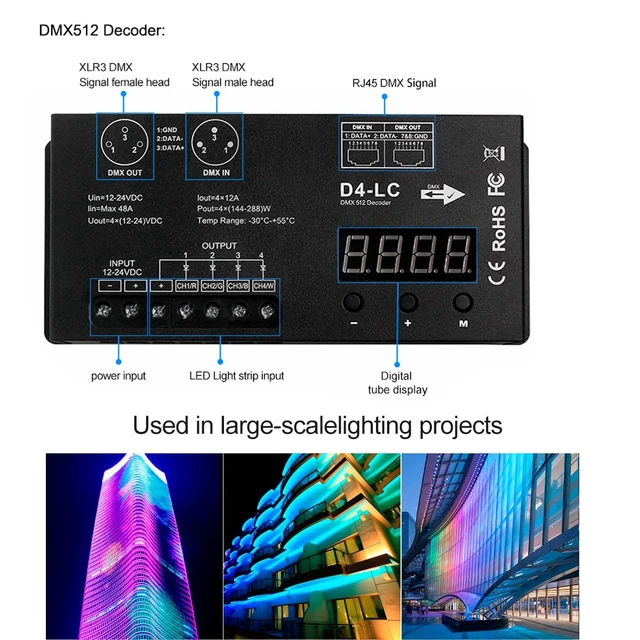
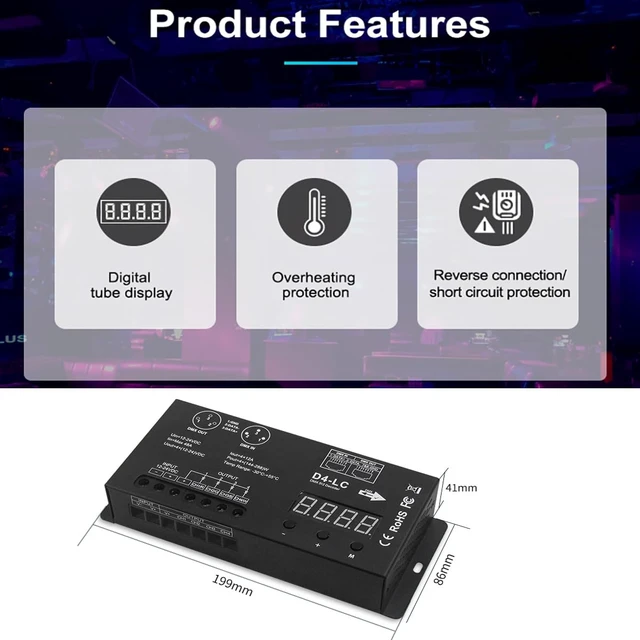
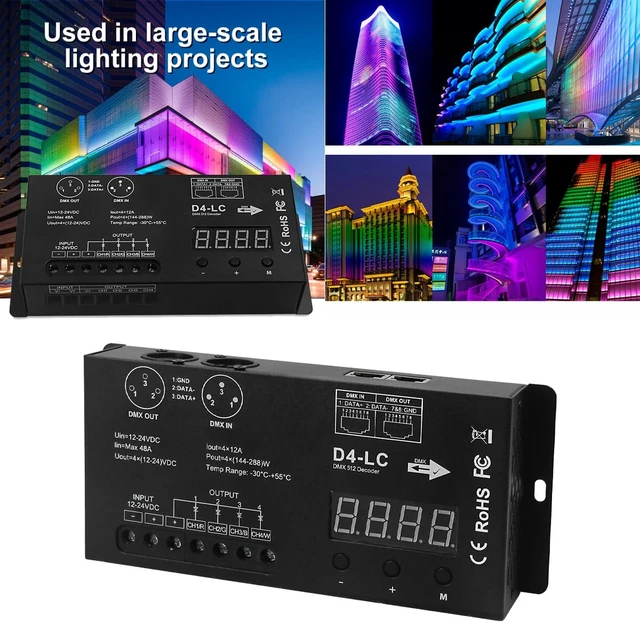



Any questions? Ask CelesteSM will help you find out quickly.
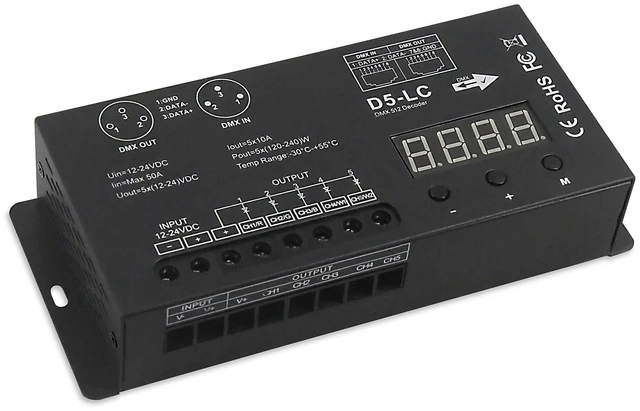
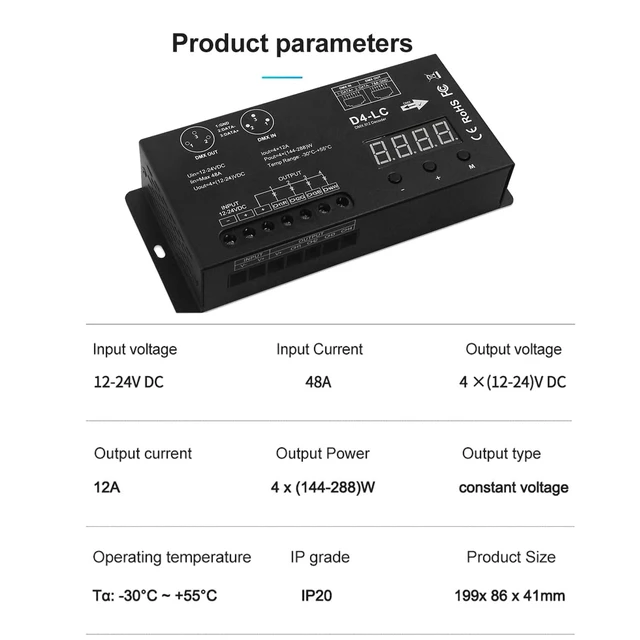
Technical Parameters
Working temperature-30-55
Supply voltage12V~24V
Output currentEach load 10A/ch
Output power5x(120~240W)
Controller sizeL199xW86×H41mm
Net weight500g
Gross weight500g
Channel5 load
IP grade: 20 DMX512standardDMX512/1990
It uses a four-digit digital tube display, and the keys are used to increase or decrease the address. Each decoder occupies 3 addresses. The first digital tube is the function indicator, which only displays A, H or S; the last three are digital digits.
1)When the first digital tube displays A, it is in DMX512 state, indicating that the decoder has entered the DMX512 signal control state. At this time, you can control its output through the network cable connected to the main console.
If the digital tube displays A001, it means that the starting address code of the decoder is 001, and the following four channels correspond to 002, 003, 004and 005 respectively.
If it is connected in series to another decoder, the starting address of the lower decoder is 006, and the remaining four channels are 007, 009, 009,010 respectively. And so on, you can continuously connect multiple decoders for multi-point individual control.
If the starting codes of the connected decoders are the same, the function of synchronous control can be realized..
2)When the first digital tube displays H, it is in built-in mode, indicating that the decoder has entered the built-in program mode. Its built-in six static colors(red,green, blue, yellow, purple, cyan), cool white, warm white and jump dynamic mode
3)When the first digital tube displays S, it is the built-in speed setting state. This state is only used in H-09--H-10 mode. Press the M key to enter the speed adjustment, and use the - and + keys to achieve a total of 20 speed selections.Other modes are invalid.
Key function description
The three keys are namedMandfunction as follow
MFunction switch keylong pressabout 2secondsthis key to switch between AandHstatesgently press to switch between HandSstates.
Add keyeach time you press it, the last three digits of the digital code will increase by 1. When setting the address code, long press can achieve rapid increase. Note: The maximum value of the address code is 512, and adding 1 will return to the value 001.
Back key, each time it is pressed, the value of the last three digits of the digital code decreases by 1. When setting the address code, long press it to achieve rapid decrement.


