




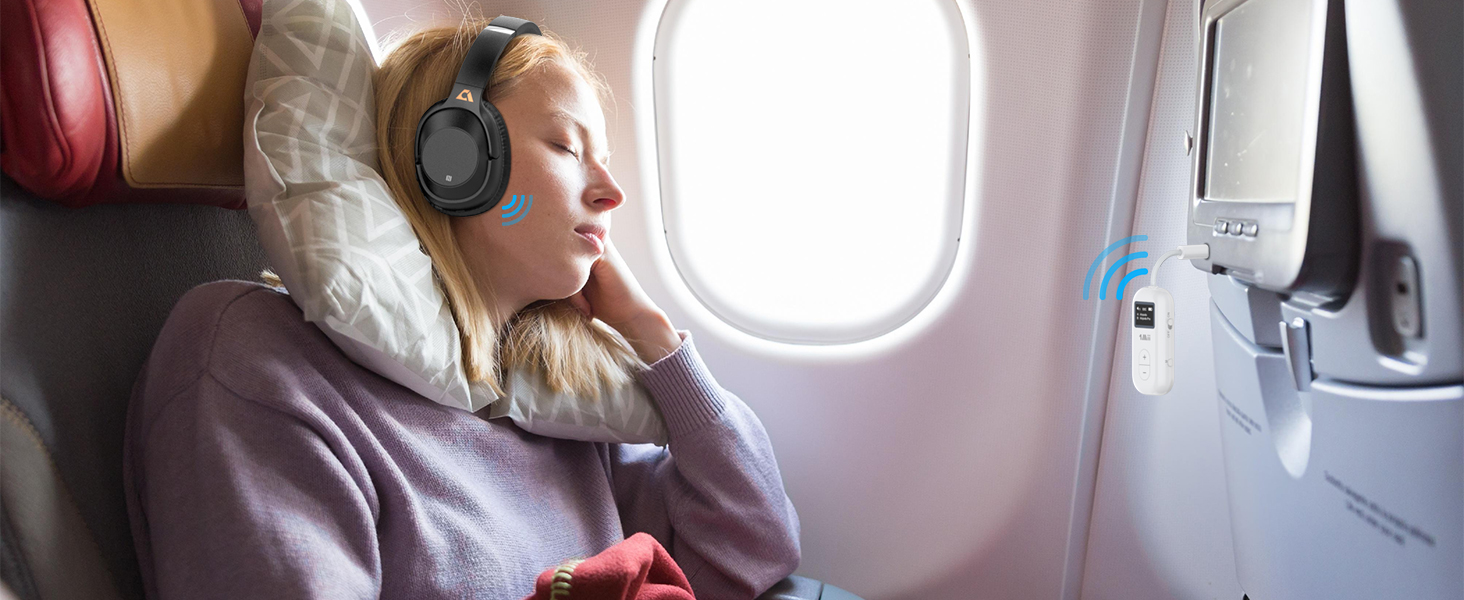
Flight Bluetooth Adapter
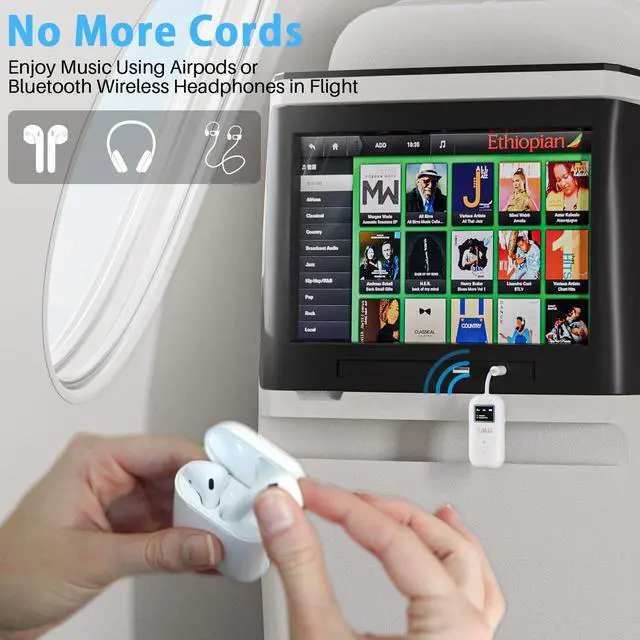
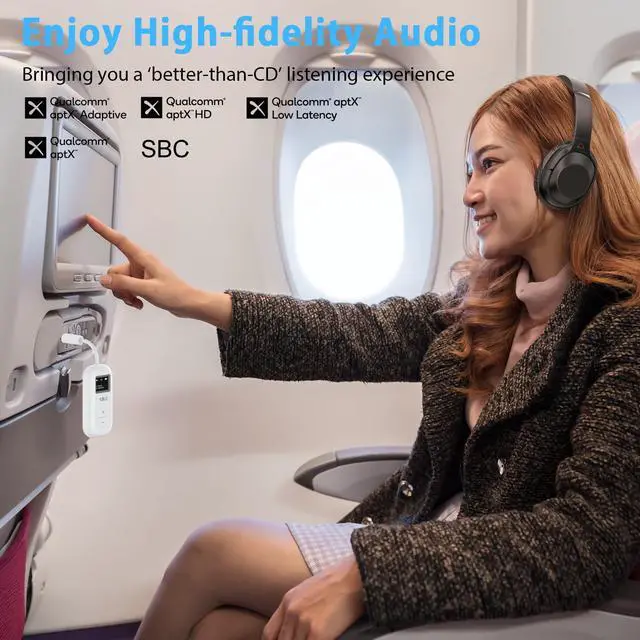
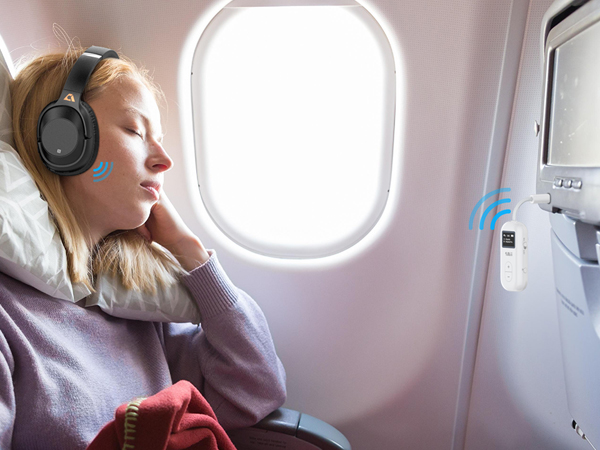
Essential for Airplane Travel
More free in the narrow airplane seat without being bound by the headphone wires.
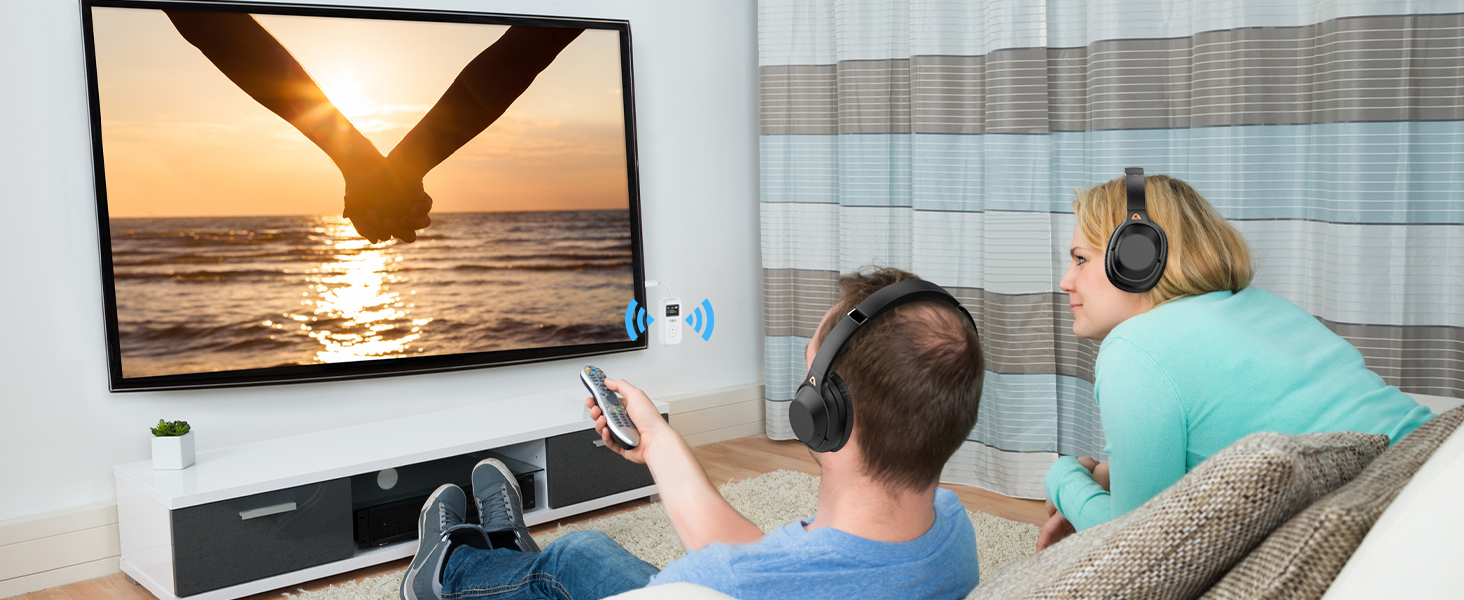
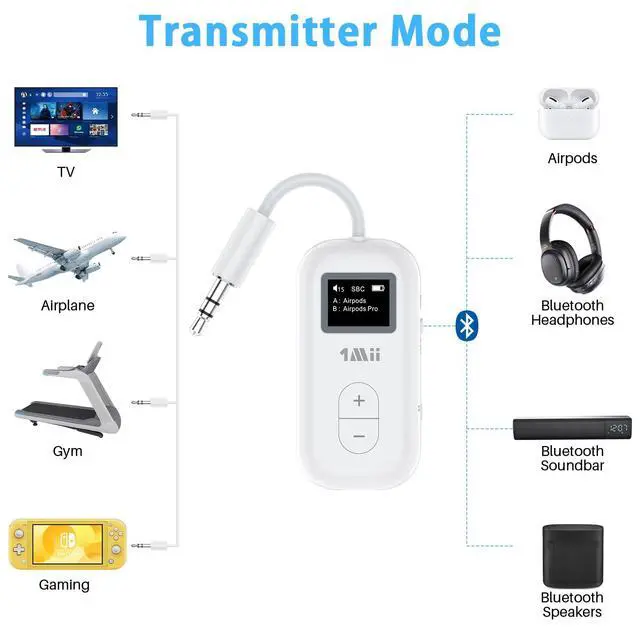
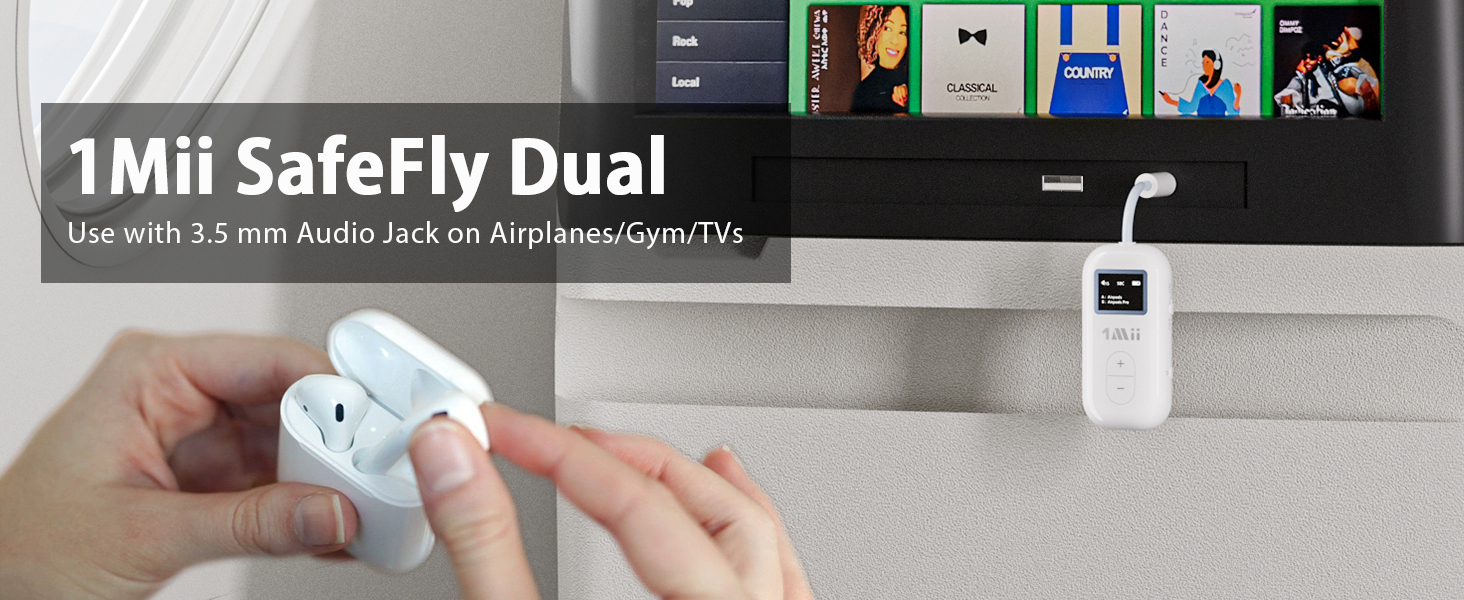
Bluetooth TV Transmitter
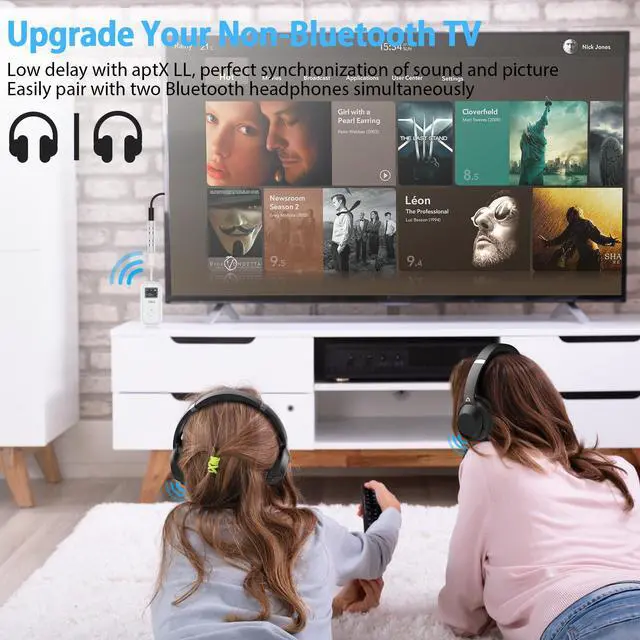
Upgrade Your Non-Bluetooth TV
Supports pairing with 2 headphones simultaneously.
Watching TV without disturbing others.
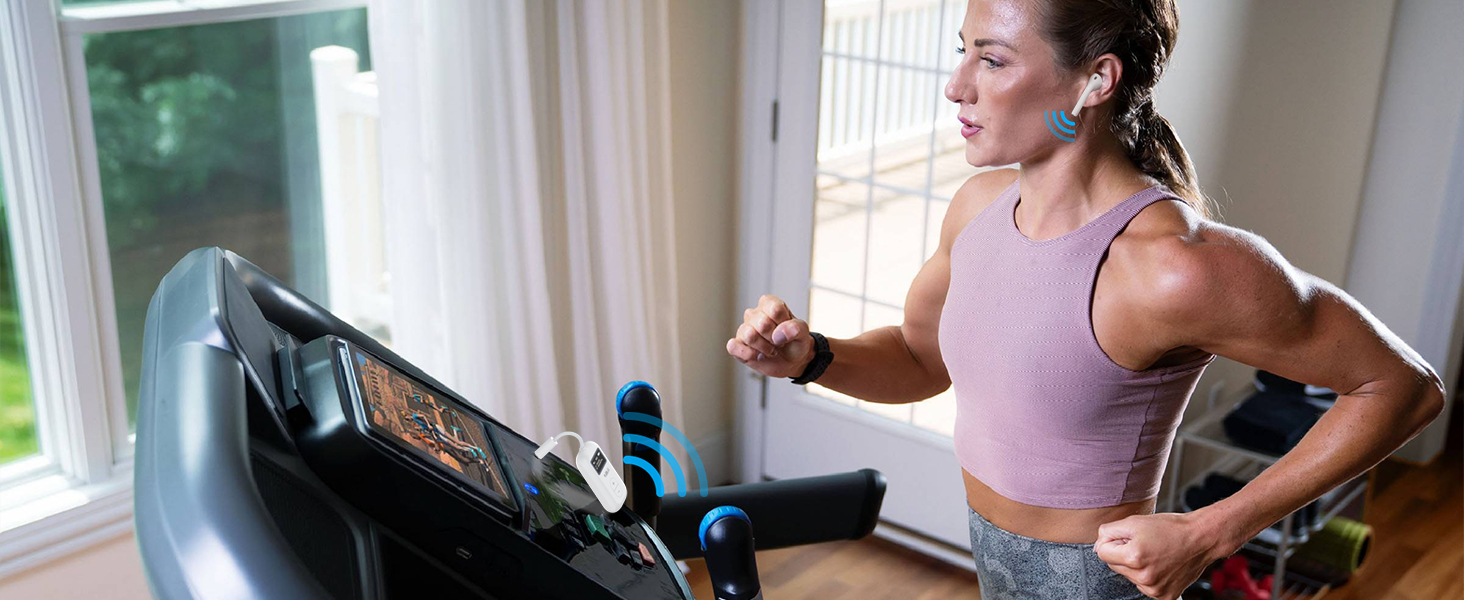
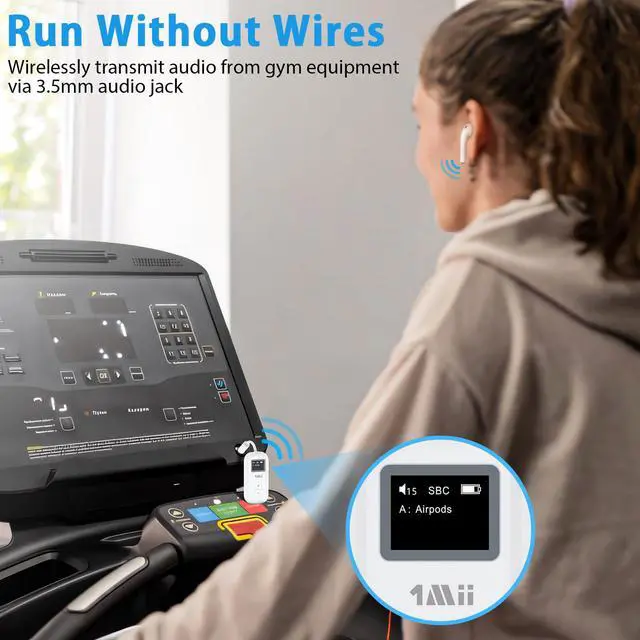
Run Without Wires
Wirelessly transmit audio from gym equipment via 3.5mm audio jack.


How to pair with airpods?

STEP 1: AirPods Pairing
- Put AirPods in their case and open lid
- Press and hold button on the back of the AirPods case until the light on the front flashes white

STEP 2: Turn Safefly Dual On
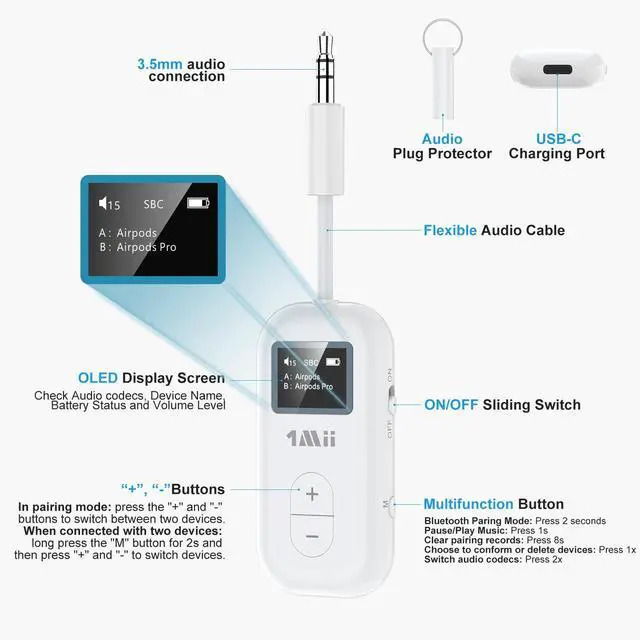
- Slide the switch to ON, Safefly screen will show "Connecting".
- Long Press M button for 2 seconds, screen will show "Searching".

STEP 3: Link to Audio Source
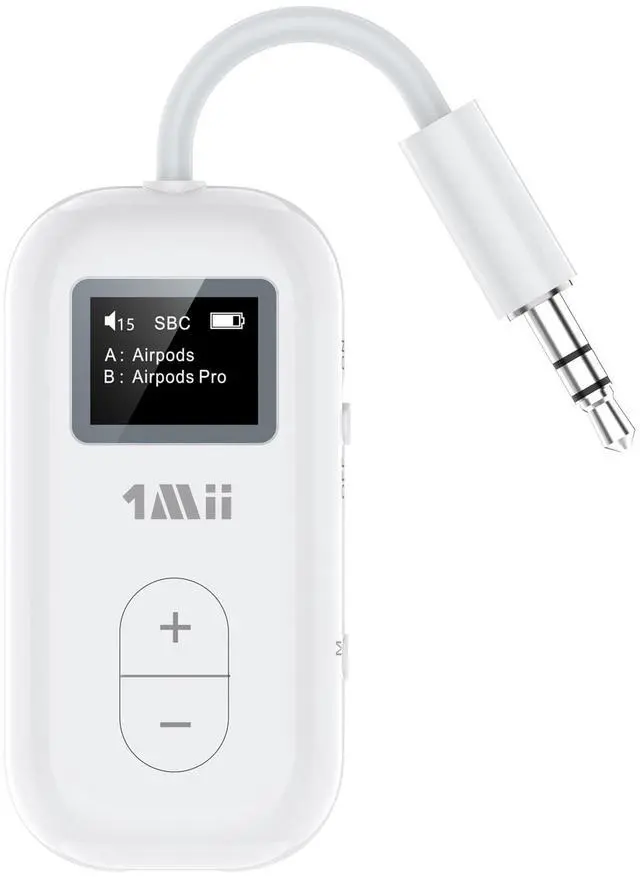
- Use “+” and "-" buttons to choose Headphone/AirPods, press M button to connect.
- Plug the SafeFly into the 3.5 mm audio source and enjoy wireless audio.

STEP 4: SafeFly for travel!
- Don't forget to fully charge the SafeFly Dual before the flight!
- Using Low Latency function require your headphones also support low latency technology
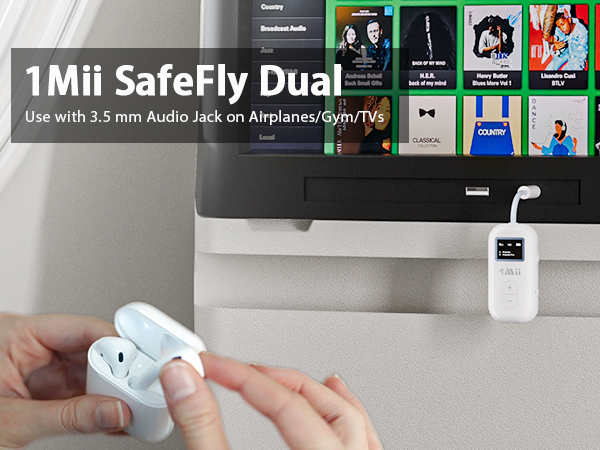
Flight Bluetooth Adapter
Essential for Airplane Travel
More free in the narrow airplane seat without being bound by the headphone wires.
Bluetooth TV Transmitter
Upgrade Your Non-Bluetooth TV
Supports pairing with 2 headphones simultaneously.
Watching TV without disturbing others.
Run Without Wires
Wirelessly transmit audio from gym equipment via 3.5mm audio jack.


Easy to Carry
2.2*1.1*047 inches.


How to pair with airpods?
STEP 1: AirPods Pairing
- Put AirPods in their case and open lid
- Press and hold button on the back of the AirPods case until the light on the front flashes white
STEP 2: Turn Safefly Dual On
- Slide the switch to ON, Safefly screen will show "Connecting".
- Long Press M button for 2 seconds, screen will show "Searching".
STEP 3: Link to Audio Source
- Use “+” and "-" buttons to choose Headphone/AirPods, press M button to connect.
- Plug the SafeFly into the 3.5 mm audio source and enjoy wireless audio.
STEP 4: SafeFly for travel!
- Don't forget to fully charge the SafeFly Dual before the flight!
- Using Low Latency function require your headphones also support low latency technology