


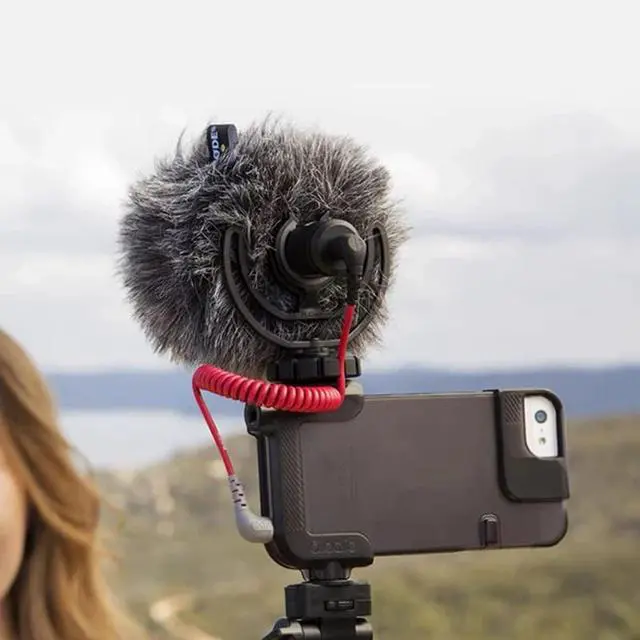



Product Use
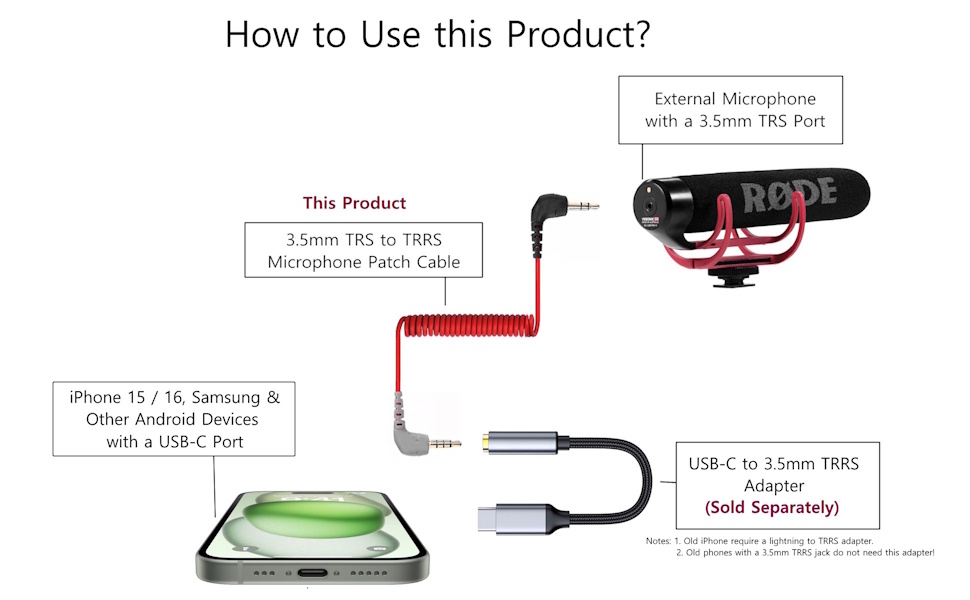
Important notes:
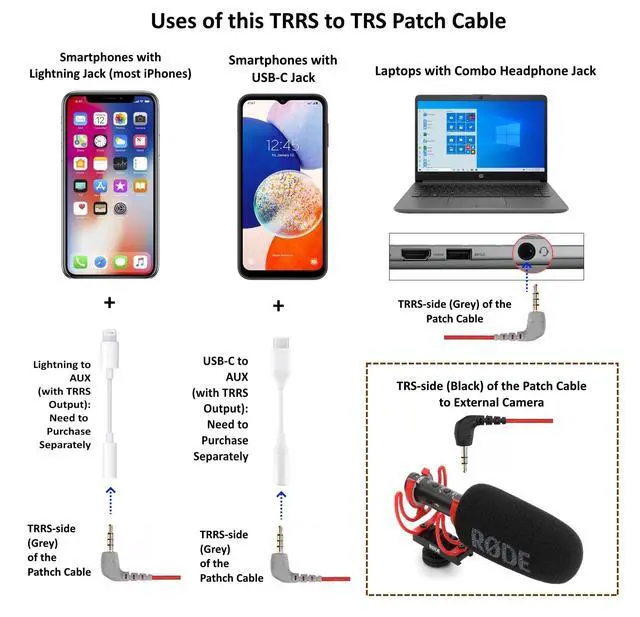
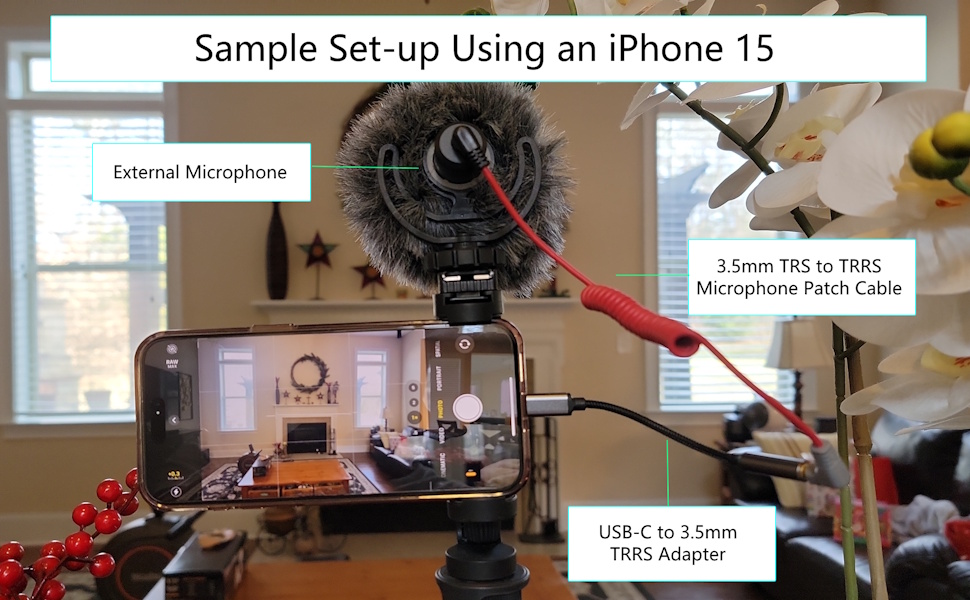
- To connect your smartphone with an external microphone, a USB-C to 3.5mm TRRS female adapter (or USB-C to headset adapter) is required.
- Make sure you are using a USB-C to TRRS adapter (headset adapter) and not a USB-C to TRS (headphone adapter). A USB-C to headphone adapter will not activate your external microphone.
- Older iPhones smartphones may need a lightning to lightning to TRRS adappter.
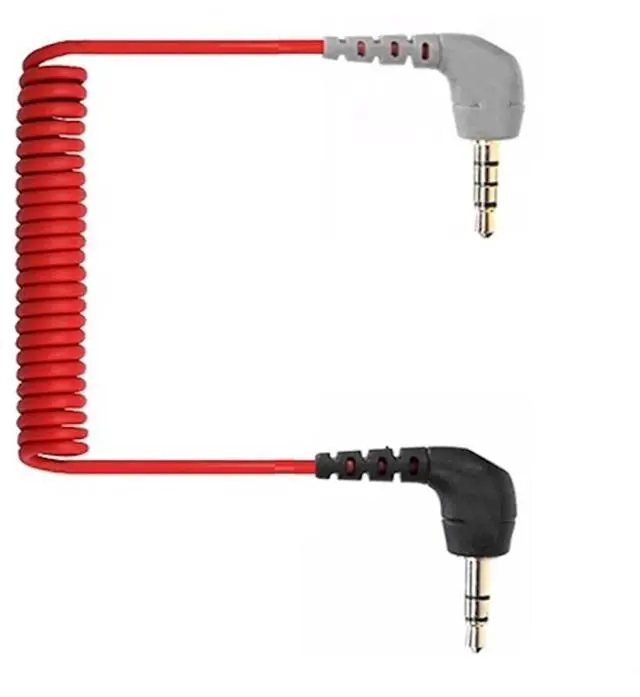
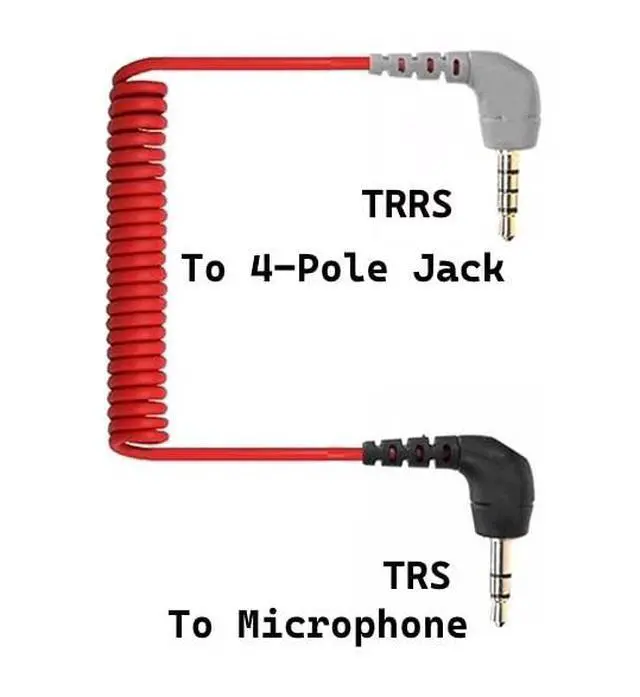
- For older smartphones with a headphone jack, the adapter is not required. Simply plug-in the TRRS side of the patch cable to headphone jack, and plug in the TRS side to the external microphone.
Warning!
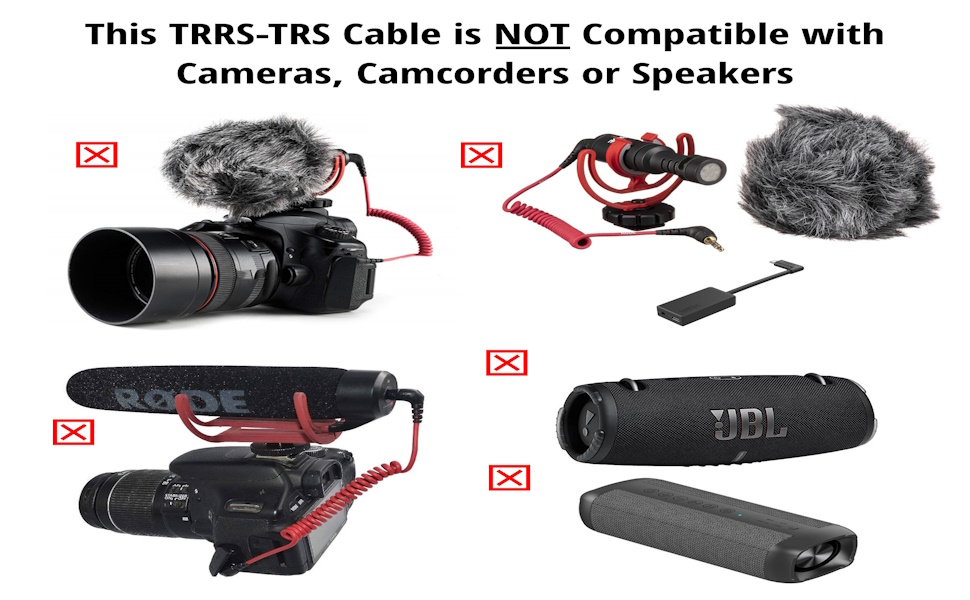
Not sure if this is what you need? See our other cables for external microphones:
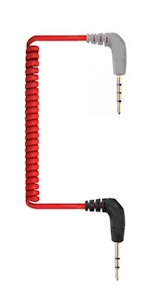 3.5mm TRS to TRRS Microphone Patch Cable |  3.5mm TRS to TRRS Long Microphone Cable |  3.5mm TRS to TRS Patch Microphone Cable | 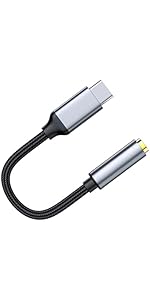 USB-C to 3.5mm TRRS Adapter | 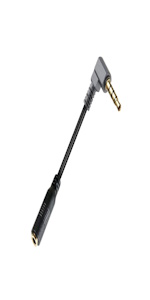 TRS 3.5mm Female to TRRS Male for External Microphones | |
|---|---|---|---|---|---|
| Customer Reviews | — | — | — | — | — |
| Price | — | — | — | — | — |
| Connector Gender | Male-Male | Male-Male | Male-Male | Male-Female | Male-Female |
| TRRS-TRS for Microphone | ? | ? | no data | no data | ? |
| TRS-TRS for Microphone | no data | no data | ? | no data | no data |
| Length | 12 Inches (Stretched) | 12 Feet | 12 Inches (Stretched) | 5 inchees | 4.5 Inches |
| Compatible with Smartphones (iPhone or Android)? | Yes (Requires an Adaptor - Sold Separately) | Yes (Requires an Adaptor - Sold Separately) | No | Yes | Yes (Requires an Adaptor - Sold Separately) |
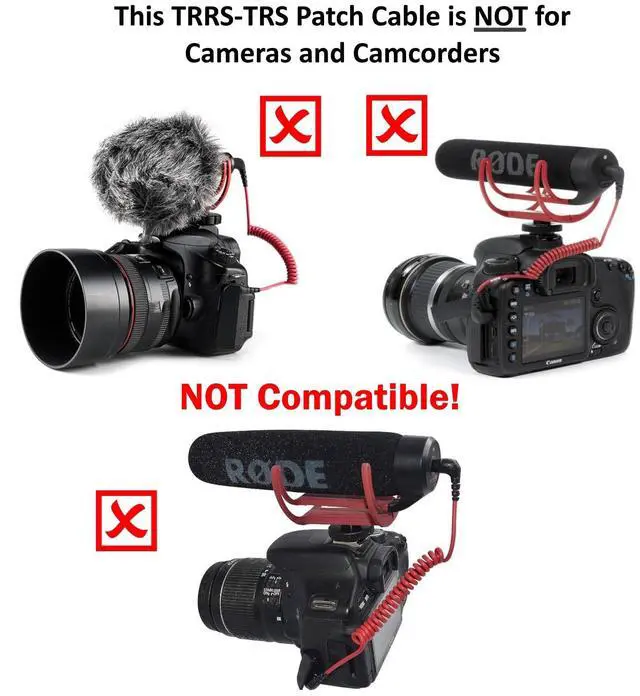
| Compatible with Cameras, Action Cameras or Camcorders? | No | No | Yes | No | No |

Thank you for trusting ienza!

Our Story
Our story began in North Carolina during the 2008 housing crash. As a family with two young daughters, we started selling used electronics on . Testing returns led to spare parts. To recover costs, we listed them on —demand was huge. When working with OEMs proved difficult, we built our own brand, designing and sourcing quality replacement parts. Today, we’re a leading producer of electronic parts and support charities.
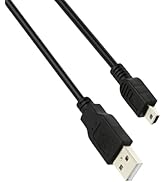
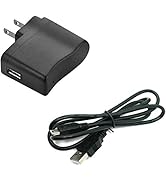
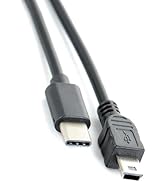
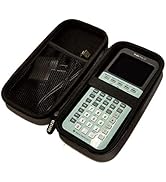
Calculator Cord & Accessories
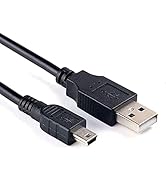
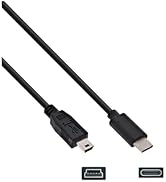
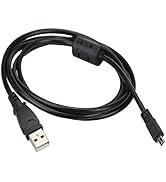
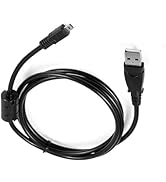
Camera Data/Charger Cables
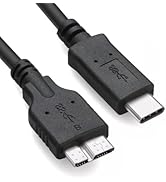
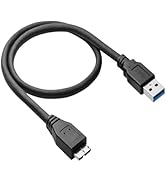
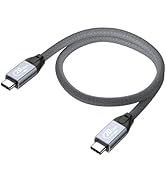
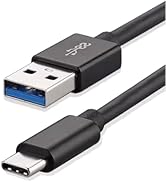
External Drive & SSD Cables
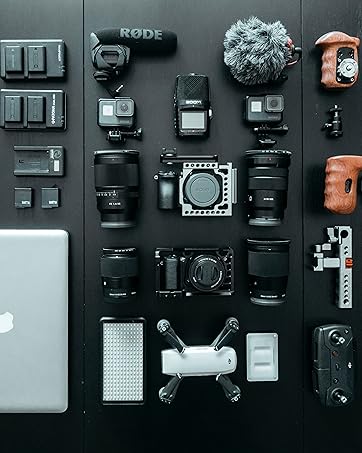
Premium Replacement Parts
Serving you from North Carolina since 2012!
Product Use
Important notes:
- To connect your smartphone with an external microphone, a USB-C to 3.5mm TRRS female adapter (or USB-C to headset adapter) is required.
- Make sure you are using a USB-C to TRRS adapter (headset adapter) and not a USB-C to TRS (headphone adapter). A USB-C to headphone adapter will not activate your external microphone.
- Older iPhones smartphones may need a lightning to lightning to TRRS adappter.
- For older smartphones with a headphone jack, the adapter is not required. Simply plug-in the TRRS side of the patch cable to headphone jack, and plug in the TRS side to the external microphone.
Warning!
Not sure if this is what you need? See our other cables for external microphones:
3.5mm TRS to TRRS Microphone Patch Cable | 3.5mm TRS to TRRS Long Microphone Cable | 3.5mm TRS to TRS Patch Microphone Cable | USB-C to 3.5mm TRRS Adapter | TRS 3.5mm Female to TRRS Male for External Microphones | |
|---|---|---|---|---|---|
| Customer Reviews | — | — | — | — | — |
| Price | — | — | — | — | — |
| Connector Gender | Male-Male | Male-Male | Male-Male | Male-Female | Male-Female |
| TRRS-TRS for Microphone | ? | ? | no data | no data | ? |
| TRS-TRS for Microphone | no data | no data | ? | no data | no data |
| Length | 12 Inches (Stretched) | 12 Feet | 12 Inches (Stretched) | 5 inchees | 4.5 Inches |
| Compatible with Smartphones (iPhone or Android)? | Yes (Requires an Adaptor - Sold Separately) | Yes (Requires an Adaptor - Sold Separately) | No | Yes | Yes (Requires an Adaptor - Sold Separately) |
| Compatible with Cameras, Action Cameras or Camcorders? | No | No | Yes | No | No |
Thank you for trusting ienza!
Our Story
Our story began in North Carolina during the 2008 housing crash. As a family with two young daughters, we started selling used electronics on . Testing returns led to spare parts. To recover costs, we listed them on —demand was huge. When working with OEMs proved difficult, we built our own brand, designing and sourcing quality replacement parts. Today, we’re a leading producer of electronic parts and support charities.
Calculator Cord & Accessories
Camera Data/Charger Cables
External Drive & SSD Cables
Premium Replacement Parts
Serving you from North Carolina since 2012!