
Your Browsing History

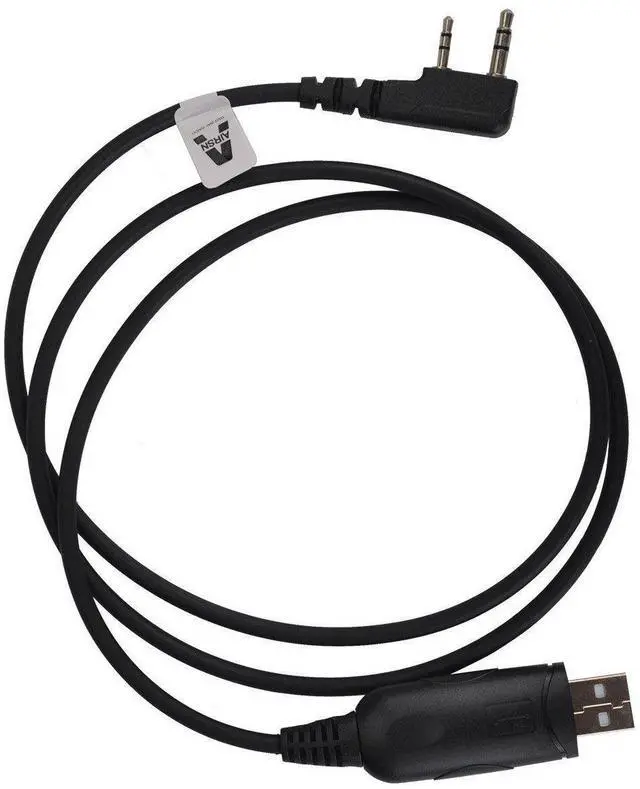
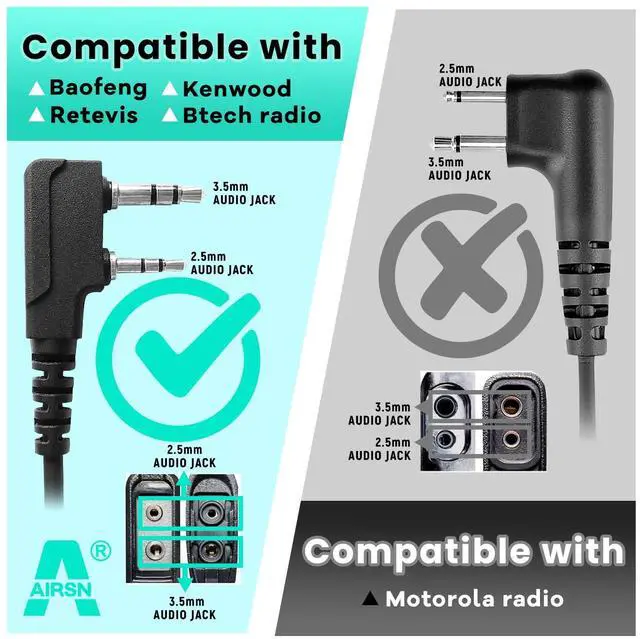
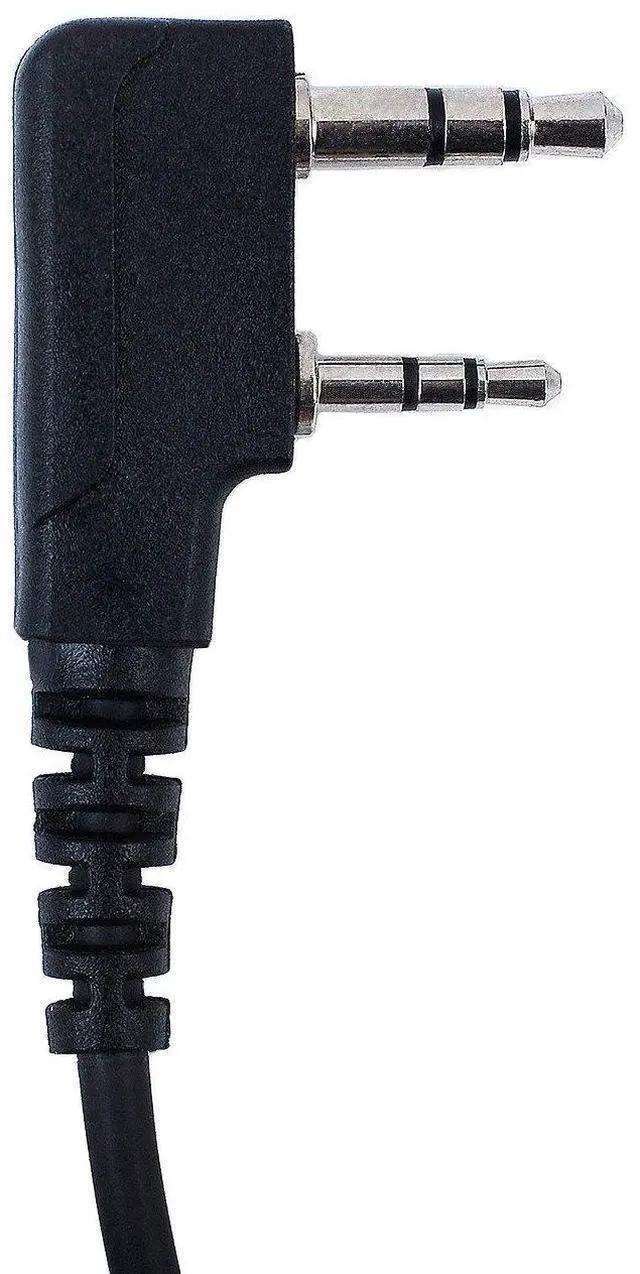
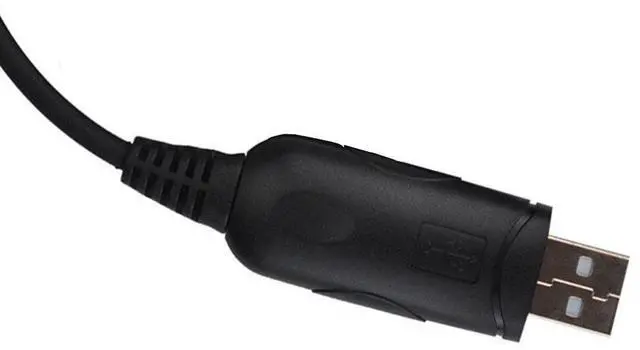



Any questions? Our AI beta will help you find out quickly.
Notice: If your radio type is not in the list above, please email us your model number, then we will help you find one that suits for you.
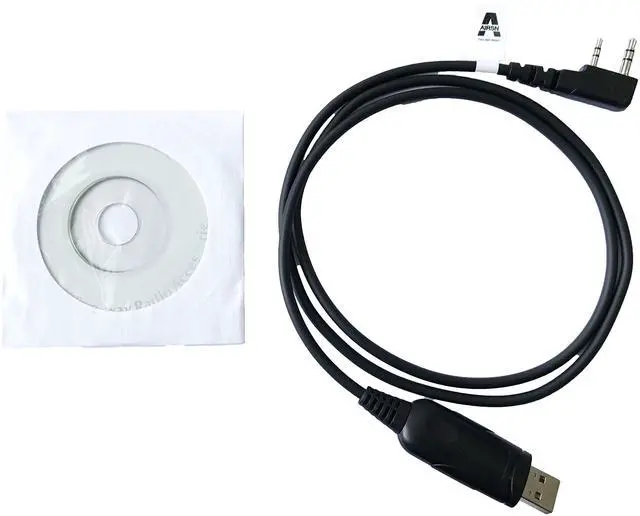
Applicable Model:
Kenwood TH: TH-D7, TH-D7A, TH-D7AG, TH-D7E, TH-F6, TH-F6A, TH-F7, TH-F7E, TH-G71, TH-G71A, TH-G71E, TH-K2, TH-K2A, TH-K2E, TH-K2ET, TH-21,
TH-21AT, TH-21BT, TH-22, TH-22A, TH-22AT, TH-22E,TH-25, TH-26, TH-27, TH-28, TH31AT, TH31BT, TH41AT, TH41BT, TH-42, TH-42A, TH-42AT,
TH-42E, TH-45, TH-46, TH-47, TH-48, TH-55, TH-75, TH-77, TH-G71, TH-205, TH-215,TH-225, TH-235, TH-235A, TH-235E, TH-315, TH-415.
Kenwood TK: TK-208,TK-220,TK-240,TK-248,TK-250,TK-260,TK-270,TK-308,TK-320,TK-340,TK-348,TK-350,TK-353,TK-360,TK-370,TK-240D,TK-340D,TK-260G,
TK-270G,TK-272G,TK-278G,TK-360G,TK-370G,TK-372G,TK-373G,TK-378G,TK-388G,TK-430,TK-431, TK-2100,TK-2101,TK-2102,TK-2107,TK-2118,
TK-2160,TK-2201,TK-2202,TK-2206,TK2207,TK-3100,TK-3101,TK-3102,TK-3107,TK-3118,TK-3160,TK-3201,TK-3202,TK-3206,TK3207
BAOFENG: Almost All UV5R BF-480, BF-490, BF-320, BF-V6, BF-V7, BF-V8, BF-658, BF-520, BF-530, BF-999, BF-888, BF-777, BF-666S, BF-777S, BF-888S
Retevis: H-777,RT-5R,RT-5RV,RT-B6,R888s plus,RT-6S,RT 1,RT 2
HYT:TC286,TC386,TC2685,TC3865,TC6685
Before you order it,please double-check if your radio model in the compatible list.
Driver Installer program from Prolific Support website: //www.prolific.com.tw/US/ShowProduct.aspx?p_id=225&pcid=41. Find Products Application >SIO (Smart-IO) > USB to UART/Serial/Printer > PL2303 Windows Driver Download.
Download the file "PL23XX_Prolific_DriverInstaller_v4400.zip", decompress the file, According to the PDF document "PL2303 Windows Driver Manual v1.24.2" run the file "PL23XX-M_LogoDriver_Setup_4400_20241223" to install.