



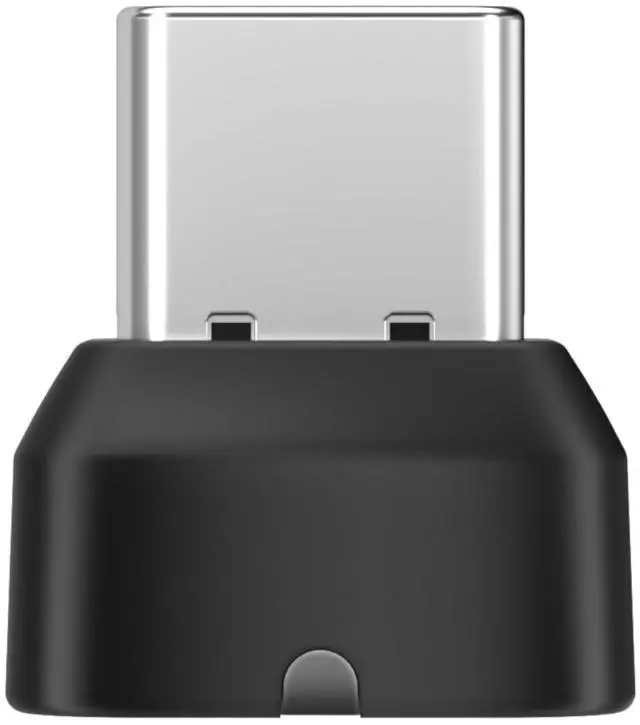


Is the Loop120 wireless adapter a must? What are the functions of it?
The Loop 120 wireless adapter is not a must. However, if you are accustomed to working on a computer, it is recommended that you use the OpenMeet with the Loop 120 adapter. This allows you to achieve better connection stability and range.
Which products can be paired with a Loop120 wireless adapter?
The Loop120 wireless adapter is specifically designed to work with Shokz communication headsets, including the OpenMeet, OpenMeet UC, OpenComm2 2025 Upgrade, OpenComm2 UC 2025 Upgrade, OpenComm2, OpenComm2 UC headsets.
Can the Loop120 Dongle connect to mobile devices like smartphones or tablets?
We do not recommend connecting the Loop120 Dongle to mobile devices at this time. Currently, we suggest using the Loop120 Dongl with computers for optimal performance.
How to pair to PC with Loop120?
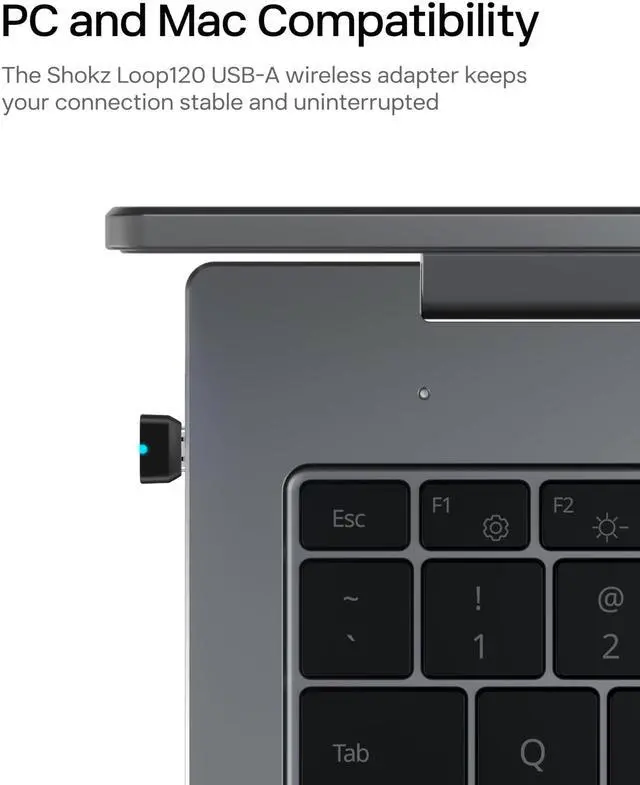
First, start with your headset turned on. Next, plug the included wireless adapter into a USB port on your PC. Finally, the connection is established when the LED indicator on the USB adapter is solid cyan.

Is the Loop120 wireless adapter a must? What are the functions of it?
The Loop 120 wireless adapter is not a must. However, if you are accustomed to working on a computer, it is recommended that you use the OpenMeet with the Loop 120 adapter. This allows you to achieve better connection stability and range.
Which products can be paired with a Loop120 wireless adapter?
The Loop120 wireless adapter is specifically designed to work with Shokz communication headsets, including the OpenMeet, OpenMeet UC, OpenComm2 2025 Upgrade, OpenComm2 UC 2025 Upgrade, OpenComm2, OpenComm2 UC headsets.
Can the Loop120 Dongle connect to mobile devices like smartphones or tablets?
We do not recommend connecting the Loop120 Dongle to mobile devices at this time. Currently, we suggest using the Loop120 Dongl with computers for optimal performance.
How to pair to PC with Loop120?
First, start with your headset turned on. Next, plug the included wireless adapter into a USB port on your PC. Finally, the connection is established when the LED indicator on the USB adapter is solid cyan.