• $62.03
  • Free 30-day Returns
  • Sold by Artbloont

    Shipped by Artbloont

    Price alert
    Shop it at NeweggBusiness.

    Meet Your Seller

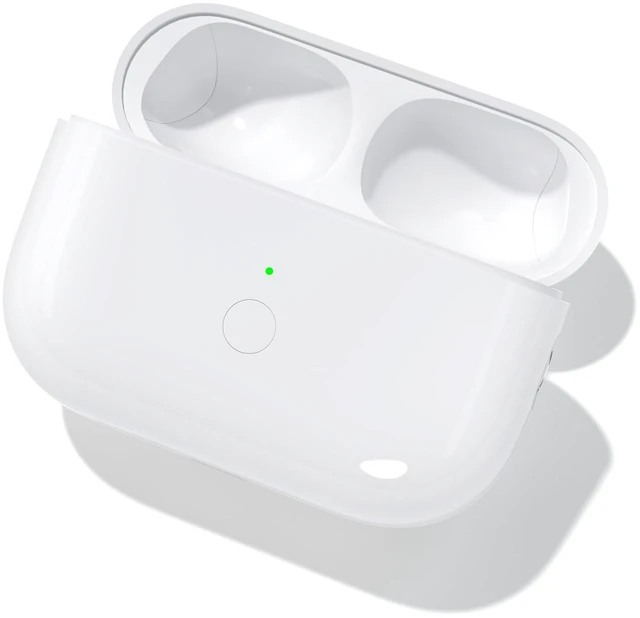
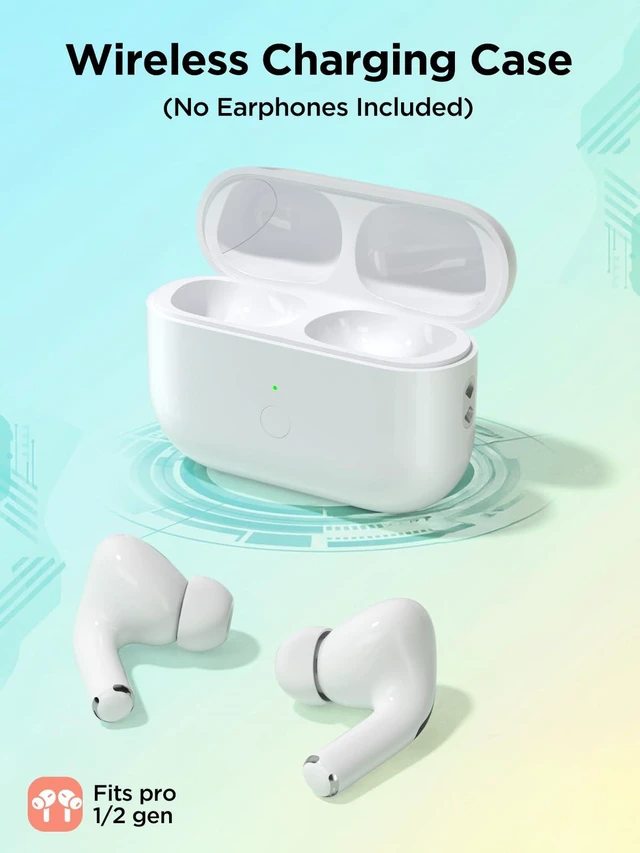
    Replacement Charging Case for AirPods Pro 1/2 Generation with Type-C, Compatible with AirPods Pro 1st/2nd with Bluetooth Pairing Sync Button, Earbuds Not Included (Type-C Port)

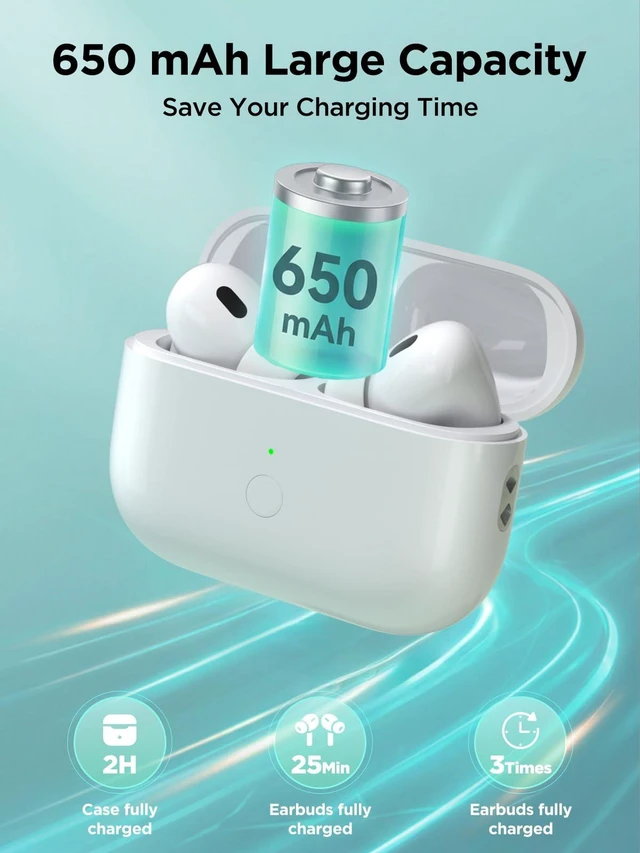
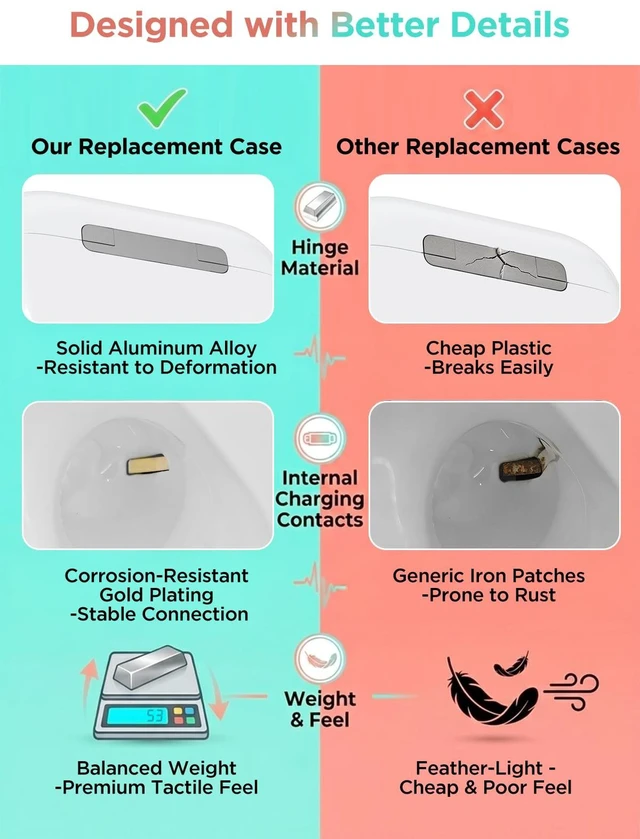
    • Excellent Replacement Charging Case: If you are looking for an AirPods Pro 2nd & 1st generation charging case, this replacement AirPods Pro case would be a good choice. It supports most key functions of the official charging case, providing reliable performance just like the original (Not support Find My or magnetic charging functions)
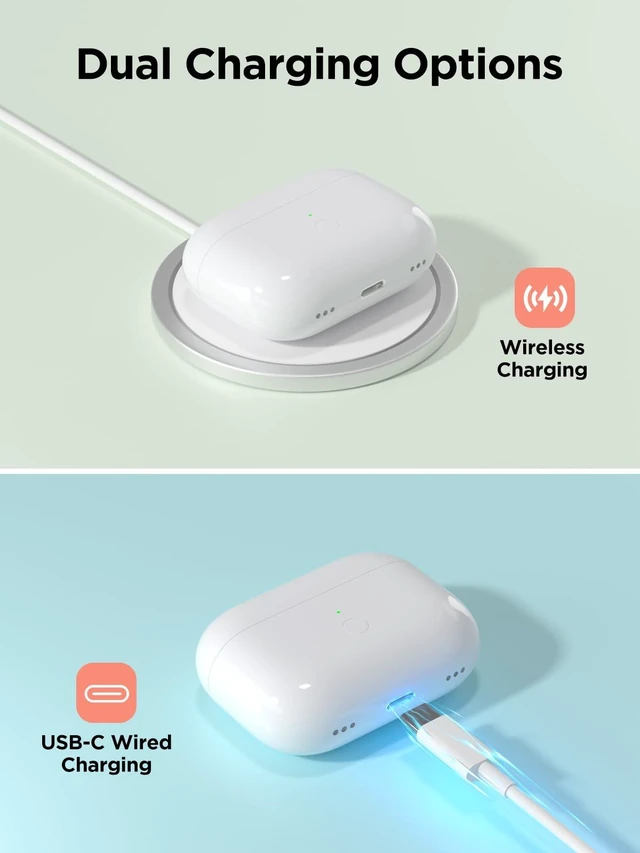
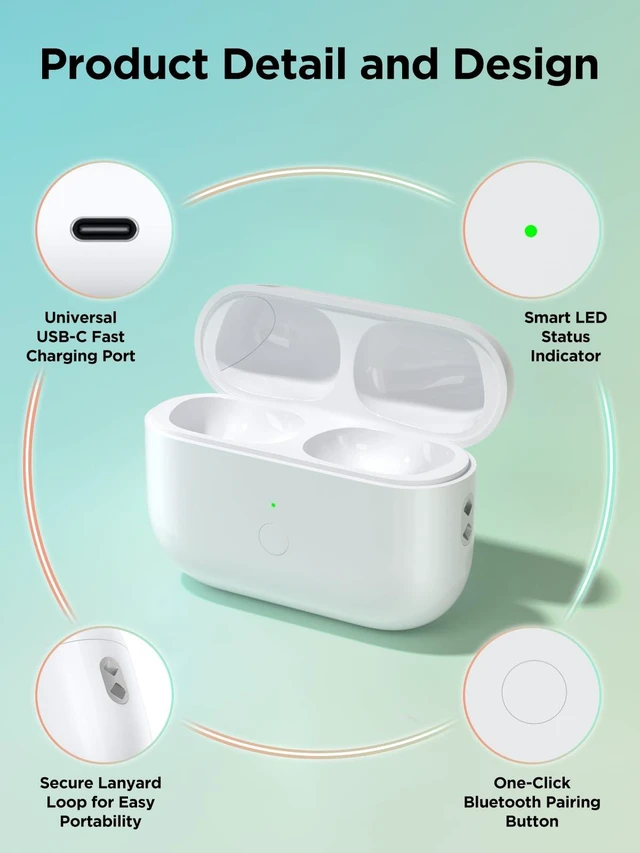
    • Dual Charging Convenience: Designed for use with AirPod Pro 2/1 generation, this charging case supports Qi wireless charging and Type-C wired charging for flexible daily use. As a reliable Airpods charging case replacement, it allows you to switch between charging methods effortlessly at home, office, or on the go
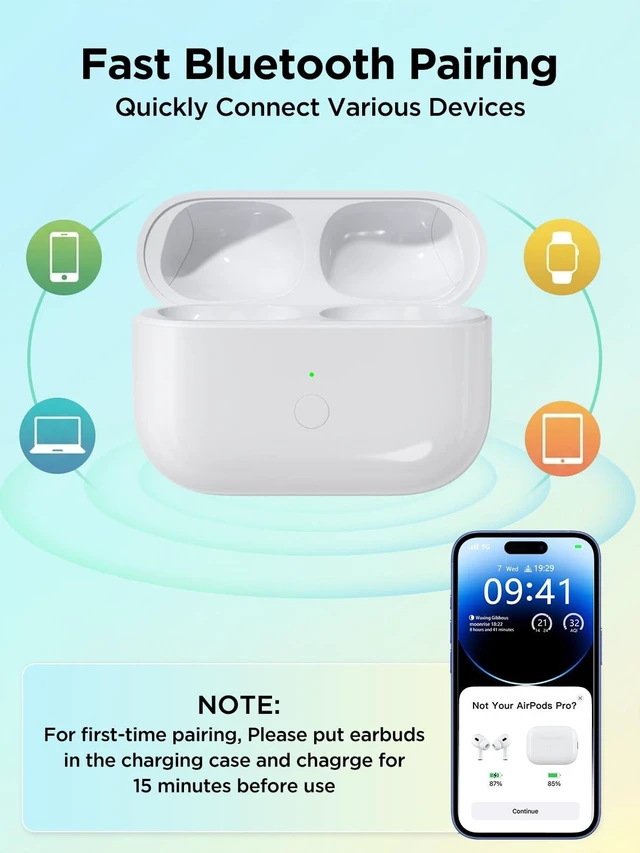
    • Fast Bluetooth Pairing & Auto Connect: Built for seamless connectivity, this Airpods pro 2 replacement case features a responsive sync button for quick Bluetooth pairing. After the first setup, it automatically reconnects when opened. Designed for use with AirPod Pro 2/1 generation, this charger case ensures a smooth and stable user experience
    • Portable Design with Lanyard Hole: Compact and lightweight, this airpods pro 2 charging case is easy to carry anywhere. Designed for use with AirPod Pro 2/1 generation, it includes a built-in lanyard hole, allowing you to attach a strap or keychain for added convenience. A practical airpods charging case replacement for travel and everyday use
    +
    +
    Overview
    Specs
    Reviews

    Any questions? Ask CelesteSM will help you find out quickly.

    Bluetooth Pairing Instructions

    Note: Do not connect the charger during pairing.

    1. Initial Charging: Place the earbuds into the charging case and charge for at least 15 minutes before first use.
    2. Enable Bluetooth: Go to Settings Bluetooth On on your device.
    3. Enter Pairing Mode: Open the lid, then press and hold the sync button until the white light flashes.
    4. Connect Device: When the pop-up window appears, tap Connect.
    5. Complete Pairing: Close the lid and reopen it after 2 seconds. The earbuds will connect automatically.

    LED Indicator Status

    • Orange Light (<10% Battery): Indicates the charging case battery is below 10%.
    • Green Light (>10% Battery): Indicates the battery level is above 10%.
    • White Breathing Light (Pairing Mode): Flashing white light means the device is ready to pair.
    • Charging Status: When plugged in, the orange light stays on for 10 seconds, then turns off automatically.

    Warranty & Returns

    Warranty, Returns, And Additional Information

    Warranty

    • Please contact the Seller directly for warranty information. Warranty information may also be found on the Manufacturer's website.
    • CONTACT

    Return Policies

    • Return for refund within: 30 days
    • Return for replacement within: 30 days
    • This item is covered by Artbloont Return Policy

    Manufacturer Contact Info

    LOADING...