

Your Browsing History
- Free 30-day Returns
$173.98

Meet Your Seller

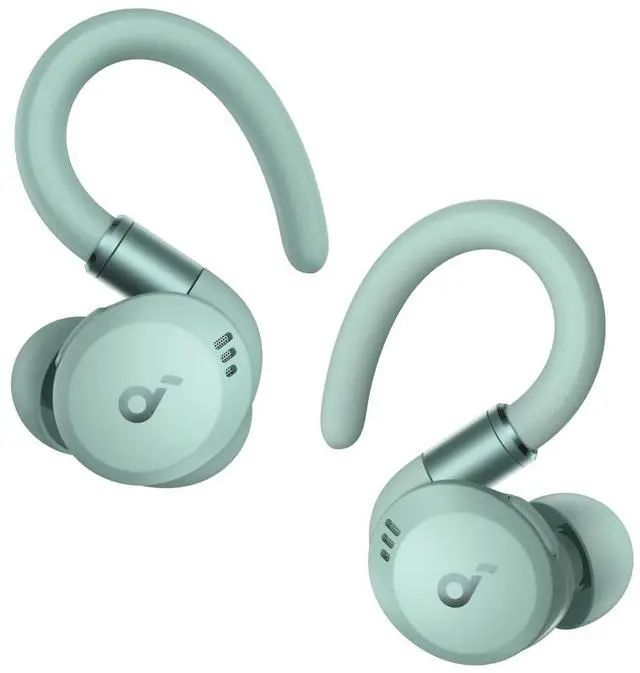


Soundcore Sport X20 by Anker, True-Wireless Workout Earbuds, Rotatable and Extendable Ear Hooks, Noise Cancelling, Deep Bass, IP68 Waterproof, Sweatproof, Dustproof, 48H Play, Sport Earbuds for Gym
Limited time offer, ends 10/07 By Dazan Technology
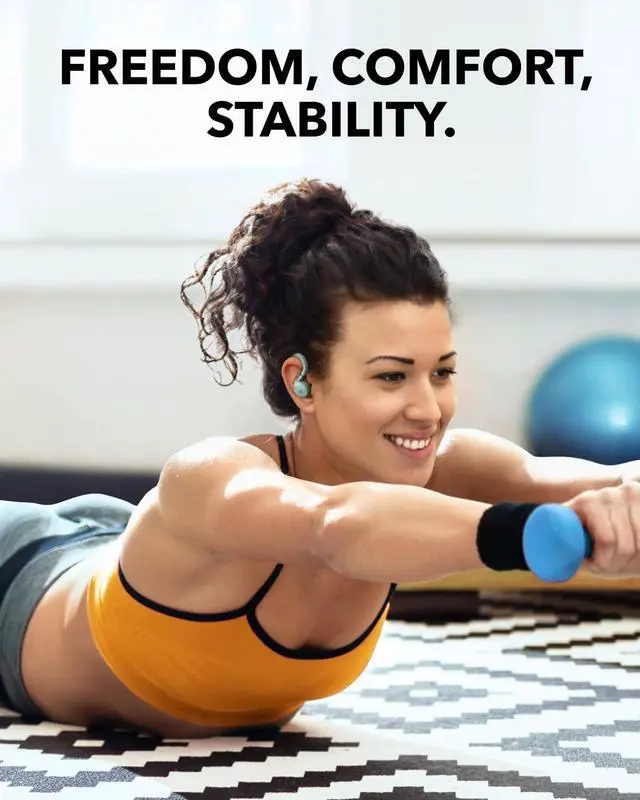
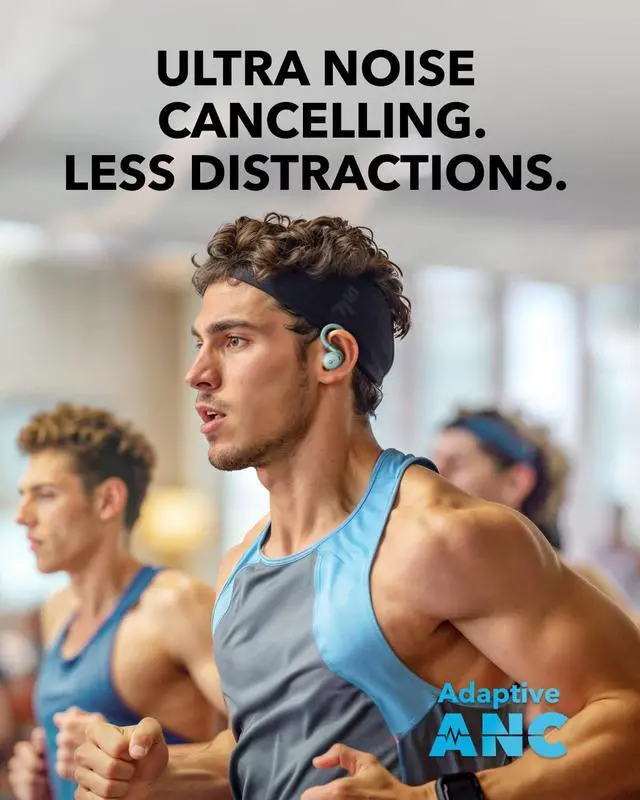
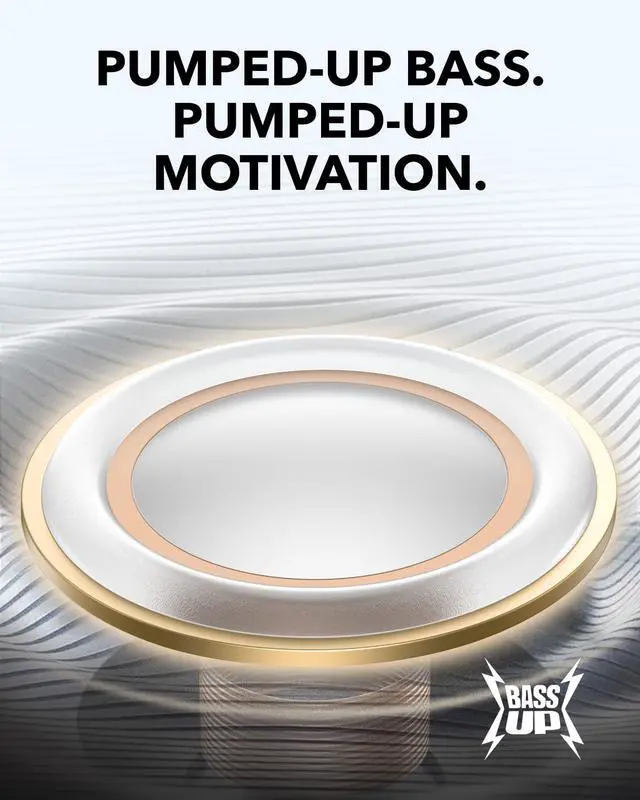
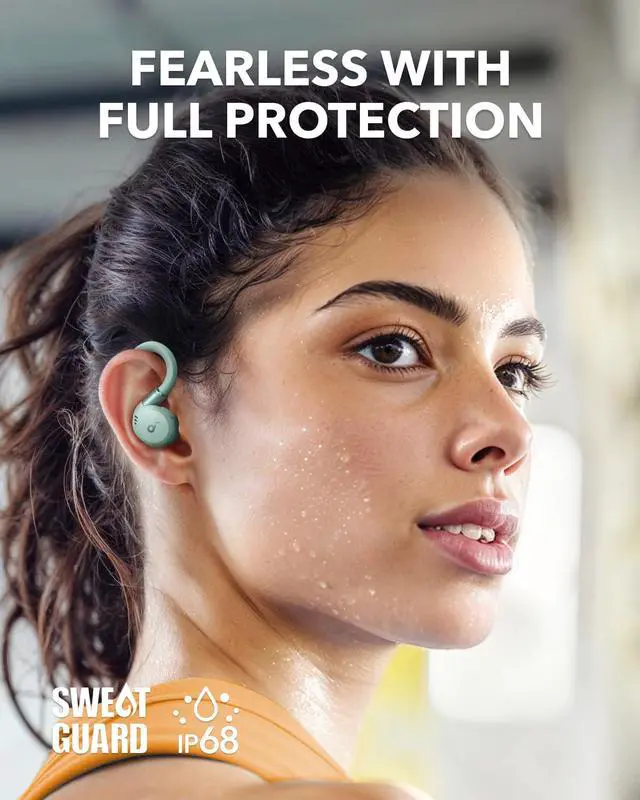
- Flexible Fit: Sport X20 workout earbuds come equipped with adjustable ear hooks that can be extended and rotated for a comfortable and secure fit. Up to 30 degrees rotation and 4mm extension, customize the position to fit you perfectly.; Get More Focus: Sport X20 workout earbuds deliver powerful noise cancelling, turning loud gyms into peaceful areas. Block out distracting soundsfrom clanging weights to loud grunts. Manual adjustment and adaptive ANC keep you focused on your fitness goals.; Pump Up Your Bass: Experience the pulse-pounding thrill of soundcore's BassUp technology, fueled by powerful 11mm dynamic drivers. Elevate your audio adventure to take your motivation to a new level.; Everything-Proof Design: The sport earbuds' unique cavity design and soundcore exclusive SweatGuard technology create a submarine-inspired seal that protects the internal components against damage from water, sweat, and dust. Move without fear.
+
+
Overview
Specs
Reviews

Any questions? Our AI mode will help you find out quickly.
Try me now
Product description Click to play video Flexible Fit Soft Touch Rugged Build Easy Control Precision Translation Improved Focus Strong Noise Cancelling Body-Moving Bass Personalized Sound Note 1What should I do if my soundcore Sport X20 feels uncomfortable and/or unstable? 1Pull or rotate the ear hooks to the appropriate angle, then secure them onto the outer edge of your ears. 2Place the earbuds' body into your ear canal and choose an appropriate size of ear tips to create a tight seal. To check if you're wearing the earbuds in the ideal position, take the Fit Test in the soundcore app.
3Take breaks during extended wear to allow your ears to rest and relax. 2What should I do if my soundcore Sport X20's noise cancellation does not meet my expectations? 1Experiment with different sizes of ear tips to find the best fit and achieve a tight seal. If one earbud doesn't fit well, try using different sizes for each ear, such as medium in one ear and large in the other. 2Use the Fit Test in the soundcore app to verify that the earbuds are in an ideal position. If the earbuds are not worn properly, you may not experience the optimal noise cancelling performance.
3Ensure that Active Noise Cancellation is enabled in the soundcore app. 4When using the earbuds for the first time, select "Adaptive Noise Cancelling" to set the optimal noise reduction parameters based on your fit. 5Test the earbuds in a different environment and with a different Bluetooth device to see if the situation improves.
Note: In noisy environments or at high volumes, noise cancellation might not be as strong. 3What should I do if my soundcore Sport X20 disconnects or the sound is choppy? Connectivity issues might not necessarily be due to the earbuds but could be related to the connected device or the environment. Bluetooth signals can be affected by obstructions like walls, pillars, home appliances, and Wi-Fi. To ensure a stable connection, we recommend avoiding these obstructions. To fix this issue, do
the following: 1Fully charge your earbuds and reset them by following these steps: APlace the earbuds into the charging case and leave the case open. BPress and hold the touch bar on the charging case for 5 seconds. A function menu will appear on the case's display. Slide to select Reset, then double-tap to confirm. After the reset is completed, a "Reset Successful" prompt will appear along with a single-tone chime, which will fade after 2 seconds. This confirms a successful reset.
Note: Ensure the earbuds are properly placed in the charging case and that the battery level is displayed on the charging case's screen for a successful reset. 2Turn off Dual Connections in the soundcore app. 3Test the earbuds by playing downloaded music/videos. 4Test your earbuds with a different Bluetooth device in a different environment to see if the issue persists.
3Take breaks during extended wear to allow your ears to rest and relax. 2What should I do if my soundcore Sport X20's noise cancellation does not meet my expectations? 1Experiment with different sizes of ear tips to find the best fit and achieve a tight seal. If one earbud doesn't fit well, try using different sizes for each ear, such as medium in one ear and large in the other. 2Use the Fit Test in the soundcore app to verify that the earbuds are in an ideal position. If the earbuds are not worn properly, you may not experience the optimal noise cancelling performance.
3Ensure that Active Noise Cancellation is enabled in the soundcore app. 4When using the earbuds for the first time, select "Adaptive Noise Cancelling" to set the optimal noise reduction parameters based on your fit. 5Test the earbuds in a different environment and with a different Bluetooth device to see if the situation improves.
Note: In noisy environments or at high volumes, noise cancellation might not be as strong. 3What should I do if my soundcore Sport X20 disconnects or the sound is choppy? Connectivity issues might not necessarily be due to the earbuds but could be related to the connected device or the environment. Bluetooth signals can be affected by obstructions like walls, pillars, home appliances, and Wi-Fi. To ensure a stable connection, we recommend avoiding these obstructions. To fix this issue, do
the following: 1Fully charge your earbuds and reset them by following these steps: APlace the earbuds into the charging case and leave the case open. BPress and hold the touch bar on the charging case for 5 seconds. A function menu will appear on the case's display. Slide to select Reset, then double-tap to confirm. After the reset is completed, a "Reset Successful" prompt will appear along with a single-tone chime, which will fade after 2 seconds. This confirms a successful reset.
Note: Ensure the earbuds are properly placed in the charging case and that the battery level is displayed on the charging case's screen for a successful reset. 2Turn off Dual Connections in the soundcore app. 3Test the earbuds by playing downloaded music/videos. 4Test your earbuds with a different Bluetooth device in a different environment to see if the issue persists.
Warranty & Returns
Warranty, Returns, And Additional Information
Warranty
- Please contact the Seller directly for warranty information. Warranty information may also be found on the Manufacturer's website.
- CONTACT
Return Policies
- Return for refund within: 30 days
- Return for replacement within: 30 days
- This item is covered by Dazan Technology Return Policy
Manufacturer Contact Info
- For a directory of all our manufacturers, please click below.
- Manufacturers Directory
LOADING...