




No Compromise In Every Detail
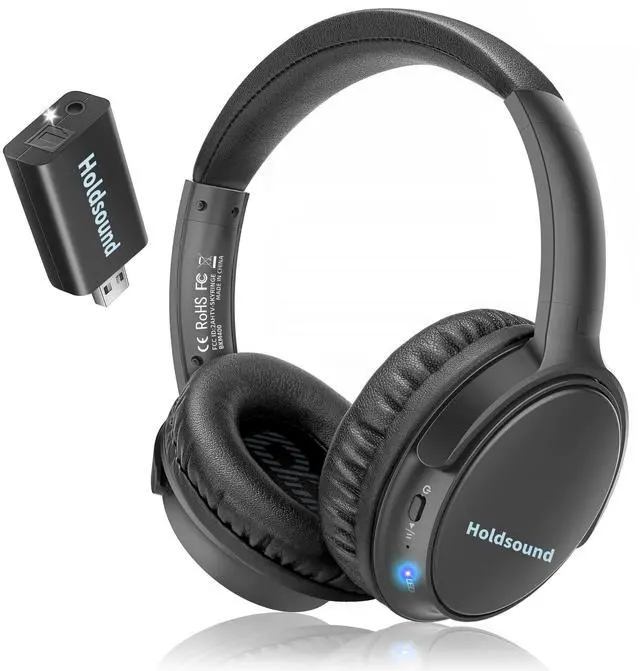
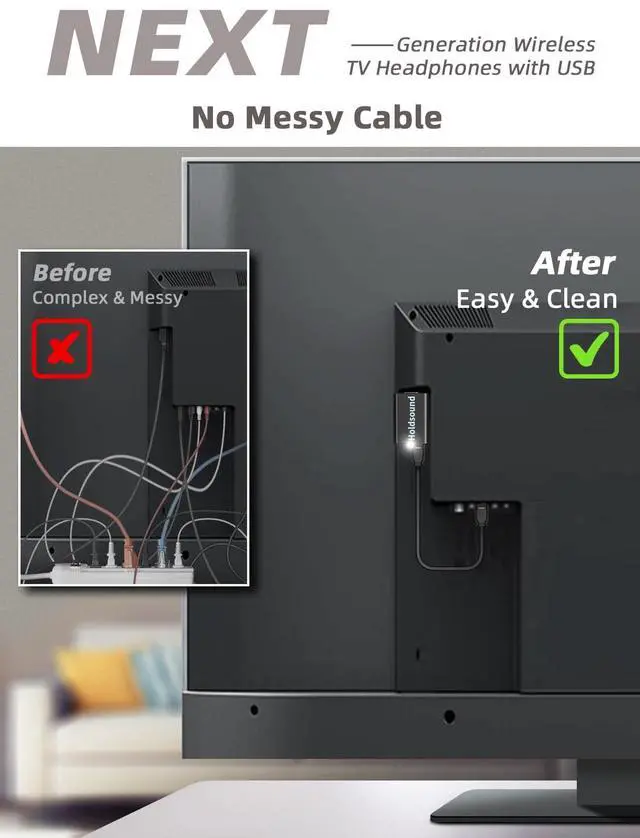
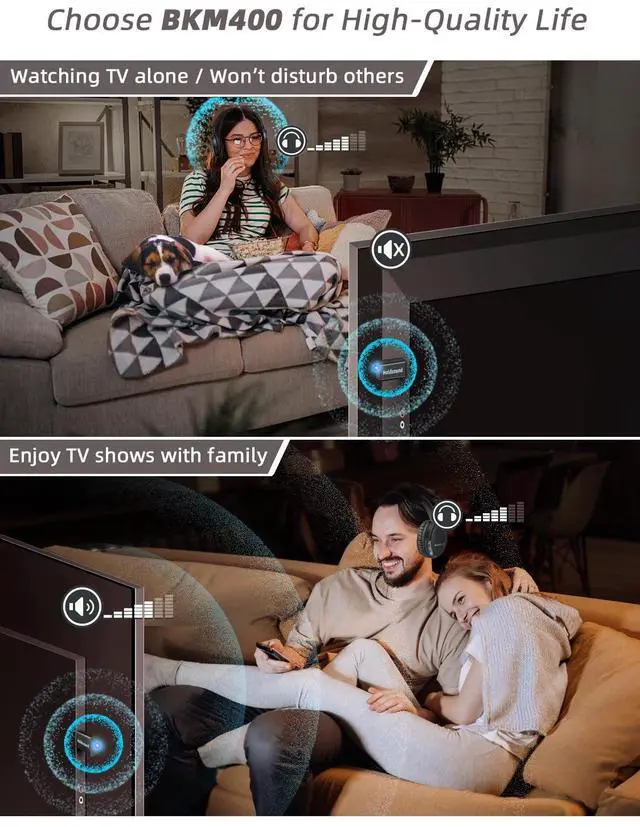
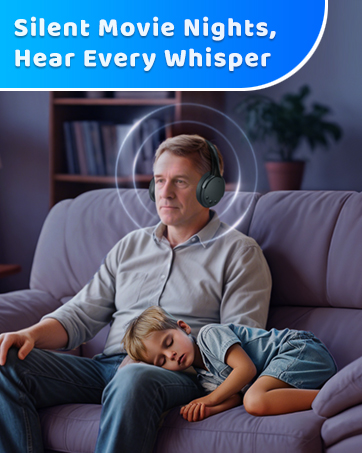
BKM400 is an innovative wireless TV headphones dedicated to building easier operating, high-clarity sound, comfortable wearing TV headphones for people to enjoy TV shows/movies with their own loud volume, won't disturb others.
STRONG COMPATIBLE, UP TO 165 FT

Universal Compatibility
Depending on the type of wireless TV headphone and your TV’s ports, there are multiple ways you can connect to your TV. You don’t even need the newest smart TV or TV headphones to do it!

Long Range Up To 165 FT
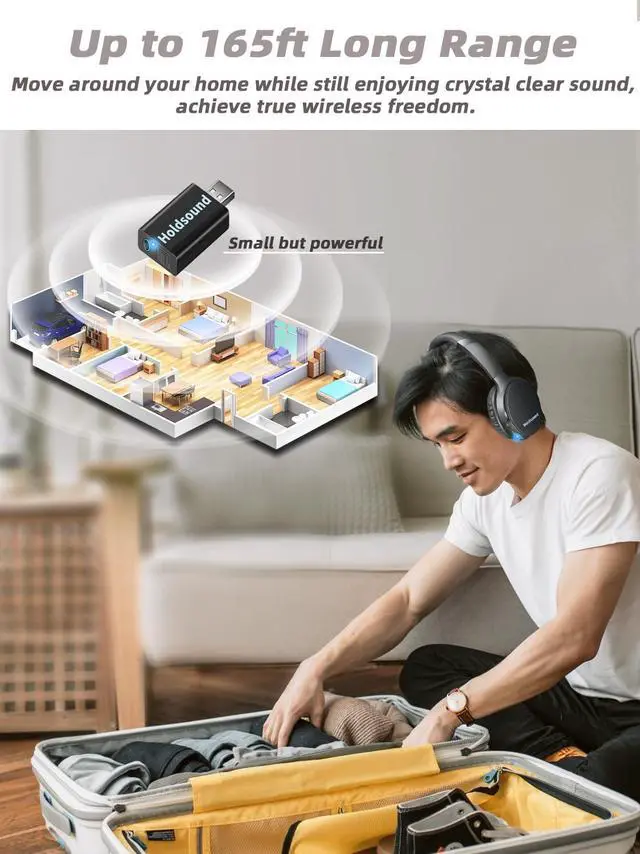
The convenient BKM400 wireless headphones for TV with a long range of up to 165 FT, you can move around your home while still enjoying crystal clear sound with wireless TV headphones.
LOUDER AND CLEARER SOUND

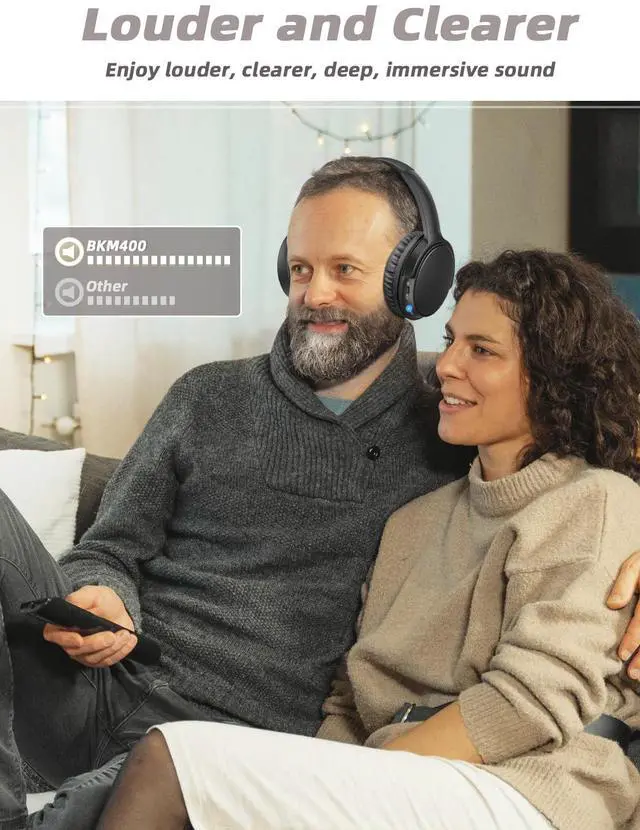
Keep audio clear and balanced at any volume, plus louder volume setting of the BKM400 wireless headphones for tv watching, so you can enjoy louder, clearer, deep, immersive sound. Enjoy your favorite TV shows, movies, and video without disturbing others around you.
ALL YOU NEEDED

Say Goodbye To Frequent Charging
20 hours of battery life means they work as long as necessary, and a single 3-hour charge using the provided USB-C charging cable gives you 20 hours of playtime.

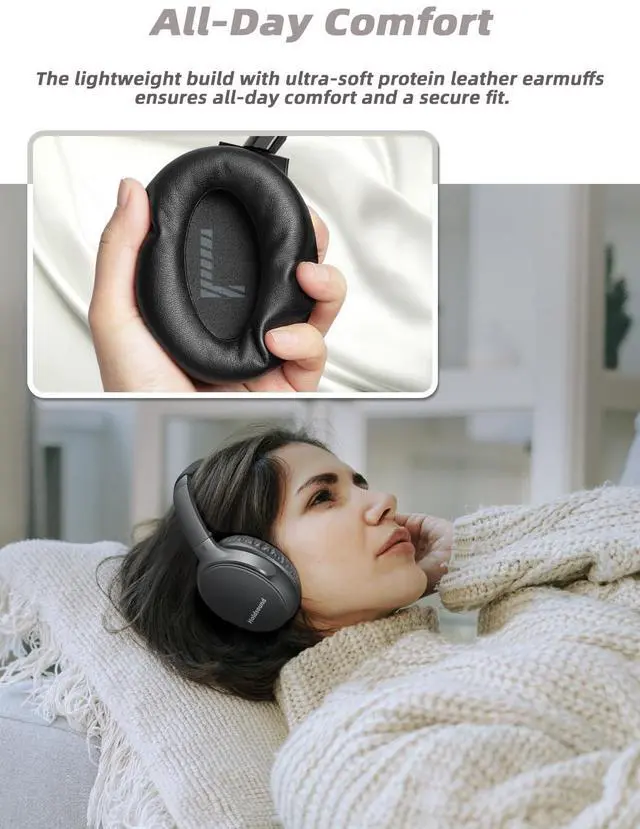
Stay Comfortable For All Day
Earmuffs size: 3.74*2.95 inches. Wiith a comfortable adjustable headband, soft ear cushions made of skin-friendly, breathable material for an optimal fit and ideal size.
EASY TO USE

Check TV's OUTPUT
Confirm the OUTPUT port on the TV.

Plug In
Connect to your TV’s audio output port.

TV Setting
Change your TV audio settings to “PCM".

Turn On
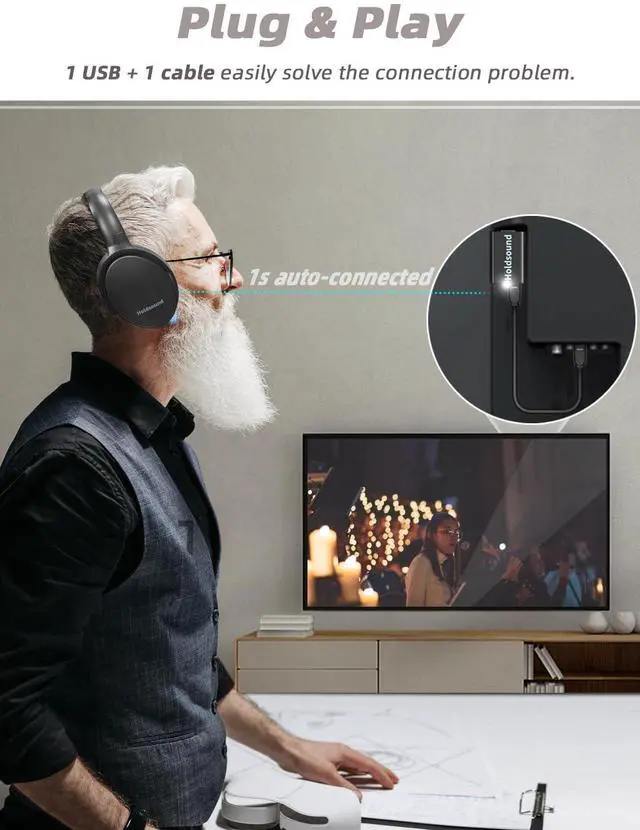
Turn on the headphone. They should automatically pair.

TROUBLESHOOTING
Doesn’t Work: Make sure the pairing between the wireless tv headphones and the USB transmitter is successful (Breathing blue light of headphones flashes slowly).
1) BKM400 wireless headphones for tv is only connected to the TV through the USB option, no sound can be heard. After successful pairing, please follow the steps below:
> If the TV's USB port supports audio output: Open the sound settings, and adjust the TV audio to "USB";
> If the TV's USB port doesn’t support output audio: Change the connection to optical, 3.5mm or RCA.
2) Plugged in USB port and optical/3.5mm/RCA port at the same time:
> Adjust the TV setting to “External Speaker”or“PCM”;
> If it still has no sound: please take off the USB transmitter from the tv, and get power to the USB transmitter via power adapter.
3) Connect the tv headphones wireless to the TV through OPTICAL connection:
> Adjust the TV setting to “External Speaker”or“PCM”;
> Unplug any device from the 3.5mm AUX jack and HDMI ARC jack while using the OPTICAL out.

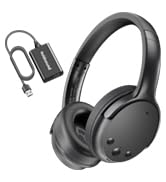
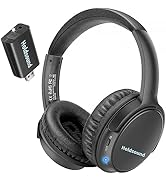
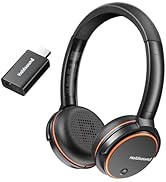
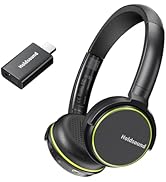
Wireless Headphones for TV
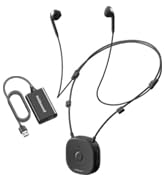
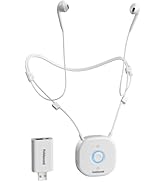
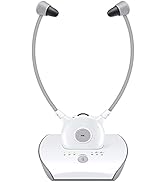
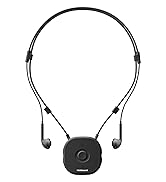
Wireless Earbuds for TV

In order to bring users a high-quality listening experience, enjoy the wonderful content brought by TV shows to the fullest. We continue to explore and innovate, update and iterate a variety of TV headphones, and have deep technical accumulation and good reputation in the field of headphones.

No Compromise In Every Detail
BKM400 is an innovative wireless TV headphones dedicated to building easier operating, high-clarity sound, comfortable wearing TV headphones for people to enjoy TV shows/movies with their own loud volume, won't disturb others.
STRONG COMPATIBLE, UP TO 165 FT
Universal Compatibility
Depending on the type of wireless TV headphone and your TV’s ports, there are multiple ways you can connect to your TV. You don’t even need the newest smart TV or TV headphones to do it!
Long Range Up To 165 FT
The convenient BKM400 wireless headphones for TV with a long range of up to 165 FT, you can move around your home while still enjoying crystal clear sound with wireless TV headphones.
LOUDER AND CLEARER SOUND

Keep audio clear and balanced at any volume, plus louder volume setting of the BKM400 wireless headphones for tv watching, so you can enjoy louder, clearer, deep, immersive sound. Enjoy your favorite TV shows, movies, and video without disturbing others around you.
ALL YOU NEEDED
Say Goodbye To Frequent Charging
20 hours of battery life means they work as long as necessary, and a single 3-hour charge using the provided USB-C charging cable gives you 20 hours of playtime.
Stay Comfortable For All Day
Earmuffs size: 3.74*2.95 inches. Wiith a comfortable adjustable headband, soft ear cushions made of skin-friendly, breathable material for an optimal fit and ideal size.
EASY TO USE
Check TV's OUTPUT
Confirm the OUTPUT port on the TV.
Plug In
Connect to your TV’s audio output port.
TV Setting
Change your TV audio settings to “PCM".
Turn On
Turn on the headphone. They should automatically pair.

TROUBLESHOOTING
Doesn’t Work: Make sure the pairing between the wireless tv headphones and the USB transmitter is successful (Breathing blue light of headphones flashes slowly).
1) BKM400 wireless headphones for tv is only connected to the TV through the USB option, no sound can be heard. After successful pairing, please follow the steps below:
> If the TV's USB port supports audio output: Open the sound settings, and adjust the TV audio to "USB";
> If the TV's USB port doesn’t support output audio: Change the connection to optical, 3.5mm or RCA.
2) Plugged in USB port and optical/3.5mm/RCA port at the same time:
> Adjust the TV setting to “External Speaker”or“PCM”;
> If it still has no sound: please take off the USB transmitter from the tv, and get power to the USB transmitter via power adapter.
3) Connect the tv headphones wireless to the TV through OPTICAL connection:
> Adjust the TV setting to “External Speaker”or“PCM”;
> Unplug any device from the 3.5mm AUX jack and HDMI ARC jack while using the OPTICAL out.
Wireless Headphones for TV
Wireless Earbuds for TV
In order to bring users a high-quality listening experience, enjoy the wonderful content brought by TV shows to the fullest. We continue to explore and innovate, update and iterate a variety of TV headphones, and have deep technical accumulation and good reputation in the field of headphones.