


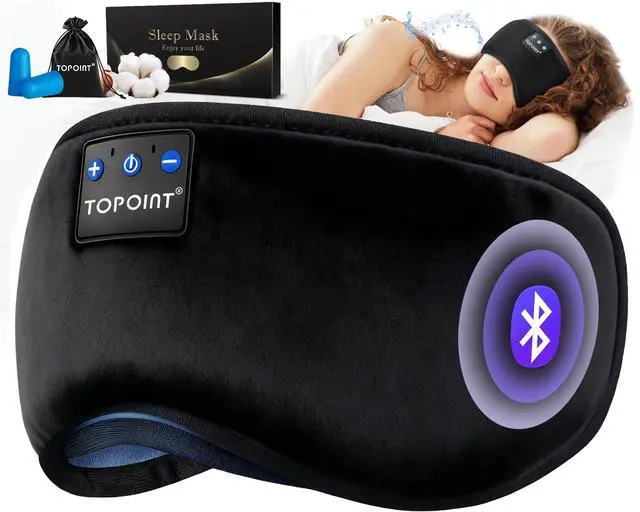
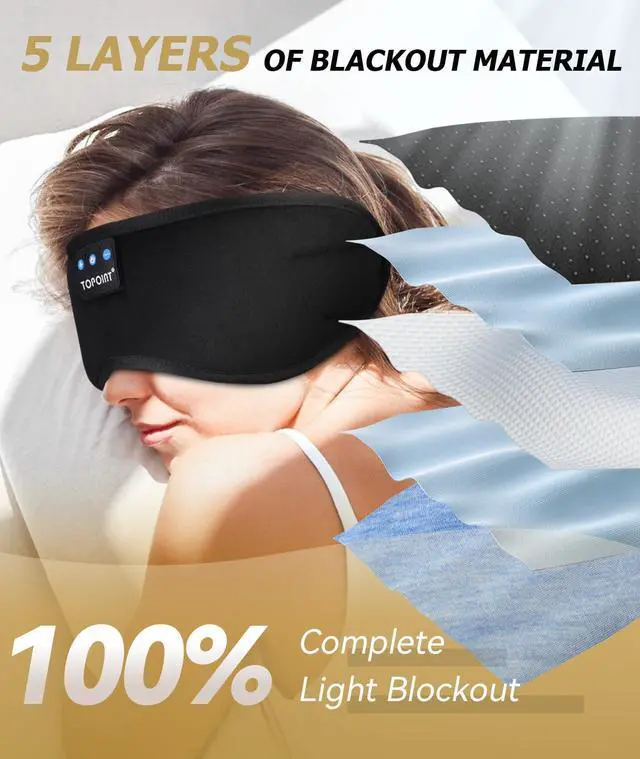
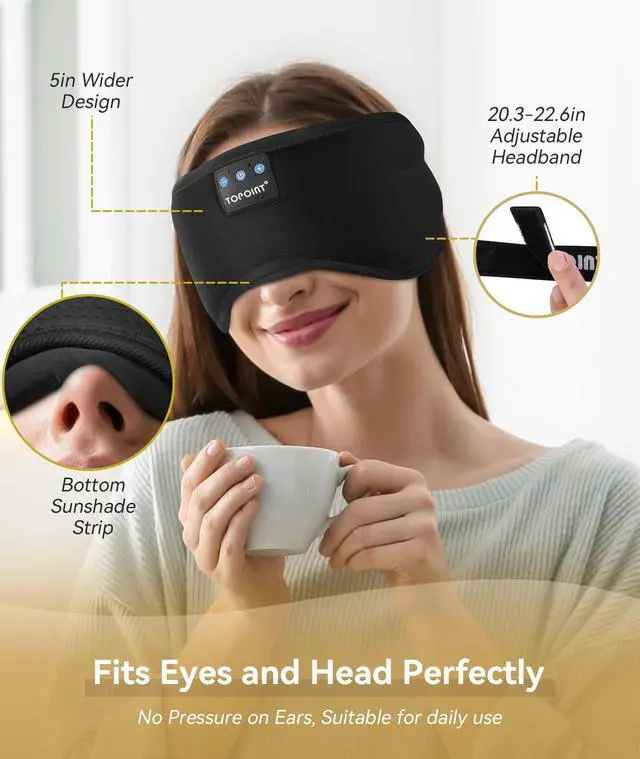
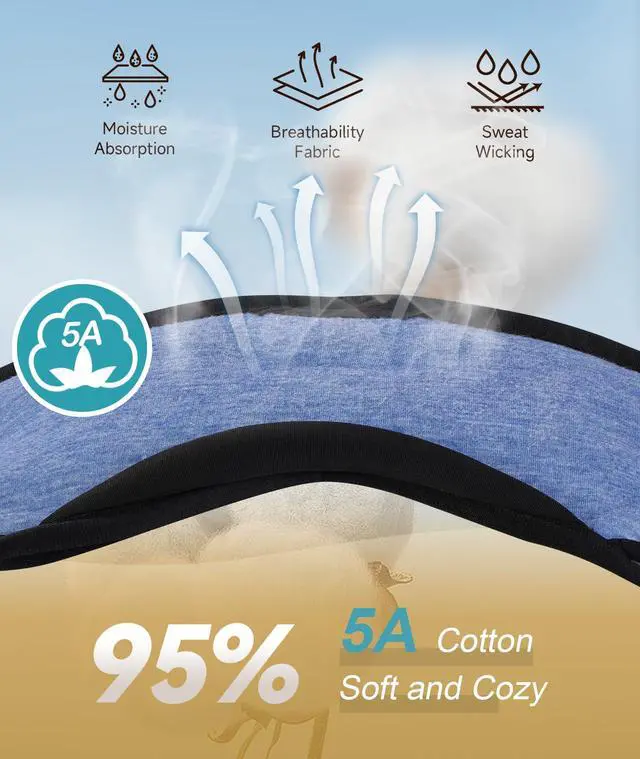
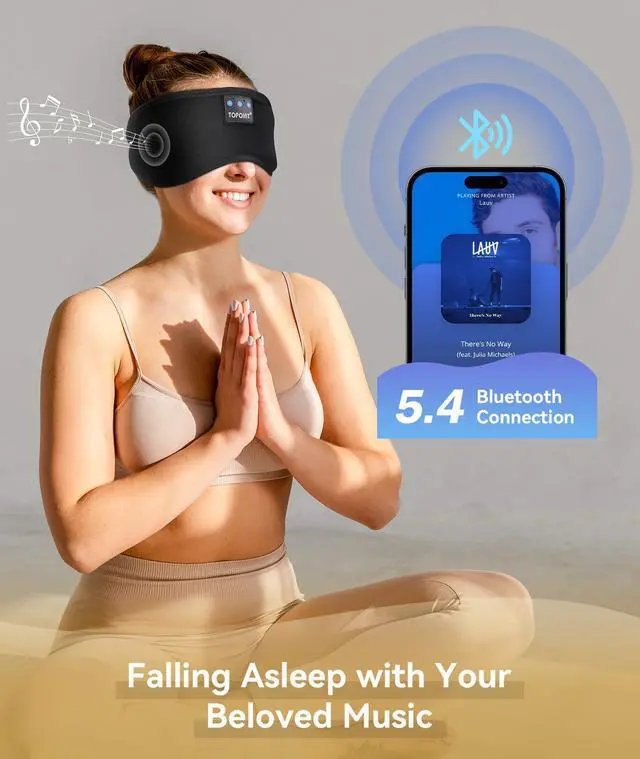
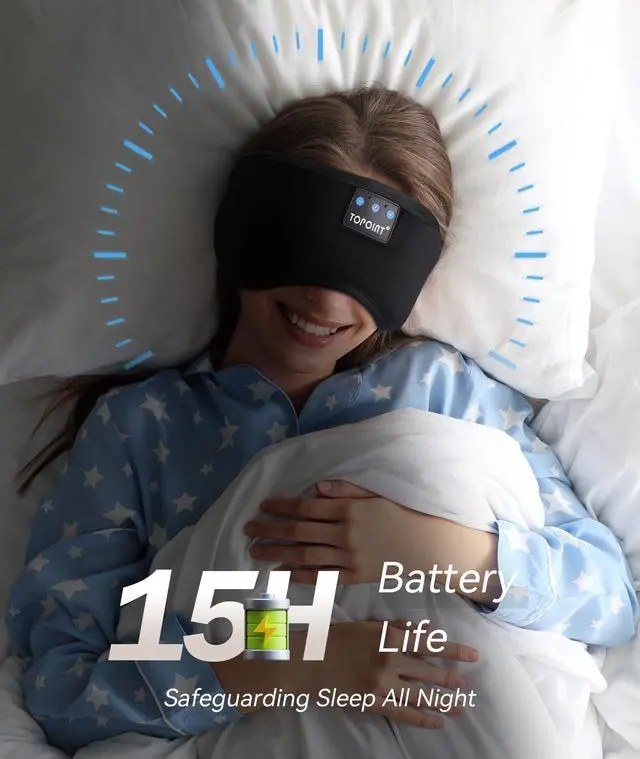


TOPOINT Delivers a 100% Blackout and Supremely Comfortable Sleep Experience.


How to make the speakers align more comfortably with the ears?
Flip the eye mask with the blue side up, and you'll notice rectangular pockets on both sides. Put the speakers in these pockets and adjust them forward and backward to align with your ears when wearing.
How to charge the Bluetooth module in the eye mask?
Flip the eye mask to the opposite side (blue side facing up), and on the bottom sides of the eye mask, there are openings. Locate the corresponding charging port and charge the Bluetooth module.
How to remove the Bluetooth module for cleaning the eye mask?
Flip the eye mask with the blue side up.Find pockets at the top and sides with the Bluetooth module and speakers.There is an opening on the side of each pocket; press to squeeze out the Bluetooth module.Remove the Bluetooth from the bottom opening.
How to turn on and use?
1. Press and hold the power button in the center until you hear "Power On."
2. Turn on Bluetooth on your phone and search for "V03"
3. Once you hear "Connected," the connection is successful.
More Choice !
 Cotton Sleep Mask |  3D Weighted Sleep Mask |  Bamboo Cotton Sleep Mask |  AI Laptop Docking Station |  Dual Side BT Sleep Mask |  Bluetooth Headband |  Heated Eye Mask | |
|---|---|---|---|---|---|---|---|
Customer Reviews | — | — | — | — | — | — | — |
Price | — | — | — | — | — | — | — |
Good for | Sleep/Mediation/Travel/Gift | Sleep/Mediation/Travel/Gift | Sleep/Mediation/Travel/Gift | Home Office Remote Work Travel | Sleep/Mediation/Travel/Gift | Sports/Sleep/Travel/Gift | Dry Eye/Relief Fatigue/Sleep |
Color | Black | Purple | Black | Gray | Black | Black | Black/Gray |
External Material | Velvet | SoftAir Tech Breathable Mask | Bamboo Cotton | AI Tool/ Voice Transcription | Bamboo Cotton | Breathable Cooling Fabric | Velvet |
Internal Materials | 5A Cotton | 3D Solid Gel Weighted Mask | Bamboo Cotaton | Dual Monitor | Breathable Cooling Fabric | Breathable Cooling Fabric | Velvet |
3D Eye Socket | ? | ? | ? | ? | ? | ? | ? |
Bullt in White Noise | ? | ? | ? | ? | ? | ? | ? |
Bluetooth Version | 5.4 | 5.4 | 5.4 | AI Voice Translation | 5.4 | 5.4 | / |


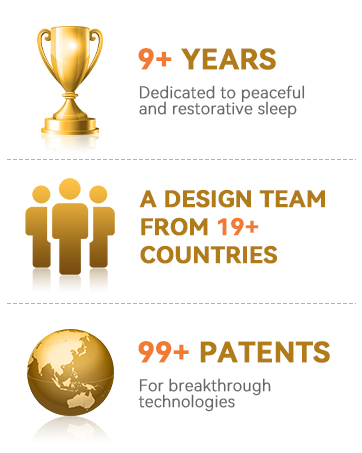
At TOPOINT, we recognize the vital importance of restful sleep in our fast-paced world. Our brand is dedicated to providing state-of-the-art sleep accessories that leverage technology for better sleep quality. We are passionate about enhancing your sleep experience through our Bluetooth sleep masks, which seamlessly combine relaxation and connectivity.




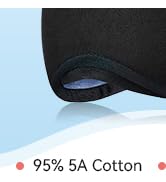
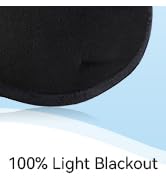
95% Cotton Sleep Mask ?

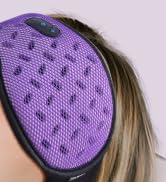


Extra Weighted BT Sleep Mask
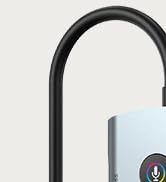
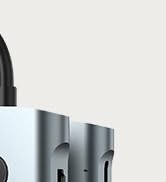
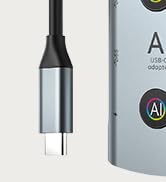
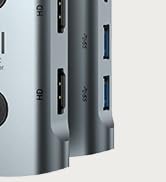
7-1 AI Laptop Docking Station


Bamboo Cotton Sleep Mask
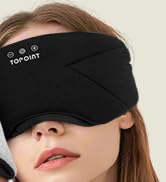


Dual-Side Bamboo Sleep Mask
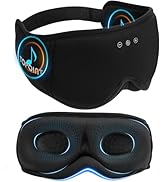
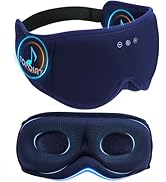
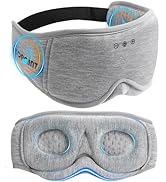
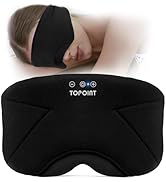
Bamboo Cotton Sleep Mask
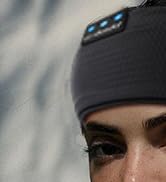


Bluetooth Headband

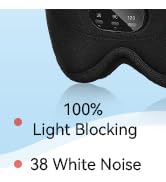
3D White Noise Sleep Mask ?



Microwave Heated Eye Mask
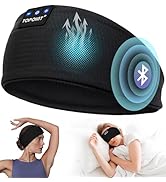
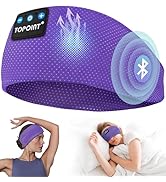
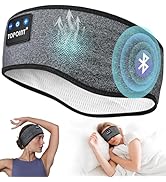
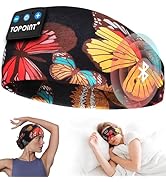
Bluetooth Headband
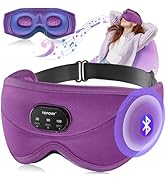
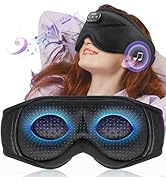
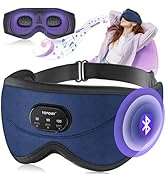
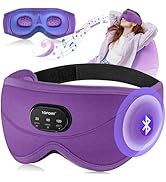
New 3D Eye Mask
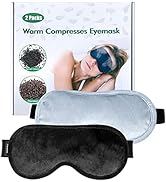
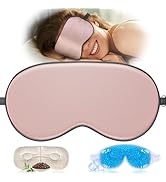
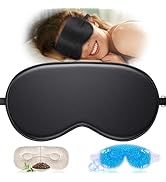
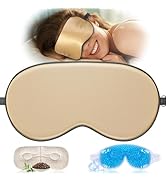
Silk Eye Mask Set
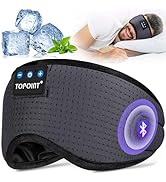
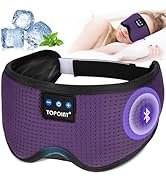
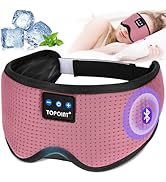
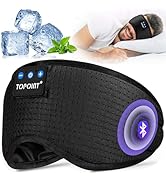
Ice Silk - Hot Summer
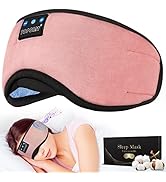
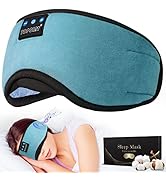
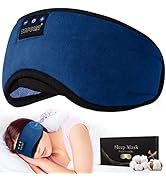
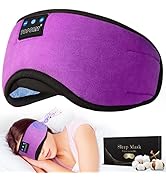
6A Cotton Sleep Mask Series
At TOPOINT, we recognize the vital importance of restful sleep in our fast-paced world. Our brand is dedicated to providing state-of-the-art sleep accessories that leverage technology for better sleep quality. We are passionate about enhancing your sleep experience through our Bluetooth sleep masks, which seamlessly combine relaxation and connectivity.
95% Cotton Sleep Mask ?
Extra Weighted BT Sleep Mask
7-1 AI Laptop Docking Station
Bamboo Cotton Sleep Mask
Dual-Side Bamboo Sleep Mask
Bamboo Cotton Sleep Mask
Bluetooth Headband
3D White Noise Sleep Mask ?
Microwave Heated Eye Mask
Bluetooth Headband
New 3D Eye Mask
Silk Eye Mask Set
Ice Silk - Hot Summer
6A Cotton Sleep Mask Series
TOPOINT Delivers a 100% Blackout and Supremely Comfortable Sleep Experience.


Upgrade Wireless Bluetooth 5.4


Longer Battery Life
More Stable Connections
Smoother Calls


How to make the speakers align more comfortably with the ears?
Flip the eye mask with the blue side up, and you'll notice rectangular pockets on both sides. Put the speakers in these pockets and adjust them forward and backward to align with your ears when wearing.
How to charge the Bluetooth module in the eye mask?
Flip the eye mask to the opposite side (blue side facing up), and on the bottom sides of the eye mask, there are openings. Locate the corresponding charging port and charge the Bluetooth module.
How to remove the Bluetooth module for cleaning the eye mask?
Flip the eye mask with the blue side up.Find pockets at the top and sides with the Bluetooth module and speakers.There is an opening on the side of each pocket; press to squeeze out the Bluetooth module.Remove the Bluetooth from the bottom opening.
How to turn on and use?
1. Press and hold the power button in the center until you hear "Power On."
2. Turn on Bluetooth on your phone and search for "V03"
3. Once you hear "Connected," the connection is successful.
More Choice !
Cotton Sleep Mask | 3D Weighted Sleep Mask | Bamboo Cotton Sleep Mask | AI Laptop Docking Station | Dual Side BT Sleep Mask | Bluetooth Headband | Heated Eye Mask |
|---|---|---|---|---|---|---|
| Customer Reviews | ||||||
| — | — | — | — | — | — | — |
| Price | ||||||
| — | — | — | — | — | — | — |
| Good for | ||||||
| Sleep/Mediation/Travel/Gift | Sleep/Mediation/Travel/Gift | Sleep/Mediation/Travel/Gift | Home Office Remote Work Travel | Sleep/Mediation/Travel/Gift | Sports/Sleep/Travel/Gift | Dry Eye/Relief Fatigue/Sleep |
| Color | ||||||
| Black | Purple | Black | Gray | Black | Black | Black/Gray |
| External Material | ||||||
| Velvet | SoftAir Tech Breathable Mask | Bamboo Cotton | AI Tool/ Voice Transcription | Bamboo Cotton | Breathable Cooling Fabric | Velvet |
| Internal Materials | ||||||
| 5A Cotton | 3D Solid Gel Weighted Mask | Bamboo Cotaton | Dual Monitor | Breathable Cooling Fabric | Breathable Cooling Fabric | Velvet |
| 3D Eye Socket | ||||||
| ? | ? | ? | ? | ? | ? | ? |
| Bullt in White Noise | ||||||
| ? | ? | ? | ? | ? | ? | ? |
| Bluetooth Version | ||||||
| 5.4 | 5.4 | 5.4 | AI Voice Translation | 5.4 | 5.4 | / |