






hero-video
Merchant VideoHelp People Fall Asleep Faster
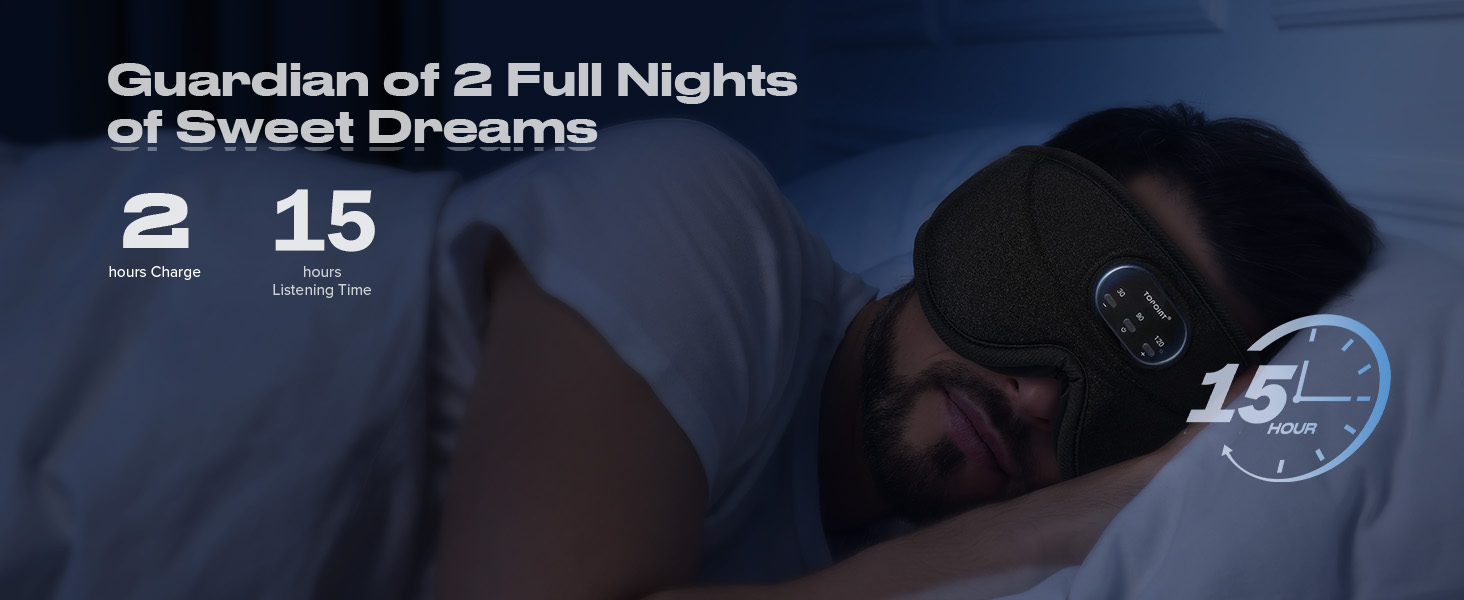
Create Your Personal Space
Reduce Nighttime Awakenings
Alleviate Anxiety and Stress
Why is TOPOINT the Best Sleep Experience ?
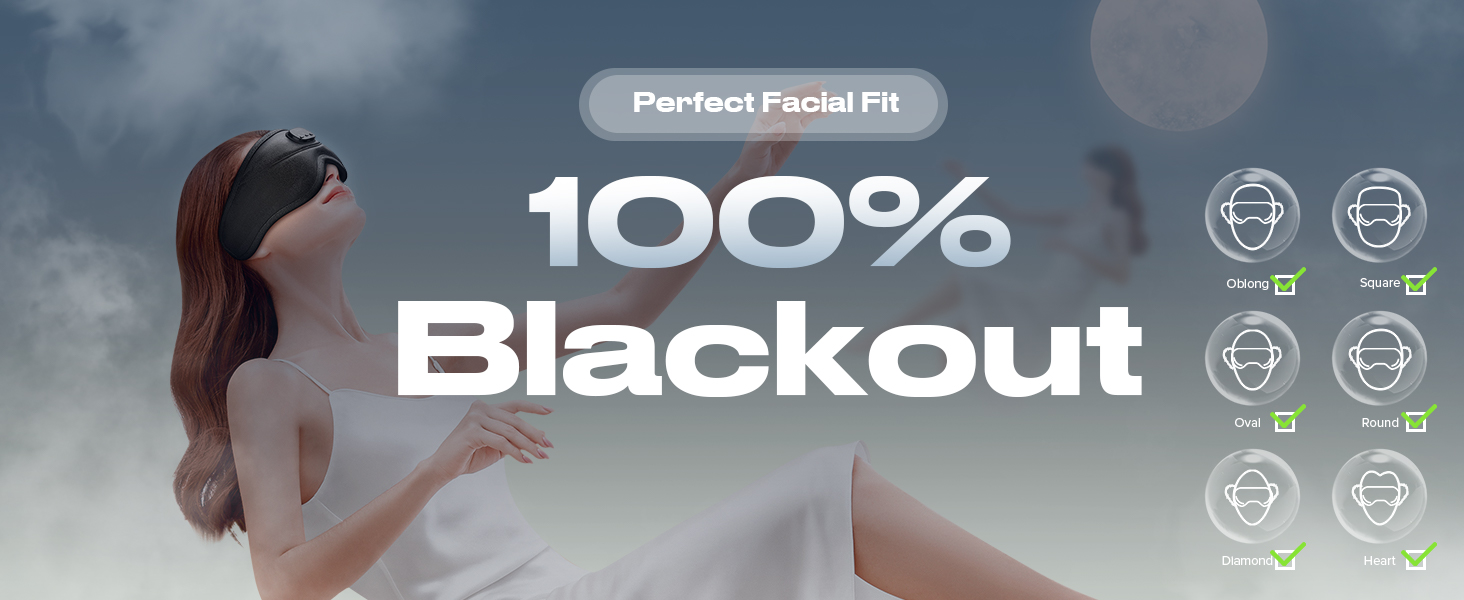
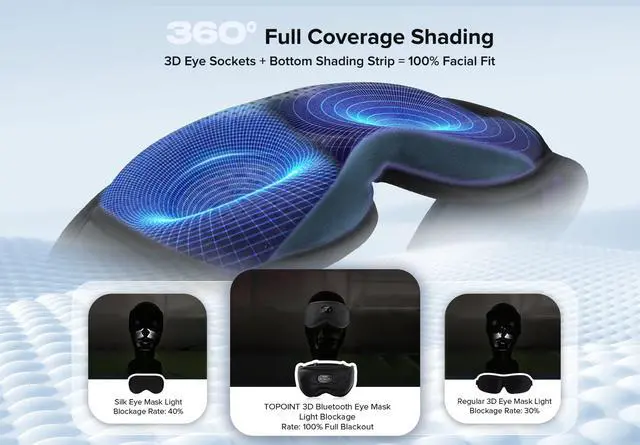
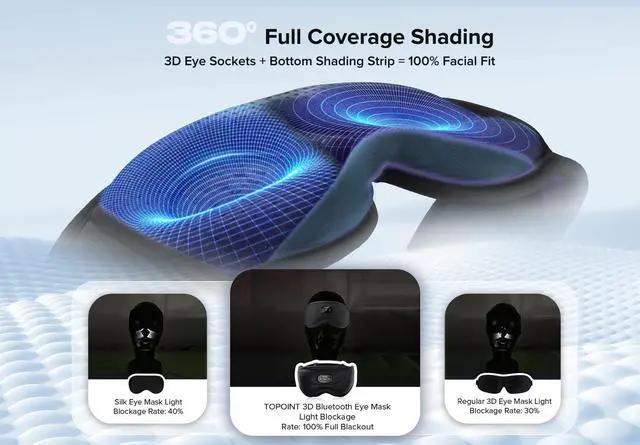
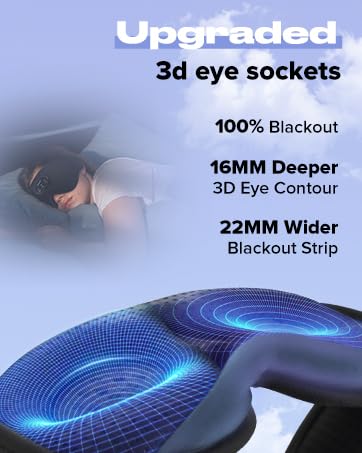
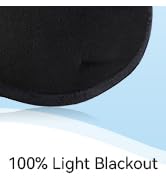
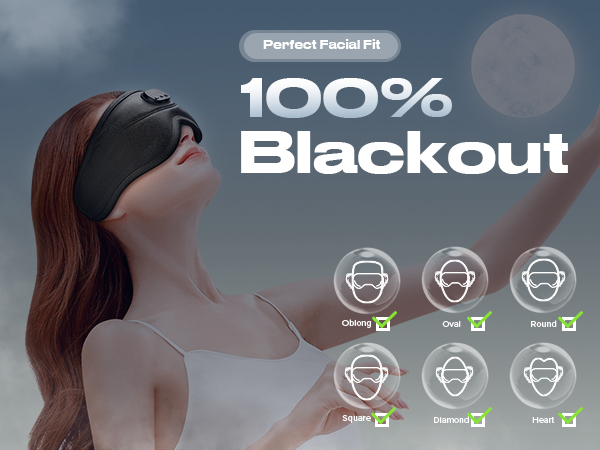
100% Light Blocking
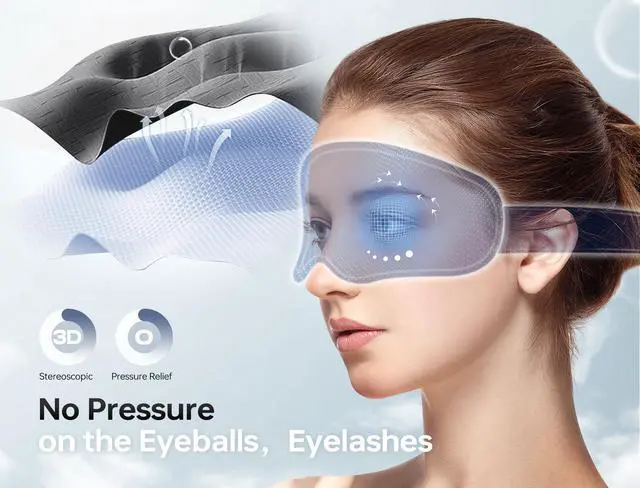
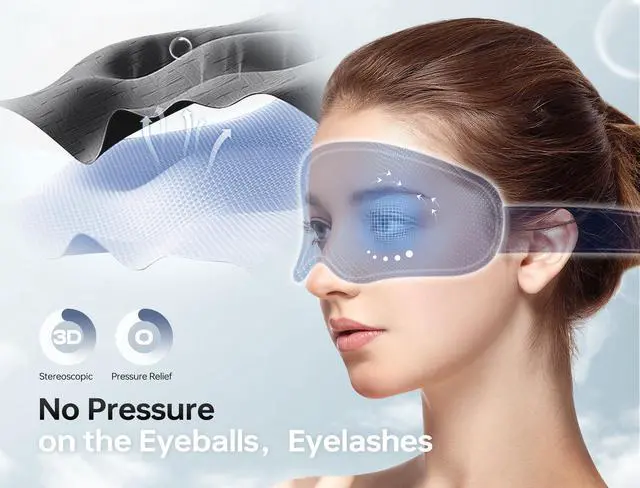
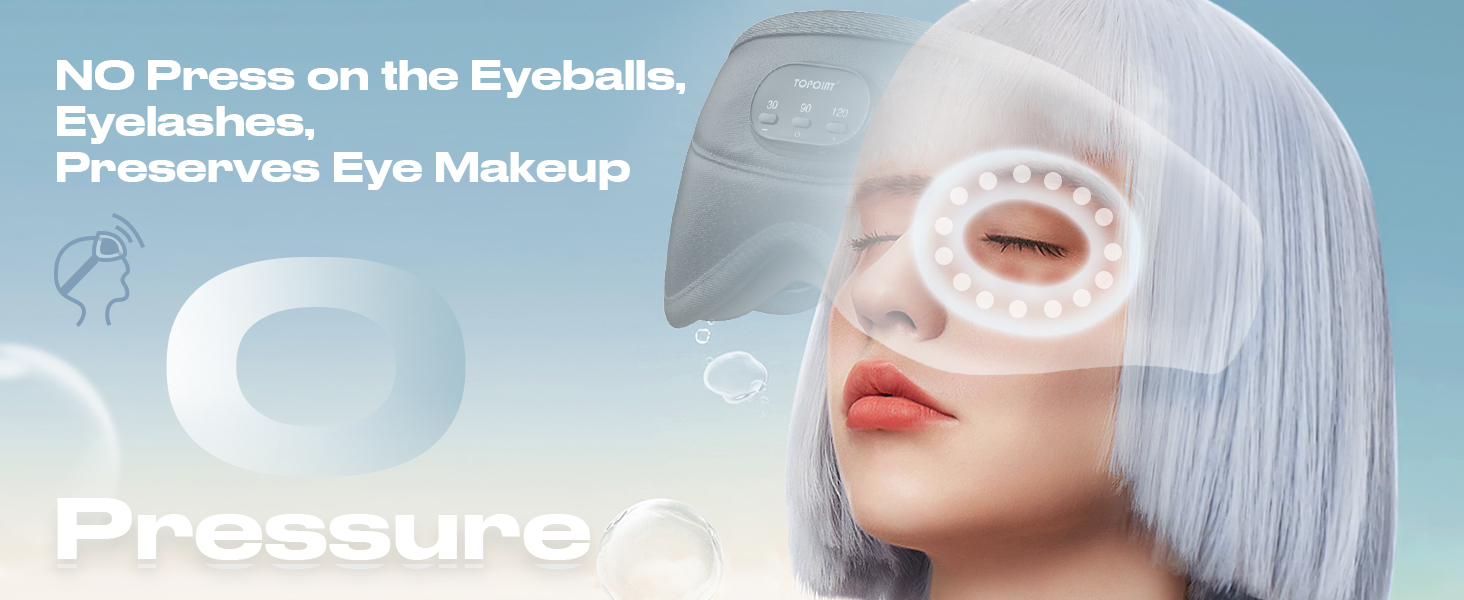
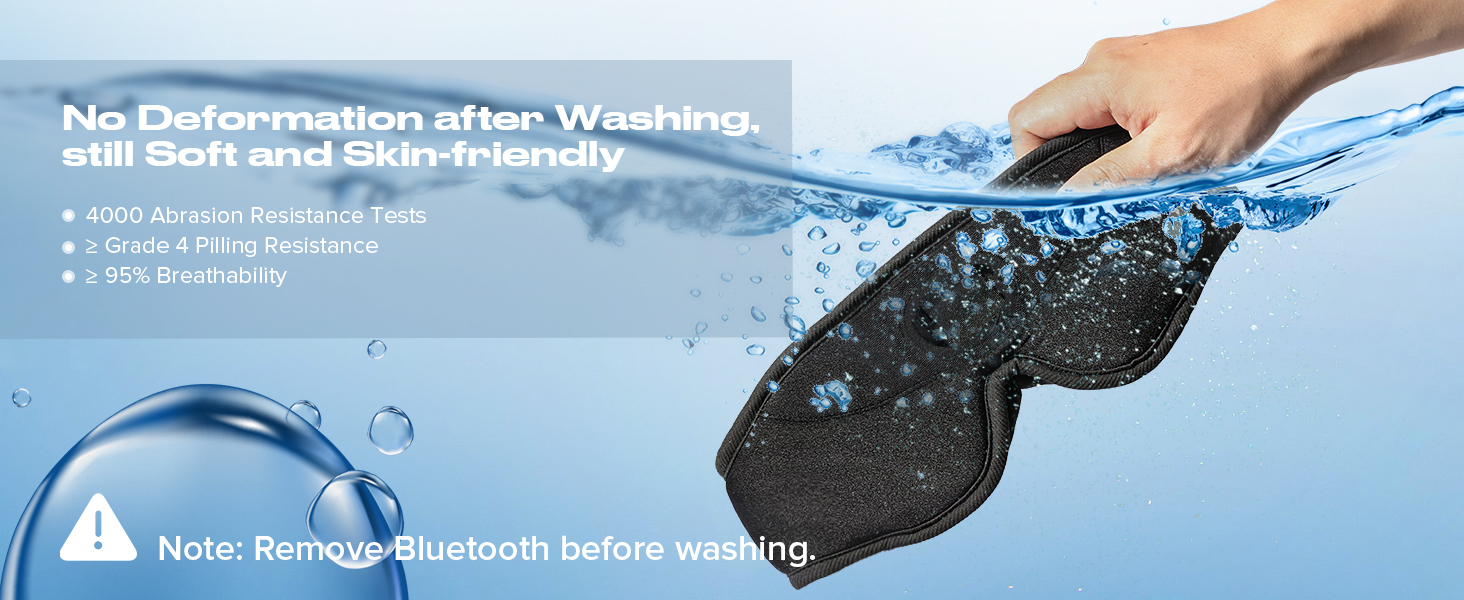
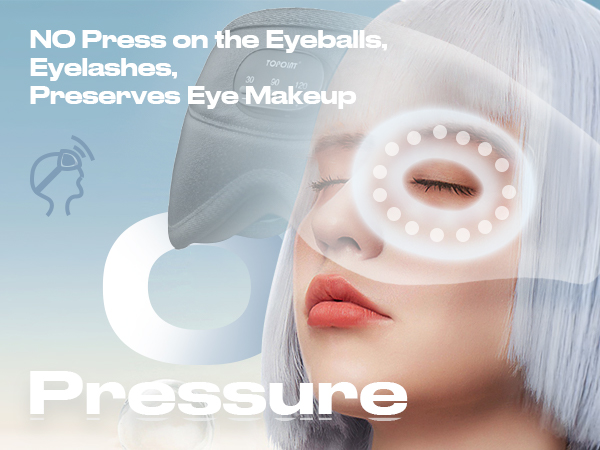
0 Pressure, Breathable
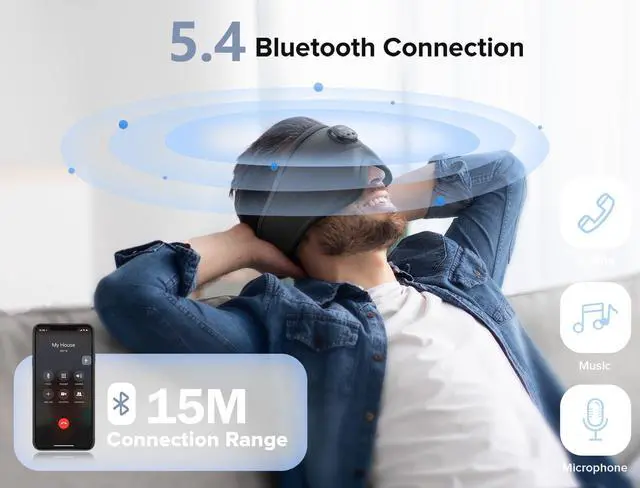
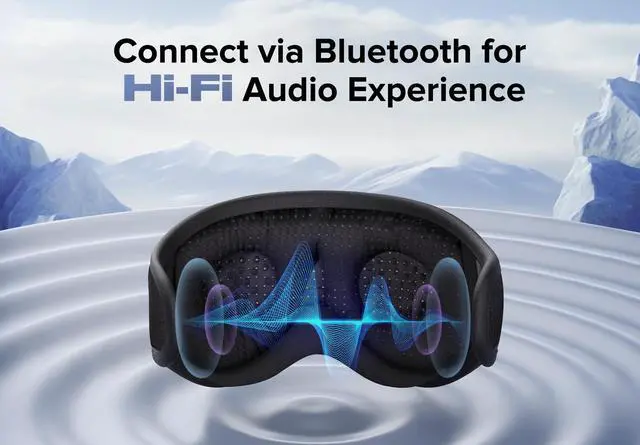
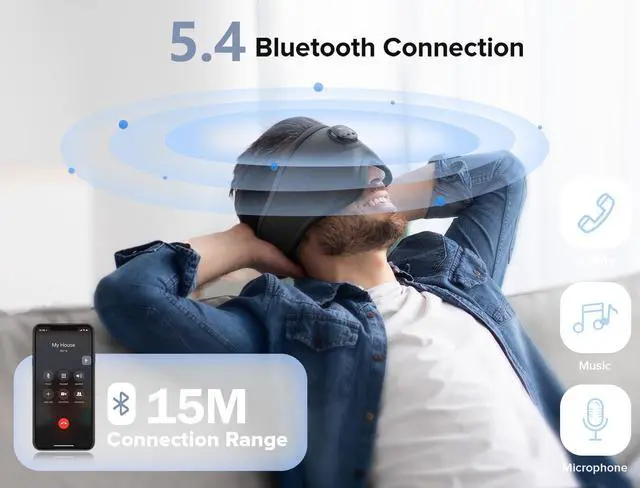
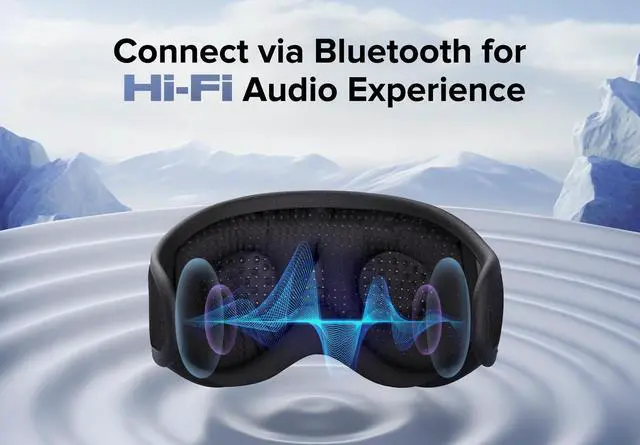
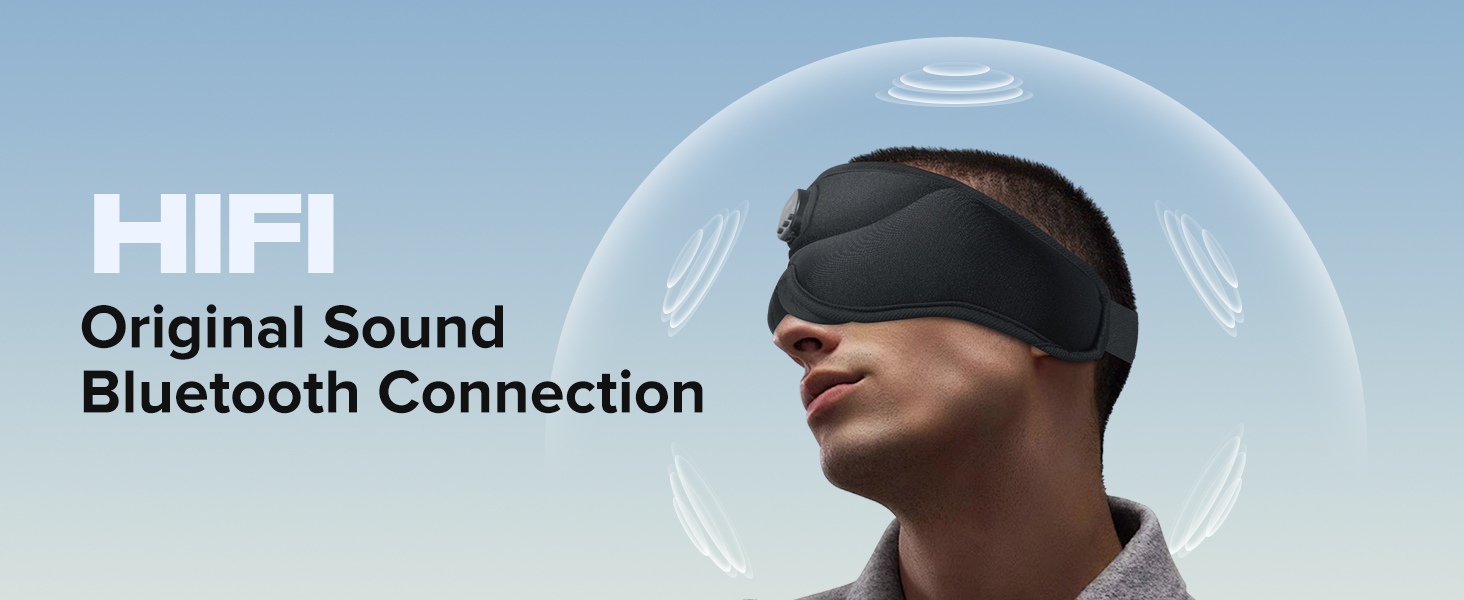
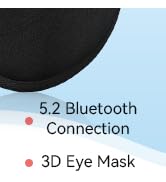
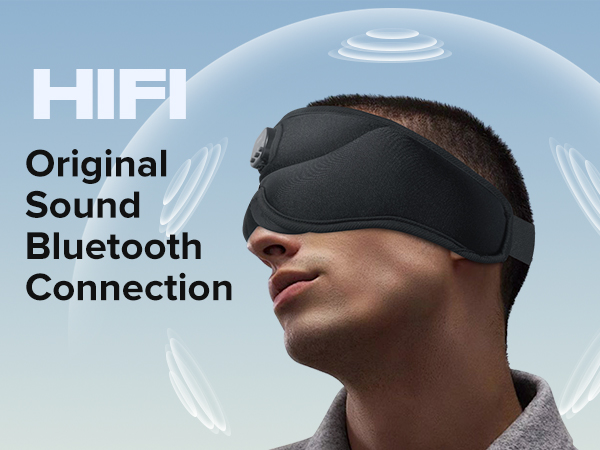
HIFI Original Sound, Bluetooth Connection
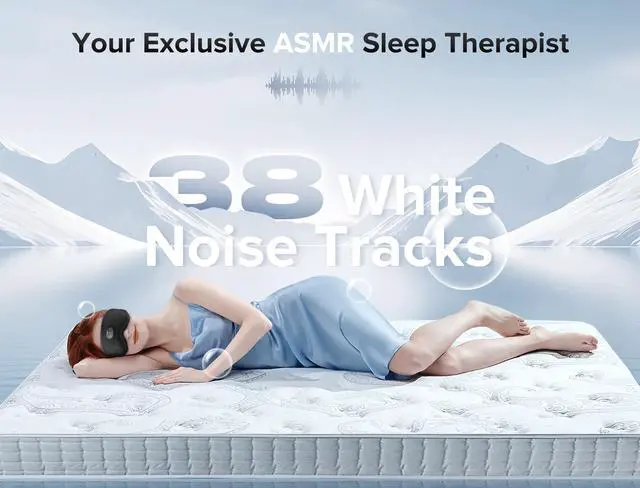
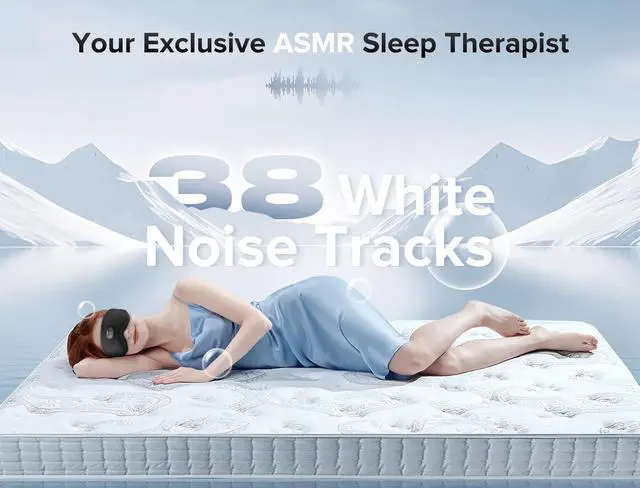
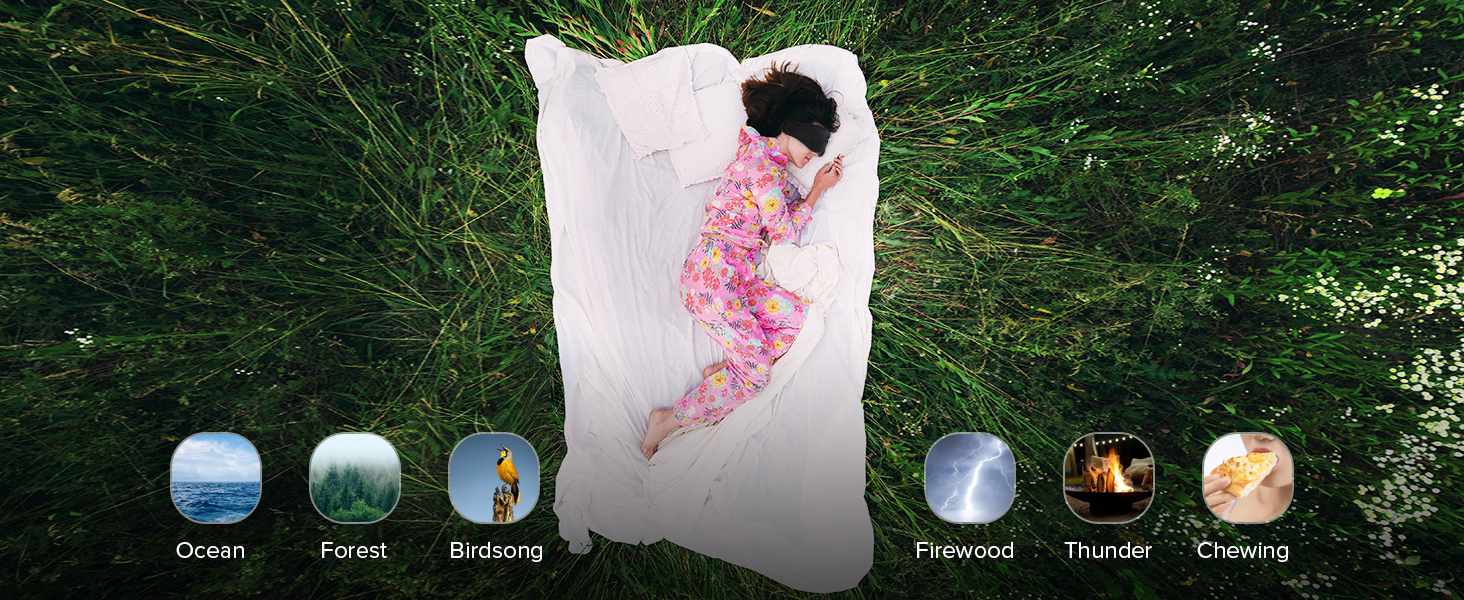
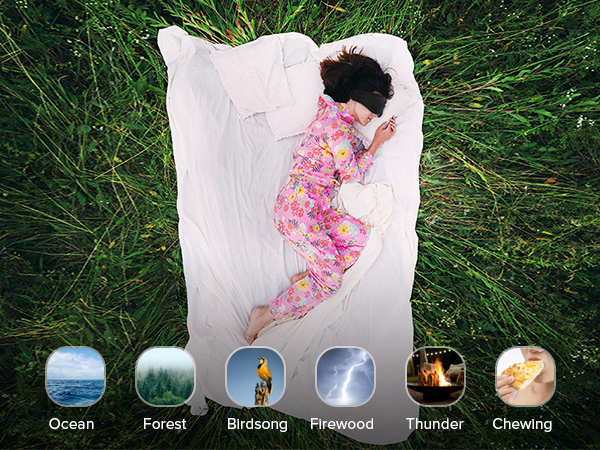
Built-in 38 White Noise Tracks for Soothing Sleep
How to turn on and use?
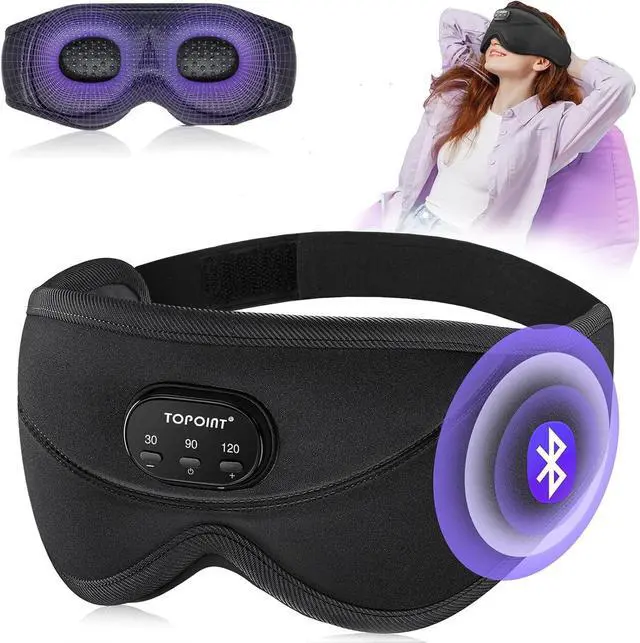
1. Press and hold the power button in the center until you hear "Power On."
2. The device will play white noise by default.
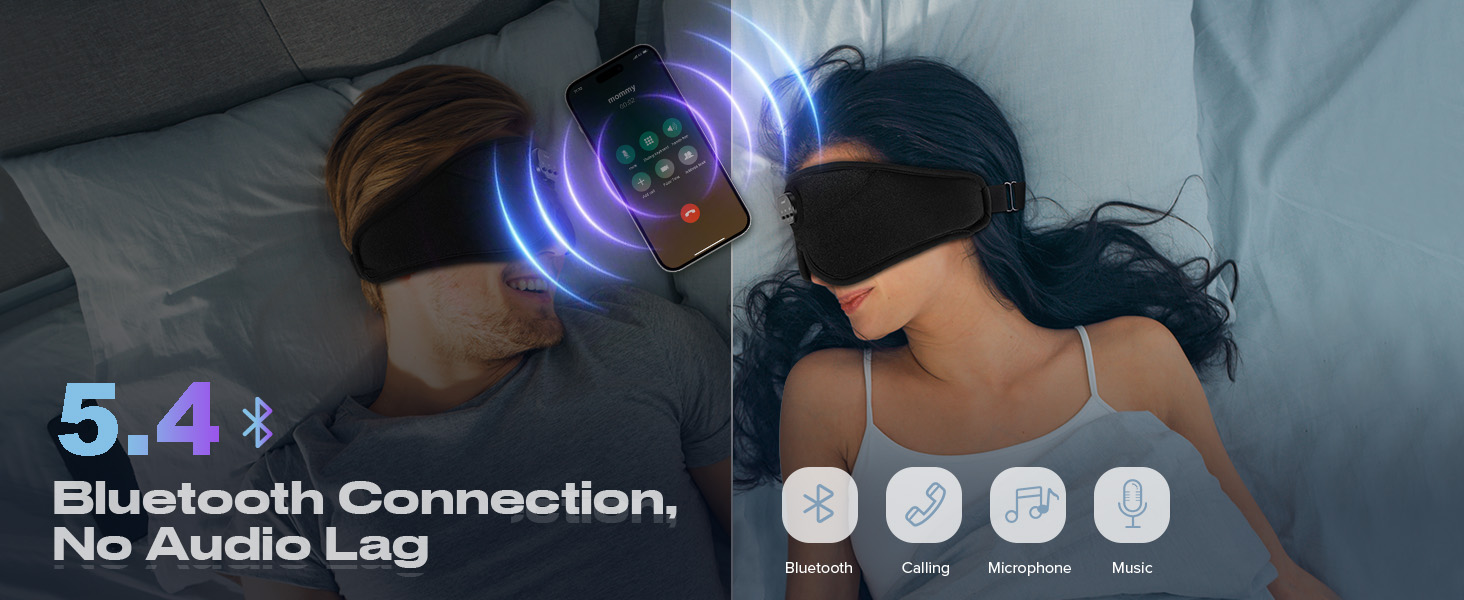
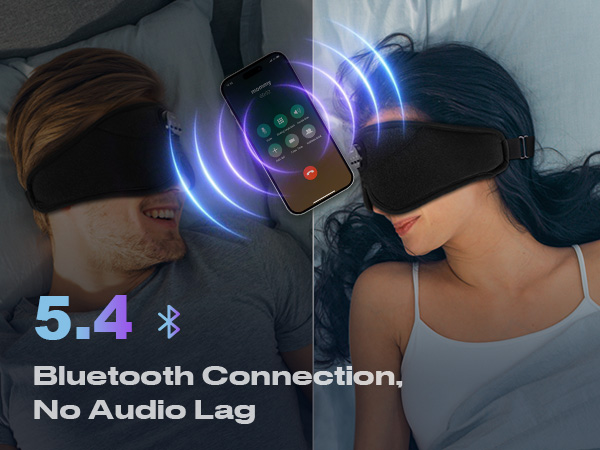
3. Turn on Bluetooth on your phone and search for "JYE23-38."
4. Once you hear "Connected," the connection is successful.
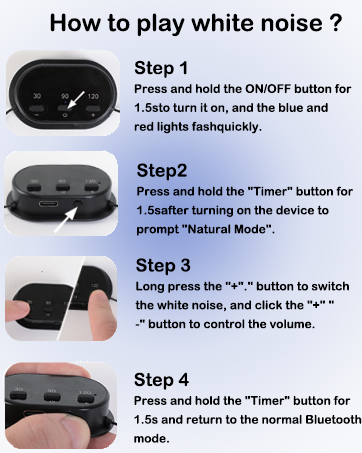
How to activate and switch the white noise audio?
After powering on (voice prompt: "power on"), press the timer button below the control panel for 3 seconds to activate the "natural mode." Use the "+" and "-" buttons to switch the white noise audio for 1.5 seconds.
How to set a timer?
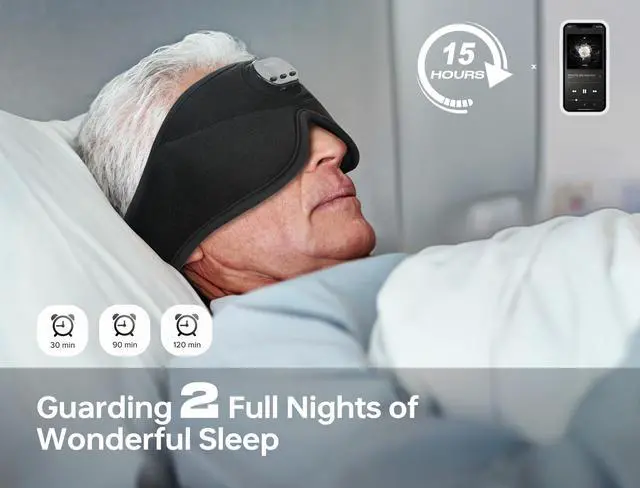
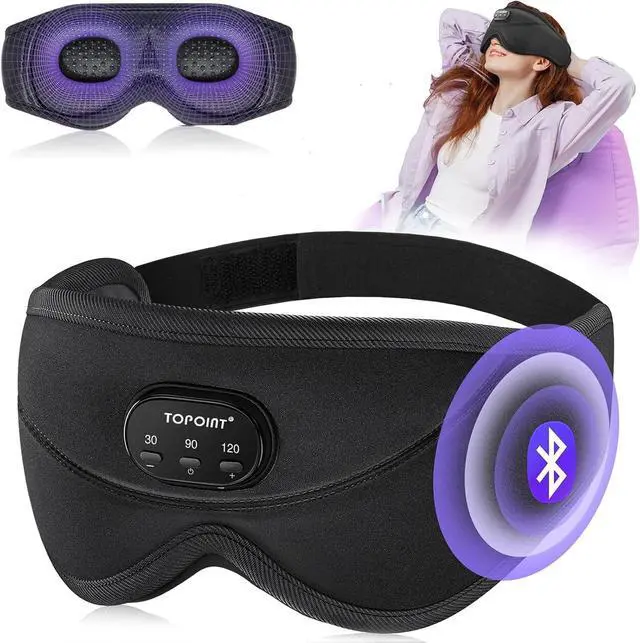
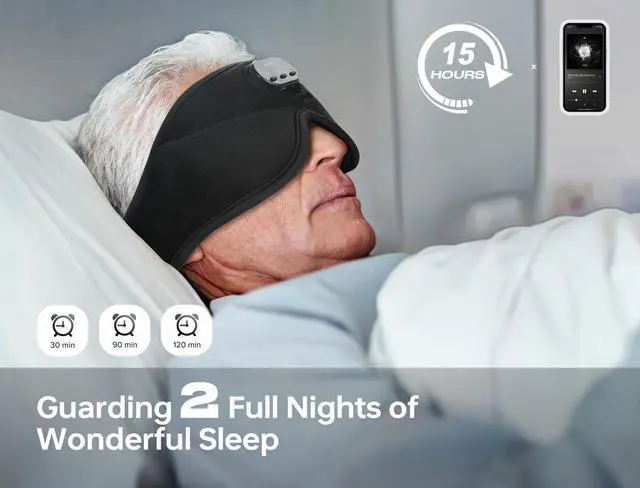
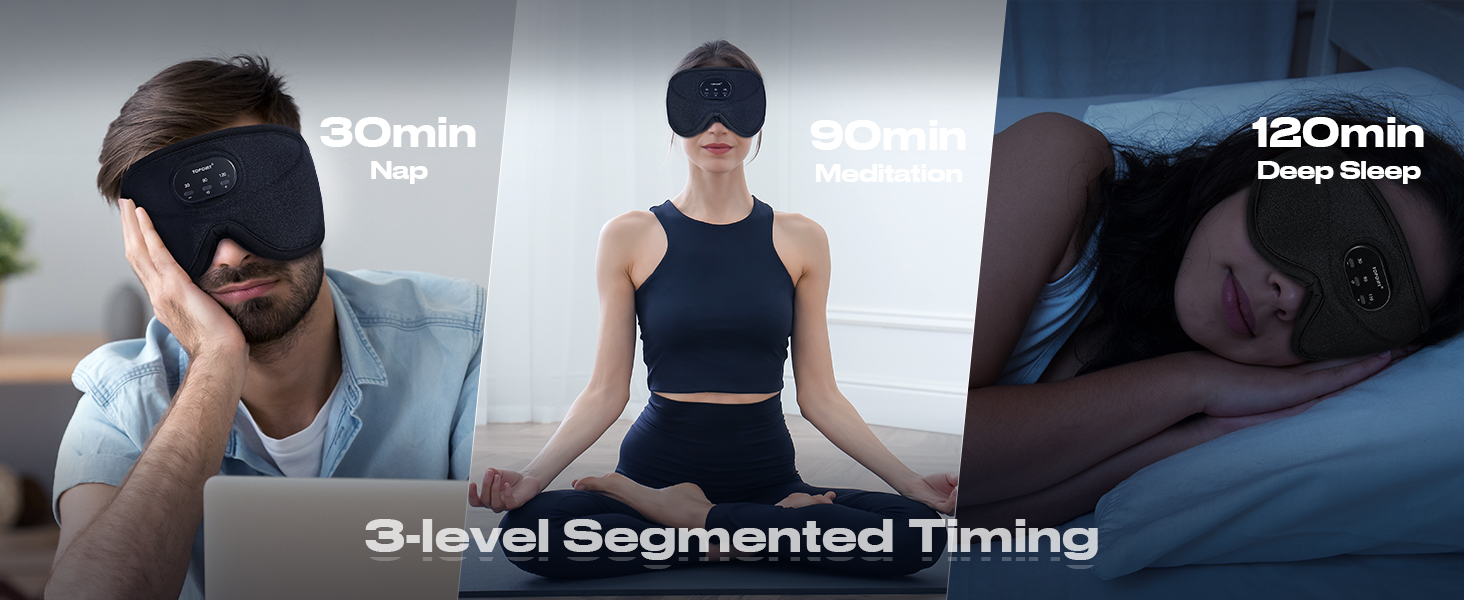
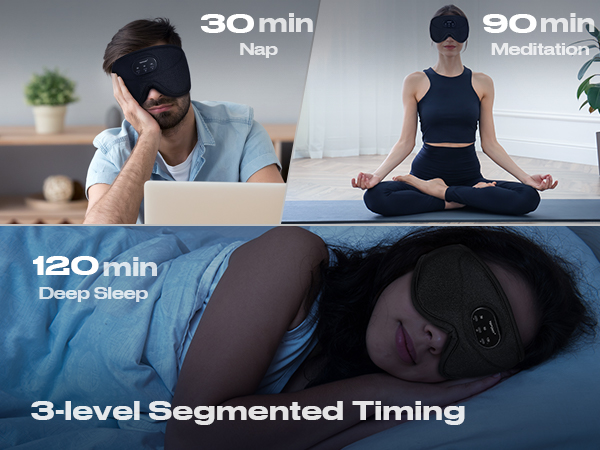
After powering on (voice prompt: "power on"), press the timer button below the control panel to select 30, 90, or 120 minutes.
Bluetooth connection issue?
1. Check if the Bluetooth is connected to another device. Disconnect the original device, restart the Bluetooth eye mask, and reconnect.
2. Seek help from the support team to get a new Bluetooth module.
How to wear the bluetooth sleep mask more comfortably?
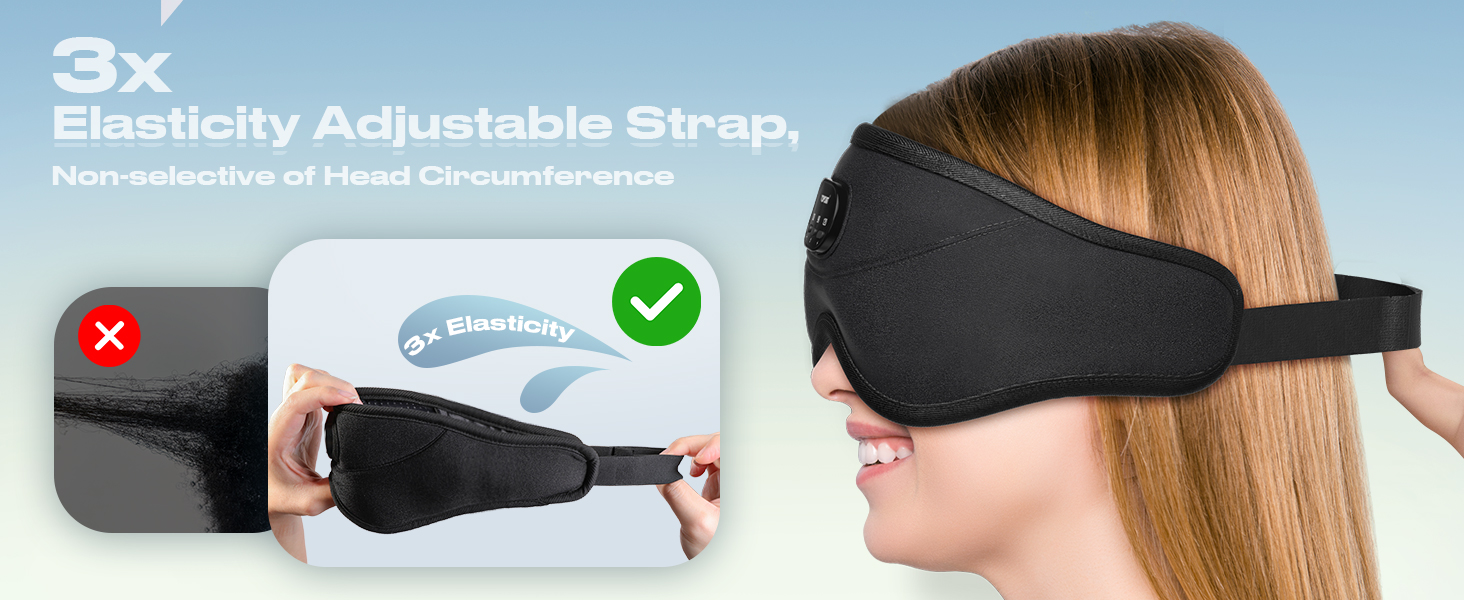
First, adjust the eye mask to fit the size of your head. The speakers can be freely moved in the ear part of the eye mask. Move the speakers to the position corresponding to your ears.




Maybe Want to Know More about TOPOINT!
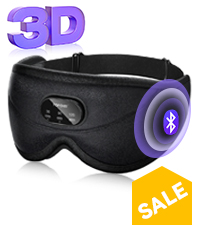 3D Eye Mask |  Bamboo Cotton Sleep Mask |  5A Cotton Sleep Mask |  Bluetooth Headband | 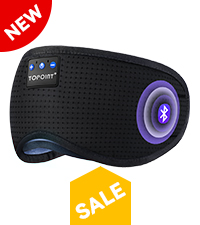 Breathable Sleep Mask | 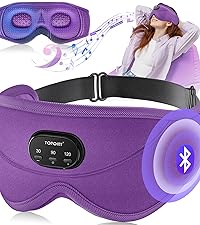 3D Eye Mask | 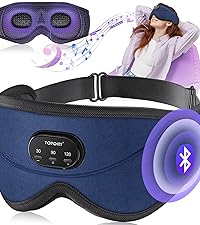 3D Eye Mask | |
|---|---|---|---|---|---|---|---|
Customer Reviews | — | — | — | — | — | — | — |
Price | — | — | — | — | — | — | — |
Color | Black | Black | Black | Black | Black | Purple | Blue |
External Material | Stretchy Shiny Fabric | Bamboo Cotton | Velvet | Breathable Cooling Fabric | Breathable Perforated | Velvet | Velvet |
Internal Materials | Cooling Silk | Bamboo Cotton | 5A Cotton | Breathable Cooling Fabric | 5A Cotton | Cooling Silk | Cooling Silk |
3D Eye Socket | ? | ? | ? | ? | ? | ? | ? |
Bullt in White Noise | ? | ? | ? | ? | ? | ? | ? |
Bluetooth Version | 5.2 | 5.4 | 5.4 | 5.4 | 5.4 | 5.2 | 5.2 |


At TOPOINT, we recognize the vital importance of restful sleep in our fast-paced world. Our brand is dedicated to providing state-of-the-art sleep accessories that leverage technology for better sleep quality. We are passionate about enhancing your sleep experience through our Bluetooth sleep masks, which seamlessly combine relaxation and connectivity.

3D White Noise Sleep Mask ?
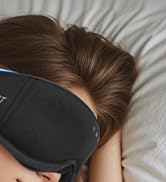


Bamboo Cotton 3D Sleep Mask
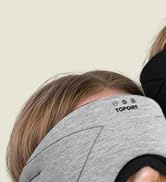
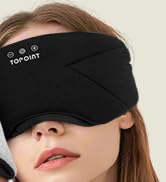

Bamboo Cotton BT Sleep Mask
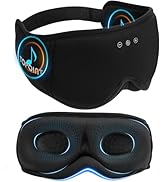
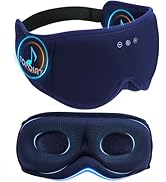
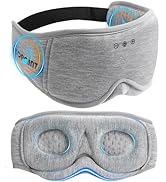
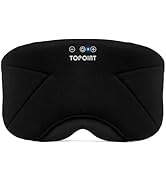
Bamboo Cotton Sleep Mask
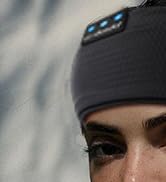



Bluetooth Headband Breathable


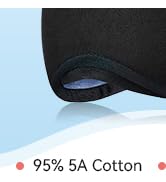
95% Cotton Sleep Mask ?

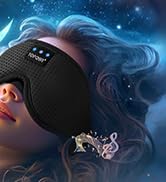
Breatehbale BT5.4 Sleep Mask



Microwave Heated Eye Mask
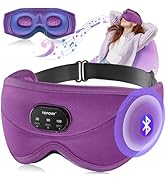
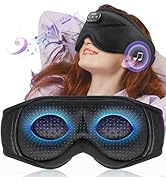
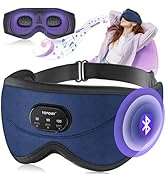
New 3D Eye Mask
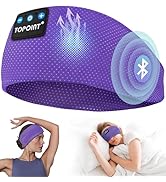
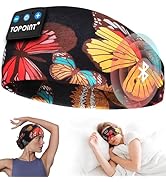
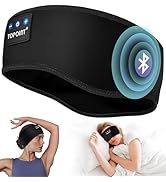
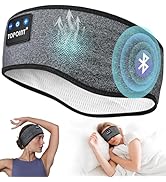
Bluetooth Headband
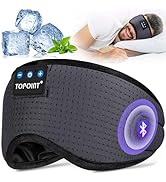
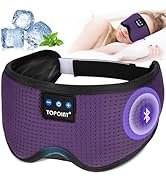
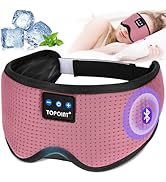
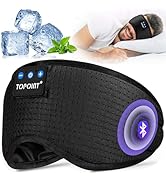
Ice Silk Bleutooth Sleep Mask
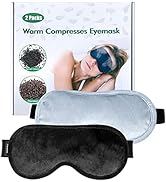
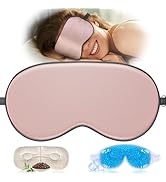
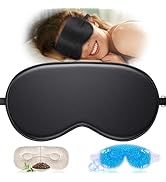
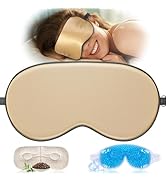
Silk Eye Mask Set
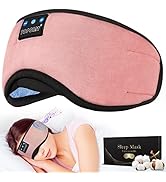
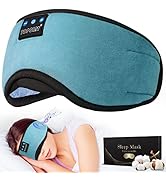
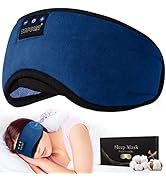
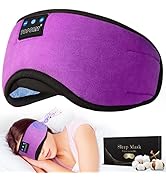
6A Cotton Sleep Mask Series
How we get start?
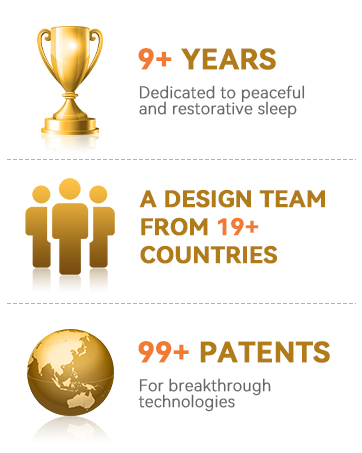
Our leader had the dream of creating a brand when he was young, and stepping out of his own product style. He unite with other partners and set up R&D, production and sales teams, we runs over 8 years, the TOPOINT brand came into being.
What makes our product unique?
We oversee every step of the design, production, and post-sales process, striving for perfection in every aspect. Our goal is to deliver exceptional products and experiences.
hero-video
Merchant VideoHelp People Fall Asleep Faster
Create Your Personal Space
Reduce Nighttime Awakenings
Alleviate Anxiety and Stress
Why is TOPOINT the Best Sleep Experience ?
How to activate and switch the white noise audio ?
After powering on, press the timer button below the control panel for 3 seconds to activate the "natural mode."
Use the "+" and "-" buttons to switch the white noise audio for 1.5 seconds.
100% Light Blocking
0 Pressure, Breathable
HIFI Original Sound, Bluetooth Connection
Built-in 38 White Noise Tracks for Soothing Sleep
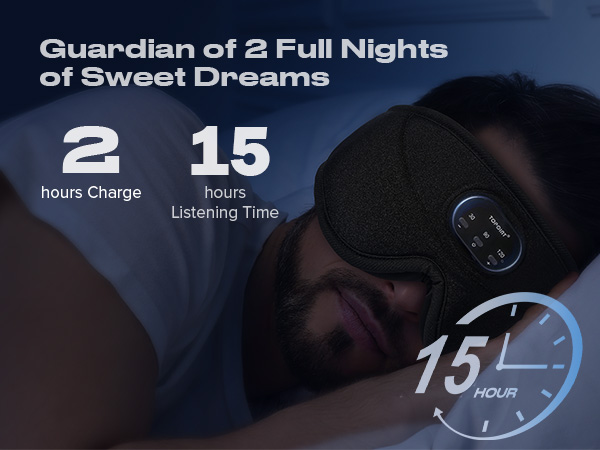
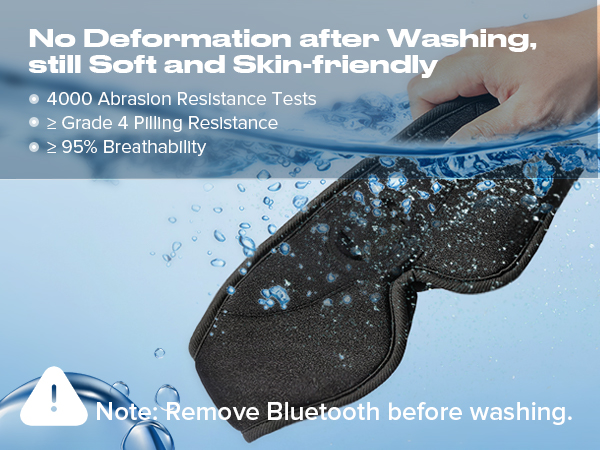
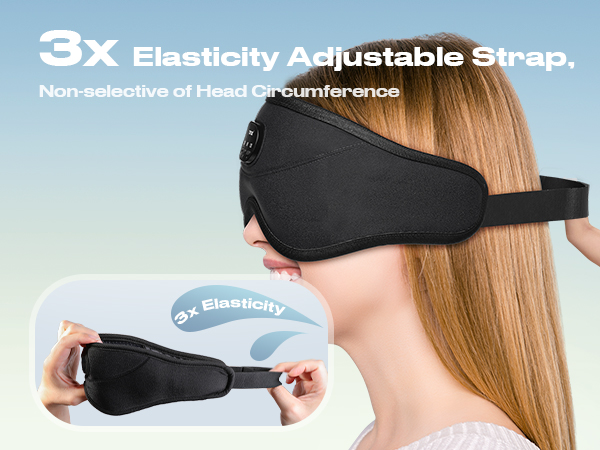
How to turn on and use?
1. Press and hold the power button in the center until you hear "Power On."
2. The device will play white noise by default.
3. Turn on Bluetooth on your phone and search for "JYE23-38."
4. Once you hear "Connected," the connection is successful.
How to activate and switch the white noise audio?
After powering on (voice prompt: "power on"), press the timer button below the control panel for 3 seconds to activate the "natural mode." Use the "+" and "-" buttons to switch the white noise audio for 1.5 seconds.
How to set a timer?
After powering on (voice prompt: "power on"), press the timer button below the control panel to select 30, 90, or 120 minutes.
Bluetooth connection issue?
1. Check if the Bluetooth is connected to another device. Disconnect the original device, restart the Bluetooth eye mask, and reconnect.
2. Seek help from the support team to get a new Bluetooth module.
How to wear the bluetooth sleep mask more comfortably?
First, adjust the eye mask to fit the size of your head. The speakers can be freely moved in the ear part of the eye mask. Move the speakers to the position corresponding to your ears.
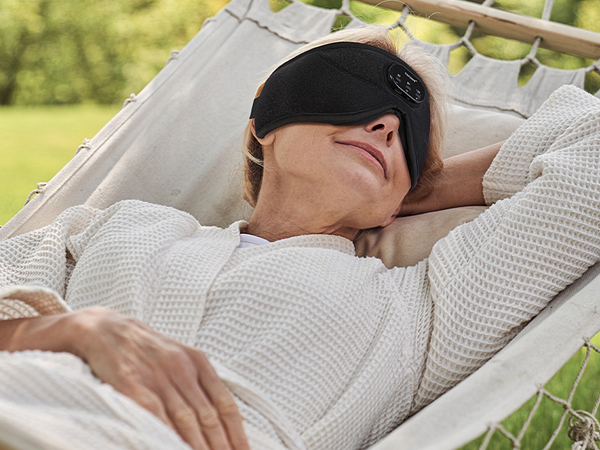
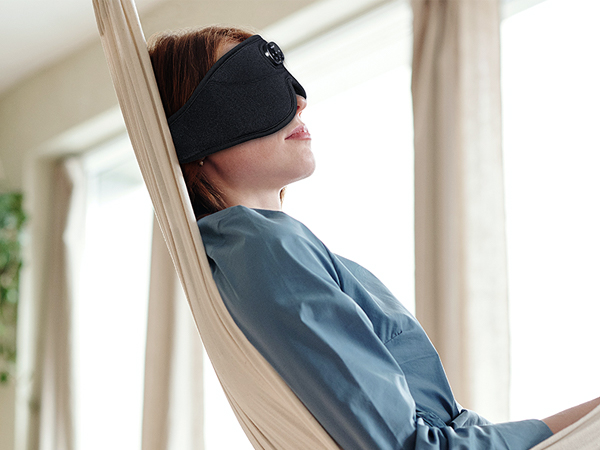
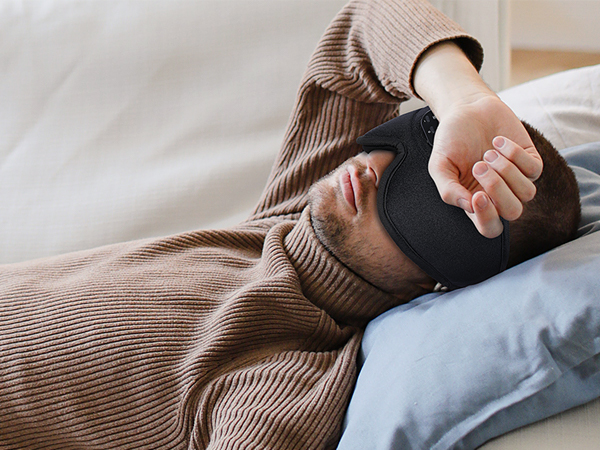
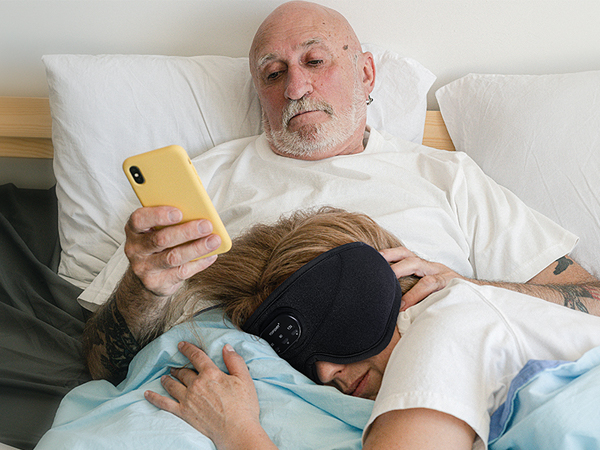
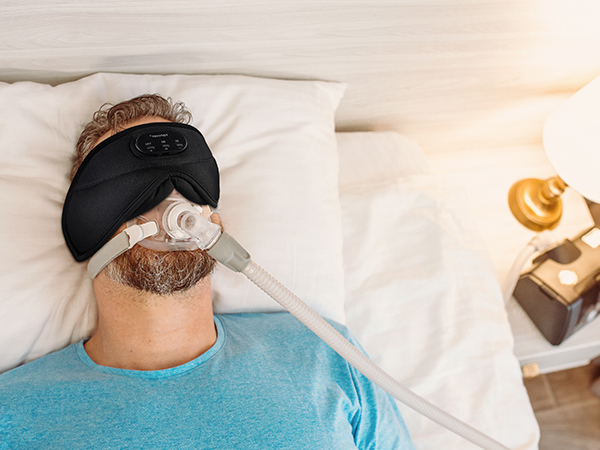

Anytime, Anywhere, Enjoy a Moment of Relaxation and Sleep for Yourself !
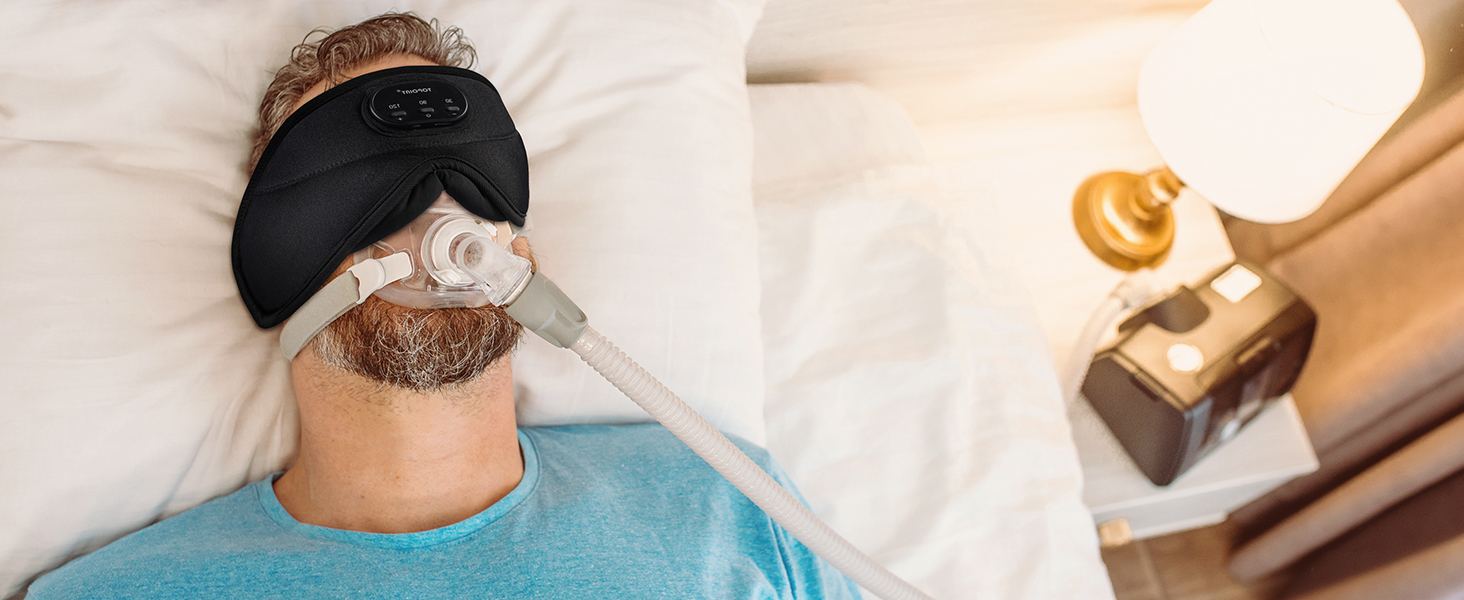
Help falling asleep next to your snoring partner
Even with Respirator Masks or CPAP Devices, TOPOINT 3D sleep mask offers a perfect Sleep experience.
Maybe Want to Know More about TOPOINT!
3D Eye Mask | Bamboo Cotton Sleep Mask | 5A Cotton Sleep Mask | Bluetooth Headband | Breathable Sleep Mask | 3D Eye Mask | 3D Eye Mask |
|---|---|---|---|---|---|---|
| Customer Reviews | ||||||
| — | — | — | — | — | — | — |
| Price | ||||||
| — | — | — | — | — | — | — |
| Color | ||||||
| Black | Black | Black | Black | Black | Purple | Blue |
| External Material | ||||||
| Stretchy Shiny Fabric | Bamboo Cotton | Velvet | Breathable Cooling Fabric | Breathable Perforated | Velvet | Velvet |
| Internal Materials | ||||||
| Cooling Silk | Bamboo Cotton | 5A Cotton | Breathable Cooling Fabric | 5A Cotton | Cooling Silk | Cooling Silk |
| 3D Eye Socket | ||||||
| ? | ? | ? | ? | ? | ? | ? |
| Bullt in White Noise | ||||||
| ? | ? | ? | ? | ? | ? | ? |
| Bluetooth Version | ||||||
| 5.2 | 5.4 | 5.4 | 5.4 | 5.4 | 5.2 | 5.2 |
At TOPOINT, we recognize the vital importance of restful sleep in our fast-paced world. Our brand is dedicated to providing state-of-the-art sleep accessories that leverage technology for better sleep quality. We are passionate about enhancing your sleep experience through our Bluetooth sleep masks, which seamlessly combine relaxation and connectivity.
3D White Noise Sleep Mask ?
Bamboo Cotton 3D Sleep Mask
Bamboo Cotton BT Sleep Mask
Bamboo Cotton Sleep Mask
Bluetooth Headband Breathable
95% Cotton Sleep Mask ?
Breatehbale BT5.4 Sleep Mask
Microwave Heated Eye Mask
New 3D Eye Mask
Bluetooth Headband
Ice Silk Bleutooth Sleep Mask
Silk Eye Mask Set
6A Cotton Sleep Mask Series
How we get start?
Our leader had the dream of creating a brand when he was young, and stepping out of his own product style. He unite with other partners and set up R&D, production and sales teams, we runs over 8 years, the TOPOINT brand came into being.
What makes our product unique?
We oversee every step of the design, production, and post-sales process, striving for perfection in every aspect. Our goal is to deliver exceptional products and experiences.