




How to pair headphones for the first time?
1. Please turn on the Bluetooth function on your audio devices.
2. Press the "MFB" buttons 2s, and the red and blue lights flash on the headphones.
3. Select "X14" on the Bluetooth list of your audio devices and connect.
How to solve the problem when the headset cannot be charged?
Plug the USB type-C to charge the device. On charging mode, the red light is on until charged finishes. Once the charge finishes, the Blue light is on.
How to solve the problem when the headset does not work ?
After successfully charging, press the "MFB" buttons 2s, and the red and blue lights flash on the headphones, the headset turns on. Turn on your phone's Bluetooth function and select X14 for connection.



How to pair headphones for the first time?
1. Please turn on the Bluetooth function on your audio devices.
2. Press the "MFB" buttons 2s, and the red and blue lights flash on the headphones.
3. Select "X14" on the Bluetooth list of your audio devices and connect.
How to solve the problem when the headset cannot be charged?
Plug the USB type-C to charge the device. On charging mode, the red light is on until charged finishes. Once the charge finishes, the Blue light is on.
How to solve the problem when the headset does not work ?
After successfully charging, press the "MFB" buttons 2s, and the red and blue lights flash on the headphones, the headset turns on. Turn on your phone's Bluetooth function and select X14 for connection.
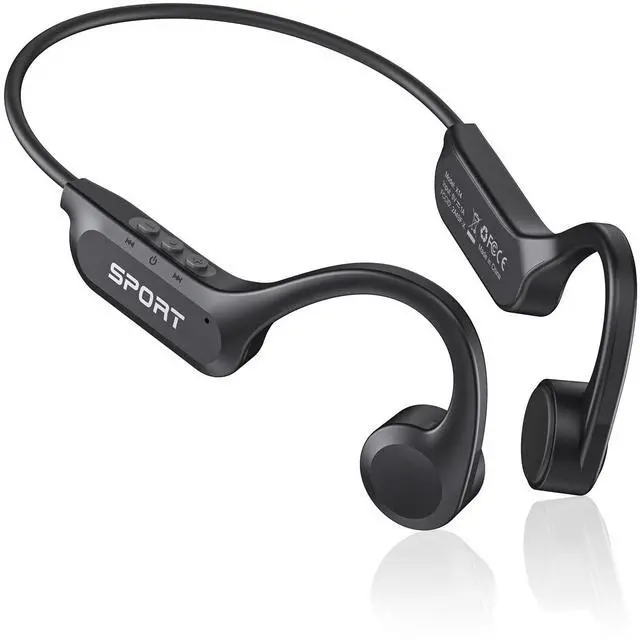
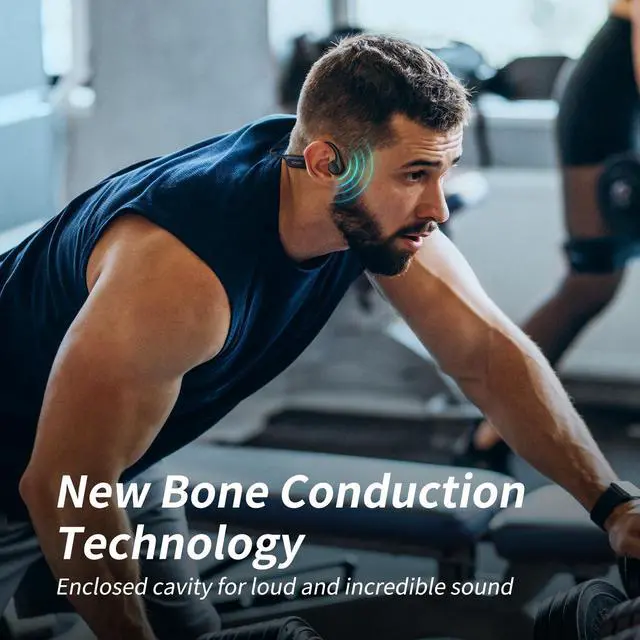
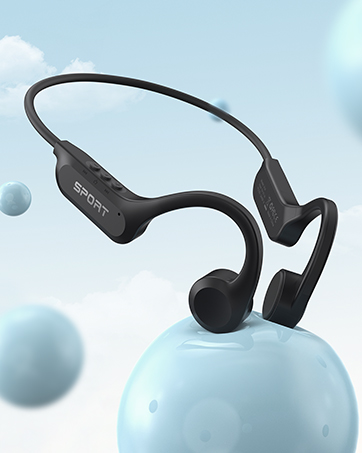
Bone Conduction Headphones
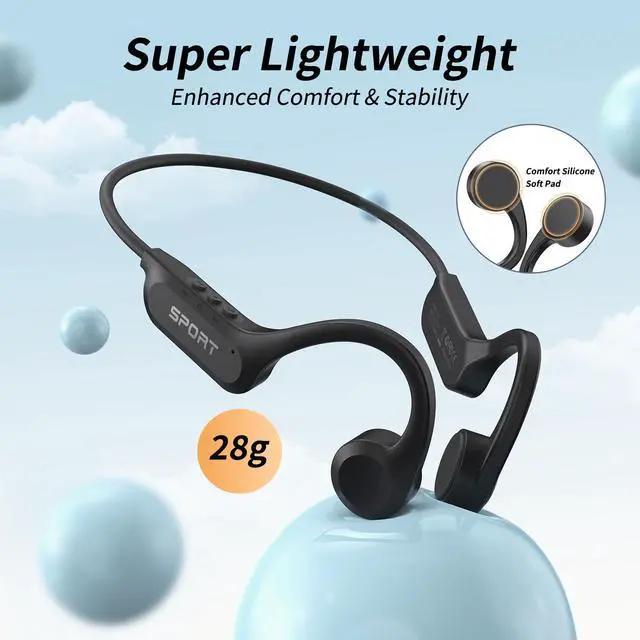
28G Lightweight
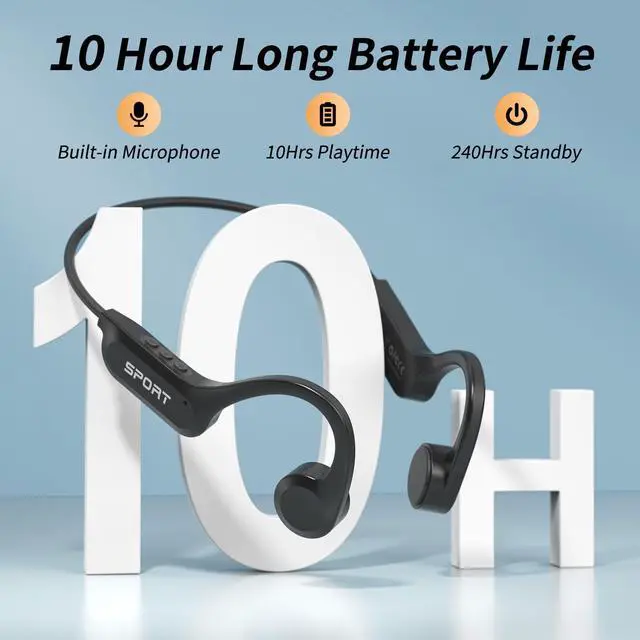
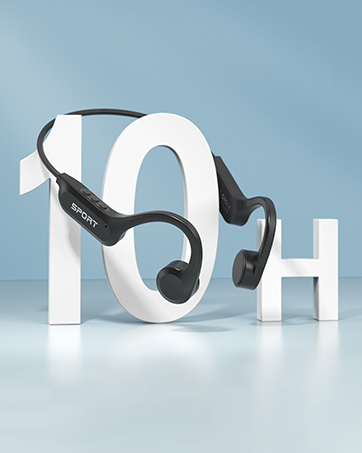
10Hrs Playtime
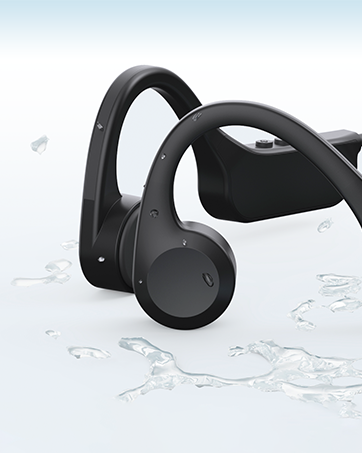
IPX6 Waterproof
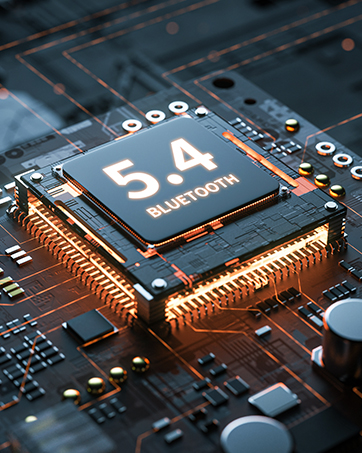
Bluetooth 5.3 Seamless Pairing
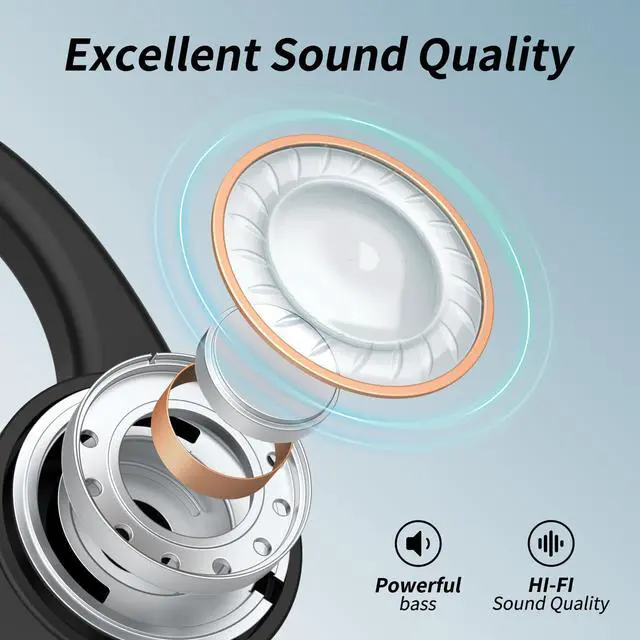
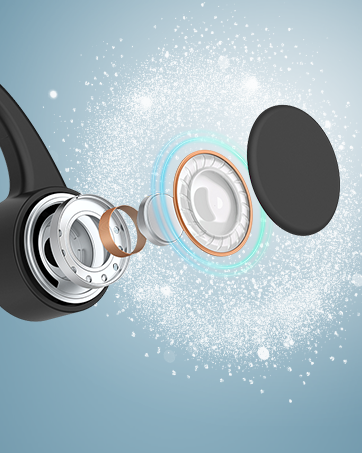
Stereo Sound Qality