here!
here!
I’m your shopping assistant for PC builds, upgrades, and everything tech.
Got questions? Ask away!
Start a conversation
here!
I’m your shopping assistant for PC builds, upgrades, and everything tech.
Got questions? Ask away!
Start a conversation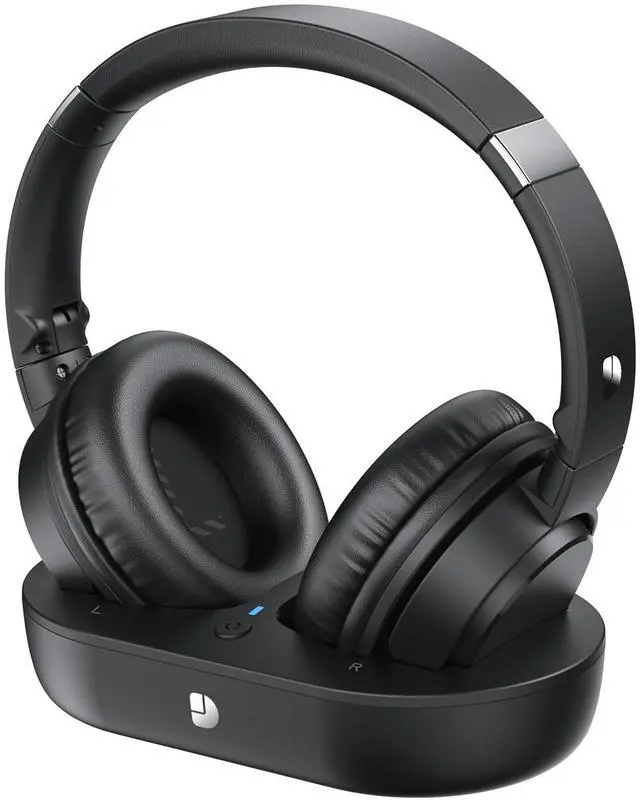





Any questions? Ask CelesteSM will help you find out quickly.

Do I need to pair the headphones with the transmitter when I first get them?
No, the TV headphones are pre-paired with the transmitter. Just turn on both devices, and when the transmitter's LED turns blue, the headphones will prompt that they are paired, which means the pairing is successful.
How do I connect my headphones to my TV?
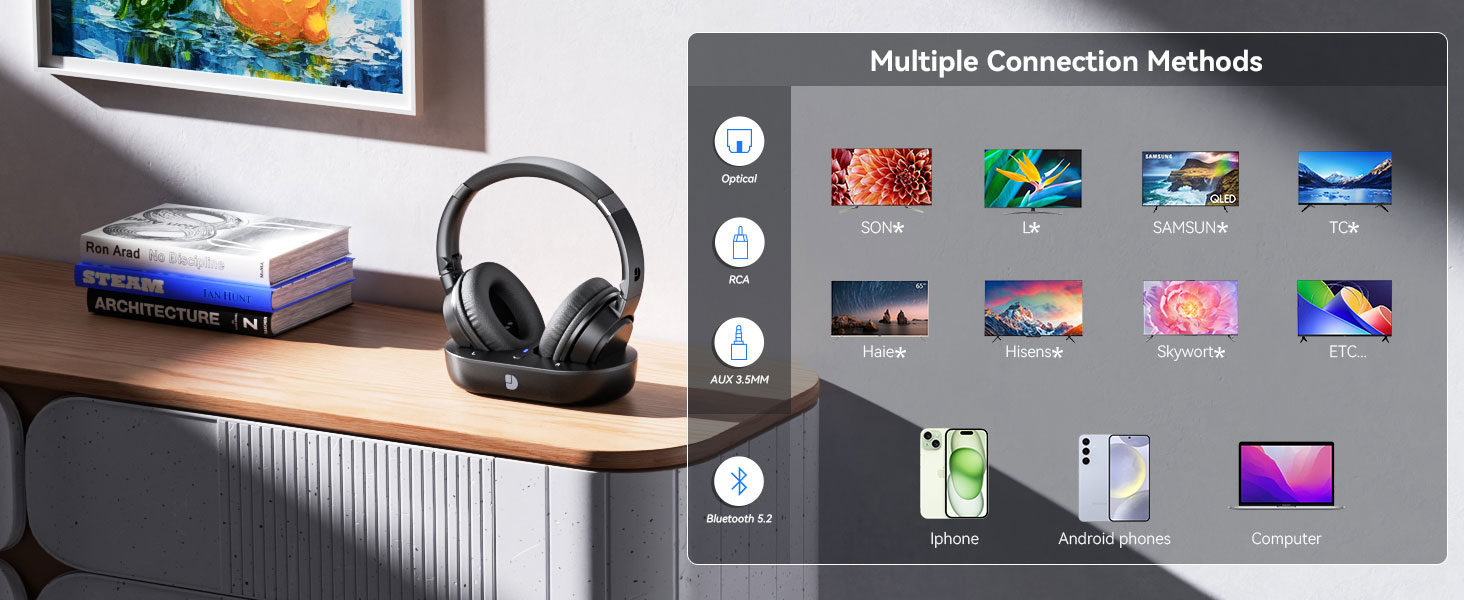
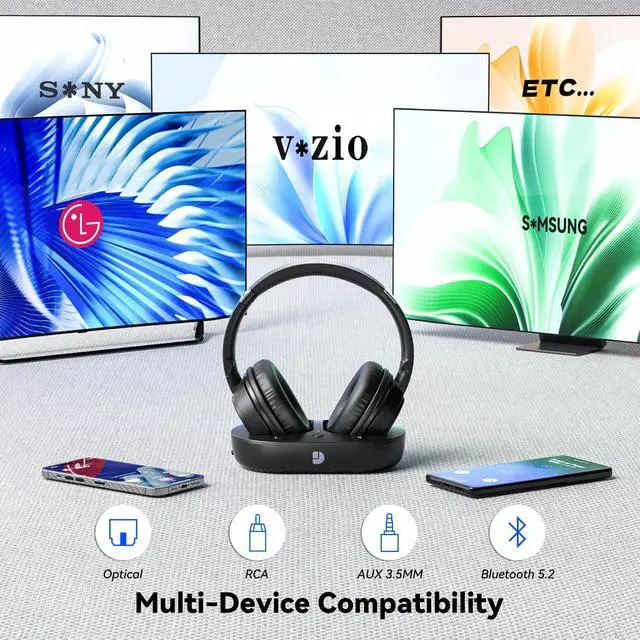
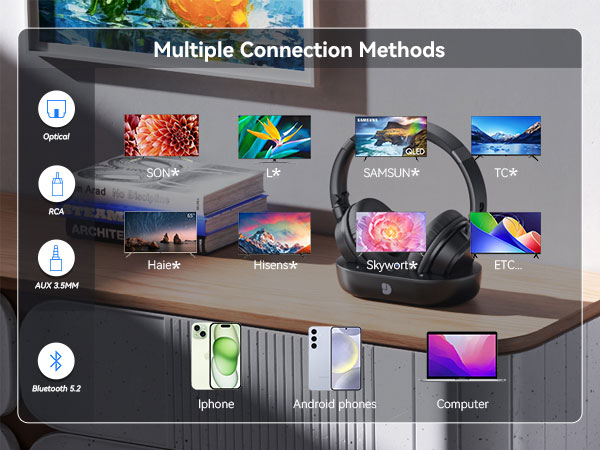
The headphones can be connected to the TV via Bluetooth or the free Optical, AUX 3.5mm, RCA, and then further set PCM in the TV audio settings to use.
How do I adjust the volume on my headphones and TV?
You can adjust the volume on your headphones using the volume buttons on the side of the headphone ear cups, and use the TV remote control to turn the volume up or down.
How do I know if my TV headphones are charging?
When you place your headphones on the transmitter, the LED of the headphones and transmitter light up red, indicating that it is charging. When the headset's LED light is blue and the transmitter's LED light is green, it means it is fully charged.
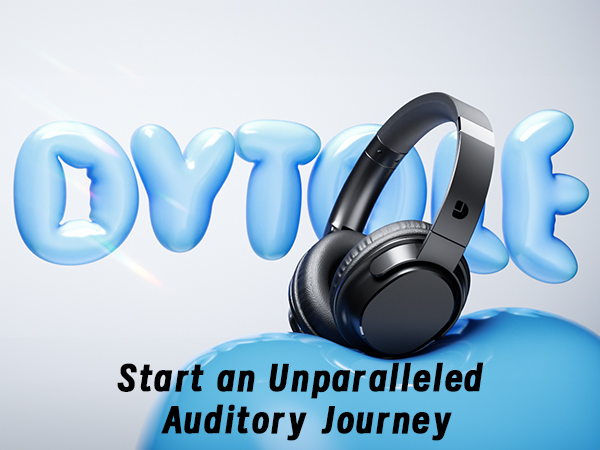
DYTOLE – Making sound more beautiful.
For 20 years, DYTOLE has delivered exceptional audio experiences. Starting small, our passion for sound and innovation has driven us to create high-quality headphones and speakers.
Our expert team ensures top standards, believing audio connects hearts. We prioritize user experience and technology.
Guided by "Focused on Audio, Listening with Heart," we thank our loyal customers for their trust.






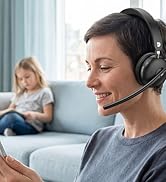

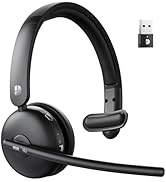

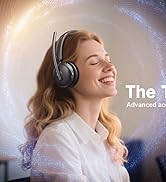
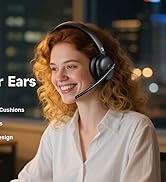
Starting as a small manufacturer, our passion for sound and innovation has driven us to create high-quality products like high-fidelity headphones and wireless speakers.
Our expert team ensures top standards, believing audio connects hearts. We prioritize user experience and technology.
DYTOLE is committed to continuous innovation: "Focus on audio, listen with your heart".
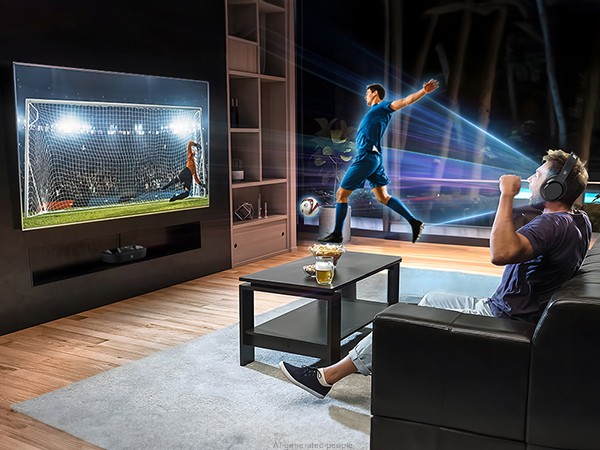
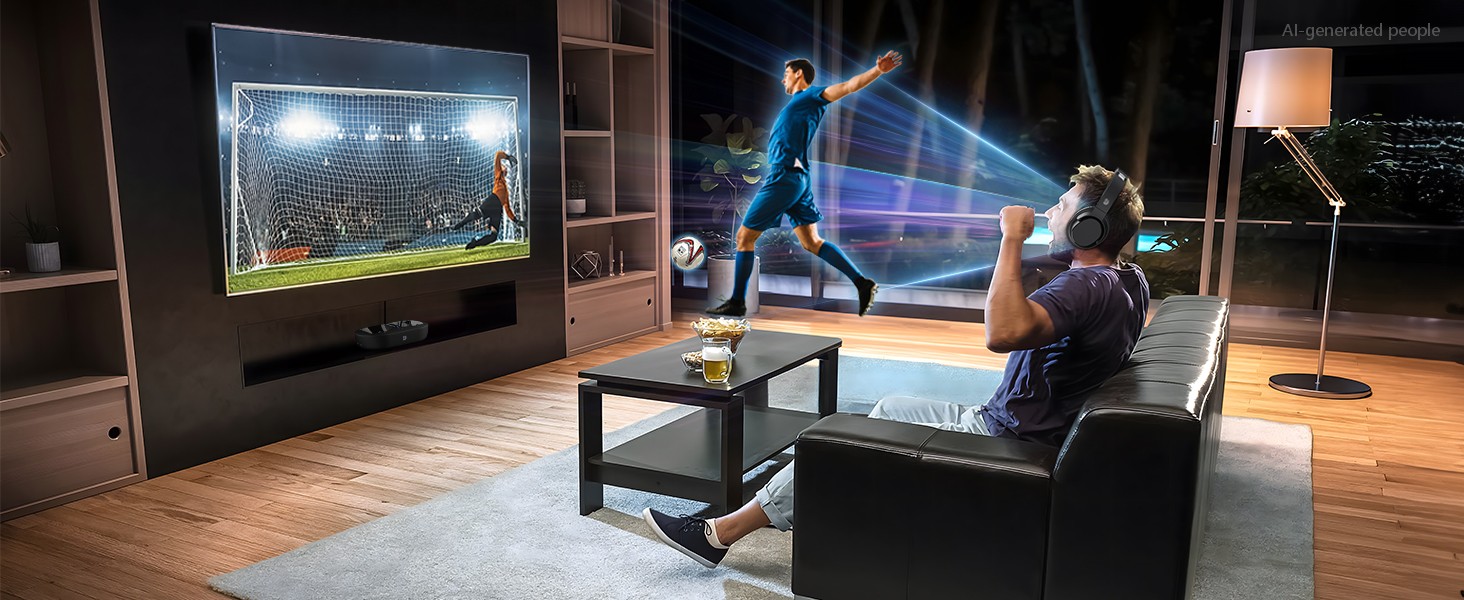
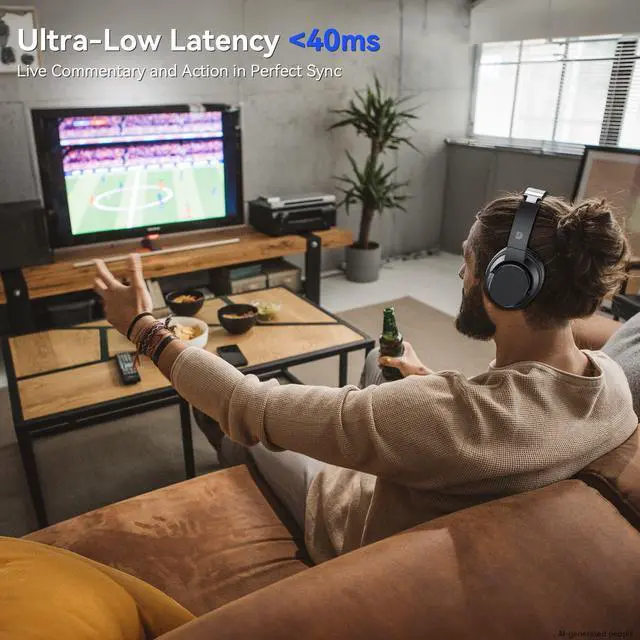
Live commentary and action in perfect sync
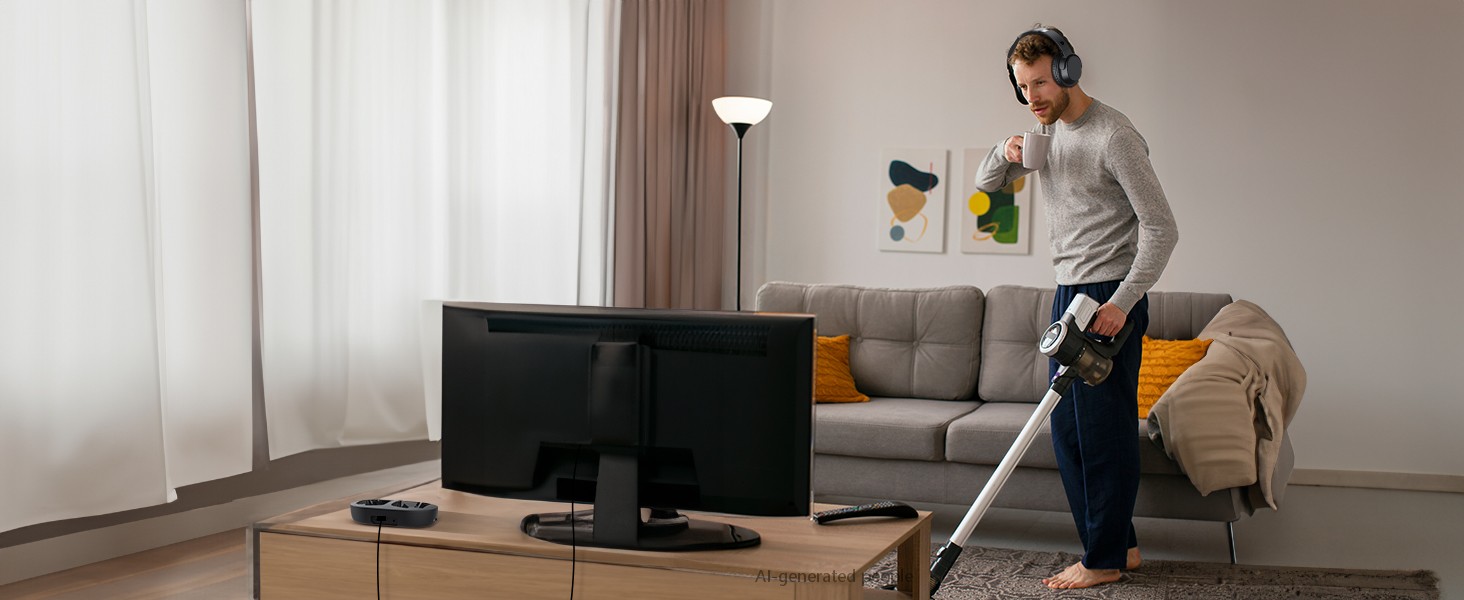
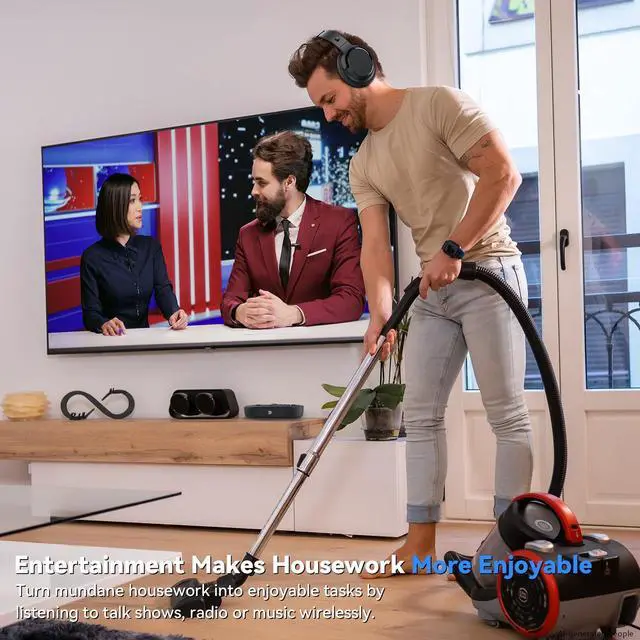
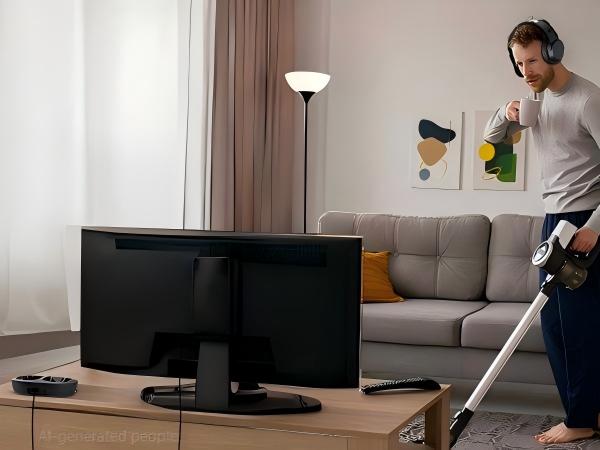
Enjoy the fun brought by sound, and complete housework efficiently!
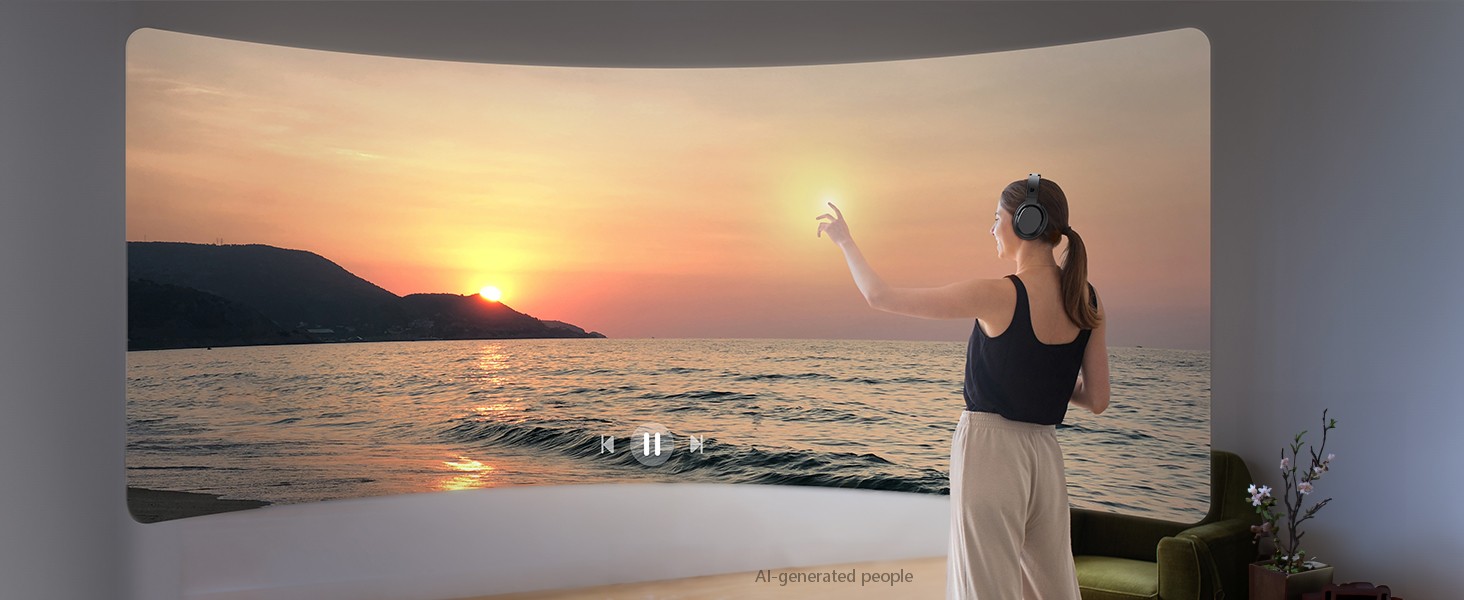
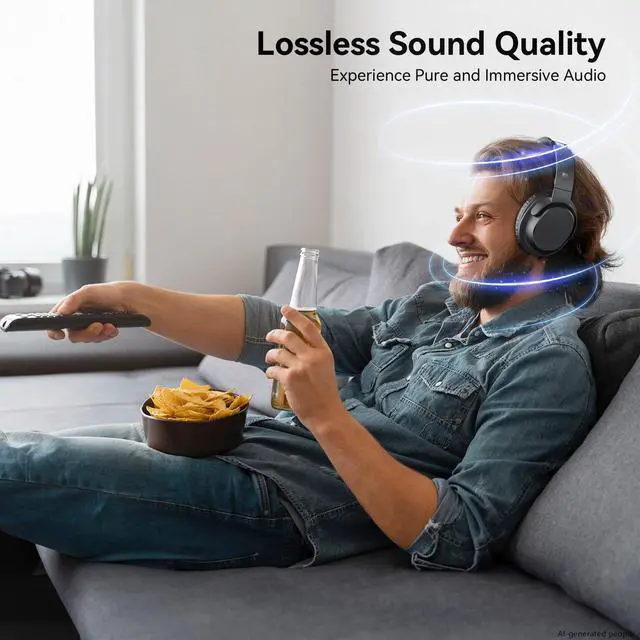
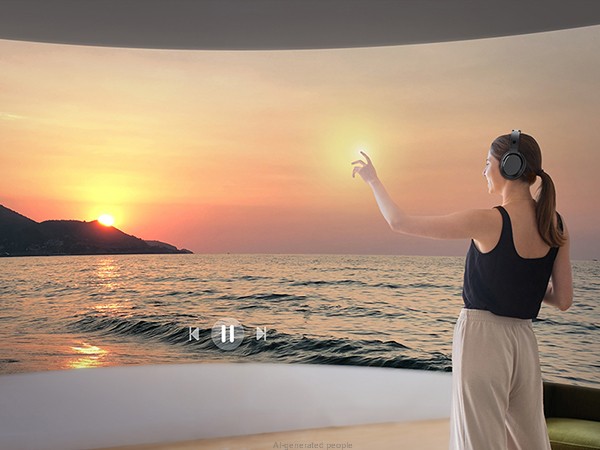
Experience pure and immersive audio.
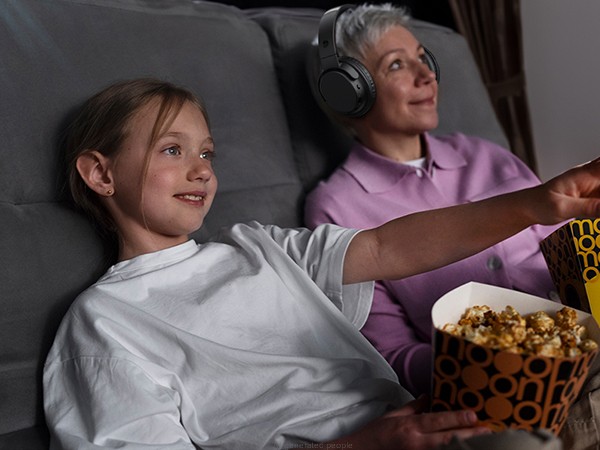
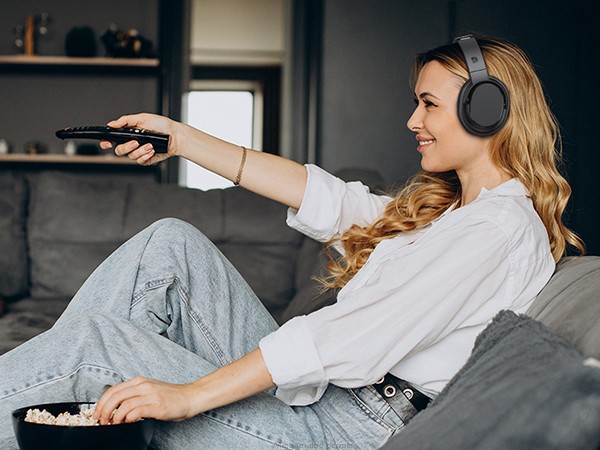
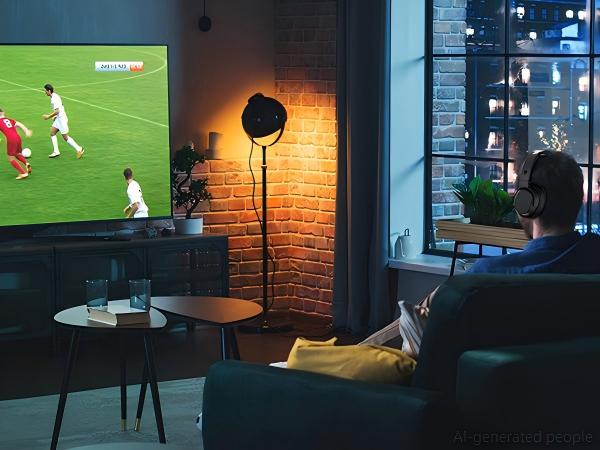
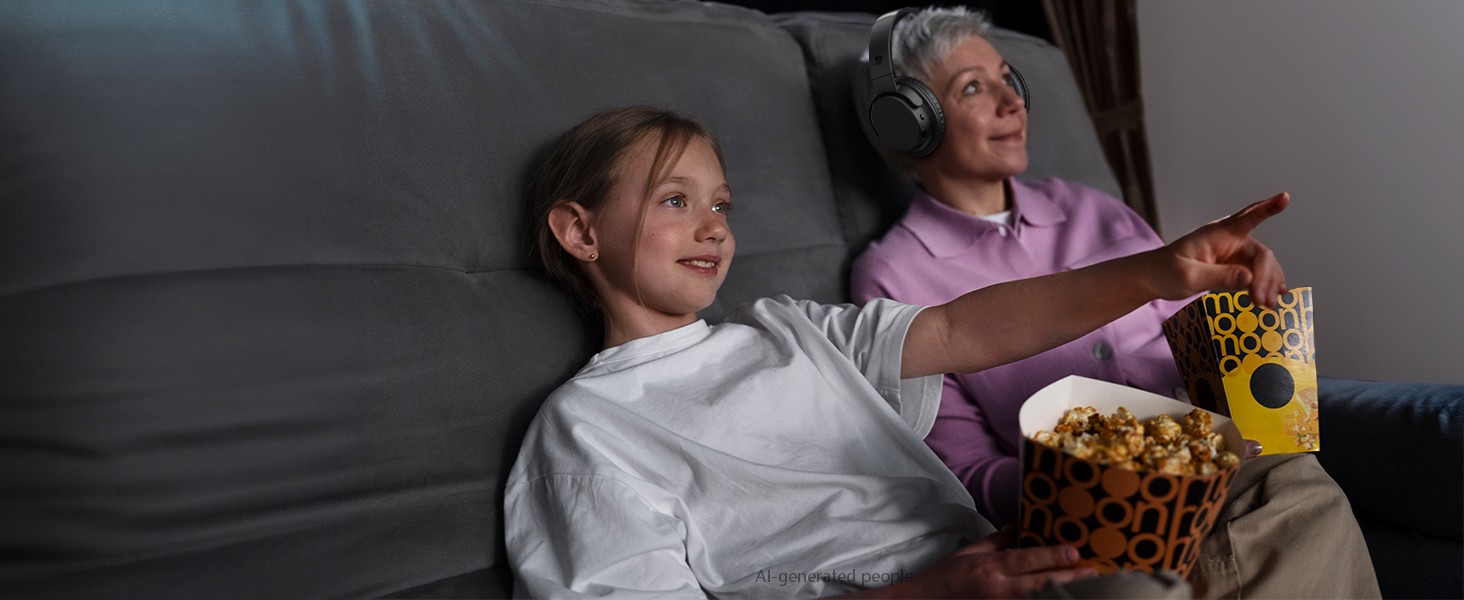
Synchronizing sensory pleasure with the family.
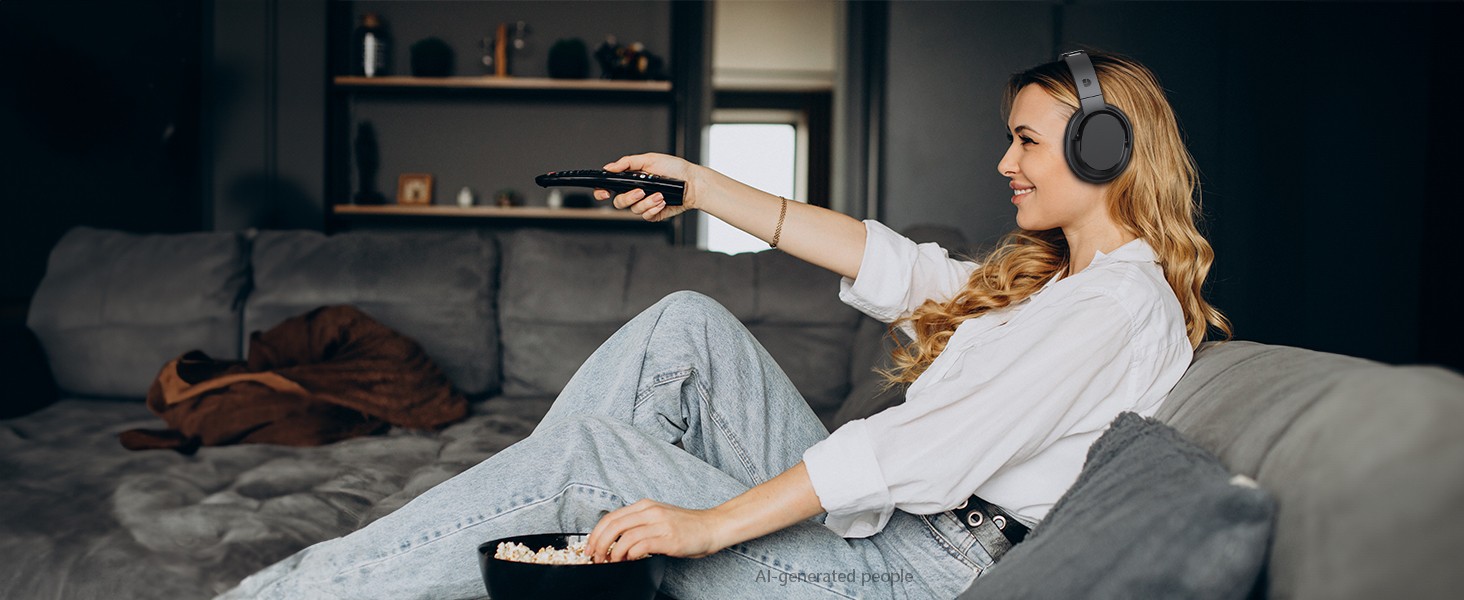
Enjoy your leisure time.
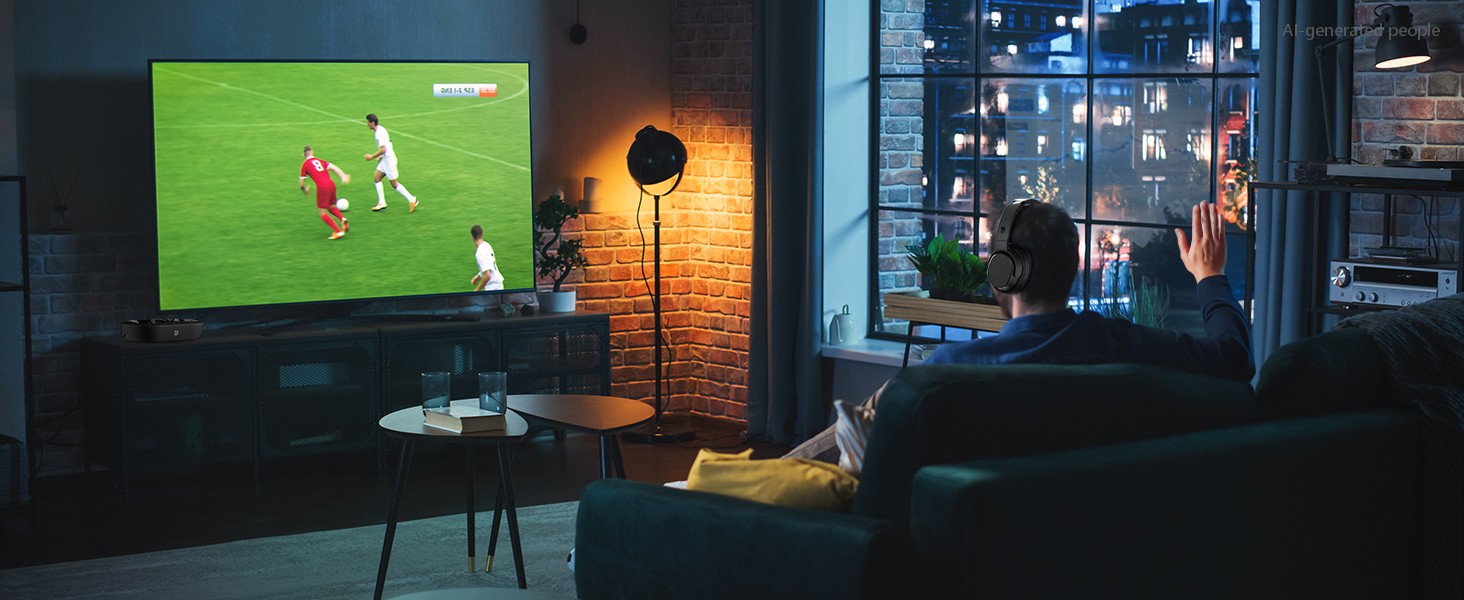
Watch TV without waking the household – perfect for night owls.

Do I need to pair the headphones with the transmitter when I first get them?
No, the TV headphones are pre-paired with the transmitter. Just turn on both devices, and when the transmitter's LED turns blue, the headphones will prompt that they are paired, which means the pairing is successful.
How do I connect my headphones to my TV?
The headphones can be connected to the TV via Bluetooth or the free Optical, AUX 3.5mm, RCA, and then further set PCM in the TV audio settings to use.
How do I adjust the volume on my headphones and TV?
You can adjust the volume on your headphones using the volume buttons on the side of the headphone ear cups, and use the TV remote control to turn the volume up or down.
How do I know if my TV headphones are charging?
When you place your headphones on the transmitter, the LED of the headphones and transmitter light up red, indicating that it is charging. When the headset's LED light is blue and the transmitter's LED light is green, it means it is fully charged.
DYTOLE – Making sound more beautiful.
For 20 years, DYTOLE has delivered exceptional audio experiences. Starting small, our passion for sound and innovation has driven us to create high-quality headphones and speakers.
Our expert team ensures top standards, believing audio connects hearts. We prioritize user experience and technology.
Guided by "Focused on Audio, Listening with Heart," we thank our loyal customers for their trust.


Starting as a small manufacturer, our passion for sound and innovation has driven us to create high-quality products like high-fidelity headphones and wireless speakers.
Our expert team ensures top standards, believing audio connects hearts. We prioritize user experience and technology.
DYTOLE is committed to continuous innovation: "Focus on audio, listen with your heart".