here!
here!
I’m your shopping assistant for PC builds, upgrades, and everything tech.
Got questions? Ask away!
Start a conversation
here!
I’m your shopping assistant for PC builds, upgrades, and everything tech.
Got questions? Ask away!
Start a conversation



Any questions? Ask CelesteSM will help you find out quickly.
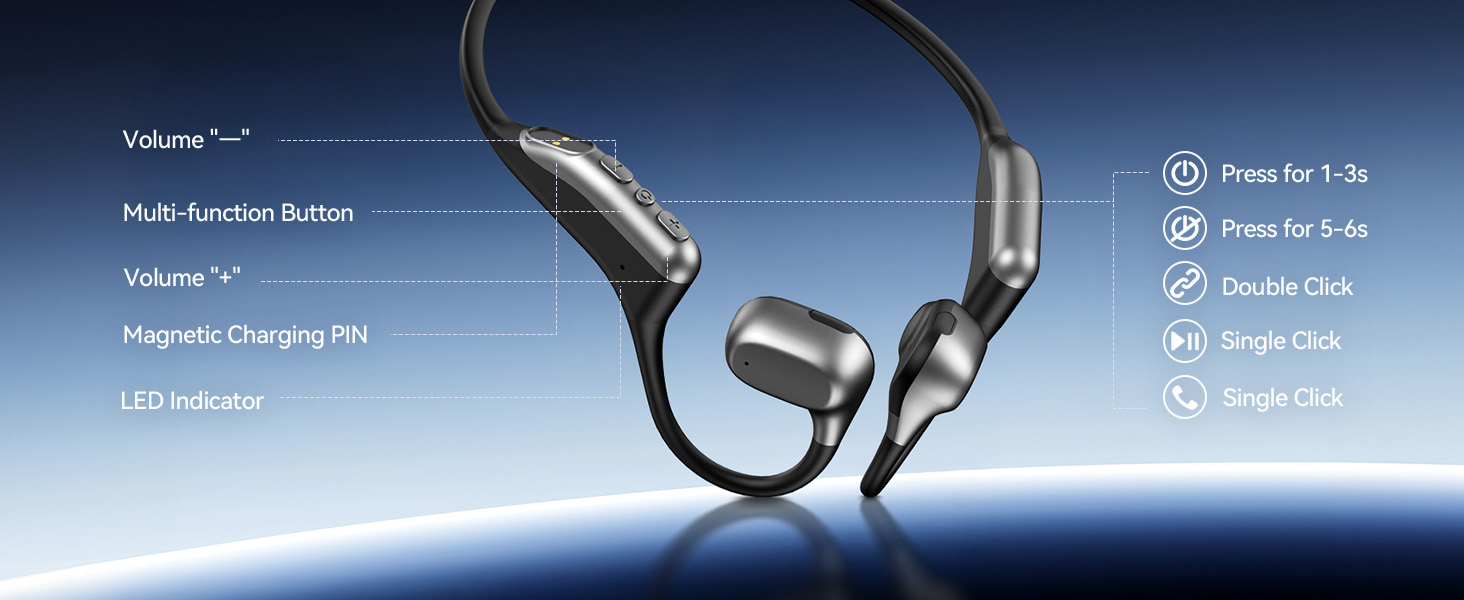
1. Please press and hold MFB for 1-3s to power on, then double-click MFB to enter pairing mode. The LED indicator light will flash blue and red alternately, and you can hear "Pairing".
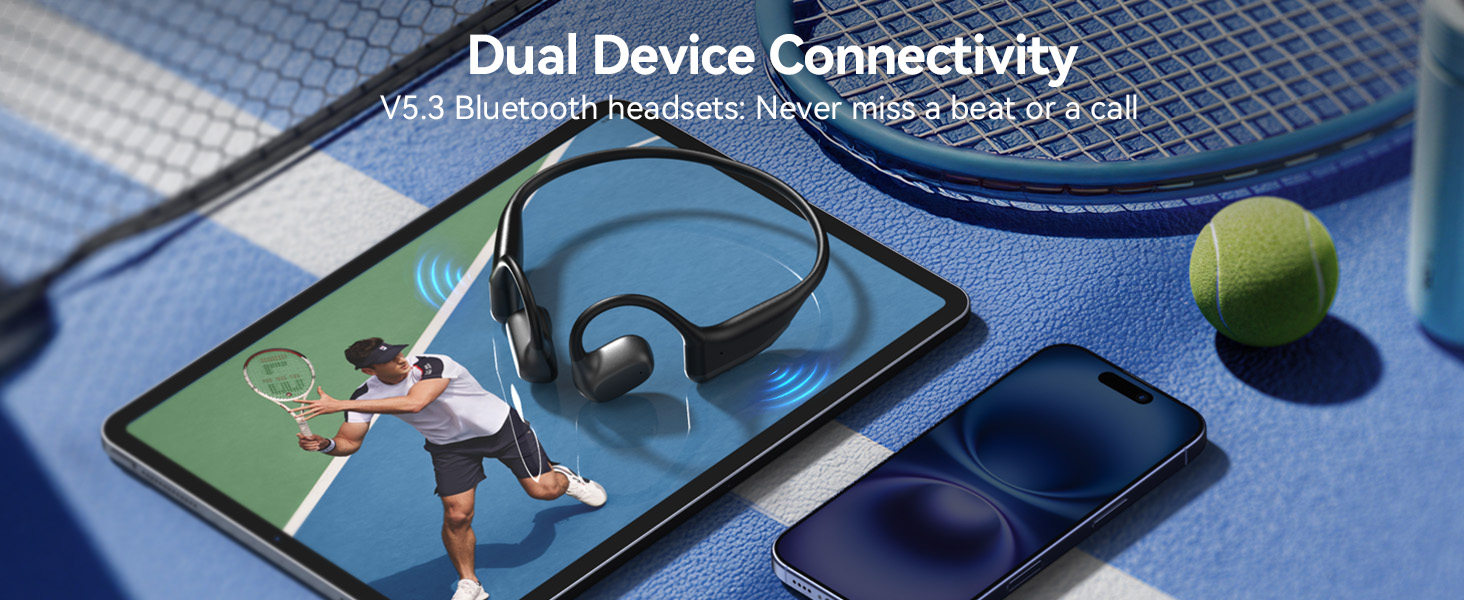
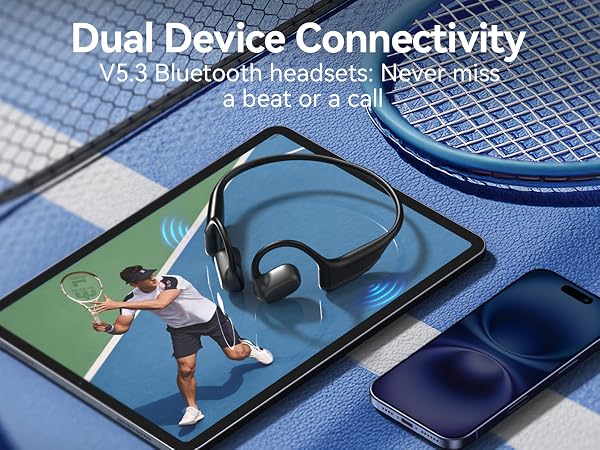
2. Please turn on the Bluetooth function of device A, search and connect [O2] in the Bluetooth device list. When you hear "connected" and the LED indicator turns blue and flashes slowly every 5s, it means the headset is connected to device A.
3. Please turn off the Bluetooth function of device A. When you hear "Disconnected", the LED indicator light will flash blue and red alternately, [O2] will re-enter the pairing mode automatically.
4. Please turn on the Bluetooth function of device B, search and connect [O2] in the Bluetooth device list. When you hear "connected" and the LED indicator turns blue and flashes slowly every 5s, it means the headset B-device is connected to device B.
5. Please turn on the Bluetooth function of device A again, and click "Connect" [O2] in the Bluetooth device list. When you hear "connected" again, it means that the headset has been successfully connected to device A and device B at the same time.
Note:
Music can only be played through one device while connecting 2 devices. If you want we play music from another device, you need to pause/close the music on pre device.
When you listen to music on device A, and device B has an incoming call, just click the MFB button to answer the call (please check the manual for more details).

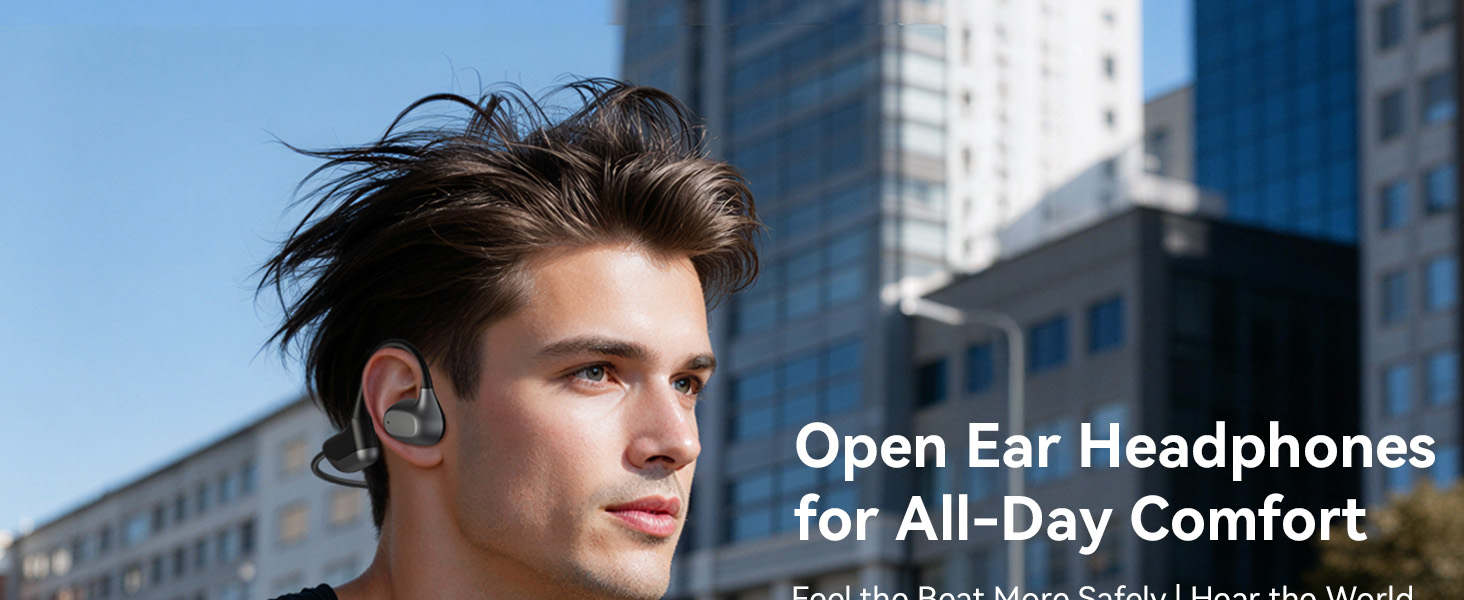
Dechoyecho all began in 2018. As a professional craftsman for over 15 years, I noticed a gap in the market for Open Ear Headphones that truly combined quality with accessibility. This personal observation sparked the creation of the Dechoyecho O2 headset.
Our philosophy is simple: everyone deserves access to better headphones without compromising on quality. Experience the Dechoyecho difference, and premium is finally within reach.
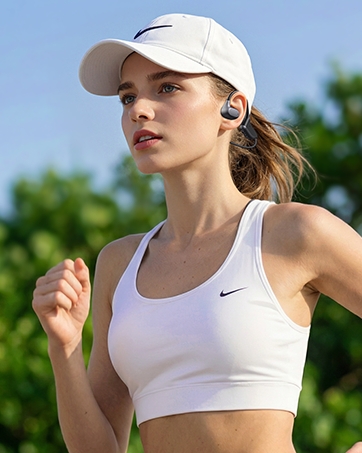
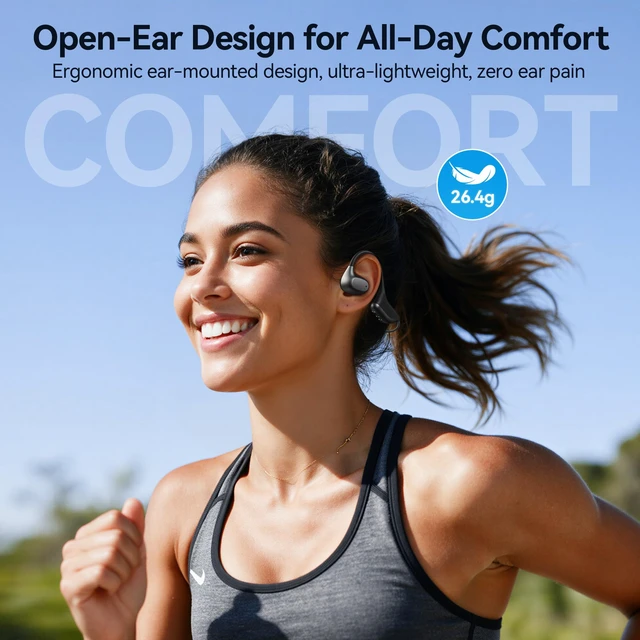
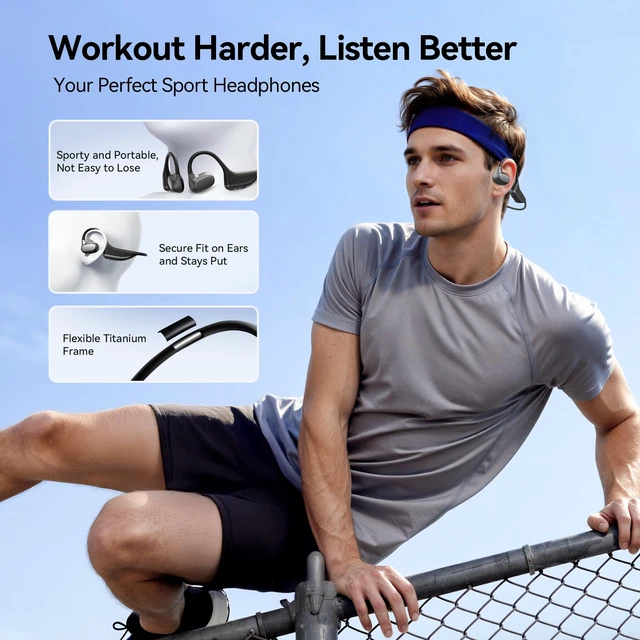
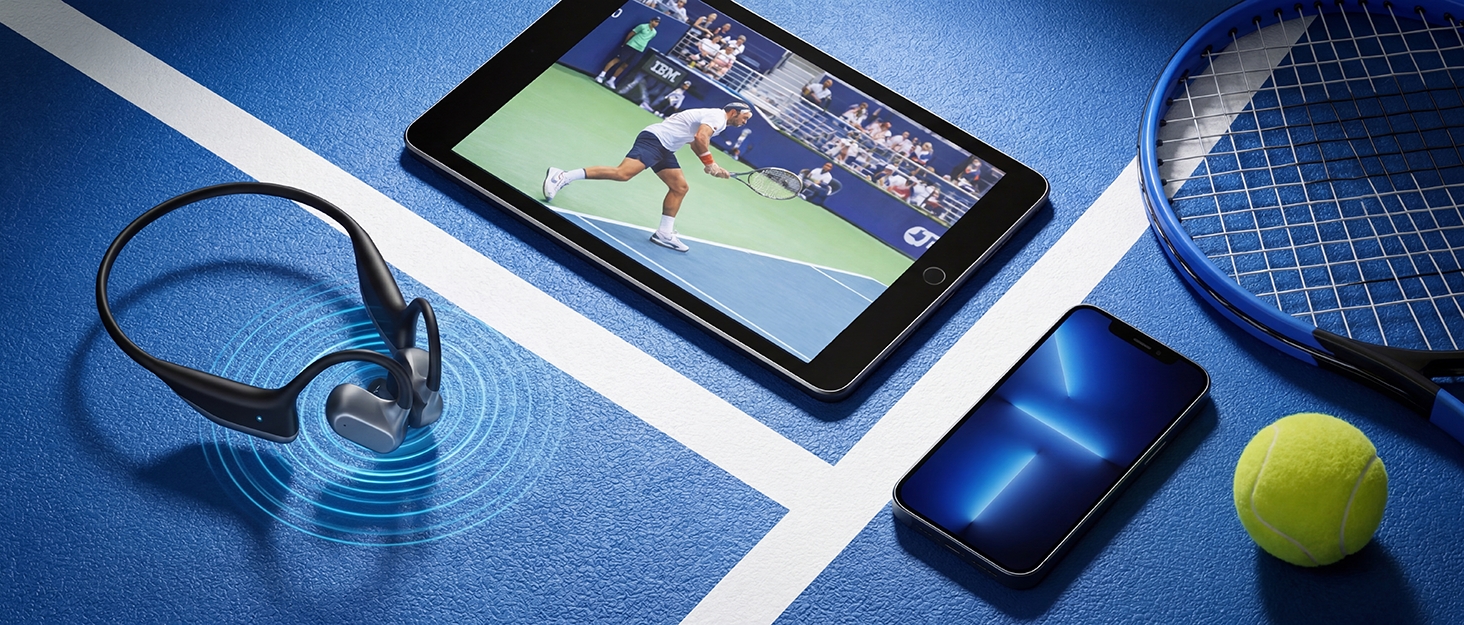
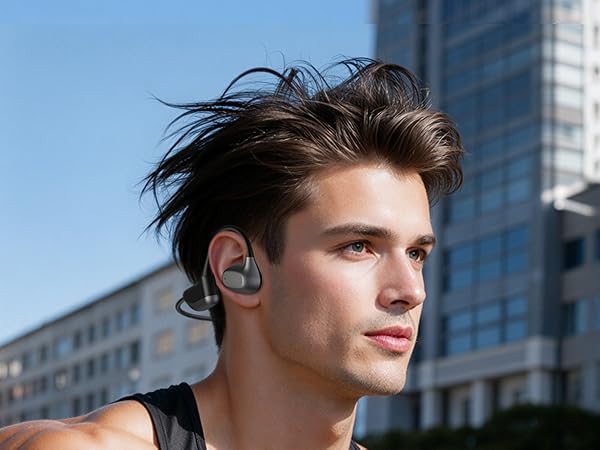
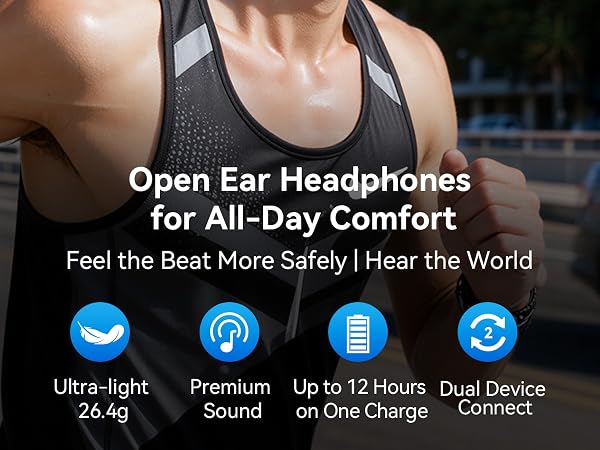
Yes, the open-ear air-conduction headset is designed for running and other outdoor workouts.
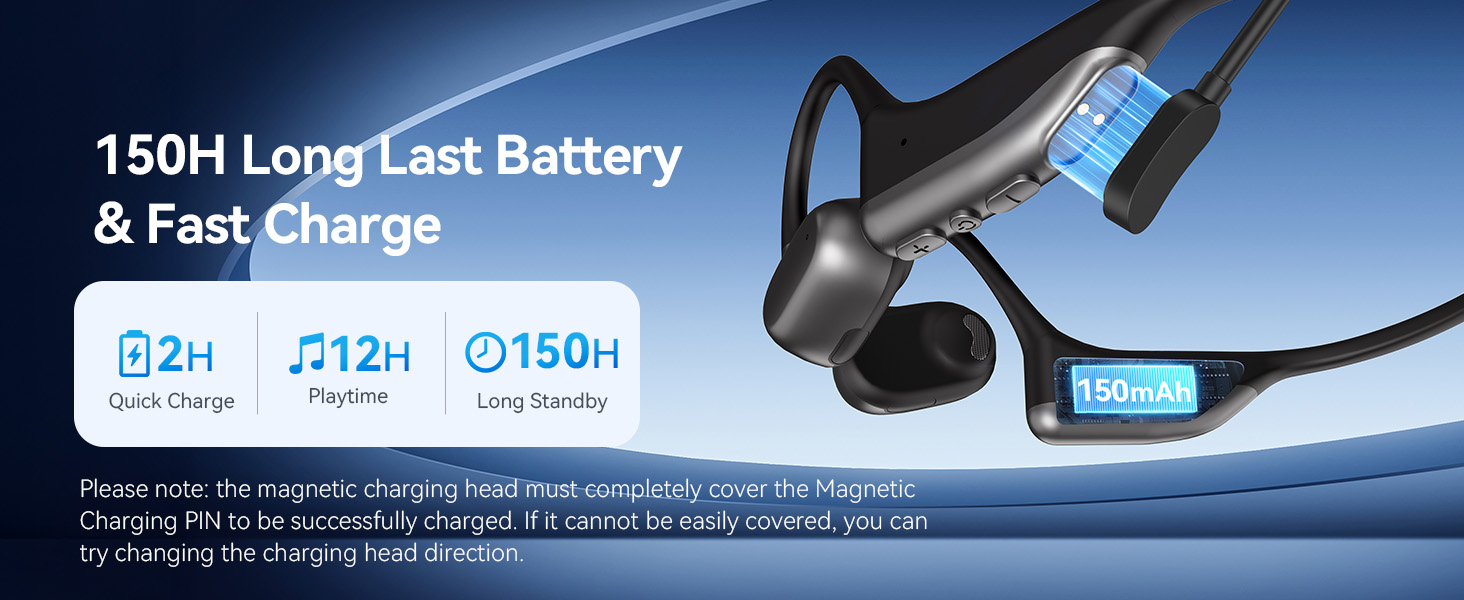
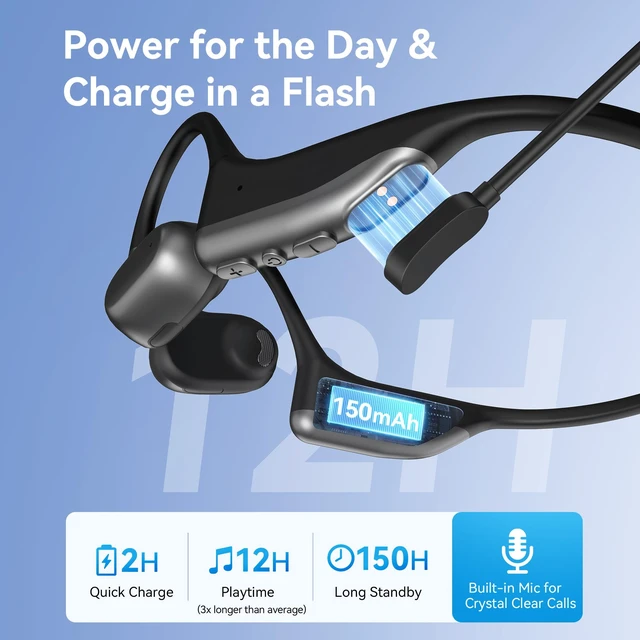
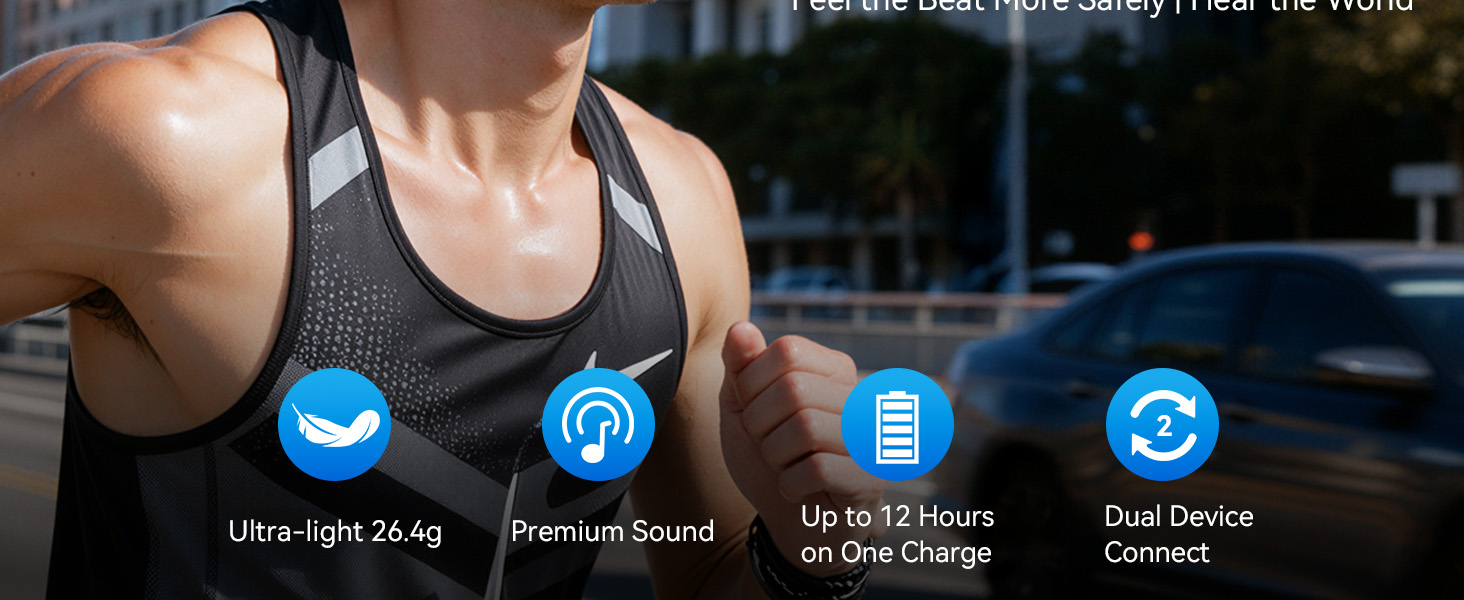
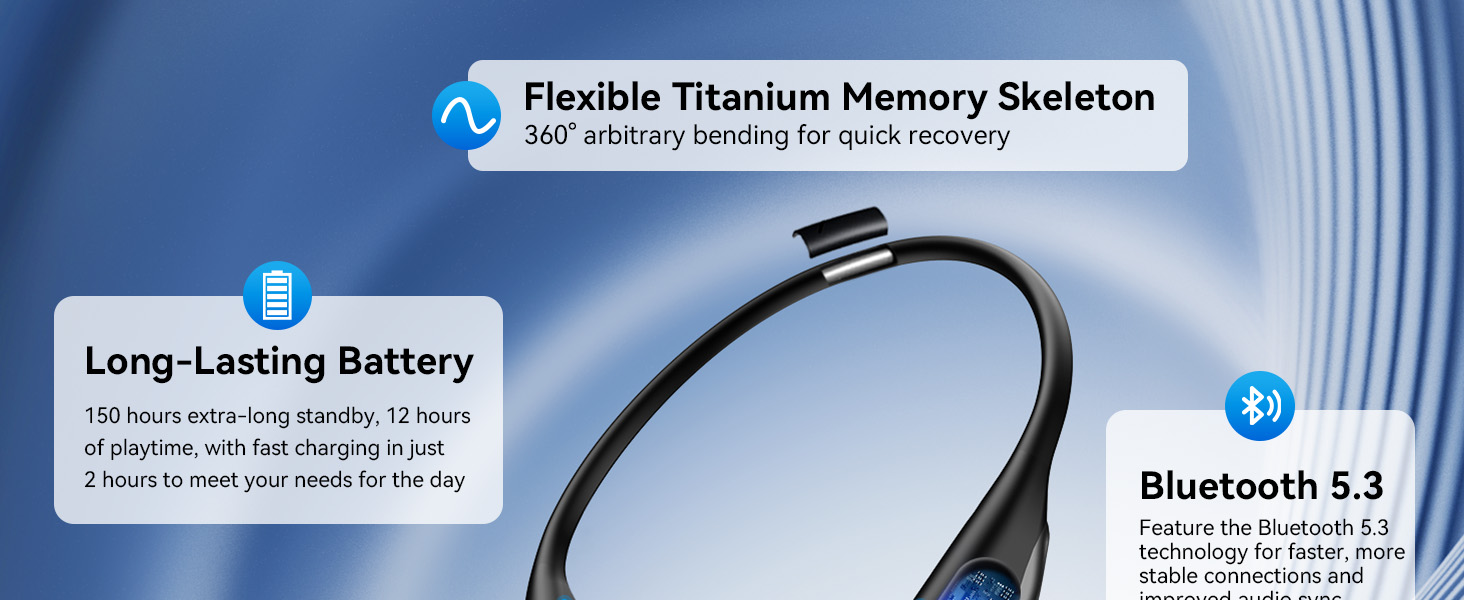
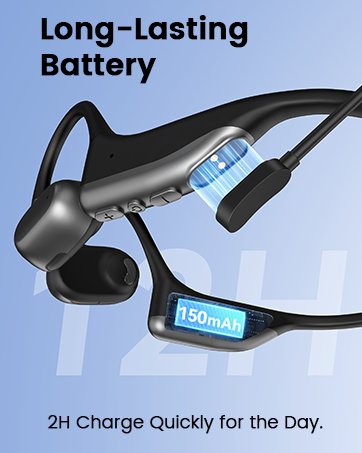
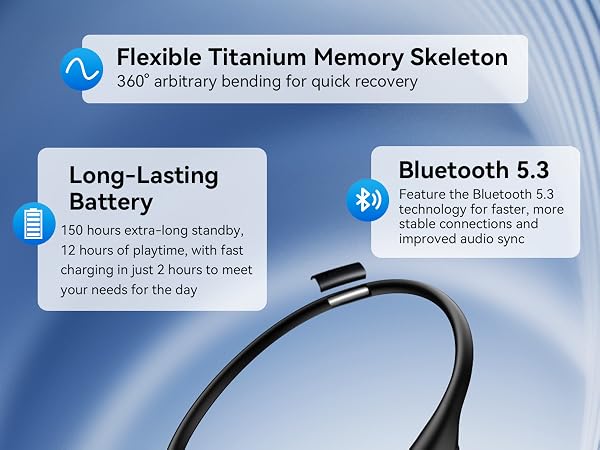
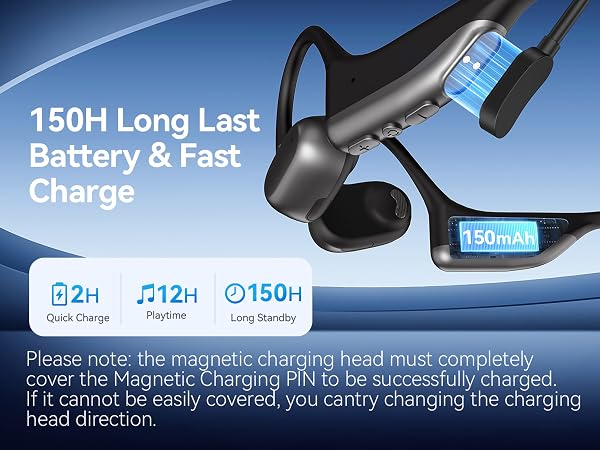
Charging for two hours allows for 12 hours of use. After successful charging, press and hold MFB for 10-12s to reset the Dechoyecho O2 built-in microphone headphone.
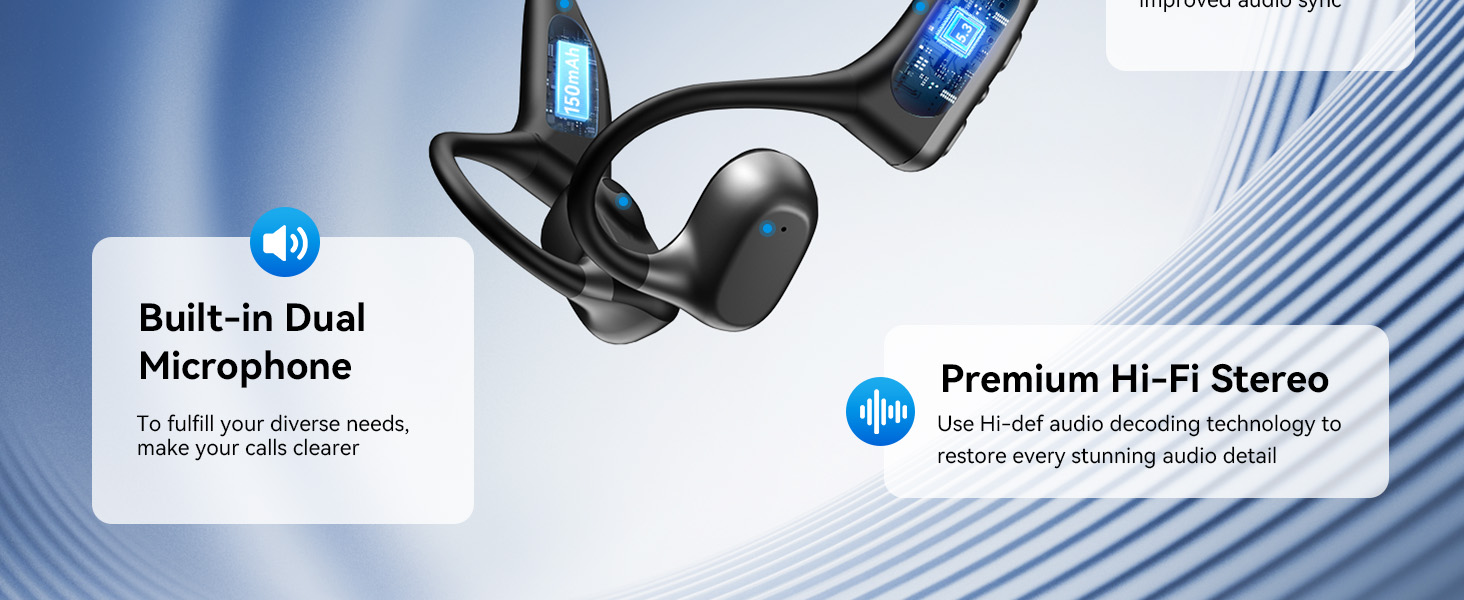
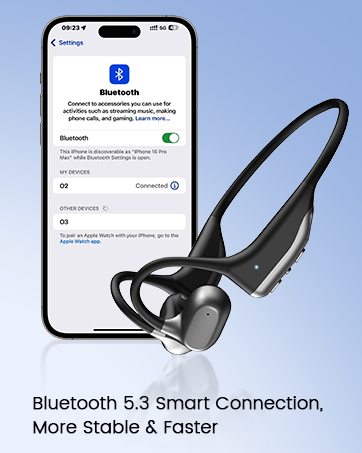
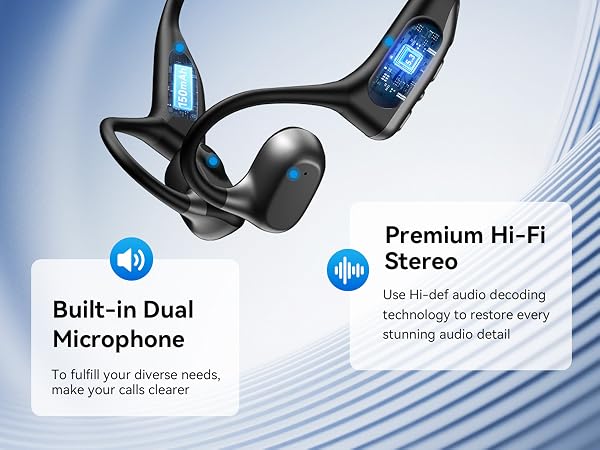
The headphones are compatible with Bluetooth-enabled devices such as cellphones, gaming consoles, and laptops.
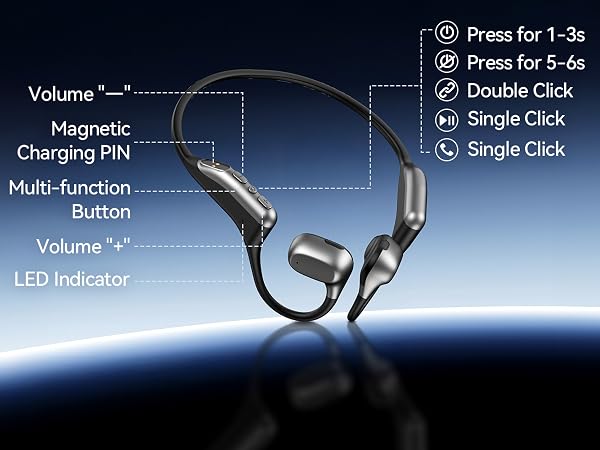
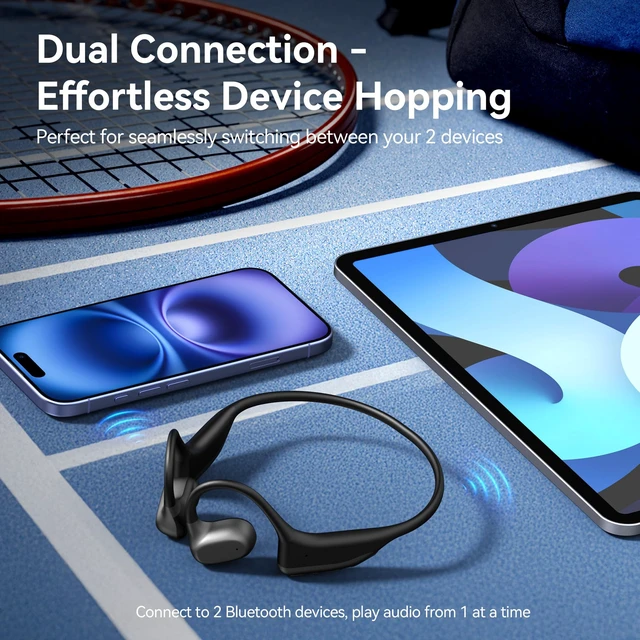
1. Please press and hold MFB for 1-3s to power on, then double-click MFB to enter pairing mode. The LED indicator light will flash blue and red alternately, and you can hear "Pairing".
2. Please turn on the Bluetooth function of device A, search and connect [O2] in the Bluetooth device list. When you hear "connected" and the LED indicator turns blue and flashes slowly every 5s, it means the headset is connected to device A.
3. Please turn off the Bluetooth function of device A. When you hear "Disconnected", the LED indicator light will flash blue and red alternately, [O2] will re-enter the pairing mode automatically.
4. Please turn on the Bluetooth function of device B, search and connect [O2] in the Bluetooth device list. When you hear "connected" and the LED indicator turns blue and flashes slowly every 5s, it means the headset B-device is connected to device B.
5. Please turn on the Bluetooth function of device A again, and click "Connect" [O2] in the Bluetooth device list. When you hear "connected" again, it means that the headset has been successfully connected to device A and device B at the same time.
Note:
Music can only be played through one device while connecting 2 devices. If you want we play music from another device, you need to pause/close the music on pre device.
When you listen to music on device A, and device B has an incoming call, just click the MFB button to answer the call (please check the manual for more details).
Dechoyecho all began in 2018. As a professional craftsman for over 15 years, I noticed a gap in the market for Open Ear Headphones that truly combined quality with accessibility. This personal observation sparked the creation of the Dechoyecho O2 headset.
Our philosophy is simple: everyone deserves access to better headphones without compromising on quality. Experience the Dechoyecho difference, and premium is finally within reach.
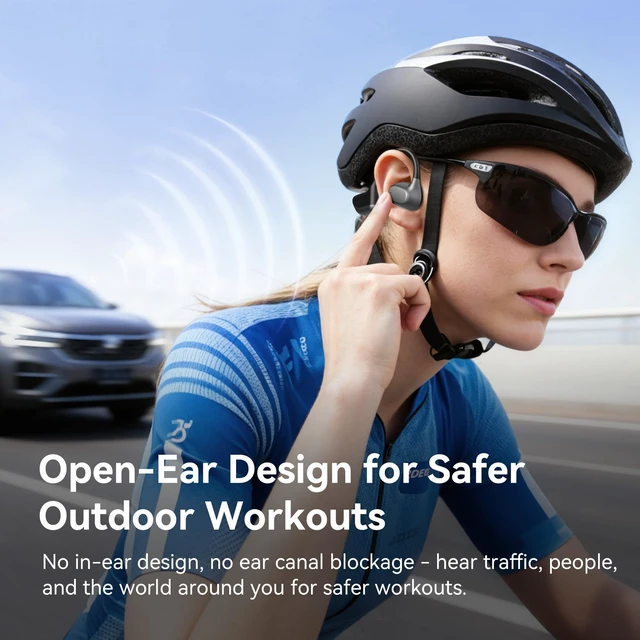
Yes, the open-ear air-conduction headset is designed for running and other outdoor workouts.
Charging for two hours allows for 12 hours of use. After successful charging, press and hold MFB for 10-12s to reset the Dechoyecho O2 built-in microphone headphone.
The headphones are compatible with Bluetooth-enabled devices such as cellphones, gaming consoles, and laptops.