



• $25.99
  • Free 30-day Returns
  • Ships from China.
    Price alert
    Shop it at NeweggBusiness.

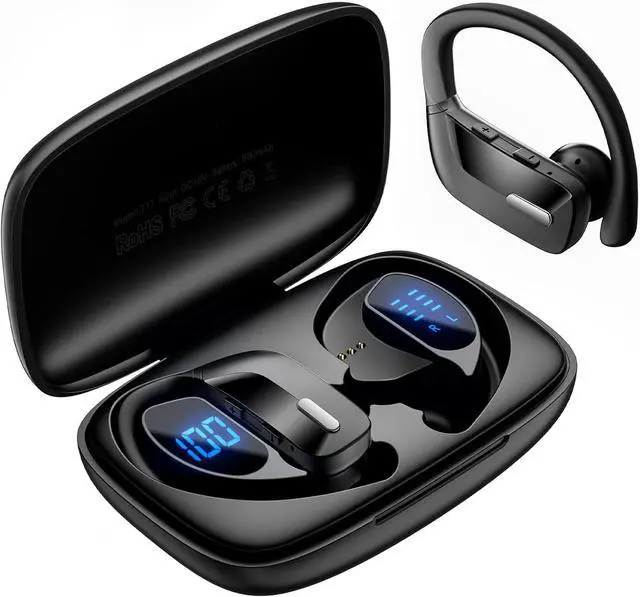
    IHDAPP TWS Wireless Earbuds, Sport Wireless Earbuds Bluetooth Headphones 80hrs Playtime Deep Bass Ear Buds with Earhook Noise Cancelling Mic Waterproof Earphones Bluetooth Headset for Workout Running

    Limited time offer, ends 01/10 By Smarter & Better Life Marketplace

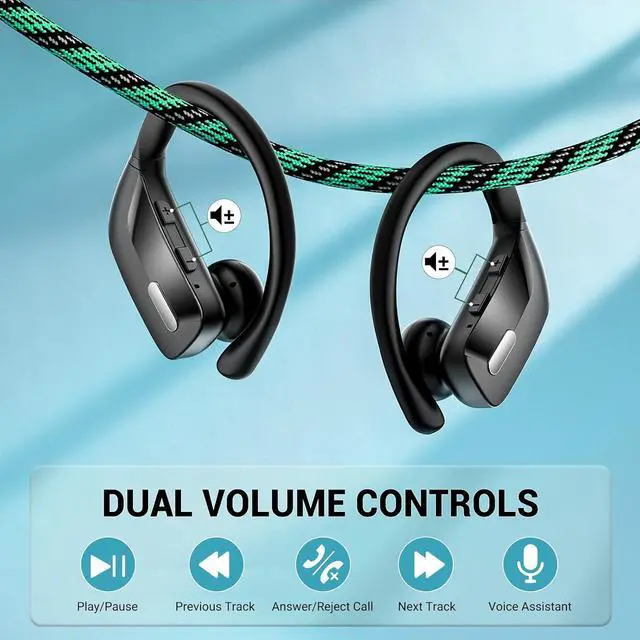
    • Intuitive One-Touch & Precise Volume Control: Each earbud has dedicated volume + and - buttons for quick, hands-free adjustments, allowing you to adjust the sound level on the fly without pausing your workout. Along with the multifunctional main button, easily manage playback, calls, track skipping, and voice assistant activation-all with a single press.
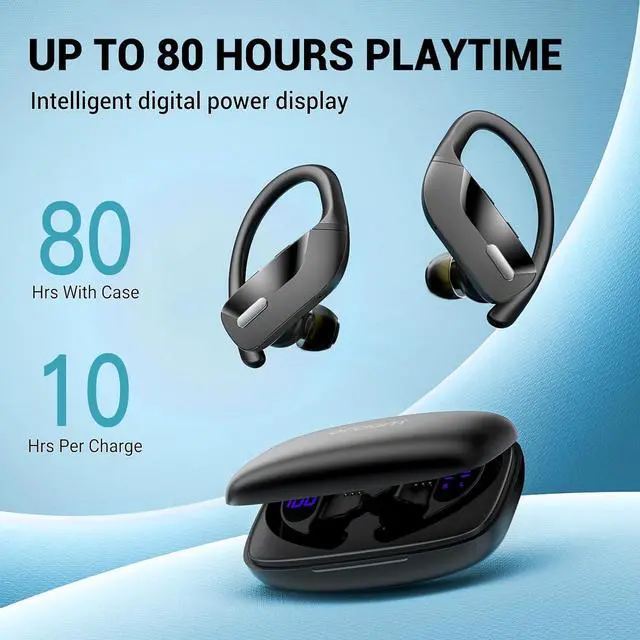
    • Extended 80-Hour Total Playtime: Each wireless earbud offers 10 hours of continuous playback on a single charge. When paired with the charging case, you can enjoy up to 48 hours of simultaneous dual-ear listening, perfect for immersive music and calls. Or, rotate between the two earbuds for an impressive 80 hours of total usage. The Type-C fast charging feature fully recharges the earbuds in just 1.5 hours.
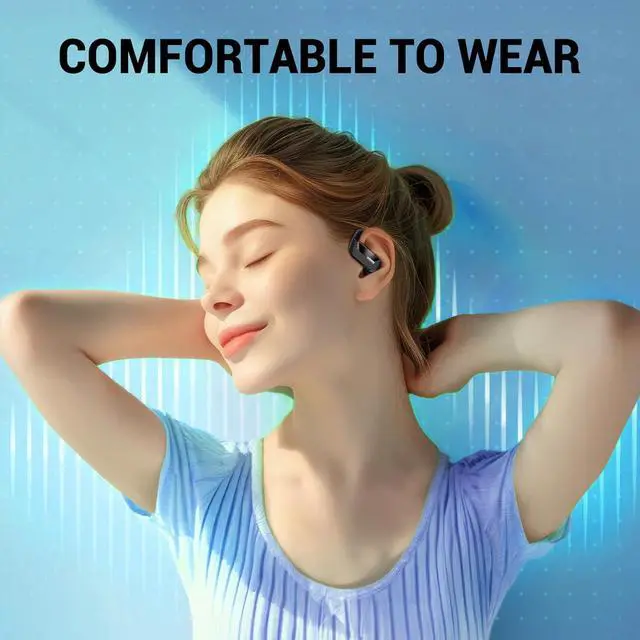
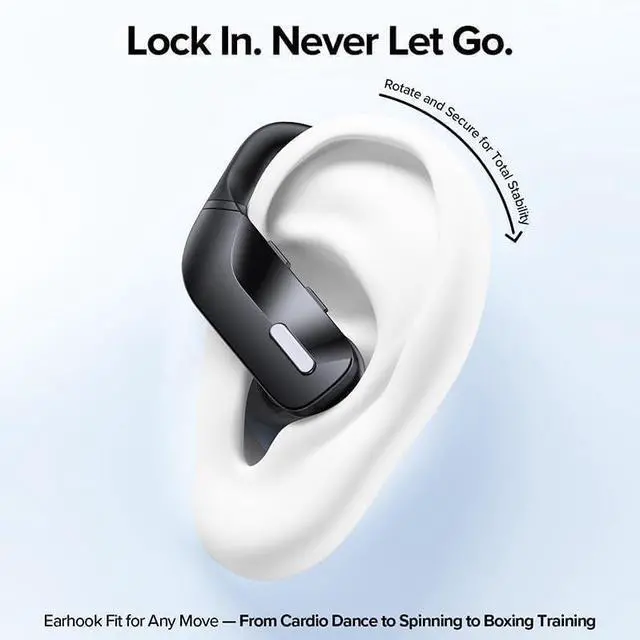
    • Comfortable Fit: Crafted with soft silicone ergonomic ear hooks that contour perfectly to your ears, these wireless earbuds eliminate discomfort even during extended wear. Weighing just 8 grams per bud, T17 bluetooth earbuds stay securely in place through intense workouts, jogs, and daily commutes-no slipping, no pain
    • Premium Sound Performance. Equipped with noise-canceling mic technology, the wireless earbud proactively blocks ambient noise to ensure crystal-clear calls in any environment.
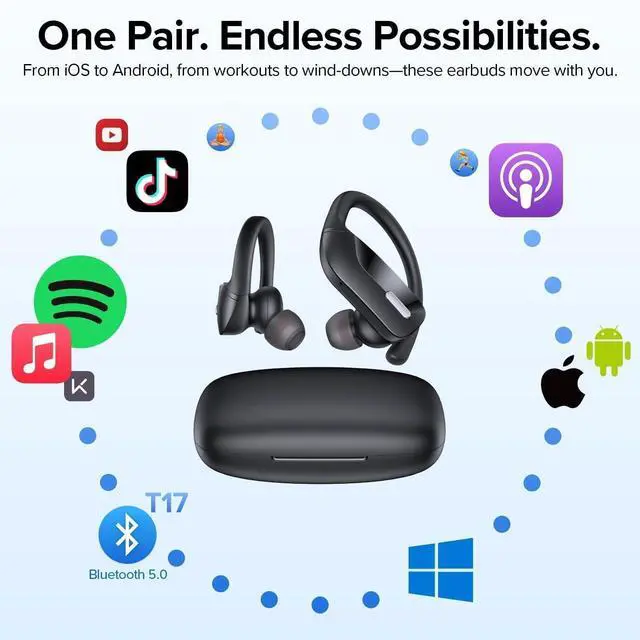
    • Universal Compatibility, Instant Connect: Fully compatible with all Bluetooth-enabled devices, including smartphones, tablets, and laptops.
    +
    +
    Overview
    Specs
    Reviews
    avatar

    Any questions? Our AI beta will help you find out quickly.

    Wireless Earbuds, Sport Wireless Earbuds Bluetooth Headphones 80hrs Playtime Deep Bass Ear Buds
    Wireless Earbuds, Sport Wireless Earbuds Bluetooth Headphones 80hrs Playtime Deep Bass Ear Buds
    Wireless Earbuds, Sport Wireless Earbuds Bluetooth Headphones 80hrs Playtime Deep Bass Ear Buds
    Wireless Earbuds, Sport Wireless Earbuds Bluetooth Headphones 80hrs Playtime Deep Bass Ear Buds
    Wireless Earbuds, Sport Wireless Earbuds Bluetooth Headphones 80hrs Playtime Deep Bass Ear Buds
    Wireless Earbuds, Sport Wireless Earbuds Bluetooth Headphones 80hrs Playtime Deep Bass Ear Buds
    Wireless Earbuds, Sport Wireless Earbuds Bluetooth Headphones 80hrs Playtime Deep Bass Ear Buds
    Wireless Earbuds, Sport Wireless Earbuds Bluetooth Headphones 80hrs Playtime Deep Bass Ear Buds

    FAQ


    Friendly Reminder:  It is recommended to charge the charging case at least once a week to maintain its optimal performance. In the event that the charging case has discharged its power completely, you may experience a delay in the LED display showing up when you plug in the charging cable. In such cases, please wait patiently for approximately 15 minutes, and the LED display should appear later. This delay is normal and allows the charging case to regain sufficient power before displaying the charging status.


    After using the earbuds for an extended period, you may encounter issues where they don't charge or fail to turn on. This could be due to debris or dirt obstructing the charging pins or contacts, resulting in a poor connection. To resolve this problem, you can use a rag soaked in alcohol to clean the magnet connectors on both the earbuds and the charging case. Gently wipe the charging pins and contacts to remove any buildup or residue that may be interfering with the charging process. Once cleaned, you should be able to restore a reliable connection and ensure proper charging and functionality of the earbuds.

    Does only one earbud play sound?

    If you just receive the earbuds, please don't open the bluetooth of mobile phone firstly, we need get twin earbuds paired with each other firstly, otherwise, only one earbud connects to your mobile. When only one connects to your mobile, we can see the led indicator of workable one light off, and another one still flashes blue and red alternatively, after a while , it will shut off, at this time it is easy for us to think another one is not workable.


    How to pair with mobile?

    Empty the bluetooth list of mobile phone, then turn off the bluetooth of mobile phone. When both earbuds have power, take them out from charging case, the led indicator of one earbud flashes blue slowly, and the led indicator of another earbud flashes red and blue alternatively, that means "both earbuds are got paired with each other successfully", then open the bluetooth of your phone to search T17 to connect.


    How to reset?

    To clear the previous pairing memory, start by emptying the Bluetooth list on your mobile phone. Next, turn off the Bluetooth on your mobile phone. Then, quickly press the silver button on each earbud four times, specifically on the left earbud four times and the right earbud four times. This process will clear the previous pairing memory.

    FAQ


    Friendly Reminder : It is recommended to charge the charging case at least once a week to maintain its optimal performance. In the event that the charging case has discharged its power completely, you may experience a delay in the LED display showing up when you plug in the charging cable. In such cases, please wait patiently for approximately 15 minutes, and the LED display should appear later. This delay is normal and allows the charging case to regain sufficient power before displaying the charging status.


    After using the earbuds for an extended period, you may encounter issues where they don't charge or fail to turn on. This could be due to debris or dirt obstructing the charging pins or contacts, resulting in a poor connection. To resolve this problem, you can use a rag soaked in alcohol to clean the magnet connectors on both the earbuds and the charging case. Gently wipe the charging pins and contacts to remove any buildup or residue that may be interfering with the charging process. Once cleaned, you should be able to restore a reliable connection and ensure proper charging and functionality of the earbuds.


    Does only one earbud play sound?

    If you just receive the earbuds, please don't open the bluetooth of mobile phone firstly, we need get twin earbuds paired with each other firstly, otherwise, only one earbud connects to your mobile. When only one connects to your mobile, we can see the led indicator of workable one light off, and another one still flashes blue and red alternatively, after a while , it will shut off, at this time it is easy for us to think another one is not workable.


    How to pair with mobile?

    Empty the bluetooth list of mobile phone, then turn off the bluetooth of mobile phone. When both earbuds have power, take them out from charging case, the led indicator of one earbud flashes blue slowly, and the led indicator of another earbud flashes red and blue alternatively, that means "both earbuds are got paired with each other successfully", then open the bluetooth of your phone to search T17 to connect.


    How to reset?

    To clear the previous pairing memory, start by emptying the Bluetooth list on your mobile phone. Next, turn off the Bluetooth on your mobile phone. Then, quickly press the silver button on each earbud four times, specifically on the left earbud four times and the right earbud four times. This process will clear the previous pairing memory.

    Warranty & Returns

    Warranty, Returns, And Additional Information

    Warranty

    • Please contact the Seller directly for warranty information. Warranty information may also be found on the Manufacturer's website.
    • CONTACT

    Return Policies

    Manufacturer Contact Info

    LOADING...